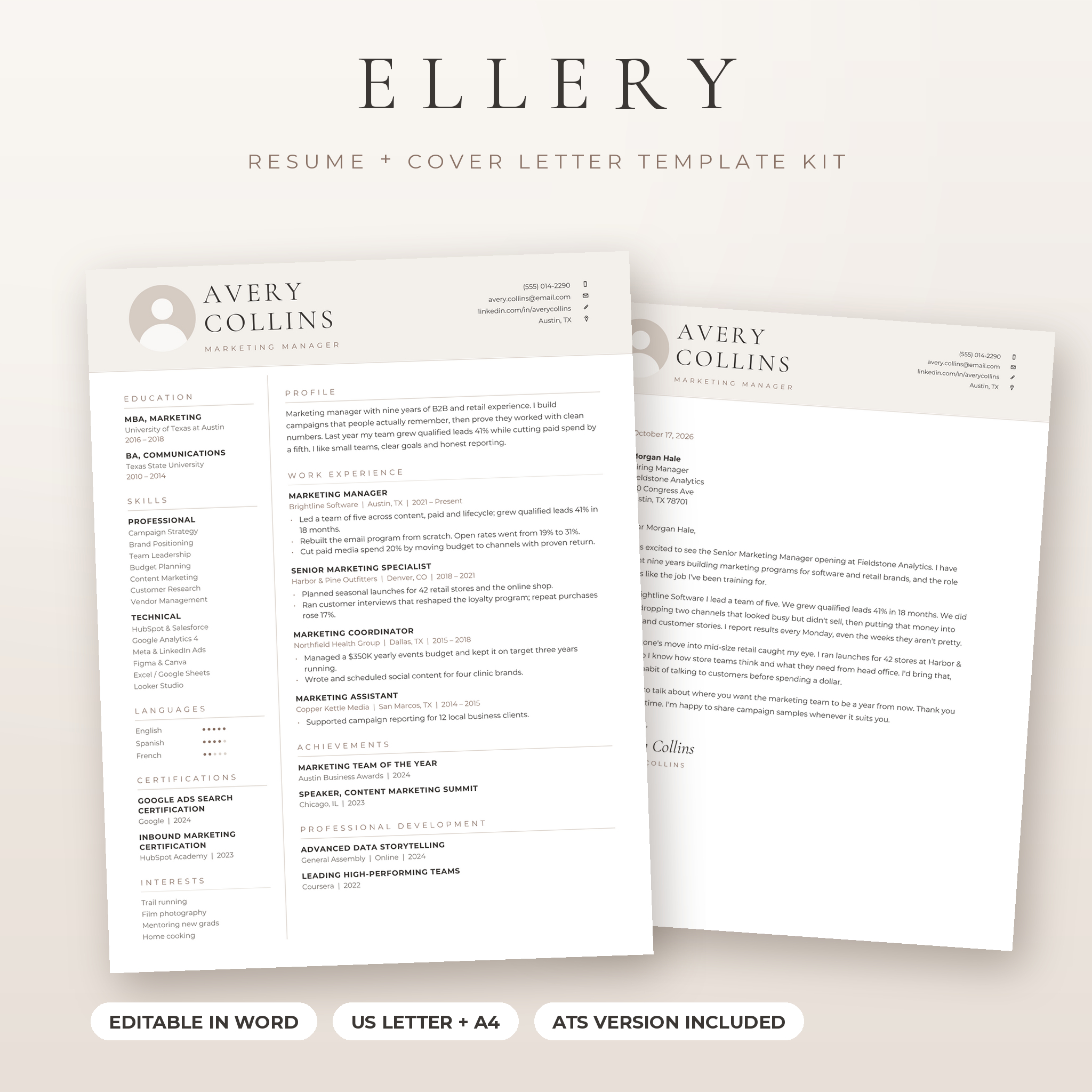
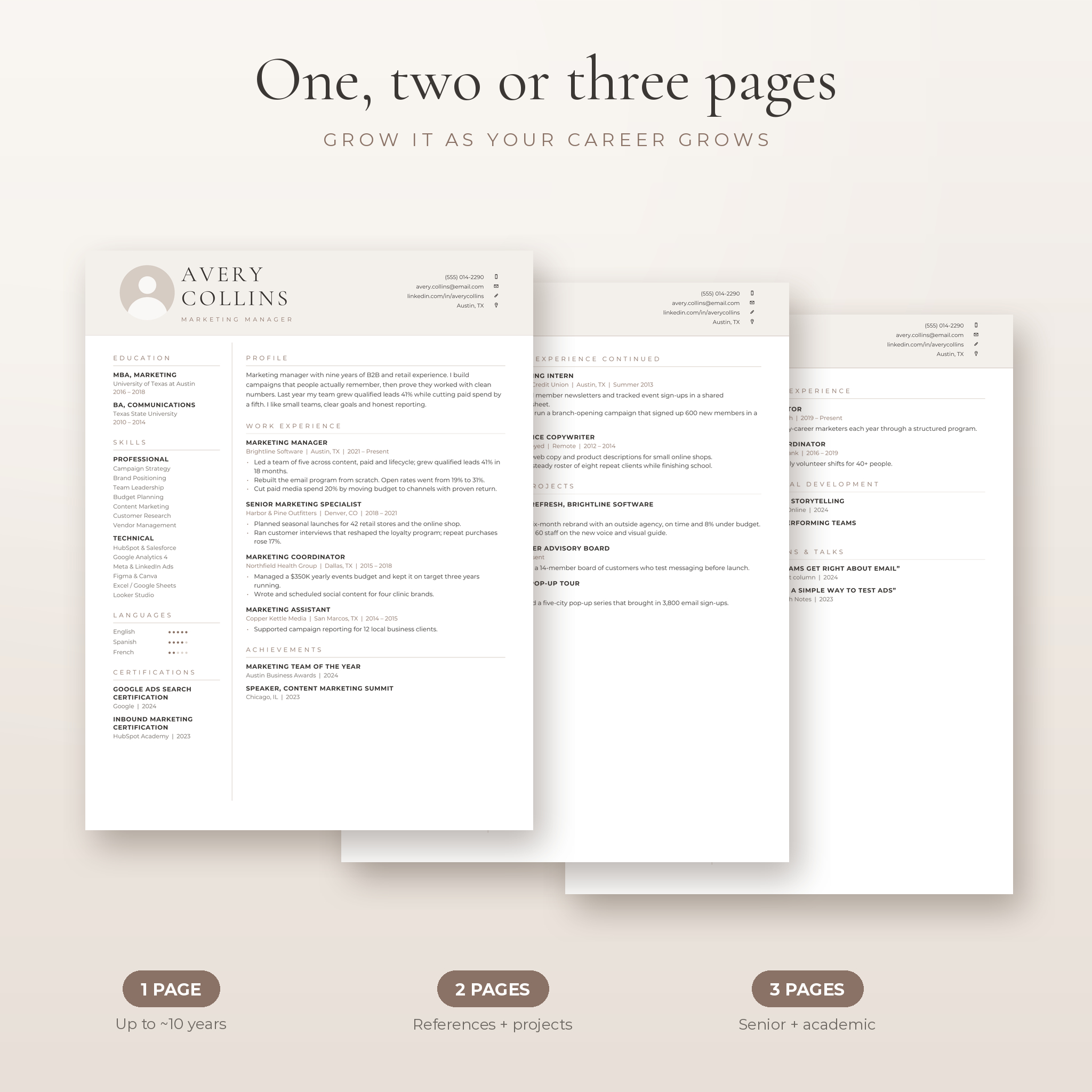
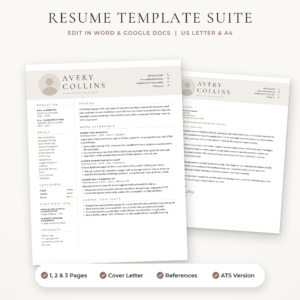
This resume template for Word gives you a clean, minimalist resume with photo, a matching cover letter and a references page, all ready to edit in Microsoft Word. You get 1, 2 and 3 page layouts, a no-photo version and a separate ATS resume for online job portals. Fonts are built into every file, so it opens looking the way it should.
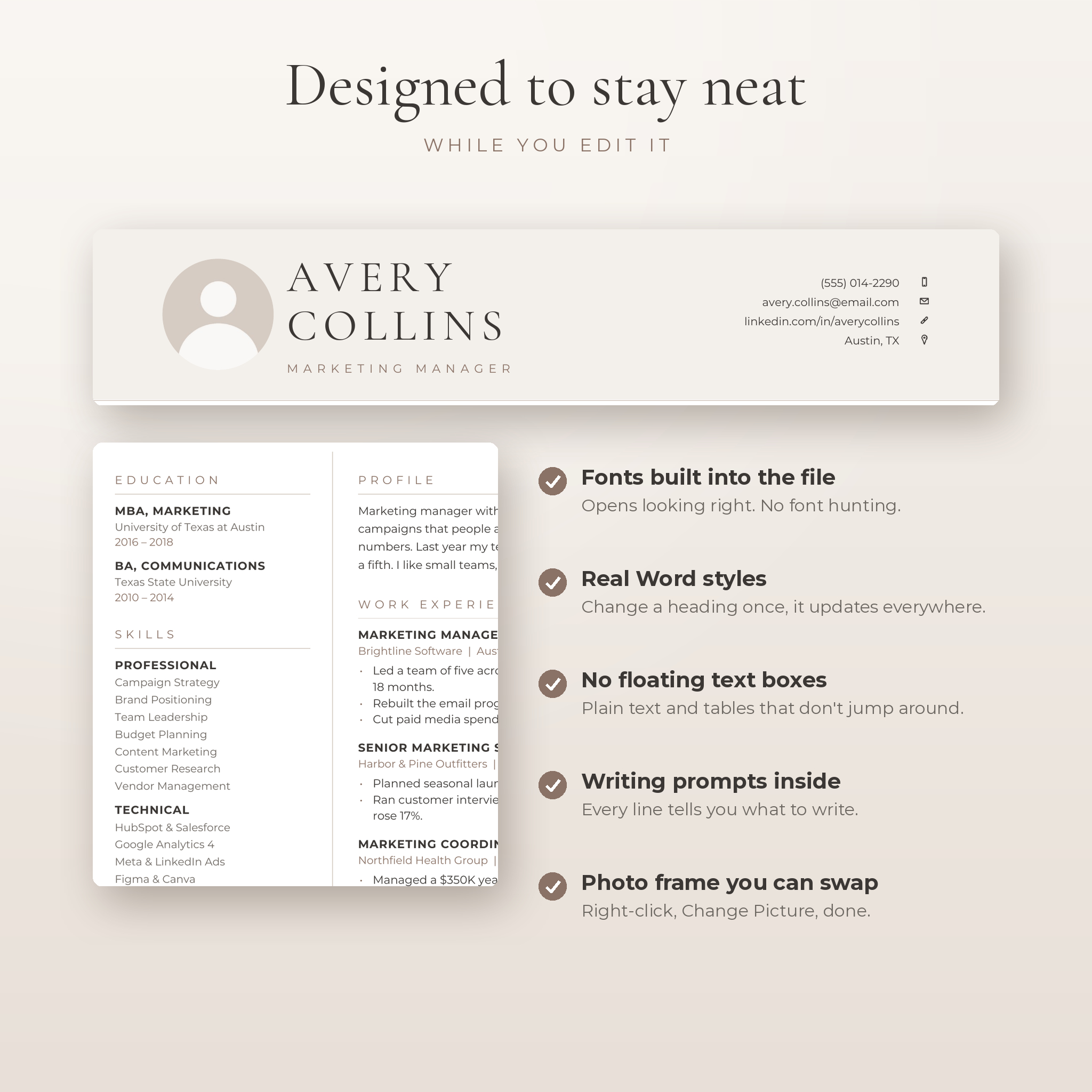
Most templates look great in the preview and fall apart the moment you start typing. Ellery is built from plain Word text, real styles and simple tables. No floating text boxes. Nothing jumps when you add a line.
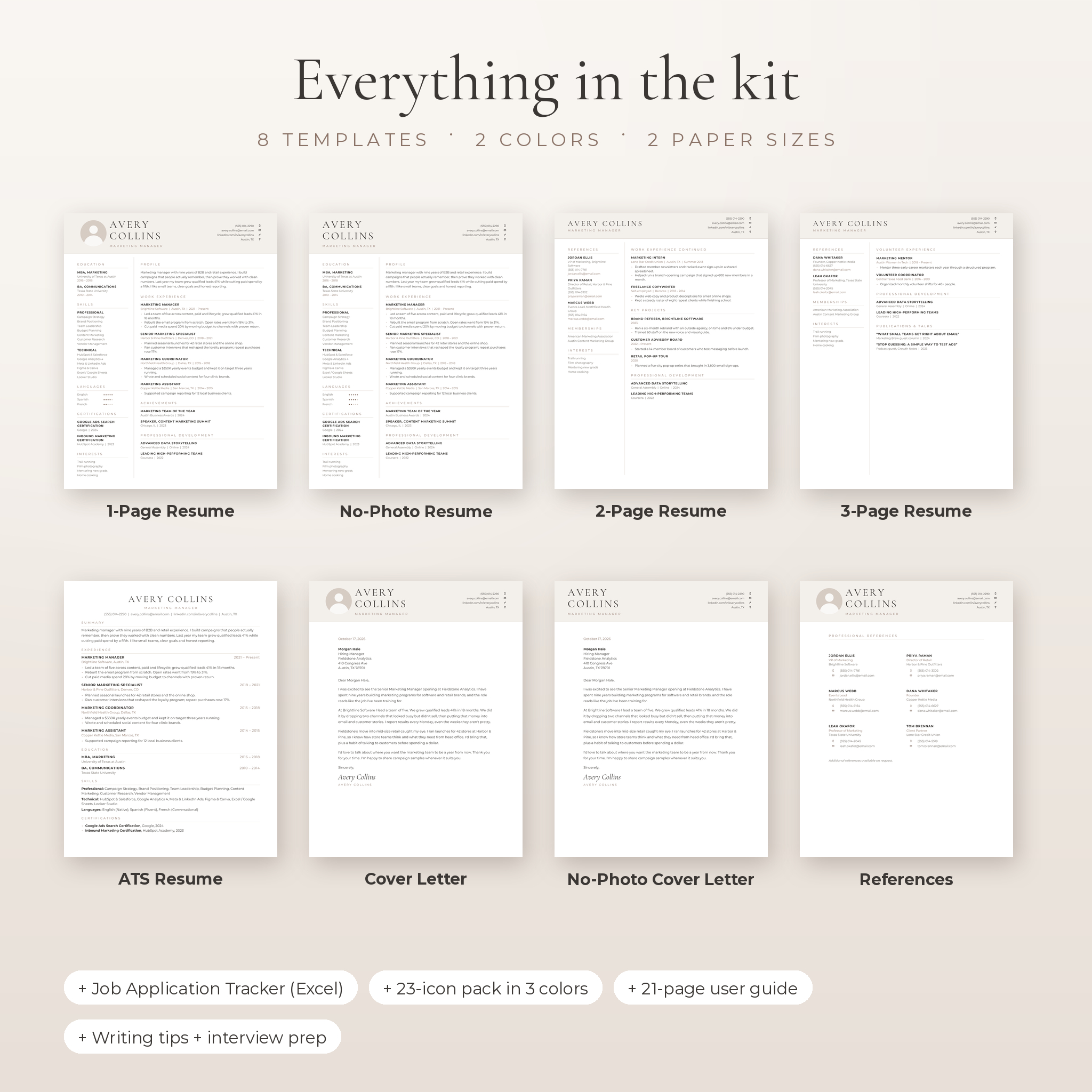
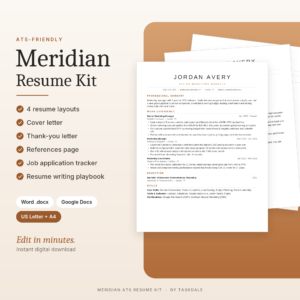
What’s included in this resume template kit
- 1 page resume with photo
- 1 page resume without photo
- 2 page resume with references, projects and professional development
- 3 page resume with projects, volunteer work and publications
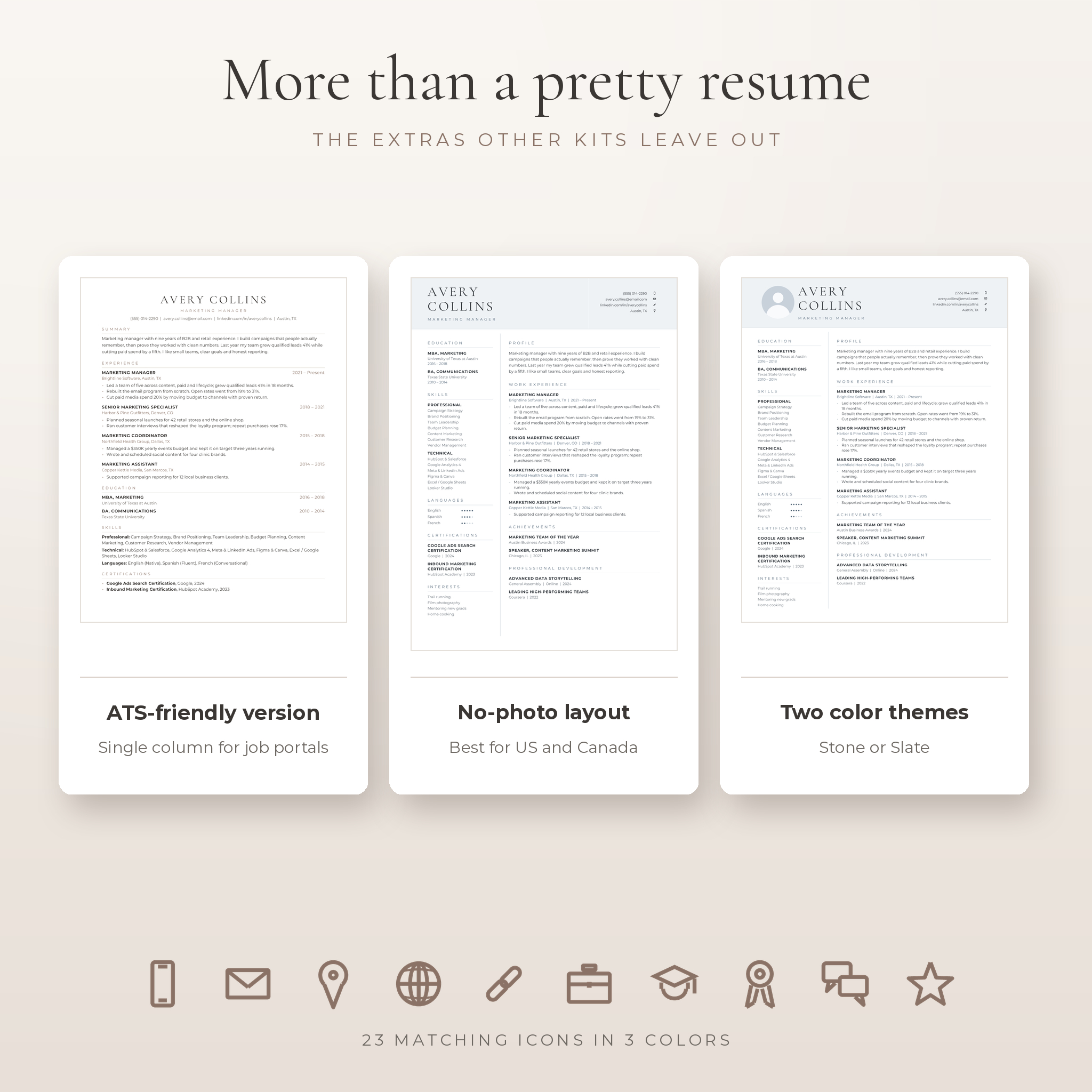
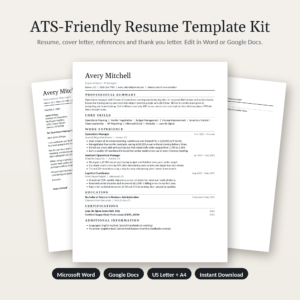
- ATS resume: single column, no tables or images
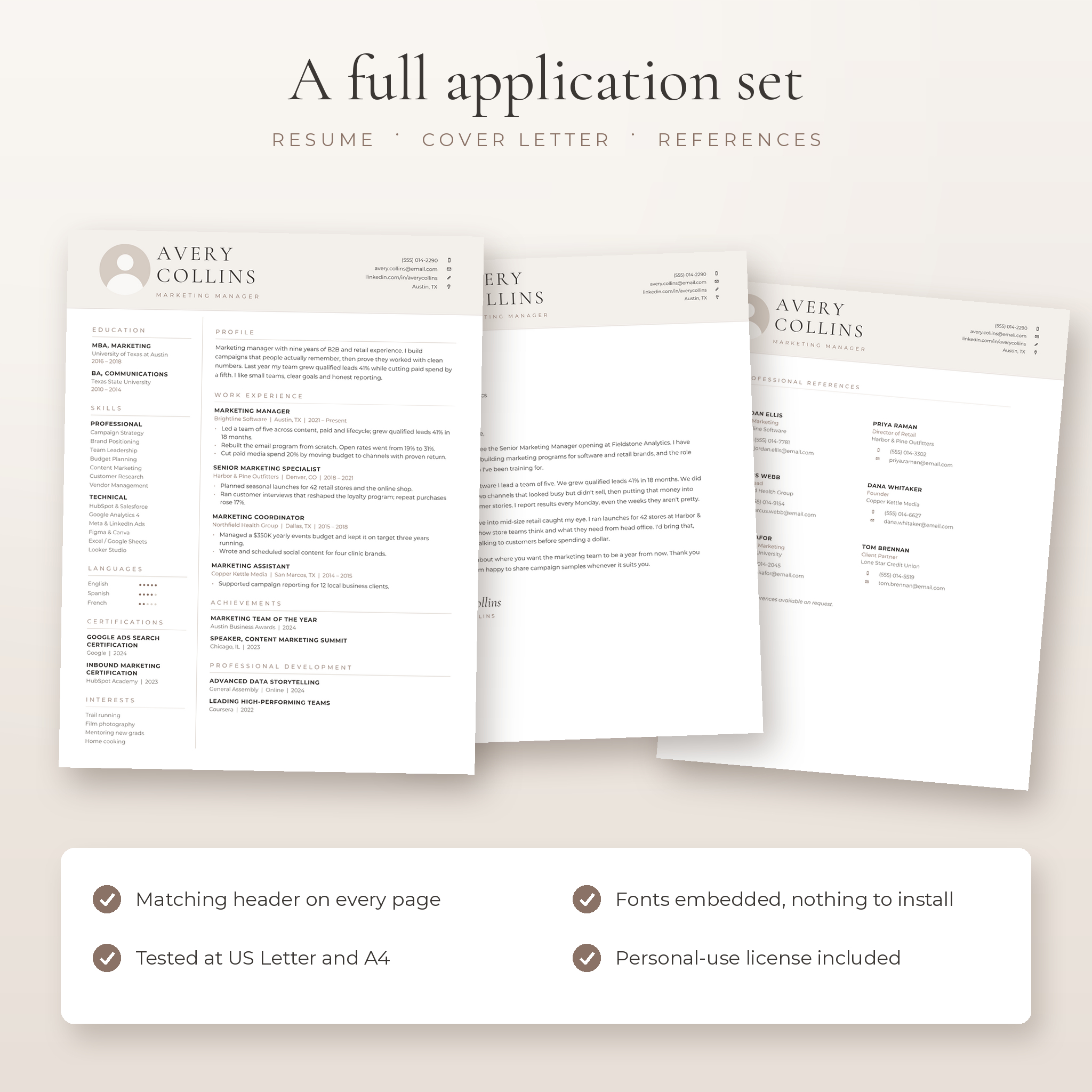
- Matching cover letter, with and without photo
- Matching references page with room for six references
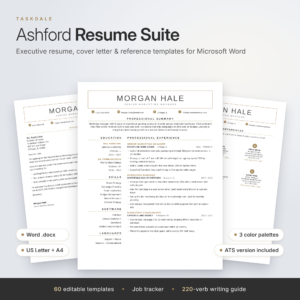
- Two color themes: Stone (warm taupe) and Slate (cool blue gray)
- US Letter and A4 sizes for every template (32 Word files)
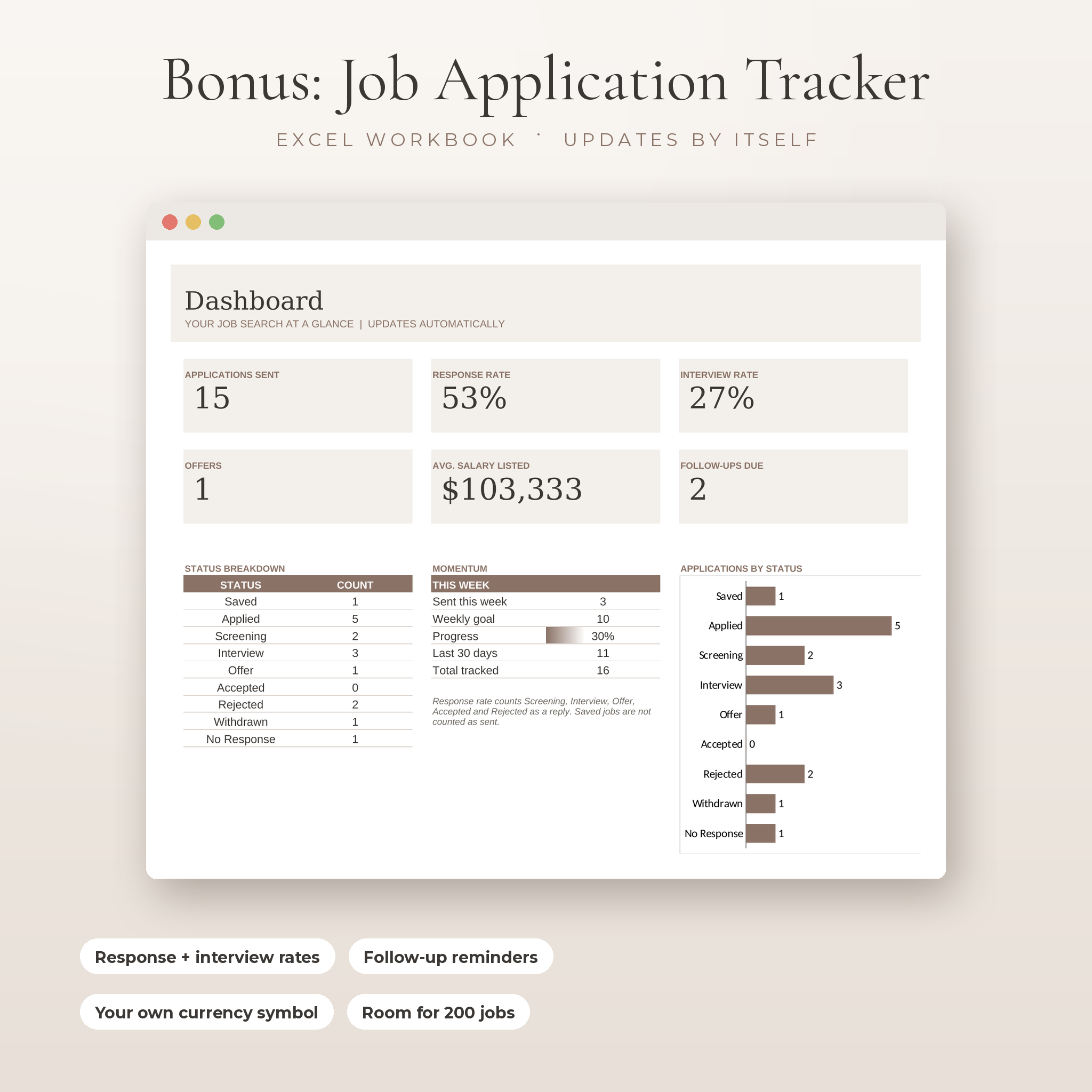
- Job Application Tracker for Excel
- 23 line icons in three colors (PNG)
- 21-page user guide with writing tips, 96 action verbs and 12 interview questions
- Montserrat and Cormorant Garamond font files, with their open font license
Who it’s for
Job seekers who want a resume that looks polished without learning design software. It suits office, marketing, finance, healthcare admin, education, sales and management roles. Students and graduates can use the 1 page layout. Senior people and academics have room to breathe in the 2 and 3 page versions.
Features
Fonts built into every file
The two fonts are embedded in each Word document. Open it and the design shows up as intended. No hunting for fonts before you can start. The font files are also included in case you want them elsewhere.
A real ATS-friendly resume
Many companies run applications through tracking software before a person reads them. Columns, tables and pictures can confuse some of these systems. The ATS resume keeps everything in one plain column with standard section names, so your details come through cleanly. Use it for job portals and the designed version for email and interviews.
Photo or no photo
Recruiters in the US and Canada usually prefer no photo. Much of Europe, Asia, Africa and the Middle East expects one. You get both. The photo sits in a round frame: right-click, choose Change Picture, and your photo drops straight in.
Writing prompts on every line
The blank templates don’t use filler text. Each line tells you what to write there, from the profile to each bullet. It takes the guesswork out of a blank page.
Real Word styles
Headings, job titles, bullets and contact lines all use named styles. Change one style and every matching line updates. Pick a new accent color in a minute.
Job Application Tracker
A five-tab Excel workbook for the search itself. Log up to 200 applications with dropdowns for status, work type and source. The dashboard counts applications sent, response rate, interview rate, offers, average salary listed and follow-ups due. Set your own currency symbol once and every money figure uses it. Formula cells are locked without a password so they can’t be typed over by accident.
How it works
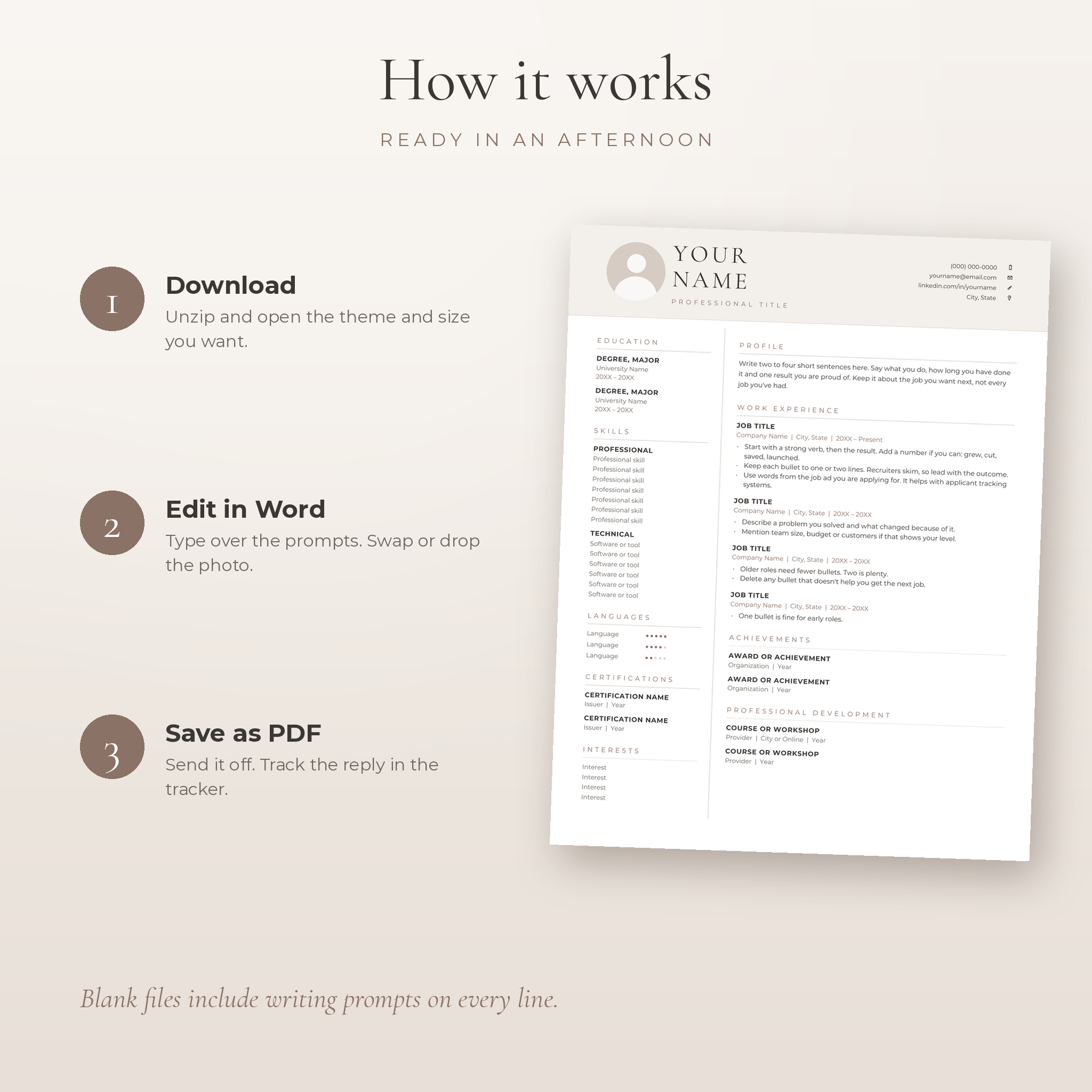
- Buy and download the ZIP file from your Taskdale account.
- Unzip it and open the theme and paper size you want in Microsoft Word.
- Type over the prompts, swap in your photo or use the no-photo file.
- Save as PDF and send. Log the application in the tracker.
File formats and software
- 32 editable .docx files for Microsoft Word (Windows or Mac, Word 2016 or newer recommended)
- 1 .xlsx Job Application Tracker for Microsoft Excel 2016 or newer
- 23 transparent PNG icons in three colors, 512 × 512 px
- User guide in .docx
- Every file also opens in free LibreOffice, which we test it in
- Edit on a laptop or desktop. Phones and tablets are not recommended for editing.
Customizing your resume
Change any text, color or font. Add or remove sections by copying a block and pasting it below. Move from 1 page to 2 pages when your experience needs it. The user guide walks you through each step with screenshots.
Use cases
- Applying for your first job after college and wanting something neat on one page
- Uploading to Workday, Taleo or a company careers page (use the ATS file)
- Emailing a hiring manager a polished PDF with a matching cover letter
- Bringing printed copies and a references page to an interview
- Applying abroad, where A4 paper and a photo are expected
- Running a long job search and tracking replies and follow-ups in one place
Digital download
This is a digital product. Nothing is shipped. Your ZIP file and the user guide are available to download right after payment. Licensed for personal use: please don’t resell or share the template files.
Frequently asked questions
Is this resume template ATS friendly?
Yes. The kit includes a dedicated single-column ATS resume. The designed versions use a two-column table, which some older systems read less well, so use the ATS file for online portals.
Can I use it in Google Docs or Apple Pages?
The kit is made and tested for Microsoft Word and LibreOffice. Google Docs and Pages can open .docx files, but spacing and fonts may shift, so we don’t promise a perfect match there.
Do I need to install fonts?
No. The fonts are embedded in each file. The font files are included in case you’d like them in other apps.
Can I change the colors?
Yes. Choose Stone or Slate, or set your own accent color through the Word styles. The guide shows how.
Which paper size should I use?
US Letter for the United States and Canada. A4 for most other countries. Both are included.
Can I edit on my phone?
We recommend a laptop or desktop. Mobile apps can shift a two-column layout.
What currency does the tracker use?
Dollars by default. Type your own symbol in the settings cell and the whole workbook switches.
Can I use it for more than one application?
Of course. Save a copy for each job and tailor it as often as you like.
Reviews
There are no reviews yet.