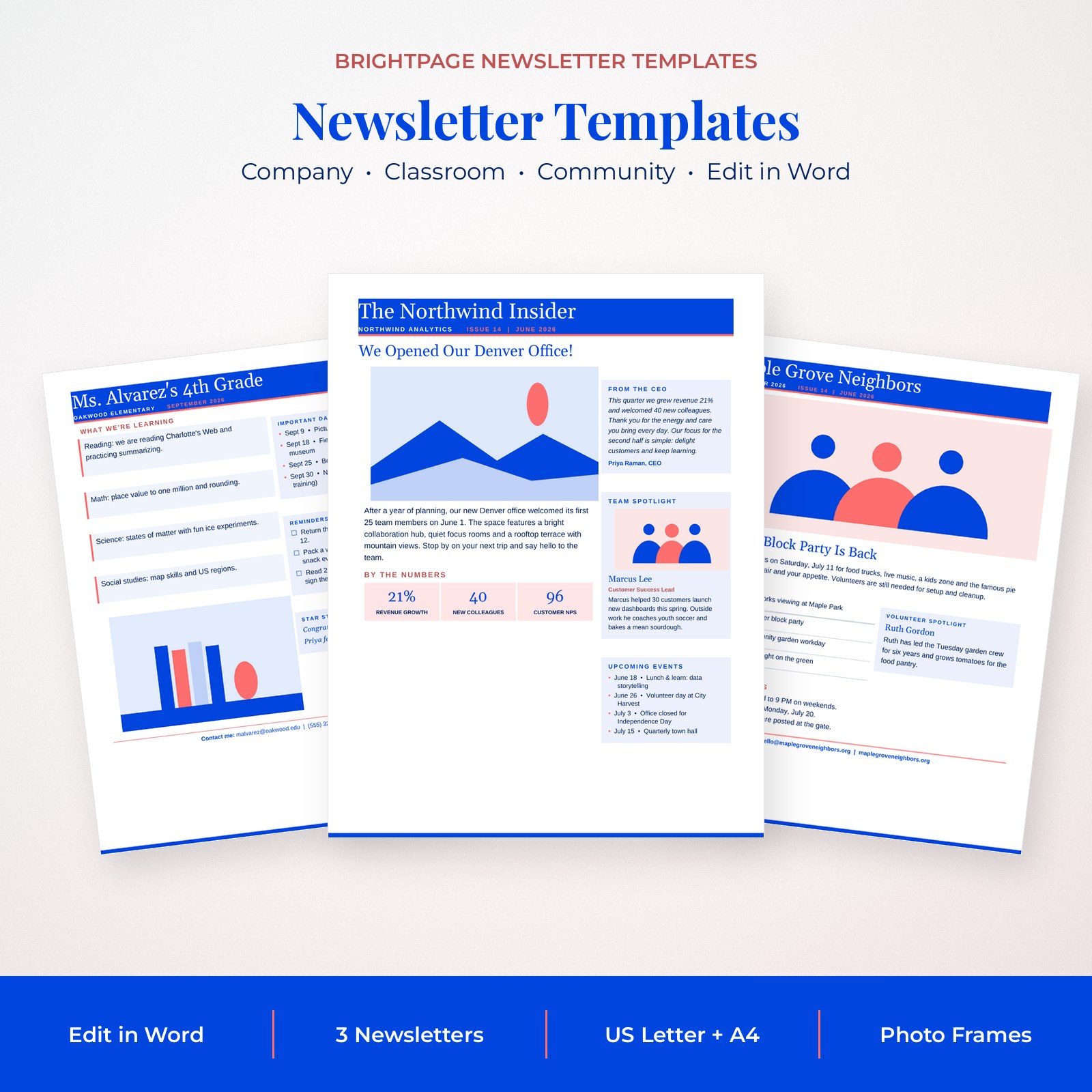

The Brightpage Newsletter Templates are bright, modern newsletter template designs for businesses, schools and community groups. A bold azure masthead, coral accents and clean two-column layouts make every issue easy to scan, whether it is printed or emailed as a PDF.
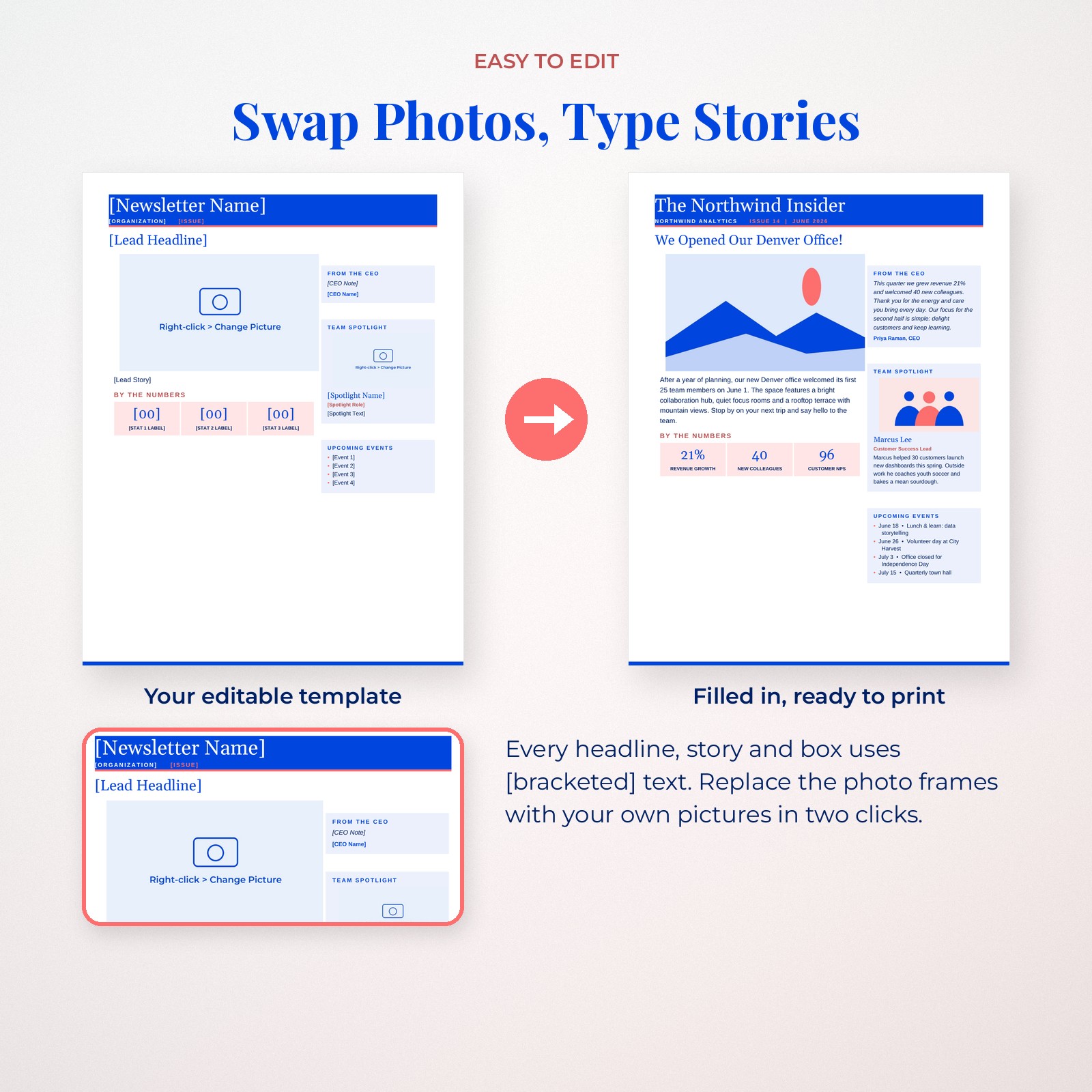
Each newsletter is a Microsoft Word compatible .docx file with [bracketed] headlines and stories, ready-made boxes for stats, spotlights, events and tips, and photo frames you replace with Change Picture.
Why Choose the Brightpage Newsletter Templates Newsletter Template
- Three newsletter types for work, school and community
- Magazine-style layouts that look professionally designed
- Photo frames that keep their size when you swap pictures
- Content boxes that grow as you type
- Print or email as PDF
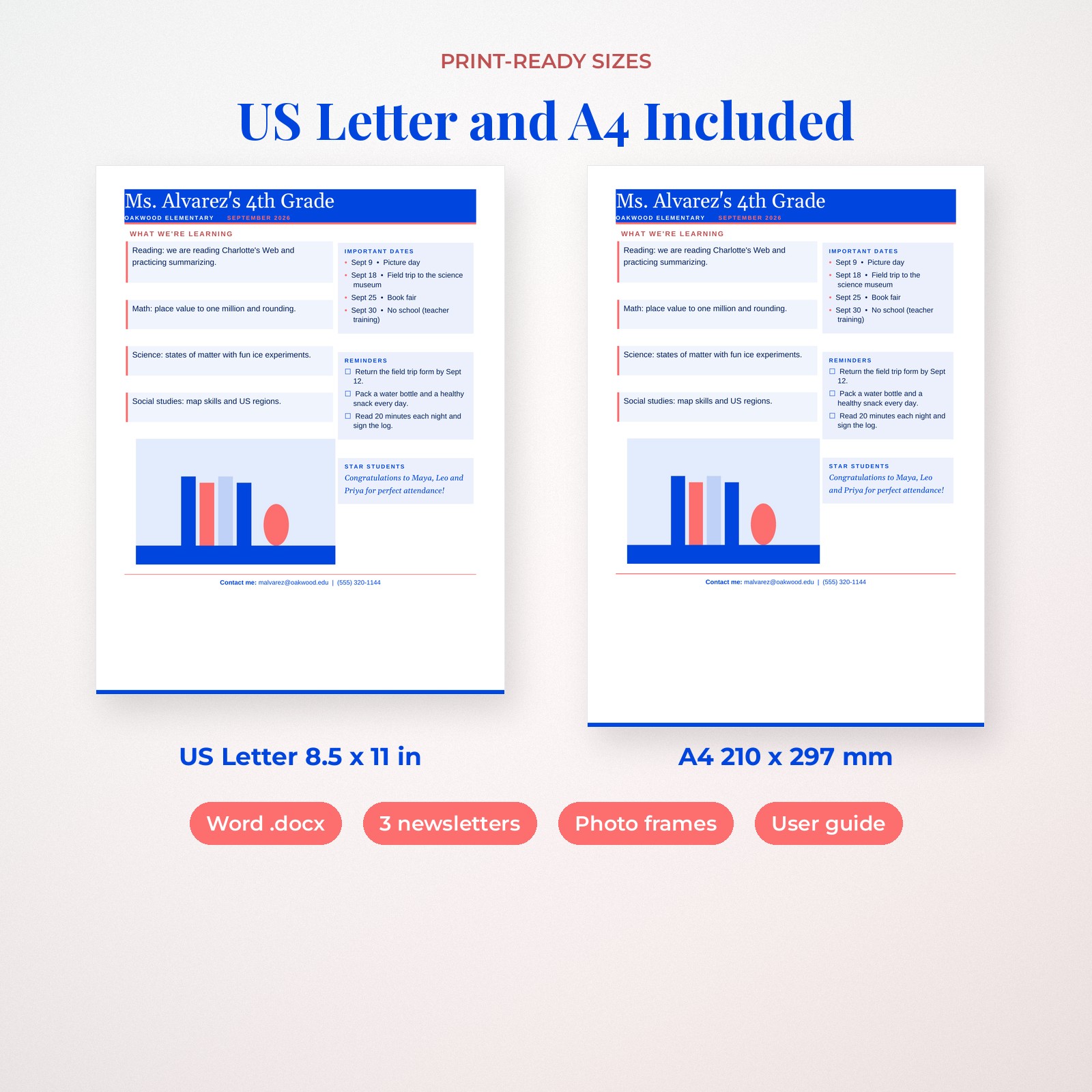
- US Letter and A4 sizes
Who It Is For
- Internal communications and HR teams
- Teachers and PTA volunteers
- HOAs, churches, clubs and nonprofits
- Small businesses sending customer updates
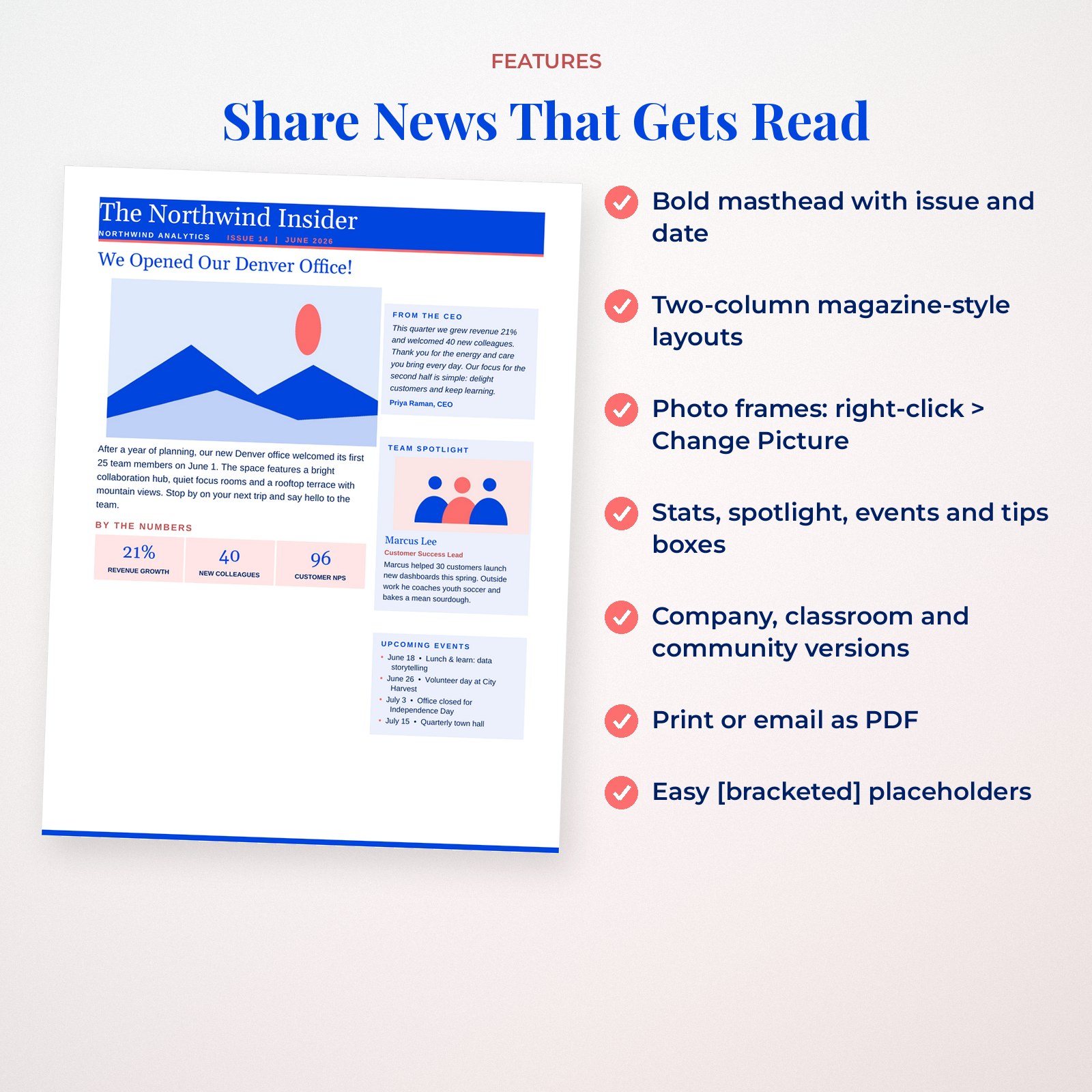
Features
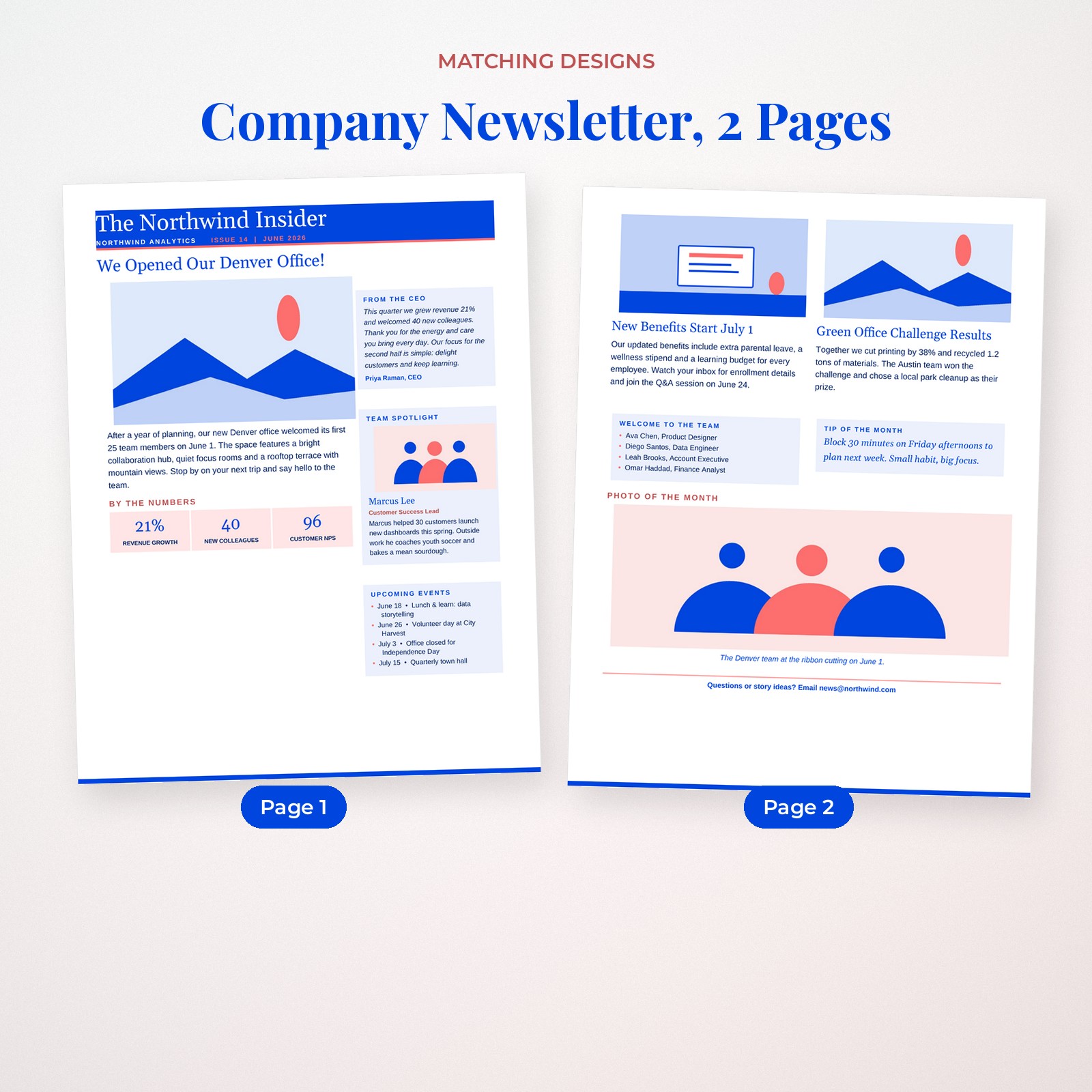
Company Newsletter Template (2 pages)
Lead story, by-the-numbers stats, CEO note, team spotlight, upcoming events, two more stories, new hires, tip of the month and photo of the month.
Classroom Newsletter Template
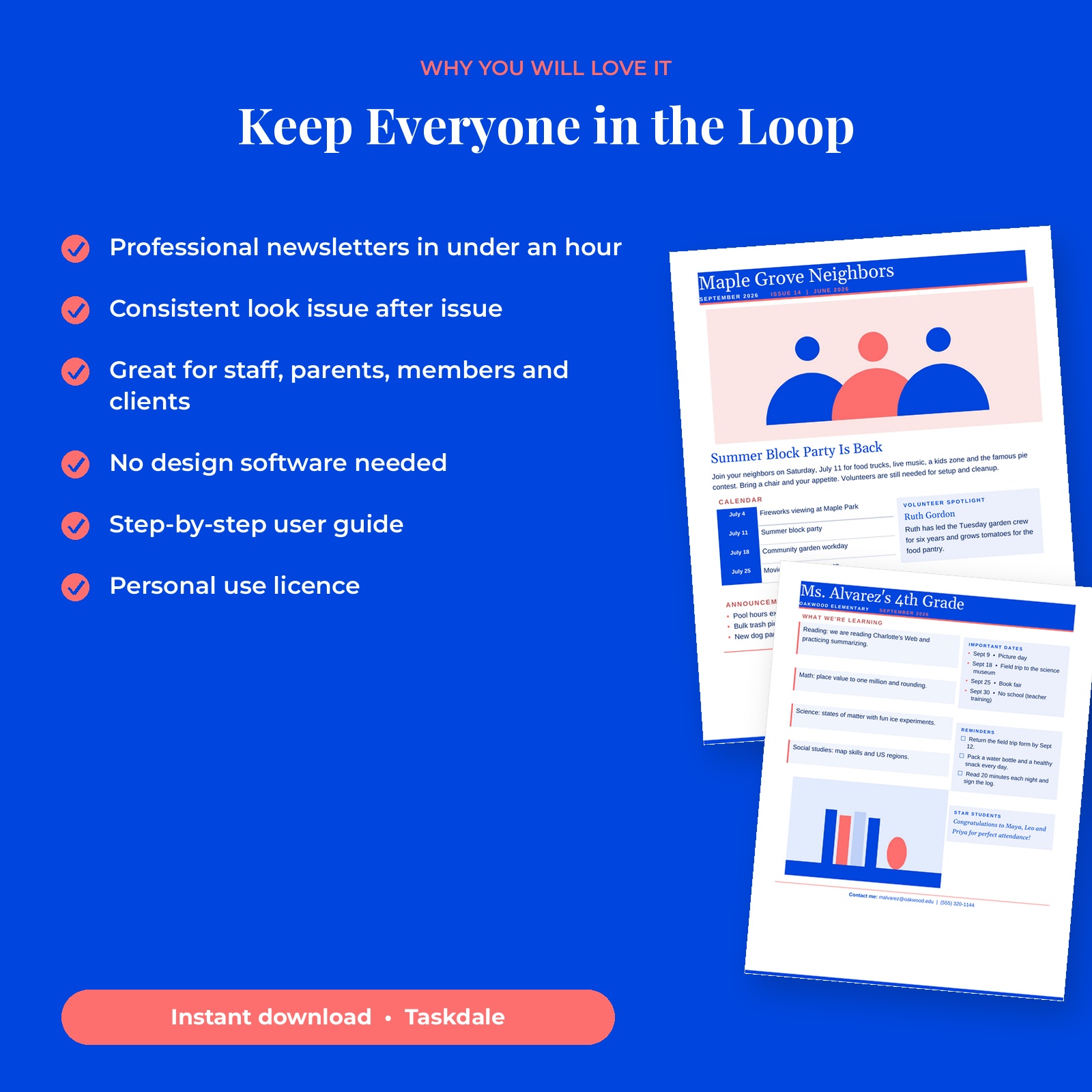
What we’re learning by subject, important dates, reminders, star students and teacher contact details on one page.
Community Newsletter Template
Feature story, calendar, announcements and volunteer spotlight for neighborhoods and member groups.
Photo Frames
Right-click any frame and choose Change Picture. Sample illustrations show where your photos go.
Bold Masthead
Newsletter name, organization, issue number and date in a strong color band.
What’s Included
- Company newsletter, 2 pages (US Letter and A4)
- Classroom newsletter (US Letter and A4)
- Community newsletter (US Letter and A4)
- User guide (.docx)
How It Works
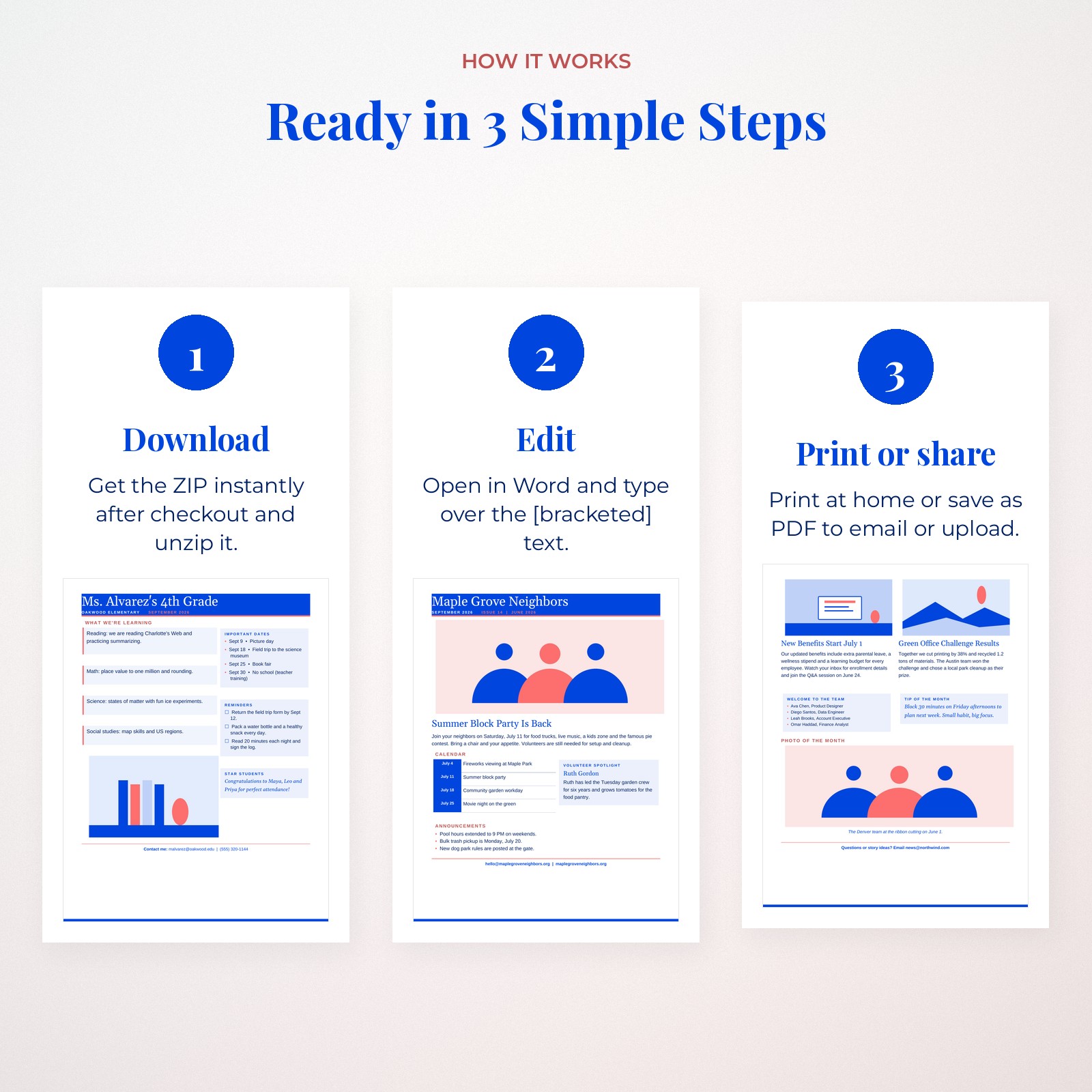
- Download the ZIP and user guide after checkout.
- Open a newsletter in Microsoft Word.
- Type your stories over the [bracketed] text and change the pictures.
- Print or save as PDF to email and share.
File Formats and Software Requirements
- 6 Microsoft Word compatible .docx files
- US Letter and A4
- User guide (.docx)
Edit in Microsoft Word or any word processor that opens .docx files. Every newsletter was rendered and checked in LibreOffice Writer, including tests with text twice as long as the samples. Fonts are Georgia and Arial. Photos are not included.
Customizing Your Newsletter Template
Rename sections, change the masthead text and colors, swap photos, delete boxes you do not need or copy a story block to add more articles.
Real-Life Ways to Use It
- Monthly staff update: Share wins, events and new hires.
- Weekly class news: Keep parents informed about learning and dates.
- HOA and church bulletins: Announce events and volunteer needs.
- Customer newsletter: Send product news and tips as a PDF.
Tips for a Newsletter People Read
Lead with your most interesting story and a strong photo. Keep each article to 80 to 120 words and use the side boxes for quick facts, dates and reminders that readers can scan in seconds.
Publish on a regular schedule and keep the masthead, colors and section order the same every issue. Familiar structure makes readers look forward to the next edition.
For teachers, send the classroom newsletter home on the first day of each month and post the PDF on your class page. Parents appreciate having dates, reminders and learning goals in one place, and it saves you answering the same questions by email.
For community groups, ask a different volunteer to write the spotlight each issue. It spreads the work, adds fresh voices and helps members get to know each other. Save every issue in a shared folder so you build a searchable archive of your community news.
Digital Download Information
This is a digital product. No physical item will be shipped. Your files are available to download right after checkout from your order confirmation and your Taskdale account. Colors may look slightly different on screen and in print depending on your monitor and printer.
Licence: personal use only. You may edit and print the templates for yourself or your own single business. Reselling, sharing or redistributing the files, edited or unedited, is not allowed.
Newsletter Template FAQ
Is this newsletter template editable in Word?
Yes. Every headline, story, box and picture can be changed.
Can I add my own photos?
Yes. Right-click a picture frame and choose Change Picture.
Can I email the newsletter?
Yes. Save it as a PDF and attach it, or paste the text into your email tool.
What sizes are included?
US Letter and A4.
Can I add more pages?
Yes. Copy page 2 of the company newsletter or add story blocks; the layout flows onto new pages.
Is it a Canva template?
No. These are Word .docx files.
Are photos included?
No. The samples use simple illustrations to show where your photos go.
Will long stories break the layout?
No. Text wraps inside each column and box. Longer stories simply push content down or onto the next page, so nothing overlaps.
Reviews
There are no reviews yet.