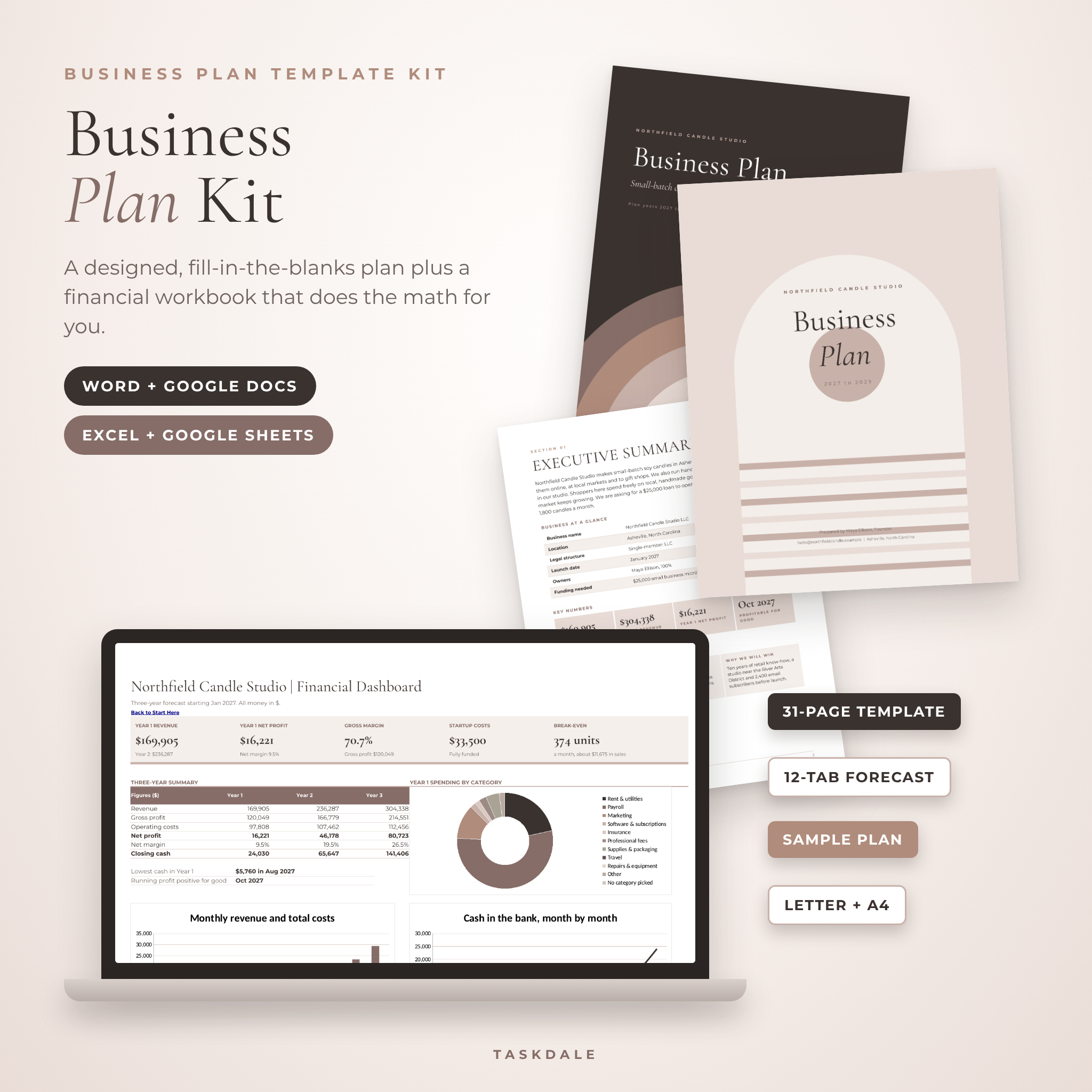
The Clarity Business Plan Kit is a business plan template you can actually finish. You get a designed, fully editable plan for Microsoft Word and Google Docs, and a financial forecast workbook for Excel and Google Sheets that turns a few simple guesses into three years of numbers. Every page tells you what to write. There is no lorem ipsum to decode.
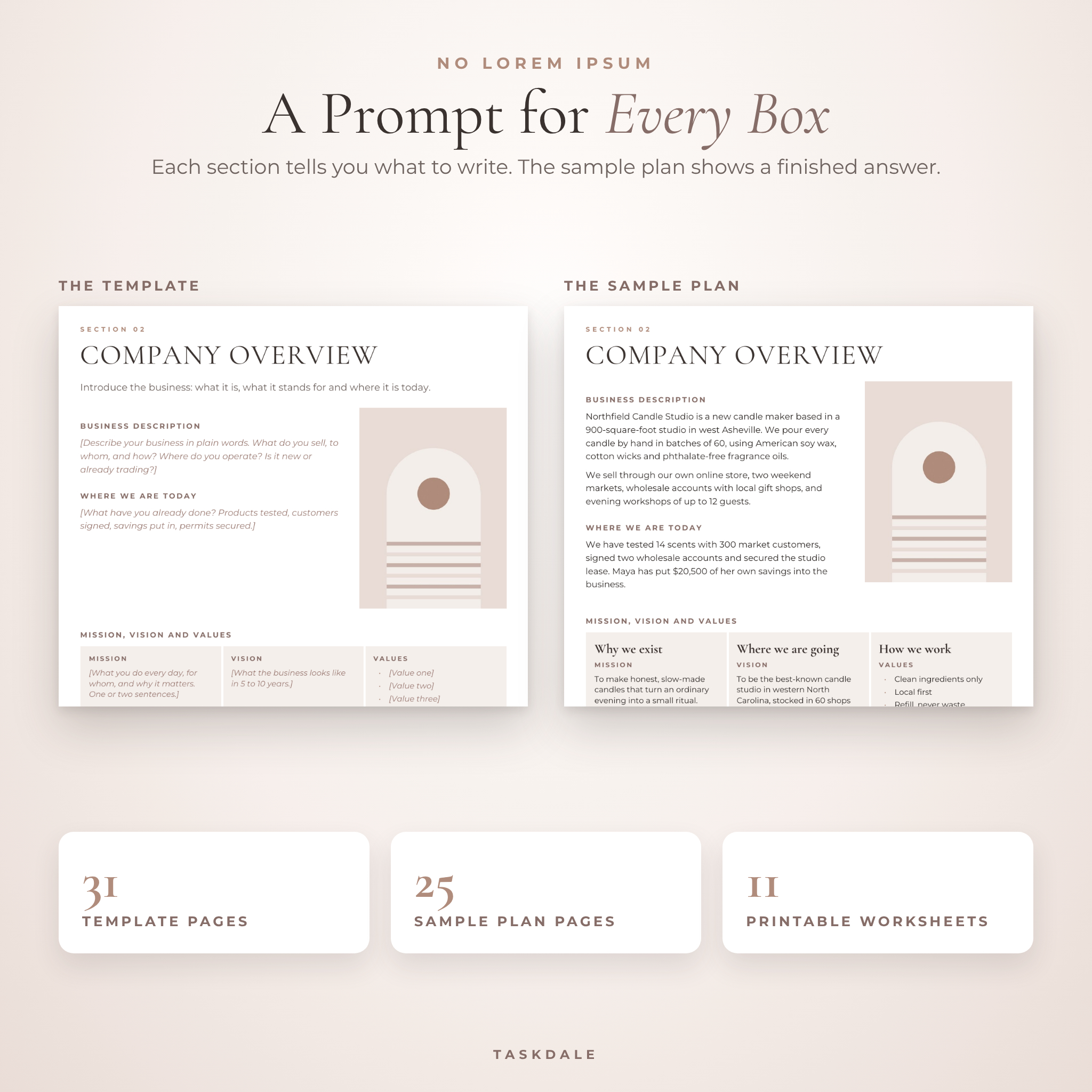
Most plan templates hand you a pretty layout and leave you staring at it. This one walks you through each section with short prompts, shows you a finished example, and does the math behind your financials.
What this business plan template does
It takes you from a rough idea to a plan you can send to a bank, a small business lender, a partner or a teacher. You fill in the prompts, type your numbers into the workbook, and copy the totals and charts into the Financial Plan pages. Save it as a PDF and you are done.
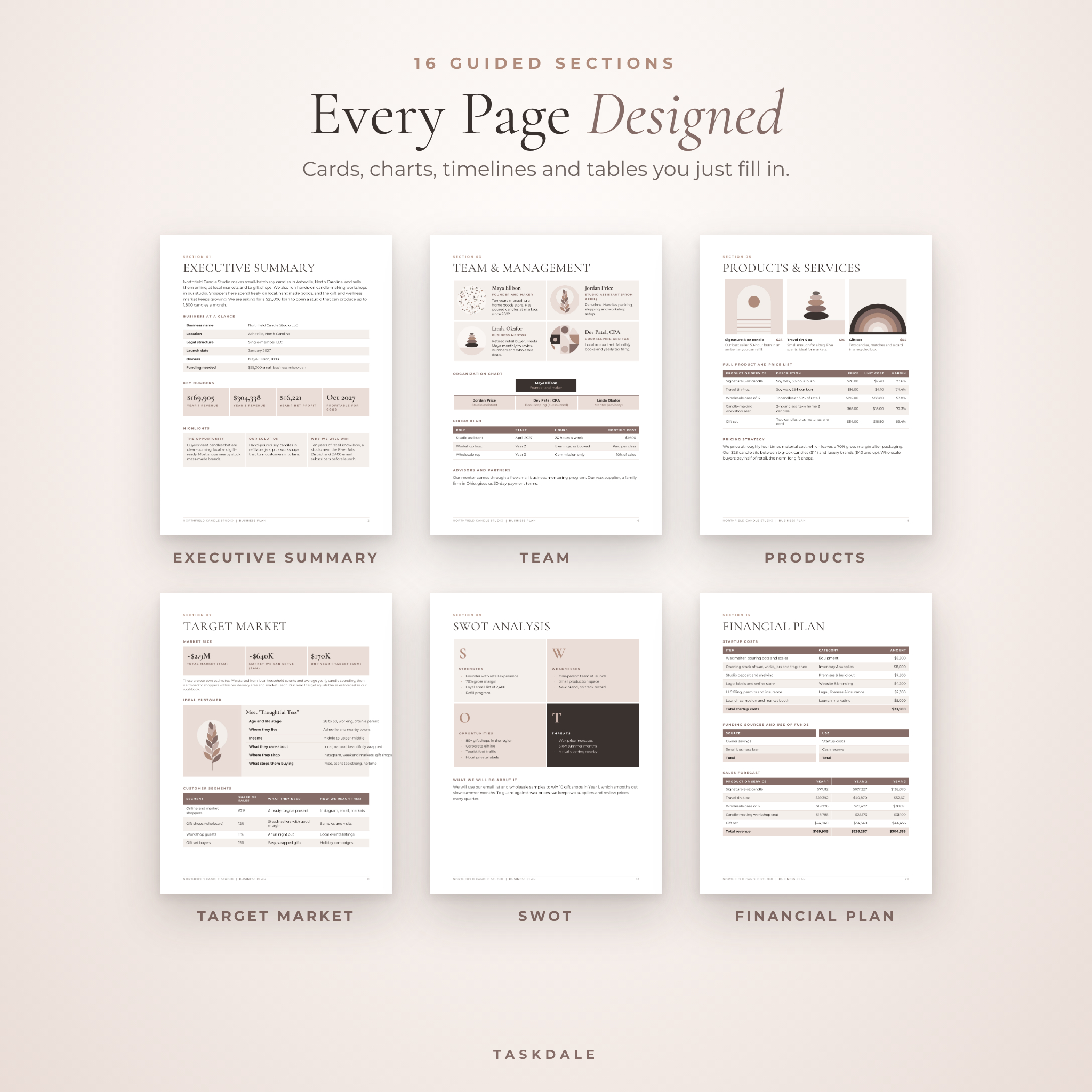
- Guides you through 16 sections lenders expect, from Executive Summary to Risk Assessment
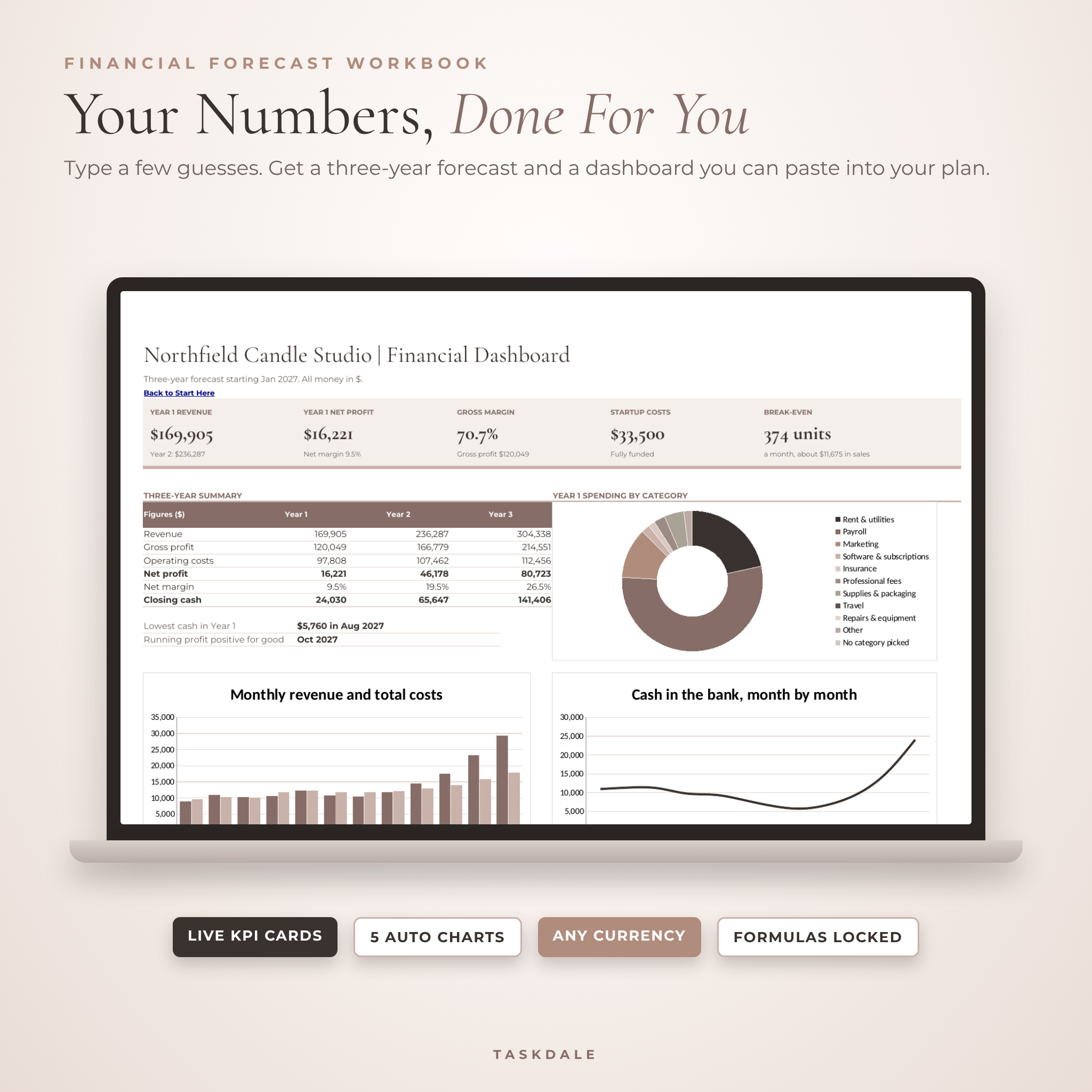
- Calculates your startup costs, sales, profit, cash flow and break-even point
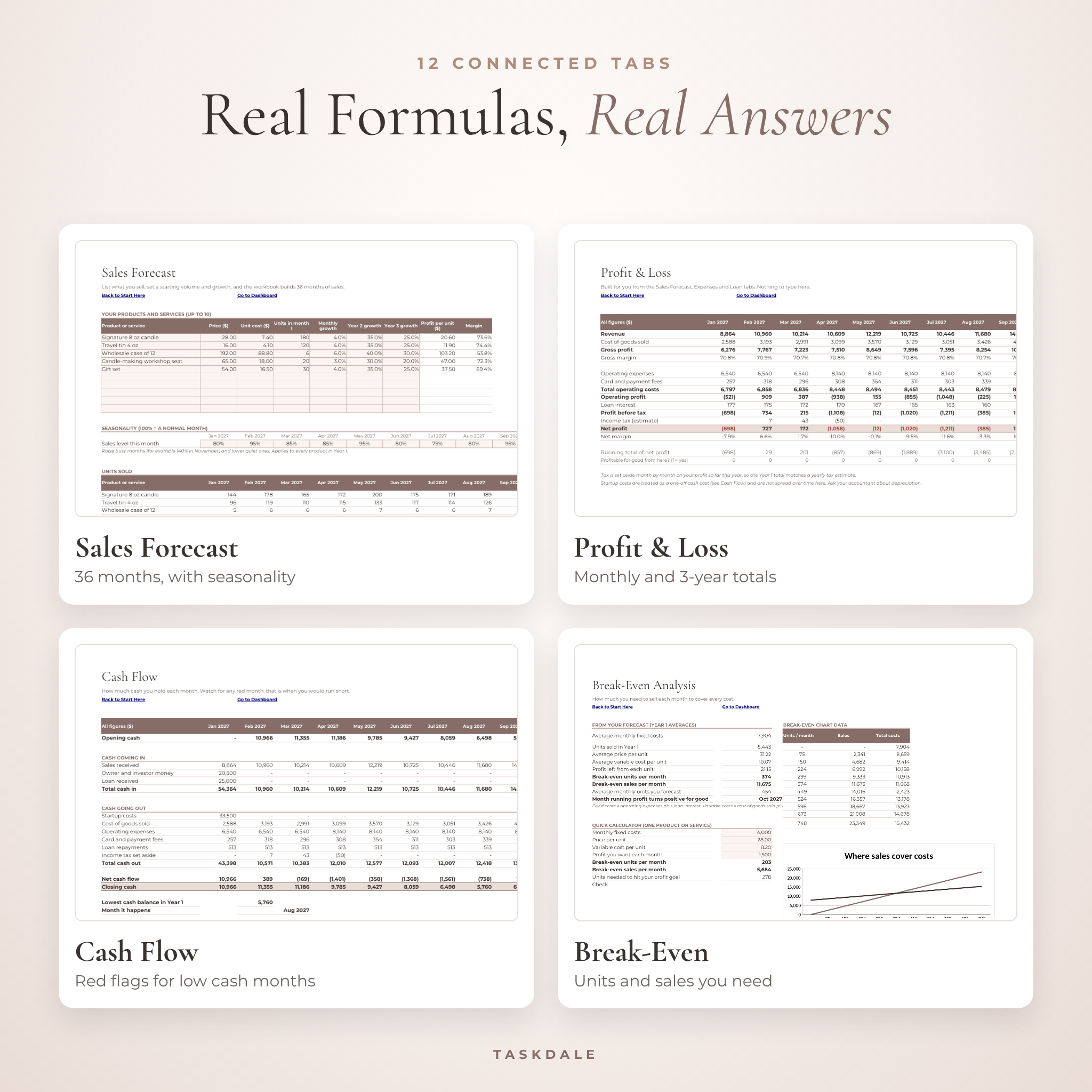
- Warns you in red if any month would run short of cash
- Works in any currency, with a single setting in the workbook
Who it is for
- New founders starting a small business or side hustle
- Owners applying for a bank loan, a microloan or a grant
- Freelancers and service businesses planning the next three years
- Students who need a real business plan for a class
- Anyone pitching an investor or partner who wants to look prepared
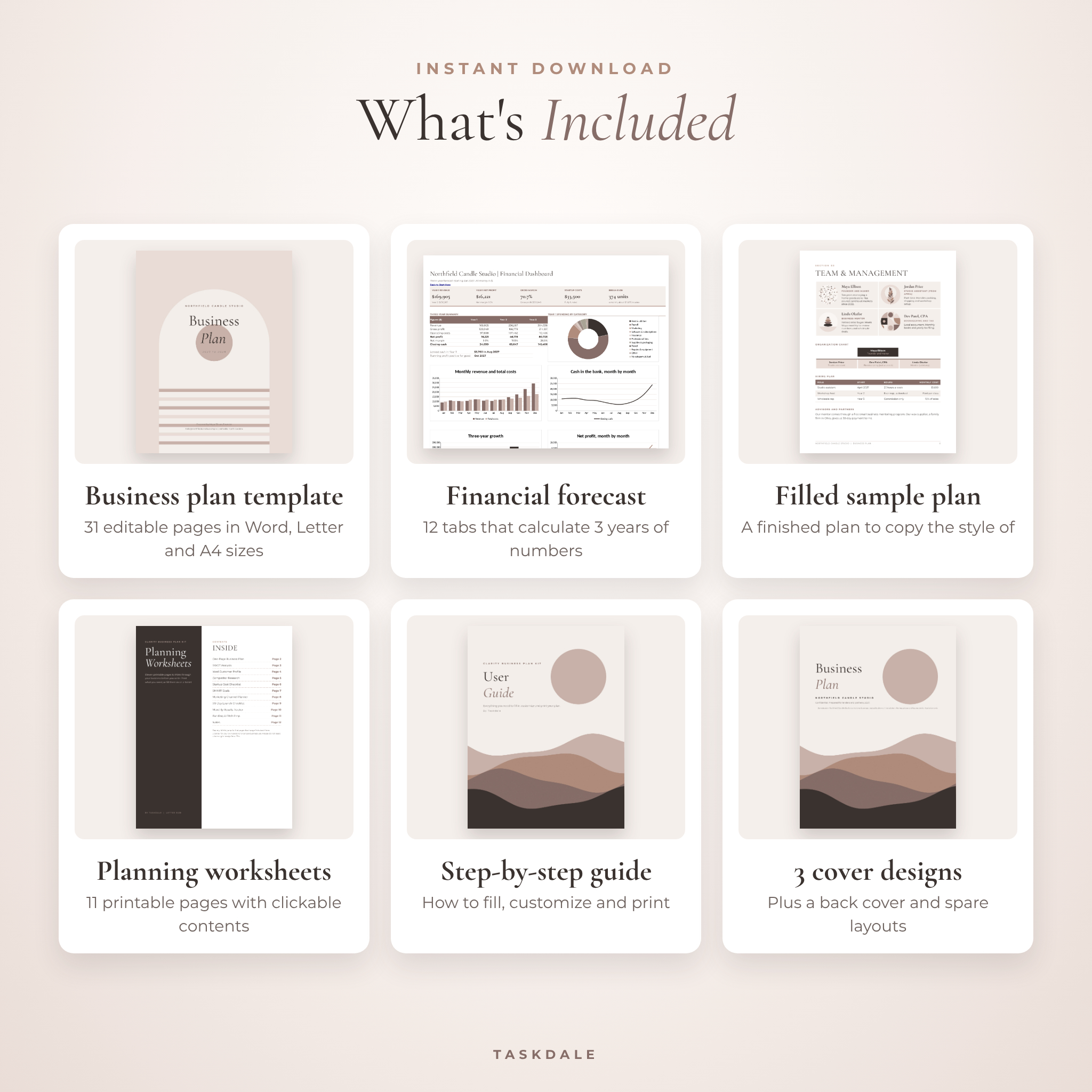
What is included
1. Business plan template (Word and Google Docs)
31 editable pages in US Letter and A4. Three cover designs, a how-to page, an automatic table of contents, 16 guided sections, extra spare layouts and a back cover. Sections include Executive Summary, Company Overview, Team and Management, Problem and Solution, Products and Services, Industry Background, Target Market, Market and Competitor Analysis, SWOT, Marketing and Sales Strategy, SMART Objectives, Operations, Milestones, Risk Assessment, Financial Plan and Appendix.
2. Financial forecast workbook (Excel and Google Sheets)
12 connected tabs: Start Here, Dashboard, Settings, Startup Costs, Sales Forecast, Expenses, Loan, Profit and Loss, Cash Flow, Break-Even, Pricing and Lists. Shaded cells are for you. Everything else is a locked formula, so you cannot break it by accident.
- Up to 10 products or services, 20 startup costs and 20 monthly expenses
- 36-month sales forecast with seasonality for busy and quiet months
- Loan calculator with a repayment schedule
- Break-even calculator and chart
- Pricing calculator that compares you with up to six competitors
- Dashboard with KPI cards and five charts that update on their own
3. Filled sample business plan (PDF) and sample workbook
A complete 25-page plan for a fictional candle studio, with a matching filled workbook. Open it next to your template whenever you are not sure what to write.
4. Printable planning worksheets (PDF)
11 pages in Letter and A4: One-Page Business Plan, SWOT, Ideal Customer Profile, Competitor Research, Startup Cost Checklist, SMART Goals, Marketing Channel Planner, 90-Day Launch Checklist, Monthly Results Tracker, Funding and Pitch Prep, and Notes. The contents page links to every sheet.
5. User guide and fonts
A 15-page guide covering setup, every workbook tab, customizing colors and fonts, troubleshooting and FAQs. Plus the two free fonts used in the design.
How it works
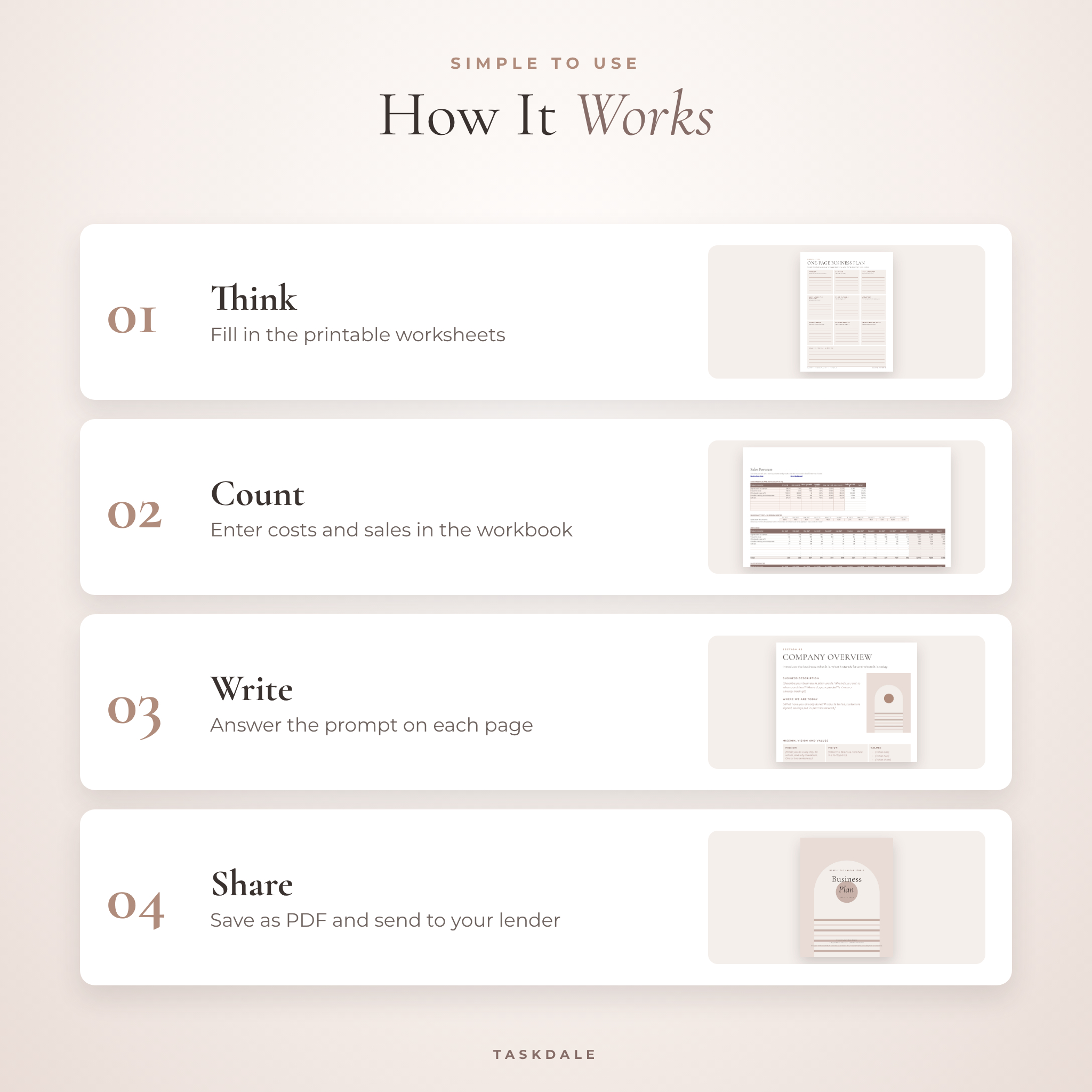
- Download the files right after checkout.
- Think it through with the printable worksheets.
- Enter your costs, prices and sales guesses in the workbook.
- Answer the prompts in the Word template, section by section.
- Paste in your Dashboard charts and totals, then save as a PDF.
File formats and software
- Template: .docx for Microsoft Word, Google Docs or LibreOffice
- Workbook: .xlsx for Microsoft Excel, Google Sheets or LibreOffice
- Sample plan and worksheets: PDF for any PDF reader, print, or note apps on a tablet
- No Canva or design software needed. A free Google account is enough.
Customize it to fit your business
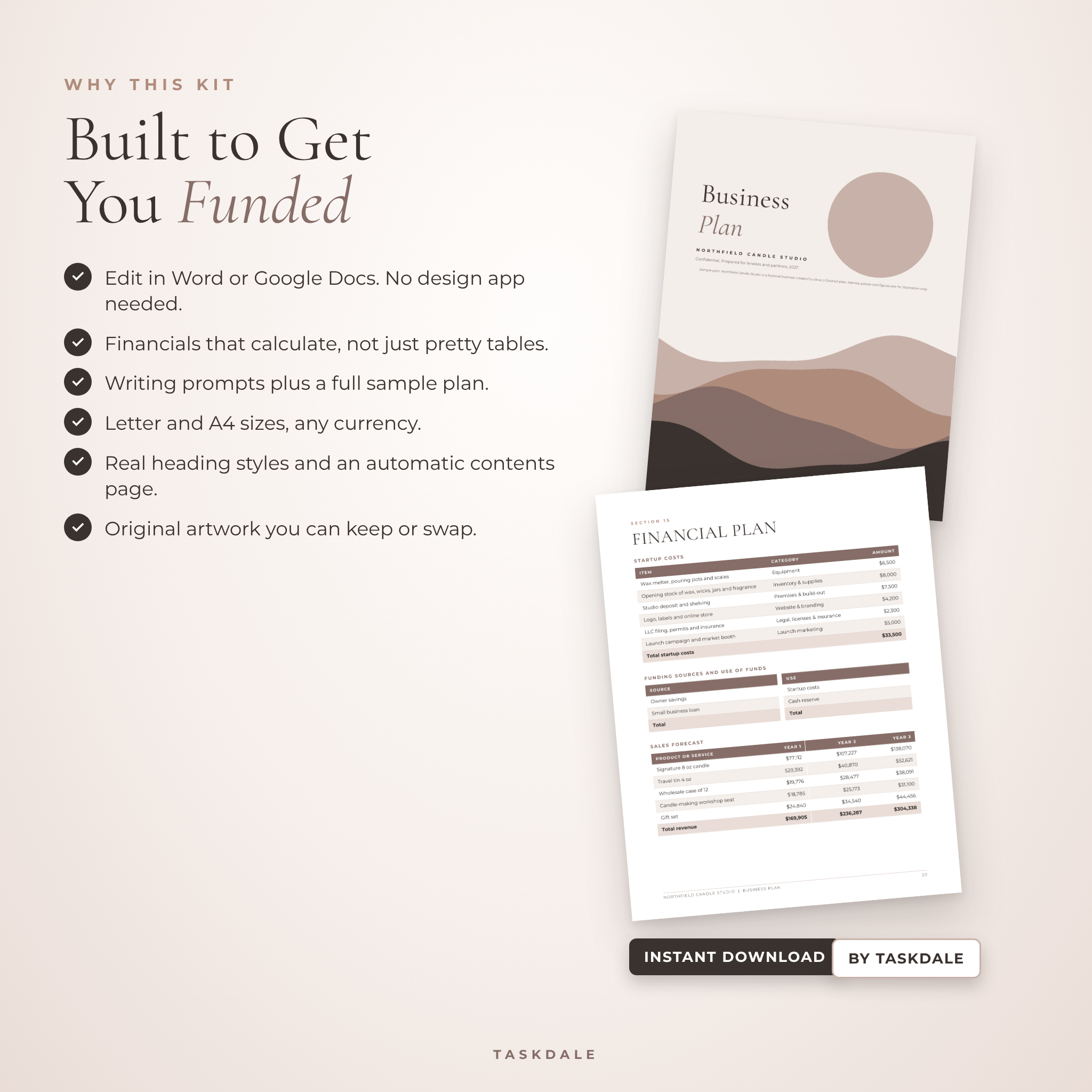
Change any text, color or picture. Headings use real Word heading styles, so you can restyle the whole plan in a minute and the contents page updates itself. Right-click any picture to swap in your own photo. In the workbook, type your currency symbol once and every money heading follows. Rename expense and cost categories on the Lists tab.
Digital download
This is a digital product. Nothing will be shipped. You can download all files from your order confirmation and your account straight after payment.
Real ways people use it
- A baker applying for a small business loan to buy a second oven
- A cleaning company owner planning when to hire a second team
- An Etsy seller checking whether a new product line will pay off
- A student writing a business plan for an entrepreneurship class
- A coach working out how many clients she needs to replace her salary
FAQ
Can I edit this business plan template in Google Docs?
Yes. Upload the .docx to Google Drive and open it with Google Docs. The fonts are built into Google Docs. The workbook opens in Google Sheets the same way.
Do I need Excel to make financial projections?
No. The forecast works in Excel, Google Sheets or free LibreOffice. All formulas are already written for you.
Is this business plan good for a bank loan?
It follows the sections banks and small business lenders usually ask for, including funding request, cash flow and break-even. Always check your lender’s own list too.
Can I use my own currency?
Yes. Set your symbol once in the workbook. The Word template uses neutral Amount fields.
Is there sample content to follow?
Yes. A full sample plan and a filled workbook show a finished example for a small product business.
Is it a Canva template?
No. It is built for Word and Google Docs, so text and tables stay easy to edit and share with a lender.
What size are the pages?
You get US Letter and A4 versions of the template and worksheets.
License
For your own personal or single-business use. Please do not resell, share or give away the files. The workbook is a planning tool and not tax, legal or financial advice.
Reviews
There are no reviews yet.