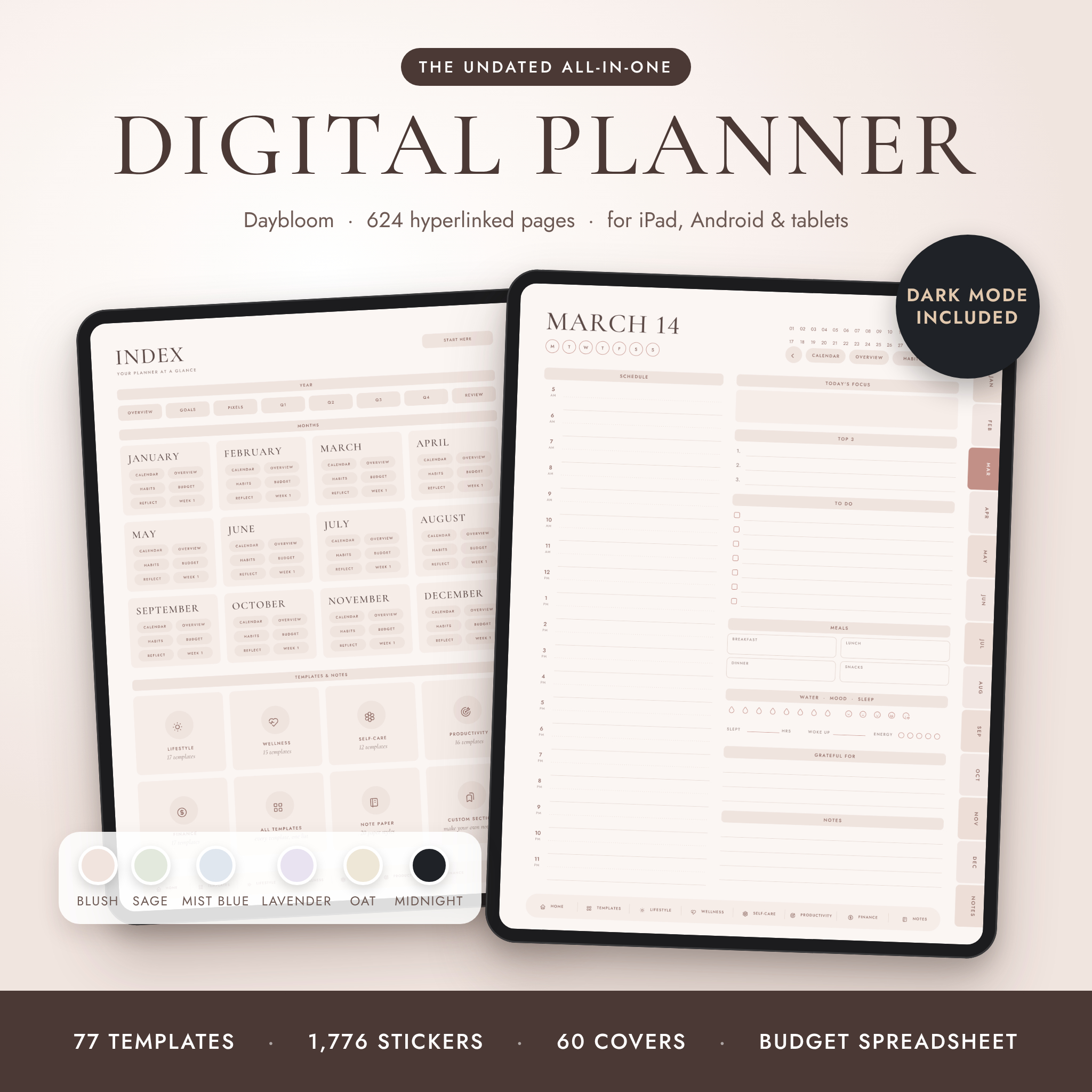

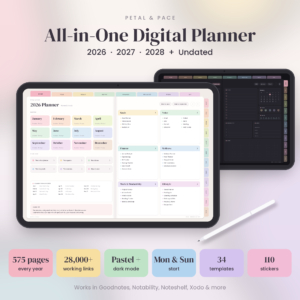
Most digital planners look lovely in the photos. Then you open them and spend half a minute scrolling to find today. Daybloom was built the other way round. Every page is one or two taps away, the files are light, and the layouts are calm enough to use every day without feeling crowded.
It’s undated, so you write the dates in yourself. Start in March. Skip a busy August. Pick it up again in September. Nothing goes to waste, and you can reuse it next year and the year after.
Who it’s for
- Anyone who wants calendar, to-dos, habits and money in one place on their tablet
- Students juggling classes, deadlines and exams
- Busy parents and professionals who need the week on one page
- People who gave up on a dated planner by February (we’ve all been there)
What’s inside each planner (624 pages)
- Front: cover, a Start Here tour page and a main index
- Year: year at a glance, yearly goals, Year in Pixels mood tracker, four quarter planners and a year in review
- Every month: calendar, monthly overview, 16-habit tracker, budget page and monthly reflection (60 pages in total)
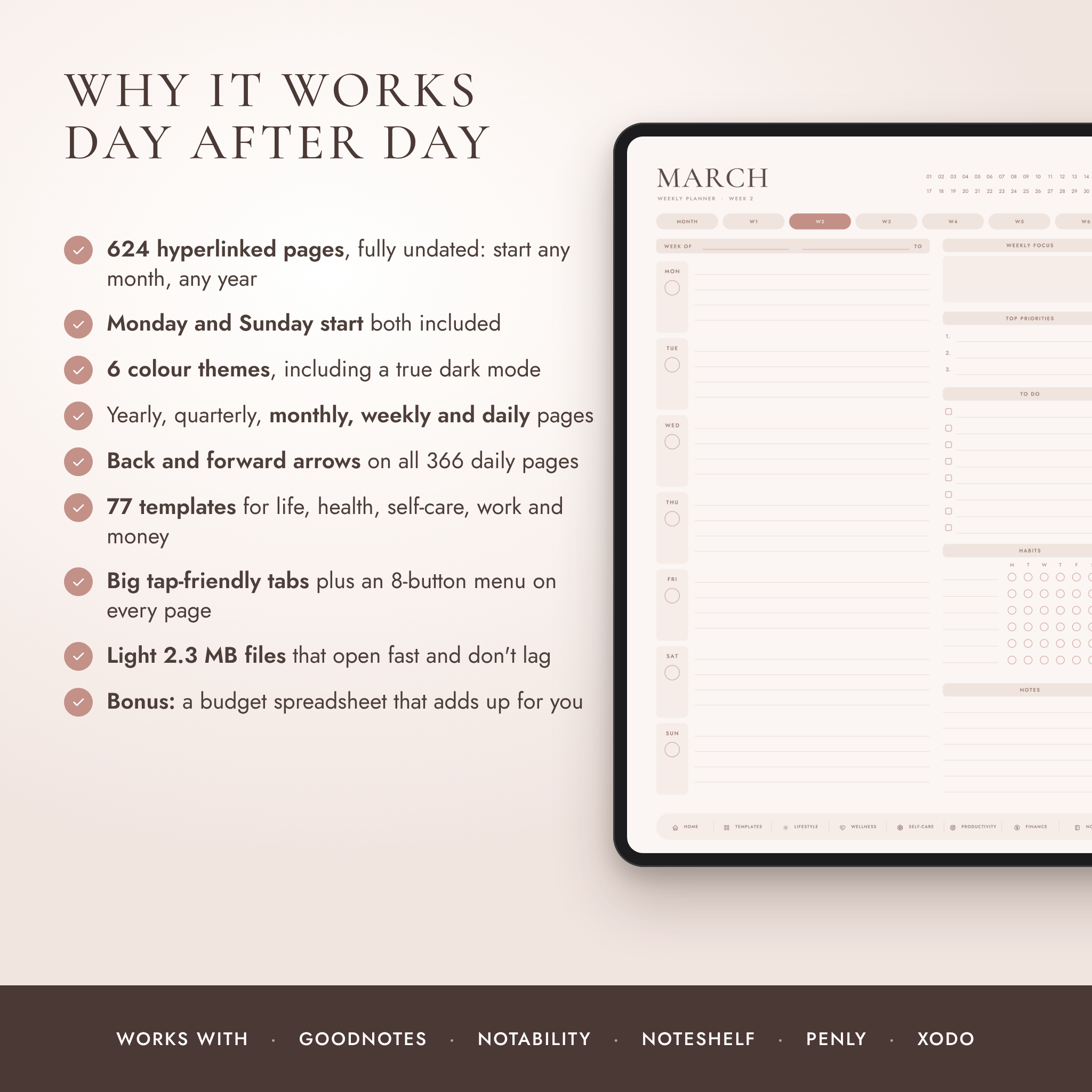
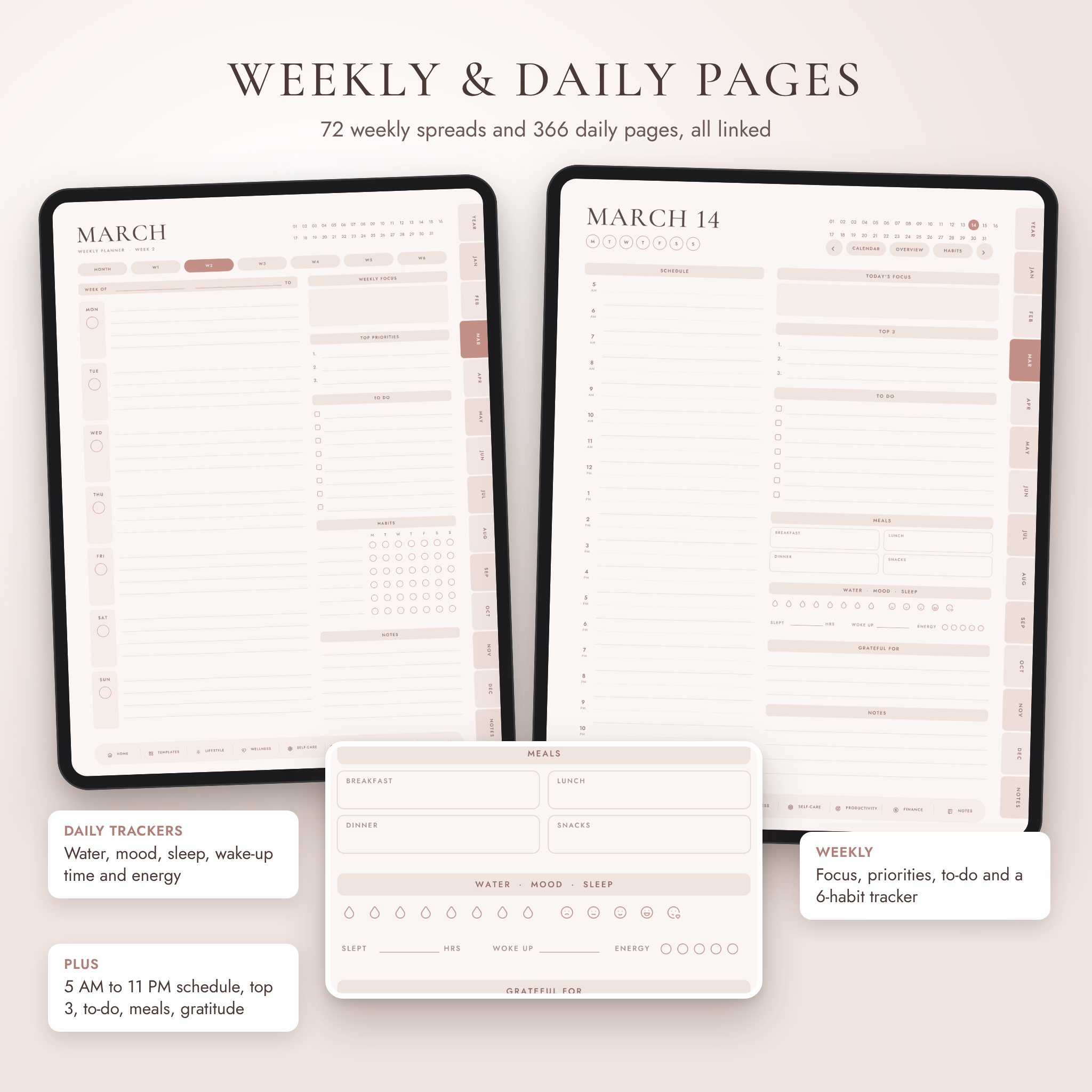
- Weeks: 6 weekly pages per month with focus, priorities, to-do, a habit tracker and notes (72 in total)
- Days: a page for every date, 366 in all. Hourly schedule from 5 AM to 11 PM, top 3, to-do list, meals, water, mood, sleep, energy and gratitude
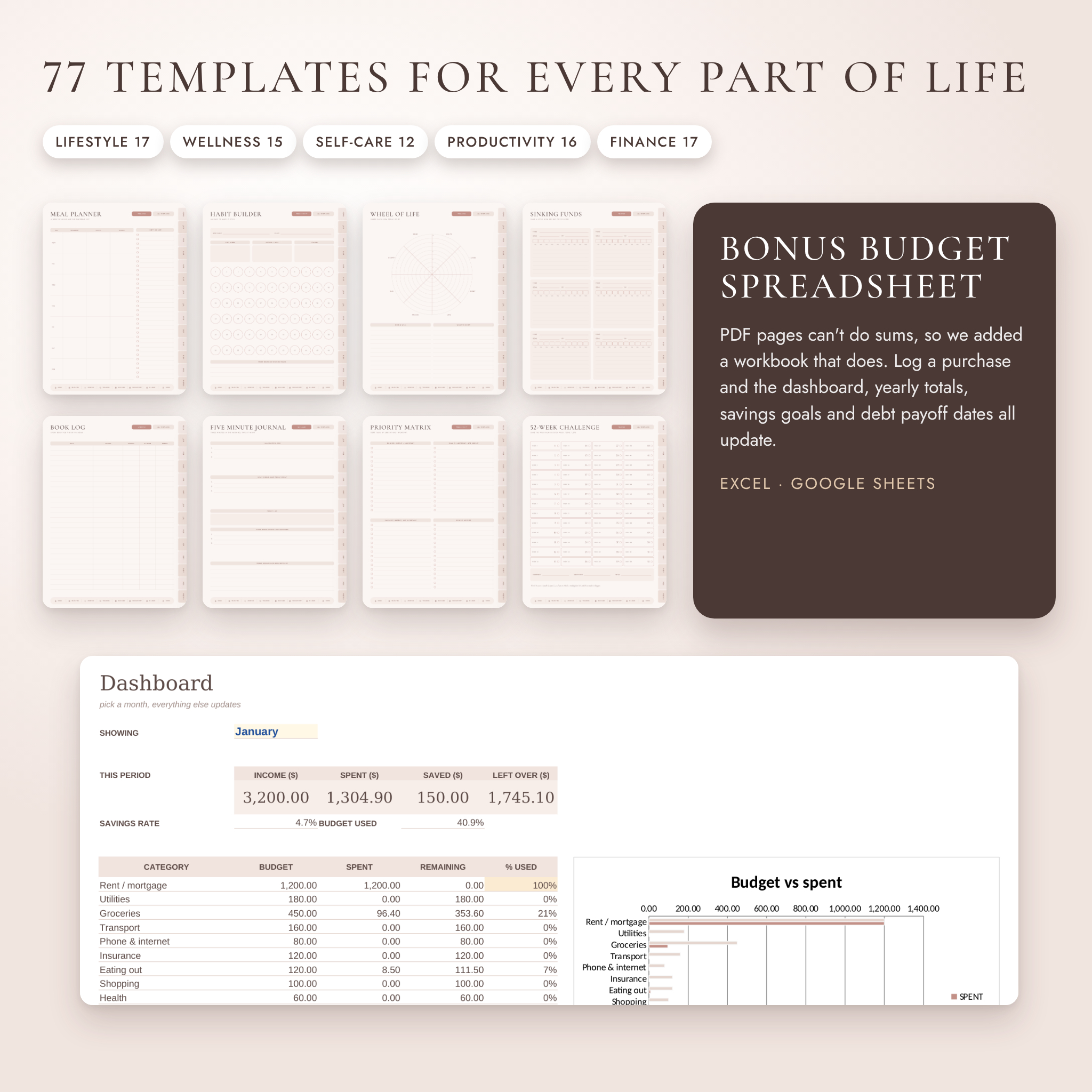
- 77 templates in five groups: Lifestyle (17), Wellness (15), Self-care (12), Productivity (16) and Finance (17)
- Notes: 20 paper styles plus 10 custom sections you can name yourself
Why buyers pick Daybloom
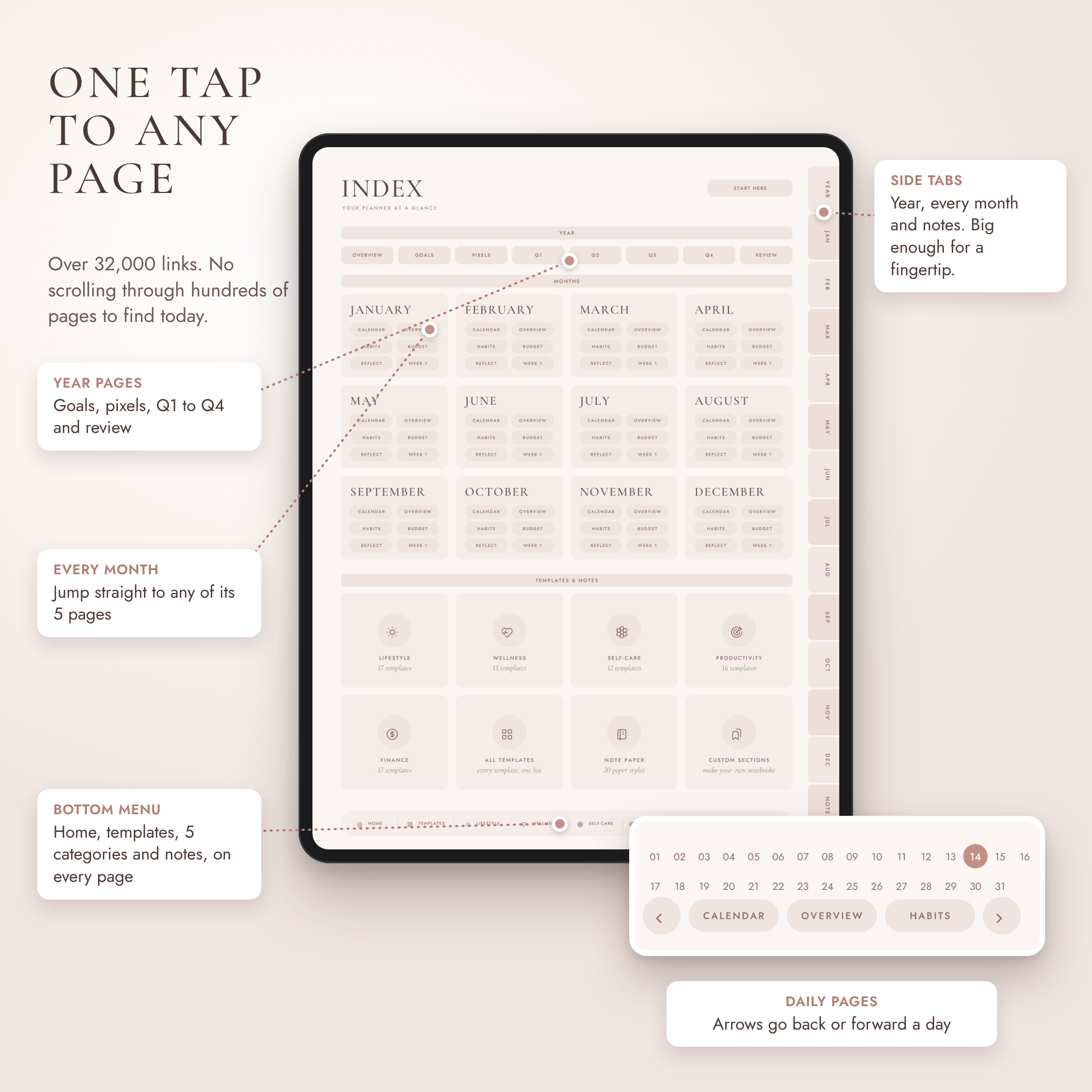
- One tap to anywhere. Over 32,000 links. Side tabs for the year, every month and your notes. An 8-button menu on every page.
- Arrows on every daily page. Go back or forward a day without leaving the page. December 31 wraps round to January 1.
- Tabs you can actually hit. They run the full height of the page and are wide enough for a fingertip.
- Light files. Each planner is about 2.3 MB, so it opens fast and page turns don’t stutter.
- A real dark mode. The Midnight theme is designed dark from the start, not a filter laid over a light page.
- Sums done for you. PDF pages can’t add up numbers, so there’s a companion spreadsheet that can.
The 77 templates
Lifestyle: dream life, bucket list, vision board, wishlist, book log, reading list, movies and series, favourite quotes, grocery list, packing list, trip planner, trip itinerary, birthdays, contacts, cleaning schedule, parcel tracker, gift planner.
Wellness: wheel of life, mood tracker, sleep tracker, hydration, cycle tracker, workout plan, workout log, steps and cardio, meal planner, recipe card, food journal, medication and vitamins, skin care routine, body and fitness progress, health appointments.
Self-care: self-care menu, 30-day self-care, five minute journal, gratitude log, affirmations, reframe a thought, stress log, letter to future me, little joys, evening wind-down, self-compassion, my boundaries.
Productivity: long-term goals, SMART goal, goal action plan, project planner, priority matrix, routine planner, to-do list, brain dump, meeting notes, appointments, 30-day challenge, 66-day habit builder, class schedule, assignment tracker, study planner, weekly review.
Finance: yearly money overview, financial goals, paycheck budget, expense tracker, income tracker, bill tracker, subscriptions, savings goal, sinking funds, debt payoff, emergency fund, 52-week challenge, 100 envelope challenge, no-spend challenge, net worth, accounts overview, investment tracker.
What you get
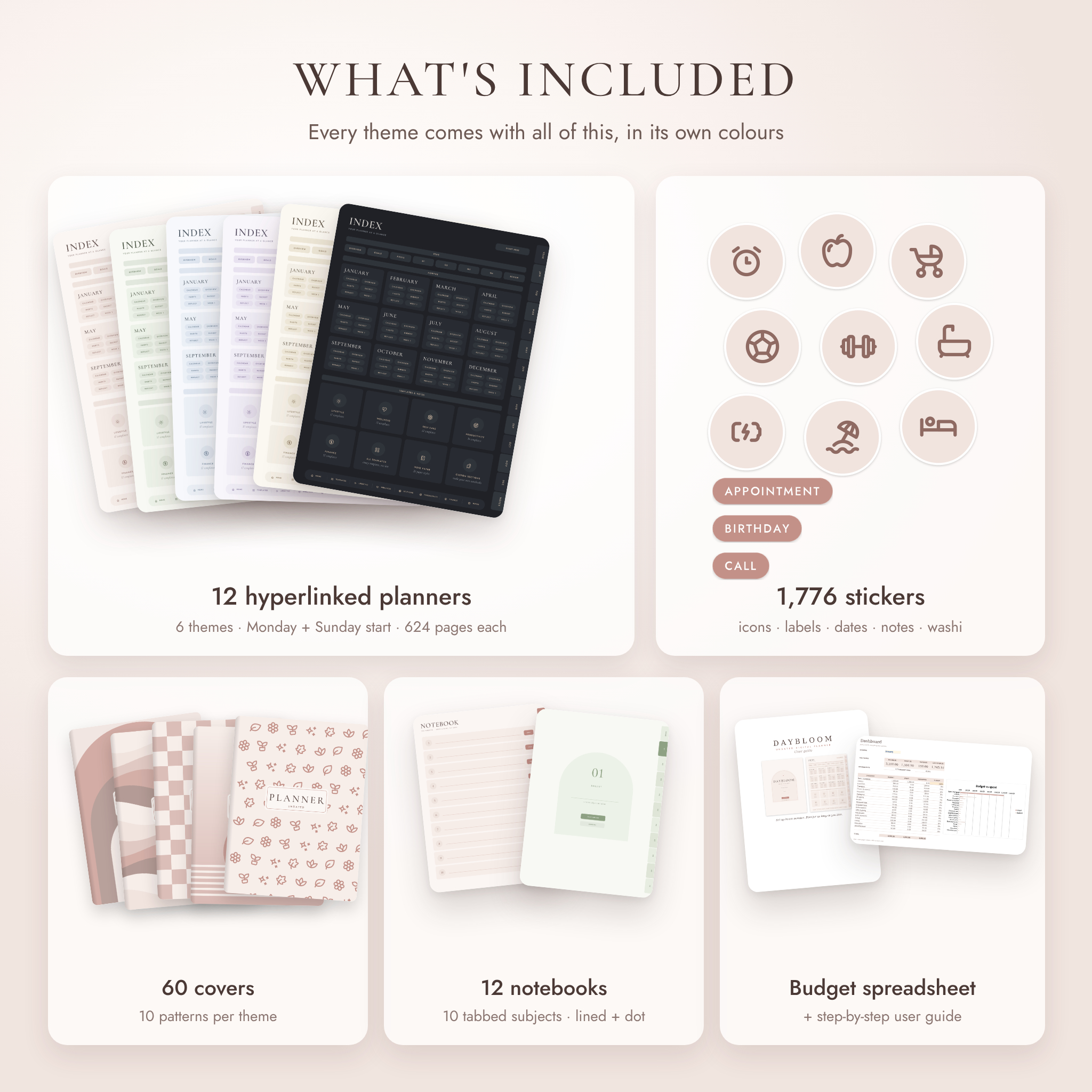
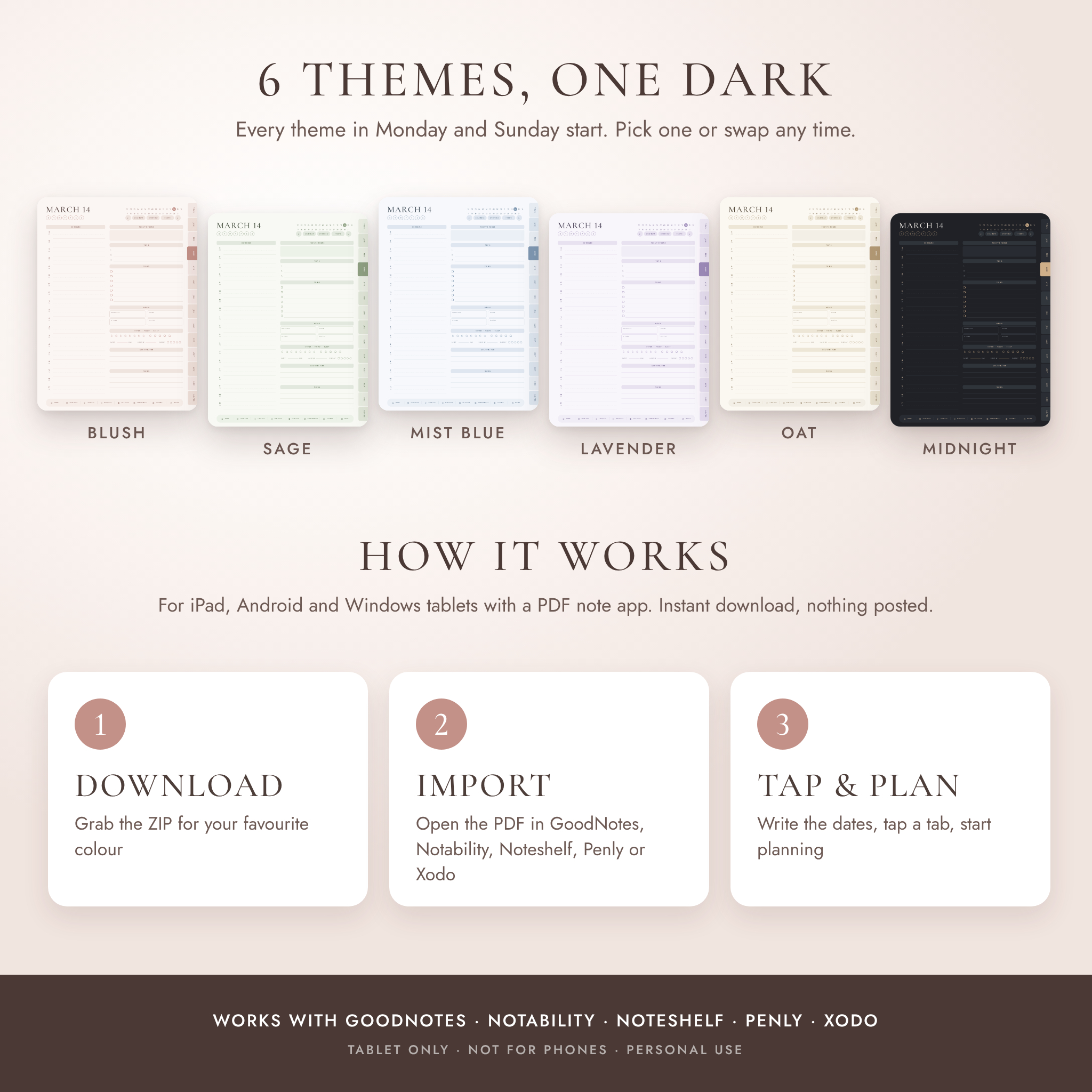
- 12 hyperlinked planner PDFs: 6 themes (Blush, Sage, Mist Blue, Lavender, Oat, Midnight) in Monday and Sunday start
- 12 matching digital notebooks with 10 tabbed subjects, in lined and dot grid
- 1,776 transparent PNG stickers (296 per theme): icons, labels, date circles, weekday and month titles, sticky notes and washi tape
- 60 covers (10 patterns per theme), sized to fit the planner page
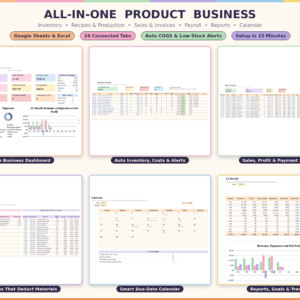
- Daybloom Money Companion: a budget workbook for Excel and Google Sheets with a monthly dashboard, yearly totals and chart, savings goals with progress, and a debt payoff calculator
- A step-by-step user guide (Word document) with setup steps, tips, troubleshooting and FAQ
Files come as one ZIP per colour theme (about 6.5 MB each), so you only download the colours you want. The guide and spreadsheet are separate downloads.
How it works
- Download the ZIP for your favourite colour and unzip it (on iPad, tap it in the Files app).
- Import the planner PDF into GoodNotes, Notability, Noteshelf, Penly, Xodo or another PDF note app.
- Number your month calendar, switch off pen mode, and tap your way around.
Formats and requirements
- Planners and notebooks: PDF, portrait, 3:4 tablet ratio
- Stickers and covers: PNG
- Budget workbook: XLSX (Excel 2010 or newer, Google Sheets, Excel for iPad and Android)
- User guide: DOCX
- You’ll need a tablet (iPad, Android or Windows) and a PDF annotation app that supports hyperlinks
- Not designed for phones. Pages can be printed with “fit to page”, though the planner is made for screens first
Make it yours
Swap the cover, drop in stickers, duplicate any template you need more of, and rename the 10 custom sections. In the spreadsheet you can rename every category, set your own monthly budgets and type your own currency symbol.
Good to know
- This is a digital download. Nothing will be posted to you.
- The planner doesn’t sync with Google or Apple Calendar. It does sync across your own devices through your note app.
- For personal use only. Please don’t share, resell or use any part of it in another product.

Reviews
There are no reviews yet.