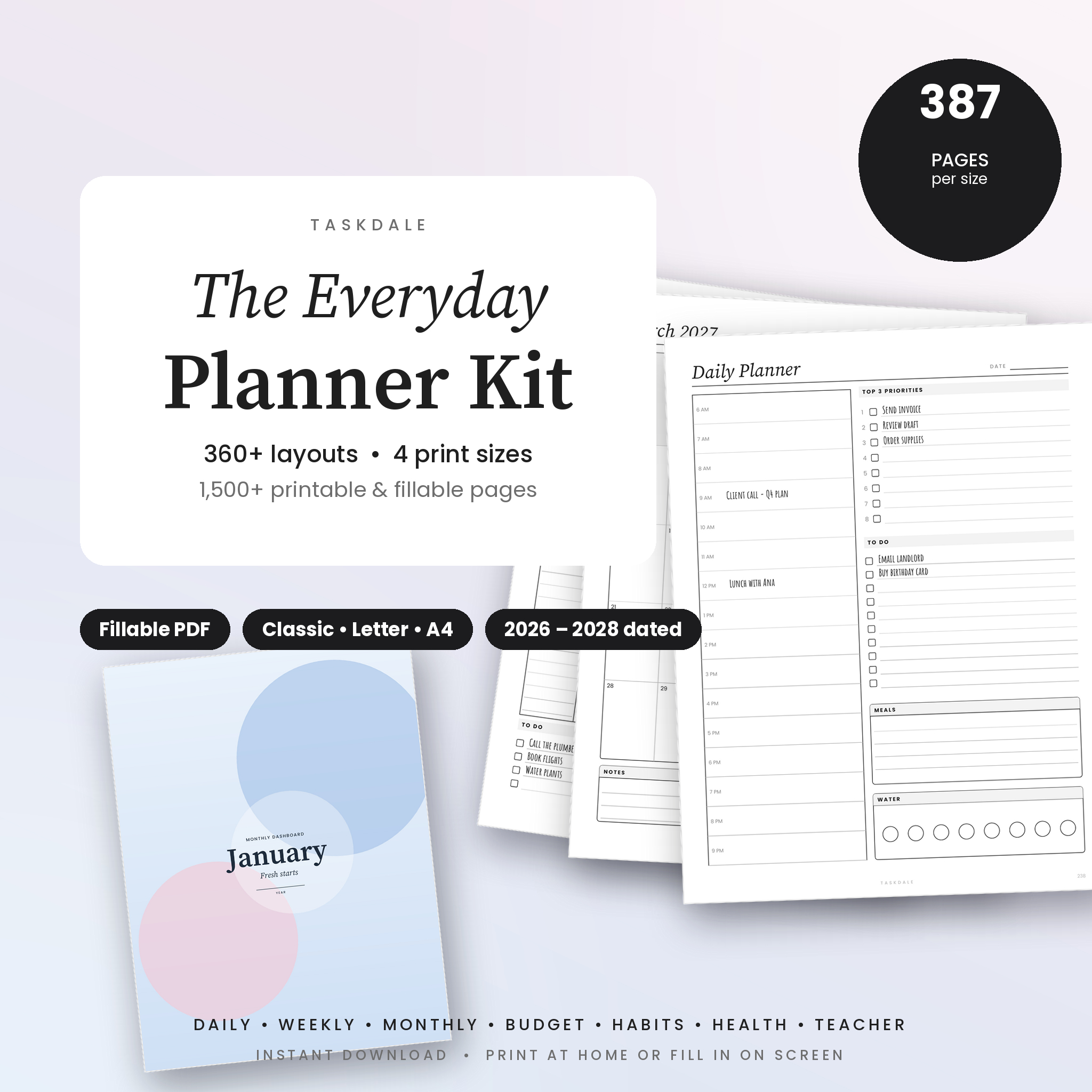
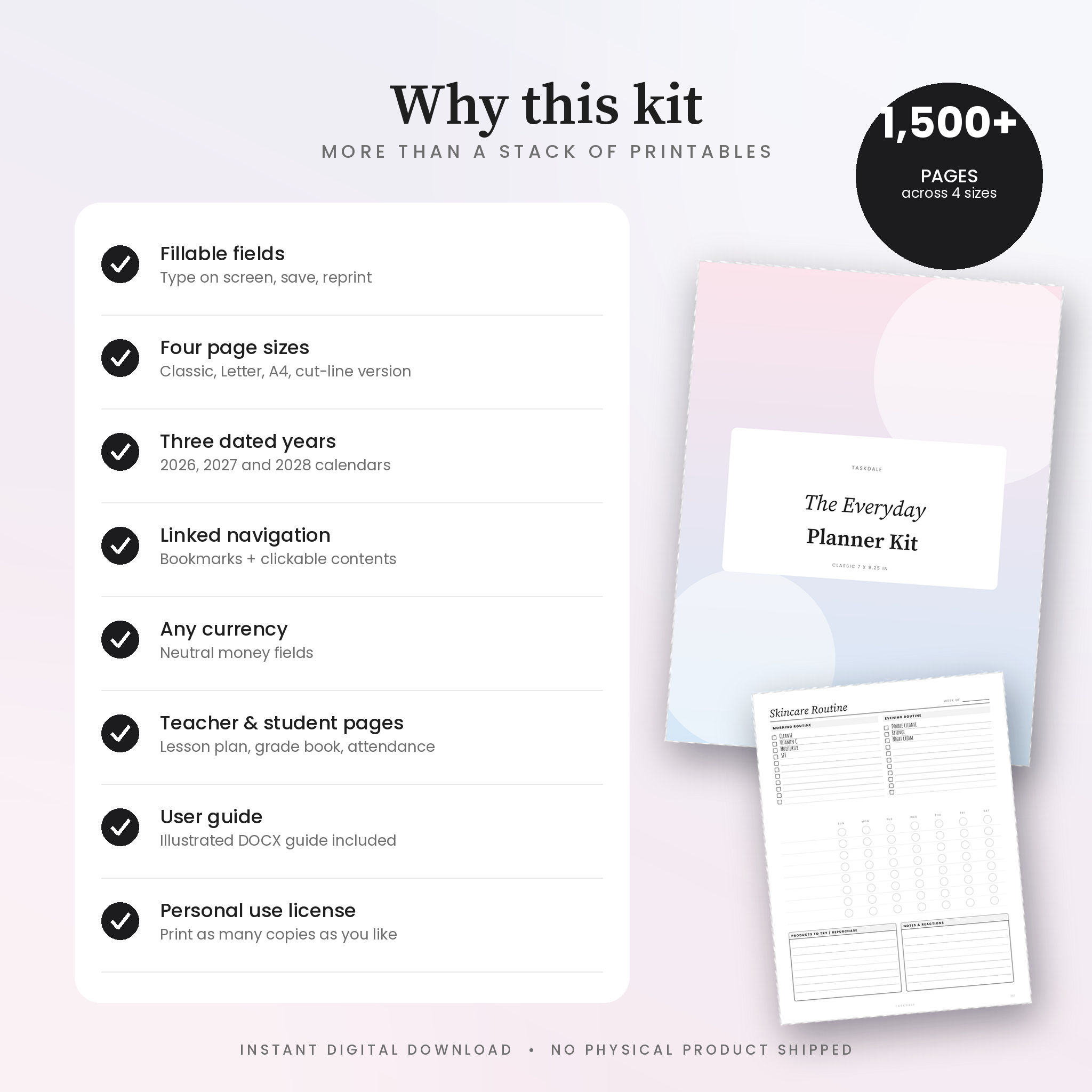
The Everyday Planner Kit is a set of printable planner inserts that you can also fill in on screen. You get 387 pages in four PDF files, one for each paper size, which works out to just over 1,500 pages in total. Print the pages you need for your disc planner or binder, or open a file in Adobe Acrobat Reader and type straight into the lines, boxes and checkboxes. Either way, the whole year is covered: dated 2026, 2027 and 2028 calendars, thirteen weekly styles, daily pages, and trackers for money, habits, meals, health, reading and the classroom.
Who this planner kit is for
It was built for people who are tired of buying refills. Classic 7 x 9.25 in disc planner? The Classic file is cut to size. Letter or A4 binder? There is a file for each. Only Letter paper at home? The Classic-on-Letter file prints each page centered with light cut marks. Teachers get a two-page weekly spread, lesson plans and a grade book, and anyone working on a budget or a new habit gets trackers in the same clean style as the rest of the planner.
What makes it different
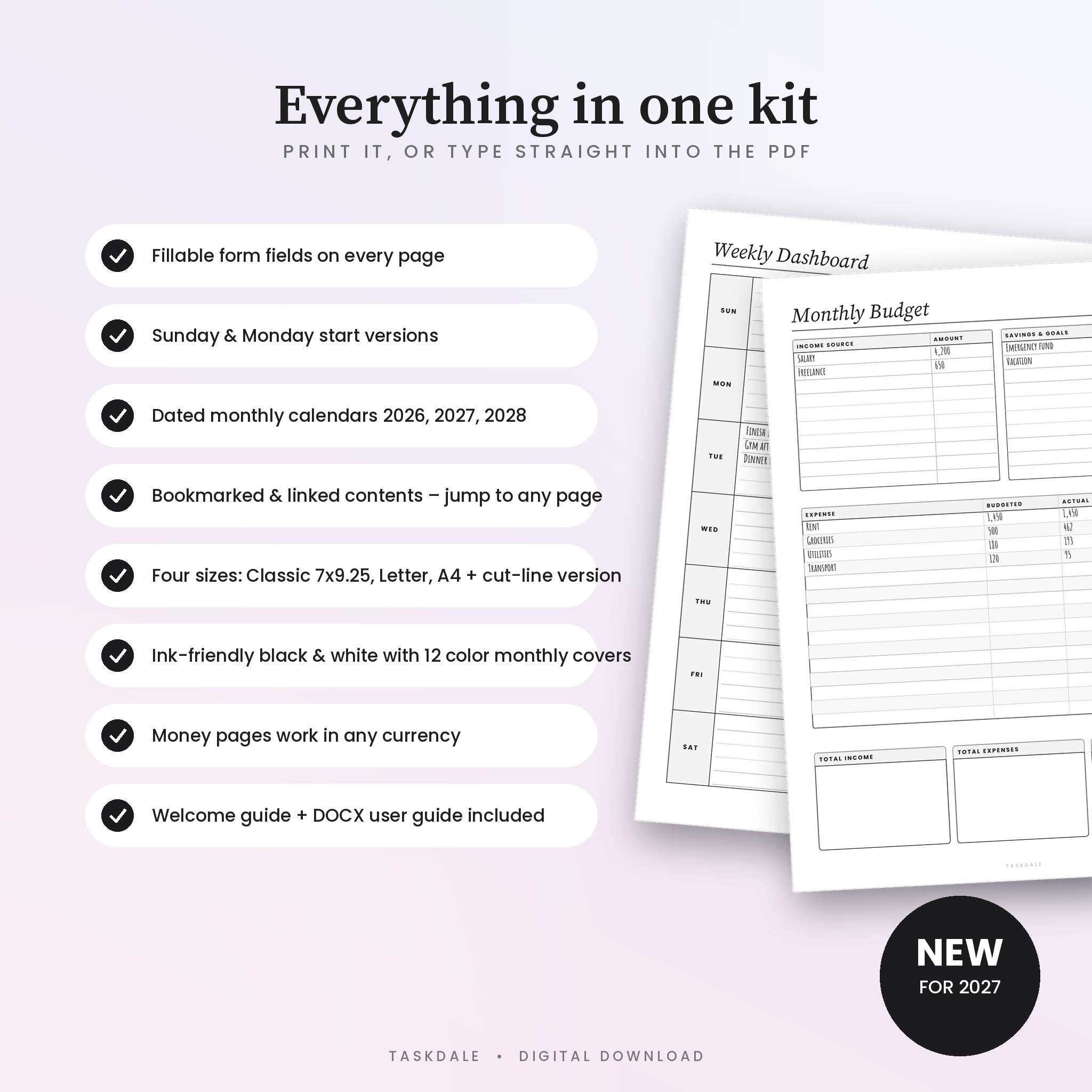
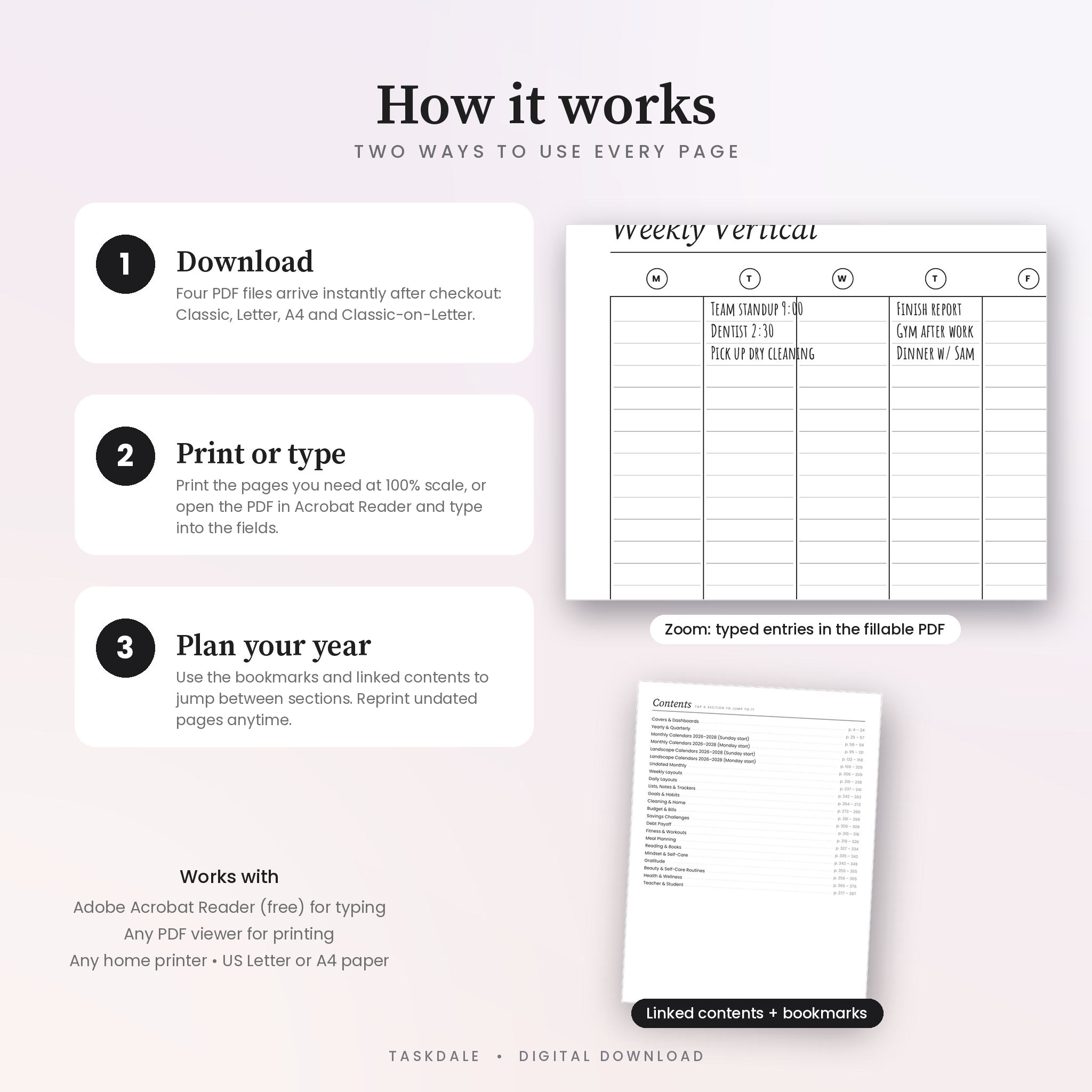
- Fillable form fields on every page. Not a flat scan. Click a line and type, tick a checkbox, tap a habit circle. Save the file and your entries stay put.
- Four sizes in one purchase. Classic 7 x 9.25 in, US Letter, A4, and Classic-on-Letter with cut marks.
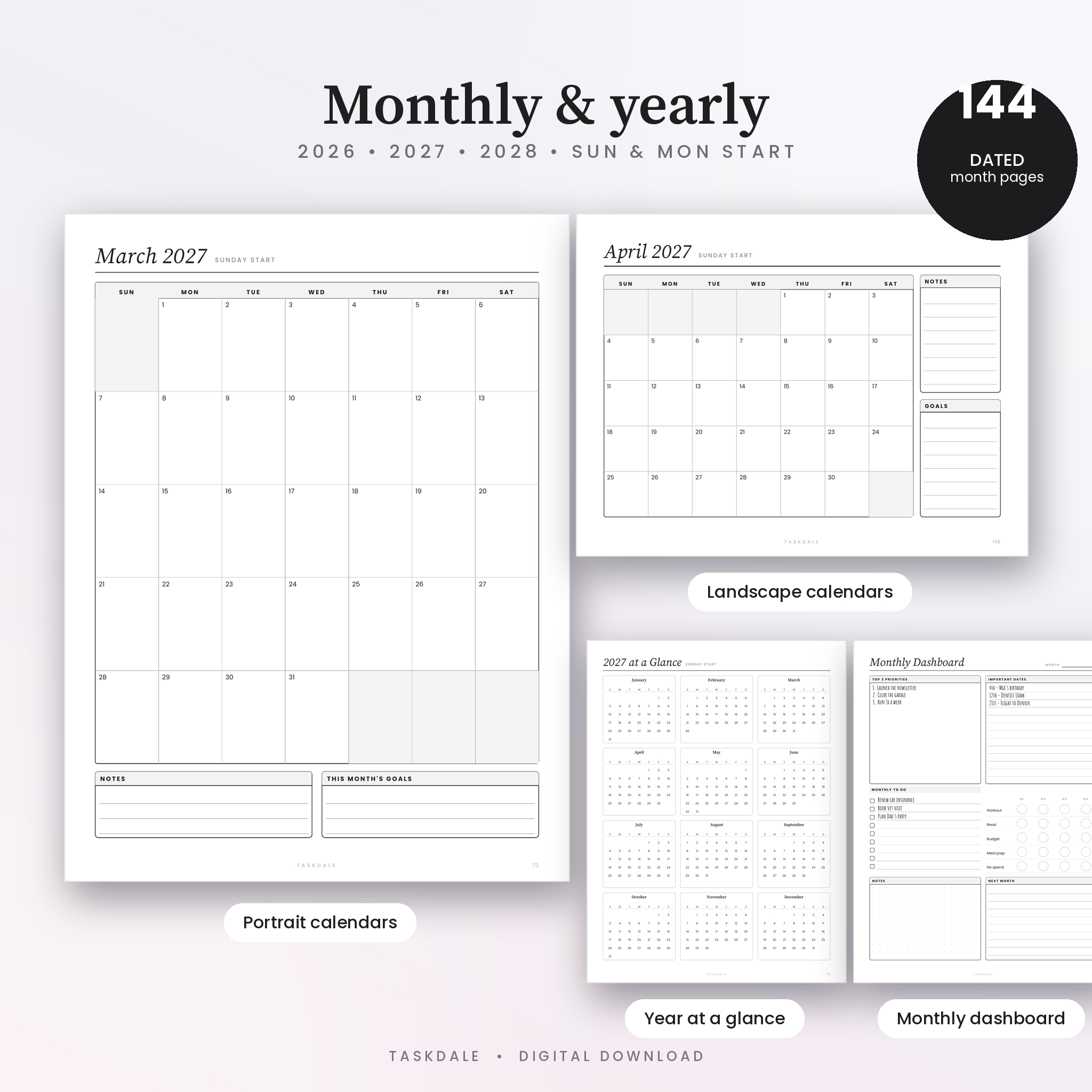
- Three dated years. Every month from January 2026 to December 2028, in Sunday start and Monday start, portrait and landscape. That is 144 dated month pages per file.
- Bookmarks and a linked contents page. Jump to any section from page 3, or from the bookmarks panel. Each section divider lists its pages with page numbers.
- Ink-friendly design. Black and white pages with light gray fills, so they print cleanly on any home printer. The twelve monthly covers are in soft color and match each other.
- Works in any currency. Budget, bill and savings pages use a plain “Amount” label instead of a dollar sign.
What is included
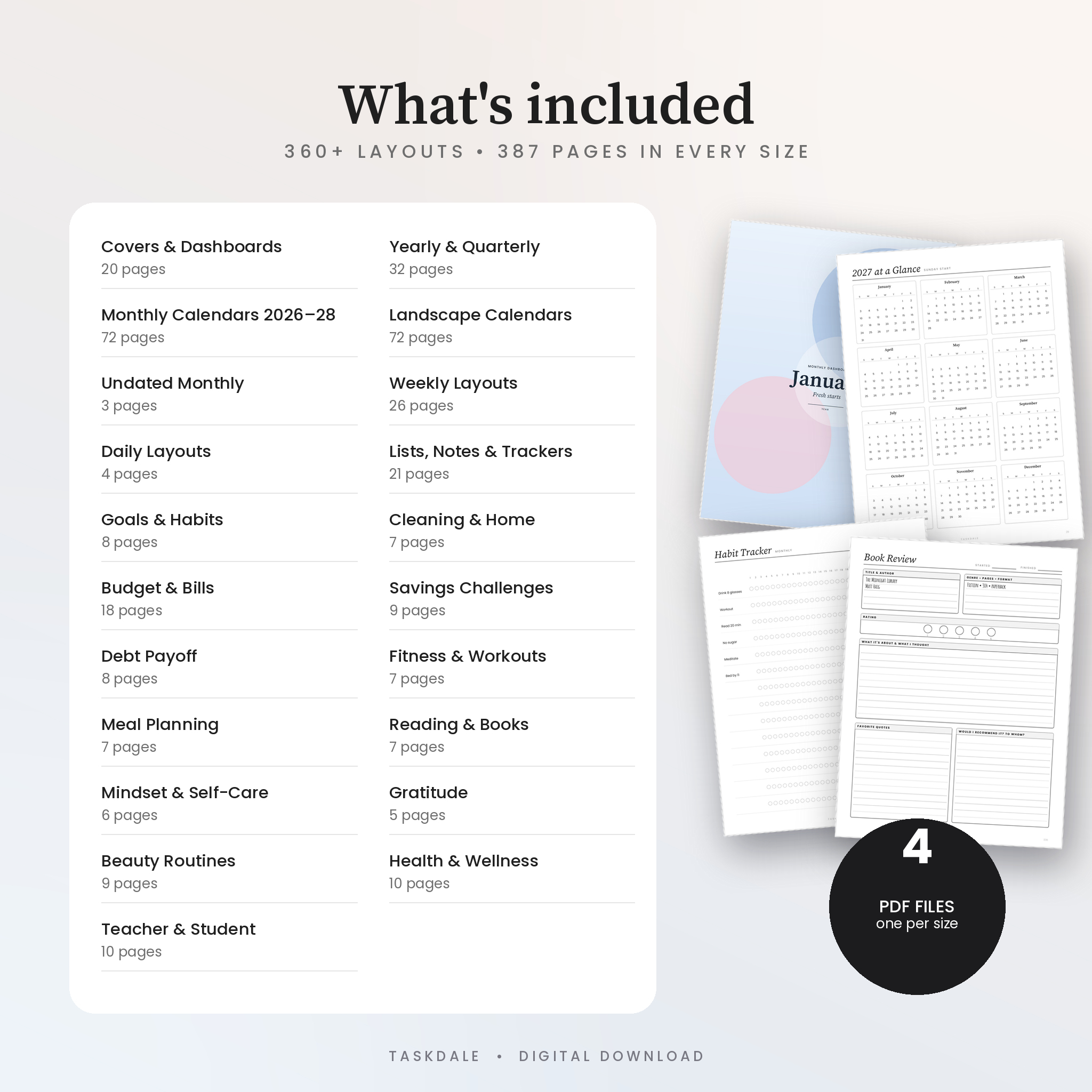
Four PDF files, 387 pages each
- Covers and dashboards: 12 color monthly covers, 2026, 2027 and 2028 year covers, minimalist, coloring and motto covers (20 pages)
- Yearly and quarterly: year at a glance for each year, yearly planner, key dates, 24 quarterly overviews (32 pages)
- Monthly calendars 2026 to 2028: portrait and landscape, Sunday and Monday start (144 pages)
- Undated monthly grids and a monthly dashboard (3 pages)
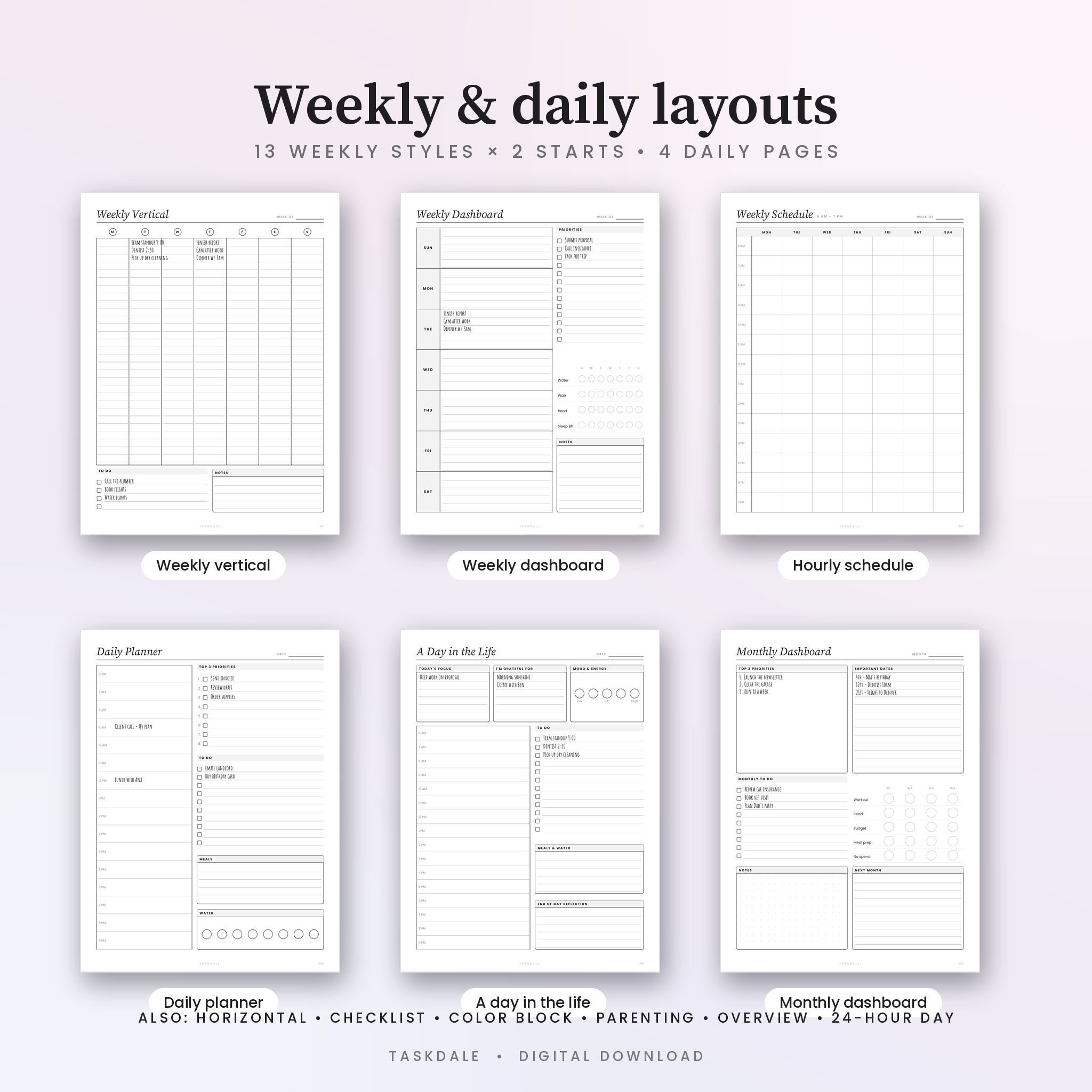
- Weekly layouts: 13 styles including vertical, horizontal, dashboard, family, hourly schedule and overview, each in Sunday and Monday start (26 pages)
- Daily layouts: daily planner, 24-hour day, daily to do, a day in the life (4 pages)
- Lists and notes: to do lists, project tracker, password log, contacts, four note styles, Cornell notes, checklists, brain dumps, event, packing and gift pages (21 pages)
- Goals and habits: 3-in-1 goals, detailed goal planner, vision board, monthly and weekly habit trackers, 30-day challenge, mood tracker (8 pages)
- Cleaning and home: daily and weekly schedule, monthly checklist, seasonal cleaning, chore charts, deep clean (7 pages)
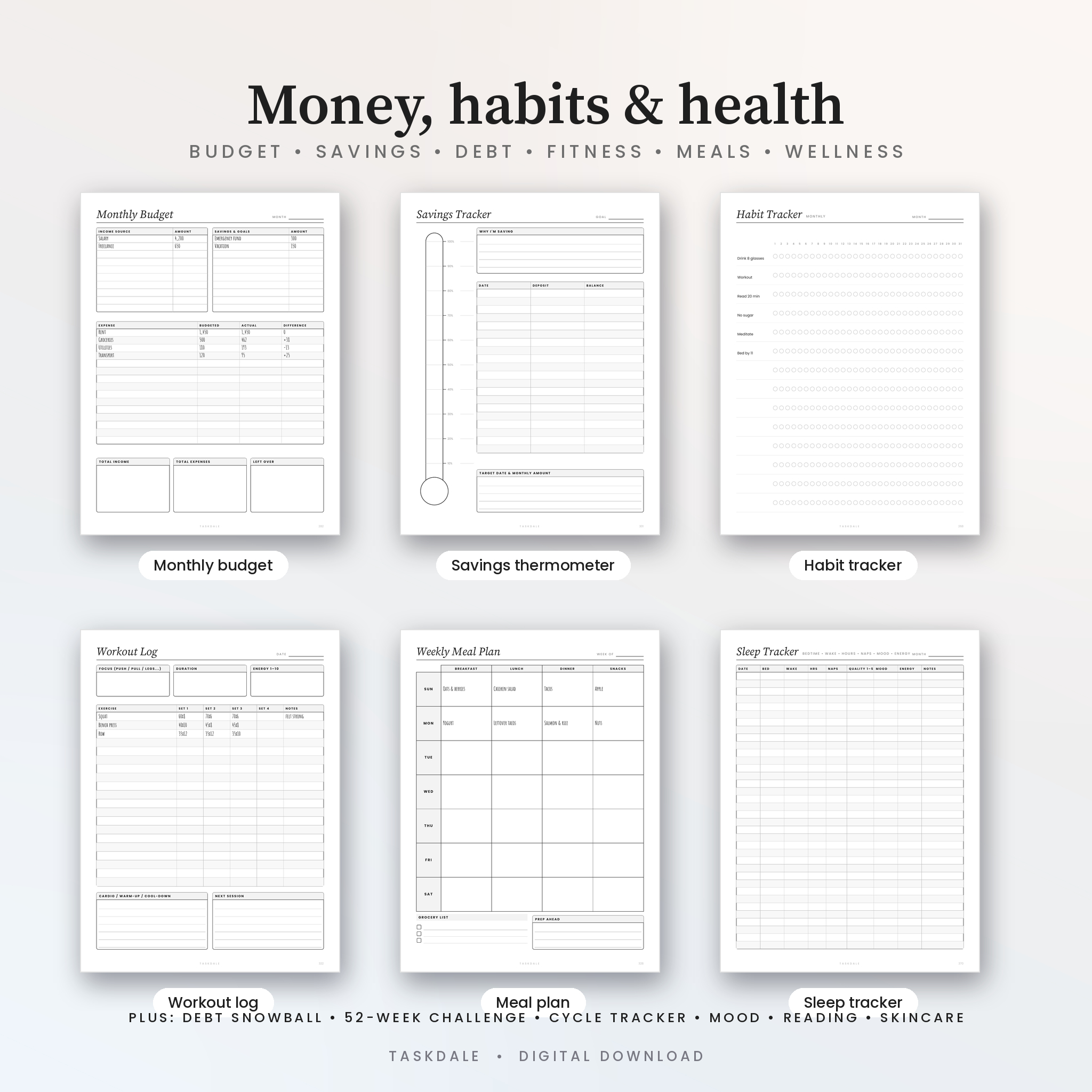
- Budget and bills: monthly, weekly, biweekly and paycheck budgets, expense and bill trackers, subscriptions, sinking funds, cash envelopes, no-spend challenge, budget review (18 pages)
- Savings: emergency, car, home and vacation funds, savings jar, 30-day, 26-week and 52-week challenges (9 pages)
- Debt payoff: tracker, snowball, thermometer, challenges, 12-month plan (8 pages)
- Fitness: fitness week, workout log, measurements, cardio, weight, 30-day challenge (7 pages)
- Meals: weekly meal plan, daily food log, grocery list, recipe card, pantry inventory, healthy eating challenge (7 pages)
- Reading: book review, bookshelf, tracker, quotes and three challenges (7 pages)
- Mindset, self-care and gratitude pages (11 pages)
- Beauty: skincare, hair care and oral care routines with 30-day challenges (9 pages)
- Health: wellness, sleep, cycle, medication, symptom and appointment pages (10 pages)
- Teacher and student: two-page teacher weekly, class checklists for 40 students, lesson plan, grade book, attendance, seating chart, student week (10 pages)
Also in the download
- A DOCX user guide covering printing, typing on screen, customizing the kit, tips, troubleshooting and FAQ
- License and read-me file
How it works
- Download the ZIP after checkout and open the PDF for your paper size.
- Tap a section on the Contents page, or open the bookmarks panel, to find the page you want.
- Print at 100% (Actual size), or type into the fields in Adobe Acrobat Reader and save.
- Reprint undated pages as often as you like. The dated calendars run through December 2028.
File formats and requirements
You receive one ZIP file (about 7 MB) containing four PDFs, a DOCX user guide and a read-me. The PDFs open in any PDF viewer for printing. For typing into the fields, use the free Adobe Acrobat Reader on Windows, Mac, iOS or Android. The user guide opens in Microsoft Word, Google Docs or LibreOffice. Fonts are embedded, so the pages look the same everywhere.
Customizing your planner
The layouts are fixed so they print exactly as designed; the form fields are what you edit. Print only the sections you use, rearrange pages in your PDF reader, choose Sunday or Monday start, color the covers, or import a file into a tablet note app and write on it with a pen.
Digital download
This is a digital product; nothing is shipped. Your download link appears on the order confirmation page and in your email as soon as payment clears. If anything is wrong with your files, get in touch and we will fix it.
Where people use it
- A parent prints the family week and the chore chart every Sunday and sticks them to the fridge.
- A freelancer keeps the Letter file open on a laptop, types into the weekly dashboard and the monthly budget, and prints the month-end breakdown for the accountant.
- A teacher prints the two-page weekly spread, the attendance page and the grade book at the start of each term.
FAQ
Will the Classic pages fit my disc planner?
Yes. The Classic file is exactly 7 x 9.25 in. Print at 100% on pre-cut Classic paper, or use the Classic-on-Letter file and trim along the marks. Punch the holes with your own disc punch.
Can I type into the planner?
Yes. Open any file in Adobe Acrobat Reader, click a field and type. Checkboxes and habit circles toggle with a click. Save the file to keep your entries.
Is it editable in Canva or Word?
No. The pages are PDF layouts, not Canva or Word templates. The form fields are the editable part.
Which years are dated?
2026, 2027 and 2028, every month, in Sunday and Monday start. Weekly, daily and tracker pages are undated.
Does it include A5 or Half Letter?
Not in this kit. The sizes are Classic 7 x 9.25 in, US Letter, A4, and Classic-on-Letter.
Can I use it on my iPad?
Import the PDF into any note app that accepts PDFs and write on it with a stylus. Typed fields work best in Acrobat Reader.
What is the license?
Personal use for you and your household. Please do not share, resell or redistribute the files, or use parts of them in products you sell.
Reviews
There are no reviews yet.