


Mechanical Engineer Resume Template for Word with a Bold Black Bar Design
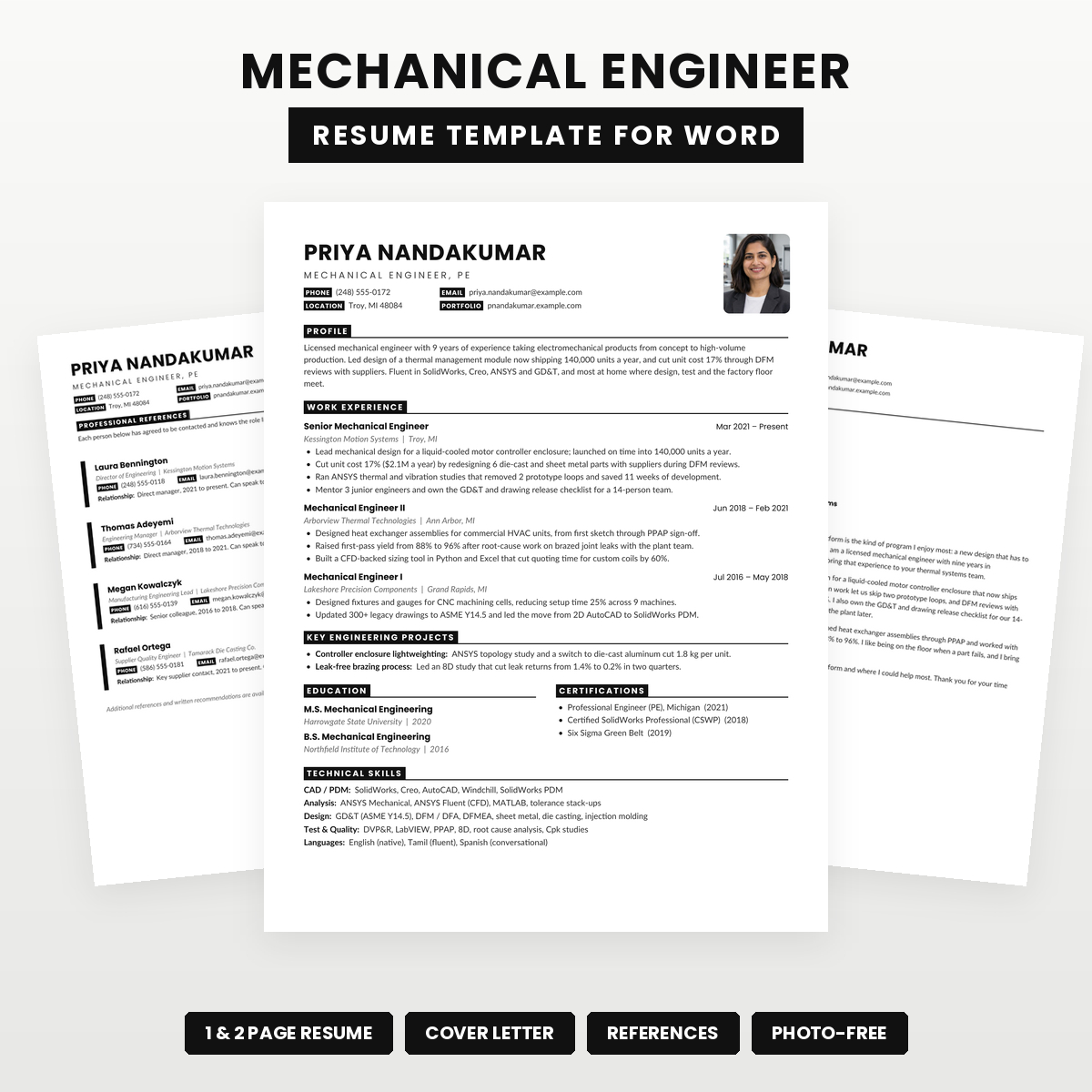
Blackbar is a mechanical engineer resume template for Word built for the way engineering recruiters read. Your name sits in bold capitals at the top left, your phone, email, location and portfolio fit in a tidy two-line block with small black labels, and a small photo with rounded corners sits top right. Every section starts with a black bar heading in white capitals that rests on a thin black rule, so Work Experience, Key Engineering Projects and Technical Skills are easy to find in a few seconds.
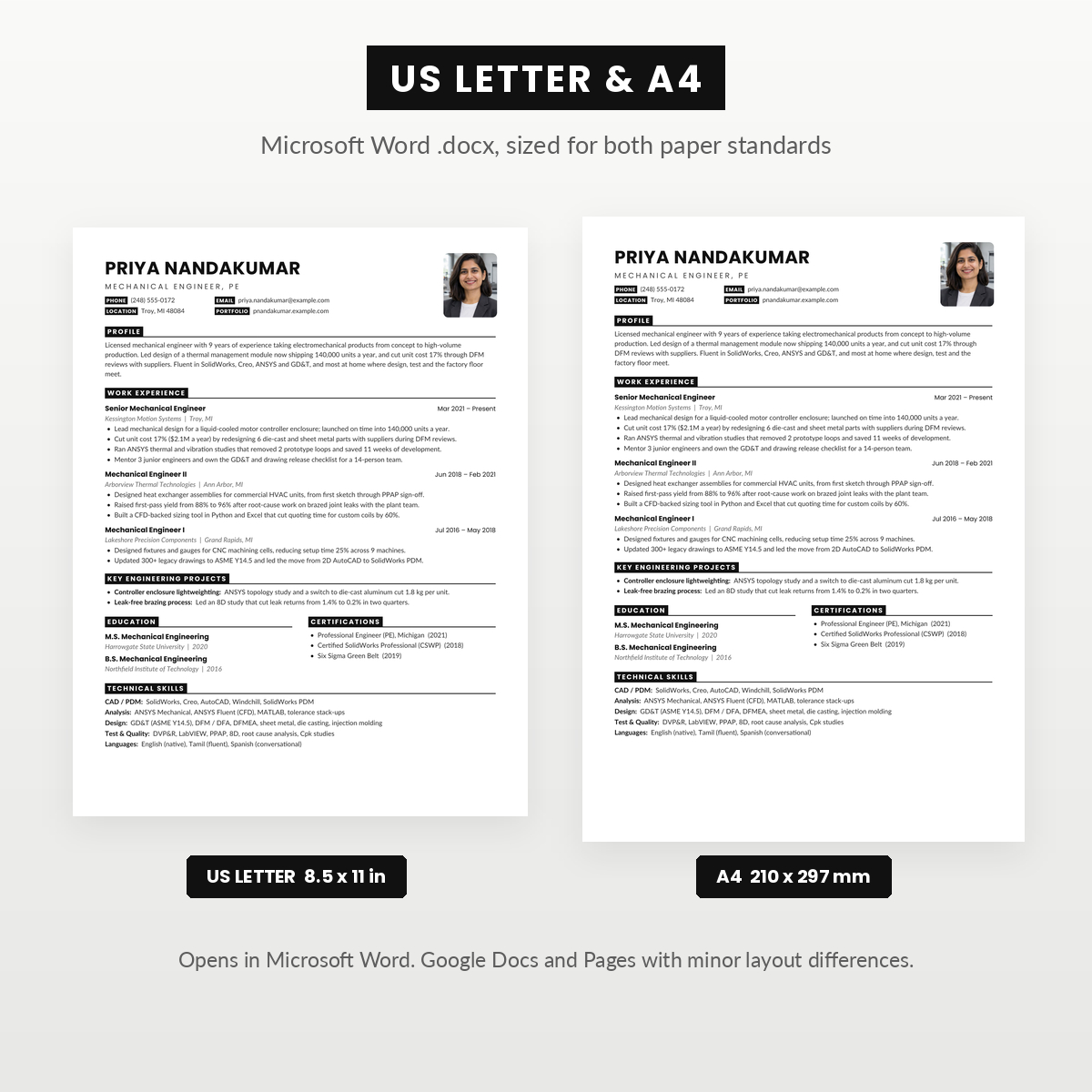
It is a full Microsoft Word resume kit, not a single page. You get a 1-page resume, a 2-page resume, photo-free versions of both, a matching cover letter and a references page, each in US Letter and A4. That is 12 .docx files, plus the fonts and a DOCX user guide.
Who This Engineering Resume Template Is For
- Mechanical, design and product development engineers
- Manufacturing, process, HVAC, thermal and automotive engineers
- Engineers with a PE license, or EIT and FE graduates working toward one
- Students and new graduates who want an engineering resume that looks serious and reads cleanly in applicant tracking systems
What Is Included
- Resume, 1 page: the main design with a small rounded photo, three roles, Key Engineering Projects, Education and Certifications side by side, and grouped Technical Skills
- Resume, 1 page, photo-free: the same content with no photo and no tables, for US and Canadian employers and strict online applications
- Resume, 2 page: adds an early role or co-op, a third project, Awards & Patents, Professional Development and Professional Affiliations, with a running page 2 header
- Resume, 2 page, photo-free: the longer layout with no photo and no tables
- Cover letter: matching header, a black bar title and a real mechanical engineering sample letter to adapt
- References page: four reference blocks, each marked with a slim black bar
- US Letter and A4 versions of all six files (12 .docx files)
- Fonts folder: Poppins and Lato with their SIL Open Font License files
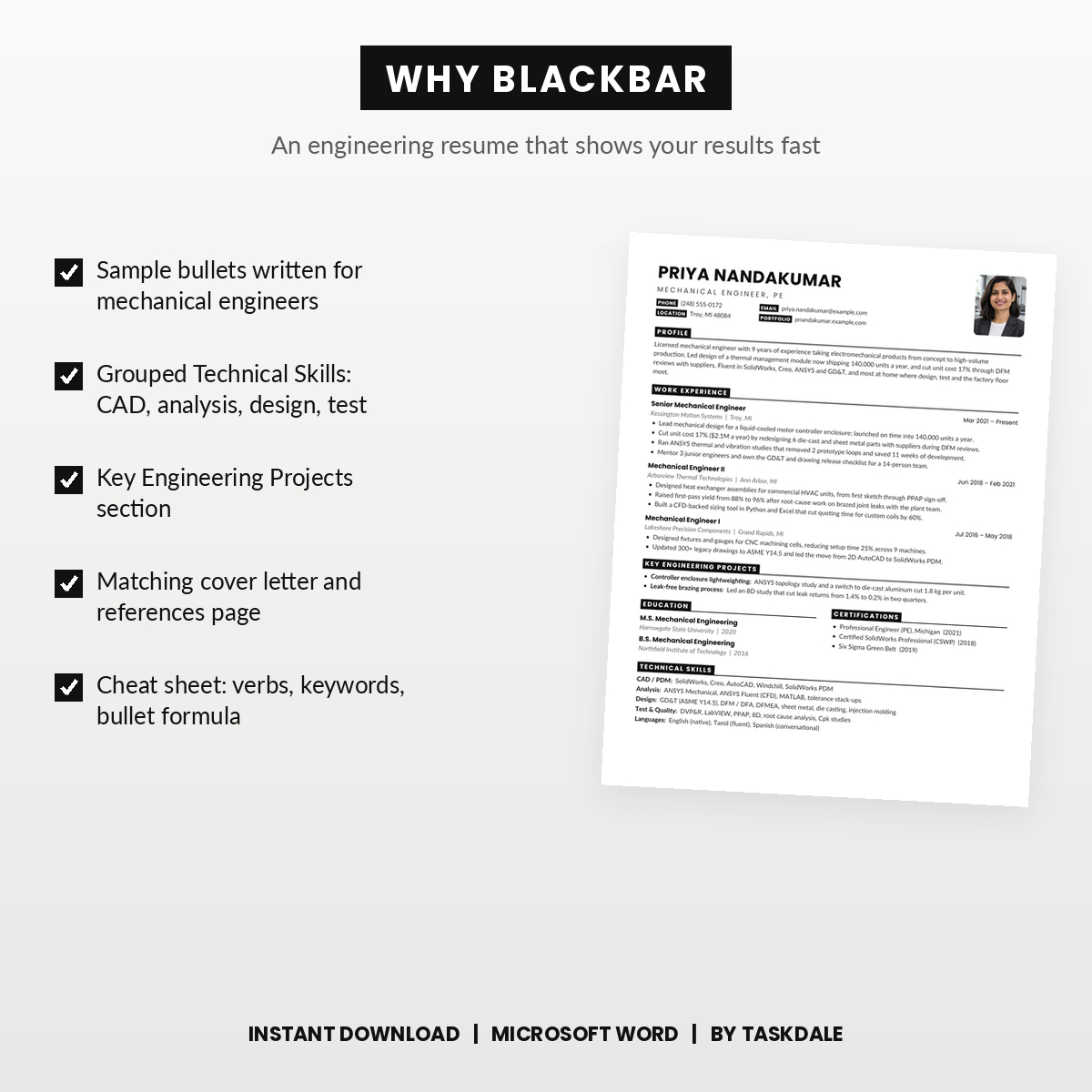
- DOCX user guide: step-by-step editing help and a mechanical engineer resume cheat sheet
Features That Make This Mechanical Engineer Resume Easier to Use
Fonts embedded in every file
A common complaint about Word resume templates is that the fonts are missing on the buyer’s computer, so Word swaps them and the layout shifts. Blackbar embeds Poppins and Lato inside each .docx, so the design shows correctly in Microsoft Word without installing anything. The full font files are in the kit too, in case you want them elsewhere.
No floating text boxes
All text sits in the normal flow of the page. The photo header and the Education and Certifications block use borderless tables, and the photo-free files use no tables at all. Adding a bullet or a longer job title will not knock anything sideways, and ATS software can read every line in order. We tested this by adding three extra bullets and a 70-character job title: the 1-page resume still fits on one page in both paper sizes.
Black bars you can recolor in two clicks
The heading bars, contact labels and rules are Word styles and shading, not pictures. Change the Heading 1 style once and every bar in the document updates. Swap black for deep navy or steel blue if you want a little color.
A photo slot that keeps its shape
Right-click the photo, choose Change Picture and your own photo drops into the same rounded frame. If you are applying in the US or Canada, where most employers prefer no photo, use the photo-free version instead.
Sample text written for mechanical engineers
No lorem ipsum. The sample resume belongs to a fictional senior mechanical engineer, with bullets such as “Cut unit cost 17% ($2.1M a year) by redesigning 6 die-cast and sheet metal parts with suppliers during DFM reviews.” Technical Skills are grouped into CAD / PDM, Analysis, Design and Test & Quality, covering SolidWorks, Creo, ANSYS, GD&T, DFMEA and PPAP, so you can see exactly what to write.
How It Works
- Download the zip and the user guide after checkout.
- Open the US Letter or A4 folder and pick your resume in Microsoft Word.
- Type over the sample text. Your headings, bullets and dates keep their styles.
- Change the photo or switch to the photo-free file.
- Save as PDF from Word and send it.
File Formats and Software Requirements
- Microsoft Word .docx files (Word 2016 or newer, Word for Microsoft 365, Windows or Mac)
- US Letter (8.5 x 11 in) and A4 (210 x 297 mm)
- The files open in Google Docs and Apple Pages with minor layout differences; for the cleanest result, export your final PDF from Word
- This is a digital download. No physical item will be shipped
Customization
Every heading, bullet, date line and label uses a named Word style, so you can change fonts, sizes or colors for the whole document from the Styles pane. Add or remove sections by copying a black bar heading. The user guide walks through each change, including how to rename the PORTFOLIO label to LINKEDIN and how to add a Publications or Patents section.
Real Situations Where Buyers Use It
- A design engineer with five years at an automotive supplier applying for a senior role at an EV company
- A new PE moving from HVAC consulting into product development
- A graduating student listing senior design and Formula SAE projects under Key Engineering Projects
- An engineer applying in Germany or the Gulf region, where a resume photo is expected, using the photo version, then the photo-free version for a US role
Resume Cheat Sheet in the User Guide
The guide includes a bullet formula for engineering achievements, 30 action verbs, the keywords recruiters search for in mechanical engineering (FEA, CFD, GD&T, DFM, PPAP, tolerance stack-up and more) and what to put in each section.
FAQ
Is this mechanical engineer resume template ATS-friendly?
Yes. It is a single-column layout with real Word heading styles and no text boxes. The photo-free versions use no tables at all and read in order when parsed.
Do I need Microsoft Word?
Word gives the best result. You can open the files in Google Docs or Apple Pages, with minor layout differences.
Can I use it for other engineering jobs?
Yes. It works as an engineering resume template for design, manufacturing, process, quality, HVAC and project engineers. Rewrite the sample bullets with your own results.
Can I remove the photo?
Yes. Use the photo-free files, which keep the same design without the photo.
Does it come in A4?
Yes. Every file comes in US Letter and A4.
Is the sample photo a real person?
No. The sample headshot is AI-generated, and the name, companies and schools are fictional. Replace them with your own.
Can I share or resell the files?
No. The licence is for personal use: edit the files for your own job applications, but do not resell, share or redistribute them.
Reviews
There are no reviews yet.