
Budget together without the awkward money talks
Who paid the electricity? Did the car insurance go out? Why does it feel like one of you always buys the groceries? NestShare puts all of it in one shared spreadsheet, so you both see the same numbers and nobody has to keep score in their head.
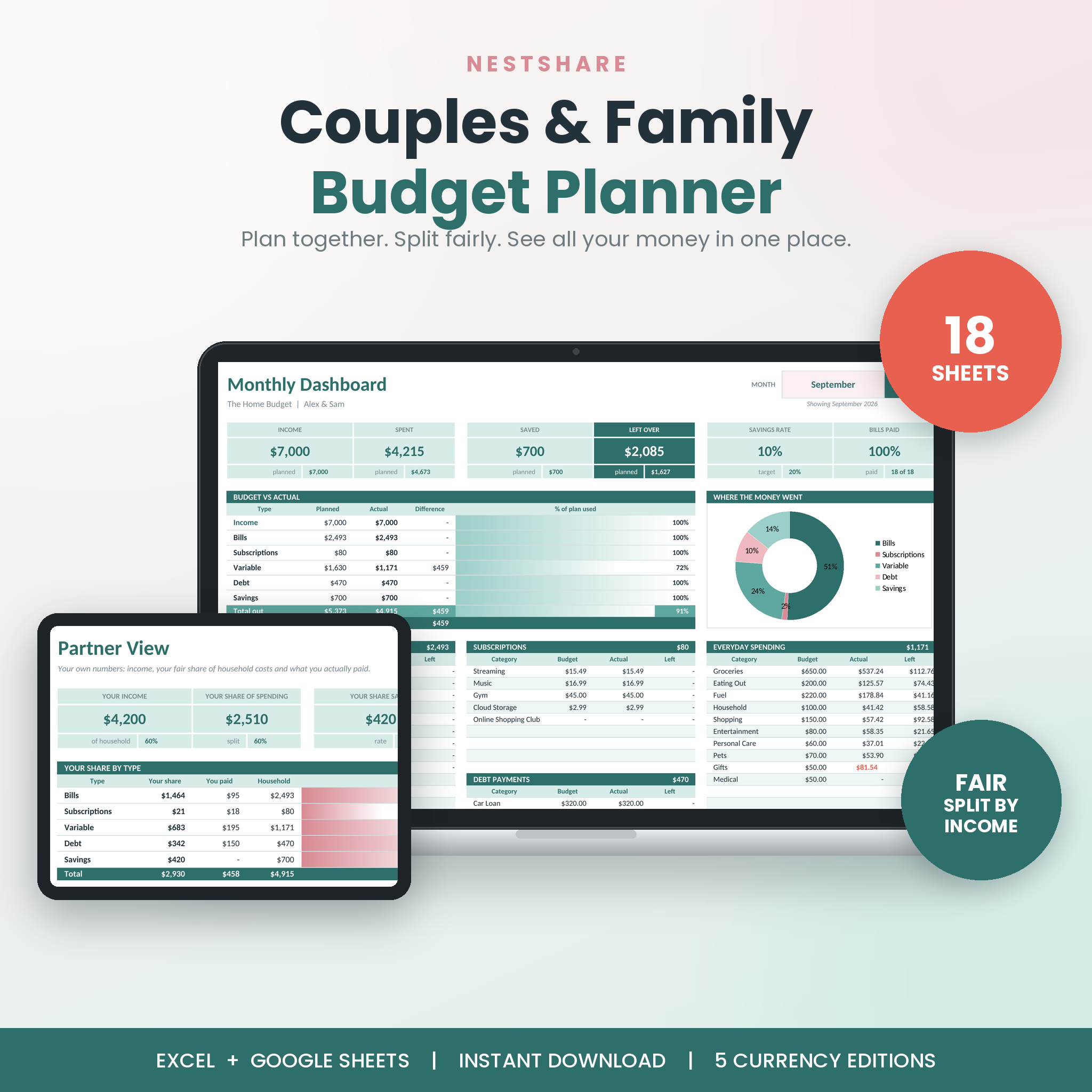
Set up your pay, rent and bills once. Tick things off as they’re paid. Log the everyday spending. NestShare does the maths: monthly and yearly dashboards, a fair split between the two of you, a running “who owes whom” balance, a bill calendar, savings goals, a debt payoff plan and a net worth tracker.
Who it’s for
- Couples living together or newly married, merging money for the first time
- Partners who earn different amounts and want a split that feels fair
- Families who want one shared view of the household budget
- Anyone tired of budgeting apps with monthly fees
Why couples pick NestShare
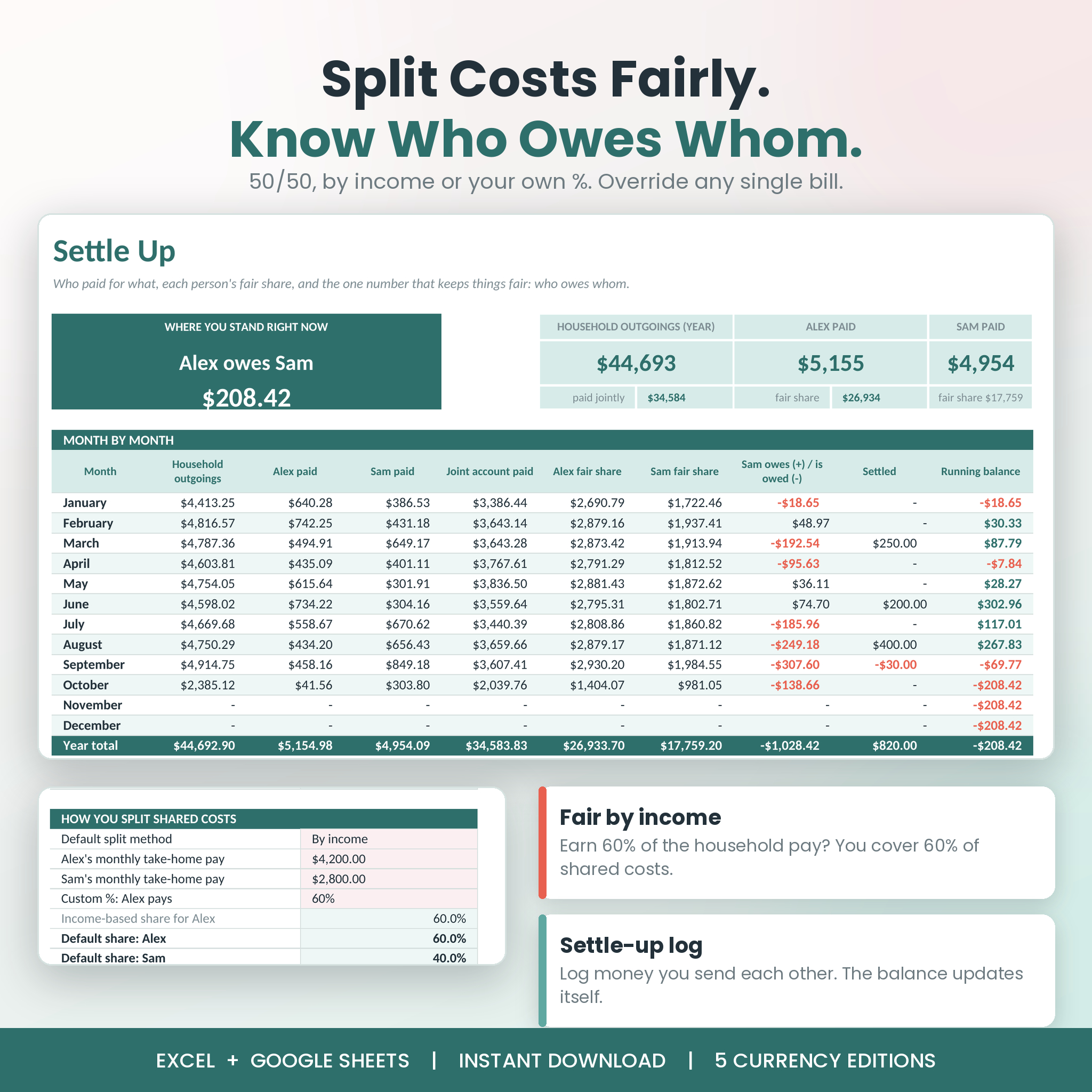
- Fair split, your way. Share costs 50/50, by income (earn 60% of the household pay, cover 60% of shared costs) or by your own percentage. Override the split on any single bill or purchase.
- Who owes whom, in one sentence. Settle Up shows something like “Alex owes Sam $208.42”, with a log for the money you send each other.
- Set bills up once. Weekly, fortnightly, twice a month, monthly, every 2 months, quarterly, twice a year or yearly items fill all 12 months for you. Fortnightly pay correctly lands three times in some months.
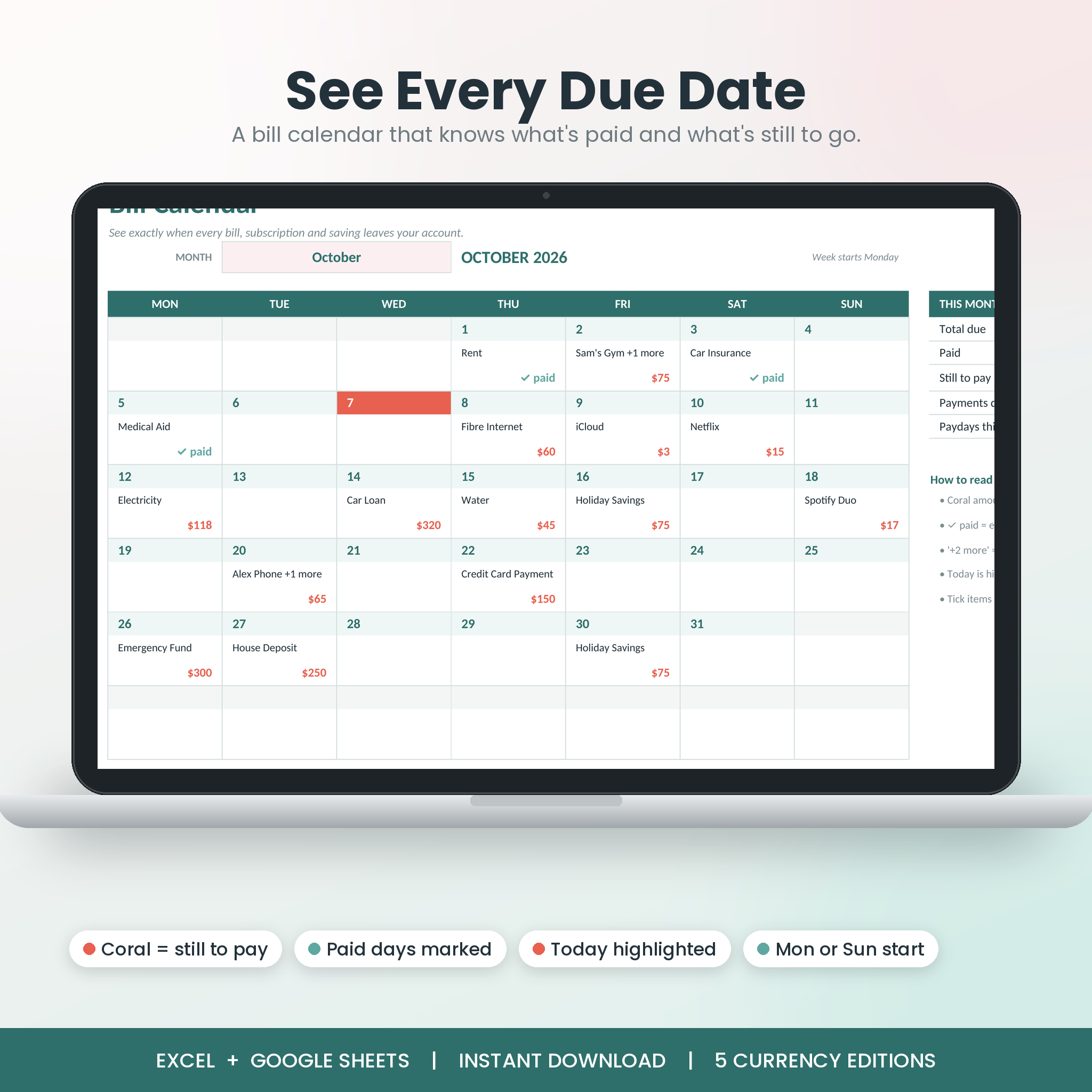
- A bill calendar that knows what’s paid. See what’s due each day, what’s still to pay in coral, and today highlighted.
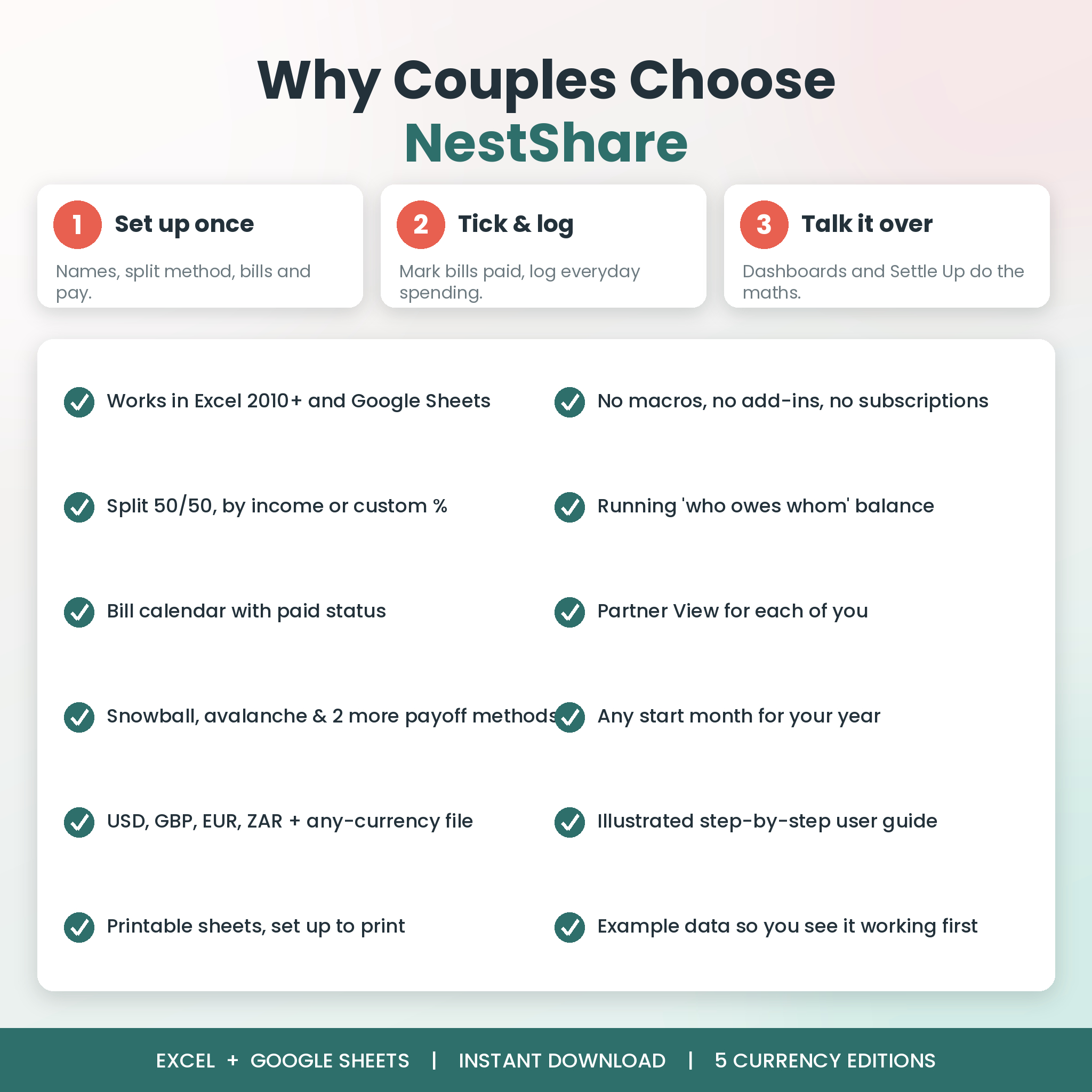
- Runs in older Excel too. No macros, no add-ins and no dynamic-array formulas, so it works in Excel 2010 or newer as well as Google Sheets.
- Your year, your start month. Budget January to December or July to June. Pick the start month and every sheet follows.
- Five currency editions. USD, GBP, EUR, ZAR and an any-currency version.
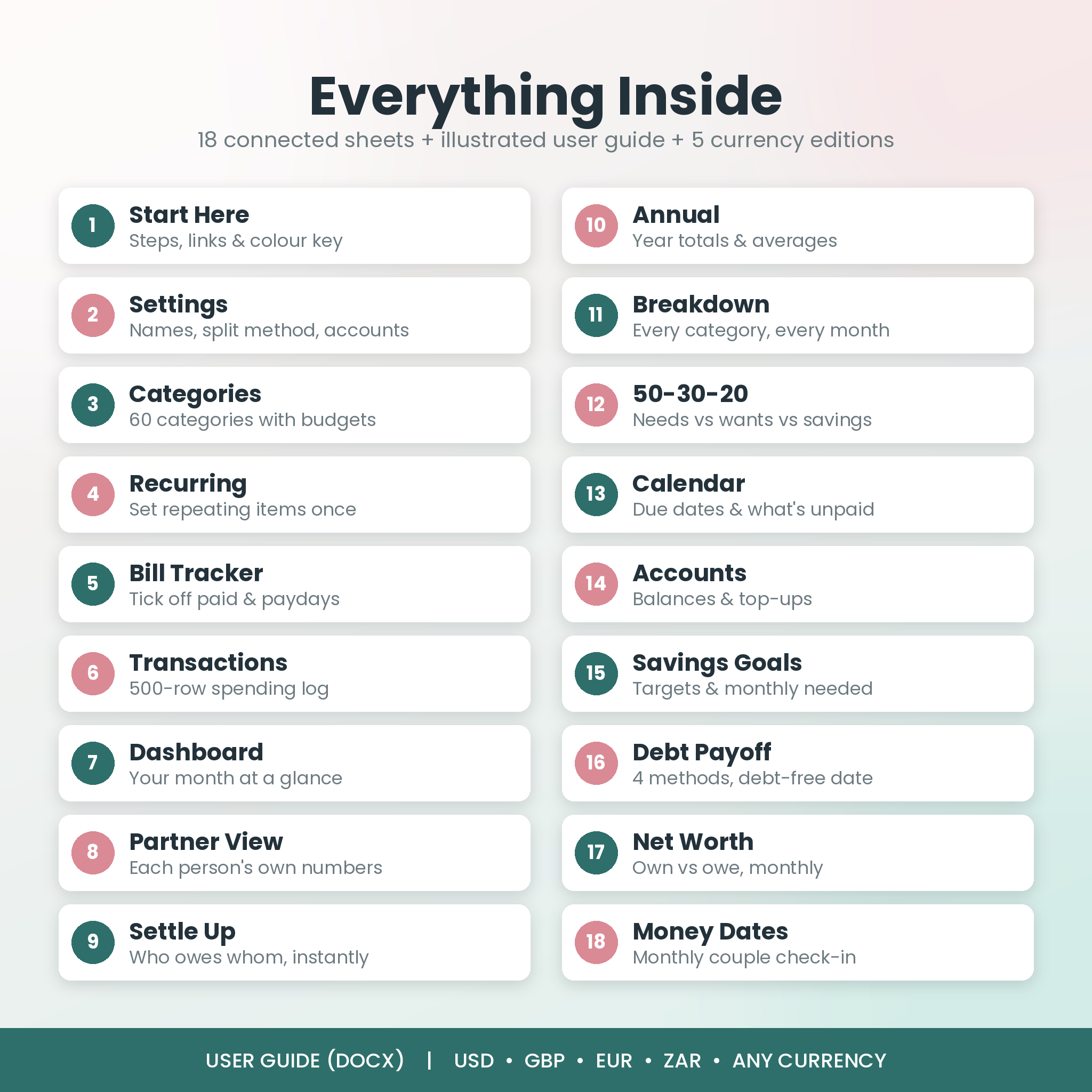
What’s inside: 18 connected sheets
- Start Here: six quick steps, links to every sheet and a colour key
- Settings: both names, budget year, start month, split method, 50/30/20 targets and up to 12 accounts
- Categories: 60 categories with type, need/want bucket, group and monthly budget
- Recurring: up to 50 repeating items (pay, rent, bills, subscriptions, loans, savings) planned across the year
- Bill Tracker: mark each item Paid or Skipped month by month. Overdue items turn coral
- Transactions: 500-row log for everyday spending with automatic shares and filters
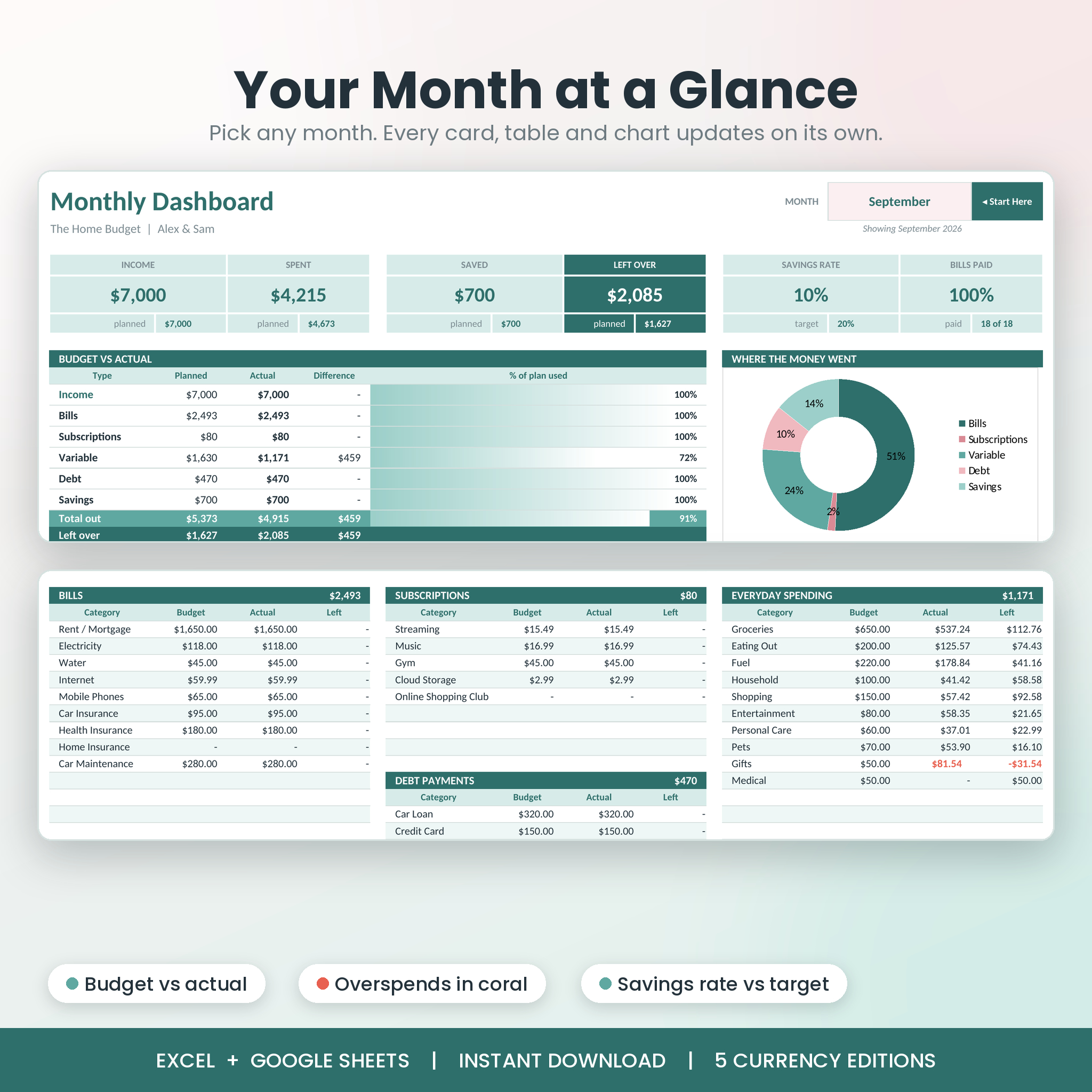
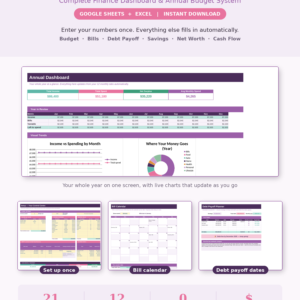
- Dashboard: pick a month and see income, spending, savings, money left, savings rate, bills paid, budget vs actual and charts
- Partner View: each partner’s income, fair share, what they actually paid and their balance, plus a full-year table
- Settle Up: who paid what, fair shares, monthly and running balance, and a settle-up log
- Annual: the whole year month by month with totals, averages and charts
- Breakdown: every category for every month, plus spending grouped into Housing, Food, Transport and more
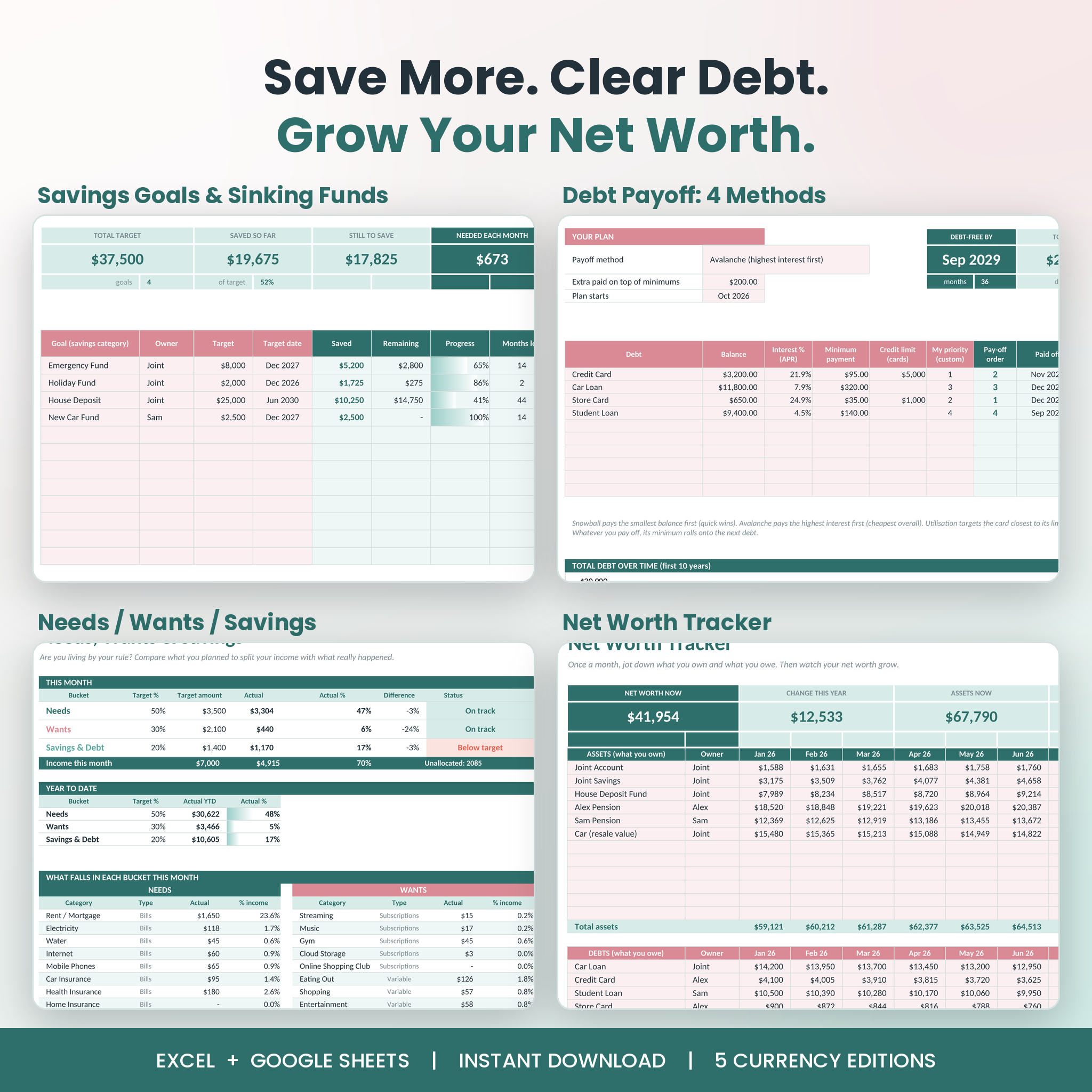
- 50-30-20: needs, wants and savings against your own targets, for the month and year to date
- Calendar: monthly bill calendar, Monday or Sunday start
- Accounts: live balance for every account, transfers between accounts and the top-up needed to cover this month’s bills
- Savings Goals: up to 12 goals with target date, progress bar, monthly amount needed and each partner’s share
- Debt Payoff: up to 10 debts, four methods (snowball, avalanche, highest card utilisation, custom), debt-free date and interest saved vs paying minimums
- Net Worth: assets and debts each month with a chart
- Money Dates: a printable monthly check-in checklist for the two of you
How it works
- Type your names, pay and split method in Settings.
- List your repeating bills and income once on the Recurring sheet.
- Each month, tick bills off and log everyday spending.
- Open the Dashboard and Settle Up together. That’s it.
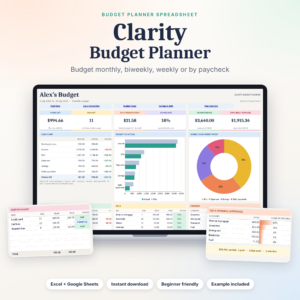
The planner comes filled with example data for a sample couple, so you can see every chart working before you add your own numbers. The user guide shows exactly which cells to clear.
What you get
- NestShare-Couples-Family-Budget-Planner-USD.xlsx
- NestShare-Couples-Family-Budget-Planner-GBP.xlsx
- NestShare-Couples-Family-Budget-Planner-EUR.xlsx
- NestShare-Couples-Family-Budget-Planner-ZAR.xlsx
- NestShare-Couples-Family-Budget-Planner-Any-Currency.xlsx (plain numbers for any other currency)
- NestShare-User-Guide.docx: an illustrated 22-page guide covering setup, every sheet, customising, tips, troubleshooting and FAQs
File formats and software
- Format: Microsoft Excel (.xlsx) plus a Word (.docx) guide
- Works in Excel 2010 or newer on Windows, Excel 2011 or newer on Mac, Excel for the web and Google Sheets (free with a Google account)
- No macros, no add-ins, no subscription
- In Google Sheets everything calculates. The shaded progress bars show as plain percentages there
Make it yours
Rename categories, add your own, change the colours, pick your currency edition and choose the month your year starts. Every sheet is set up to print neatly, and the Calendar and Money Dates sheets look great on the fridge.
Digital download
This is an instant digital download. No physical item is shipped. You’ll get your files straight after checkout and in your account downloads. For personal use only. Please don’t resell or share the files.
NestShare is a planning and organising tool, not financial advice.
Reviews
There are no reviews yet.