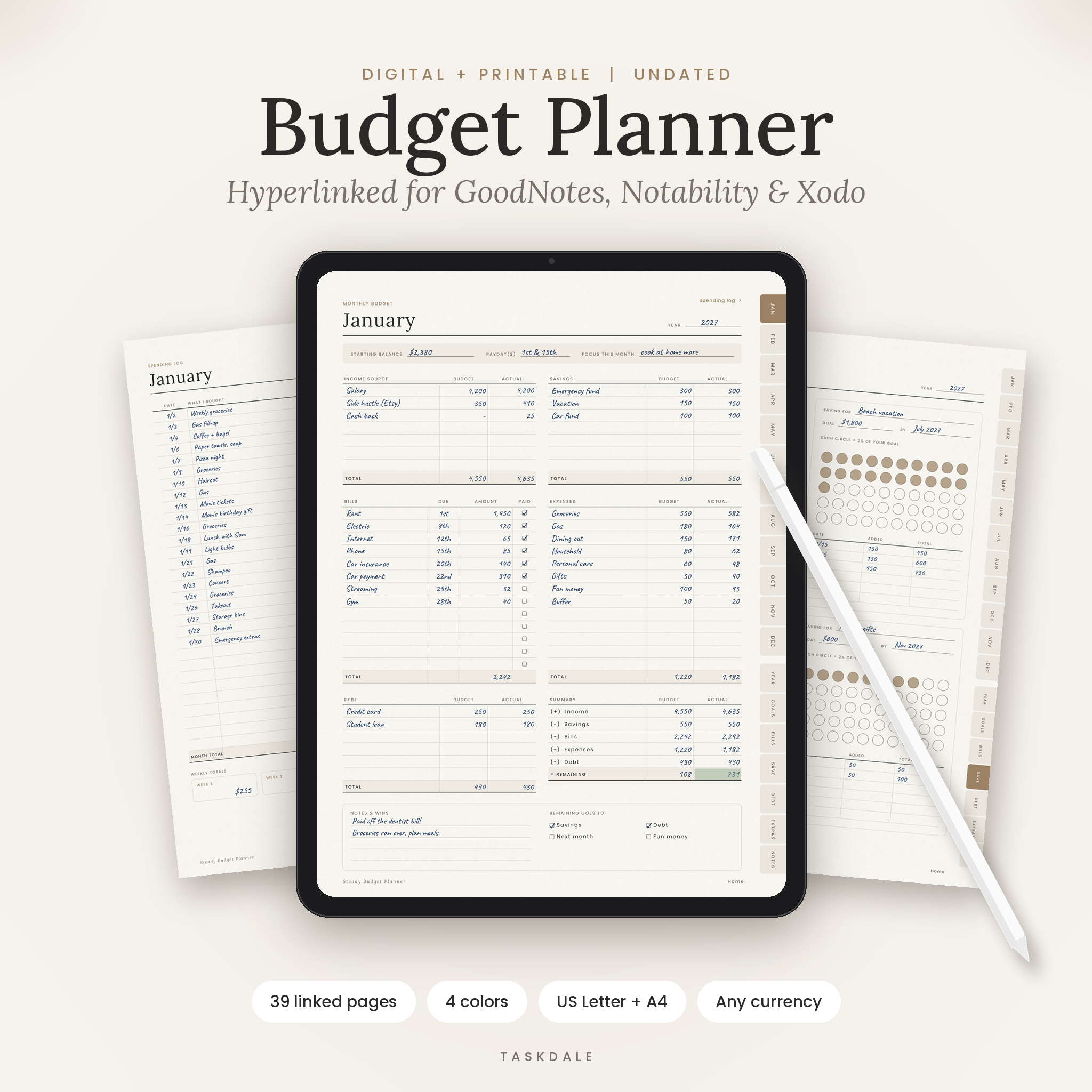
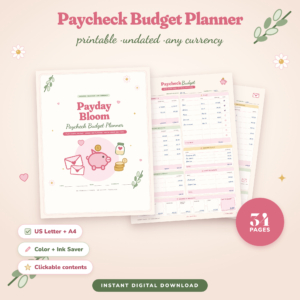
This digital budget planner gives you one calm place to plan every month, track spending and actually see your savings grow. It’s a hyperlinked PDF made for GoodNotes, Notability, Xodo and other PDF note apps. Prefer paper? Printable US Letter and A4 versions are in the download too.
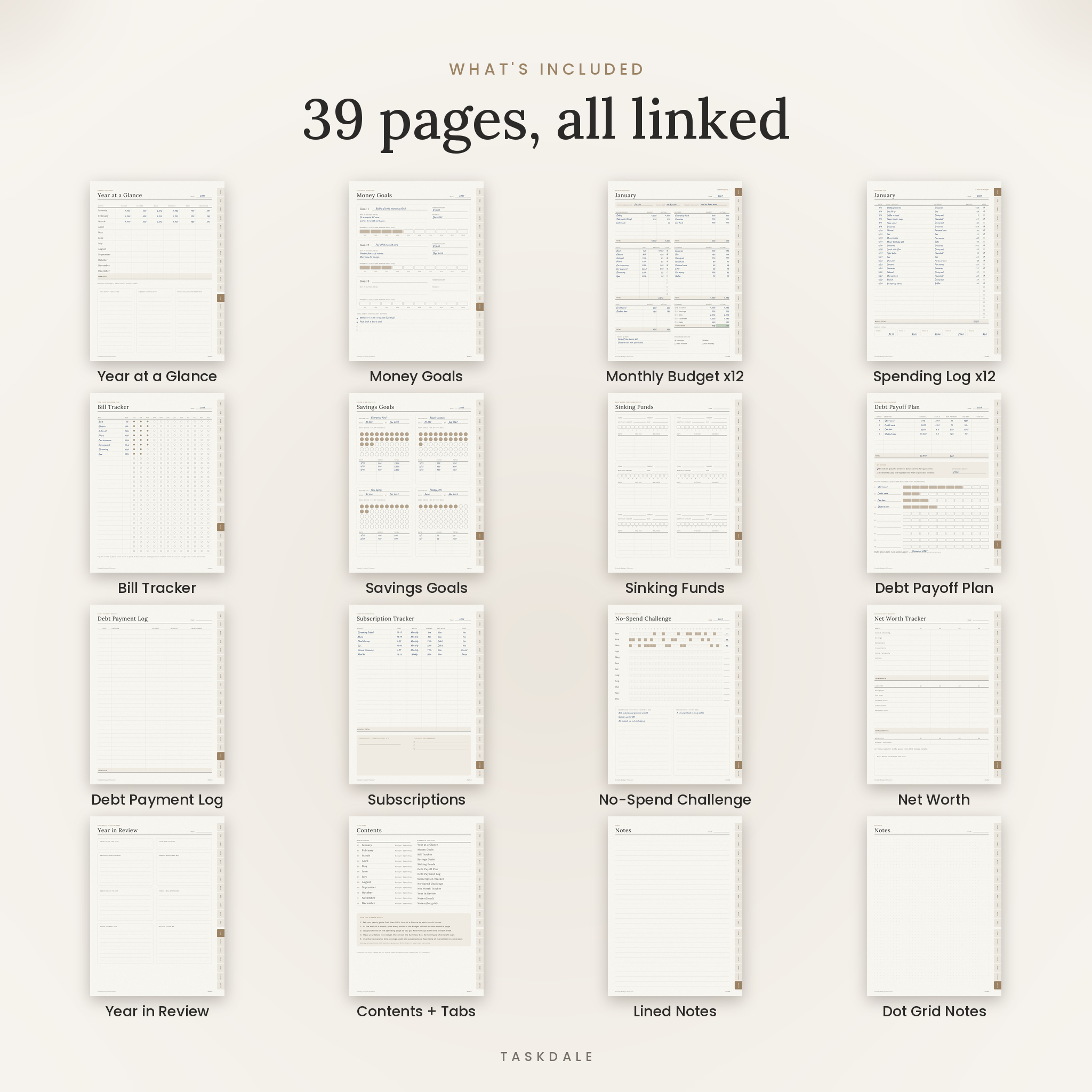
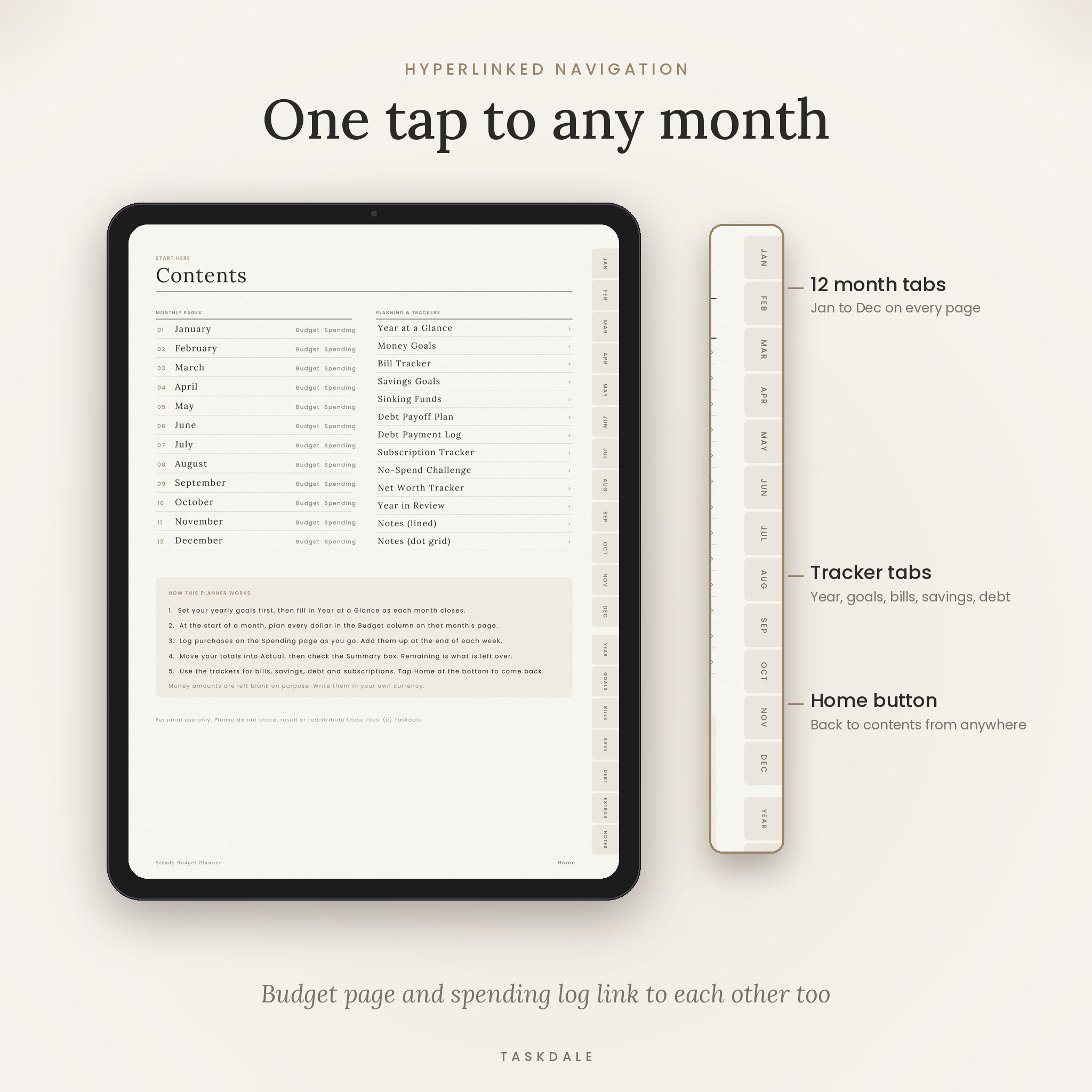
The layout keeps things simple. Each month gets one budget page and one spending log. Thirteen trackers cover the rest: bills, savings, sinking funds, debt, subscriptions, net worth and a full year review. Tabs run down the right edge of every page, so any month is one tap away.
What this digital budget planner does
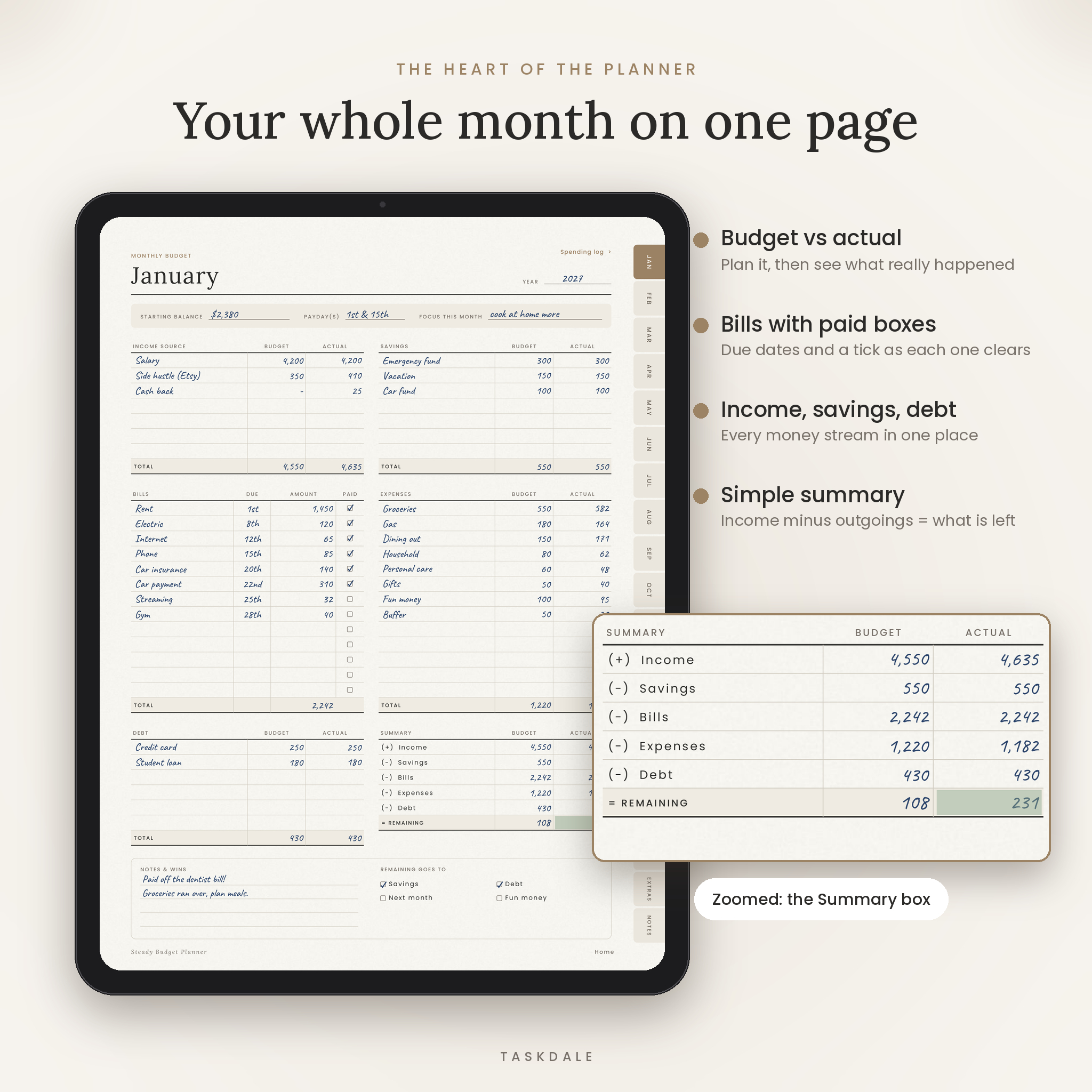
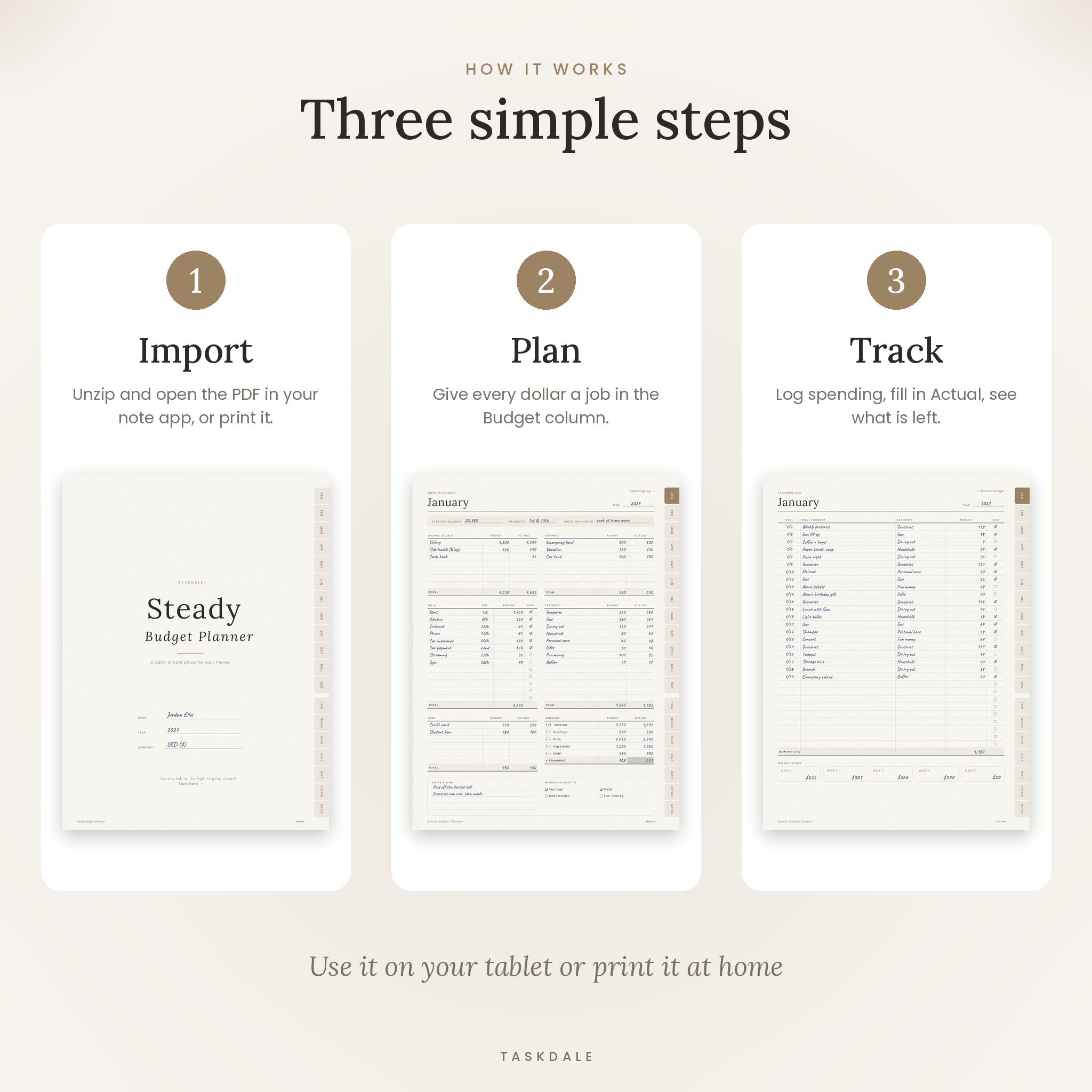
At the start of the month you write what you expect to earn and spend in the Budget column. At the end you write what really happened in the Actual column. A small summary box takes your income, subtracts savings, bills, expenses and debt, and shows what’s left.
That’s the whole method. No formulas to break, no app to learn. Just you, a pen and a clear picture of your money.
Who it’s for
- First-time budgeters who want something simple they’ll stick with
- Anyone paying off credit cards, car loans or student loans
- Savers working toward an emergency fund, a trip or a down payment
- Couples and families who want bills and spending in one place
- People who like the look of a minimalist planner on their iPad
What’s included
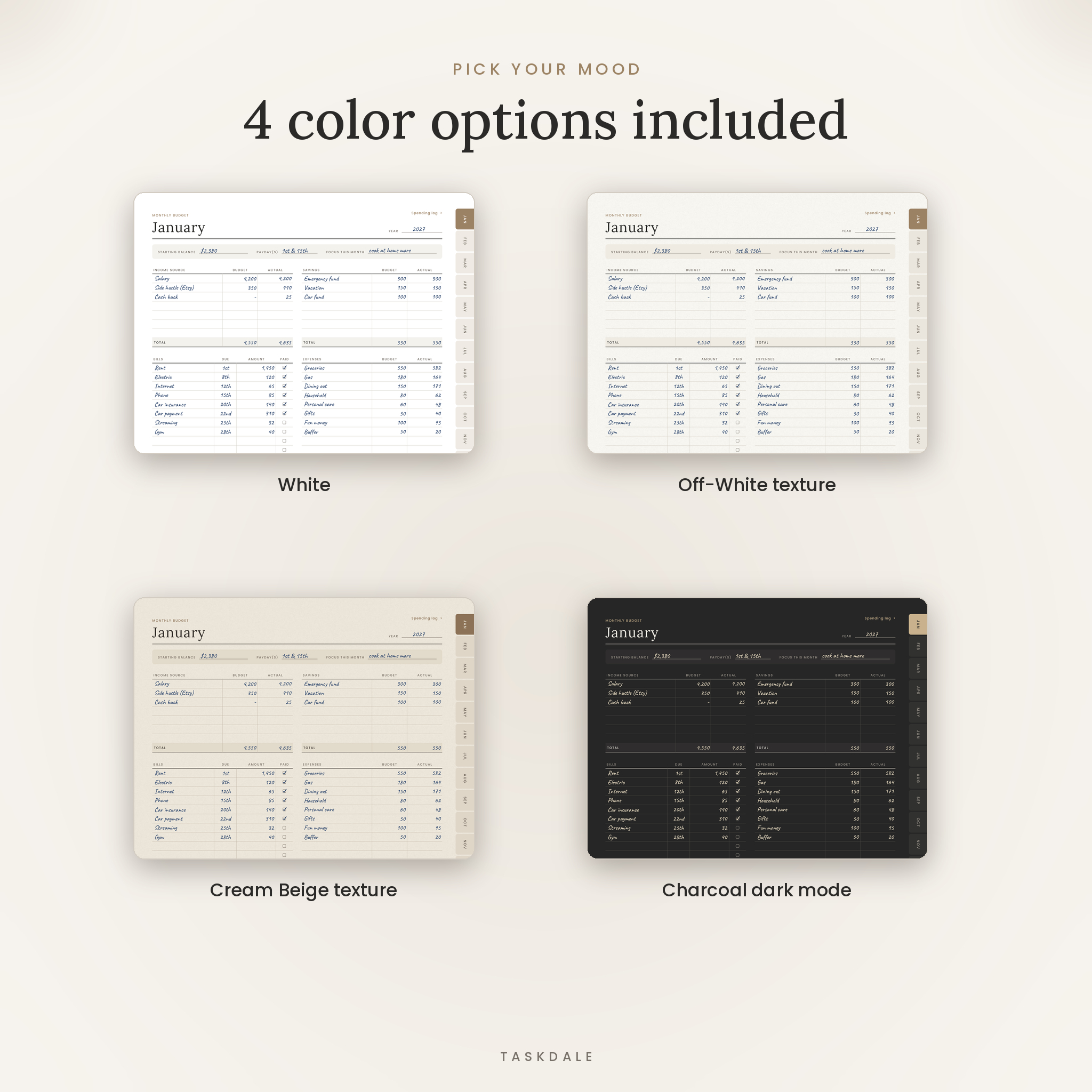
- 4 digital planners, 39 pages each: White, Off-White paper texture, Cream Beige paper texture and Charcoal dark mode
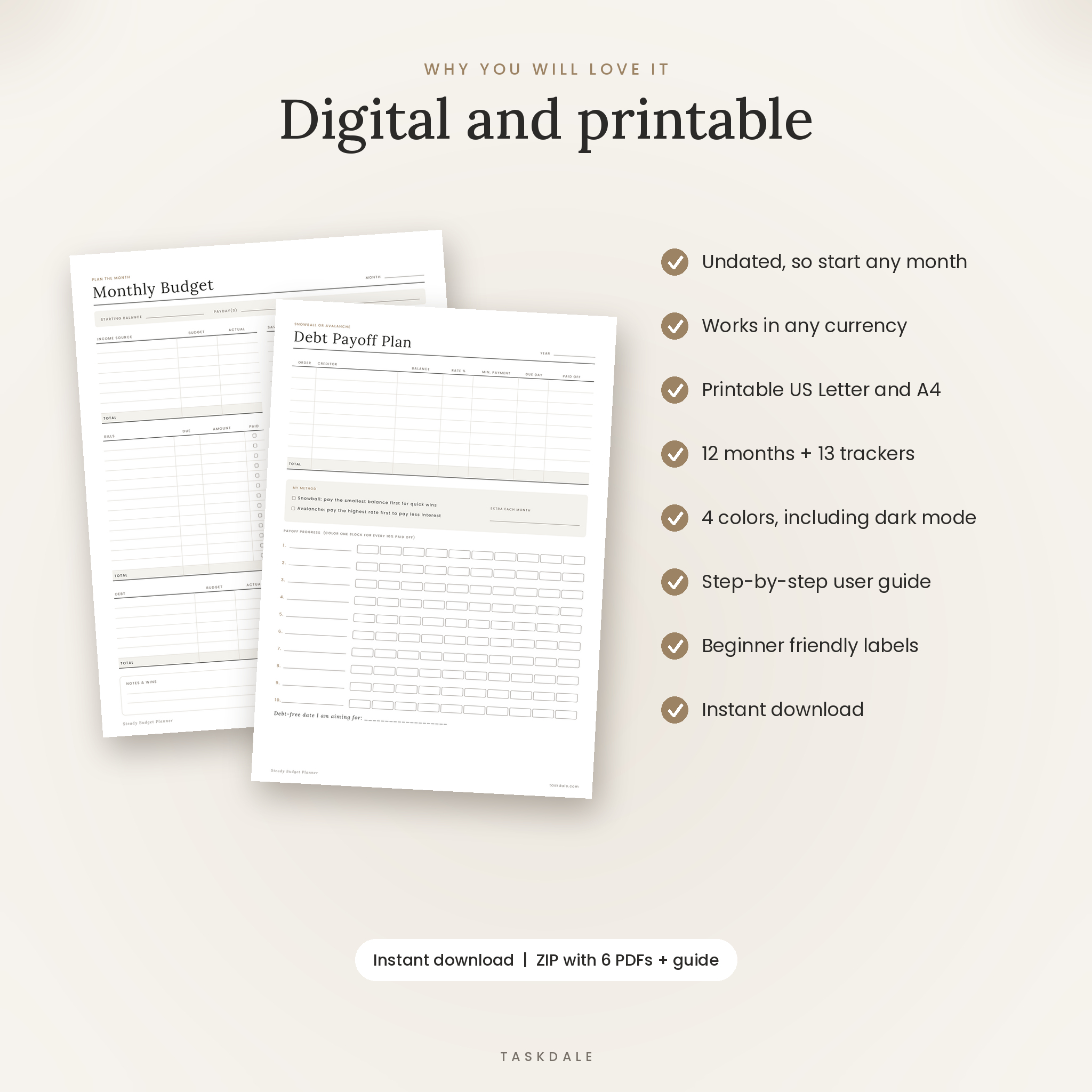
- Printable US Letter PDF (8.5 x 11 in, 17 pages)
- Printable A4 PDF (210 x 297 mm, 17 pages)
- User guide (Word document) with step-by-step instructions, tips and FAQs
- License terms
Pages inside
- Cover with name, year and currency
- Clickable contents page
- Year at a Glance: one row per month for income, savings, bills, expenses, debt and what’s left
- Money Goals with 10-step progress bars
- 12 Monthly Budget pages: income, savings, bills with paid boxes, expenses, debt and a summary box
- 12 Spending Log pages with 30 lines and weekly totals
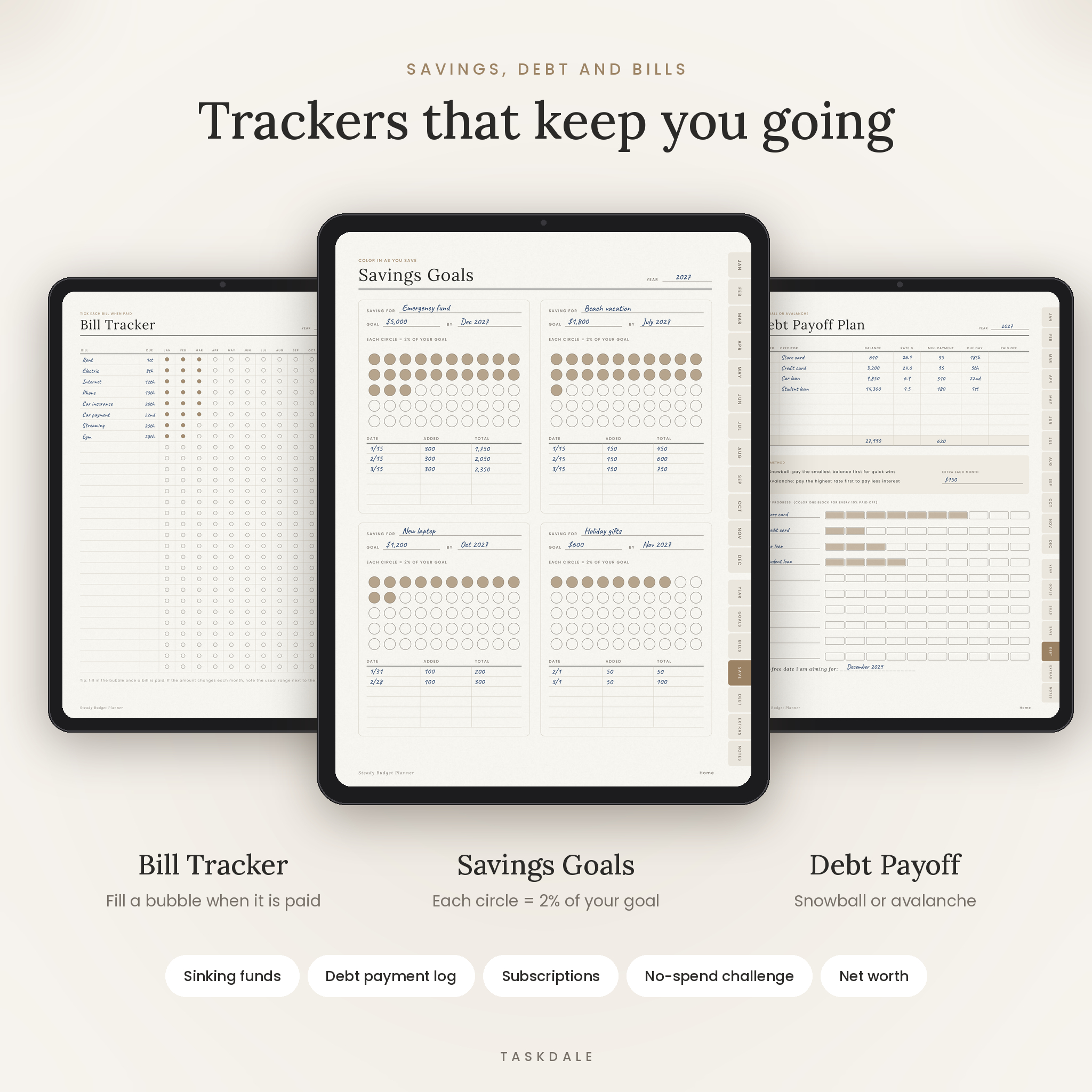
- Bill Tracker for up to 30 bills across all 12 months
- Savings Goals: 4 goals with 50 color-in circles each (one circle = 2%)
- Sinking Funds for 6 known costs like car repairs or holidays
- Debt Payoff Plan with snowball or avalanche method and progress bars
- Debt Payment Log
- Subscription Tracker
- No-Spend Challenge: a box for every day of the year
- Net Worth Tracker, checked quarterly
- Year in Review
- Lined and dot grid notes pages
Main benefits
- One tap navigation. 12 month tabs plus tracker tabs on every page, and a Home button back to contents.
- Undated. Start in any month and reuse it every year.
- Works in any currency. No dollar signs printed on the pages. Write your currency once on the cover.
- Calm, minimalist design. Warm neutrals, clear labels and plenty of writing space.
- Dark mode included. The Charcoal version is easy on the eyes at night.
How it works
- Download your files and unzip if needed.
- Import your favorite color into your note app, or print the US Letter or A4 file.
- Fill in your money goals, then plan the month on its budget page.
- Log spending as you go and add it up each week.
- At month end, fill in the Actual column and copy the totals to Year at a Glance.
File formats and software
All planner files are PDFs. The digital version needs a PDF annotation app that supports hyperlinks, such as GoodNotes, Notability, Xodo or Noteshelf, on a tablet with a stylus. The app is not included. The printable files work with any printer; print at 100% or actual size. The user guide is a .docx file that opens in Microsoft Word, Google Docs, Pages or LibreOffice.
Customizing your budget planner
Duplicate any page in your note app if you need more room, like a second spending log for a busy month. You can also lasso a section, such as the summary box, and paste it into another planner you already use. Pick one of four colors to suit your style.
Digital download
This is a digital product. Nothing will be shipped. Your files are ready to download as soon as payment goes through.
Real ways people use it
- Building a zero-based budget so every dollar has a job
- Getting through a no-spend month after the holidays
- Paying off a credit card with the snowball method
- Saving for a summer vacation with sinking funds
- Tracking shared household bills with a partner
- Spotting forgotten subscriptions and canceling them
FAQ
Does this budget planner work in GoodNotes?
Yes. It’s a hyperlinked PDF made for GoodNotes, Notability, Xodo and similar apps. Switch to read-only mode to tap the tabs.
Can I use it on an Android tablet?
Yes, with a PDF annotation app such as Xodo or Noteshelf. Link support varies between Android apps.
Is the planner dated?
No. It’s undated, so you can start any month and use it year after year.
Does it calculate totals for me?
No. It’s a handwritten planner. You add up the totals yourself, which is what helps the habit stick.
Can I use my own currency?
Yes. There are no currency symbols on the pages.
Can I print it?
Yes. US Letter and A4 printable versions are included.
Can I share it with a friend?
Sorry, no. The license covers personal use only.
Reviews
There are no reviews yet.