


StoreFront & Booking Manager: Bookings, online orders, stock and customers in one system
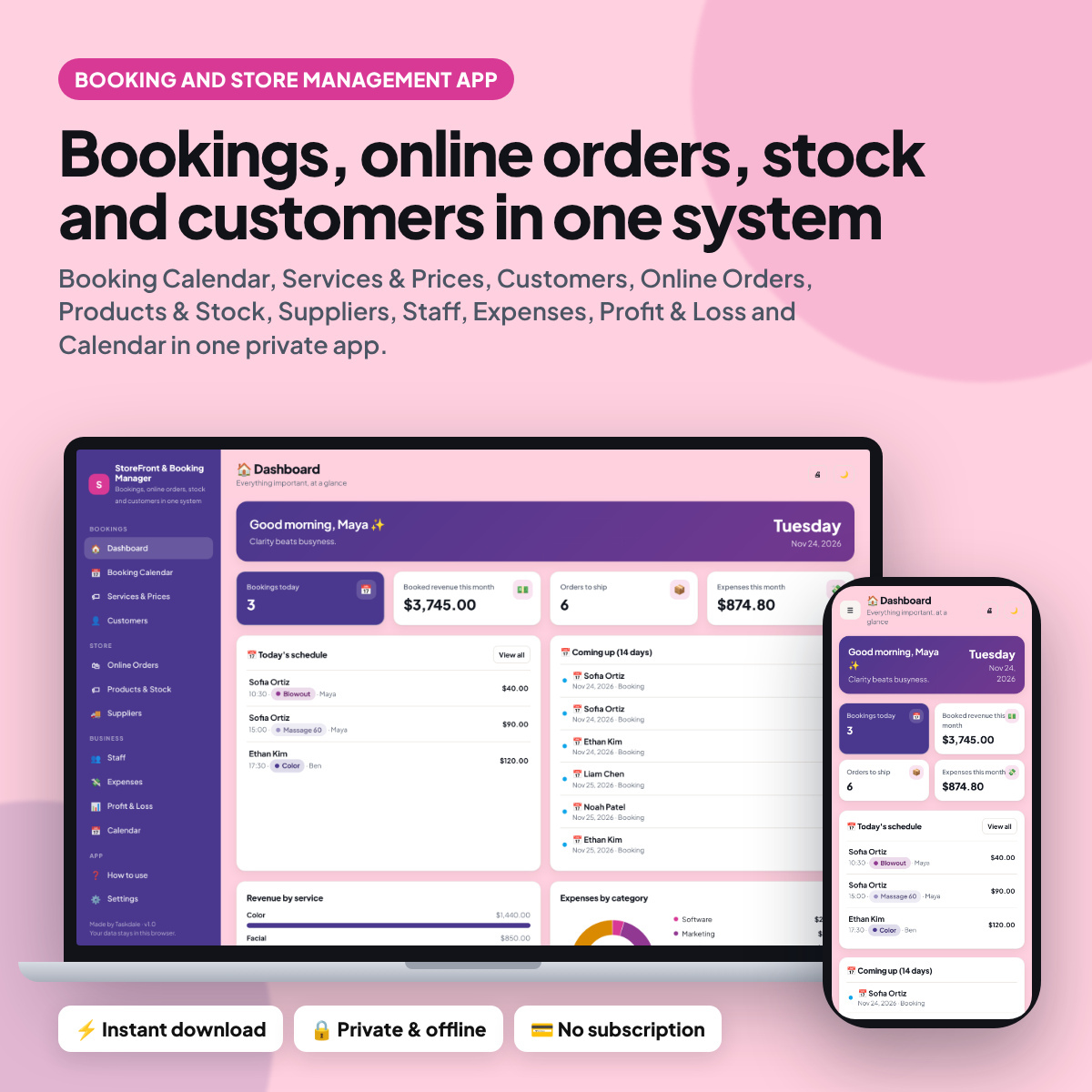
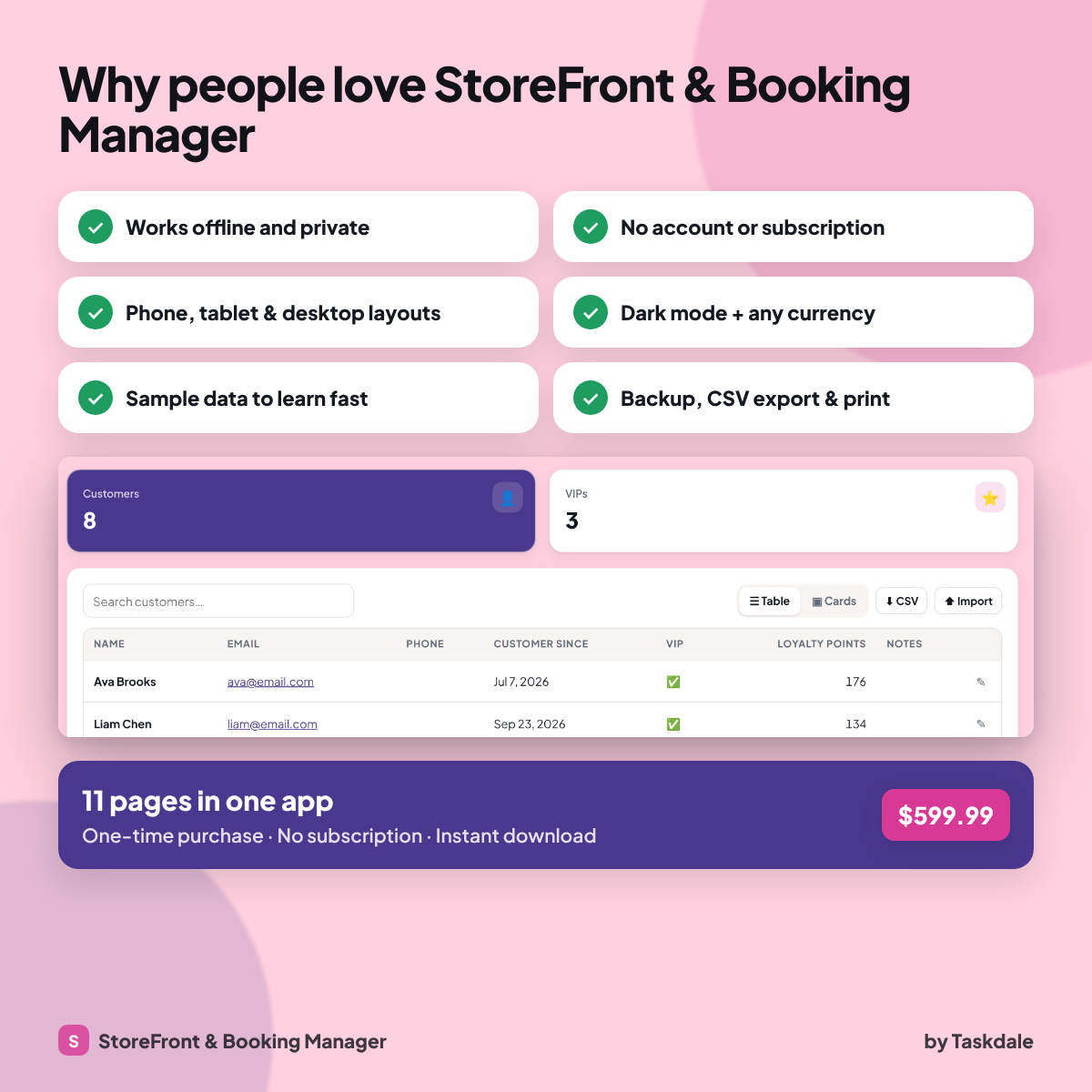
StoreFront & Booking Manager is a booking and store management app built as one private web app. Bookings, online orders, stock and customers in one system. It brings together booking calendar, services & prices, customers, online orders, products & stock, suppliers, staff, expenses, profit & loss and calendar, with a dashboard that pulls the most important numbers and lists onto one screen.
Every page has sample data so you can explore first, then clear it and add your own. Totals, charts and progress update by themselves, it works offline in your browser, and a printable user guide walks you through each page.
Who this booking and store management app is for
- Salons, spas and studios
- Service businesses that also sell products
- Boutiques with appointments
- Owners who want one private system
Main benefits
- Works offline and private
- No account or subscription
- Phone, tablet & desktop layouts
- Dark mode + any currency
- Sample data to learn fast
- Backup, CSV export & print
Features of the booking and store management app
- Dashboard: Your overview with live totals, charts and what needs attention next.
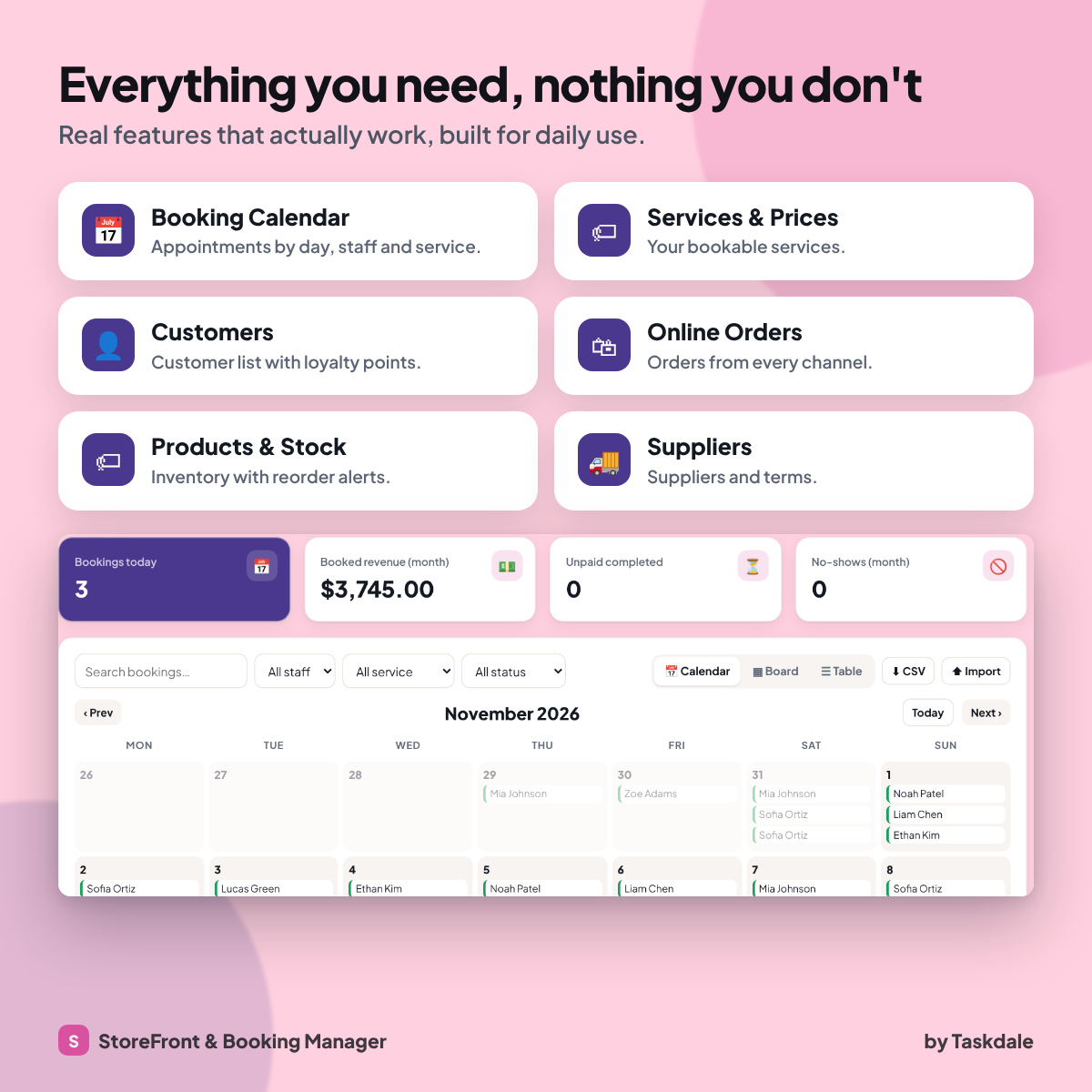
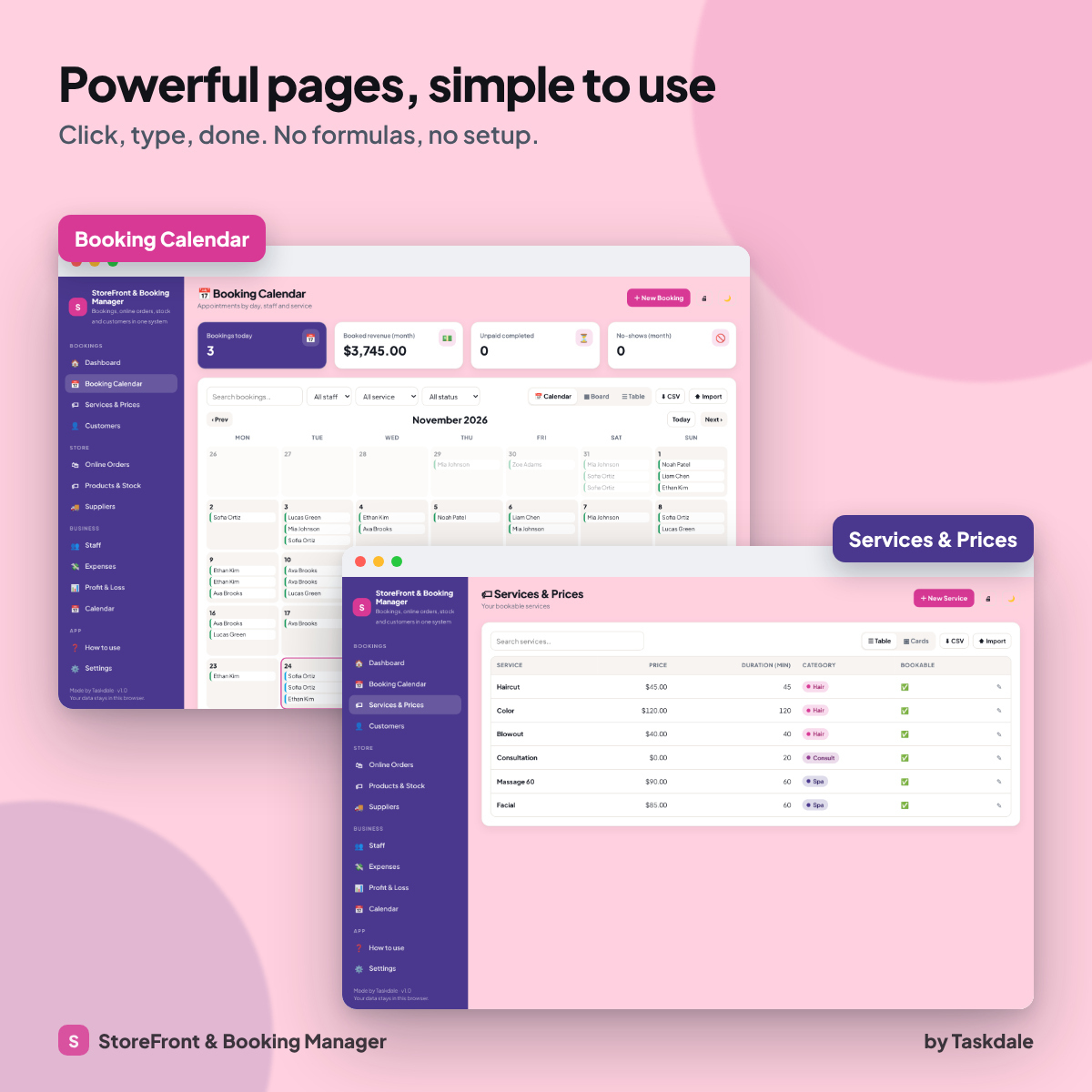
- Booking Calendar: Bookings with time, customer, service, staff, price, paid flag and status. Calendar, board and table views.
- Services & Prices: Services with price, duration, category and bookable flag.
- Customers: Customers with contact details, VIP flag, loyalty points and notes.
- Online Orders: Orders with items, subtotal, shipping, total, channel, fulfillment status and tracking.
- Products & Stock: Products with SKU, stock, reorder point, cost, price and margin.
- Suppliers: Suppliers with contact, terms, lead time and minimum order.
- Staff: Staff with role, type and rate.
- Expenses: Business expenses with category, vendor, payment method, receipt and tax-deductible flags.
- Profit & Loss: Profit and loss report with monthly income, expenses and net profit.
- Calendar: A monthly calendar that pulls in every dated item from the app.
Built-in extras
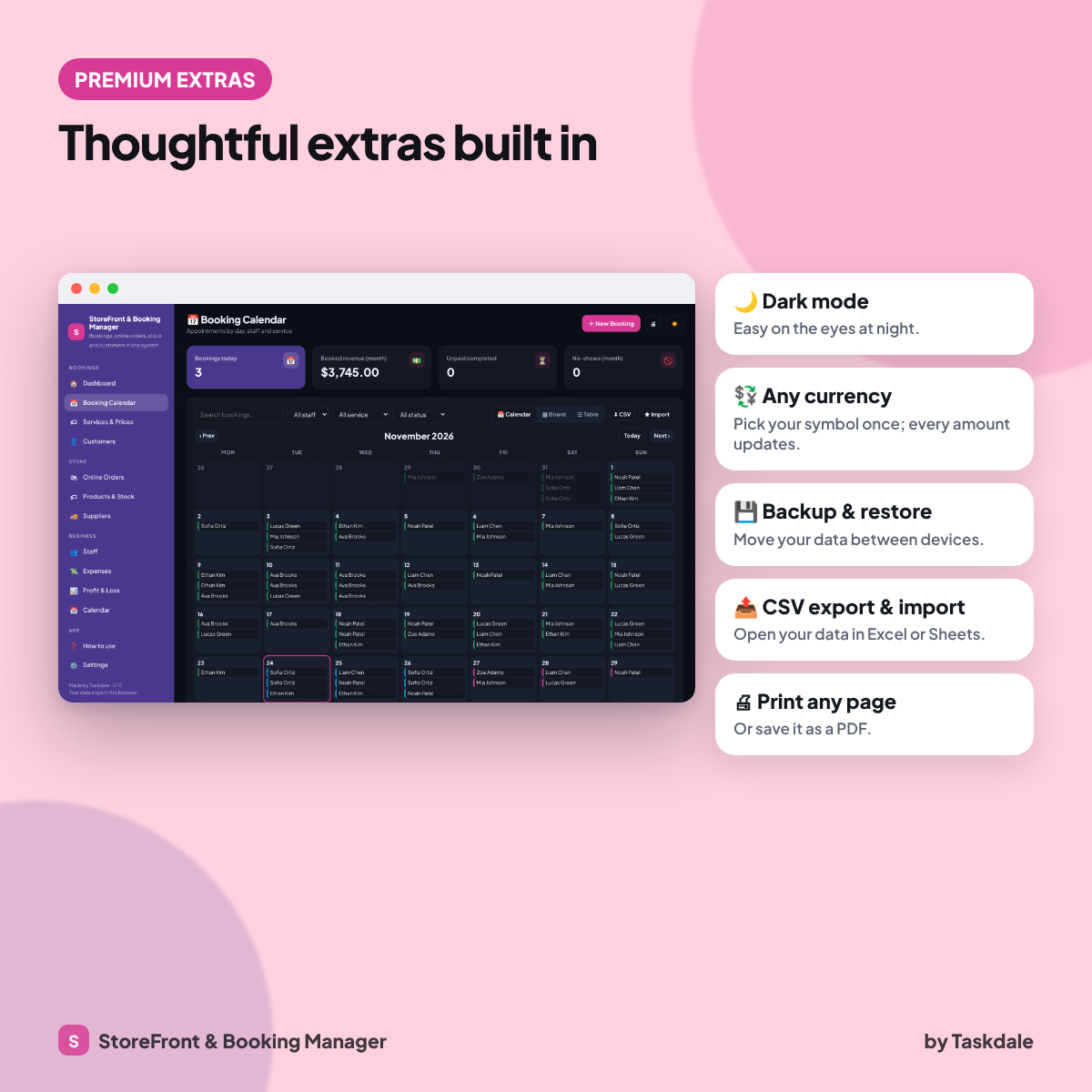
- Dark mode: Switch between light and dark themes.
- Any currency: One currency setting that every money value reads from ($ by default).
- Backup and restore: Export all your data to a file and restore it on any device.
- CSV export and import: Open your tables in Excel or Google Sheets, or bring data in.
- Print-ready pages: Print any page or save it as a PDF.
- Sample data: explore a fully filled-in example, then clear it with one click.
Why an app instead of a spreadsheet or PDF?
- Nothing to break: there are no formulas to copy or cells to protect. Totals, charts and progress bars calculate themselves.
- Faster to use: add an entry with a simple form, search and filter in one click, and switch between table, board and calendar views.
- Private by design: StoreFront & Booking Manager runs in your own browser and never uploads your data.
What’s included
- StoreFront & Booking Manager web app (one .html file, 11 pages)
- StoreFront & Booking Manager User Guide (.docx) with setup steps, feature walkthroughs, tips, troubleshooting and FAQ
- Built-in sample data and quick start page
How it works
- Download the ZIP file after purchase and unzip it.
- Double-click the .html file. It opens in your web browser like an app, with no install.
- Click Explore sample data to see it filled in, or start adding your own entries.
- Set your name and currency in Settings, and export a backup now and then.
File format and software requirements
- Format: one HTML web app file (.html) plus a Word user guide (.docx), delivered in a ZIP.
- Tested in Google Chrome on desktop and on phone-sized screens. It uses standard HTML, CSS and JavaScript with no plugins.
- No internet connection, account or subscription needed after download.
- Your data is stored locally in your browser. It does not sync between devices automatically; use the backup file to move it.
Customization
- Add, rename and delete your own entries, categories and lists
- Choose your currency symbol and add your name for a personal greeting
- Switch between light and dark mode
Digital download
This is a digital product. No physical item will be shipped. Your files are available to download right after checkout.
Use cases
- Start: explore the sample data on the Dashboard.
- Daily: use Booking Calendar and the pages you need.
- Weekly: review the dashboard and export a backup.
FAQ
Does it take online payments or bookings from customers?
No. It is a private back-office app for you and your team to record bookings and orders. It does not host a public booking page or process payments.
Is it custom-built for my business?
It is ready-made and customizable: rename services, staff and every dropdown in Settings.
Do I need internet or an account?
No. The app is a single file that runs in your web browser. After download it works offline, with no sign-up and no subscription.
Where is my data saved?
Privately in your browser on your device. Nothing is uploaded anywhere. Use Settings → Export backup to keep a copy or move your data to another device.
Can I use it on my phone or tablet?
The layout adapts to phone and tablet screens. We test it in Google Chrome on desktop and on phone-sized screens. Data is stored per device and browser, so use the backup file to move it between devices.
Can I change the currency?
Yes. Choose any currency symbol in Settings and every money value in the app updates. The default is $.
Is there a free version?
Yes, a free version with a few pages is available on our blog so you can try it first. This listing is the complete app.
Can I print or export my data?
Yes. Every page has a print button (print or save as PDF), and every table can be exported to CSV for Excel or Google Sheets.
Licence: personal use only. You may not resell, share or redistribute the files. © Taskdale.
Reviews
There are no reviews yet.