


Ultimate Planner Bundle: 9 digital planner apps for every planning style
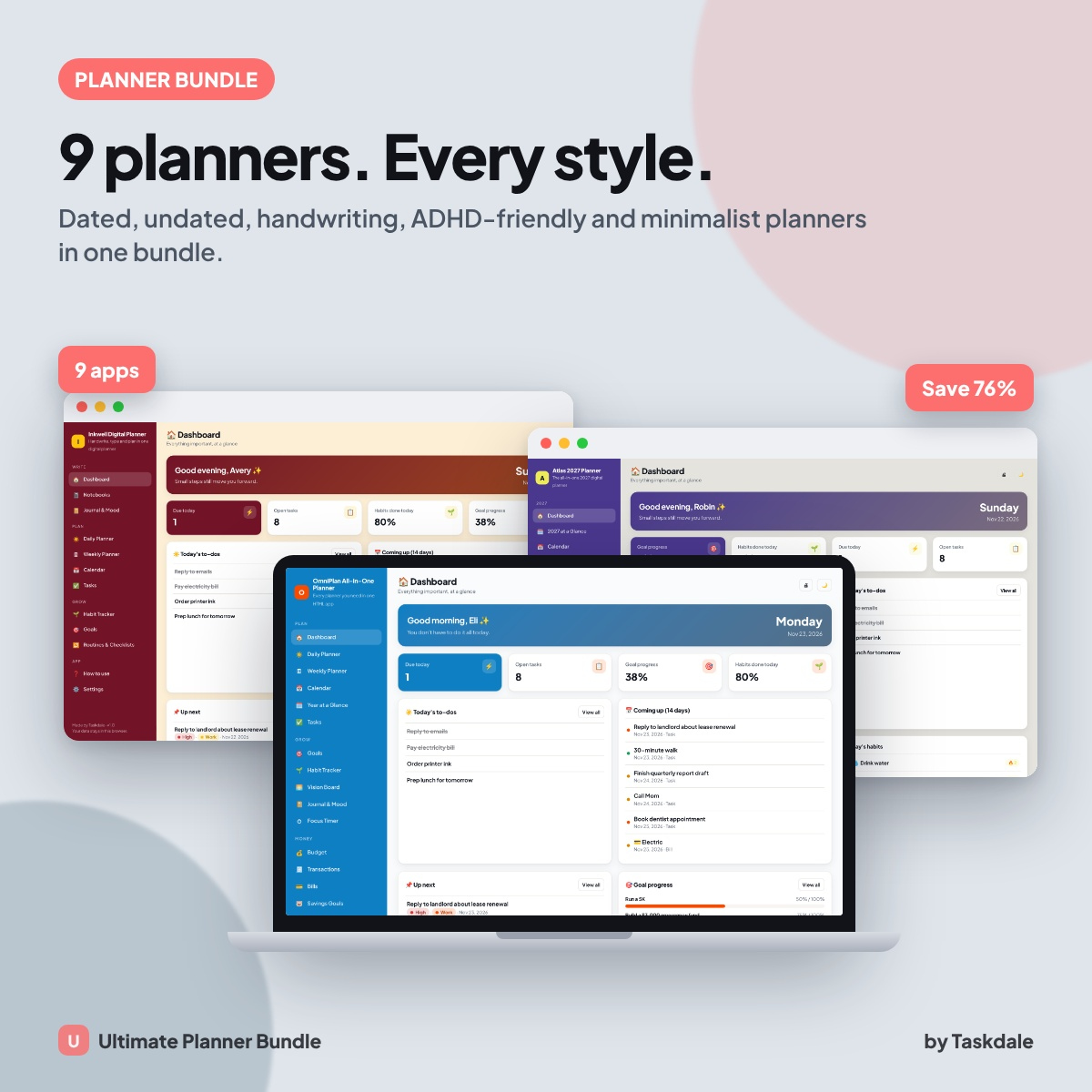
Ultimate Planner Bundle collects nine of our best digital planners so you can find the style that finally sticks: dated or undated, handwriting or typed, detailed or minimalist, ADHD-friendly or classic.
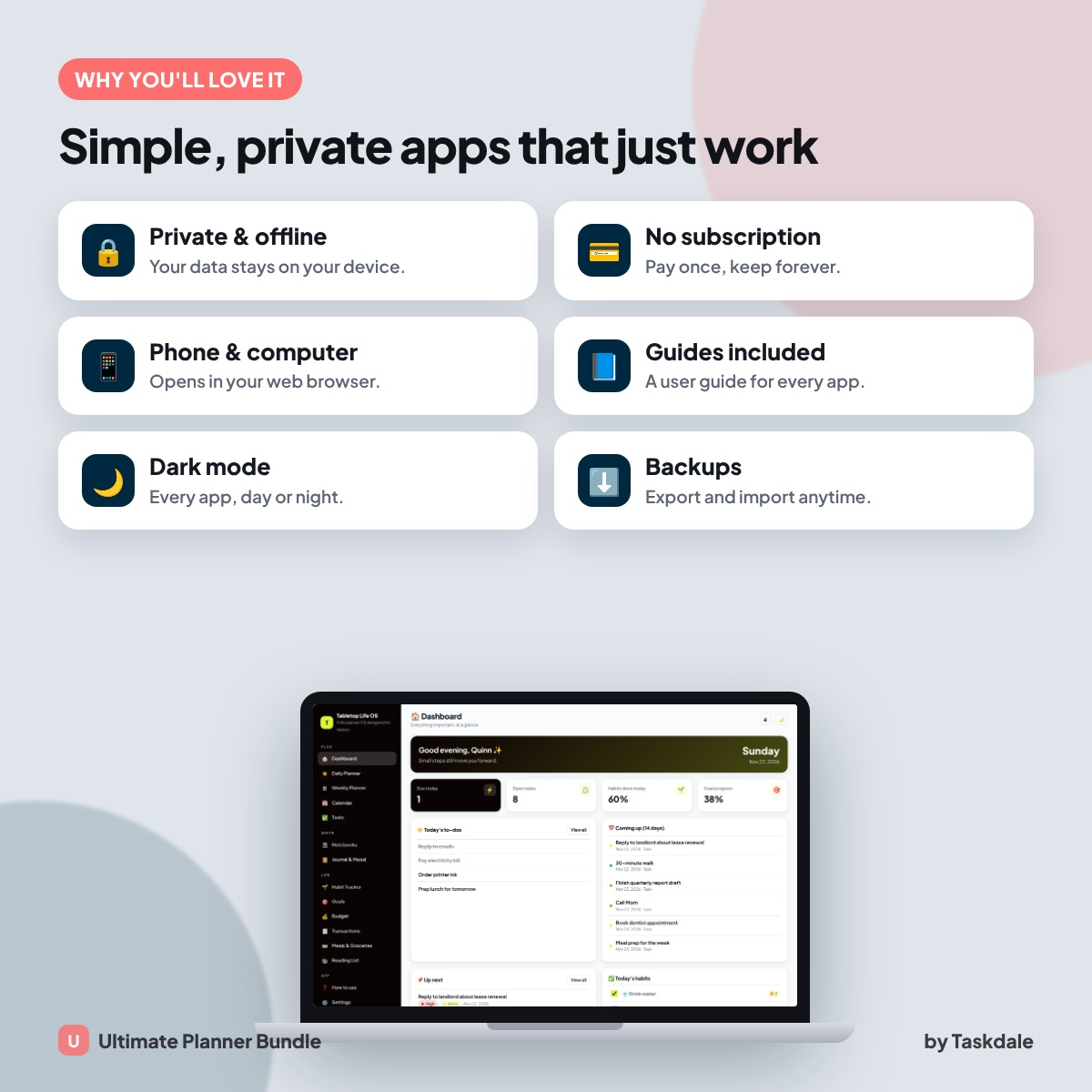
Each planner opens in your browser from a single file, works on phone, tablet and computer, and keeps your plans private. A launcher page links them all and every app comes with a user guide.
Bought separately, these 9 apps cost $249.98. In this bundle you get all of them for $59.99, a saving of about 76%.
Who this digital planner bundle is for
- Planner lovers who like to switch styles
- iPad and tablet planners
- People with ADHD looking for a planner that works
- Anyone who wants a gift for a planner fan
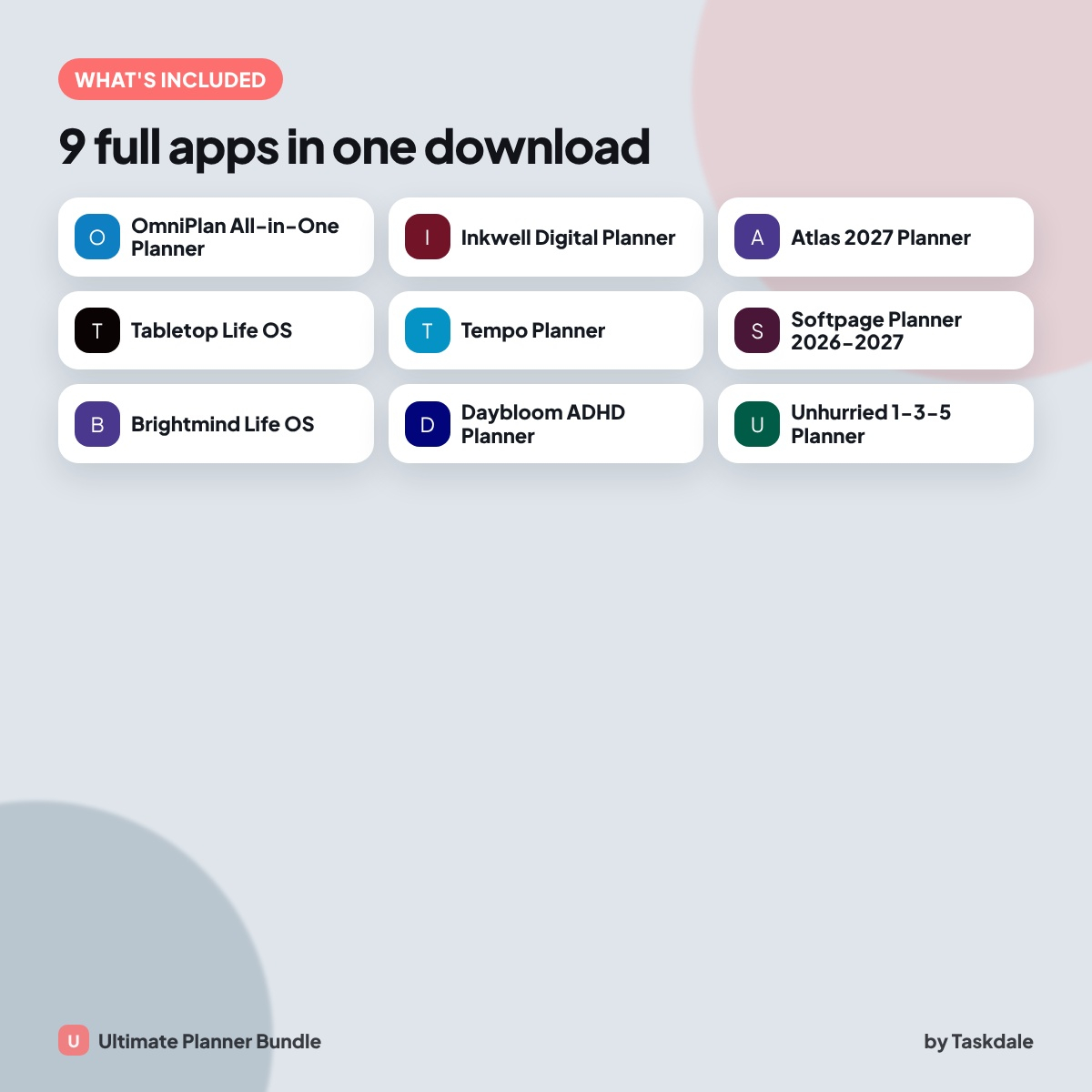
The 9 apps in the bundle
OmniPlan All-in-One Planner: Every planner you need in one HTML app
An all in one planner as a single HTML app: daily, weekly, monthly calendar and year pages, tasks with priority matrix and repeats, goals, habits, vision board, journal, focus timer, budget, transactions, bills, savings, meal planner, routines, birthdays and handwriting
Inkwell Digital Planner: Handwrite, type and plan in one digital planner
An interactive digital planner with handwriting: 8 digital notebooks you can write in with a stylus, finger or mouse, on lined, grid, dot or blank paper, plus a daily planner, weekly planner, calendar, tasks, journal, habit tracker, goals and routines.
Atlas 2027 Planner: The all-in-one 2027 digital planner
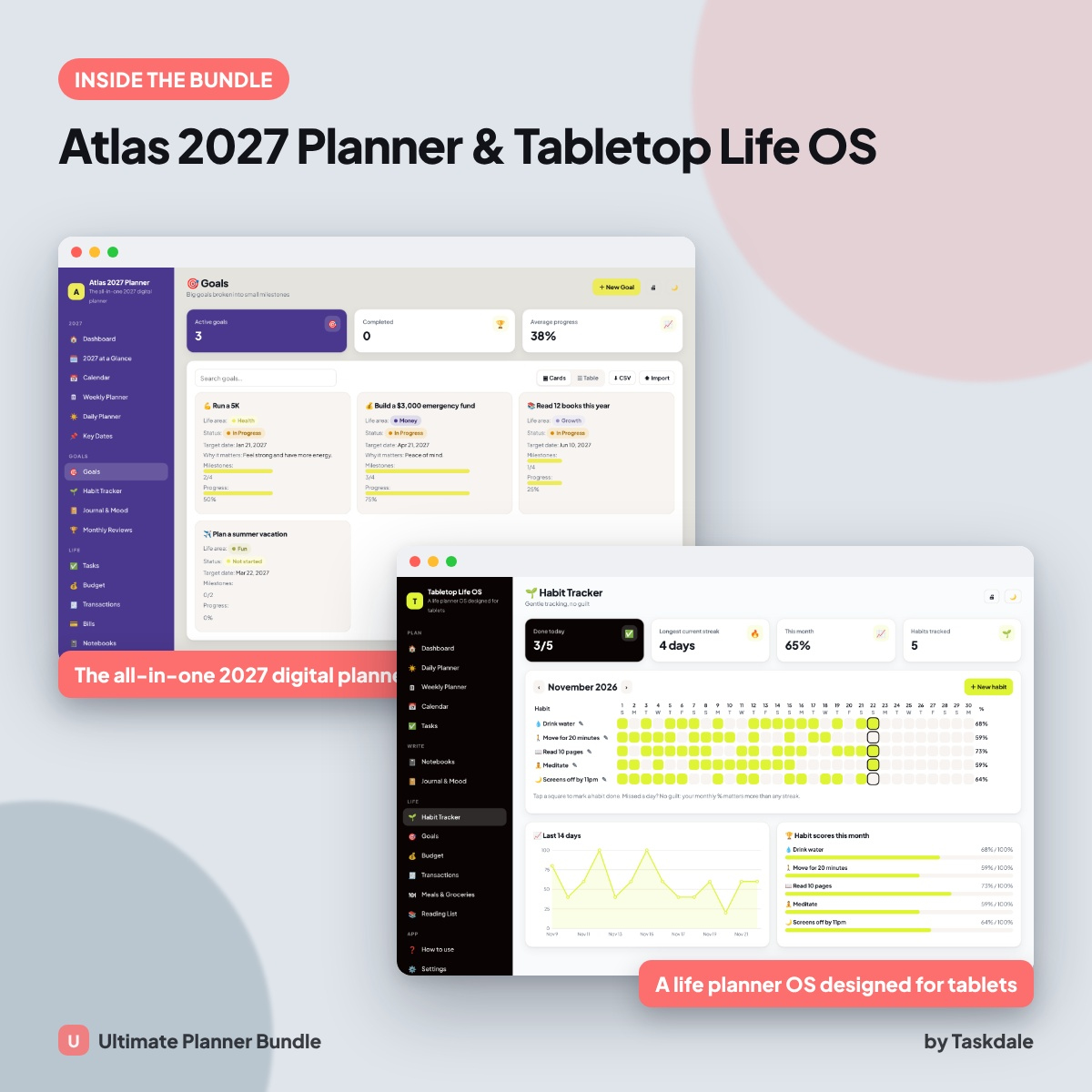
The 2027 digital planner app that plans your whole year: 2027 at a glance, monthly calendar, weekly and daily planner, goals with milestones, habit tracker, journal, monthly reviews, tasks, budget, bills and handwriting notebooks. Includes 2027 at a glance, monthly
Tabletop Life OS: A life planner OS designed for tablets
A digital life planner for iPad and other tablets, built as a touch-friendly life OS: daily and weekly planner, calendar, tasks, handwriting notebooks for stylus or finger, journal, habit tracker, goals, budget, meal planner and reading list. Includes touch-friendly, handwriting
Tempo Planner: Interactive daily, weekly and monthly planner
An interactive planner with daily, weekly and monthly planning that actually connects: daily planner with top 3 and time blocks, weekly spread, monthly focus and goals, monthly calendar, year at a glance, tasks, goals, habit tracker and handwriting notebooks. Includes
Softpage Planner 2026-2027: An aesthetic dated planner for 2026 and 2027
An aesthetic digital planner 2026 2027: 2026 and 2027 year-at-a-glance pages, monthly calendar, weekly and daily planner pages, to-do list, goals, habit tracker and handwriting notebooks you can write and draw in. Includes 2026 & 2027, monthly calendar, weekly pages,
Brightmind Life OS: The calm, all-in-one ADHD life planner
The ADHD life planner app that keeps your days, money, habits and meals in one calm place. Includes energy-based tasks, brain dump, focus timer, no-guilt habits, safe-to-spend budget, meals & groceries.
Daybloom ADHD Planner: A gentle daily planner for ADHD & AuDHD brains
A gentle ADHD daily planner for ADHD and AuDHD brains: a simple Today Plan, energy and sensory check-ins with charts, brain dump, focus timer, tasks sorted by energy, weekly planner, calendar, routines and a no-guilt habit tracker. Includes energy &
Unhurried 1-3-5 Planner: One big, three medium, five small. That's enough.
A calm 1-3-5 to-do list planner: plan each day with one big, three medium and five small tasks, park the rest on a Someday list, and see today's 1-3-5 on the dashboard. Includes 1 big task, 3 medium, 5 small,
Every app includes
- Sample data so you can explore before adding your own.
- Dashboard with live totals and charts.
- Dark mode and one currency setting with $ as default.
- Backup and restore through export and import.
- A user guide (.docx) with setup steps, tips, troubleshooting and FAQ.
What’s included
- 9 web apps (one .html file each)
- 9 user guides (.docx)
- START-HERE.html launcher page linking every app
- Ultimate Planner Bundle Bundle Guide (.docx)
How it works
- Download the ZIP after purchase and unzip it into one folder.
- Double-click START-HERE.html and click any app. It opens in your web browser like an app, with no install.
- Explore the sample data, then clear it and add your own. Everything saves automatically in your browser on that device.
File format and software requirements
- Format: HTML web app files (.html) and Word guides (.docx), delivered in one ZIP.
- Tested in Google Chrome on desktop and on phone-sized screens. The apps use standard HTML, CSS and JavaScript.
- No account, internet connection or subscription needed after download.
- Data is stored in your browser on one device; it does not sync between devices. Use export and import to move it.
Digital download
This is a digital product. No physical item will be shipped.
FAQ
Do I get all 9 full planners?
Yes, every planner is the full version with all pages and unlimited entries, plus its user guide.
Which planner should I start with?
Open the launcher page and try OmniPlan All-in-One first; switch to a specialist planner if you need handwriting or ADHD features.
Do I need internet or an account?
No. The app is a single file that runs in your web browser. After download it works offline, with no sign-up and no subscription.
Where is my data saved?
Privately in your browser on your device. Nothing is uploaded anywhere. Use Settings → Export backup to keep a copy or move your data to another device.
Can I use it on my phone or tablet?
The layout adapts to phone and tablet screens. We test it in Google Chrome on desktop and on phone-sized screens. Data is stored per device and browser, so use the backup file to move it between devices.
Can I change the currency?
Yes. Choose any currency symbol in Settings and every money value in the app updates. The default is $.
Is there a free version?
Yes, a free version with a few pages is available on our blog so you can try it first. This listing is the complete app.
Licence: personal use only. You may not resell, share or redistribute the files. © Taskdale.
Reviews
There are no reviews yet.