
Planners shouldn’t be hard work.
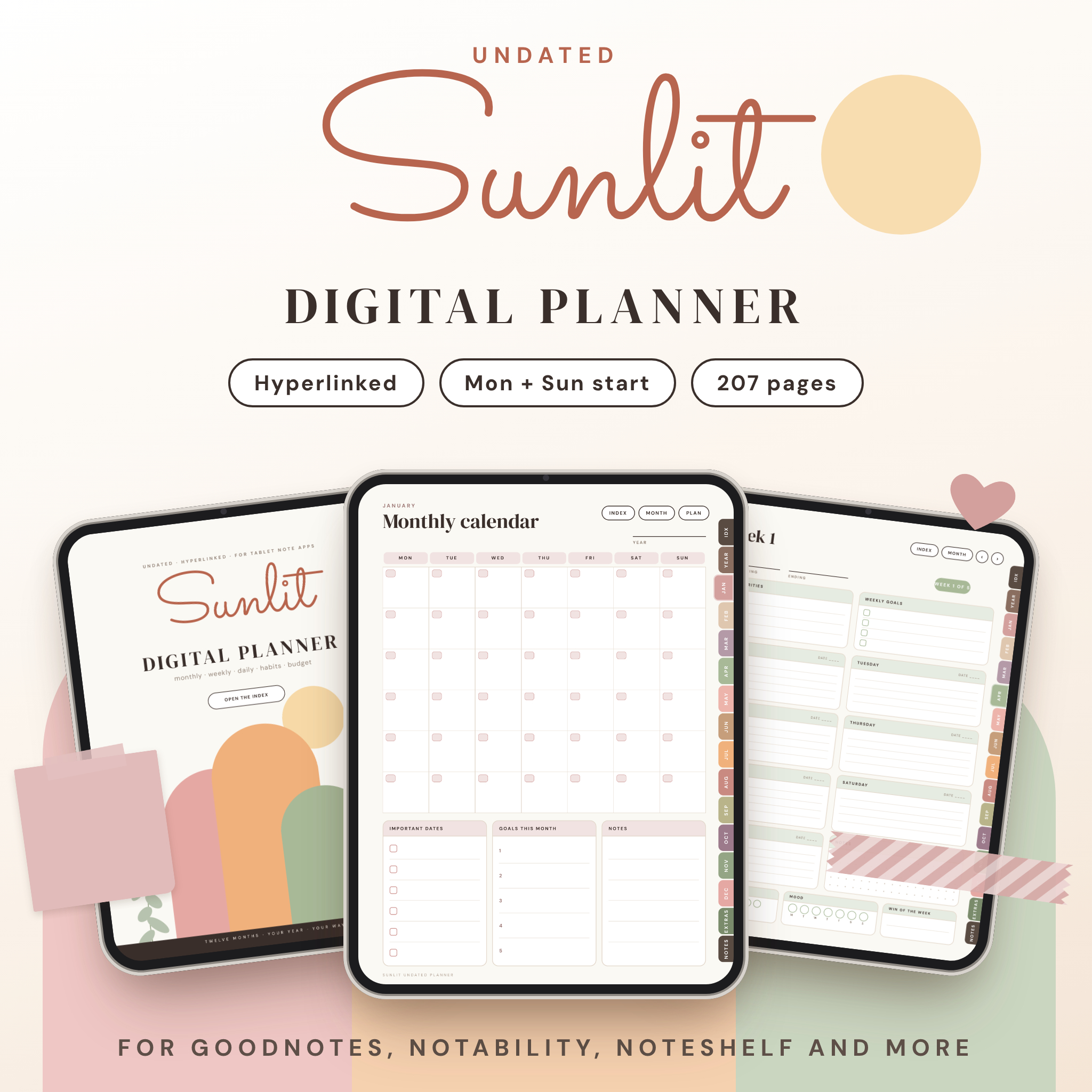
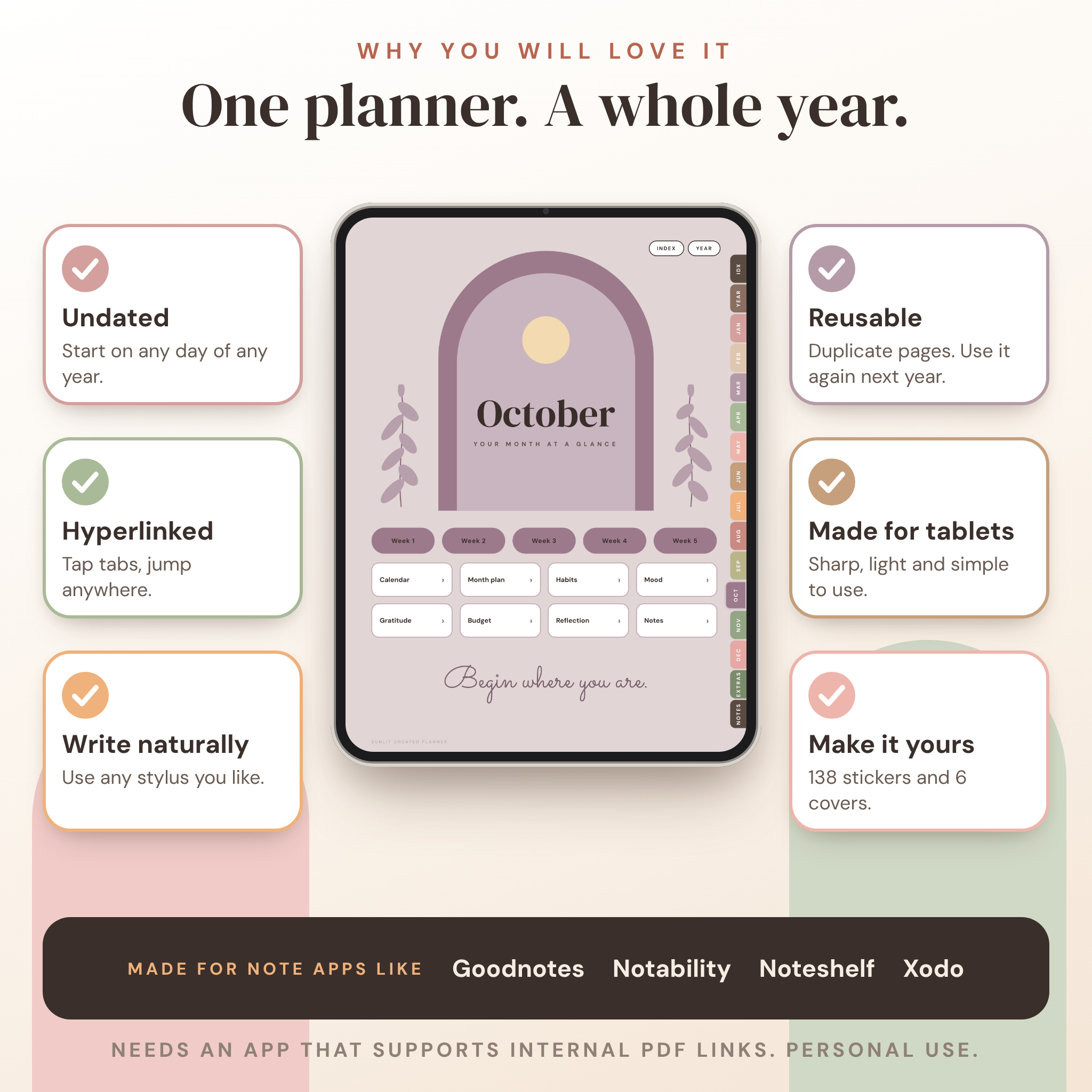
Sunlit is an undated digital planner for your tablet. Open it in your note app, tap a tab on the right edge and you’re on the page you want. No scrolling through hundreds of pages. No dates to catch up on. Start in March, start in October, start on a Wednesday. It works.
What it is
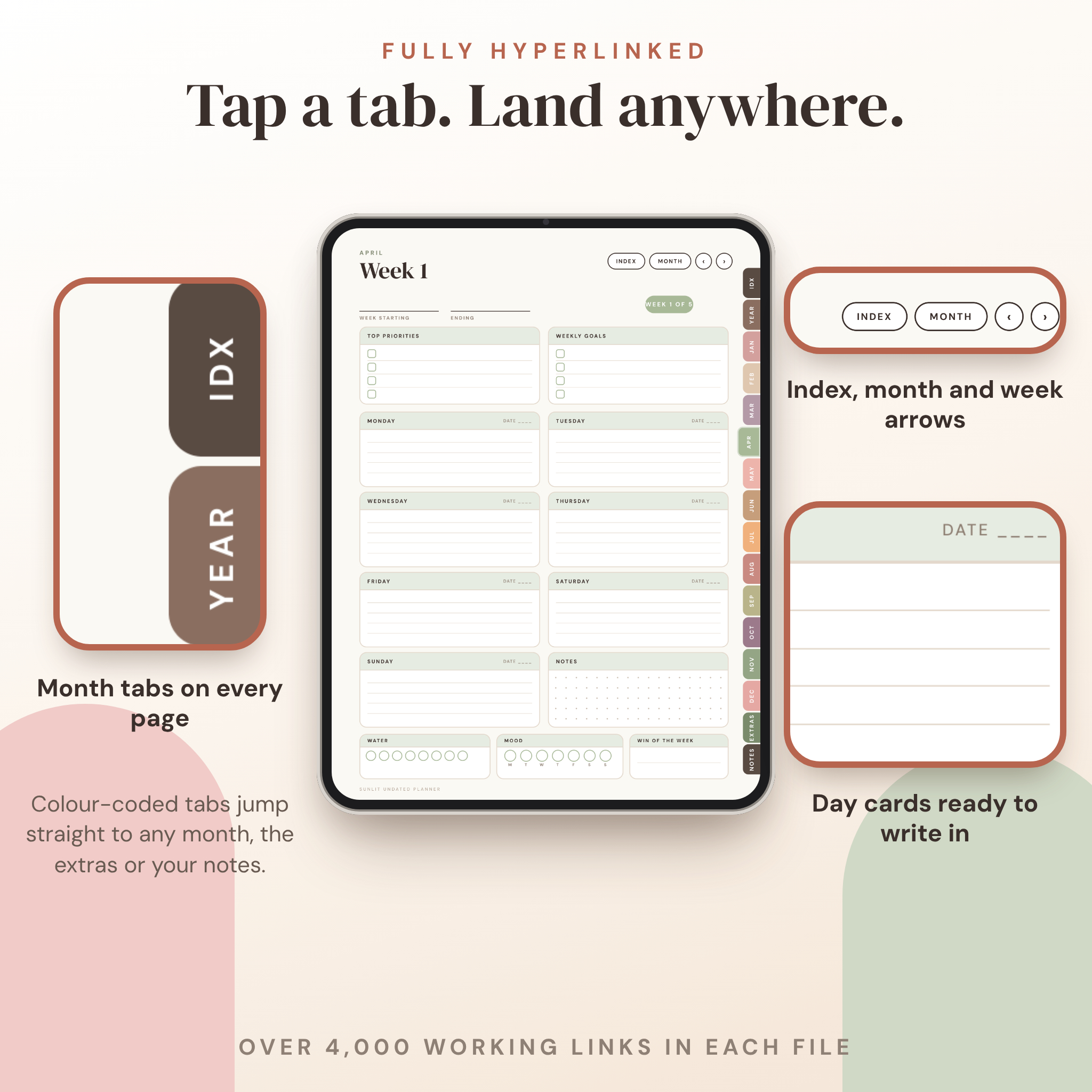
A hyperlinked PDF planner with 207 pages. Every tab, button, week arrow and index line is a working link. Each file has over 4,000 of them, and every one points to a real page.
Who it’s for
People who love paper planners but want everything on one tablet. Students juggling classes and a budget. Small business owners and side hustlers who need a revenue log next to their weekly plan. Anyone who wants a calm layout, not forty pages of tiny boxes.
What you get
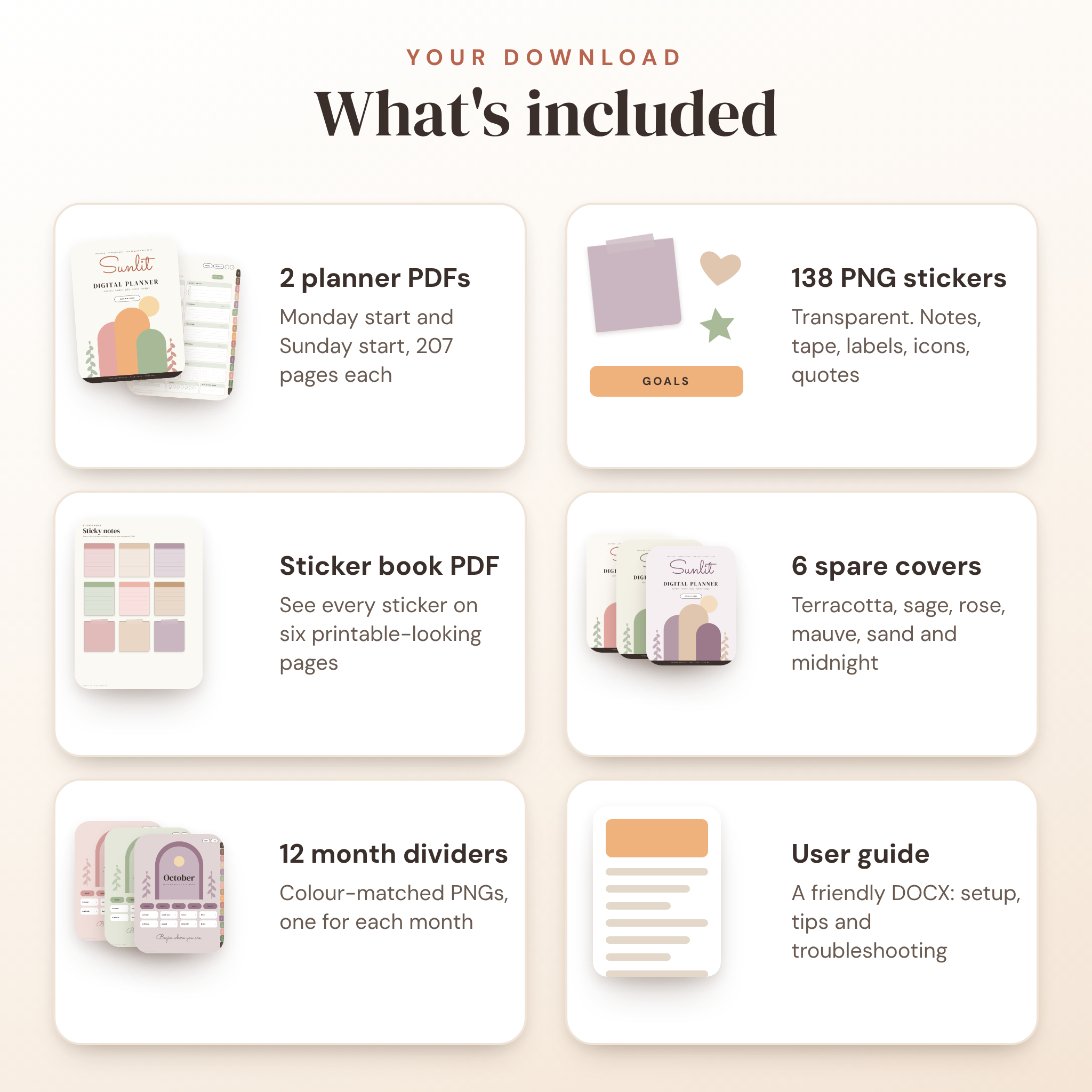
- Two planner PDFs: Monday-start and Sunday-start (pick the one that suits you, or use both)
- 207 pages in each file
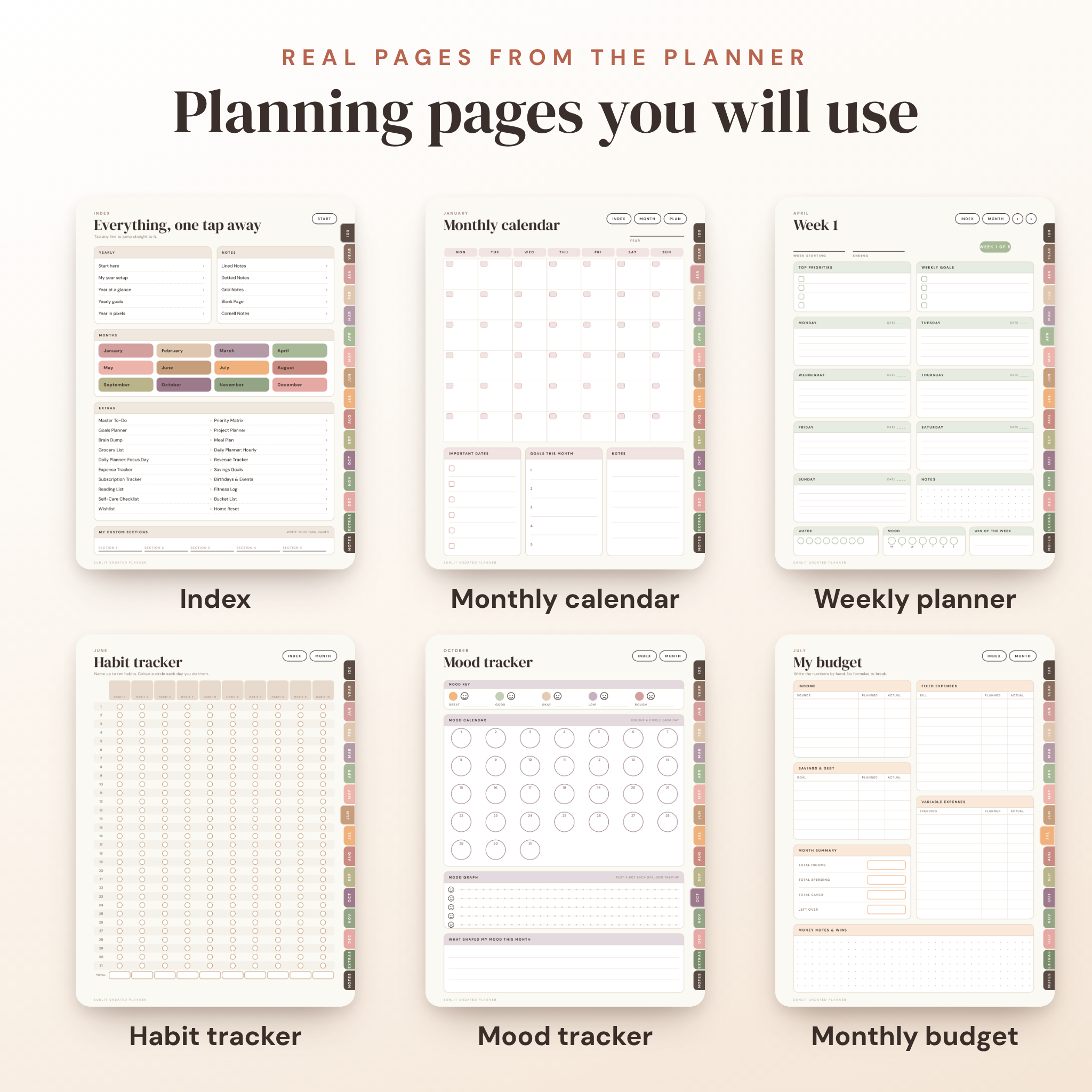
- 12 monthly sections with 14 pages each: month start page, calendar, month plan, five weekly pages, habit tracker, mood tracker, gratitude, budget, reflection and notes
- 60 weekly pages, with arrows that move to the previous and next week
- Front section: start here page, index, year setup, year at a glance, yearly goals and year in pixels
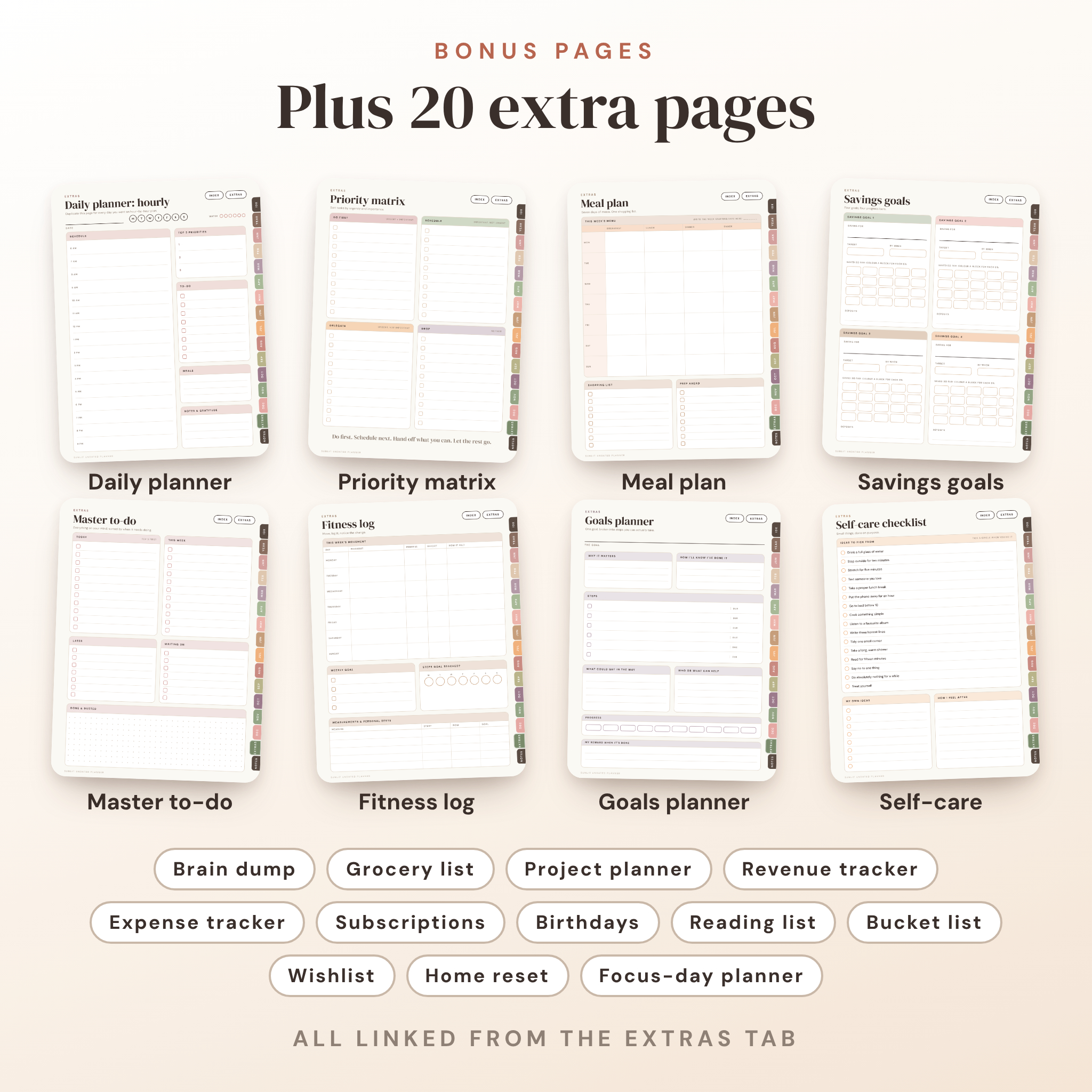
- 20 extra pages: master to-do, priority matrix, goals planner, project planner, brain dump, meal plan, grocery list, two daily planners, revenue tracker, expense tracker, savings goals, subscription tracker, birthdays and events, reading list, fitness log, self-care checklist, bucket list, wishlist and home reset
- Notes section: lined, dotted, grid, blank and Cornell pages, plus 5 custom sections you can name yourself
- 138 transparent PNG stickers: sticky notes, washi tape, labels, checkboxes, icons, mood faces, quotes, highlights and dividers
- A sticker book PDF so you can browse every sticker first
- 6 spare cover colourways
- 12 month divider images
- A Word user guide that walks you through setup, every section and common fixes
- A PDF bookmark list, so you can still jump to any section from your app’s outline panel
How it works
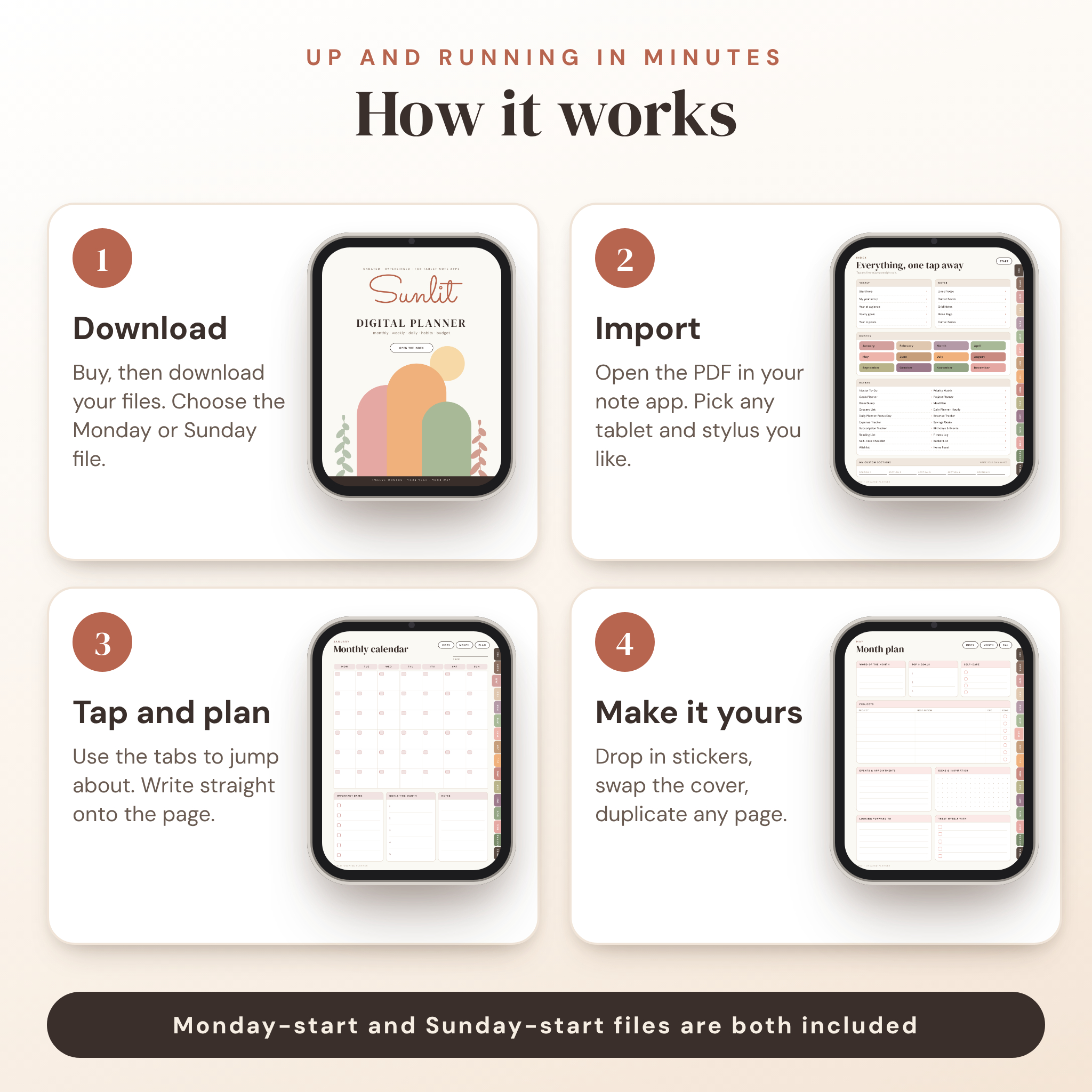
- Download your files. Unzip the sticker, cover and divider ZIPs.
- Pick the Monday-start or Sunday-start PDF.
- Import it into your note app.
- Tap the IDX tab. You’re on the index page. Every line is a link.
- Fill in the date boxes for your first month and start planning.
Dates are blank on purpose. You write the first date in the right box and count along. It takes about a minute a month, and the planner is yours for any year.
Why you’ll like it
You can find things fast. The tab column runs down every page, so the month you want is one tap away. You get habits, mood, money and meals in one file and not four apps. The layout is light and has room to write. And at US$3 you don’t need to think twice.
File formats
- Planner: PDF (two files)
- Stickers: PNG with transparent backgrounds, in a ZIP
- Covers and dividers: PNG, in ZIPs
- Sticker book: PDF
- User guide: DOCX (Word)
Software you need
A note-taking or PDF annotation app that opens PDFs and supports internal PDF links. We made it with Goodnotes, Notability, Noteshelf and Xodo in mind. Links are handled a little differently from app to app, so test the tabs on your first day. The guide shows you how.
Customise it
Write over any heading. Name your habits. Name the five custom sections. Swap the cover for any of the six included. Drop stickers anywhere. Duplicate any page in your app when you need more room.
Good to know
- This is a digital download. Nothing is shipped.
- It is a flat PDF to write on. The printed text can’t be edited.
- The stickers are individual PNG files. There is no pre-cut sticker file for any specific app. Add the PNGs through your app’s image or sticker tool.
- Pages can be printed for personal use, but links only work on screen.
- For personal use only. Please don’t resell, share or upload the files.
Digital download information
After checkout you’ll get download links for your files. Keep them somewhere safe, so you can import the planner again whenever you like. Because it is a digital product, nothing is posted to you.
Questions? Message us with your app name and device. We’ll help.
Reviews
There are no reviews yet.