A weighted gradebook spreadsheet sounds like something only a maths teacher would enjoy building. But the idea behind it is simple, and once you see it worked through with real numbers, you’ll spot exactly where homemade gradebooks go wrong (and why a student’s grade can look wildly different from what they expected).
This guide explains how weighted grades work, walks through the maths step by step, covers the blank-cell problem that trips up most spreadsheets, and shows how to set one up in Excel or Google Sheets.
Points-based vs weighted grading
There are two common ways to calculate a grade.
Points-based adds up every point earned and divides by every point possible. Simple. The catch is that big assignments quietly dominate. If a semester has 10 homework tasks worth 10 points each (100 points) and two tests worth 100 each (200 points), tests make up two thirds of the grade whether you meant that or not.
Weighted grading puts assignments into categories and gives each category a fixed share of the final grade. Tests might be 40 percent, homework 20 percent, no matter how many points each assignment carries. You decide the balance, and it stays put.
Most schools use weighted categories because it lets the syllabus say exactly what counts for how much.
How weighted grades work, step by step
Say your categories and weights are:
| Category | Weight | Student’s average |
|---|---|---|
| Tests | 40% | 82% |
| Projects | 25% | 70% |
| Quizzes | 20% | 90% |
| Homework | 15% | 95% |
- Average each category on its own. All the test scores average to 82, all the quizzes to 90 and so on.
- Multiply each average by its weight. 82 x 0.40 = 32.8. 70 x 0.25 = 17.5. 90 x 0.20 = 18. 95 x 0.15 = 14.25.
- Add them up. 32.8 + 17.5 + 18 + 14.25 = 82.55.
The student’s weighted grade is 82.55 percent. Notice that strong homework (95) only nudges things up, because homework is just 15 percent. The weak project grade pulls harder, because projects are 25 percent. That’s weighting doing its job.
The blank category problem
Here’s where most homemade weighted gradebook spreadsheets break. It’s week three. You’ve given tests, quizzes and homework, but no projects yet. The projects average is blank.
A naive formula treats blank as zero. So the student above suddenly has 32.8 + 0 + 18 + 14.25 = 65.05. A D, three weeks into term, for work you haven’t even set. Cue a worried parent email.
The fix is to rescale by the weights that are in use. Projects are missing, so only 40 + 20 + 15 = 75 percent of the weight is active. Divide by that: 65.05 / 0.75 = 86.73. That’s the fair grade for where the term actually is.
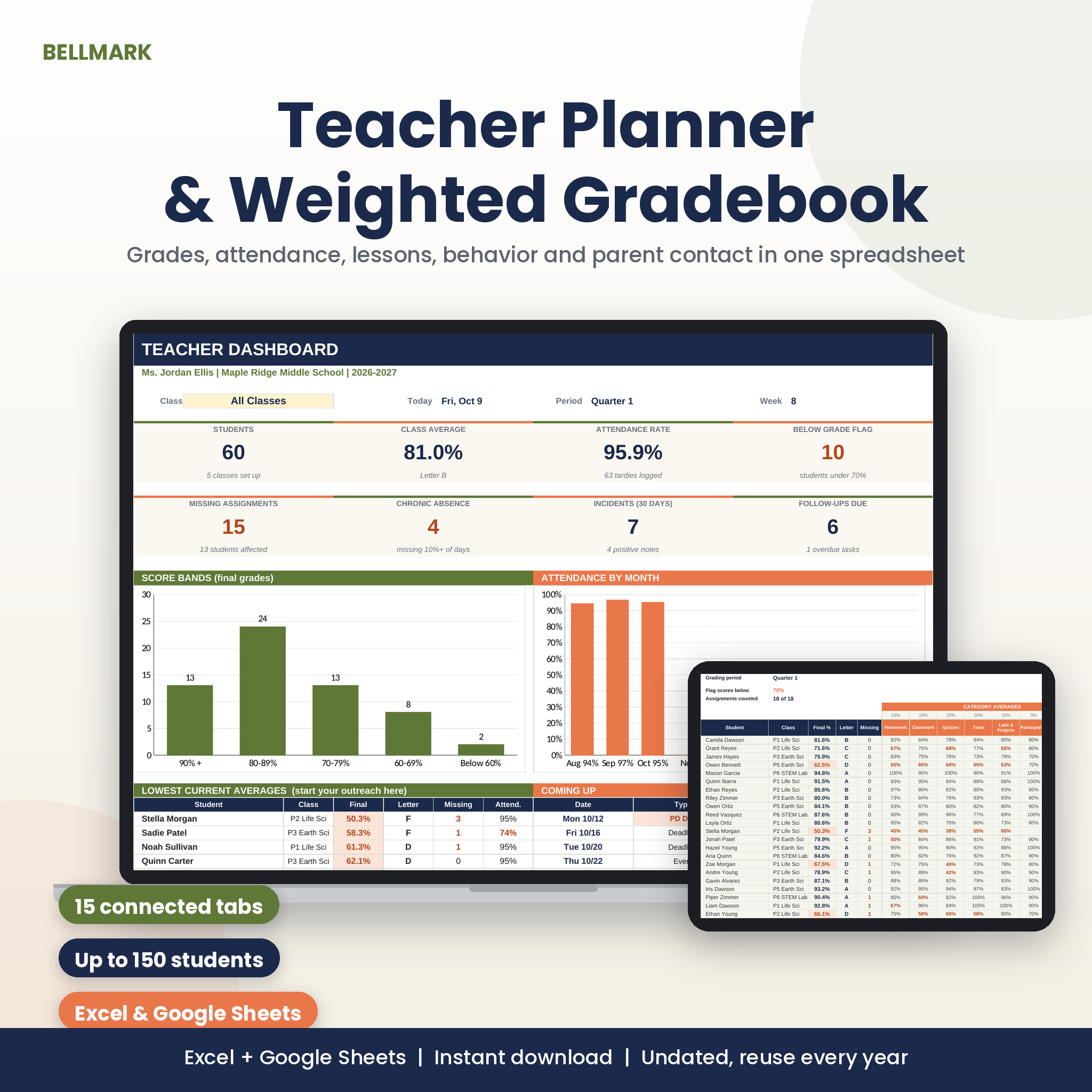
The Bellmark weighted gradebook handles this automatically: category weights rescale fairly when a category has no grades yet. So the grade a student sees in week three reflects the work that exists.
Missing vs excused vs not yet graded
Blank cells cause a second problem. A blank could mean three different things:
- Missing: the student didn’t hand it in. Should count as zero.
- Excused: the student was ill or exempt. Should be ignored.
- Not graded yet: you haven’t got to the pile. Should be ignored for now.
If your spreadsheet can’t tell these apart, grades are wrong in one direction or the other. Bellmark uses codes: type EX and the assignment is ignored for that student; type M and it counts as zero and gets flagged in coral; leave it blank and it waits until you grade it. That one small system saves a lot of second-guessing at report time.
How to set up a weighted gradebook spreadsheet yourself
If you’d like to build a simple version, here’s the outline:
- Put your categories and weights in a small table at the top, and check the weights add to 100 percent.
- Give each assignment a column and tag it with a category in a row above the scores.
- For each student, use AVERAGEIF (or AVERAGEIFS) to average the scores for each category.
- Multiply each category average by its weight with SUMPRODUCT, then divide by the sum of weights for categories that have scores. That division is the rescaling step from above.
- Wrap it in IFERROR so an empty category doesn’t throw an error.
- Add a lookup to turn the percentage into a letter grade from your scale.
It’s doable in an afternoon. It gets harder once you add excused codes, grading periods and several classes, which is usually where teachers decide a ready-made file is worth it.
What else a good gradebook should do
Getting the maths right is step one. The rest is about saving time:
- Grading periods. Bellmark has a filter where one cell switches between Quarter 1, Semester 2 or Full Year.
- Shared assignments. A test given to periods 3 and 5 should take one column, not two. In Bellmark, an assignment can go to one class, every section of a course, or everyone.
- Your own scale. Up to 8 grading categories with any weights, and a grade scale you can edit, plus and minus letters included.
- Early warnings. The dashboard lists the lowest current averages, so you spot a student slipping under 70 percent before progress reports go home.
Bellmark also includes attendance (built from real school dates, skipping weekends and PD days), a roster for 150 students across 8 classes, a lesson log and weekly plan, one-page student reports for conferences and IEP or 504 meetings, behaviour and parent contact logs and a substitute folder. It runs in Excel on Windows, Mac and the web, and in Google Sheets, with no macros.
Elementary teachers: use categories as subjects
If you teach one class all day, weighted categories can work differently. Set the categories to subjects (reading, maths, science and so on) and each subject gets its own average. Bellmark suggests exactly this setup for elementary classrooms.
Weighted grades FAQ
How do I calculate a weighted grade?
Average each category, multiply each average by its weight as a decimal, then add the results. If a category has no scores yet, divide the total by the sum of the weights you used.
Do weights have to add up to 100 percent?
They should. If they add to 90 or 110, every grade is skewed. Most gradebooks, including Bellmark, check this for you on the setup page.
Does a weighted gradebook work in Google Sheets?
Yes. Bellmark is an .xlsx file you upload to Google Drive and save as Google Sheets; dropdowns, charts, colours and tab links carry over.
Can I reuse a gradebook next year?
If it’s undated, yes. Change the dates on the setup page and the calendar and attendance rebuild.