A zero based budget has one rule: income minus everything you plan to spend, save and pay off should equal zero. Not zero in the bank. Zero left unassigned on paper. Every dollar gets a job before the month starts.
That sounds strict. In practice it’s freeing. Most people who “budget” really just track, then feel bad at the end of the month. Zero based budgeting flips that around. You decide first, then spend.
Here’s how it works, with a worked example you can copy.
What zero based budgeting actually means
Imagine your take-home pay is $3,800 this month. In a zero based budget, you write down where every one of those dollars is going until the “left to assign” number hits zero.
Savings counts as a job. So does extra debt repayment. So does a $60 “fun money” line. What you can’t have is $400 floating around with no plan, because unplanned money tends to leak into takeaway and small online orders.
A worked zero based budget example
Take-home pay: $3,800.
| Category | Planned |
|---|---|
| Rent | 1,350 |
| Utilities and internet | 210 |
| Phone | 45 |
| Groceries | 520 |
| Gas and transport | 180 |
| Insurance | 140 |
| Credit card (minimum plus extra) | 300 |
| Emergency fund | 250 |
| Car repairs sinking fund | 75 |
| Gifts sinking fund | 50 |
| Subscriptions | 40 |
| Eating out | 150 |
| Personal and clothing | 100 |
| Fun money | 90 |
| Buffer | 380 |
| Total | 3,800 |
Left to assign: zero. Notice the buffer line. That isn’t cheating. It’s a planned cushion for the stuff you can’t predict, and if it’s unused at month end it rolls to savings or debt.
How to build your own zero based budget
1. Start with what actually lands in your account
Use take-home pay, not salary. If your income varies, budget on your lowest typical month and treat anything above it as a bonus to assign once it arrives.
2. Fill fixed bills first
Rent, utilities, insurance, minimum debt payments. These aren’t optional, so they go in before anything else.
3. Add the irregular costs as monthly amounts
Car repairs, annual subscriptions, birthdays, the dentist. Divide each yearly cost by 12 and give it a line. This is what stops a $600 car bill from wrecking March.
4. Set variable spending
Groceries, gas, eating out. Look at the last two or three months of bank statements to get honest numbers, then trim slightly if you need to.
5. Assign the rest
Whatever’s left goes to goals: savings, extra debt payments, or a buffer. Keep going until you hit zero.
6. Adjust during the month
Overspent on groceries by $40? Move $40 from eating out. A zero based budget isn’t broken when you go over. You just move money between lines so the total still balances. That flexibility is why it works.
What to do at the end of the month
The last day of the month is where a zero based budget earns its keep. Sit down for ten minutes and compare planned against spent for each line.
Three things usually happen. Some lines come in under (well done, that money now gets a new job). Some come in over, and you’ll want to know why: a one-off, or a number that was never realistic? And the buffer either survived or got eaten.
Leftover money doesn’t just sit there. Decide where it goes: extra on the credit card, a top-up to the emergency fund, or next month’s buffer. Then build the new month, starting from this month’s real numbers rather than your hopes. If groceries came in at $580 three months running, stop planning $520. Raising one line and lowering another is far better than a plan you break every week.
After three or four months your plan settles down and the monthly reset gets quick.
Common mistakes
- Forgetting irregular expenses. The annual car insurance bill isn’t a surprise. It’s just one you didn’t plan for.
- No fun money. Budgets with zero room for treats get abandoned. Give yourself a small guilt-free line.
- Planning once and never checking. A weekly five-minute look at what’s spent versus planned catches problems early.
- Copying someone else’s numbers. Your grocery bill is your grocery bill. Start from your real spending.
Tools for a zero based budget
Cedarly Money Hub
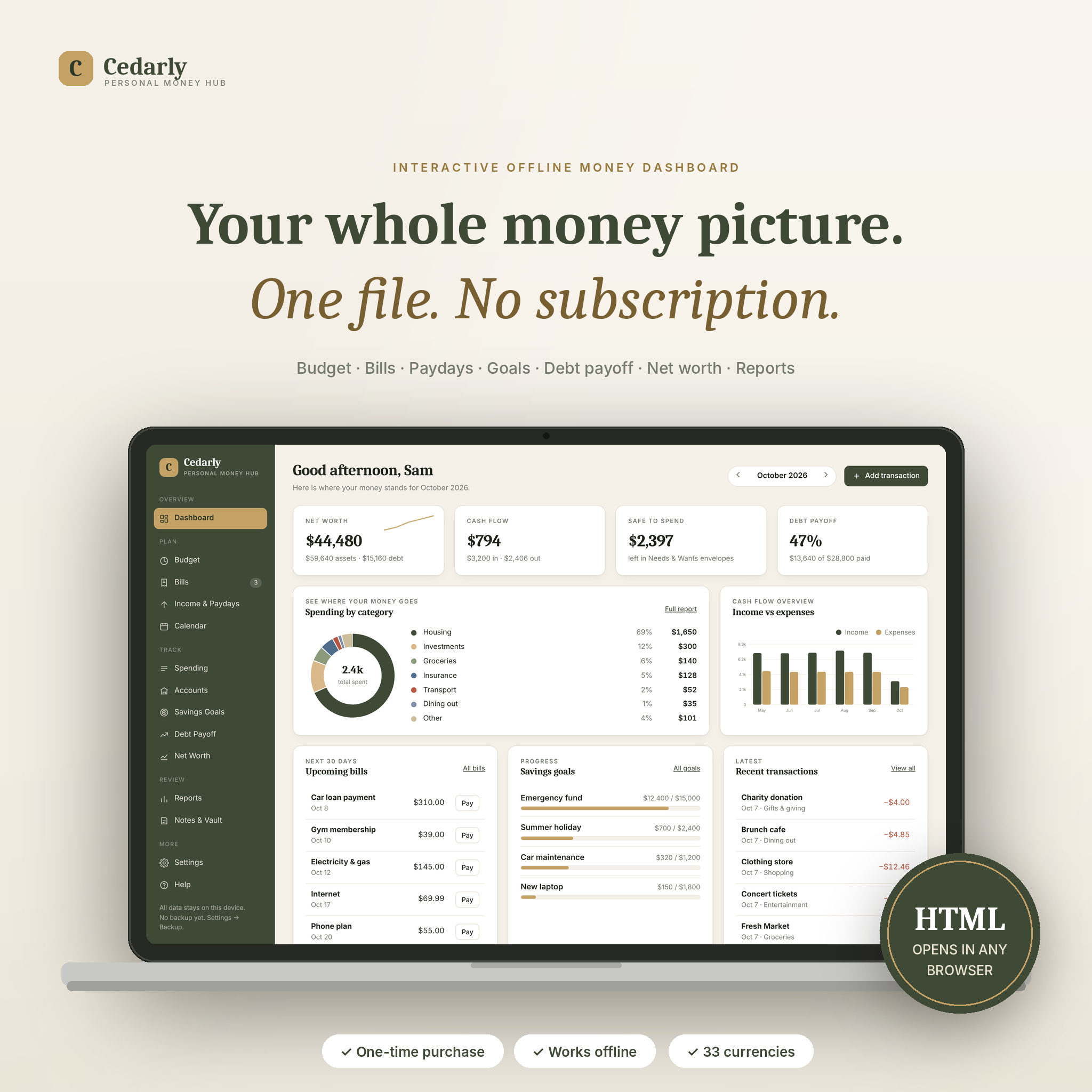
Cedarly Money Hub is an interactive dashboard in a single HTML file. Double-click it and it opens in your browser like an app, with a sidebar, live charts and forms instead of cells. Its Budget page is built for zero based planning: planned, spent and remaining for every category, plus a banner that counts down what’s left to assign and turns green at zero.
It can copy last month’s budget, auto-fill from your bills and flag spending you never planned for. If you prefer the 50/30/20 approach, there’s a view for that too. Bills, paydays, debt payoff, sinking funds and net worth are all linked, so marking a bill paid updates the budget and the account balance at once. Nothing leaves your computer: no account, no cloud, no monthly fee.
Good for people who want an app feel without a subscription. Less ideal if you like tinkering with formulas, since it isn’t a spreadsheet.
Aurora Finance OS
If you’d rather stay in a spreadsheet, Aurora Finance OS works in Google Sheets and Excel. You enter income, bills, expenses, debts and savings goals on one Setup tab, and it builds 12 monthly budgets, a bill calendar, a debt planner and a cash-flow worksheet. To run it zero based, plan your categories until income minus planned amounts equals zero, then log against them through the month.
Zero based budget FAQ
Does a zero based budget mean spending all my money?
No. It means assigning all of it. Savings, debt payments and a buffer are assignments, so you can have zero left to assign and still be putting hundreds away.
How is zero based budgeting different from the 50/30/20 rule?
50/30/20 splits income into three broad buckets by percentage. Zero based budgeting plans every category in detail. Some people use 50/30/20 as a starting guide and then fill in the details zero based.
Can I do zero based budgeting with irregular income?
Yes. Budget on a conservative base amount, then assign extra income as it arrives, starting with your most important goals.
How long does it take each month?
The first budget takes an hour or so. After that, most people copy last month, adjust a few lines and are done in 15 to 20 minutes.