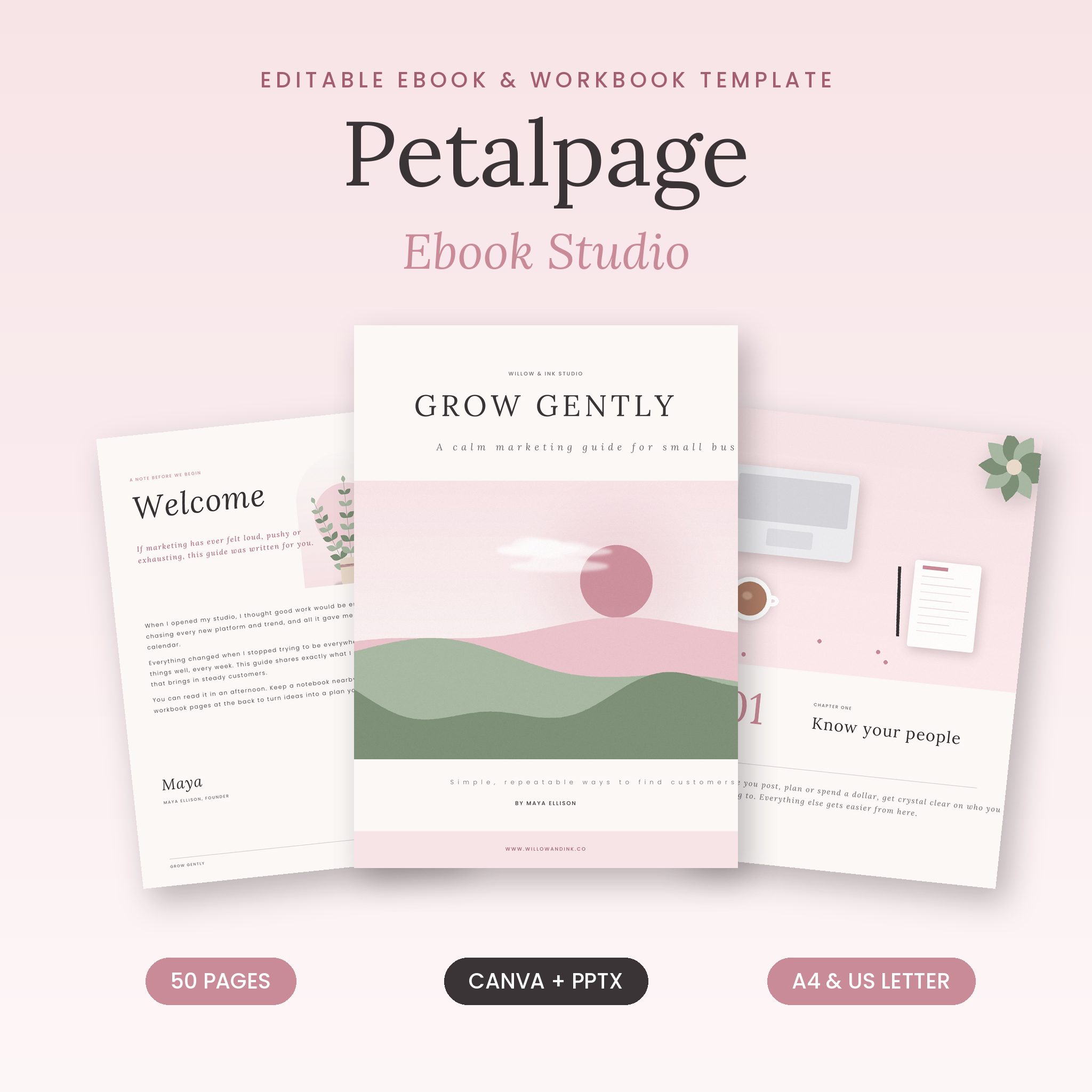
Petalpage Ebook Studio is an editable ebook template for Canva and PowerPoint that helps you turn what you know into a polished ebook, lead magnet, workbook or client guide in an afternoon. You get 50 beautifully designed pages in a soft blush, ivory and sage style, in both A4 and US Letter sizes, plus a workbook section, a social media promo kit and a step-by-step user guide.
Every page is fully editable. Add your words, swap in your photos and brand colors, delete the pages you do not need and download a professional PDF ready to sell, share or give away.
A complete editable ebook template, not just a few pretty pages
Many ebook templates give you a cover and a handful of text pages. Petalpage is built around how real ebooks are written and used, so you have a page ready for every part of your guide: welcome, chapters, worksheets, testimonials, offers and contact details. Instead of lorem ipsum, each page includes short guidance text that tells you what to write there, so you are never staring at a blank page.
Who it is for
- Coaches, consultants and course creators writing a guide, mini course or client handbook
- Small business owners creating a lead magnet or freebie to grow an email list
- Bloggers, creators and service providers selling a digital ebook or workbook
- Anyone who wants a professional-looking document without designing from scratch
What’s included
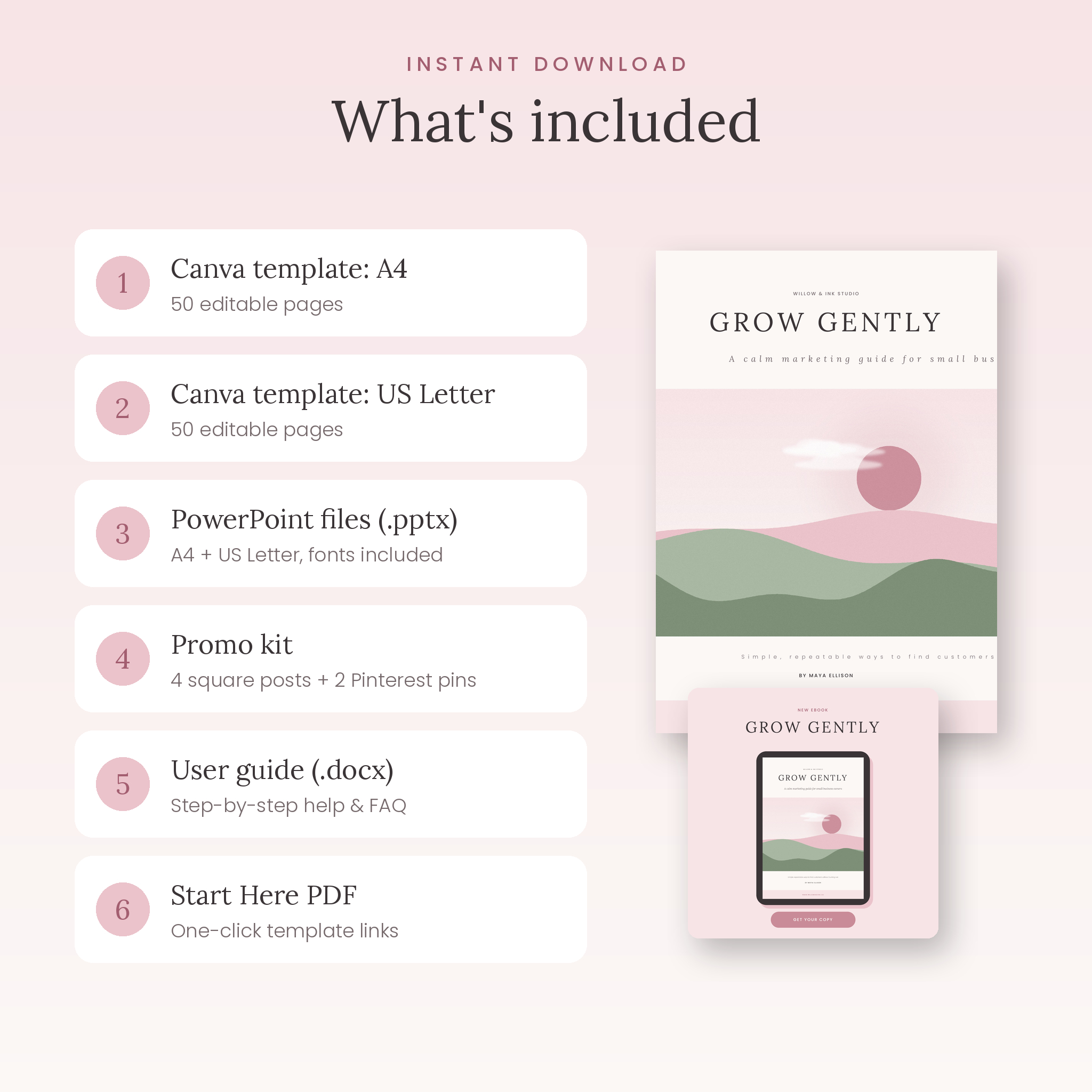
- Canva ebook template (A4): 50 editable pages, opens as your own copy
- Canva ebook template (US Letter): the same 50 pages sized 8.5 × 11 in
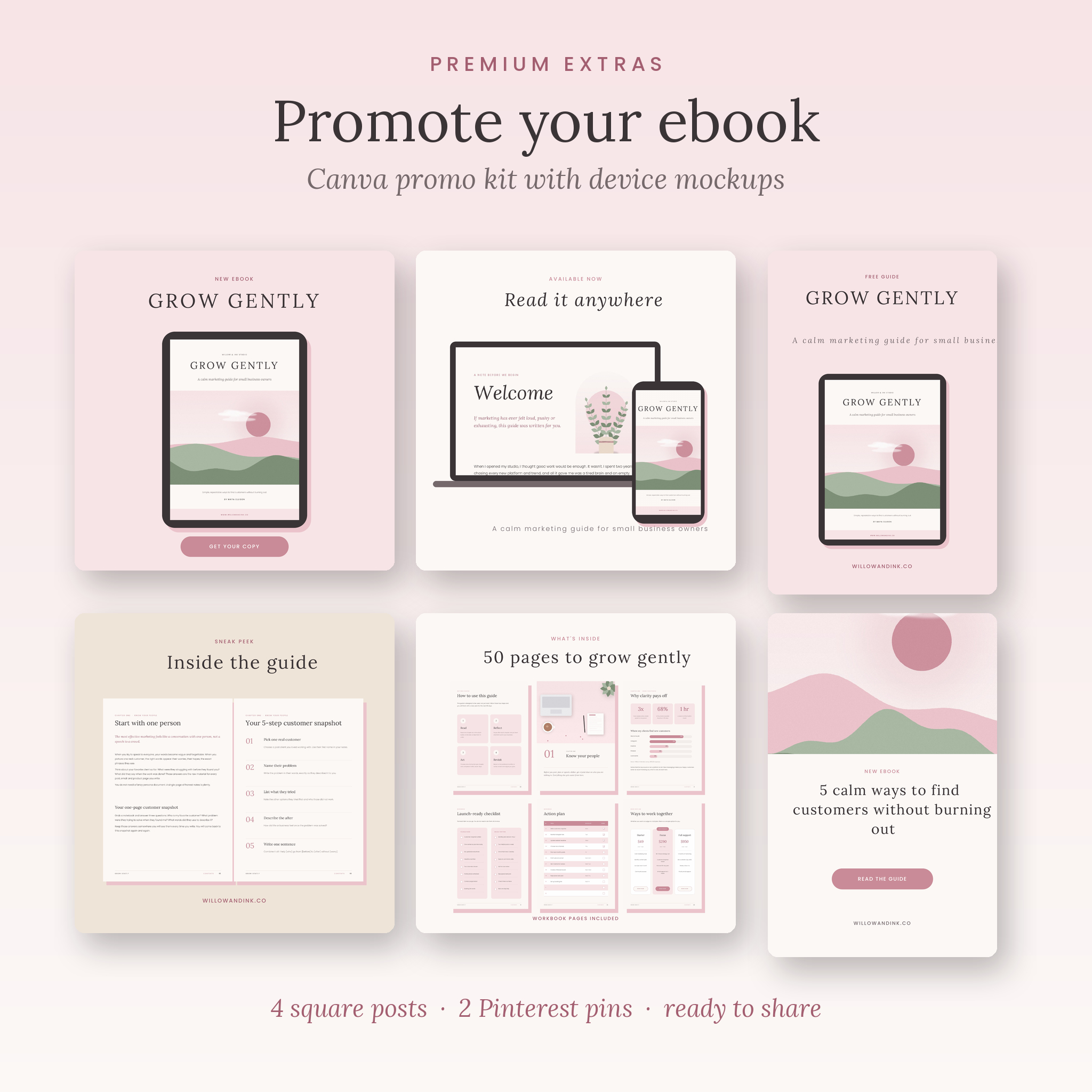
- Canva promo kit: 4 square social media posts with tablet, laptop and phone mockups, plus 2 Pinterest pins
- PowerPoint (.pptx) files: A4, US Letter and promo kit versions, with the Lora and Poppins fonts included (SIL Open Font License)
- Start Here PDF: one-click template links and a 5-step quick start
- User guide (.docx): how to edit, customize, export, troubleshoot and more
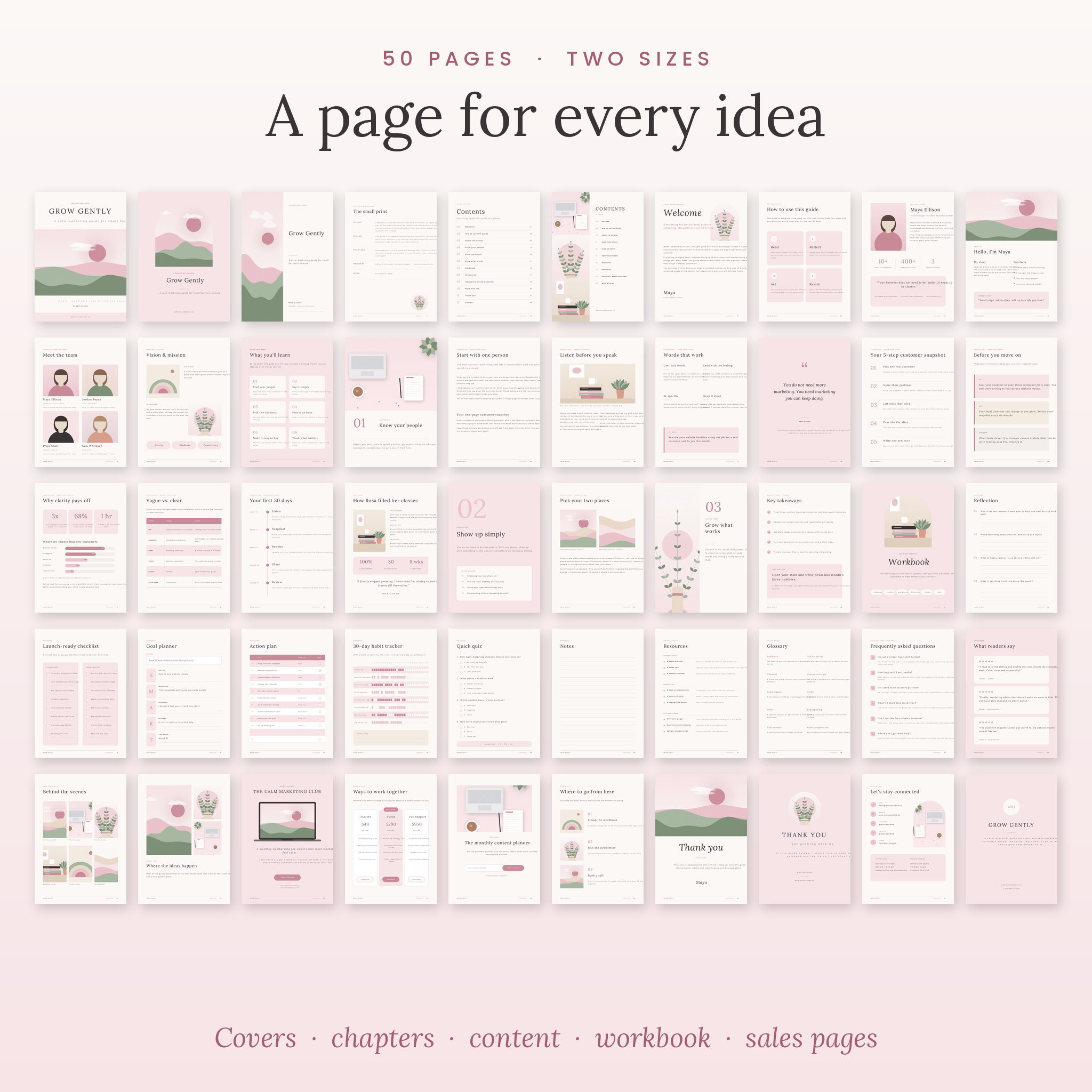
The 50 pages
- 3 cover designs and a back cover
- Copyright and disclaimer page
- 2 contents pages (pre-linked in the .pptx files)
- Welcome letter and “how to use this guide” page
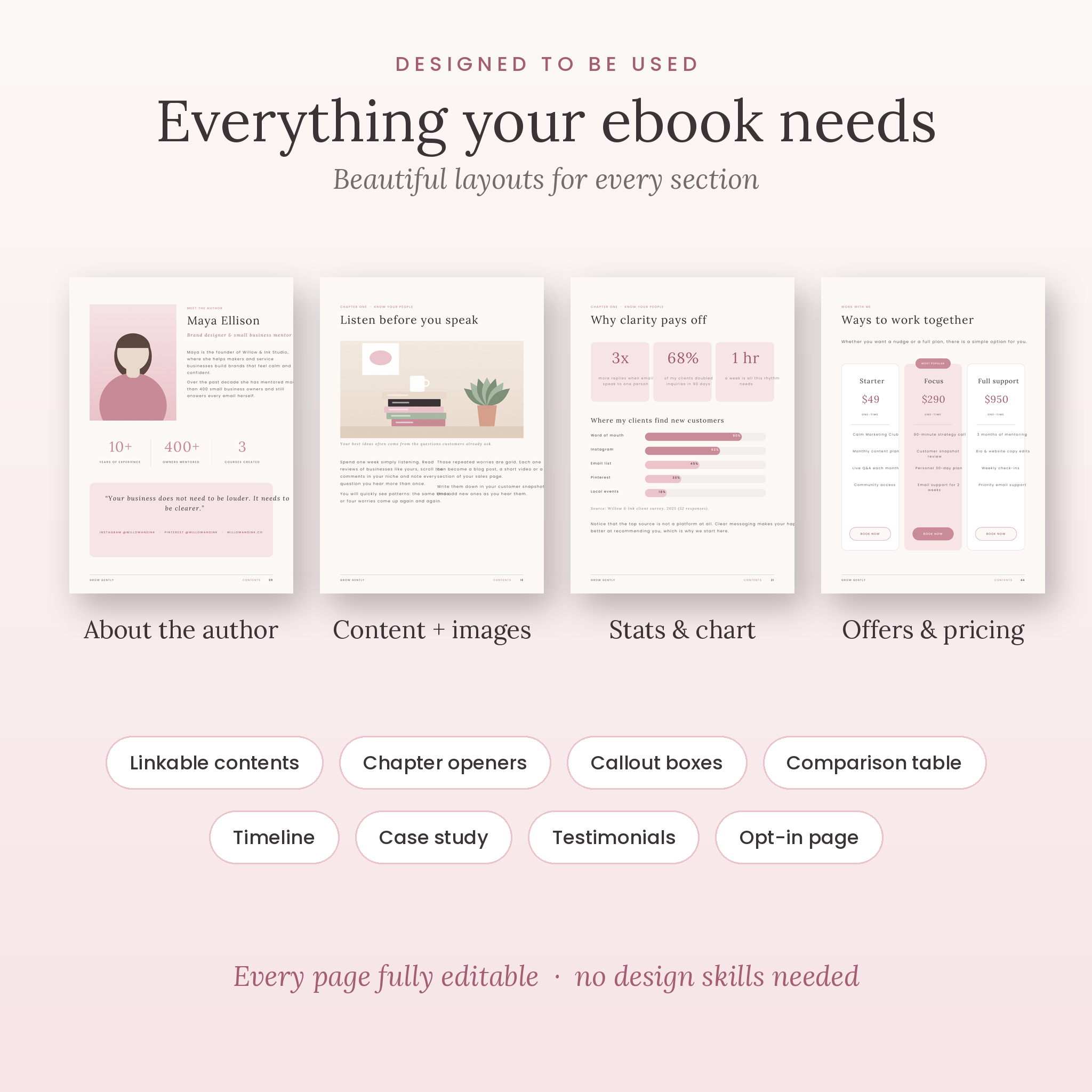
- 2 about-the-author layouts, meet the team, vision and mission, and “what you’ll learn”
- 3 chapter opener styles
- Content pages: body text, feature image, two columns, two images, pull quote, step-by-step process, tips and callouts, stats with an editable bar chart, comparison table, timeline and case study
- Key takeaways summary page
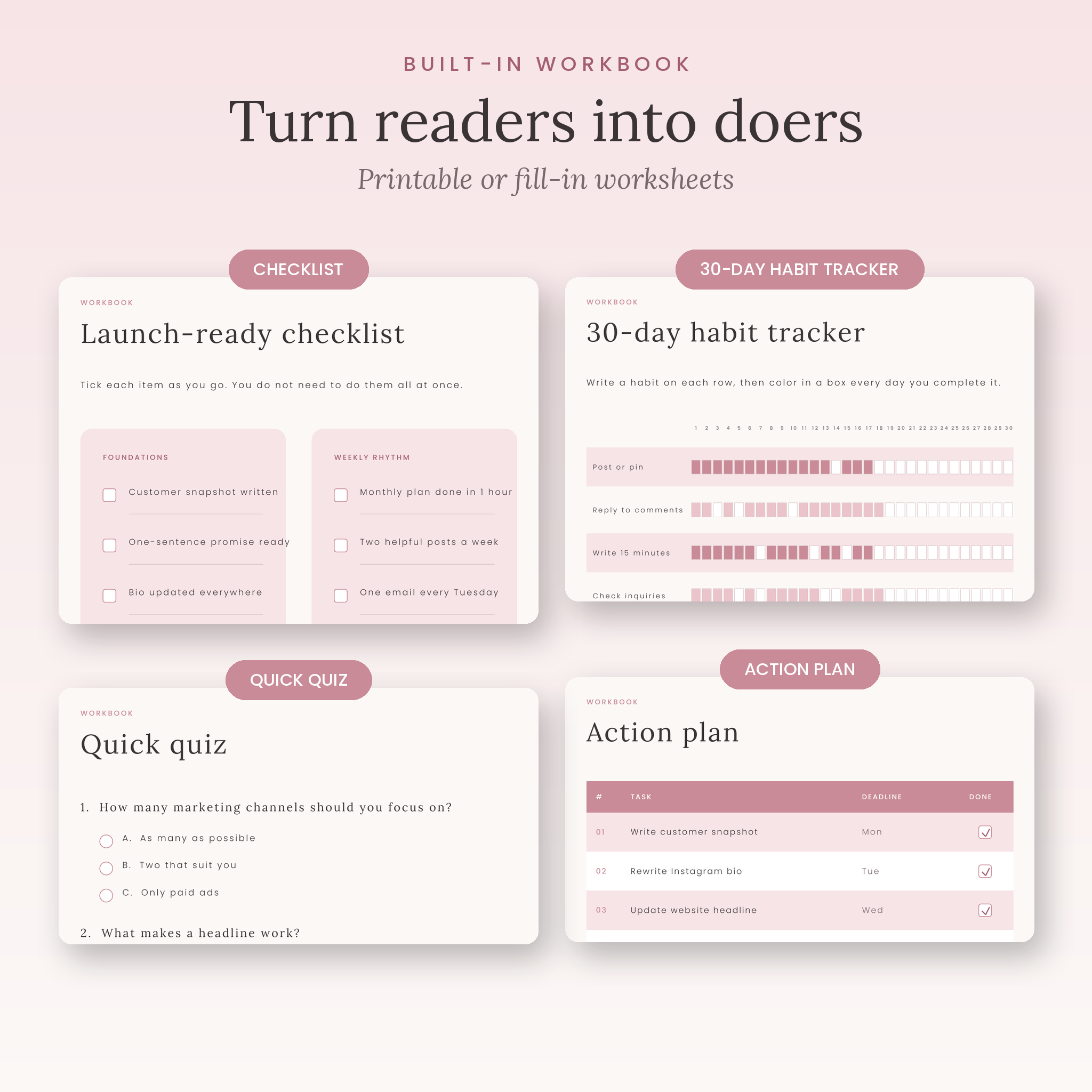
- Workbook: divider, reflection prompts, checklist, SMART goal planner, action plan, 30-day habit tracker, quiz and notes
- Resources, glossary, FAQ and testimonials with star ratings
- 2 photo gallery layouts
- Offer / call-to-action page with laptop mockup, “work with me” packages, free bonus opt-in page and next steps
- 2 thank-you pages and a contact page
Features that make it easy
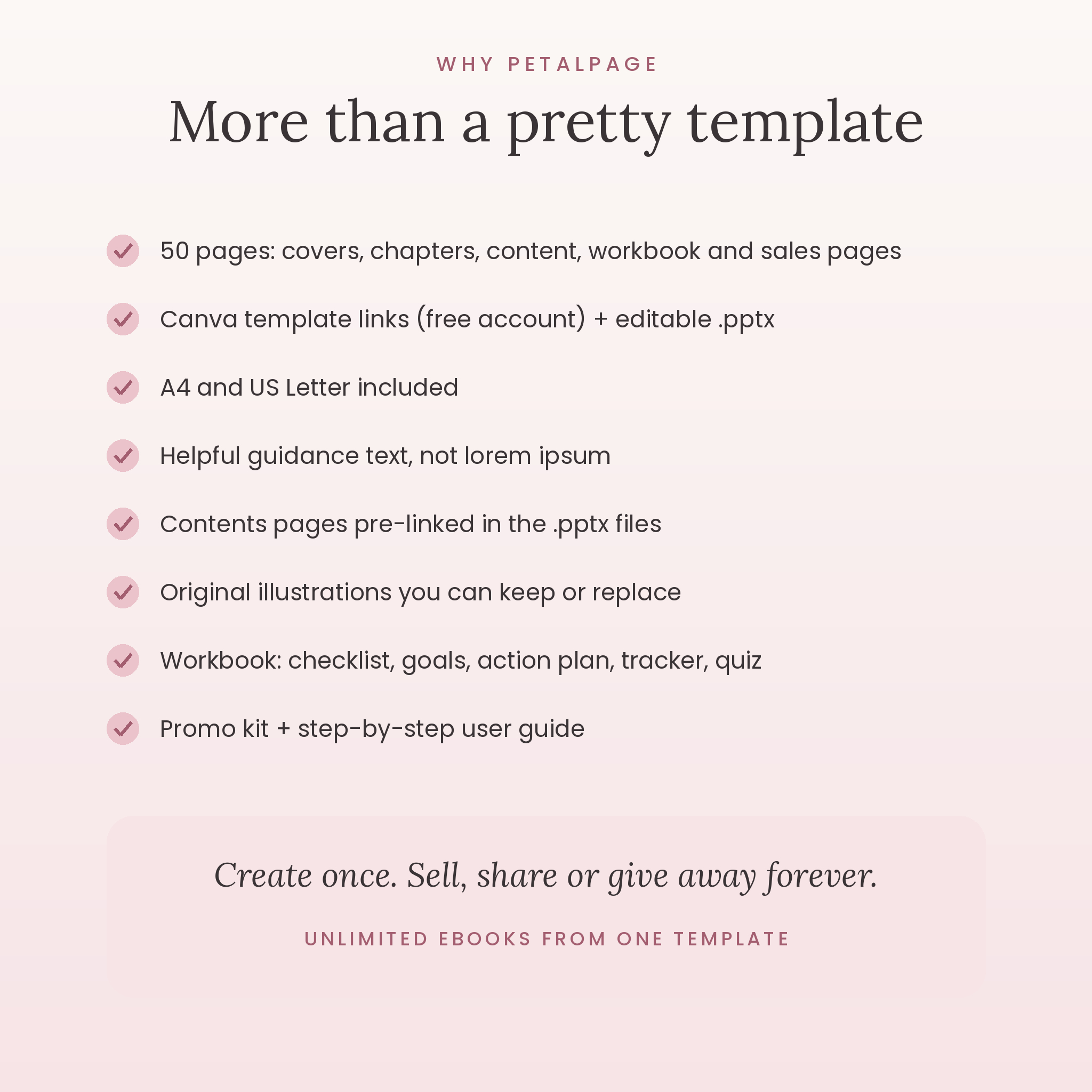
- Two sizes included: A4 and US Letter, so you can sell or print anywhere
- Canva templates plus .pptx files: edit with a free Canva account, or open the PowerPoint-format files
- Helpful guidance text: every placeholder explains what to write
- Original illustrations: keep the soft landscape, botanical and desk artwork, or replace it with your own photos in a click
- Neutral price fields: the packages page leaves the amount blank, so you can use any currency
- Workbook pages: printable or fill-in worksheets that turn readers into doers
- Promo kit: ready-made Instagram and Pinterest graphics to announce your ebook
- Consistent design system: one color palette and two fonts used throughout for a polished, premium look
How it works
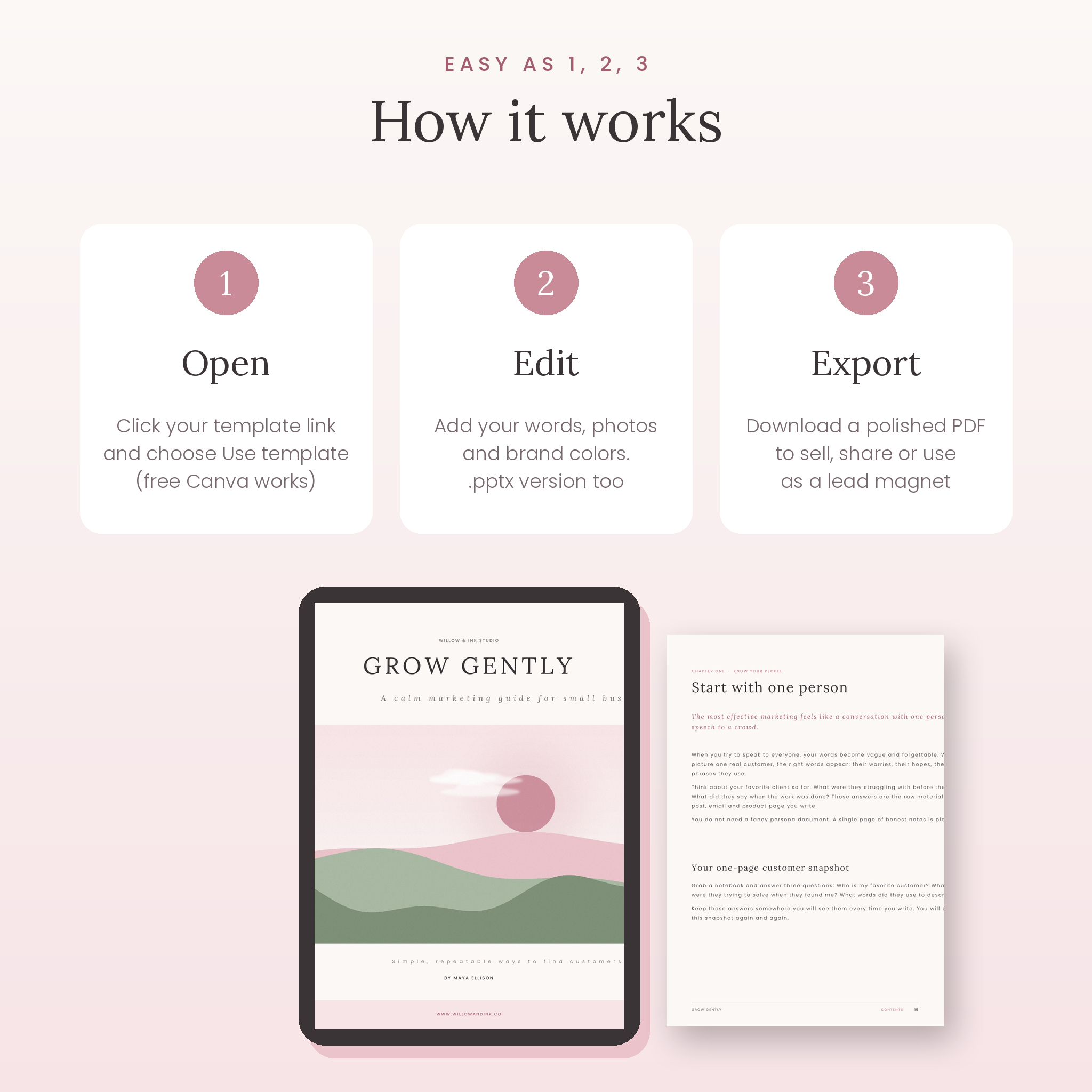
- Download your files and open the Start Here PDF.
- Click the template link for A4 or US Letter and choose “Use template”. Canva creates your own private copy (a free Canva account works). Prefer PowerPoint? Install the included fonts and open the .pptx file.
- Replace the guidance text with your content, drag your photos onto the image frames and change colors to match your brand.
- Delete or duplicate pages to suit your ebook.
- Download as a PDF and share it as a lead magnet, sell it in your shop or send it to clients.
File formats and software
- Canva template links (free or Pro Canva account)
- PowerPoint .pptx files (A4, US Letter and promo kit)
- Fonts: Lora and Poppins (free, included for PowerPoint users and available in Canva)
- User guide in .docx format and Start Here guide in PDF
- Page sizes: A4 (210 × 297 mm) and US Letter (8.5 × 11 in); promo posts 1080 × 1080 px and pins 1000 × 1500 px
Customization
Everything can be changed: text, fonts, colors, images, page order and layouts. The user guide lists every brand color with its hex code, explains how to change a color across the whole document in Canva, and shows how to link your contents page and add page numbers after you rearrange pages.
Digital download
This is a digital product. No physical item will be shipped. Your files are available to download immediately after purchase. You will need your own content and, if you like, your own photos.
Ways to use your ebook template
- A free lead magnet that grows your email list
- A paid ebook or workbook in your online shop
- A welcome guide or onboarding handbook for new clients
- A mini course or challenge workbook
- A service guide, pricing guide or media kit for your business
- A printed handout for workshops and events
Frequently asked questions
Do I need Canva Pro to edit this ebook template?
No. The template works with a free Canva account.
Can I use it in PowerPoint instead of Canva?
Yes. A4, US Letter and promo kit .pptx files are included, along with the fonts.
Can I sell the ebooks I create with it?
Yes. You can sell or give away the finished ebooks you create with your own content. You may not resell or share the template itself.
Is it A4 or US Letter?
Both. You get the same 50 pages in each size.
Can I change the colors and fonts?
Yes. Every color, font, image and layout is editable, and the guide shows you how.
Can I use the template more than once?
Yes. Open the template link as many times as you like to create new ebooks.
Does it include photos?
It includes original illustrations you can keep. Add your own photos or images from Canva’s library at any time.
License
Use Petalpage to create unlimited ebooks, guides and workbooks for yourself, your business or your clients. Sell or give away the finished products you make. Please do not resell, share or redistribute the template files or links.

Reviews
There are no reviews yet.