A Wedding Day Binder You Can Actually Type Into
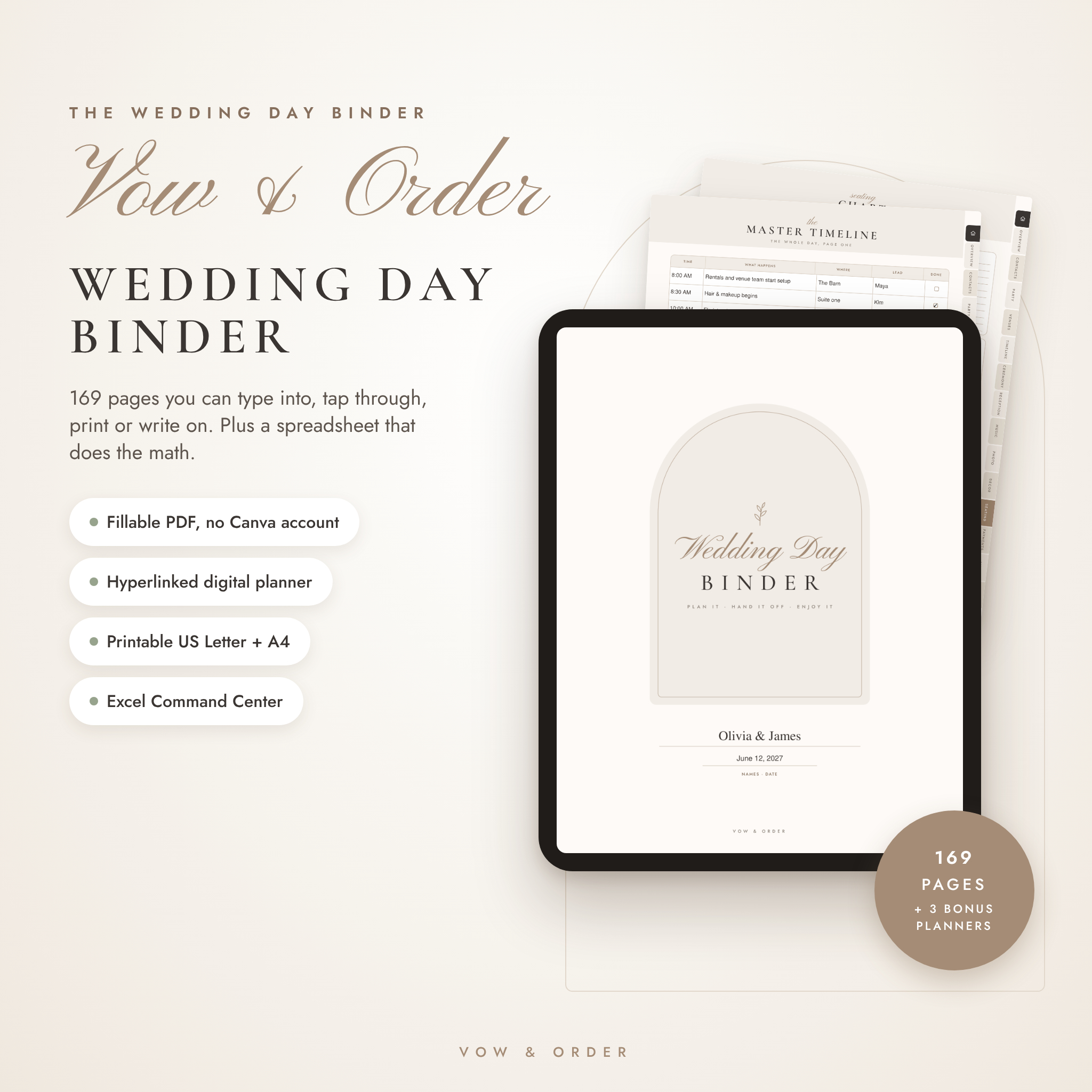
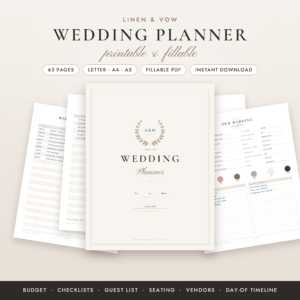
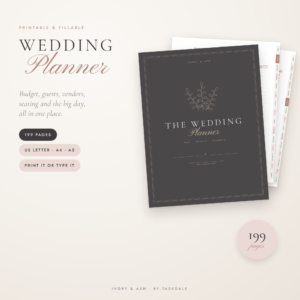
The Vow & Order wedding day binder is a 169-page fillable PDF planner that holds every detail of your big day in one place. Timelines, vendor contacts, the processional order, seating, tips, shot lists, checklists. All of it.
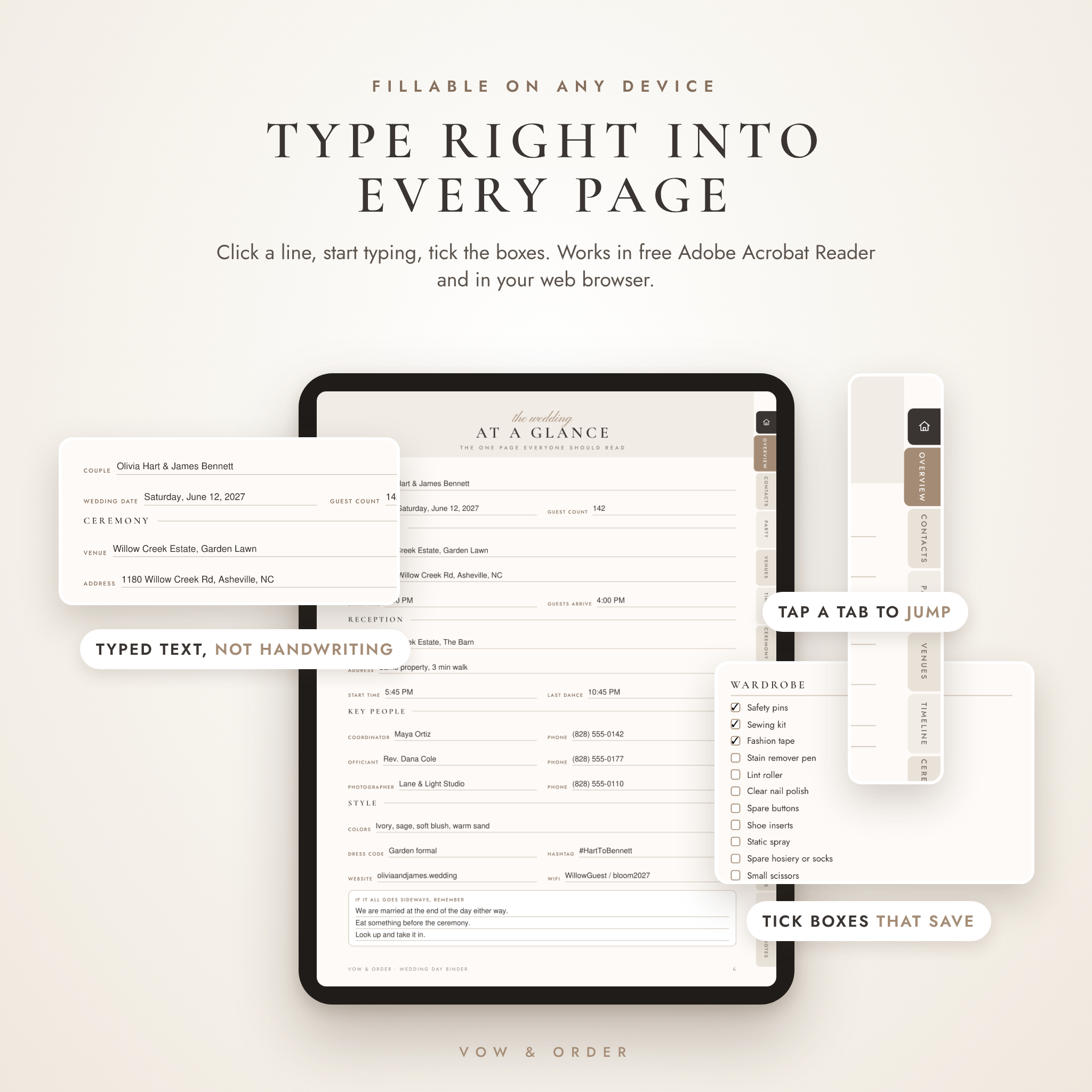
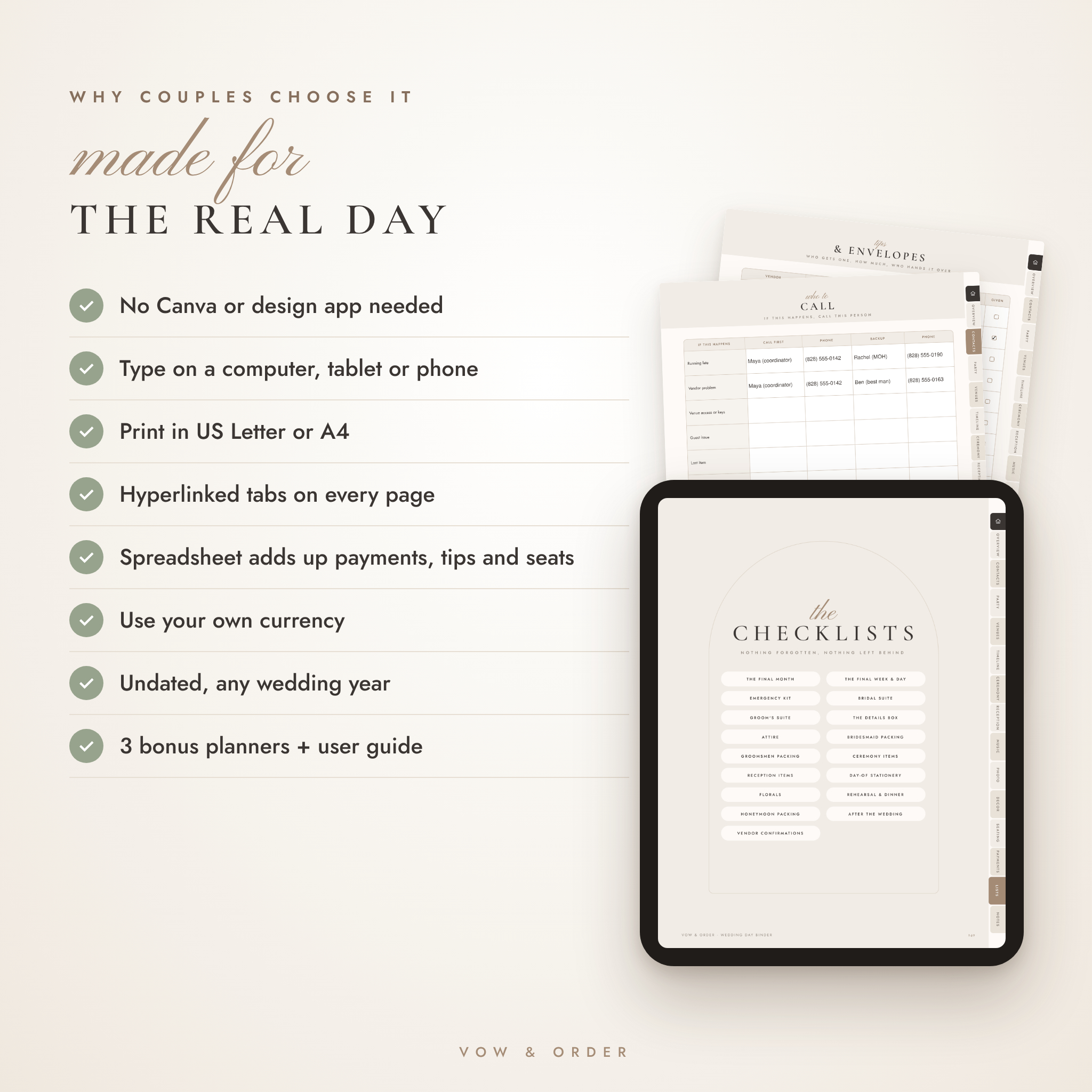
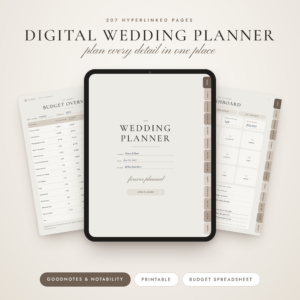
No Canva account. No design app. Open the PDF, click a line and type. Prefer pen and paper? Print it in US Letter or A4. Writing on a tablet? There’s a hyperlinked digital planner version too.
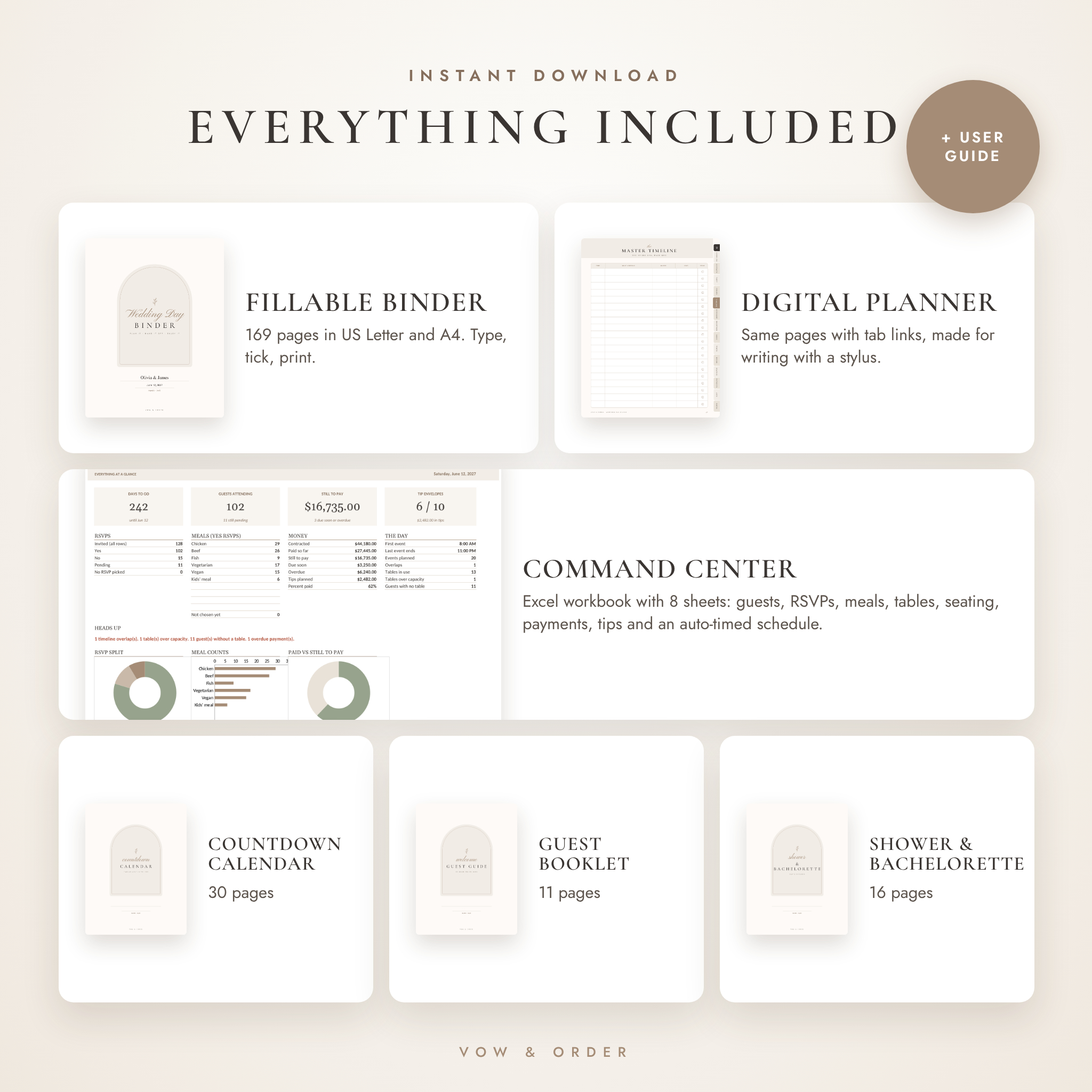
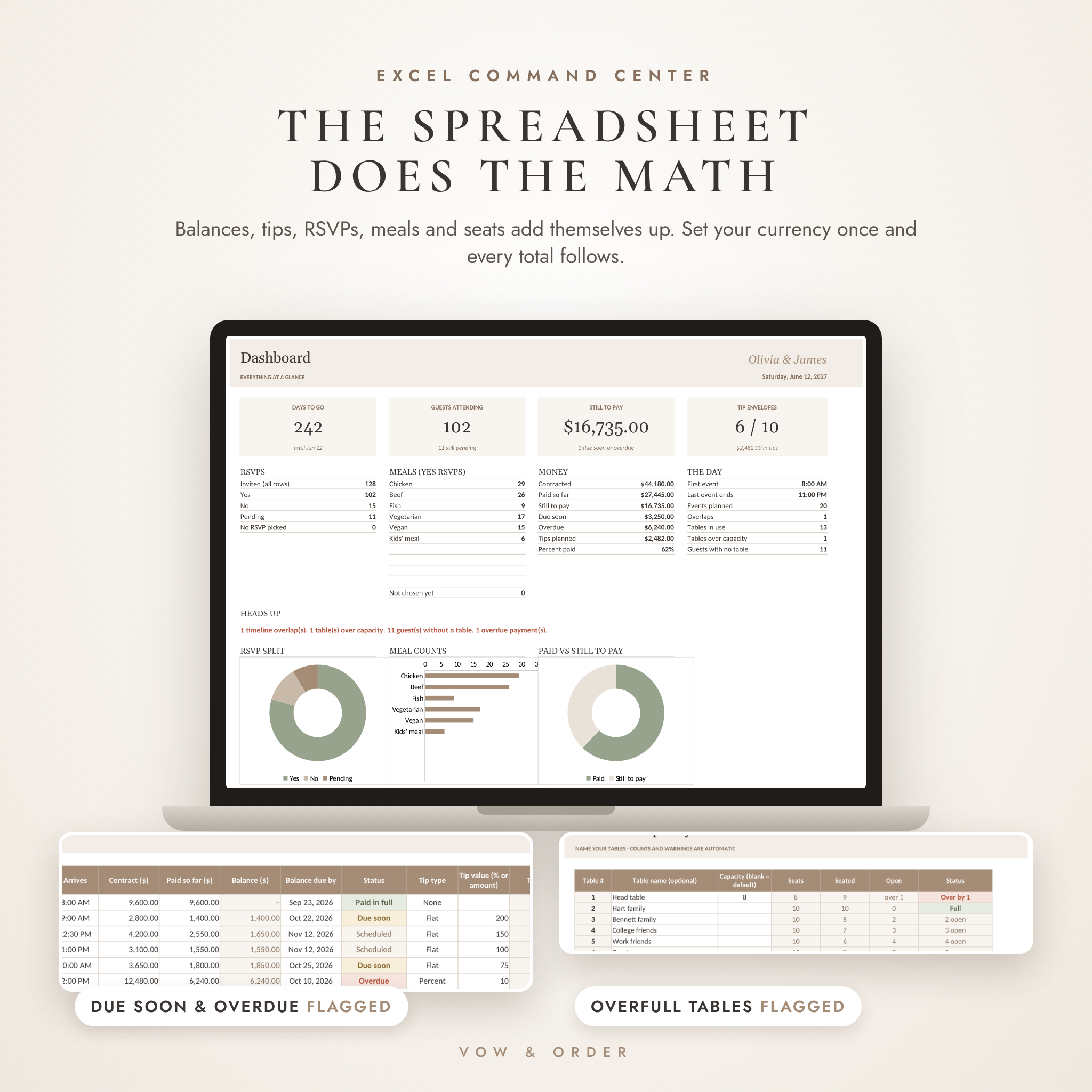
Then there’s the part a paper binder can’t do. A companion Excel spreadsheet adds up balances and tips, counts guests per table, flags overfull tables and builds your whole day-of timeline from durations.
Who It’s For
- Couples planning without a full-service planner
- Couples with a venue coordinator who still want their own master plan
- The maid of honor, sister or friend who’s been asked to “just run the day”
What’s Inside the Wedding Day Binder
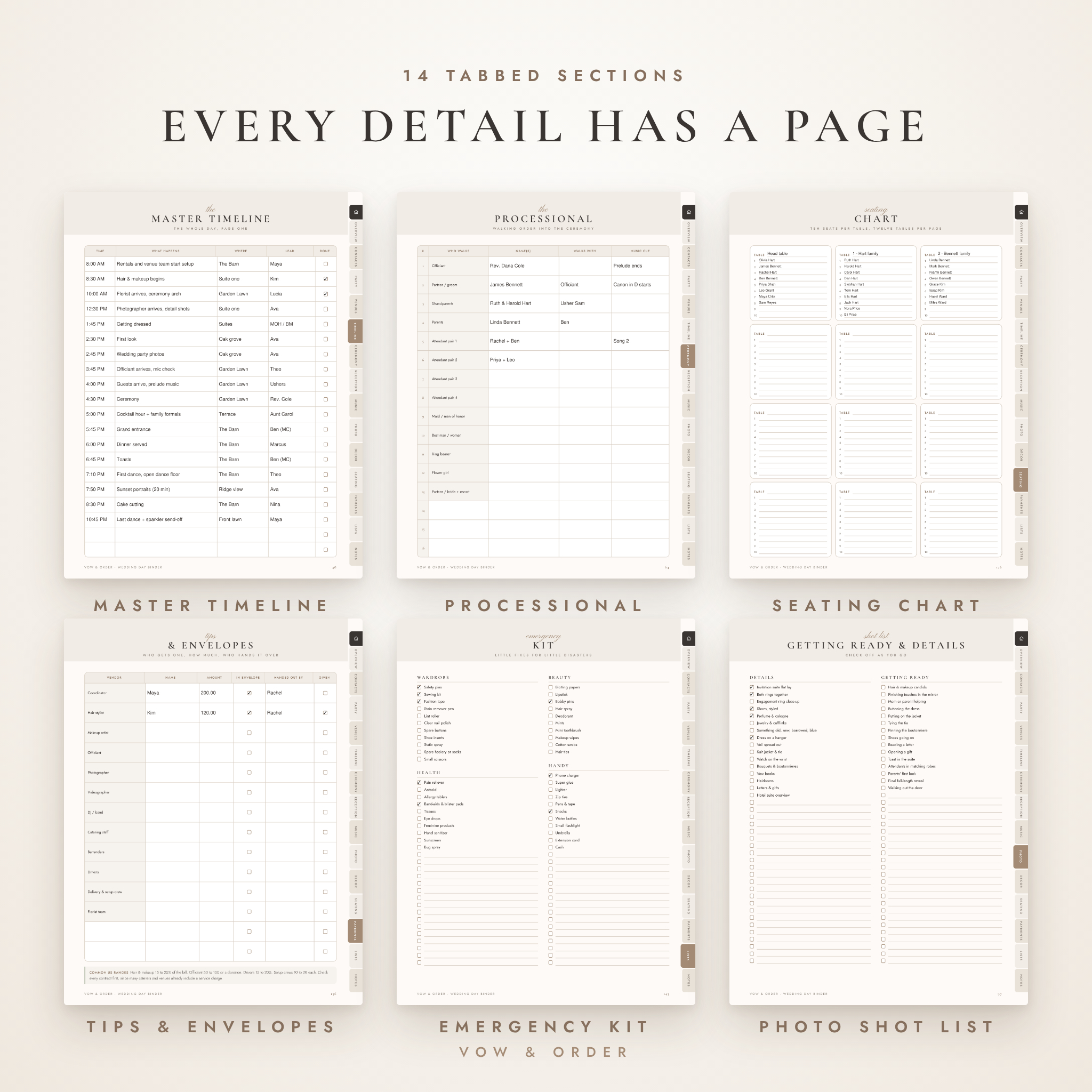
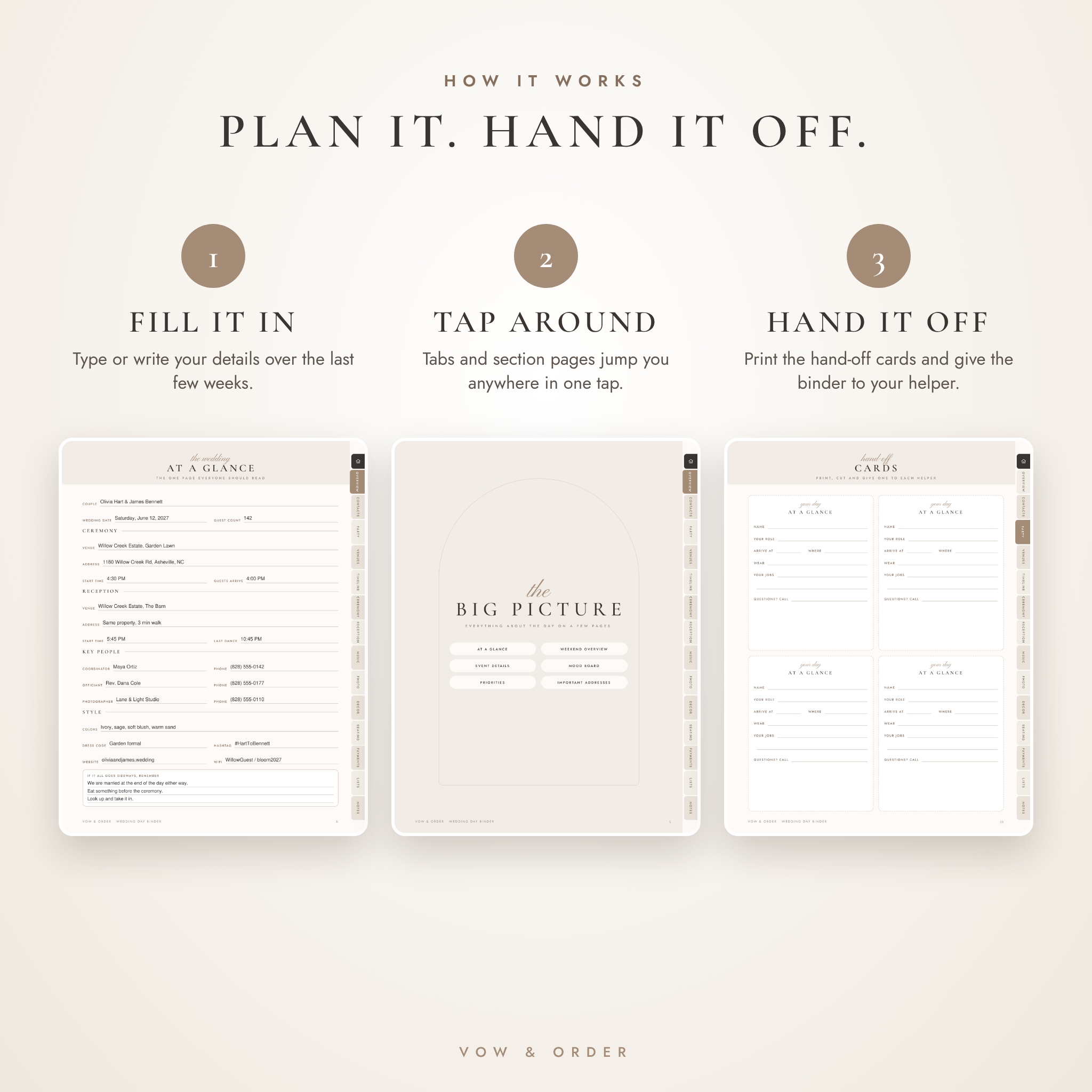
Fourteen tabbed sections. Every page has tabs down the right edge, and every section opens with a page of links, so you’re always one tap from anywhere.
Plan the day
- Overview: At a Glance page, weekend overview, six event cards, mood board, priorities and important addresses
- Timeline: master timeline, day before, hair and makeup, vendor arrivals, setup, teardown, run of show, day after, Plan B and an emergency backup plan
- Ceremony: order of events, processional, recessional, reserved seating, readings, vows, script and marriage license
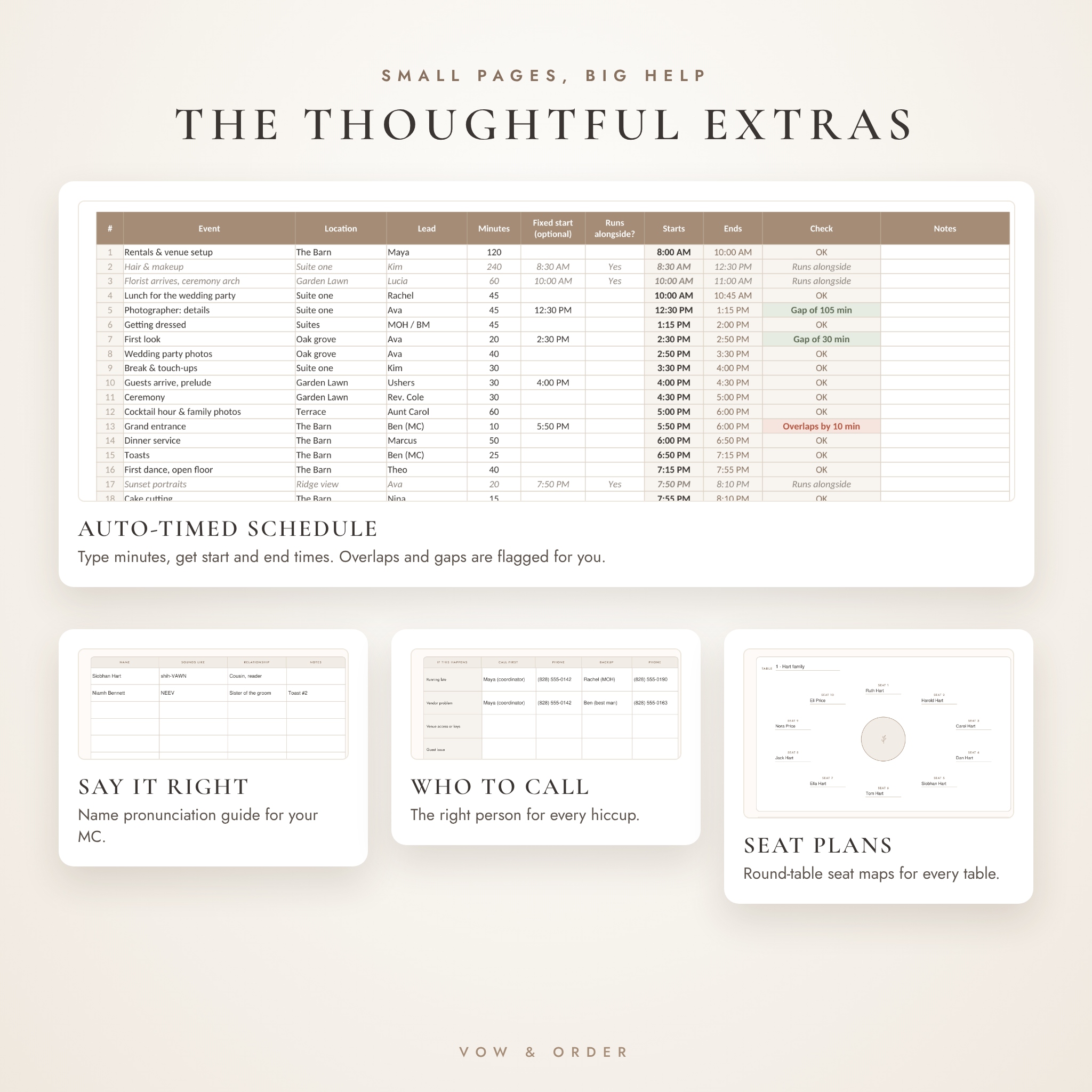
- Reception: grand entrance, a name pronunciation guide for your MC, toasts, menu, bar, dietary needs, meal counts, cake and send-off
Organize the people
- Contacts: a Who to Call page sorted by situation, vendor directory, 18 vendor detail cards, family and VIP contacts
- Wedding party: profiles for both sides, roles and duties, a task list and cut-out hand-off cards for your helpers
- Venues and travel: venue sheets, getting-ready suites, route maps, transportation, hotel blocks and guest arrivals
Handle the details
- Music: ceremony music, key songs, playlists, must play and do not play
- Photo and video: inspiration, locations, four shot lists, a family formals list with names, video shot lists and a social clips planner
- Decor and setup: decor inventory, eight setup instruction pages with table diagrams, signage, rentals and a who-takes-what-home list
- Floor plans and seating: dot-grid floor plans, a cut-out shape kit, a 36-table seating chart, round table seat plans and an escort card list
- Payments and tips: final payments, a tip envelope tracker with common US ranges, a day-of cash plan and a gift and card log
- Checklists: sixteen lists, from the final month and emergency kit to honeymoon packing and after the wedding
- Notes: lined, dot grid and vendor meeting pages, plus a contracts tracker
The Wedding Day Command Center Spreadsheet
Paper is great for handing off. It’s terrible at math. The Excel workbook covers that:
- Guests and RSVPs: up to 300 guests with side, RSVP, meal, dietary needs and table number, with a check column that flags anything missing
- Tables and Seating View: 40 tables of up to 16 seats. Seated counts and over-capacity warnings are automatic, and a printable view lists who sits where
- Vendors, payments and tips: balances, Due soon and Overdue flags, and tips worked out as a percent or a flat amount
- Auto-timed timeline: type how long each event takes and the start and end times fill in. Fixed times, overlaps and gaps get flagged. Hair and makeup can run alongside without pushing the schedule
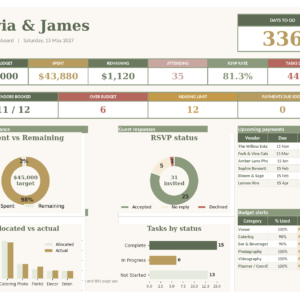
- Dashboard: days to go, guests attending, money owed, meal counts, charts and a Heads Up line
- Your currency: set one currency symbol and every money column and total uses it. Dollars are the default
Bonus Planners Included
- 12-Month Countdown Calendar (30 pages, undated): a calendar and focus page for each month, plus weekly spreads for the final month
- Guest Welcome Booklet (11 pages): schedule, travel, hotels, places to eat and FAQs for your guests
- Bridal Shower and Bachelorette Planner (16 pages): guest list, menu, games, shopping list, itinerary, shared costs and a gift log
How It Works
- Buy and download your files right away. Nothing ships.
- Open the fillable PDF in free Adobe Acrobat Reader or your web browser and start with the At a Glance page.
- Set your currency, names and date on the spreadsheet’s Start Here sheet.
- A week out, print the timeline, Who to Call and hand-off cards, and give the binder to the person running your day.
Files, Formats and Requirements
- Wedding Day Binder, fillable PDF, US Letter (8.5 x 11 in), 169 pages
- Wedding Day Binder, fillable PDF, A4, 169 pages
- Wedding Day Binder, digital planner PDF with tab links and no form fields, for writing with a stylus
- Wedding Day Command Center, Excel .xlsx workbook, 8 sheets
- Bonus planners ZIP: countdown calendar, guest booklet and shower planner, each in US Letter and A4
- User guide, Word .docx, 18 pages
You’ll need: a free PDF app such as Adobe Acrobat Reader or a web browser that fills PDF forms, plus Microsoft Excel 2016 or newer or the free LibreOffice Calc for the spreadsheet.
Customizing Your Binder
Labels fit any couple, like Partner one and Side one. Print only the pages you need, or extras of the ones you use most. In the spreadsheet you can rename meals, sides and vendor services, name tables and set your currency. The PDF design is fixed, so colors and fonts can’t be changed.
Real Ways Couples Use It
- A backyard wedding with no coordinator, where the maid of honor runs the day from the binder
- A destination weekend with a welcome party, rehearsal dinner and farewell brunch to keep straight
- A venue wedding where the couple hands the venue manager the setup pages and seating view
Digital Download
This is an instant digital download. No physical product will be shipped. Everything is undated, so it works for any wedding year. Files are for personal use for your own wedding. Please don’t share, resell or redistribute them.
Frequently Asked Questions
Do I need Canva?
No. The binder is a fillable PDF that opens in free apps. No account or design skills needed.
Can I type on my phone or iPad?
Yes. A PDF app that supports form filling, like Adobe Acrobat Reader, lets you type on a phone or tablet. A computer is easiest for long sessions.
Will it work in GoodNotes or Notability?
The digital planner is a standard hyperlinked PDF, which is the format those apps import. We tested the tab links in PDF readers. Inside a note app, check that link or read mode is on so taps jump instead of draw.
Is it printable?
Yes, in US Letter and A4. Print the whole binder or just the pages you need.
Does the spreadsheet work in Google Sheets?
It’s built and tested for Excel and LibreOffice. Use one of those for every feature to work as described.
Can I use my own currency?
Yes. Set your currency symbol once in the spreadsheet and every total shows it. Money fields in the PDF are left neutral so you can write any currency.
Can I get a refund?
Because it’s an instant download, sales are final. If anything isn’t working, contact us and we’ll help.
Reviews
There are no reviews yet.