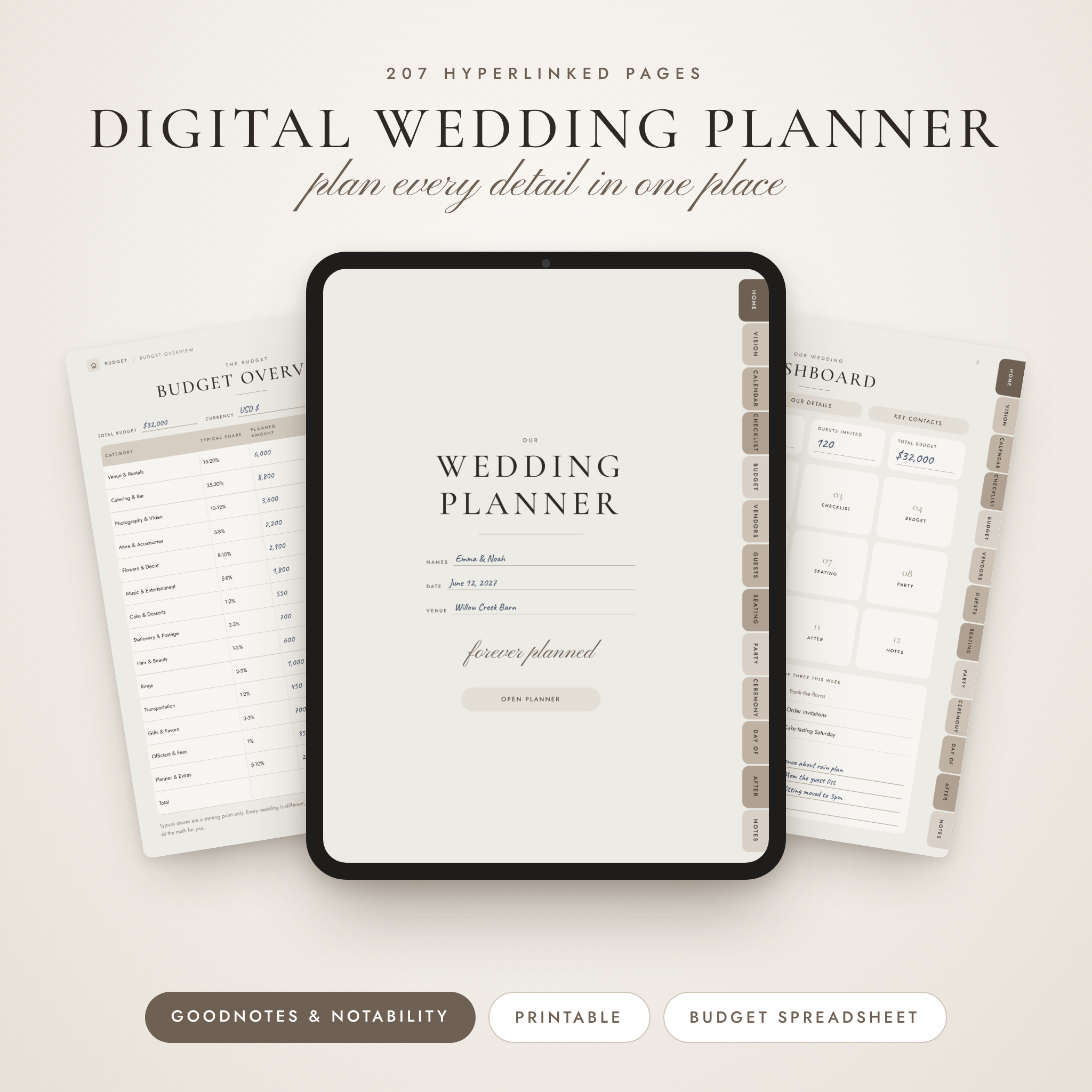
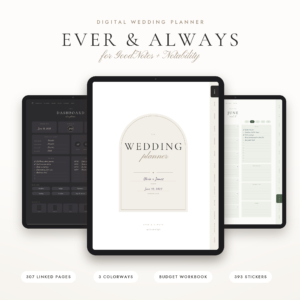
Wedding planning gets messy fast. Notes end up in three apps, quotes sit in your inbox, and the guest list lives on a napkin somewhere. This digital wedding planner pulls all of it into one tidy, hyperlinked file you can carry on your iPad, Android tablet or laptop. Tap a tab and you are there. No scrolling through 200 pages to find the seating chart.
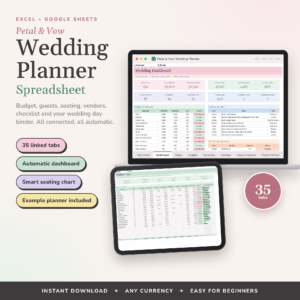
It comes with a smart budget and guest spreadsheet too. The planner is where you write. The spreadsheet is where the math happens.
What Makes This Digital Wedding Planner Different
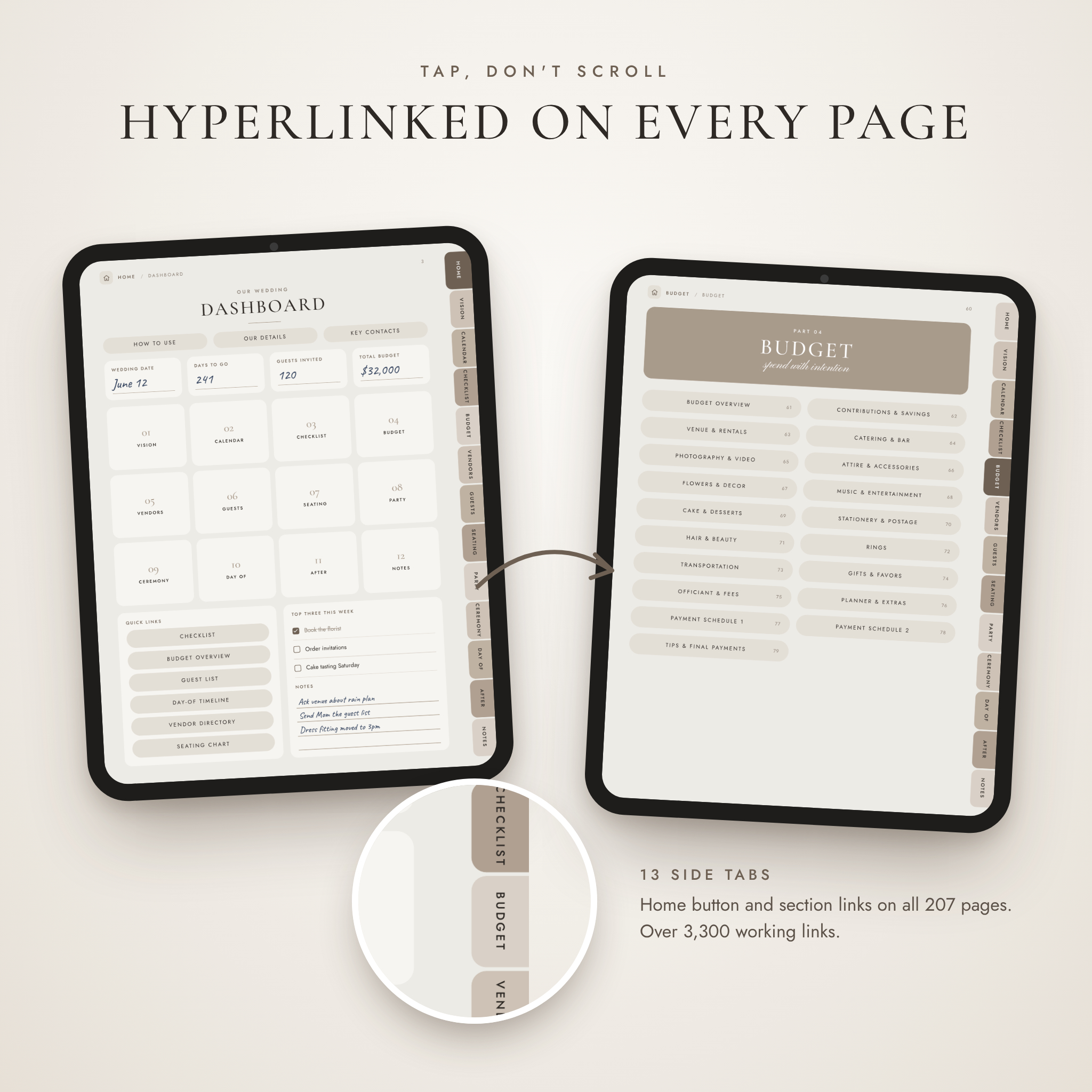
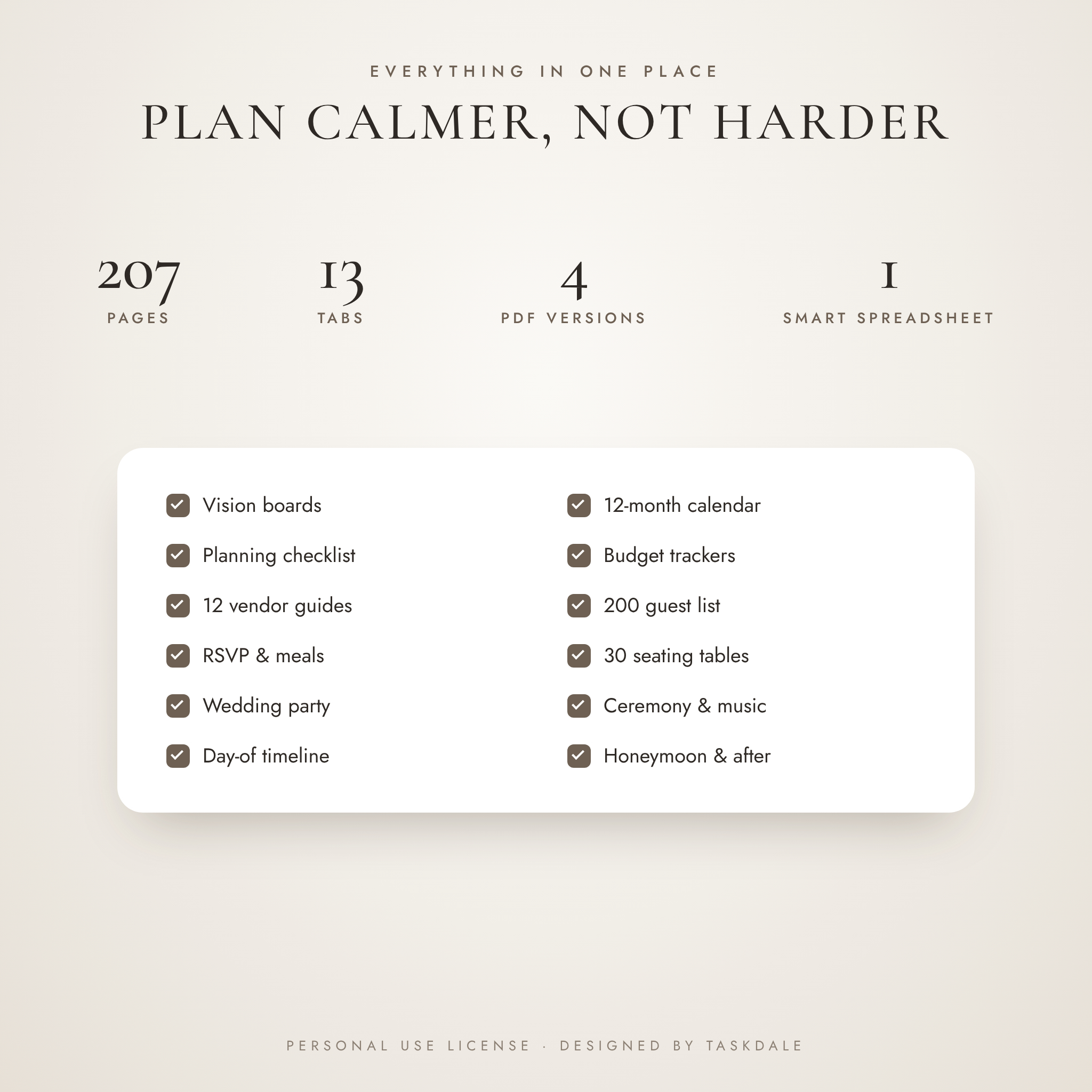
- 207 pages, 13 side tabs. Every page has a tab bar, a home button and a link back to its section. We tested all 3,375 links.
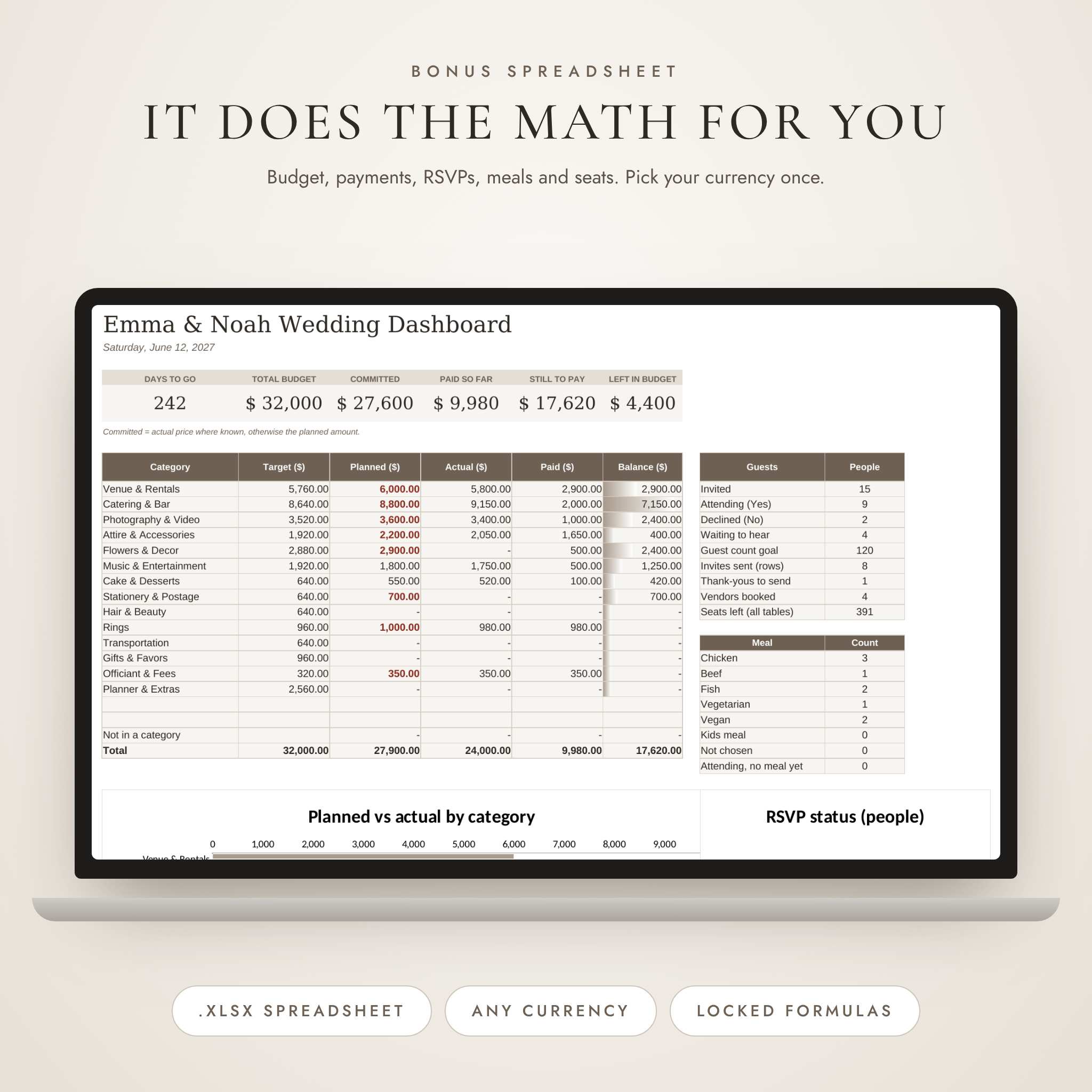
- A spreadsheet that does the adding. Track planned, actual and paid costs, RSVPs, meal counts and table seats. Pick your currency once and every total follows.
- Digital and printable. Two tablet versions plus printable US Letter and A4 PDFs with a white, ink-friendly background.
- Undated. Twelve monthly pages and weekly focus pages work for any year.
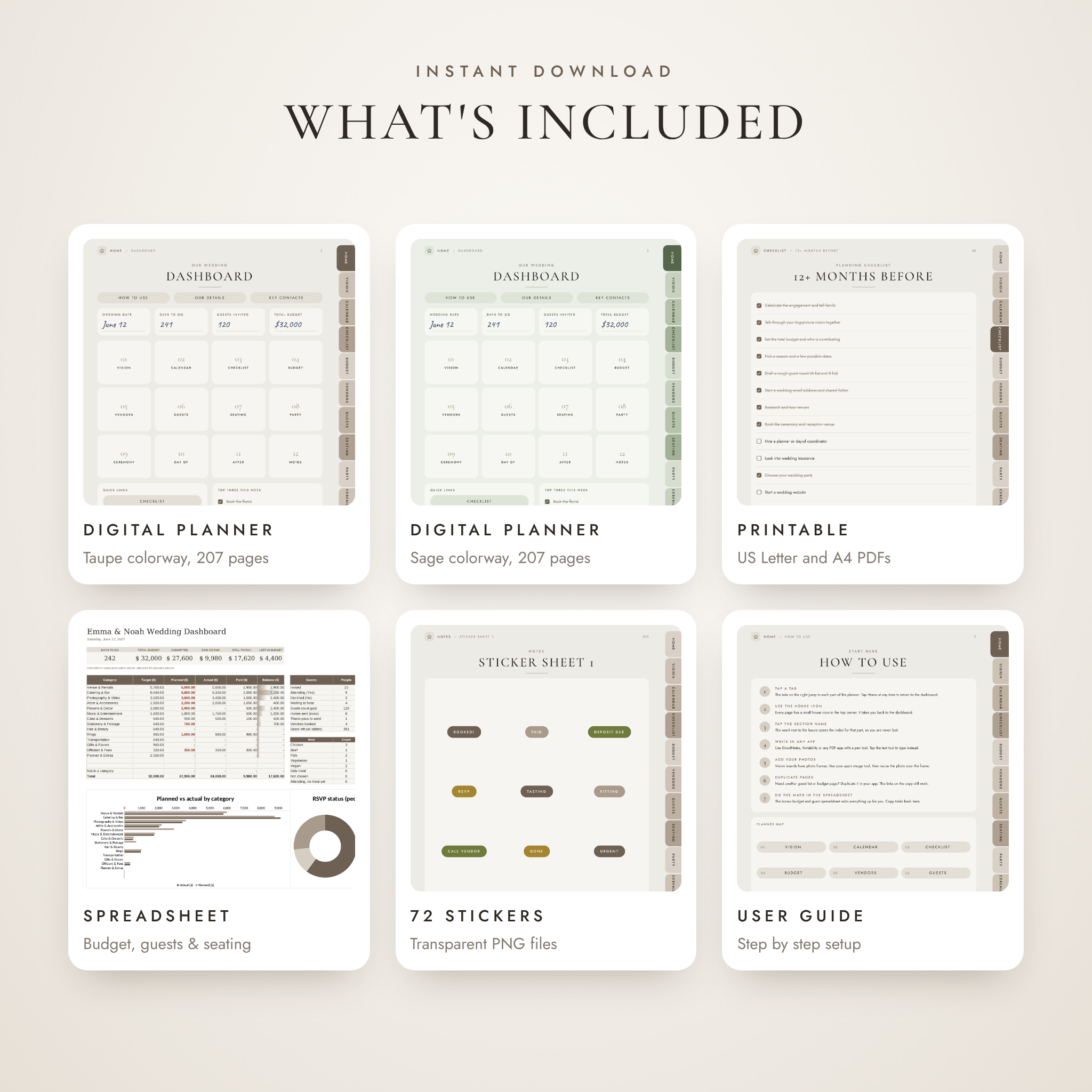
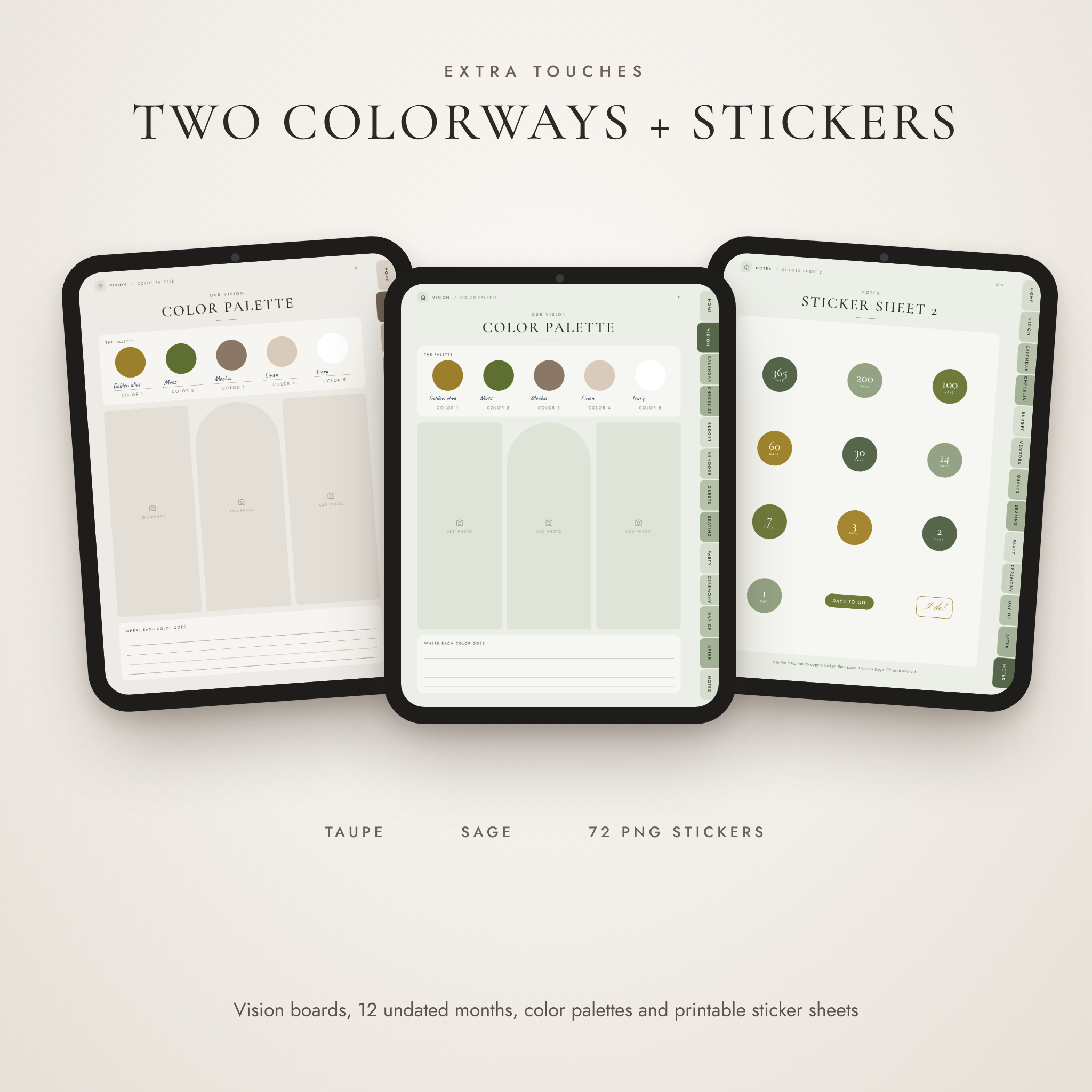
- Two colorways. Warm taupe or soft sage. Use one, or give one to each partner.
What’s Included
- Digital Wedding Planner, Taupe (PDF, 207 pages, 3:4 tablet size)
- Digital Wedding Planner, Sage (PDF, 207 pages, 3:4 tablet size)
- Printable Wedding Planner, US Letter (PDF, 207 pages)
- Printable Wedding Planner, A4 (PDF, 207 pages)
- Wedding Budget & Guest Tracker (.xlsx spreadsheet)
- 72 digital stickers (transparent PNG, both colorways)
- User guide (.docx, 14 pages)
Inside the Planner
Vision and calendar
Write your love story, pick style words, build two color palette pages and fill 11 vision boards with your own photos. Then plan month by month with a year at a glance view, 12 undated months, weekly focus pages and an important dates list.
Wedding planning checklist
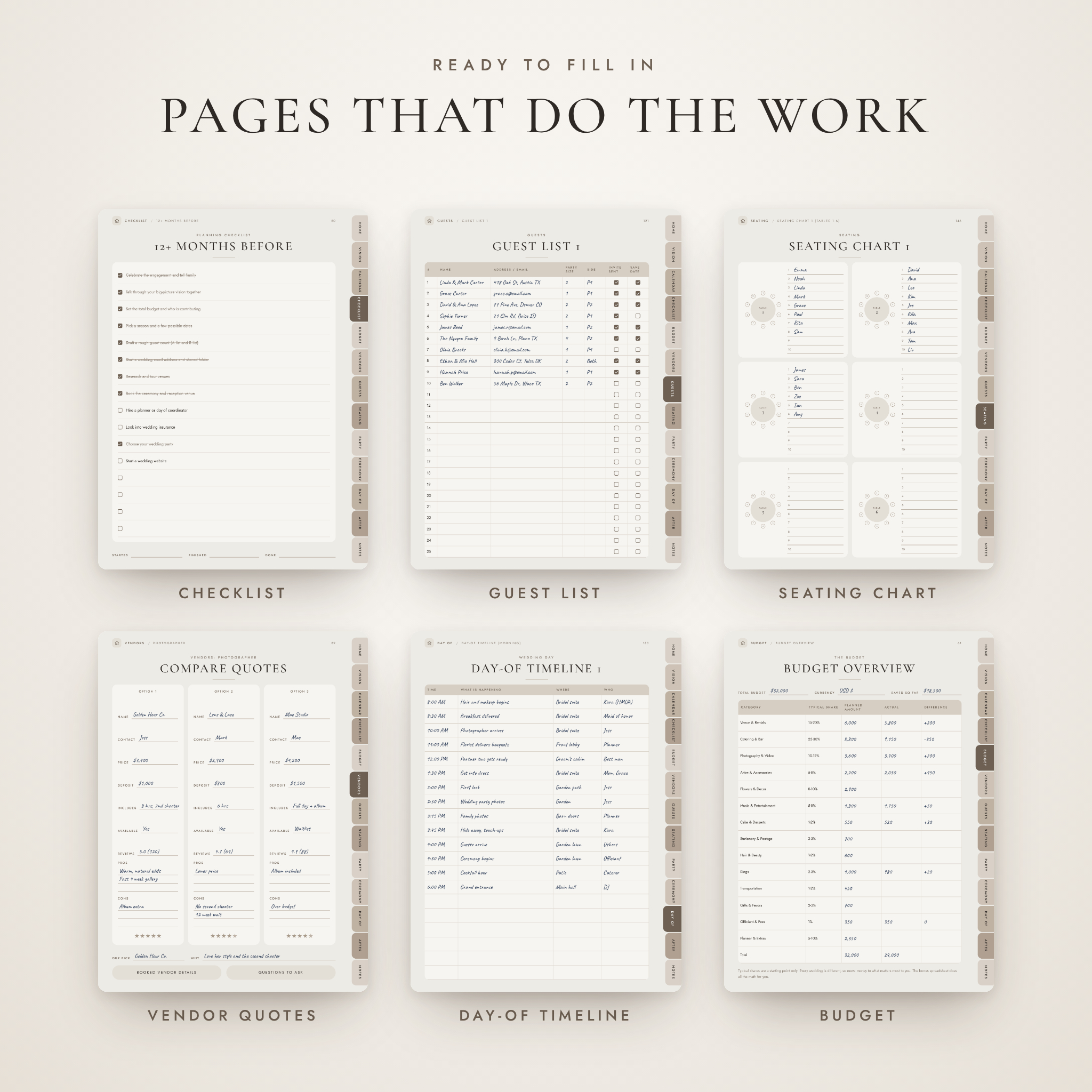
Eight timeline pages take you from 12+ months out to the week of, with a Day Before list and space for your own to-dos. About 80 tasks are already written for you.
Wedding budget planner
A budget overview with 14 categories and typical spending shares, a tracker page for each category, two payment schedules, a contributions and savings page, and a tips page so no vendor is missed on the day.
Vendors
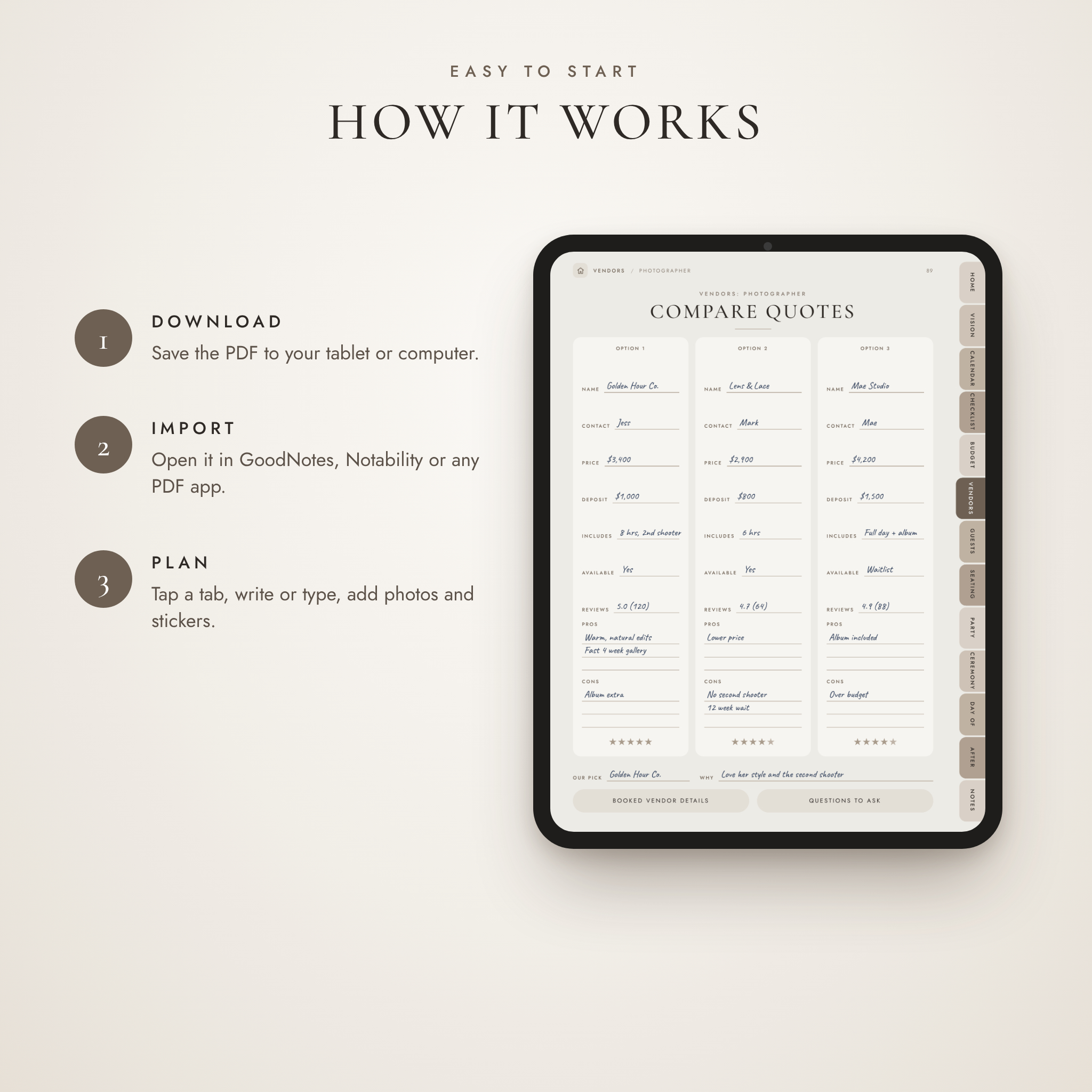
Two directory pages, then three pages each for 12 vendor types: compare three quotes side by side, record the booked vendor’s contract details, and work through the questions to ask before you sign.
Guest list, RSVPs and seating
Room for 200 households on the guest list, matching RSVP and meal pages, hotel blocks, welcome bags, a stationery tracker, invitation wording drafts, ceremony and reception floor plans on dot grid, and 30 seating tables of 10.
Wedding party, ceremony and day of
Wedding party roster and attire tracker, fittings, a hair and makeup trial page, plus planners for the engagement party, shower, bachelor and bachelorette nights and rehearsal dinner. You also get vows pages, a music cheat sheet, a photo shot list, the reception run of show, a menu planner, speeches, two hour-by-hour timelines, vendor arrivals, an emergency kit list and a wedding day bag list.
After the wedding
Gift and thank-you trackers for about 90 gifts, honeymoon destination, budget, itinerary and packing pages, a US name change checklist, and a page for your favorite moments.
The Budget and Guest Spreadsheet
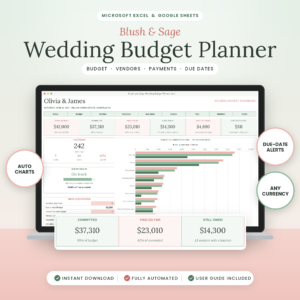
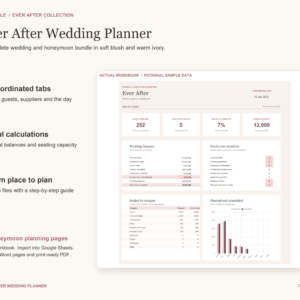
Enter your names, date, total budget and currency on the Settings sheet. The Dashboard then shows days to go, money committed, paid and still to pay, spending by category against your targets, guest numbers, meal counts and two charts. Unpaid costs past their due date turn red. Seating warns you when a table is over capacity. Formula cells are locked, with no password, so a stray tap cannot break your totals.
How It Works
- Download the files after checkout.
- Import a digital planner PDF into GoodNotes, Notability, Xodo or another PDF app with handwriting tools.
- Tap the tabs to move around. Write, type, add photos and drop in stickers.
- Open the spreadsheet in Microsoft Excel or LibreOffice Calc for the money and guest math.
- Prefer paper? Print the Letter or A4 version at 100% size.
File Formats and Requirements
- PDF planners: any PDF annotation app that supports internal links. GoodNotes, Notability and Xodo are popular choices.
- Spreadsheet: .xlsx file for Microsoft Excel or LibreOffice Calc.
- Stickers: PNG files with transparent backgrounds.
- Guide: .docx document (Word format).
Customization
The planner layout is fixed, so the links always work. You choose the colorway, write or type in your own style, duplicate any page you need more of, and add photos and stickers. In the spreadsheet you can rename budget categories, set your own spending shares and pick any currency symbol.
When Couples Use It
- Right after the proposal, to set a budget and a rough guest count.
- At vendor meetings, to compare quotes and ask the right questions.
- When RSVPs arrive, to keep meal counts and seating straight.
- Two weeks out, to share the day-of timeline with your planner and wedding party.
- For a mom, maid of honor or friend who is helping run the show.
Digital Download
This is a digital product. Nothing is shipped. You will get a download link straight after payment. Photos shown in the listing images are not included; vision board frames are left empty for your own pictures.
FAQ
Does this wedding planner work in GoodNotes?
Yes. Import the PDF as a new document. Tap links in Read Only mode, then switch back to the pen to write.
Can I use it on an Android tablet?
Yes, in a PDF app that supports links and handwriting, such as Xodo or Samsung Notes.
Is the planner dated?
No. It is undated, so you can start in any month of any year.
Can I print it?
Yes. Use the US Letter or A4 printable PDF and print at 100% size.
Does the spreadsheet work in my currency?
Yes. Choose or type a currency symbol once and every money heading and total updates. Dollars are set by default.
Are photos included?
No. The vision boards have empty frames for your own inspiration photos.
Can I share it with my partner?
Yes, for your own wedding. The license is for personal use, so please do not resell or share the files beyond that.
Reviews
There are no reviews yet.