Credit card purchases are spending; the payment later is just money moving between accounts.
Record credit card purchases as spending in the category they belong to, then record the card payment as a transfer from your current account to the card. A £64 supermarket purchase counts as £64 of groceries; paying that £64 off the card moves money between accounts without adding another £64 to your grocery total.
The payment still matters for cash flow. Your current account needs enough money on the payment date, even though the household spending report should ignore the transfer. On paper, give those two jobs to separate planner inserts: an expense log for what you bought and a payment log for what will leave the bank.
Set up the credit card purchases recording workflow
Start with a balance for each account. Before you record credit card purchases, write down the posted balance on each credit card and the balance in the current account that pays it. Use the same cut-off for both, such as the close of 31 March if your first tracking month is April. If a card already owes £300, enter £300 as its opening balance. Don’t log it as April spending or re-enter the credit card purchases that make up that balance.
Record the purchase in the spending log. Enter the date, shop, category, amount and card. A row might read
4 April | Supermarket | Groceries | £64 | Card A. If a £64 receipt includes £52 of food and £12 of cleaning supplies, put £52 under Groceries and £12 under Household Supplies. Use one reference for the two lines so you can check the split against the original receipt. Don’t put the full £64 into the category totals as a third line.Set aside the money before the bill is due. If the grocery budget had £200 available, the £64 of credit card purchases leaves £136 for groceries, even though nothing has left the current account yet. Reserve £64 for the card payment in your cash plan. If £100 of older debt is also due, budget cash for that separately rather than reopening old grocery entries. A spending category tells you what the money bought; the reserve tells you what cash is already spoken for.
Record the payment as one transfer with two sides. When £64 leaves the current account, enter £64 out of that account and £64 paid into the card account, reducing the amount owed. Mark both sides
Transferand give them the same reference, such asPAY-A-04. If an app creates both sides from a single transfer entry, don’t add another entry manually. On paper, you can use one row withFromandTocolumns and update both running balances from that row. The same transfer recording method used between bank and cash accounts applies here, except that the receiving account is a debt balance.Match entries to posted activity. Check the bank withdrawal against the payment credit on the card. They may post on different dates. Mark each side as cleared only when it appears on that account, and leave the other side outstanding rather than adding a second transfer. Then check the card calculation: opening amount owed + purchases + fees and interest − refunds − payments = closing amount owed. Compare balances at the same cut-off. A statement dated 31 March won’t include a purchase posted on 2 April.
Close the spending report and the cash plan separately. Total only spending categories and any refunds you’ve assigned back to them. Keep card payments visible in the cash plan, where they affect how much is available for rent, direct debits and other withdrawals. For a payment due on 21 April, write the amount due next to the date and fill in the paid date when it clears. An automatic payment instruction isn’t proof that the payment went through.
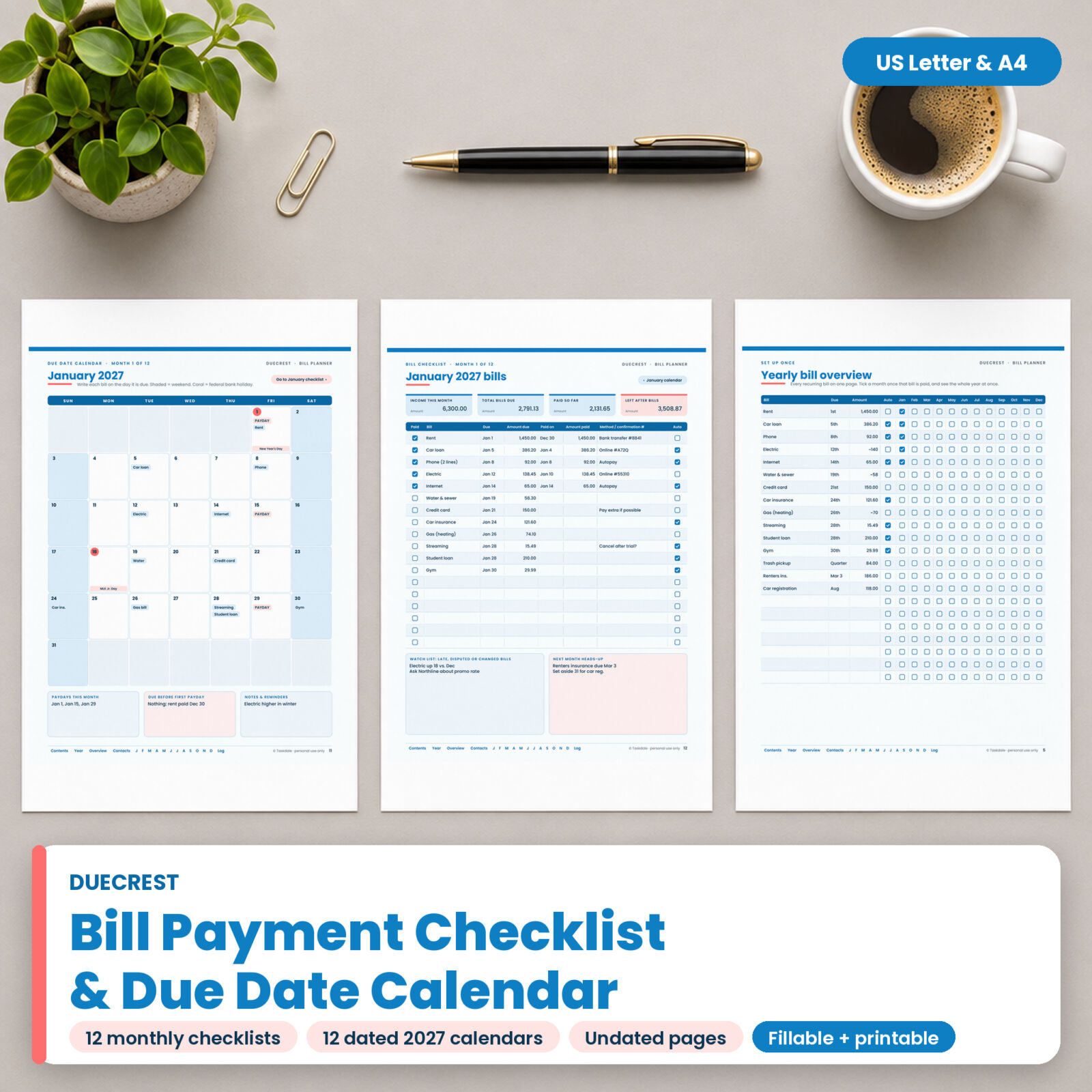
For a printed due date and payment record, the Duecrest Bill Payment Checklist pairs 2027 calendars with monthly checklists. Use the checklist to record the amount paid and confirmation number, not to feed a second expense total.
Worked example: March purchases with an April payment
At the start of March, Card A has an opening balance of £100 from credit card purchases already recorded in February. The current account has £600. There’s no other activity in that account for this example, and the card statement closes on 31 March with the full £230 scheduled for payment on 21 April.
| Date | Entry | Effect on spending | Effect on amount owed |
|---|---|---|---|
| 1 March | Opening card balance | None | £100 owed |
| 5 March | Supermarket, Card A | £64 groceries | £164 owed |
| 12 March | Fuel, Card A | £36 transport | £200 owed |
| 20 March | Shoes, Card A | £30 clothing | £230 owed |
| 8 April | Pharmacy, Card A | £45 health | £275 owed |
| 21 April | Payment from current account | None | £45 owed |
| 24 April | Partial shoe refund to Card A | £12 clothing credit | £33 owed |
The March spending total is £130. The March statement balance is £230 because it includes the £100 carried in at the start of the month. By 8 April, the live balance is £275, but the scheduled £230 payment is still for the March statement. Keep the statement balance, payment amount and live balance in separate fields so one doesn’t overwrite the others.
On 21 April, the payment log shows £230 from the current account to Card A. The bank balance drops from £600 to £370. The card balance falls from £275 to £45. The £230 appears in the April cash plan and nowhere in the April spending categories.
On 24 April, the £12 refund reduces the card balance to £33. If you record refunds in the month they post, the April category report shows £45 for Health and a £12 credit for Clothing, making April net spending £33. That matches the closing card balance in this example only because the payment cleared everything owed before April. The £12 didn’t go back into the current account, which still holds £370.
Fix entries that make spending or balances look wrong
The bank and card feeds both show the payment
A £230 bank withdrawal and a £230 card credit are the two sides of one payment, not two credit card purchases. If your budget app imports both, match or link them as a transfer. If it treats the withdrawal as an expense and the card credit as income, remove both category assignments so only the credit card purchases count as spending. The bank balance should still fall by £230 and the card debt should still fall by £230. Deleting both records might correct the spending total while leaving both account balances wrong.
The purchase is pending at month-end
For credit card purchases made on 30 April that post on 2 May, you can use the purchase date for your household spending report and the posting date for account checks. Keep one entry with both dates, or mark the April row as pending until you confirm it. If the pending amount was £28 but the final receipt and posted charge are £31, update the original row to £31. Don’t leave £28 in April and book £31 as a new May purchase.
The payment includes old debt, interest or a fee
If a £150 payment reduces a balance you carried into the month, all £150 is a transfer. Put the cash commitment on a debt payoff page if it helps you plan the month, but keep it out of the spending total. If the issuer separately posts £9 of interest or a £25 annual fee, log that new charge under Interest or Card Fees. It increases the balance and is an expense once, when charged, not again when paid.
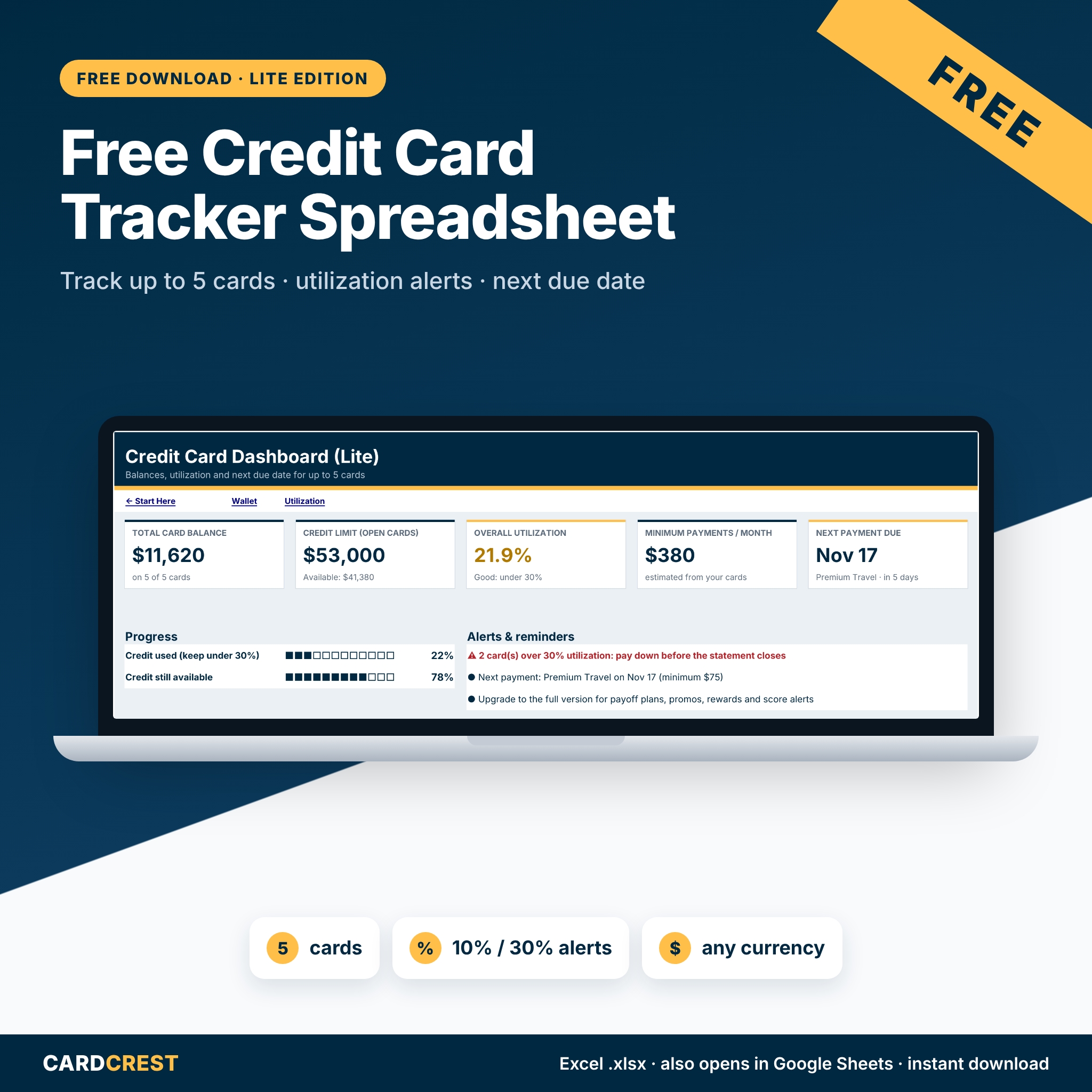
If you need a separate register for up to five cards, the free Cardcrest Credit Card Manager Lite spreadsheet tracks balances, limits, statement dates and due dates. Use it for card balances alongside your existing category log; it requires a free Taskdale account.
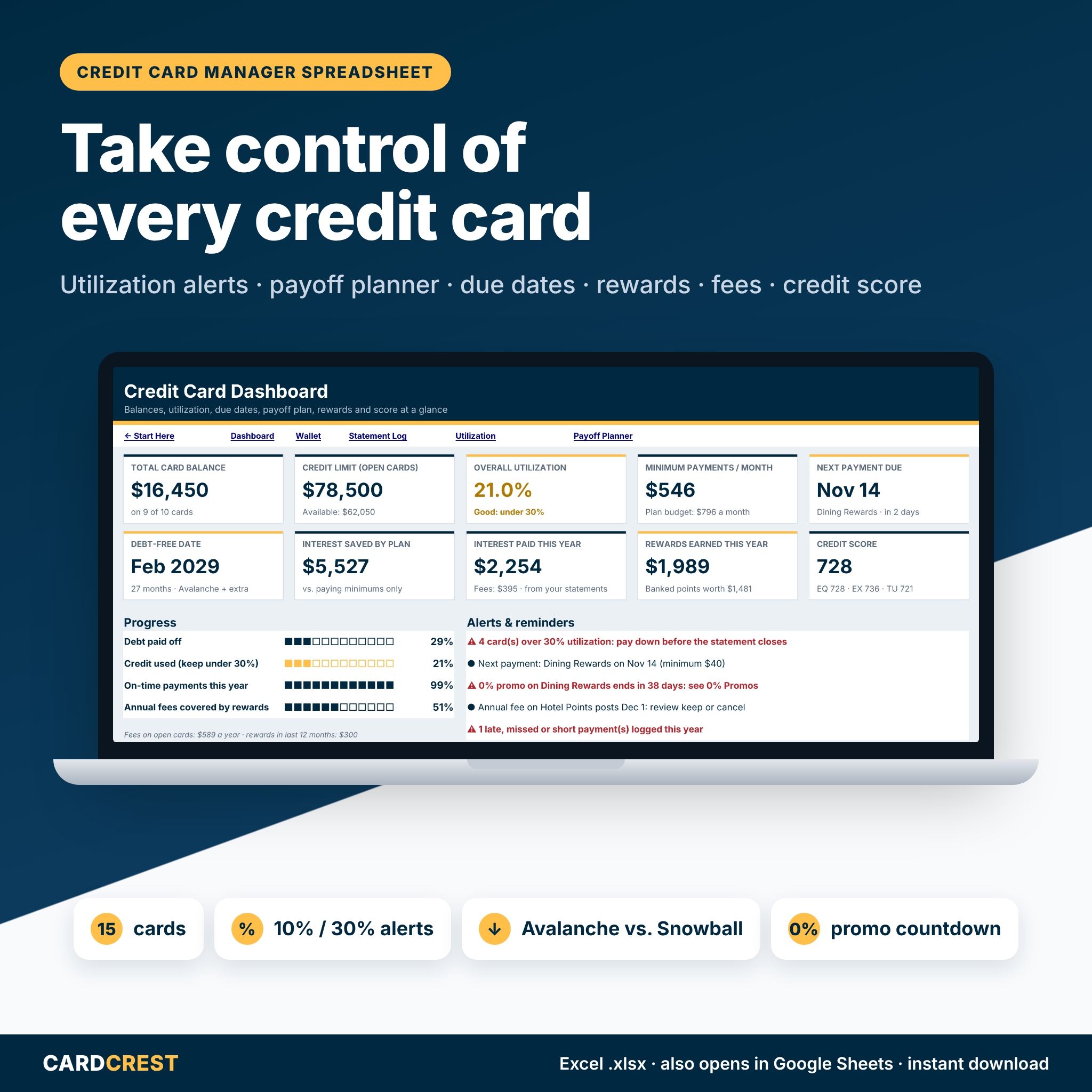
For a larger register or a payoff plan, the Cardcrest Credit Card Tracker Spreadsheet covers up to 15 cards, compares avalanche and snowball payoff methods, and tracks 0% APR promotional deadlines. Keep the payoff schedule separate from the grocery and household spending totals.
A refund or repayment arrives after you’ve paid the bill
Link a merchant refund to the original charge. For a closed budget month, leave the old report intact and show the credit explicitly in the month it posts, unless you’ve chosen to revise prior months consistently. See how to enter a refund that arrives in a different budget month if the credit would make a category negative. If a refund leaves the card with a credit balance, keep that credit on the card record until it’s used or returned. Don’t add it to the bank balance before it arrives.
A repayment from another person works differently. If £80 of credit card purchases cover a shared item and £35 is owed back to you, track £45 as your share and £35 as an amount to recover. The card still owes the full £80 until paid. When the £35 arrives in your current account, clear the amount owed back to you rather than marking it as a card payment. A separate reimbursement record helps when the repayment and the card due date fall in different months.
Print and assemble inserts that keep purchases and payments apart
For a full-size binder, the Petal & Penny Budget Binder supplies 64 undated pages in US Letter and A4. Start with the monthly budget, spending log and bill tracker rather than printing all 64 pages. Keep debt payoff pages behind a divider so the existing balance has a place outside current spending.
If the planner is smaller, the Fern & Penny Budget Planner has 18 undated pages in Personal, A5, Half Letter, US Letter and A4. Use the expense log for purchases and the bill tracker for due dates and payments. Add a card name or short reference in the margin if the page has no dedicated account column.
Print one test sheet at Actual Size or 100% with the correct paper size selected. A5 and Half Letter aren’t interchangeable. If you’re printing a smaller insert on a larger sheet, trim the test page before punching it. For double-sided printing, check the second side’s orientation and check that neither side’s amount column lands in the punch margin. Assemble the month in this order: budget and expense log, card balance and transfer record, then due date page. Put the category totals on the expense side only.
Choose a refill that matches the binding
Ready-made calendar inserts can hold statement dates and payments while printed pages hold the transactions. Check the binding before choosing between the 11-disc monthly refill, the 7/3-hole monthly refill, the Forvencer A5 monthly refill, the A5 project planner inserts and the Beautiful six-ring monthly inserts. For a ring planner, compare the page dimensions and hole spacing with a sheet that already fits.
The 2027–2028 11-disc monthly refill has 18 monthly calendars in 8.5 × 11 inch format. In an 11-disc planner, put the statement date and payment date on the calendar and keep the full-size expense log behind it.

The 2027–2028 7/3-hole monthly refill also has 18 monthly calendars at 8.5 × 11 inches. Use a calendar entry such as Card A | £230 due and leave the individual purchases on the expense sheets.

The Forvencer 2027 A5 monthly refill is a six-hole format. In a matching A5 binder, mark statement and due dates on the calendar and write payment confirmations on a separate log if the date boxes are crowded.

The A5 six-hole project planner inserts offer 100 double-sided sheets. Use a milestone page for a balance payoff target or a promotional rate deadline. The project pages are for planning the payoff, not recording daily purchases.

The Beautiful 2027–2028 six-ring monthly inserts suit a calendar-only setup once you’ve checked the fit. Write the planned payment on its due date and put the actual cleared date in the transfer record.

Before printing a year’s worth of pages, run one statement through a single month’s inserts. Check that all credit card purchases land in a category, every payment has matching bank and card entries, and the category total doesn’t rise when you mark the bill paid.