Planning a wedding means juggling a budget, a guest list, a dozen vendors and about a hundred small dates. This wedding planner spreadsheet puts all of it in one file. You type each detail once and the planner does the math, counts the RSVPs, sets your due dates and builds your seating chart for you.
It opens in Google Sheets for free, works on your laptop, tablet or phone, and comes as a standard .xlsx file with no macros or add-ons.
What the Juniper Hall wedding planner spreadsheet does
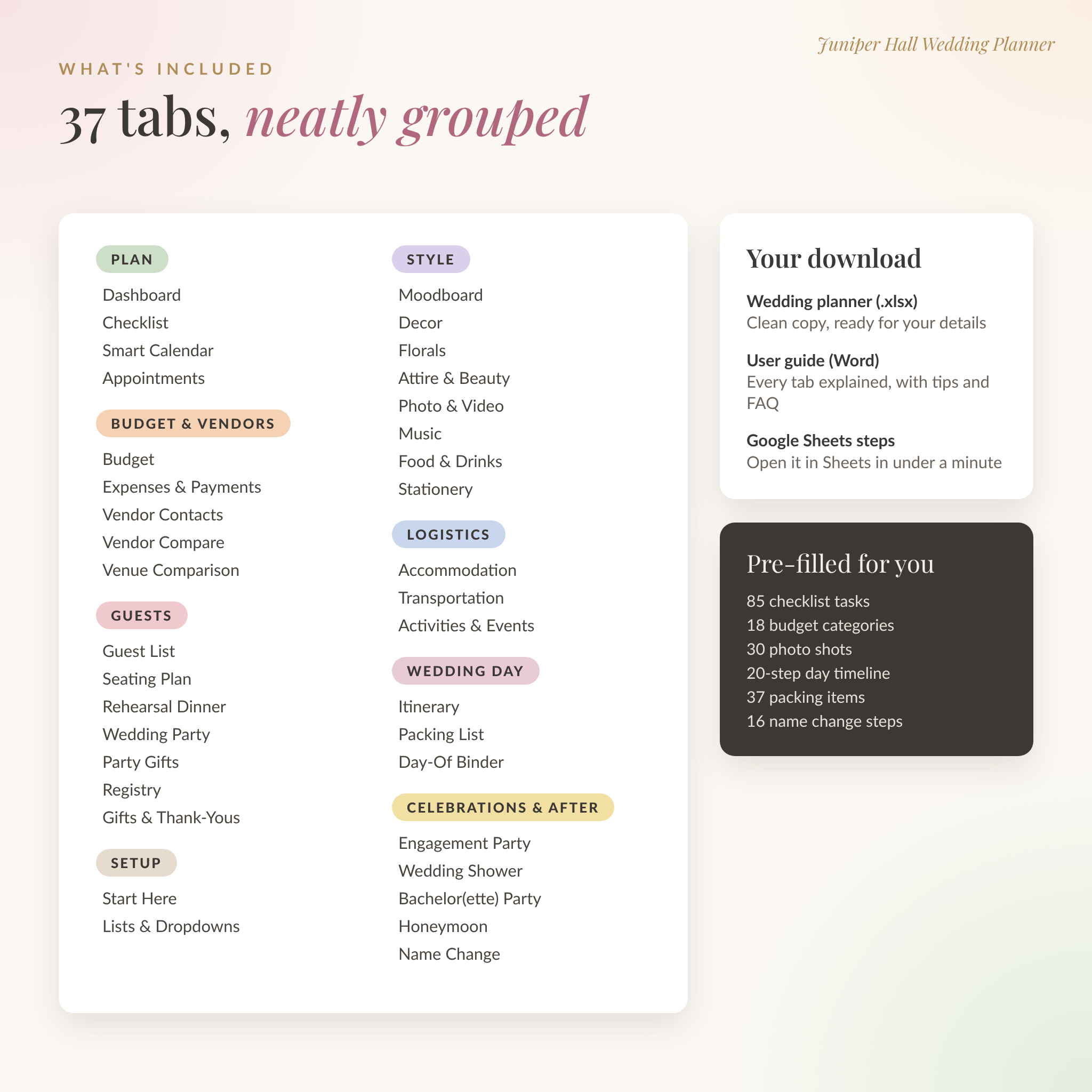
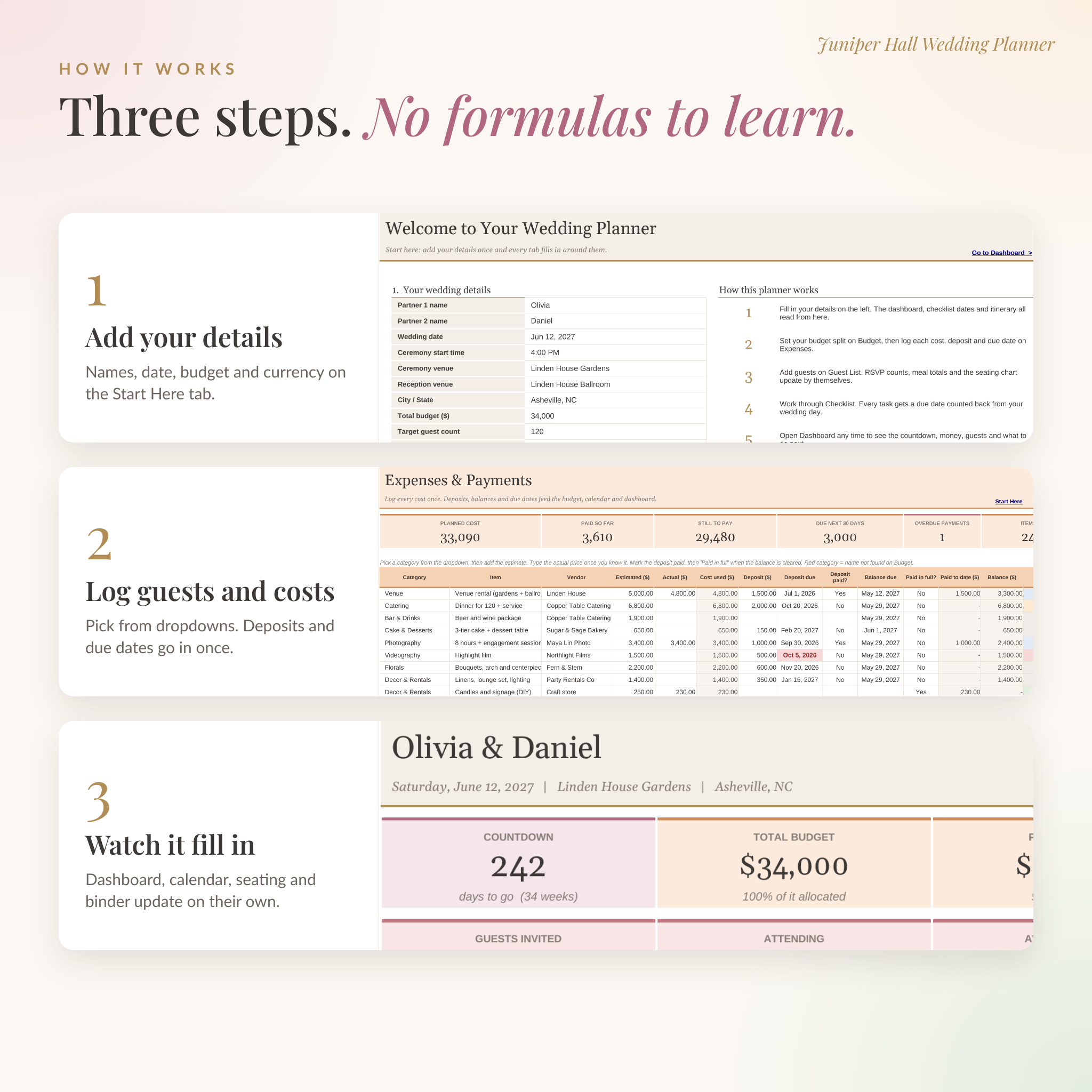
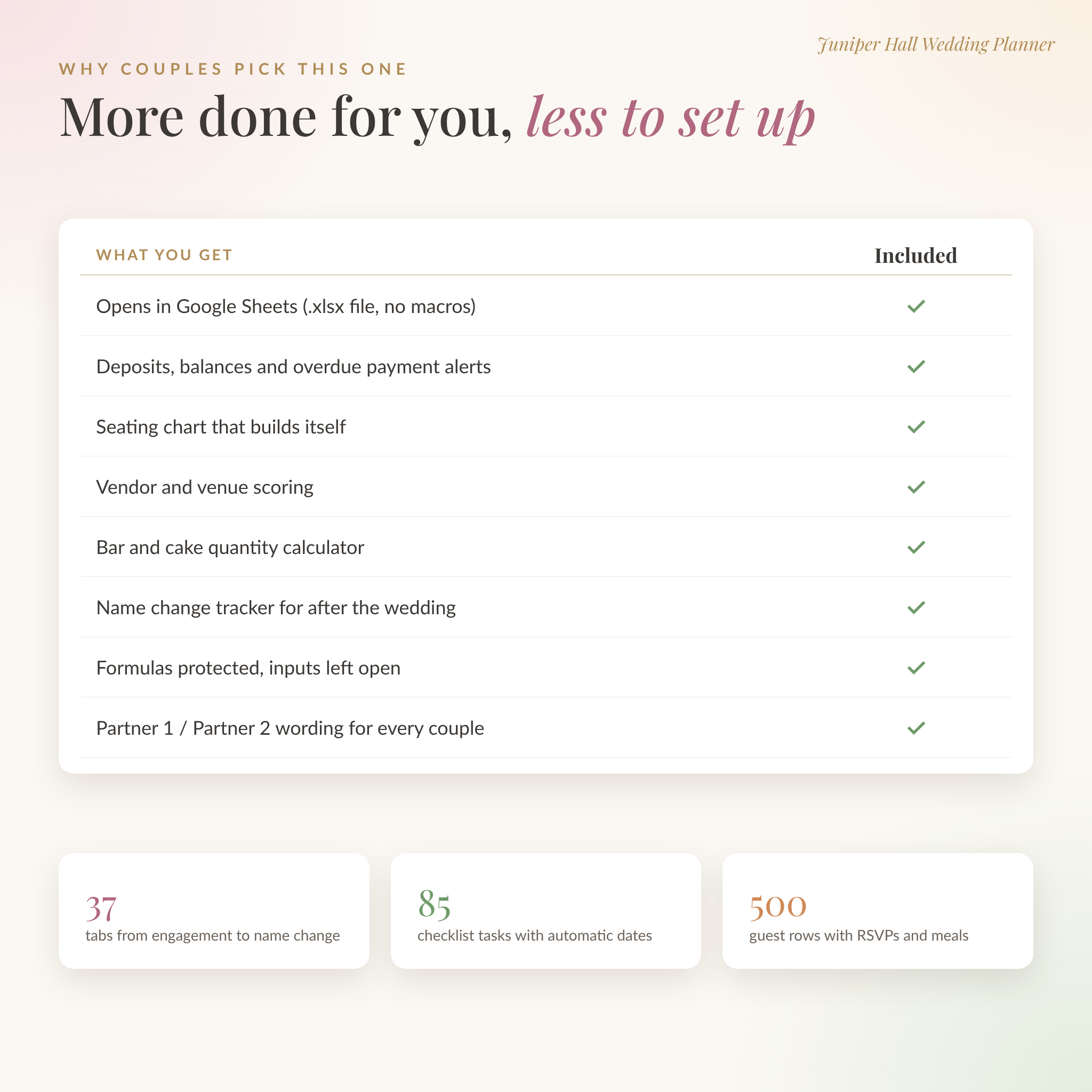
Start on the Start Here tab. Add your names, wedding date, ceremony time, venues, total budget, guest count and currency. That’s the setup. From there, 37 color-coded tabs read from what you entered.
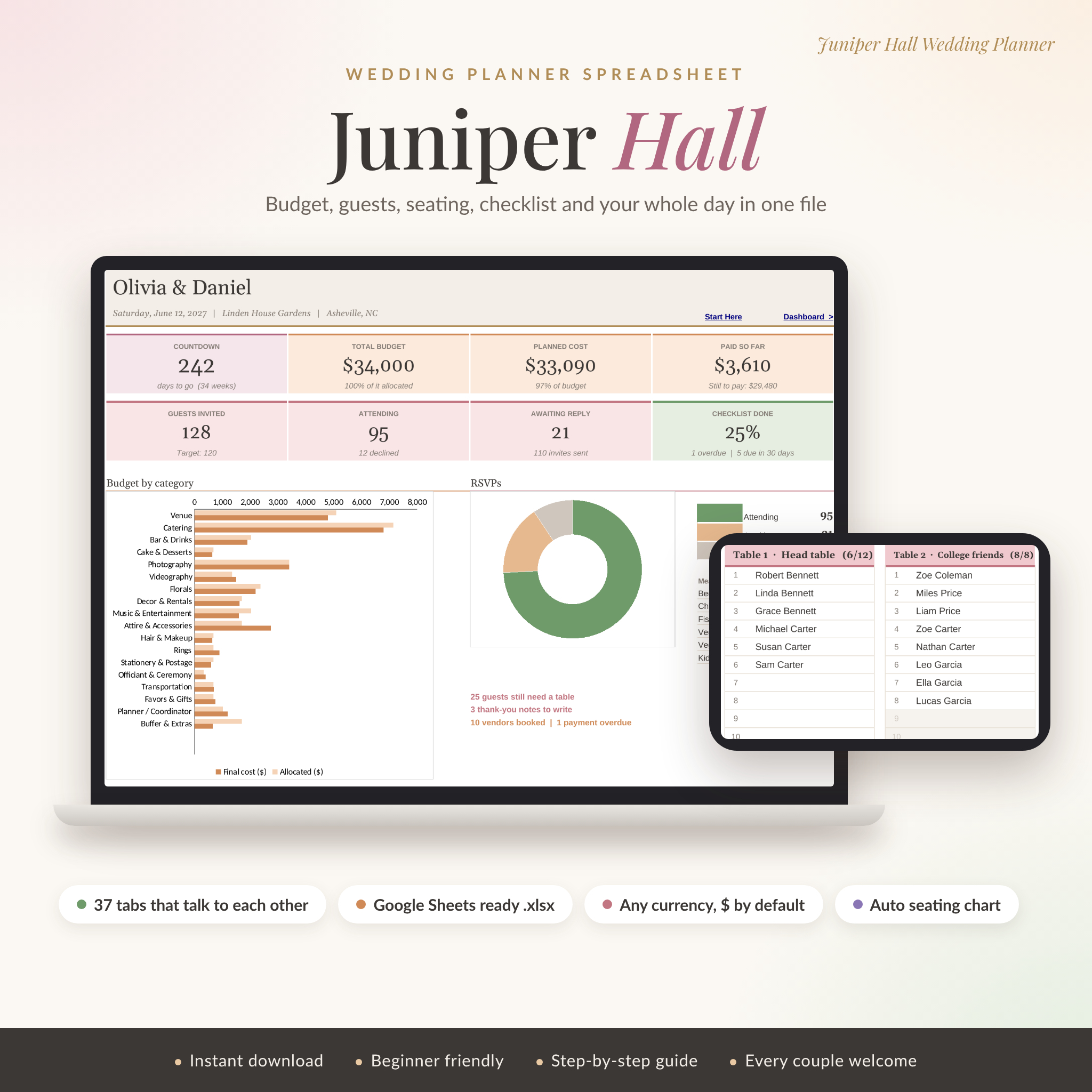
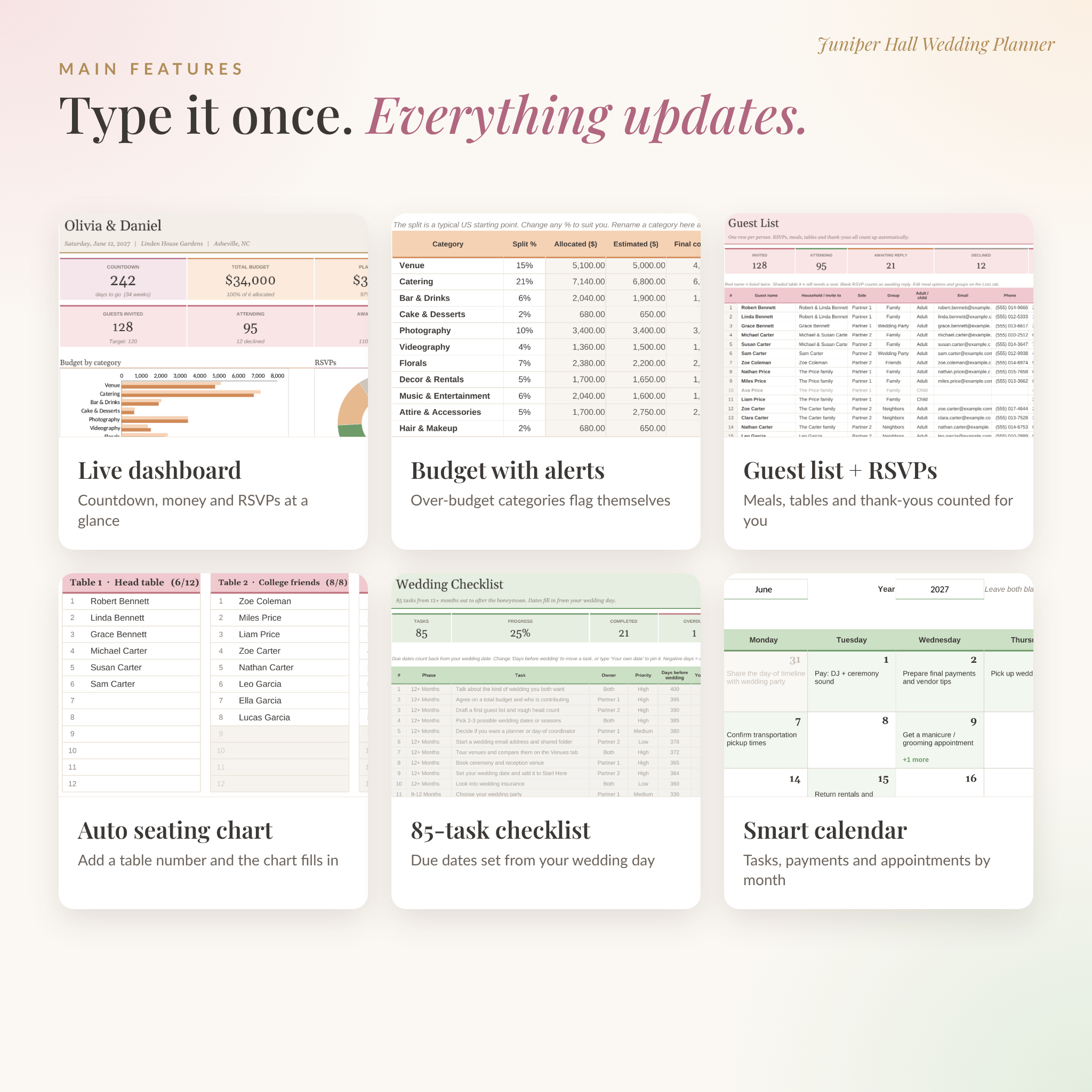
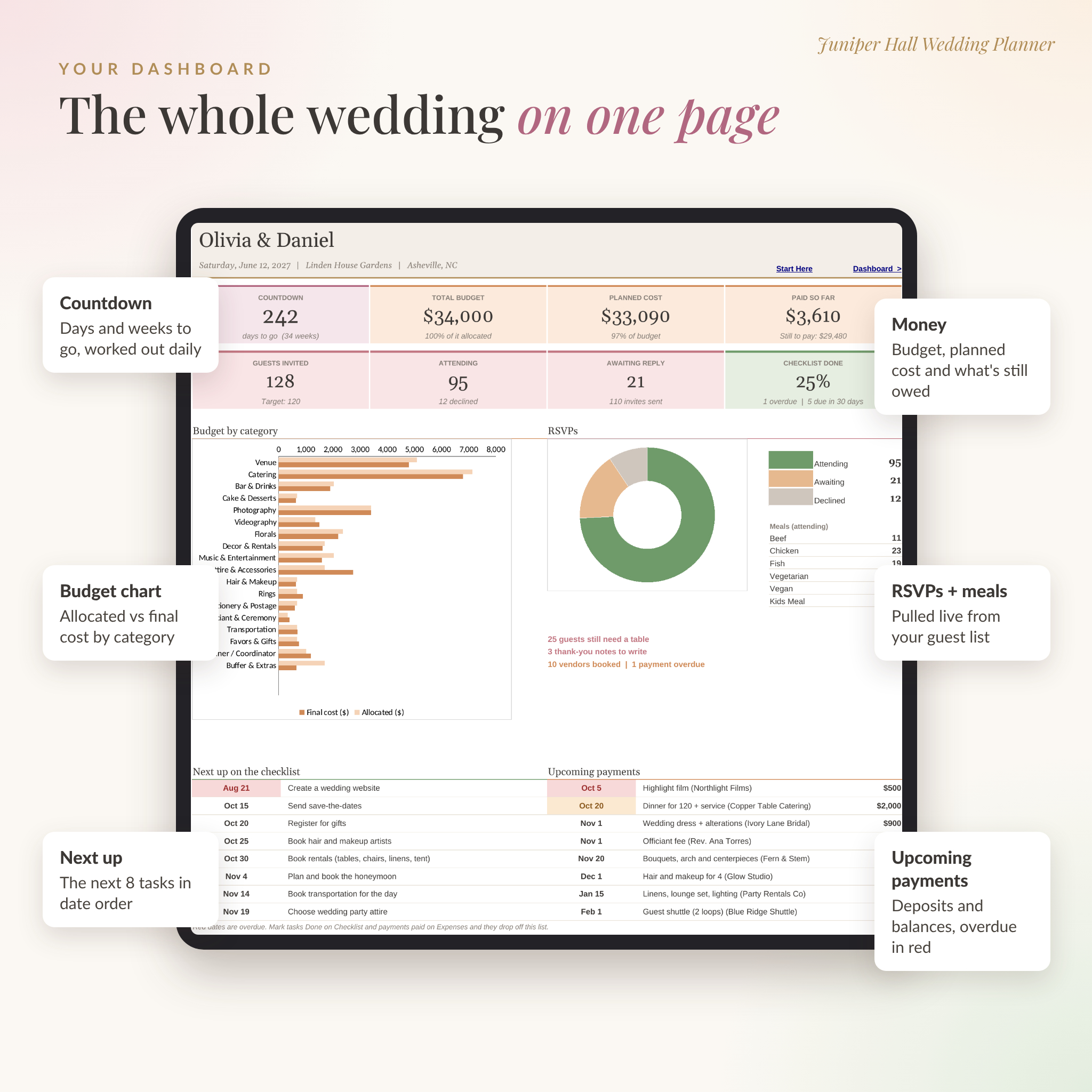
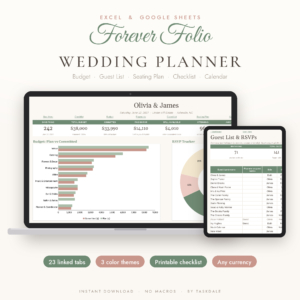
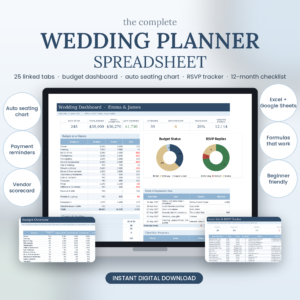
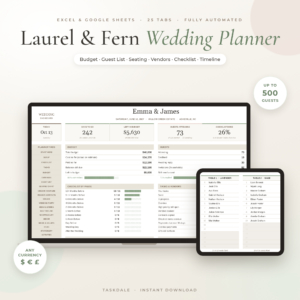
- Your dashboard shows the countdown, total budget, planned cost, what you’ve paid, guest numbers, checklist progress, a budget chart, an RSVP chart, your next 8 tasks and your next 8 payments.
- The checklist has 85 tasks ready, from 12+ months out to after the honeymoon. Each one gets a due date counted back from your wedding day. Change the date and every task moves with it.
- The budget tracker splits your money across 18 categories, using a typical US split you can change. Each category shows allocated, estimated, final cost, paid and still owed, plus an alert when you go over.
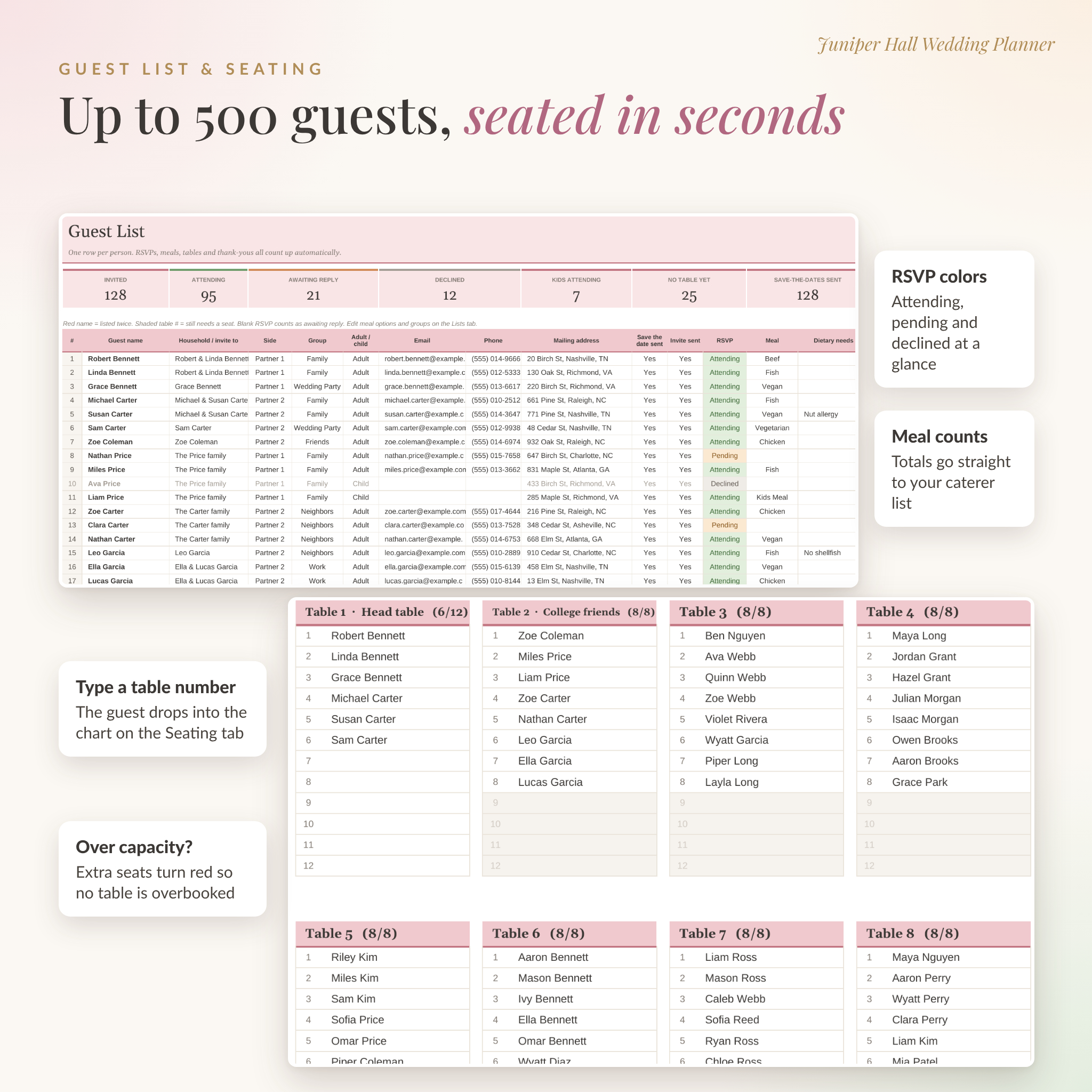
- The guest list holds up to 500 people with RSVPs, meals, dietary needs, save-the-dates, invites, table numbers and thank-you notes.
- The seating chart fills itself in. Type a table number next to a guest and they appear at that table. Tables that are too full turn red.
Who it’s for
Engaged couples who want one organized place for everything. Parents and friends helping with the planning. Day-of coordinators who need a clean timeline and contact sheet. The wording uses Partner 1 and Partner 2, so it fits every couple.
You don’t need spreadsheet skills. You only type in the white cells. The shaded cells hold the formulas, and they’re protected (with no password) so nothing breaks by accident.
Features
Money and vendors
- Expenses and payments: log each cost with its deposit, deposit due date and balance due date. Status turns orange when a payment is due within 14 days and red when it’s overdue.
- Vendor contacts: quotes, booking status, contract signed and arrival time. Booked vendors flow into the Day-Of Binder.
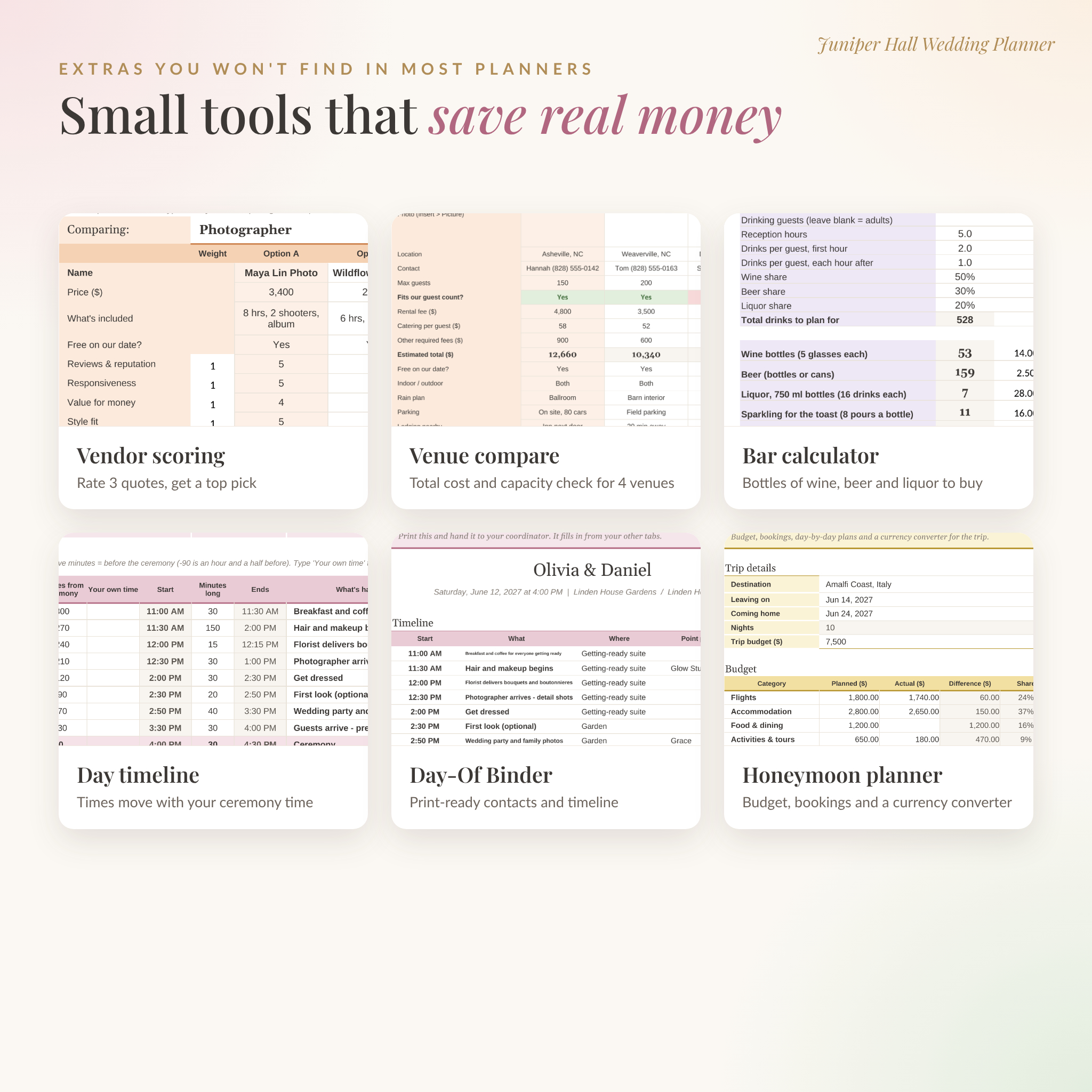
- Vendor Compare: four boards to score up to three quotes each on reviews, responsiveness, value, style and gut feeling. Set how much each one matters and the best score is marked Top pick.
- Venue comparison: four venues side by side with an estimated total cost and a capacity check against your guest count.
- Guest count what-if: see how much you’d save by trimming a few guests.
Guests
- Guest list with RSVP colors and duplicate name warnings
- Automatic seating chart for up to 30 tables
- Rehearsal dinner list that builds from your guest list
- Wedding party roles, attire, fittings and an aisle line-up
- Registry tracker, wedding party gifts, and a gift log that flags late thank-you notes
Planning and the big day
- Smart calendar: pick any month to see tasks, payments and appointments on the right days
- Itinerary: a 20-step wedding day timeline that counts from your ceremony start, so the whole day shifts if the ceremony time changes
- Day-Of Binder: a print-ready page with your timeline, booked vendor contacts and wedding party
- Packing list: 37 items, including an emergency kit
Style and extras
- Moodboard, decor, florals, attire and hair and makeup schedule
- Photo shot list with 30 shots, plus a music planner with every key moment
- Food and drinks tab with meal counts from your RSVPs and a bar calculator for wine, beer, liquor, sparkling and ice
- Stationery tracker with send-by and order-by dates
- Hotel blocks, guest stays, transportation and guest activities
- Engagement party, wedding shower and bachelor or bachelorette party planners
- Honeymoon planner with budget, bookings, day-by-day plans and a currency converter
- Name change tracker with 16 common US steps
What’s included
- Juniper Hall Wedding Planner (.xlsx), a clean copy ready for your details
- User guide (.docx) that walks through every tab, with tips, troubleshooting and FAQ
How it works
- Download the files after checkout.
- Open the planner. For Google Sheets, upload it to Google Drive, open it and choose File > Save as Google Sheets. The guide shows each step.
- Fill in the Start Here tab.
- Add guests and costs as you go. The dashboard, calendar, seating chart and binder keep up on their own.
File format and software
- Format: .xlsx spreadsheet plus a .docx guide
- Tested in Google Sheets (free with a Google account) and LibreOffice Calc
- Built with classic spreadsheet formulas only. No macros, scripts or add-ons
- Works on desktop, laptop, tablet and phone through the Google Sheets app
Make it yours
Change the currency symbol to any currency, with $ as the default. Rename budget categories. Edit meal options, guest groups, vendor categories, roles and task owners on the Lists tab. Colors, fonts and column widths are all yours to change.
Digital download
This is an instant digital download. Nothing is shipped. Your files appear on the order confirmation page and in your account’s Downloads area.
Real ways couples use it
- Splitting tasks between partners and family with the Owner column
- Seeing which vendor deposit is due next before paying a bill
- Sending the caterer an exact meal count the week the RSVPs close
- Printing the Day-Of Binder for the coordinator and the maid of honor
- Working out the drink order for a 5-hour reception
Wedding planner spreadsheet FAQ
Does it work in Google Sheets?
Yes. Upload the file to Google Drive and save it as a Google Sheet. We tested every tab there, including the charts, dropdowns, colors and seating chart.
Do I need Excel?
No. Google Sheets is free and is the setup we tested most. The file is a standard .xlsx workbook built with classic formulas and no macros.
Can my partner and I edit it together?
Yes. In Google Sheets, click Share and add their email. You’ll both see changes as they happen.
Can I use my own currency?
Yes. Type any symbol on the Start Here tab and every money heading and total follows it.
How many guests and tables does it hold?
Up to 500 guests and 30 tables, with up to 12 seats shown per table.
Is it beginner friendly?
Yes. You only fill in white cells and pick from dropdowns. The user guide covers every tab.
Can I print it?
Yes. Each tab prints one page wide, and the Day-Of Binder is set up to print for your coordinator.
License
For personal use only. Please don’t resell, share or distribute the planner or guide, in part or in full. © Taskdale.
Reviews
There are no reviews yet.