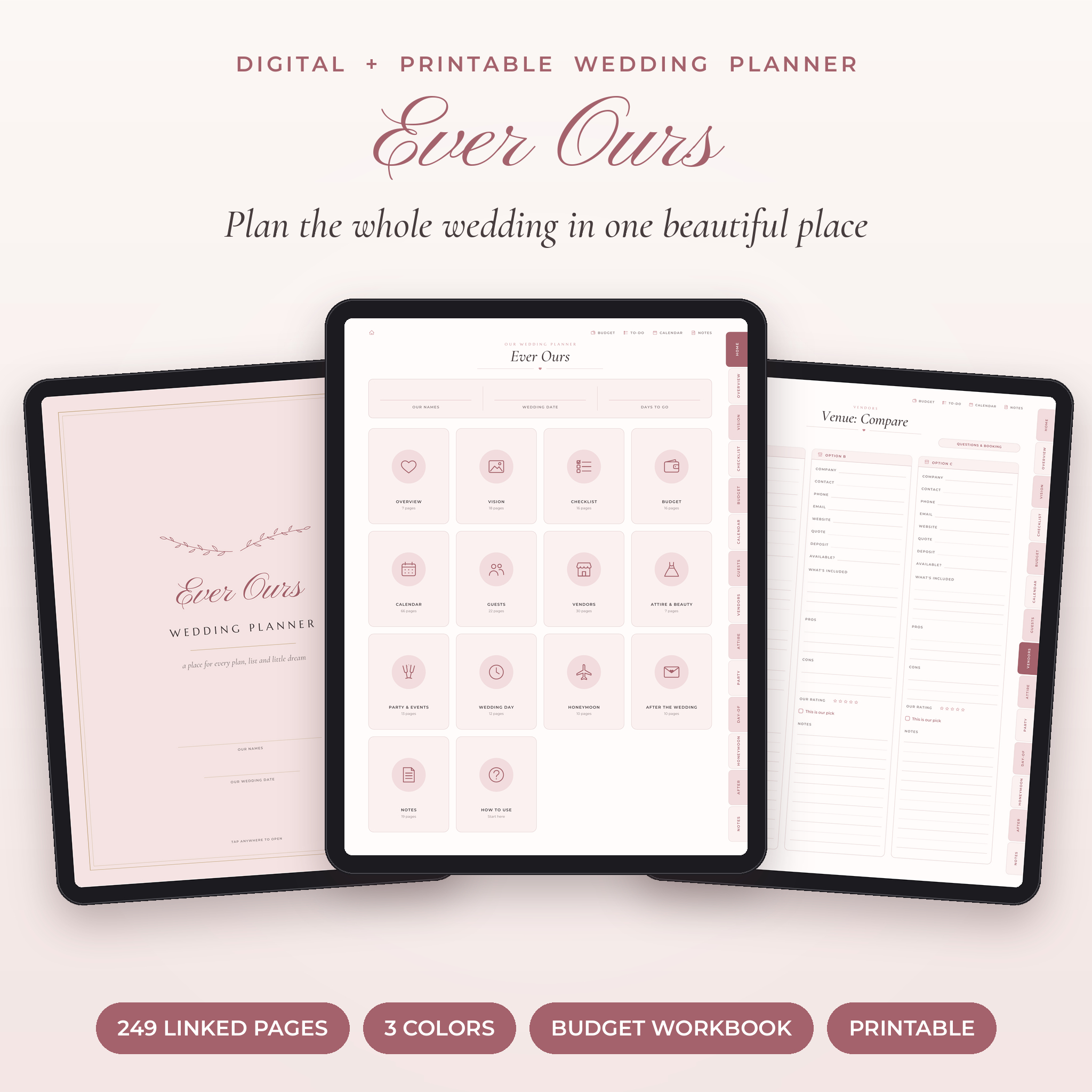
The Ever Ours digital wedding planner gives you one calm place for every list, date, deposit and dream. It’s a 249-page hyperlinked planner for GoodNotes, Notability and other PDF note apps. You also get a printable version, a budget and guest spreadsheet that does the math for you, 141 stickers and 12 bonus covers. Tap a tab, pick a page and start planning.
A Digital Wedding Planner That Does More Than Look Pretty
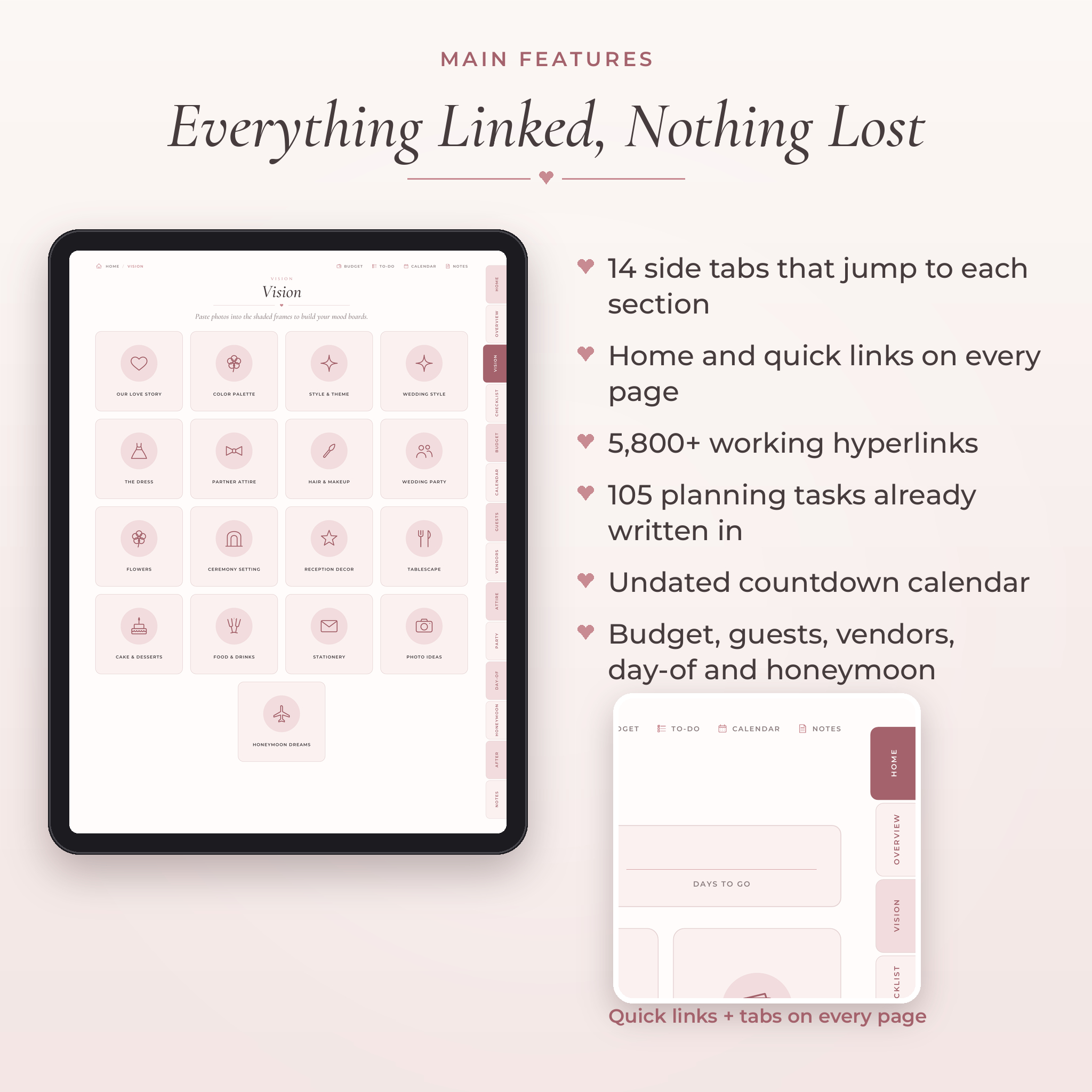
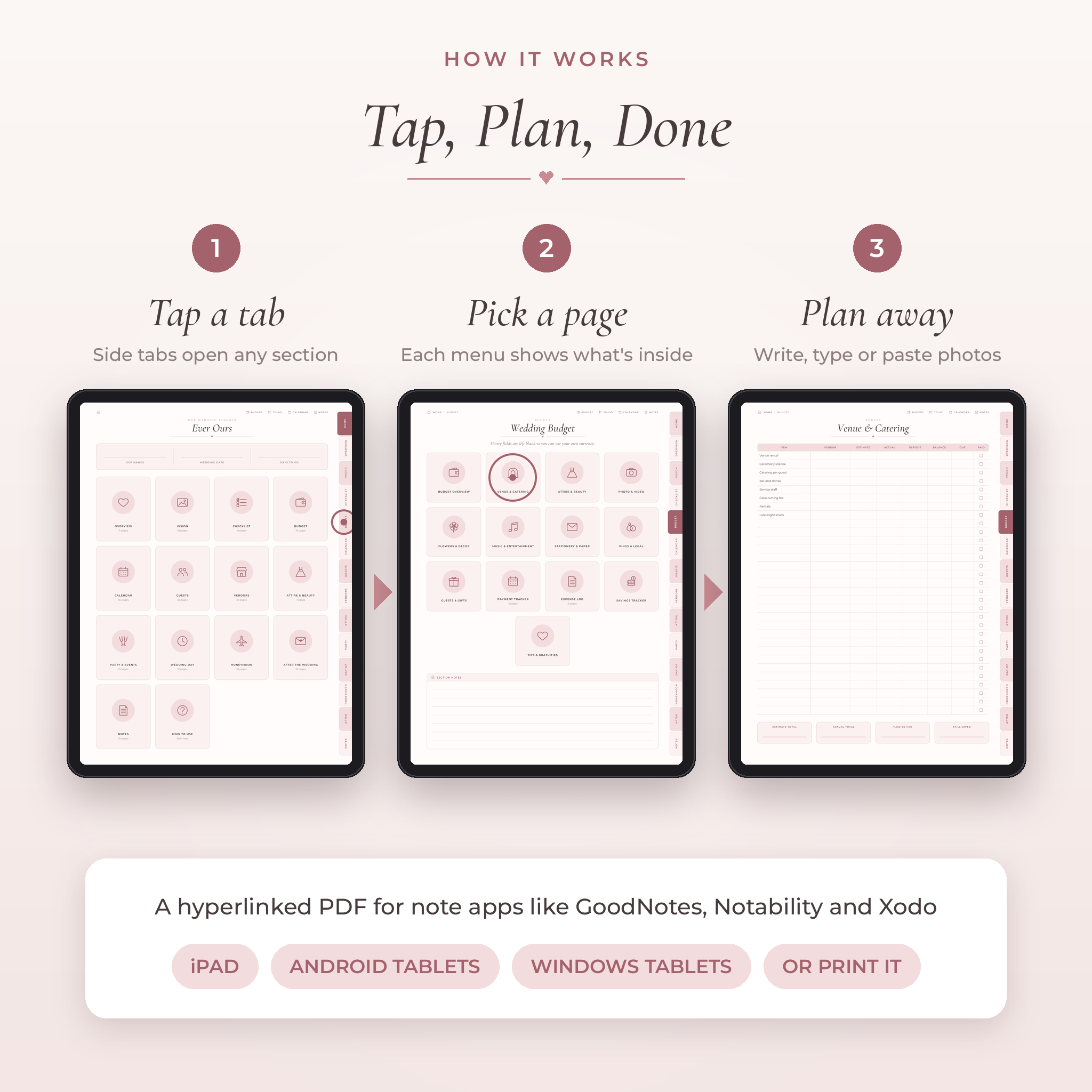
Most digital wedding planners are lovely pages and not much else. This one is built to be used every week until the big day. There are 14 side tabs, a Home button on every page, quick links to your budget, to-do list, calendar and notes, and more than 5,800 working links. You won’t scroll through 200 pages looking for the guest list again.
The planning checklist already has 105 tasks written in, sorted from 12+ months out to the morning of the wedding. Each stage links to its month on the countdown calendar, so you always know what to do next.
What’s Included
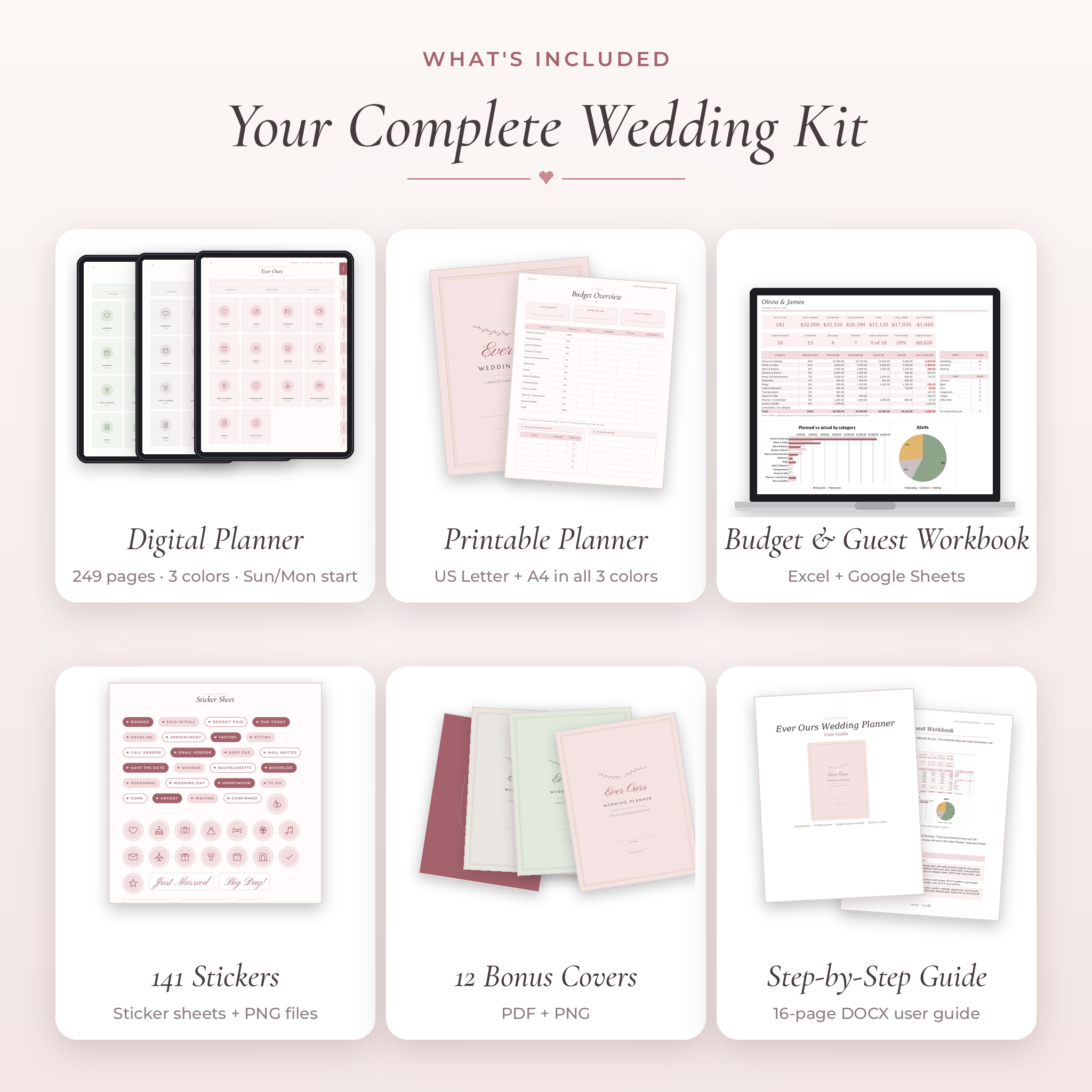
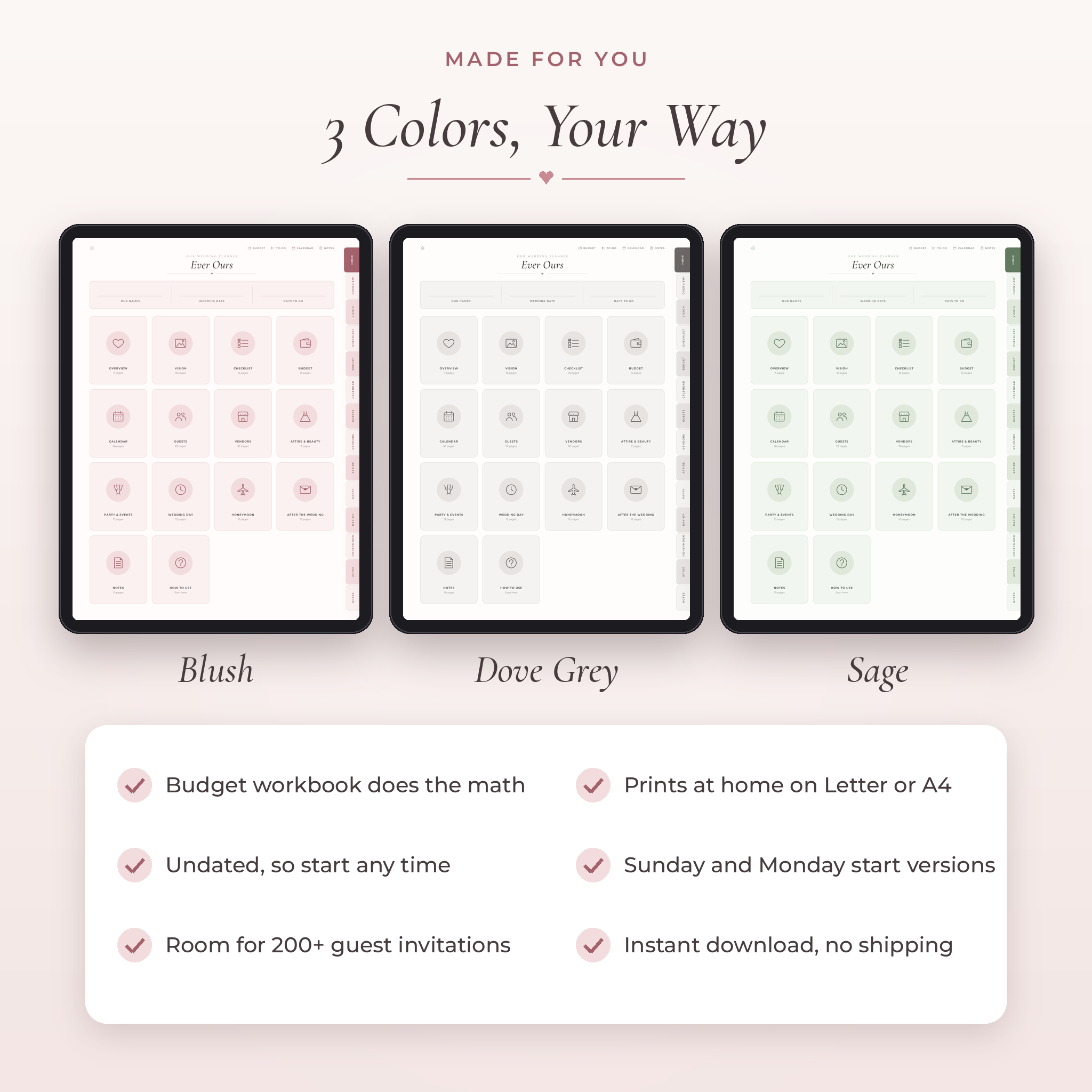
- Digital planner: 249 hyperlinked pages in Blush, Dove Grey and Sage. Every color comes in a Sunday-start and a Monday-start version (6 PDFs).
- Printable planner: the same 249 pages laid out for US Letter and A4 paper, in all three colors (6 PDFs).
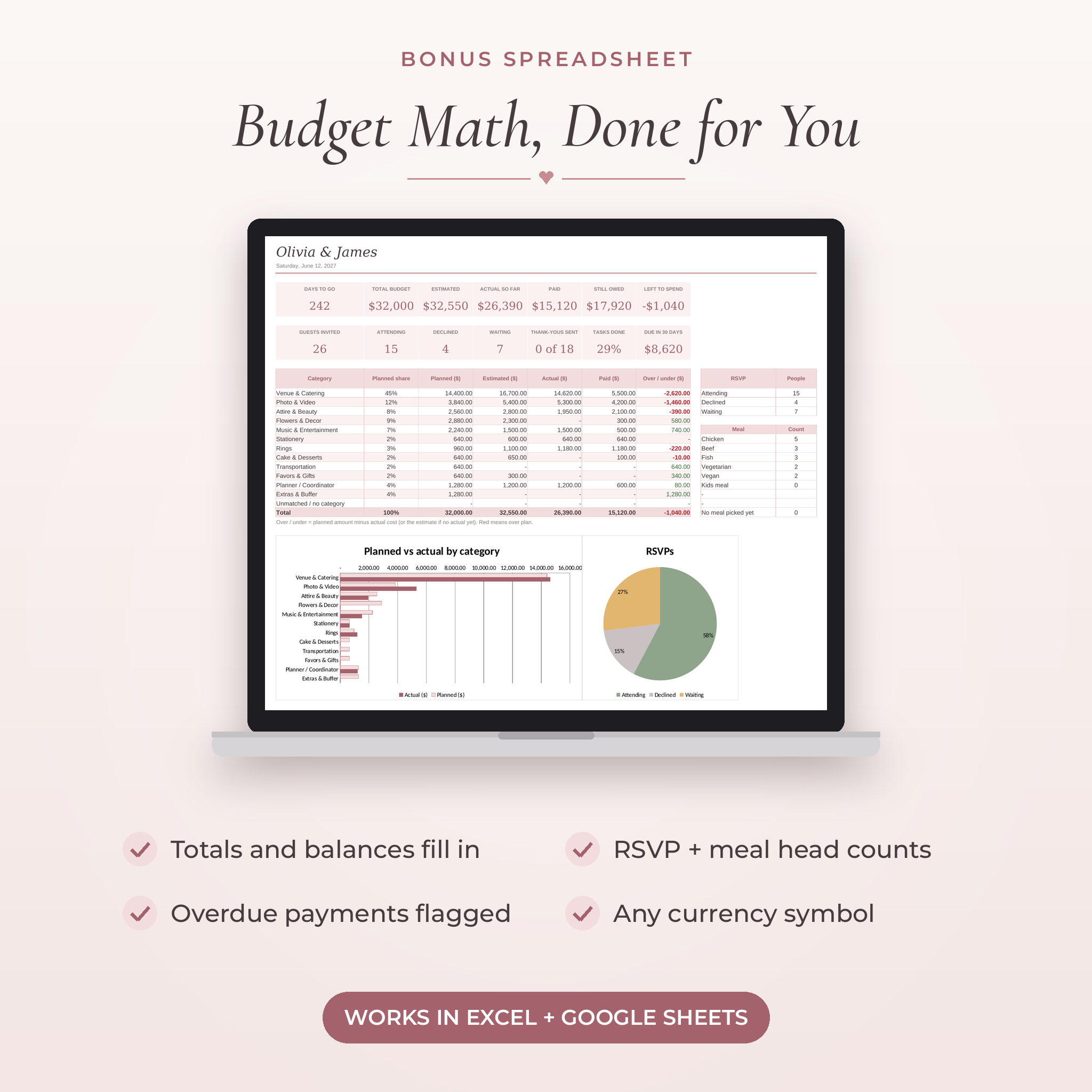
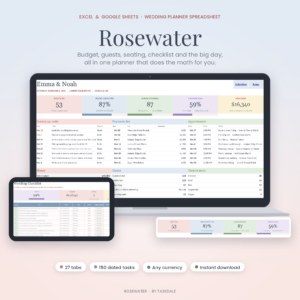
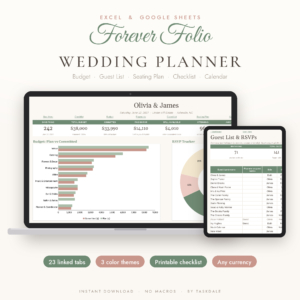
- Budget & guest workbook: an .xlsx spreadsheet with a dashboard, budget tracker, guest list, RSVP and meal counts, checklist and vendor list.
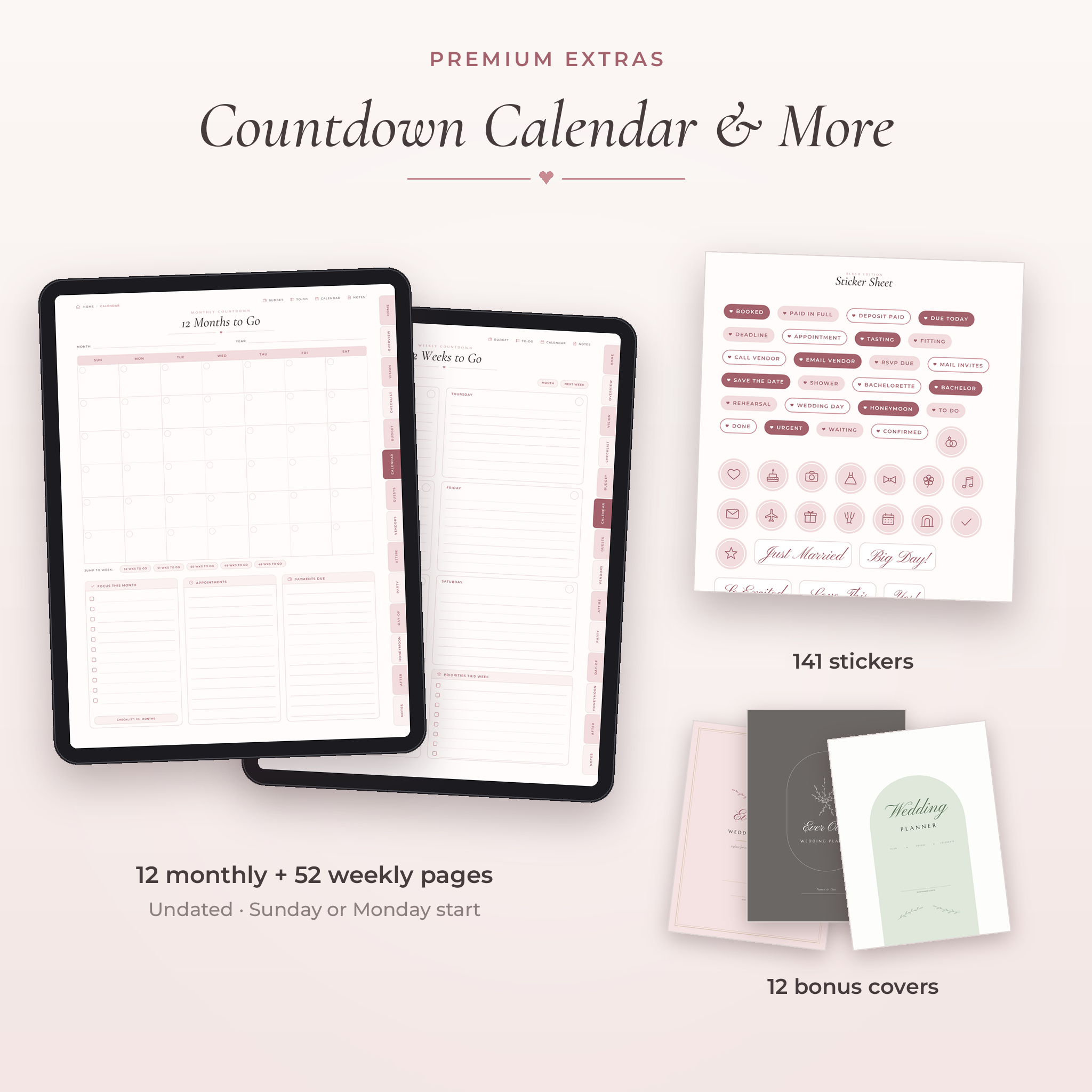
- 141 stickers: a sticker sheet PDF for note apps plus transparent PNG files. Booked, Paid in Full, Deposit Paid, Due Today, Tasting, Fitting and more.
- 12 bonus covers: four designs in each color, as PDF and PNG.
- 16-page user guide (DOCX) with setup steps, tips and troubleshooting.
Inside the Planner
Planning and vision
- Wedding at a Glance, Our Priorities, 12 Questions to Talk Through, Key Dates, Important Contacts and a Marriage License page
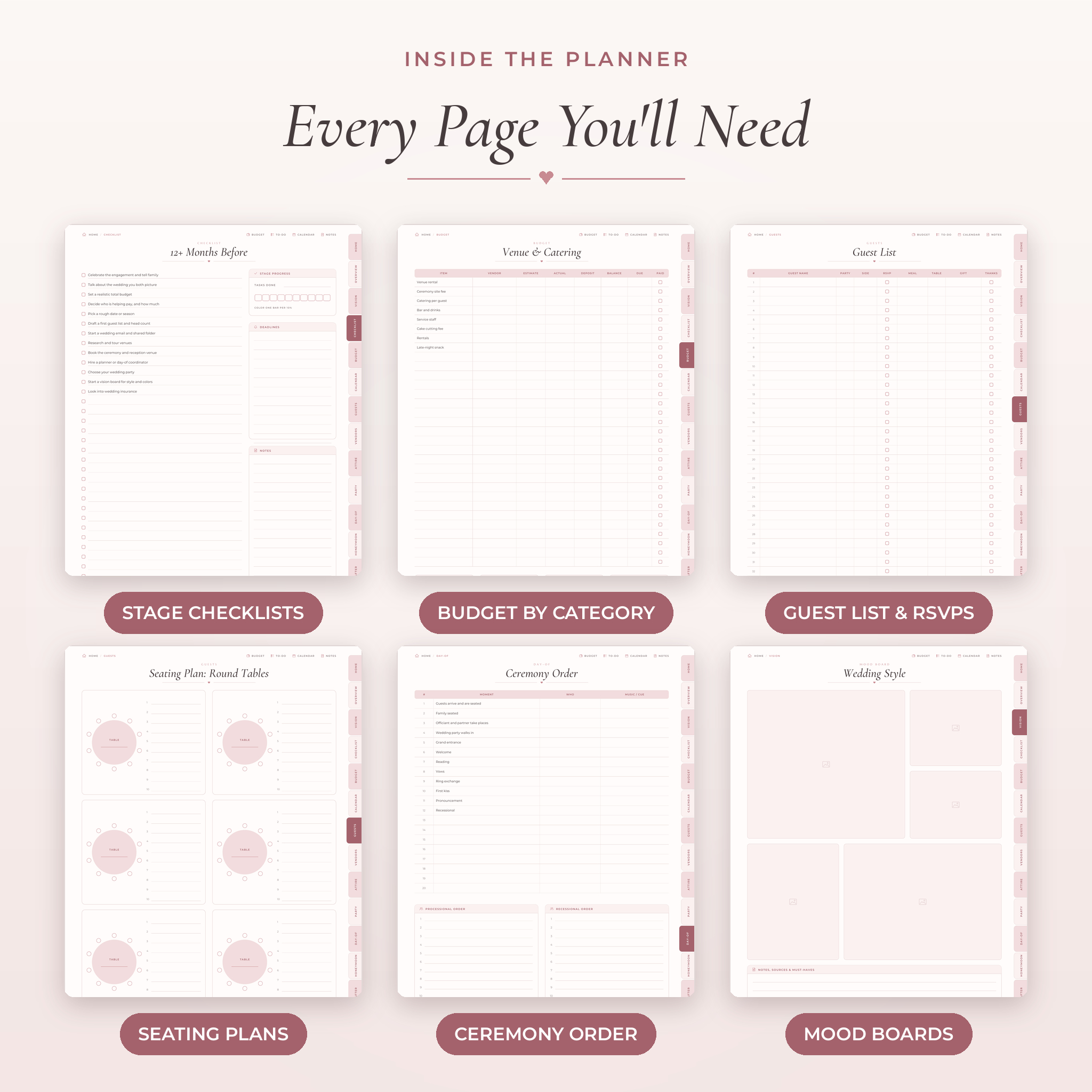
- Our Love Story, Color Palette, Style & Theme and 14 mood boards with photo frames
- 11 stage checklists, a progress tracker and 3 to-do lists
Wedding budget planner
- Budget overview with a typical US spending split to start from
- 8 category pages (venue, attire, photo, flowers, music, stationery, rings, guests and gifts)
- Payment trackers, expense logs, a savings tracker and a tips planner
Guests, vendors and the big day
- Guest list with RSVP, meal, table, gift and thank-you columns, an address book, 24 round tables, long tables, a floor plan and hotel blocks
- 13 vendor types, each with a compare-3-quotes page and a page of questions to ask
- Day-of timeline, getting ready schedule, ceremony order, reception run sheet, photo shot lists, music plan and emergency kit
Countdown, honeymoon and after
- Undated countdown calendar: Year at a Glance, 12 monthly pages and 52 weekly pages
- Attire and beauty pages, wedding party pages, vow pages and 6 event planners (engagement party to morning-after brunch)
- Honeymoon planner with itinerary, packing list and travel documents
- Gift and thank-you trackers, a US name change checklist and 18 note page styles
The Wedding Budget Spreadsheet
Paper can’t add up 40 deposits. The workbook can. Type each item’s estimate, actual cost and what you’ve paid. Balances, payment status and overdue flags fill in on their own. The dashboard shows days to go, total spent, what’s still owed, what’s left to spend, guests attending, meal counts and payments due in the next 30 days, with two charts.
Type your currency symbol once in Settings ($, £, €, R or any other) and every money heading and total switches over. Formula cells are locked so they can’t be deleted by accident, and input cells are left open.
How It Works
- Download the files and unzip them.
- Import the planner PDF into GoodNotes, Notability, Xodo or another PDF app that supports links.
- Tap the cover to open the Home page, then tap any tab or tile to start.
- Open the workbook in Excel or Google Sheets and fill in the Settings tab.
File Formats and Requirements
- Digital planner: hyperlinked PDF, 3:4 portrait (iPad shape)
- Printable planner: PDF in US Letter (8.5 x 11 in) and A4
- Workbook: .xlsx for Microsoft Excel 2010 or newer, Google Sheets or LibreOffice
- Stickers and covers: PDF and transparent PNG
- User guide: DOCX
- You need a PDF note app such as GoodNotes, Notability, Xodo or Samsung Notes. Apps are sold separately.
Make It Yours
Pick your color and your week start. Duplicate any page you need more of. Paste photos into the mood board frames, type with your app’s text tool or write by hand. In the workbook you can rename the budget categories, change the meal options and set your own budget split.
Real Ways Couples Use It
- Comparing three photographers side by side before paying a deposit
- Keeping every vendor’s arrival time on one page for the day-of coordinator
- Tracking RSVPs and meal choices so the caterer gets the right numbers
- Printing the Wedding Day section for the maid of honor or a parent
- Planning a small courthouse wedding with just the checklist and budget pages
Instant Digital Download
This is a digital product. Nothing will be shipped. Your files are ready to download as soon as payment goes through, and you can download them again any time from your account.
FAQ
Does this digital wedding planner work with GoodNotes?
Yes. It’s a hyperlinked PDF you import into GoodNotes on iPad. It also opens in Notability, Xodo and Samsung Notes.
Can I use it on an Android or Windows tablet?
Yes, with a PDF app that supports links, such as Xodo.
Is the planner dated?
No. All calendar pages are undated, so you can start in any month of any year.
Can I print it?
Yes. Printable US Letter and A4 versions are included in all three colors.
Does the budget spreadsheet work in Google Sheets?
Yes. Upload the .xlsx file to Google Drive and open it with Google Sheets. It also works in Excel.
Can I use my own currency?
Yes. The planner has no currency symbols, and the workbook uses whichever symbol you choose.
How many guests does it hold?
The digital guest list has room for 297 invitations and the printable version for over 200. The workbook holds 300 rows.
Can I share it or resell it?
No. It’s for personal use only.
License: personal use only. Please don’t resell, share or redistribute these files. © 2026 Taskdale.
Reviews
There are no reviews yet.