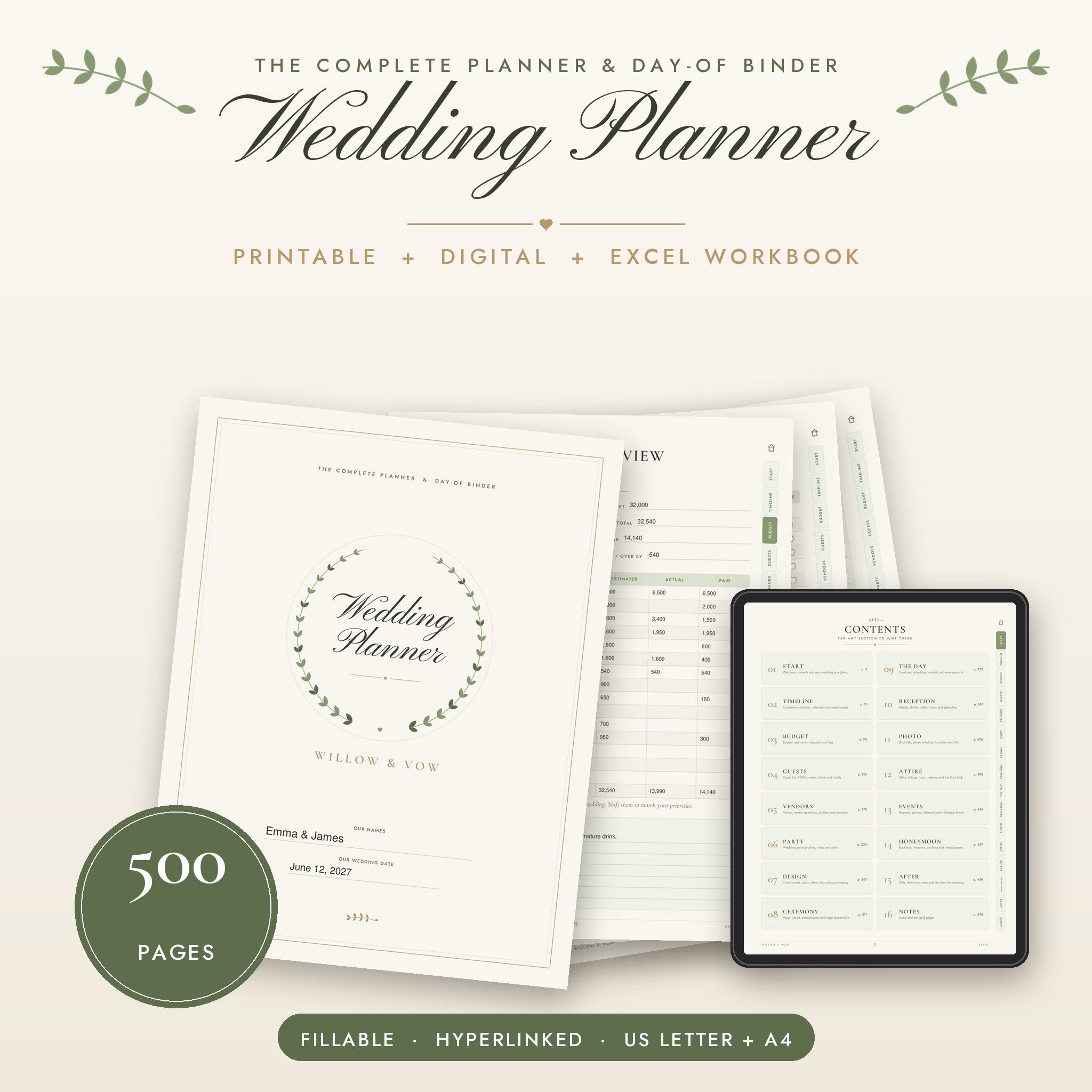
This wedding planner keeps every part of your wedding in one place, from the day you say yes to the last thank-you note. You get 500 printable and fillable pages, clickable tabs on every page, a print version that saves ink, and an Excel workbook that adds up your budget, RSVPs and seating for you.
Plan the big picture. Then run the day itself with timelines, seating charts and an emergency kit list you can hand straight to your coordinator.
What This Wedding Planner Does
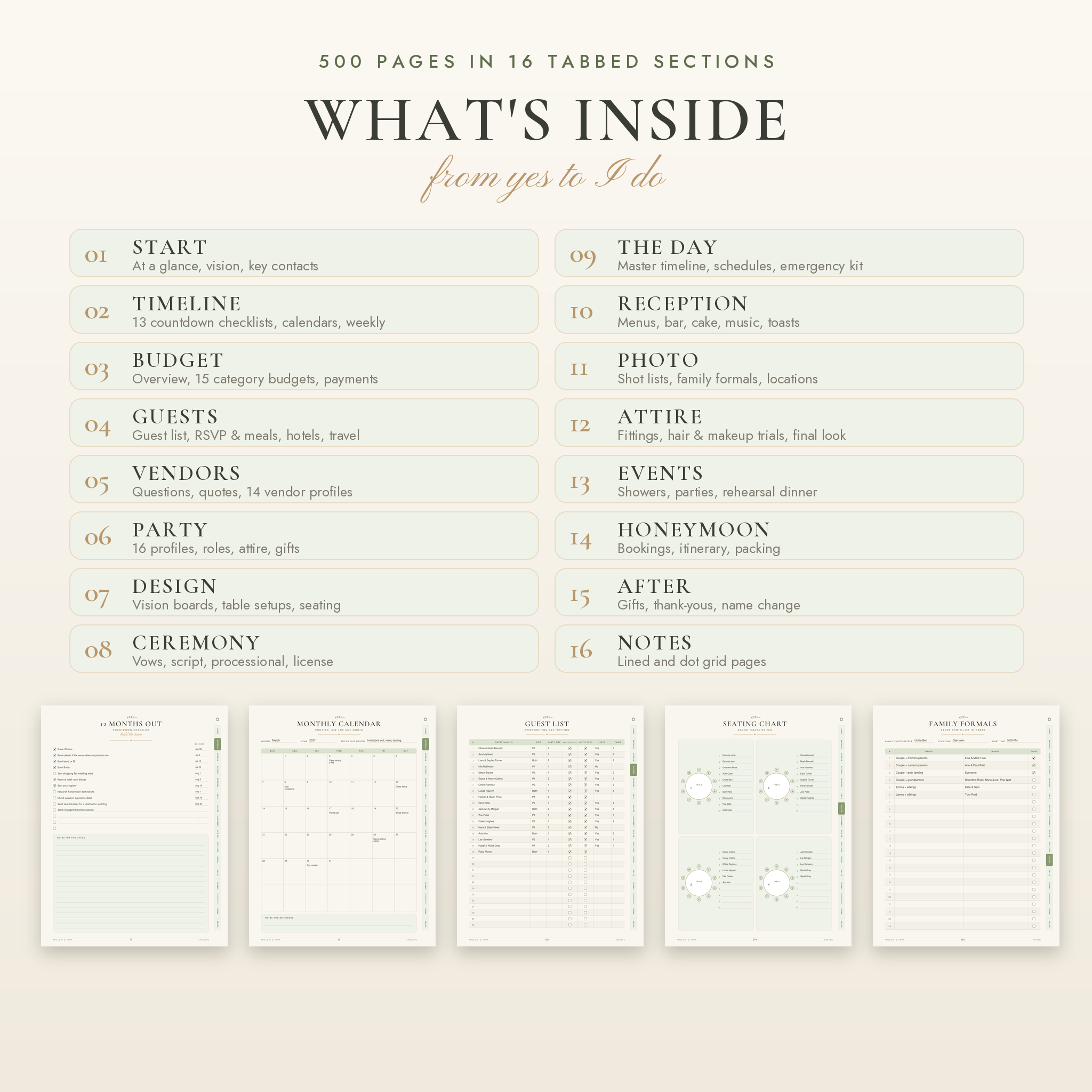
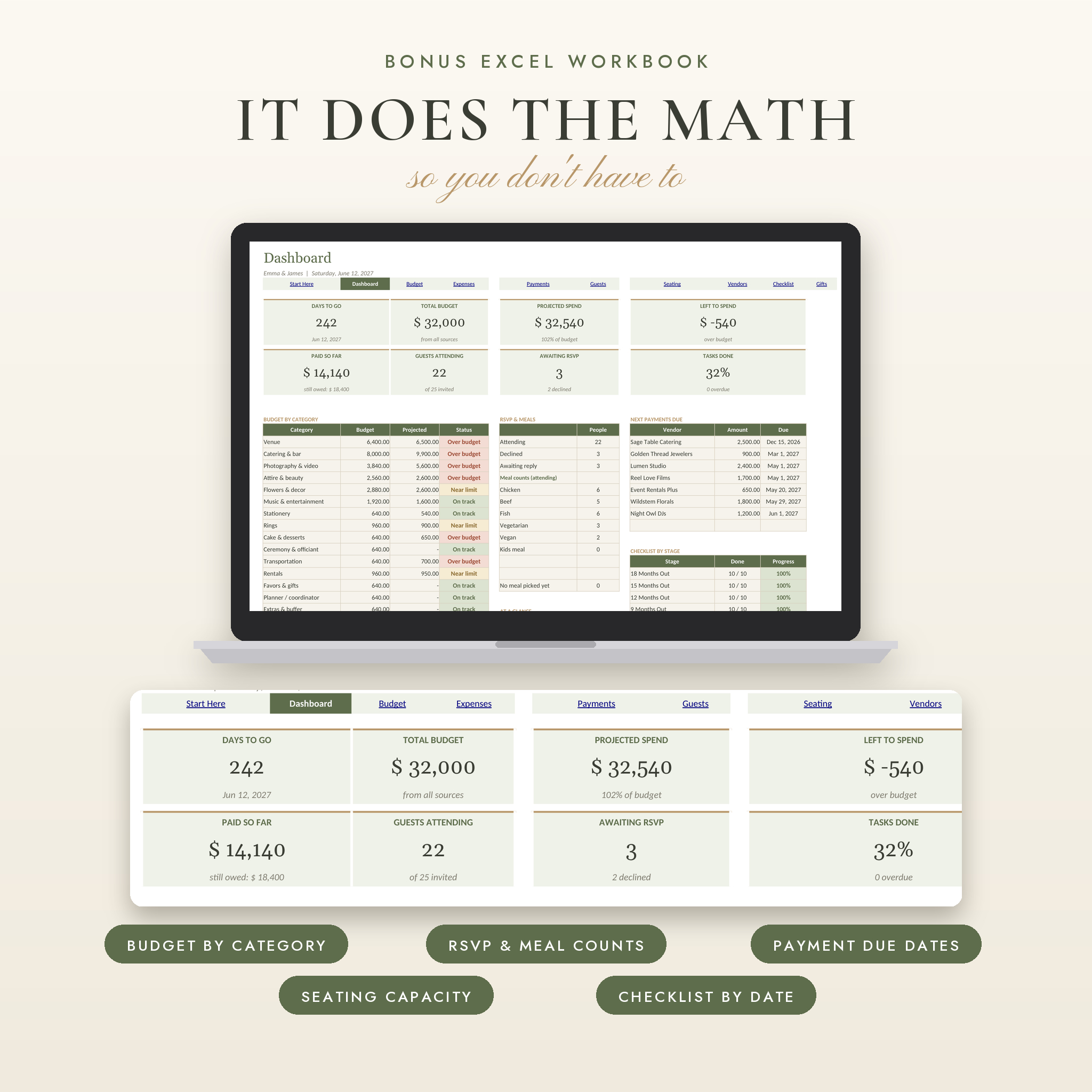
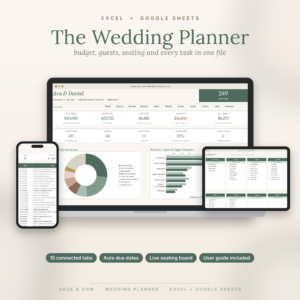
Most planners give you pretty pages and leave the math to you. Willow & Vow gives you both. The PDF planner covers 16 tabbed sections, so you can find any page in two taps. The companion workbook totals your spending by category, counts meals for your caterer, lists the next payments due and warns you when a table is over capacity.
Everything is undated. Start 18 months out or 8 weeks out, and the countdown pages meet you where you are.
Who It’s For
- Couples planning their own wedding, big or small
- Brides and grooms who want a printable wedding binder they can hand off on the day
- Parents, maids of honor and friends helping with the planning
- Day-of coordinators who want one tidy run of show
Features at a Glance
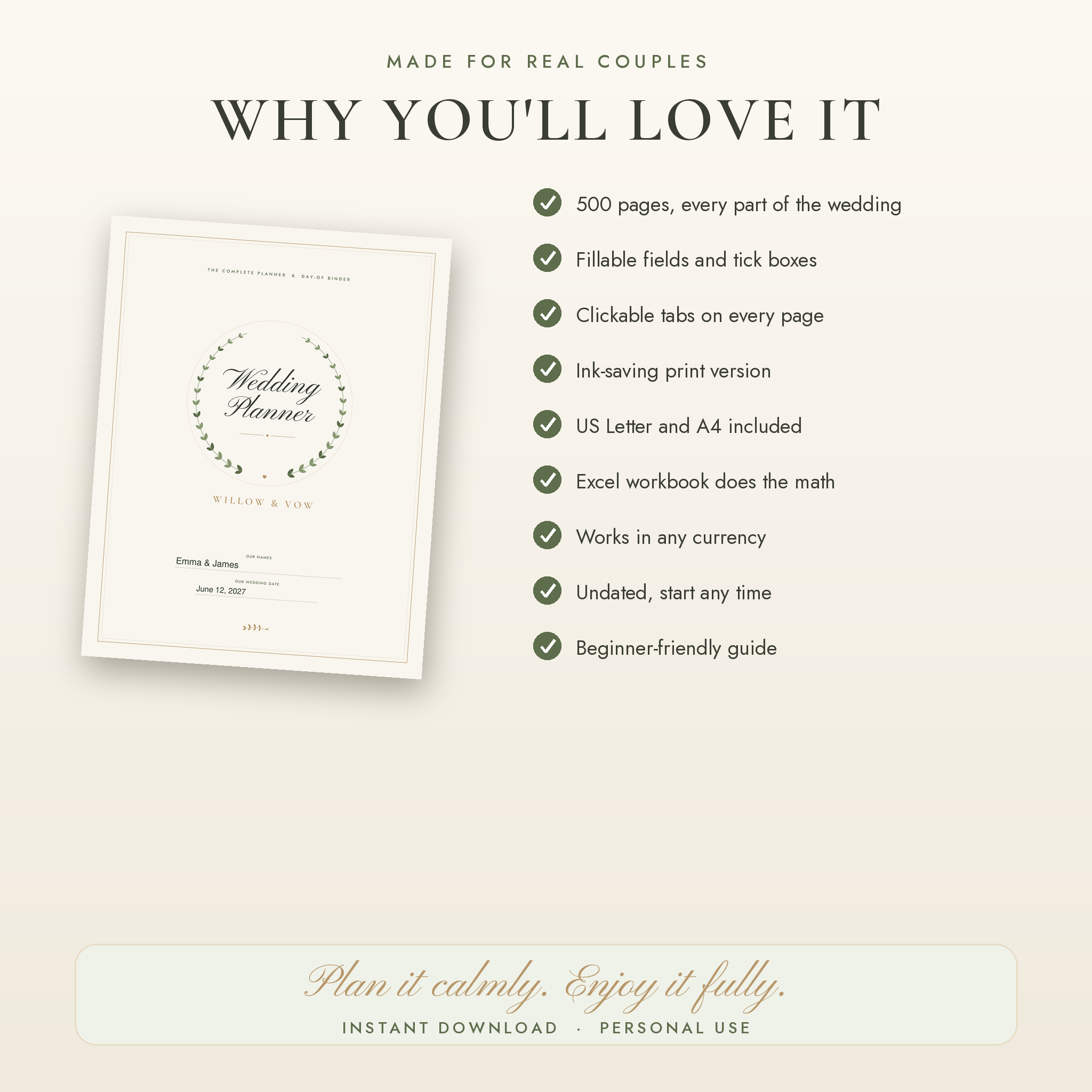
- 500 pages in a soft sage, ivory and gold design
- Fillable fields and checkboxes on nearly every line, so you can type on a laptop
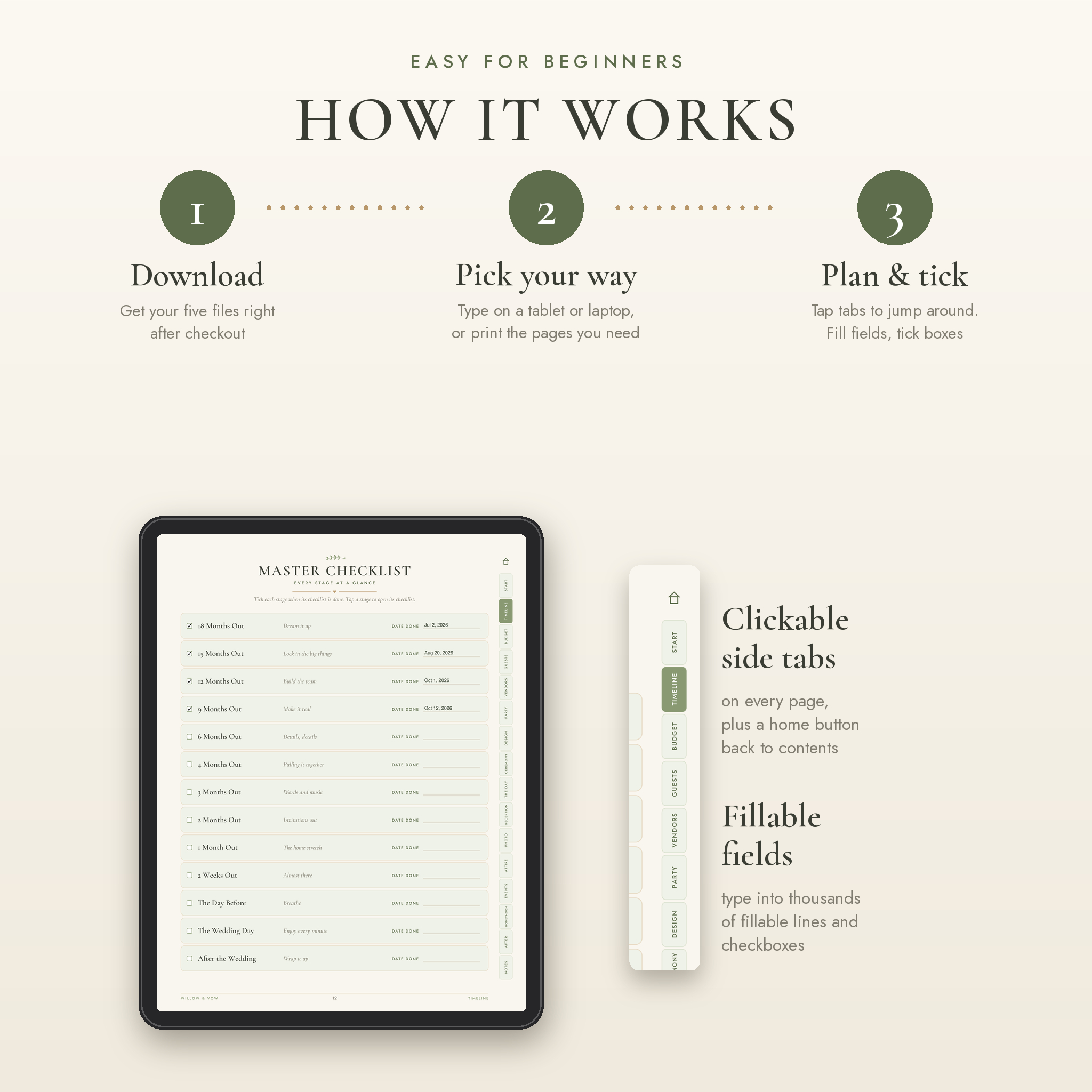
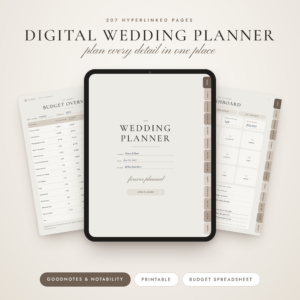
- Clickable side tabs on every page, plus a home button back to the contents
- Section pages that link to every page inside them
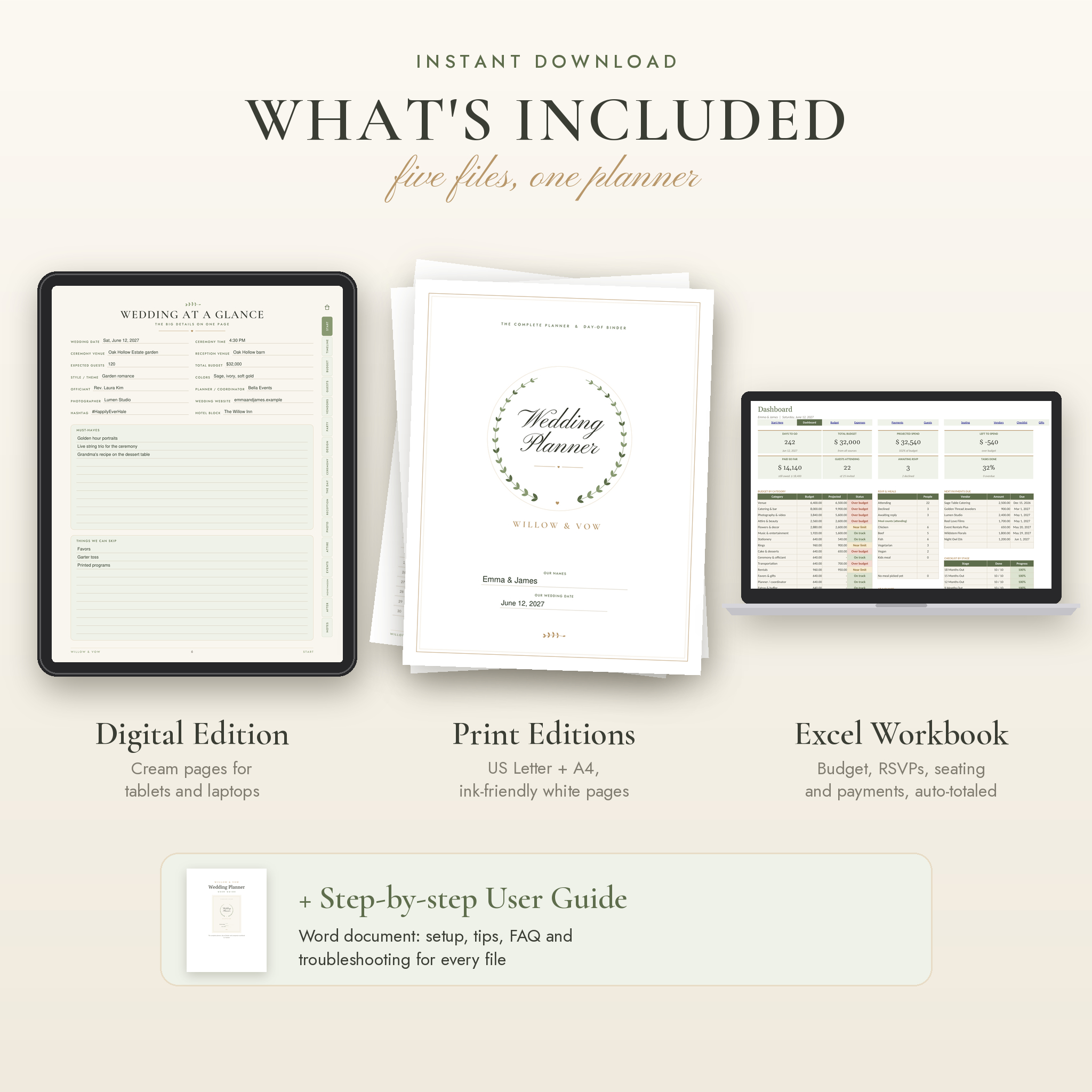
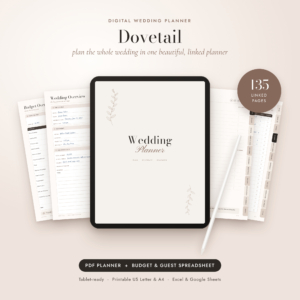
- Digital edition on cream pages for screens and tablets
- Print editions on white pages in US Letter and A4
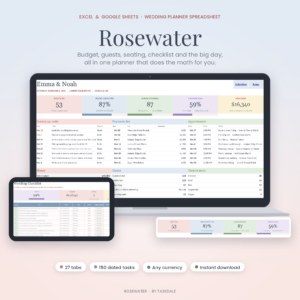
- Excel workbook with a dashboard, budget, expenses, payments, guests, seating, vendors, checklist and gift tracker
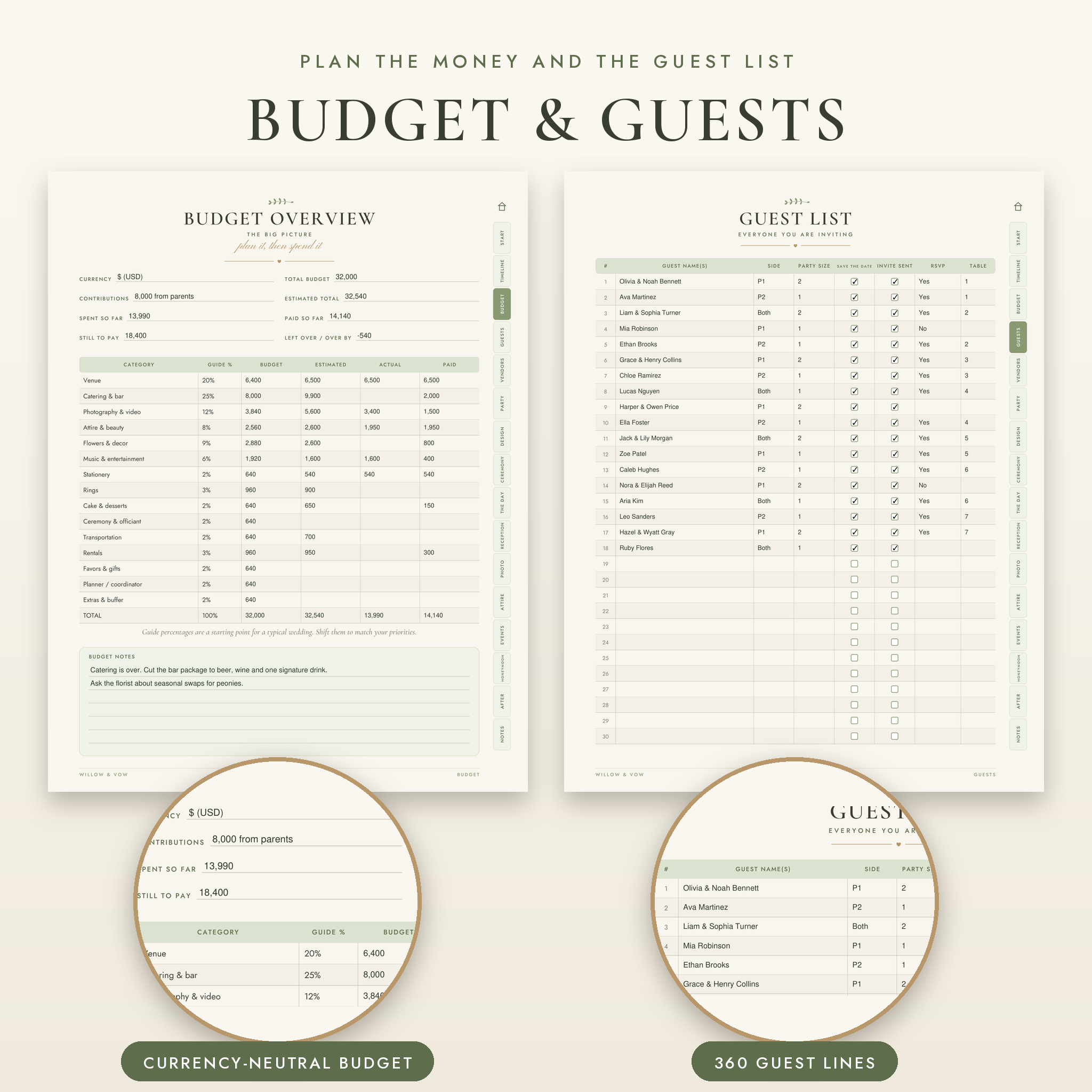
- Any currency: money fields stay neutral in the planner, and the workbook has one currency setting for every total
- Undated calendars and weekly pages
What’s Included
The 500-page planner and day-of binder
- Start: wedding at a glance, vision and priorities, important dates, who to call, emergency plan
- Timeline: master checklist, 13 countdown checklists from 18 months out to after the wedding, 18 monthly calendars, 26 weekly pages, to-do lists, appointment and deadline logs
- Budget: overview with suggested percentages, 15 category budgets, expense tracker, payment schedule, deposits, contributions, tips and gratuities, quote comparison
- Guests: 360+ line guest list, address book, RSVP and meal tracker, dietary needs, hotel room blocks, out-of-town guest guide, welcome bags, shuttles and arrivals
- Vendors: venue comparison and visit notes, question lists for 12 vendor types, 14 two-page vendor profiles, contracts and vendor meals
- Wedding party: roles and duties, 16 individual profiles, attire and gifts
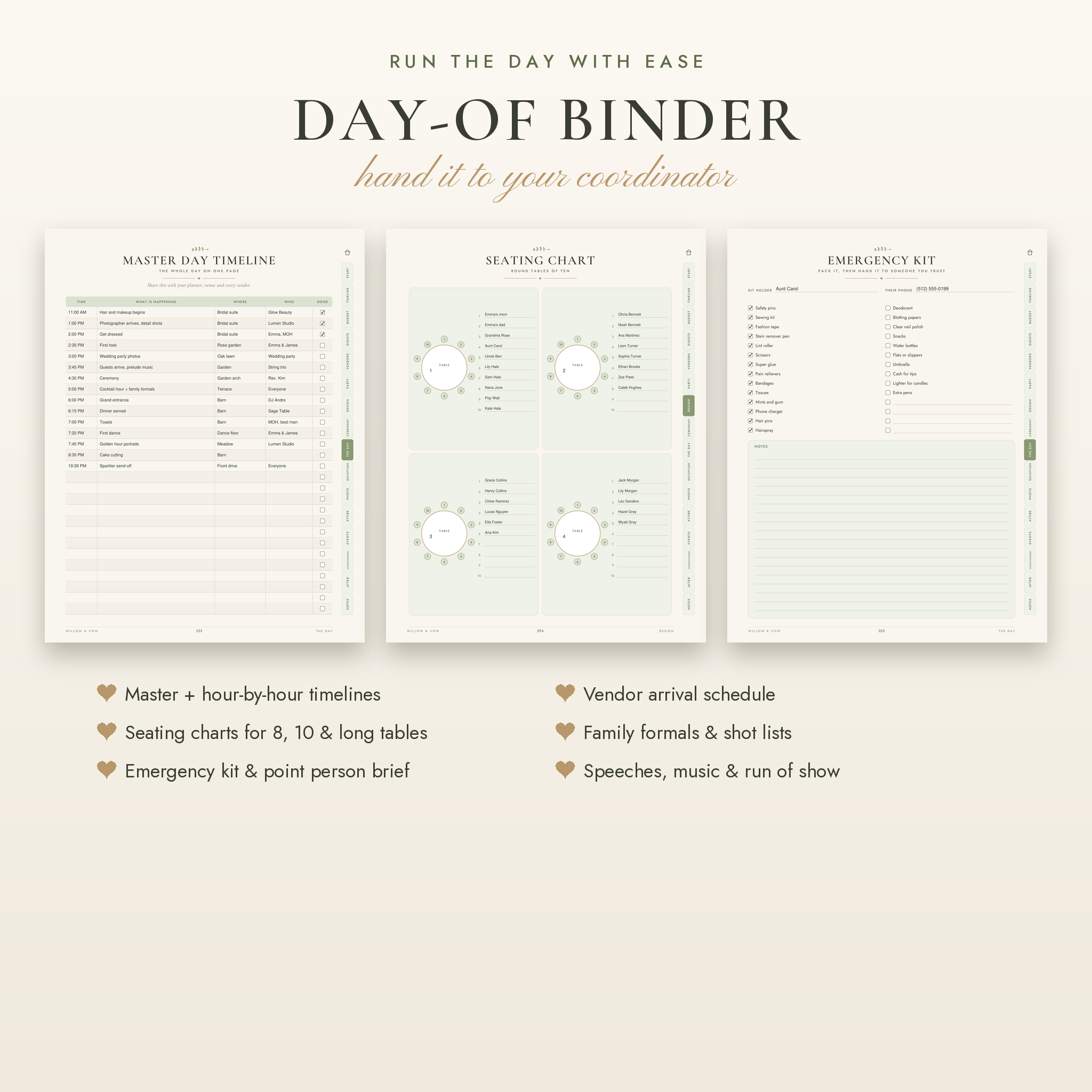
- Design: style discovery, 14 vision boards, color palettes, flower planner, 12 table setup planners, signage, decor inventory, floor plans and seating charts for tables of 8, 10 and long tables
- Ceremony: order of service, script, vows for both of you, processional and recessional, marriage license and name change checklists
- The day: master and hour-by-hour wedding day timelines, vendor arrivals, hair and makeup schedule, reception run of show, speeches, emergency kit and point person brief
- Reception, photo and attire: menus, bar plan, music lists, 8 shot lists, family formals, fittings, hair and makeup trials
- Events and honeymoon: showers, parties, rehearsal dinner, itinerary, packing lists and travel documents
- After: gift and thank-you trackers, registry, post-wedding checklist, keepsakes, plus lined and dot grid notes
The wedding budget spreadsheet
Up to 200 expenses, 100 payments, 400 guest rows, 40 tables, 40 vendors, 160 checklist tasks and 300 gifts. Formulas are locked so they can’t be deleted by accident, with no password needed to unlock them.
The user guide
A step-by-step Word guide with setup, printing tips, troubleshooting and FAQ.
How It Works
- Download your five files right after checkout.
- Open the digital edition and type your names on the cover. Fill in your wedding date and budget in the workbook.
- Open the countdown page that matches your date and start ticking boxes.
- Print the pages you want on paper, or keep it all digital.
File Formats and Software
- 3 PDF files: Digital Edition (US Letter, cream), Print Edition US Letter (8.5 x 11 in) and Print Edition A4
- 1 Excel file (.xlsx) for Microsoft Excel 2016 or newer, Windows or Mac
- 1 Word file (.docx) user guide
- To type in the planner, use a PDF app that supports fillable forms, such as the free Adobe Acrobat Reader
Make It Your Own
Type your names and date on the cover. Rename budget categories, meal options and guest groups in the workbook, and every total follows. Change the suggested budget percentages to match what matters to you. Move any checklist task by changing how many days before the wedding it’s due. Print only the sections you’ll use.
Real Ways Couples Use It
- Sitting down together on a Sunday to rank priorities before touring venues
- Bringing the vendor question pages to a photographer consult
- Sending the caterer an exact meal count straight from the dashboard
- Printing the master wedding day timeline and seating chart for the coordinator and wedding party
- Tracking gifts at the shower and ticking off thank-you notes after the honeymoon
Digital Download
This is an instant digital download. Nothing will be shipped. Your files are ready on the order confirmation page and in your account as soon as payment goes through. Colors may look slightly different on screen than in print.
Frequently Asked Questions
Is this wedding planner printable?
Yes. Two print editions are included, US Letter and A4, on white pages that use less ink.
Can I fill it in on my computer?
Yes. Nearly every line, table cell and checkbox is fillable. Open the PDF in Adobe Acrobat Reader or a similar app and type.
Can I use it on an iPad or tablet?
Yes. Import the digital edition into a PDF note-taking app and write with a stylus, or type into the fields.
Do I need Canva?
No. The planner works in any PDF app, and the budget workbook opens in Microsoft Excel.
Is it dated?
No. Every calendar and weekly page is undated, so you can start any month of any year.
Can I use my own currency?
Yes. The workbook has one currency setting that every total uses, with $ as the default. Money fields in the planner are left neutral.
Can I share it?
You can share printed or filled-in pages with your partner, family, wedding party and vendors. The license is for personal use only, so please don’t resell or share the blank files.
Reviews
There are no reviews yet.