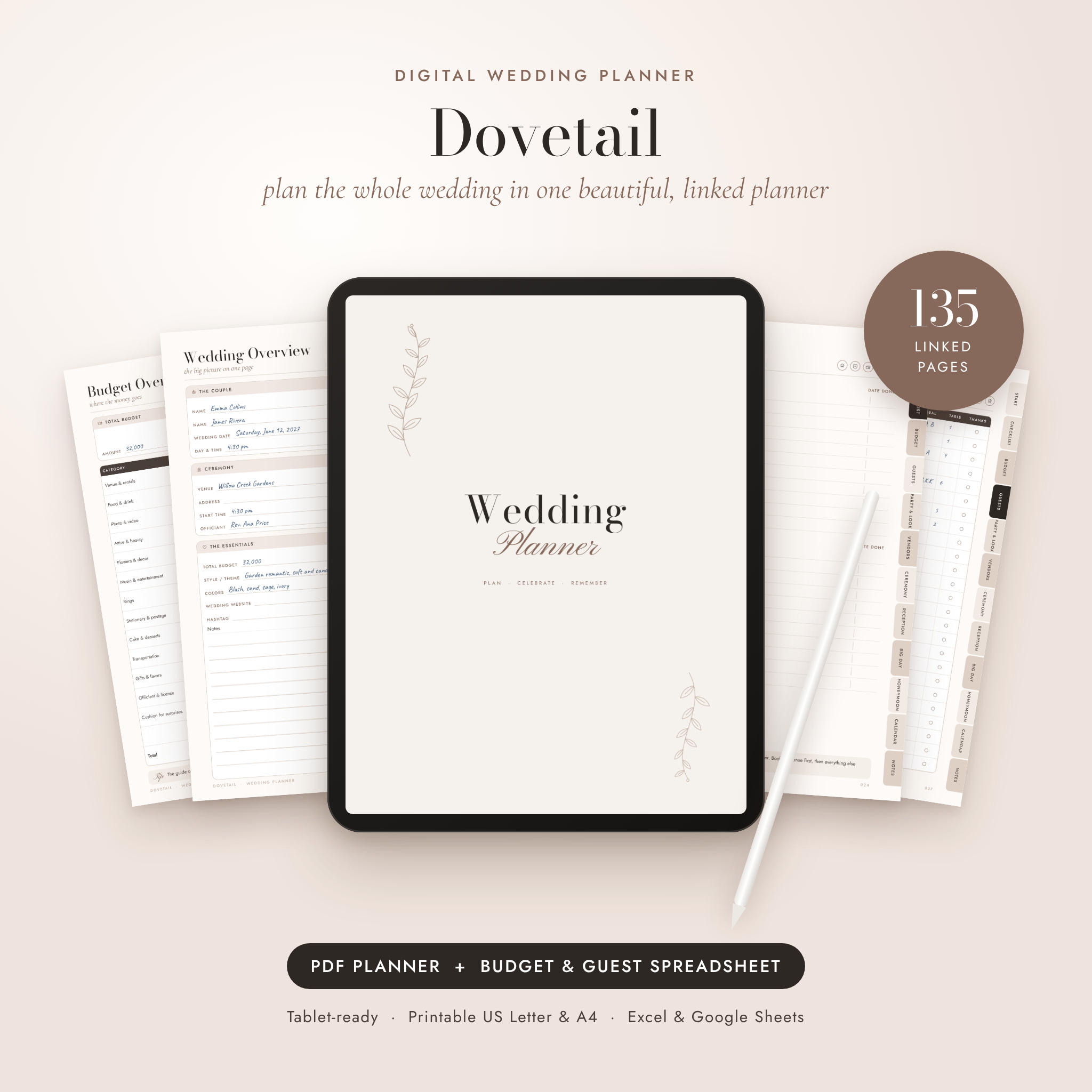
This digital wedding planner keeps your whole wedding in one place, from the day you say yes to the last thank-you note. Dovetail is a 135-page hyperlinked PDF you can write in on a tablet or print at home, and it comes with a bonus spreadsheet that adds up your budget, counts RSVPs and fills in your seating plan for you.
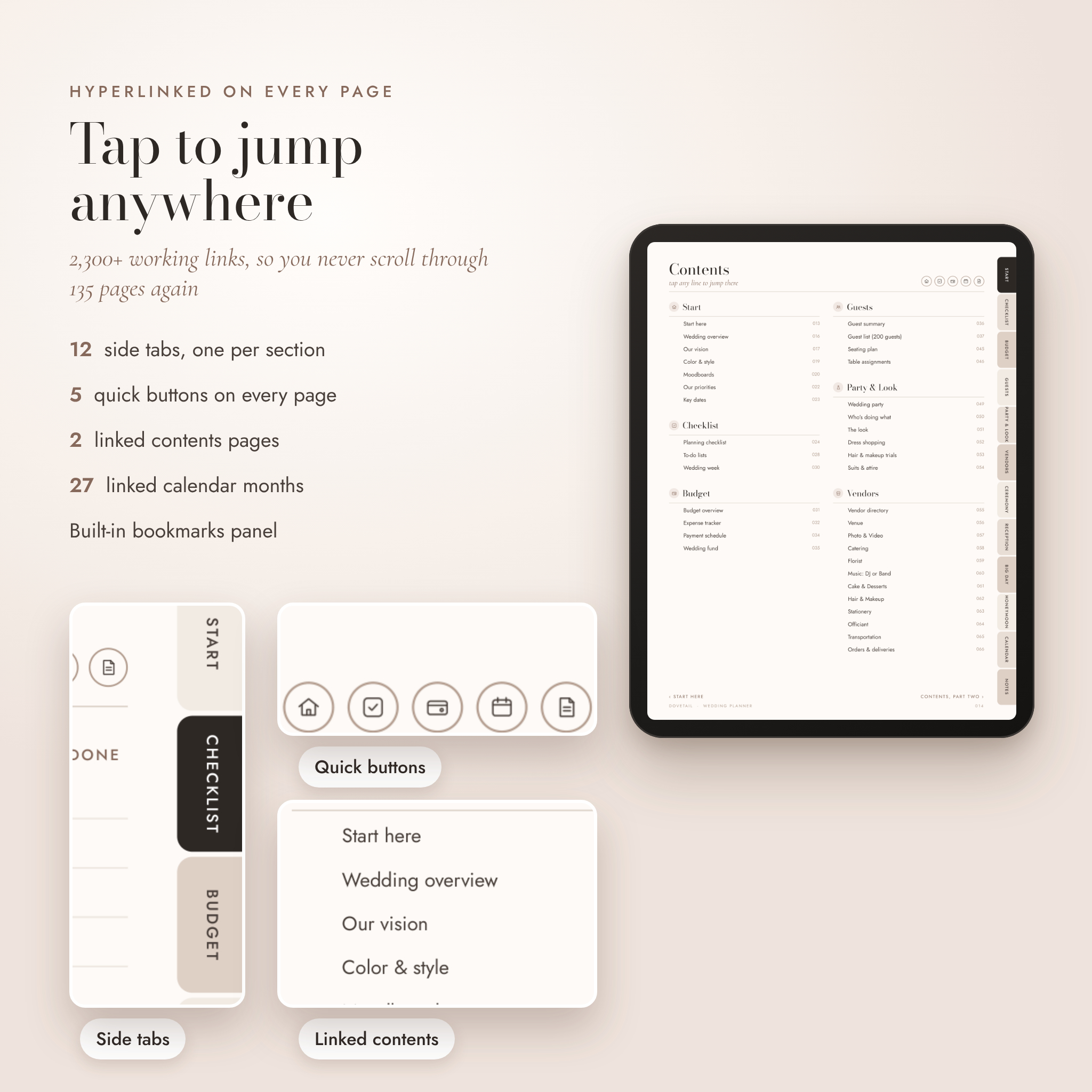
Every page links to every other page. Tap a side tab to open a section. Tap a round button to jump back to the contents, checklist, budget, calendar or notes. No scrolling through 135 pages to find the guest list.
What this digital wedding planner does
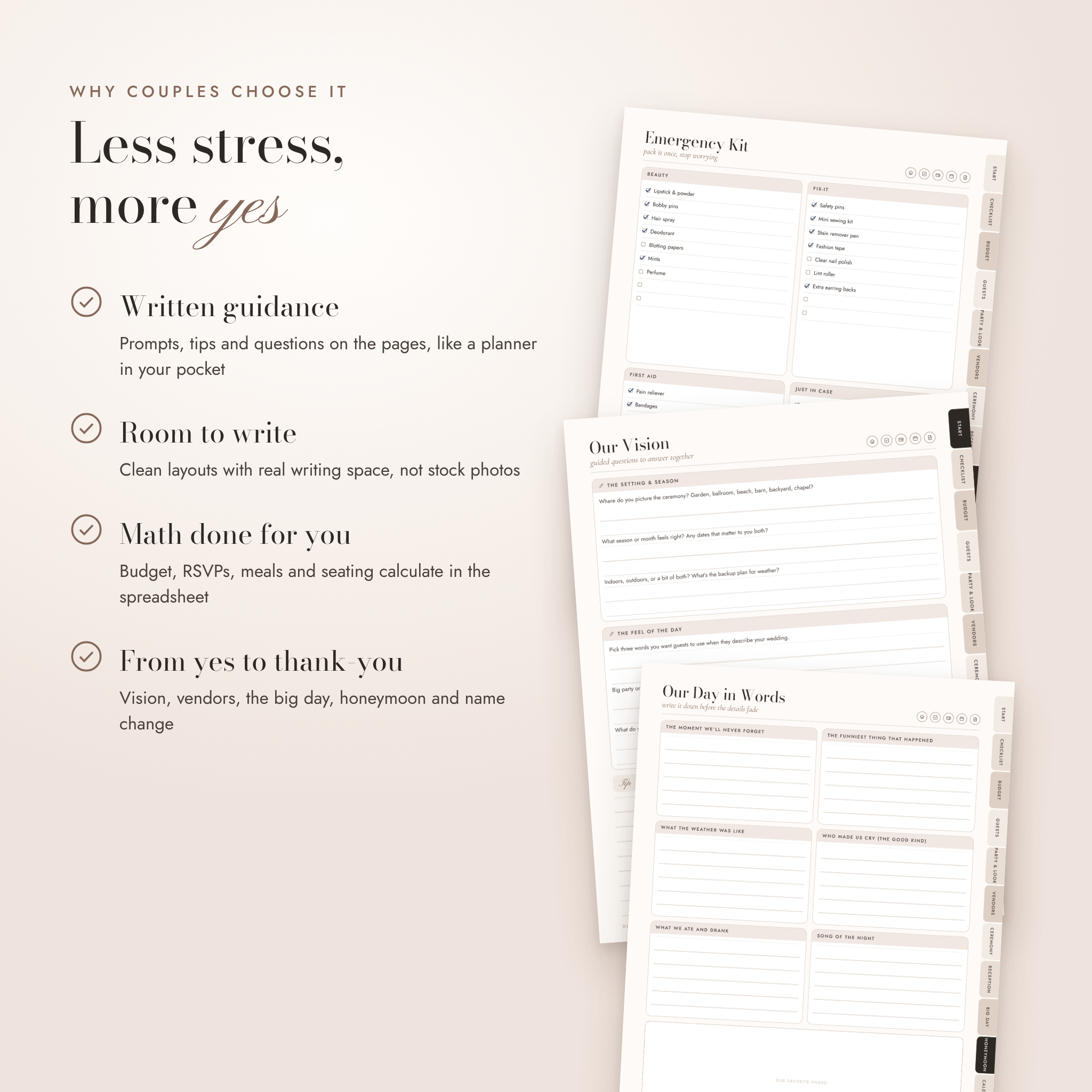
It gives you a calm, organized home for every decision. You get written guidance on the pages themselves: questions to answer together, tips on the budget split, and questions to ask each vendor before you sign. Think of it as a patient friend who has planned a wedding before and wrote everything down for you.
The planner handles the thinking and writing. The spreadsheet handles the numbers. Use one, or use both side by side.
Who it’s for
- Couples planning their own wedding, big or small
- Brides and grooms who like writing by hand on a tablet
- Anyone who would rather print a wedding binder and keep it on the kitchen table
- Moms, maids of honor and friends who are helping run the day
- Gift givers looking for a thoughtful engagement or bride-to-be gift
What’s included
- Wedding planner PDF, US Letter (8.5 × 11 in), 135 pages, 2,300+ working links
- Wedding planner PDF, A4, the same planner sized for printing outside North America
- Wedding Budget & Guest Manager spreadsheet (.xlsx) for Excel and Google Sheets
- User guide (.docx) with setup steps, tips, troubleshooting and FAQs
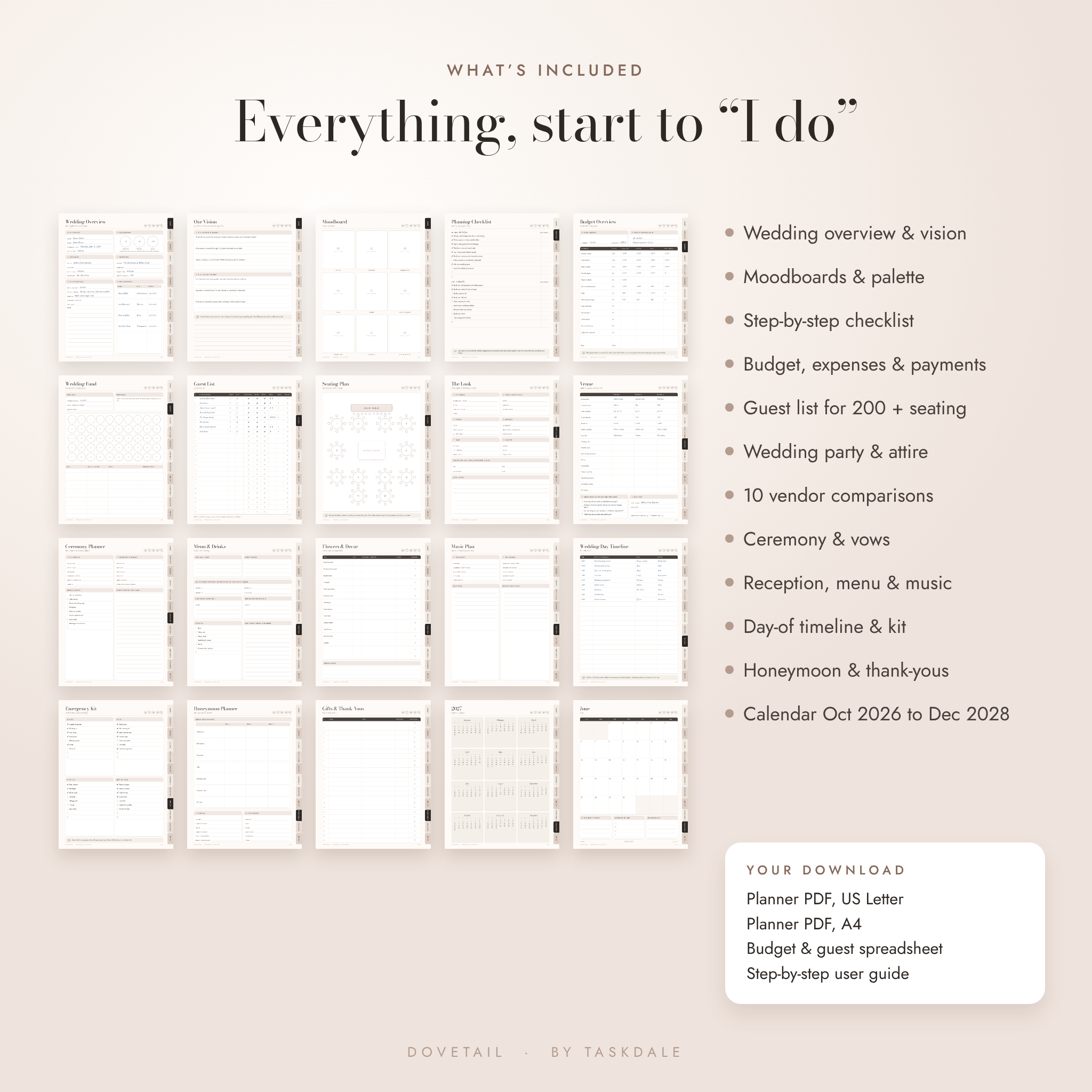
Inside the planner
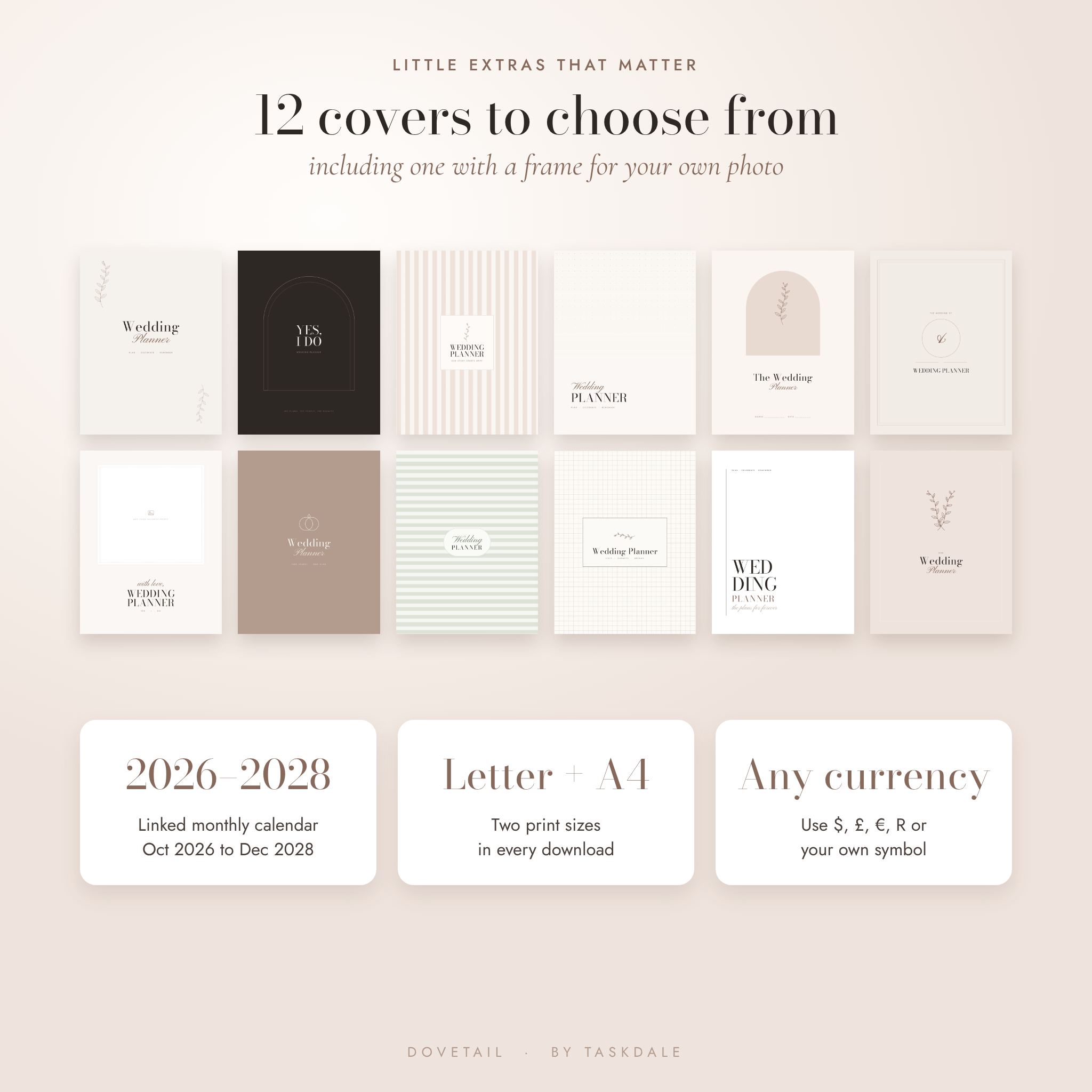
- 12 covers, including one with a frame for your own photo
- Start here page and two linked contents pages
- Wedding overview, guided vision questions, color & style page, two moodboards, priorities and key dates
- Four-page planning checklist from 12+ months out to after the wedding, plus to-do lists and a wedding week planner
- Budget overview with a suggested split, two expense trackers, a payment schedule and a wedding fund savings tracker
- Guest summary, guest list for 200 guests, seating floor plan and table assignments
- Wedding party, who’s doing what, the look, dress shopping, hair & makeup trials, suits & attire
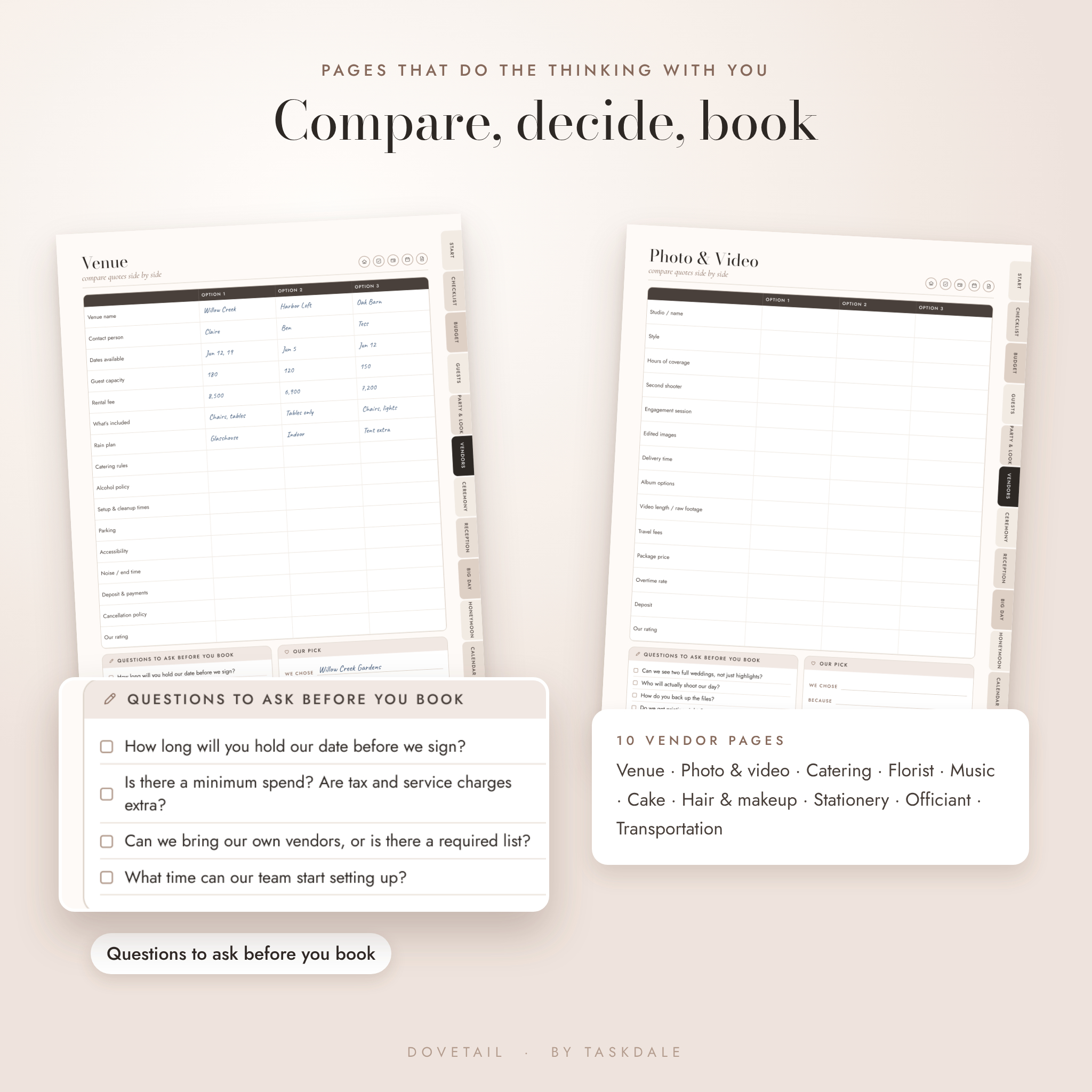
- Vendor directory, 10 vendor comparison pages with questions to ask, orders & deliveries
- Ceremony planner, order of ceremony and a page for your vows
- Reception planner, menu & drinks, cake & dessert, flowers & decor, tablescape, stationery, music plan and a two-page photo shot list
- Hour-by-hour wedding day timeline, vendor arrivals, emergency kit, day-of packing, rehearsal dinner and pre-wedding parties
- Honeymoon planner, itinerary and packing list
- Gifts & thank-you tracker, name change checklist and a keepsake page for your memories
- Linked calendar from October 2026 to December 2028, year pages, an undated month and weekly plans
- Lined, dot grid, grid and blank notes pages, plus shopping lists
Inside the wedding budget spreadsheet
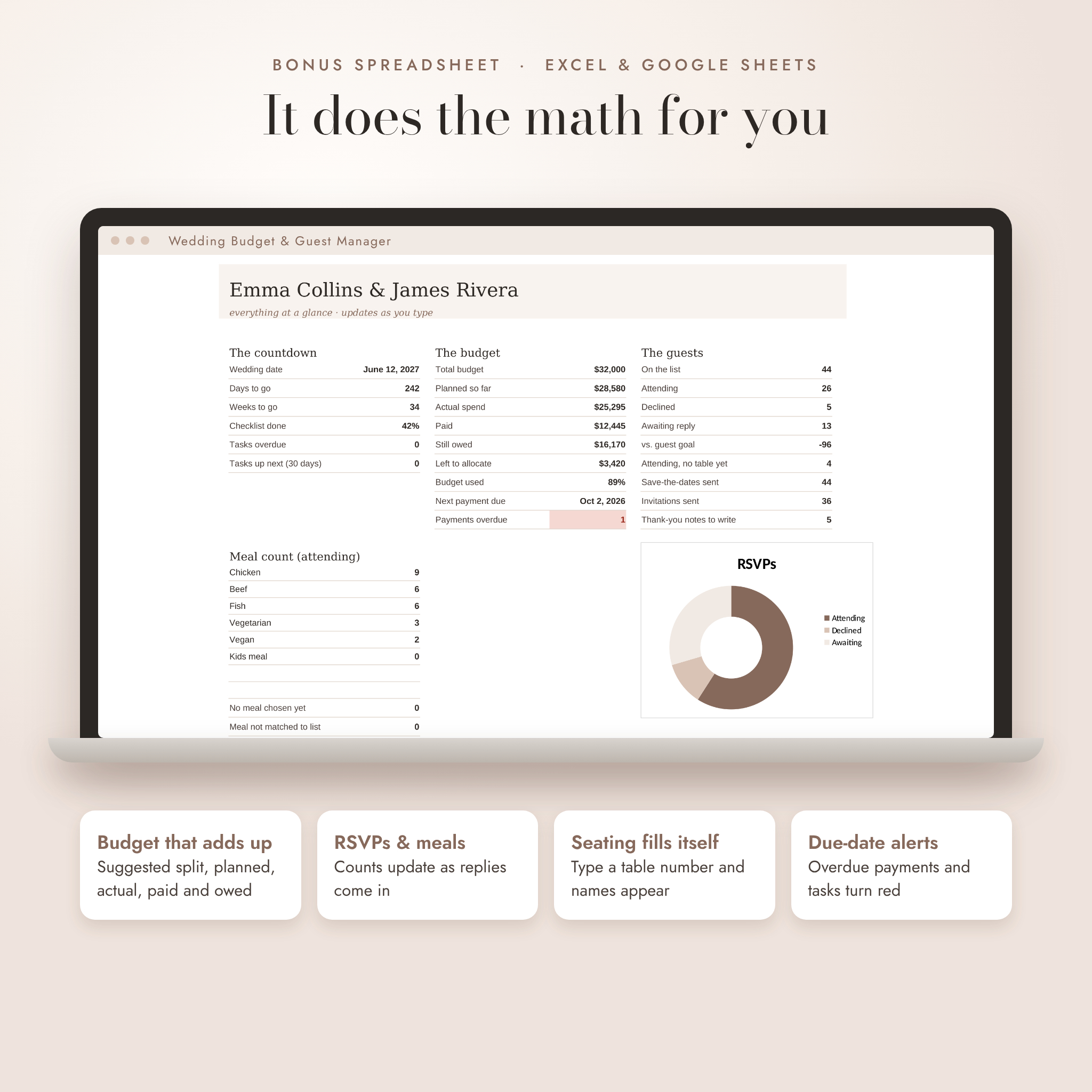
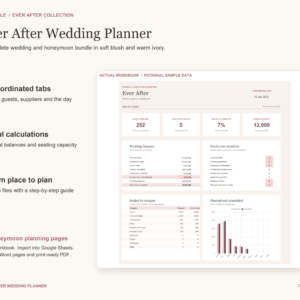
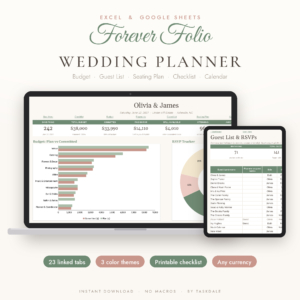
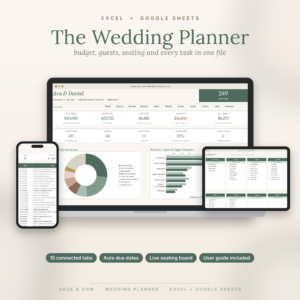
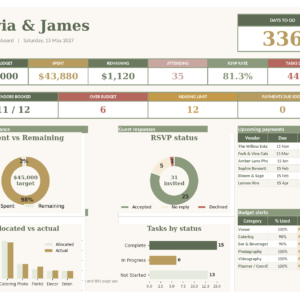
- Dashboard with a countdown, budget totals, next payment due, RSVPs, meal counts and checklist progress
- Budget tab with a suggested split that always adds up to your total
- Expense tracker that flags payments as paid, due soon or overdue
- Guest list for up to 300 guests with dropdowns for side, RSVP and meal
- Seating plan that fills in names from the guest list and warns you when a table is over capacity
- Vendor directory and a dated checklist that counts back from your wedding date
- One currency setting: type $, £, €, R or any symbol and every money heading follows
How it works
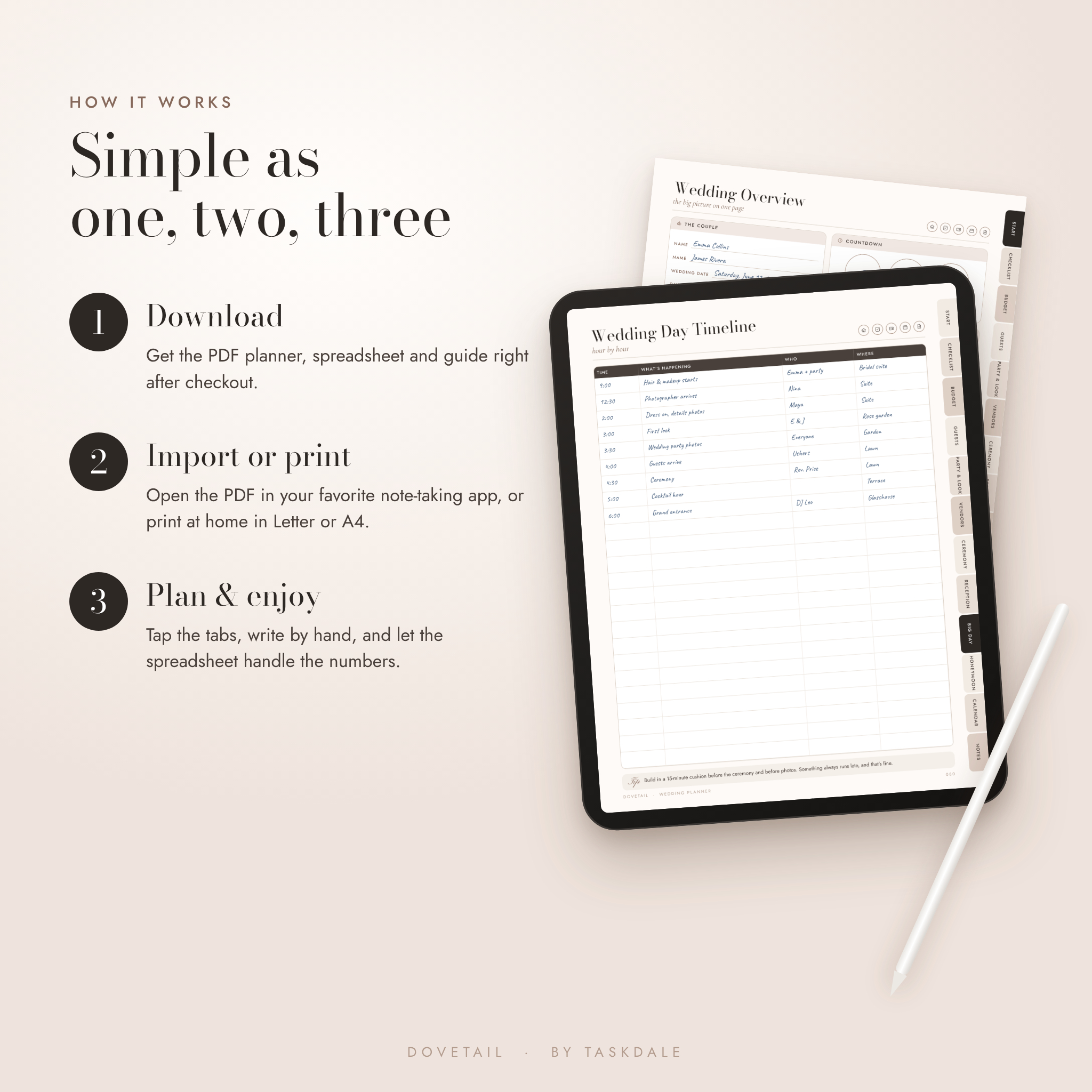
- Download your files right after checkout.
- Import the PDF into your note-taking app, or print it at home.
- Pick a cover, fill in the wedding overview and work through the checklist one season at a time.
- Open the spreadsheet in Excel or upload it to Google Sheets and add your budget and guests.
File formats and software
- Planner: hyperlinked PDF with embedded fonts and a bookmarks panel. Opens in any PDF reader. For writing on a tablet, use a note-taking app that supports PDF links.
- Spreadsheet: .xlsx for Microsoft Excel. Also works in Google Sheets, with dropdowns, formulas and colors intact.
- Guide: .docx for Word or Google Docs.
- Print sizes: US Letter and A4.
Make it yours
Choose any of the 12 covers and delete the rest. Add your engagement photo to the frame on cover 7. Duplicate any page you need more of; the copies keep their tabs and buttons. In the spreadsheet, rename budget categories, edit meal choices and set your own currency. The pages use neutral “amount” fields, so the planner works anywhere in the world.
Real ways couples use it
- Comparing three venue quotes side by side before a tour weekend
- Sending the hour-by-hour timeline to the photographer and the day-of coordinator
- Counting chicken, fish and vegetarian meals for the caterer’s final head count
- Seating 140 guests without a single sticky note
- Tracking which gifts still need a thank-you card after the honeymoon
Digital download
This is a digital product. Nothing will be shipped. Your files are ready to download as soon as payment is confirmed.
FAQ
Is this wedding planner dated?
Only the calendar section. It runs from October 2026 to December 2028. Everything else is undated, and there’s an undated month page you can copy for any date.
Can I use it on an iPad or Android tablet?
Yes. Import the PDF into a note-taking app that supports PDF links and write on it with a stylus or your finger.
Can I print it?
Yes. Print the US Letter file in the US and Canada or the A4 file elsewhere, at 100% scale.
Does the budget calculate automatically?
The PDF pages are for writing. The included spreadsheet does all the math: totals, balances, RSVP counts, meal counts and seating.
Does the spreadsheet work in Google Sheets?
Yes. Upload the .xlsx file to Google Sheets and everything keeps working.
Can I change the currency?
Yes. Type your currency symbol once on the spreadsheet’s Start tab. The planner pages have a blank currency space so you can write your own.
How many guests does it hold?
The PDF guest list fits 200 guests, and you can duplicate pages for more. The spreadsheet holds 300 guests.
Can I edit the text on the pages?
The page layouts are fixed and you write on top of them. Most note-taking apps also let you add typed text boxes anywhere.
License
For personal use only. You may not share, resell or redistribute these files, in whole or in part. © Taskdale.
Reviews
There are no reviews yet.