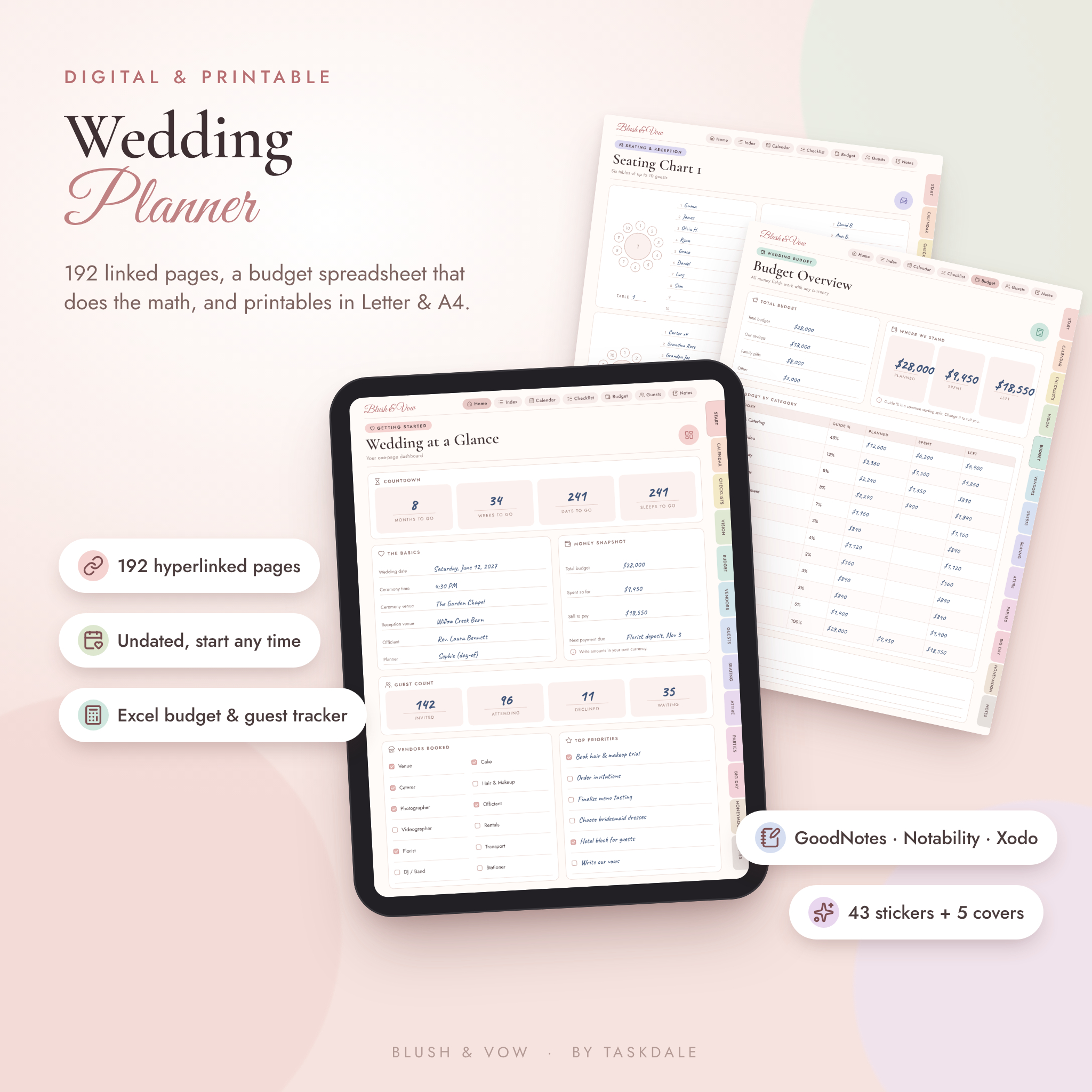
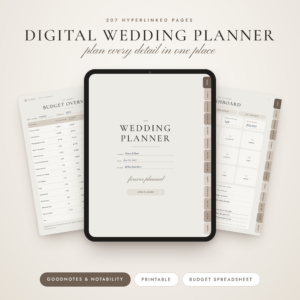
This digital wedding planner keeps every part of your wedding in one tidy place. Budget, guest list, vendors, seating, the honeymoon. All of it. You get 192 hyperlinked pages for GoodNotes and other PDF note apps, the same pages as printables in US Letter and A4, and an Excel budget and guest tracker that adds everything up for you.
It’s undated. Start this month, next spring, whenever you said yes.
What this wedding planner does
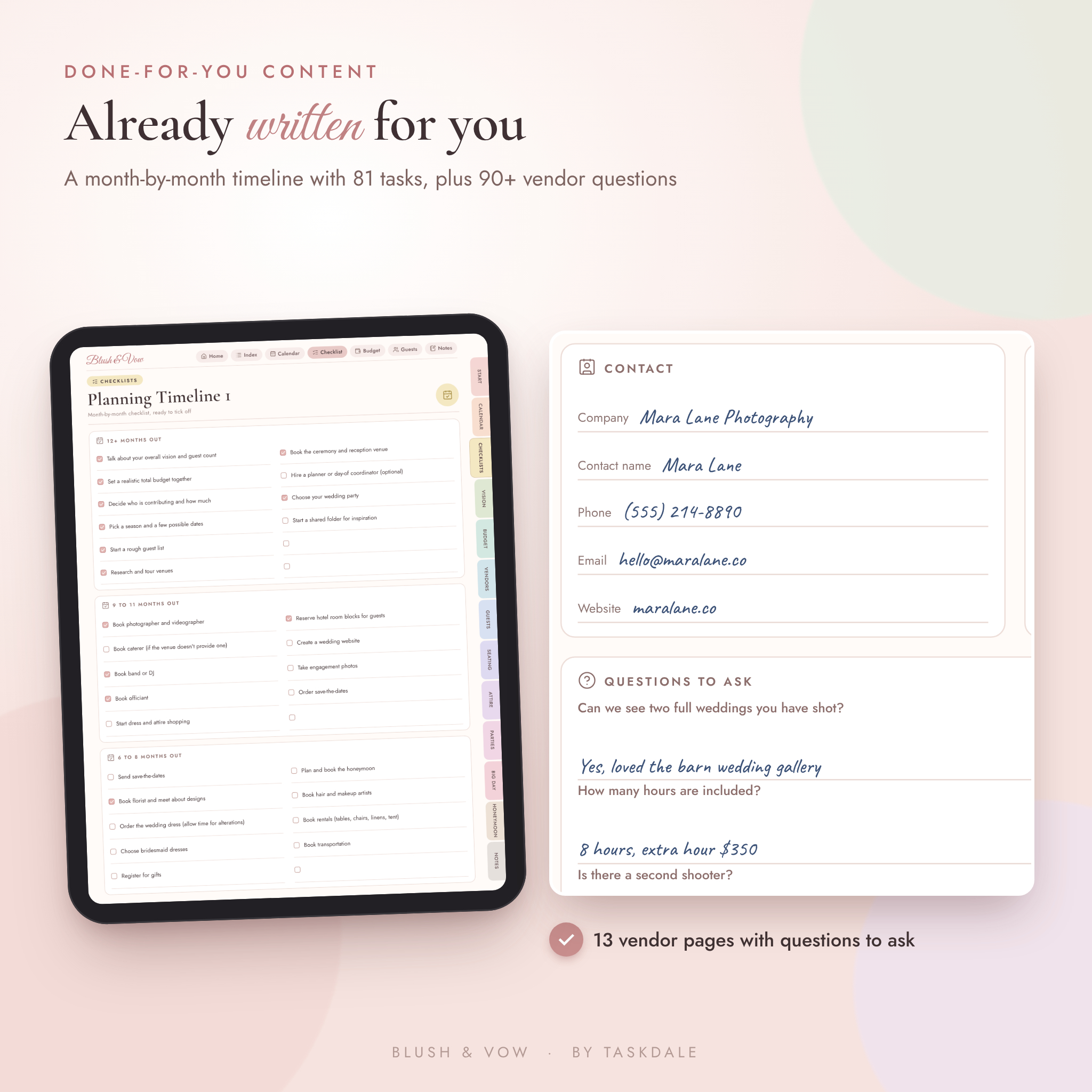
Most wedding binders give you blank boxes and wish you luck. This one tells you what to do next. The planning timeline already lists 81 tasks, from “set a realistic budget” 12 months out to “send thank-you cards” after the wedding. Each of the 13 vendor pages comes with seven questions to ask in your first meeting, so you never walk out of a call wishing you’d asked about overtime or the rain plan.
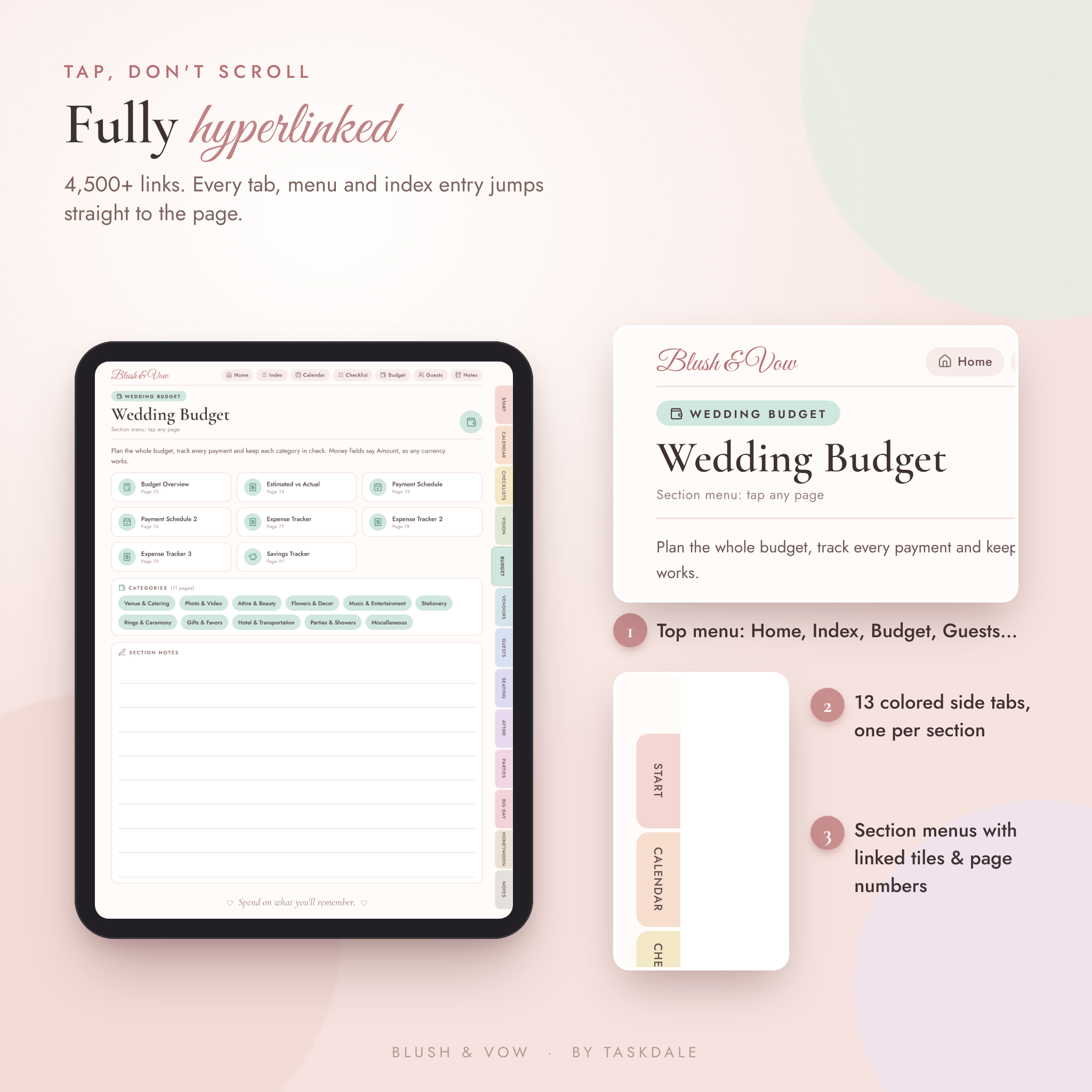
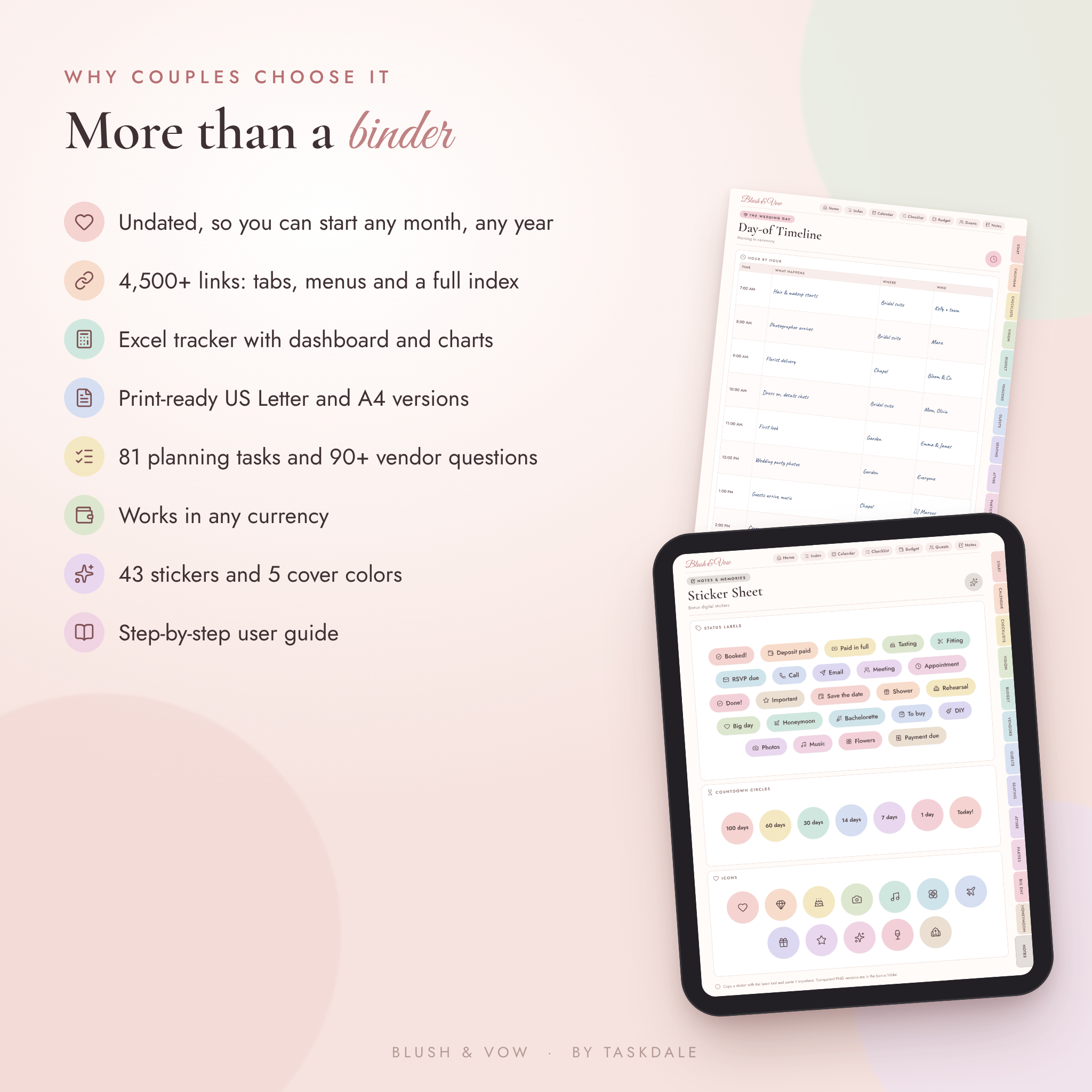
Tap a colored side tab and you’re in that section. Tap Home and you’re back on your dashboard. There are more than 4,500 links in the file, so you rarely scroll.
Who it’s for
- Couples planning their own wedding, whether it’s 30 guests or 300
- Brides and grooms who write on an iPad or Android tablet
- Paper lovers who want a printable wedding binder
- Moms, sisters and maids of honor helping with the planning
- Day-of coordinators who want a ready binder for each client’s own use
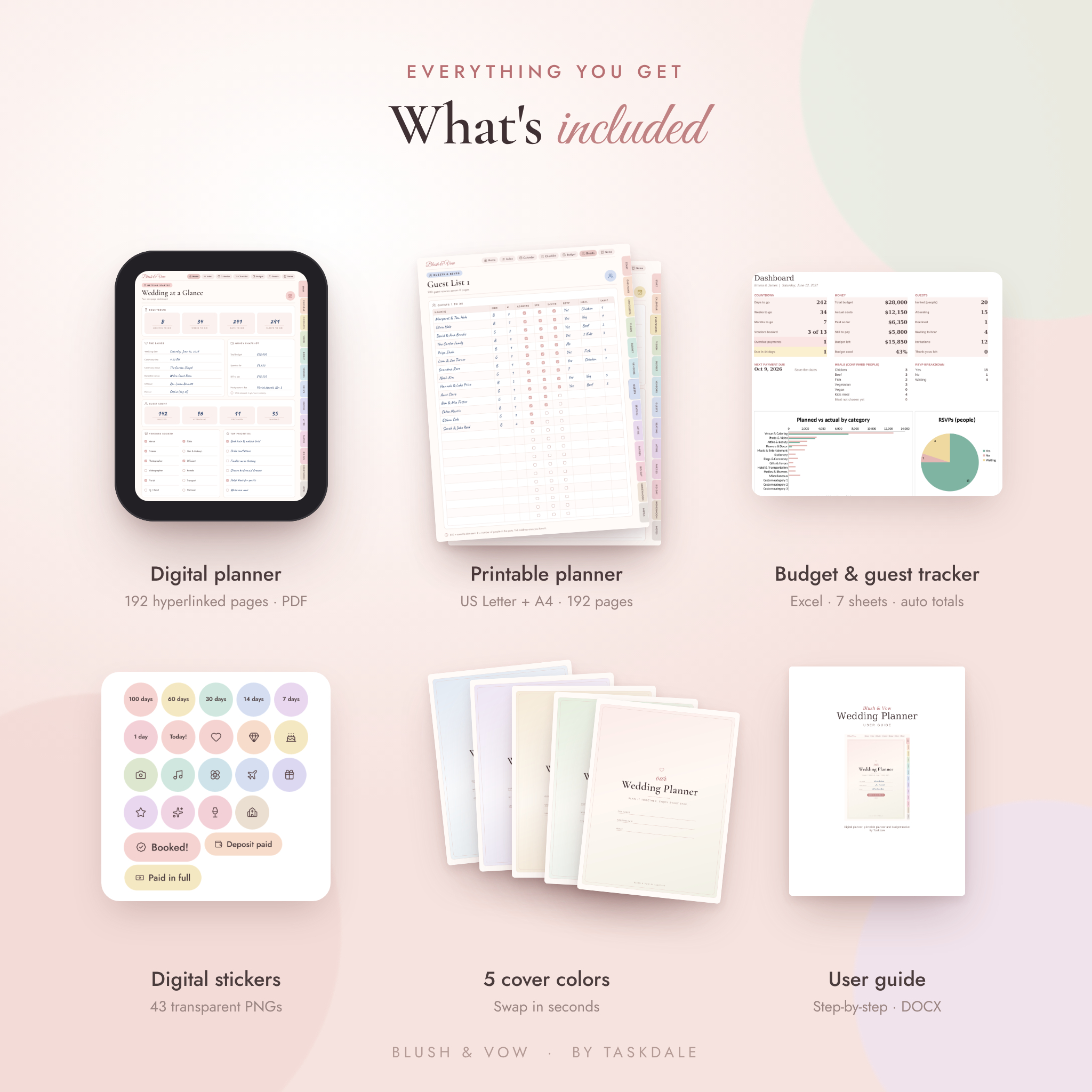
What’s included
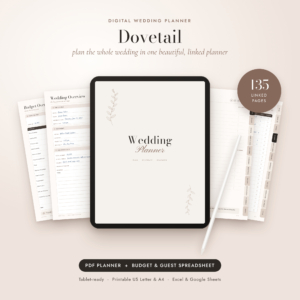
- Digital Wedding Planner PDF: 192 hyperlinked pages, tablet size (3:4)
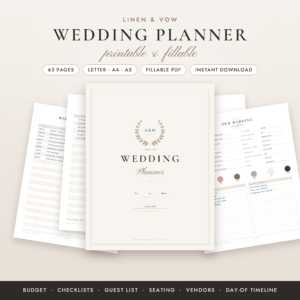
- Printable Wedding Planner: US Letter and A4 PDFs, white backgrounds, page numbers
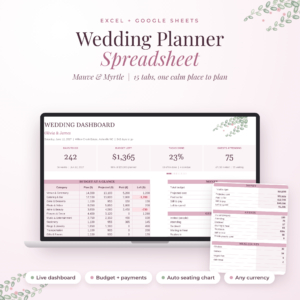
- Wedding Budget & Guest Tracker: Excel workbook with 7 sheets and a live dashboard
- Bonus pack: 43 transparent PNG digital stickers and 5 cover colors (blush, sage, champagne, lavender, dusty blue)
- User guide: a short, friendly DOCX guide with setup steps, tips and troubleshooting
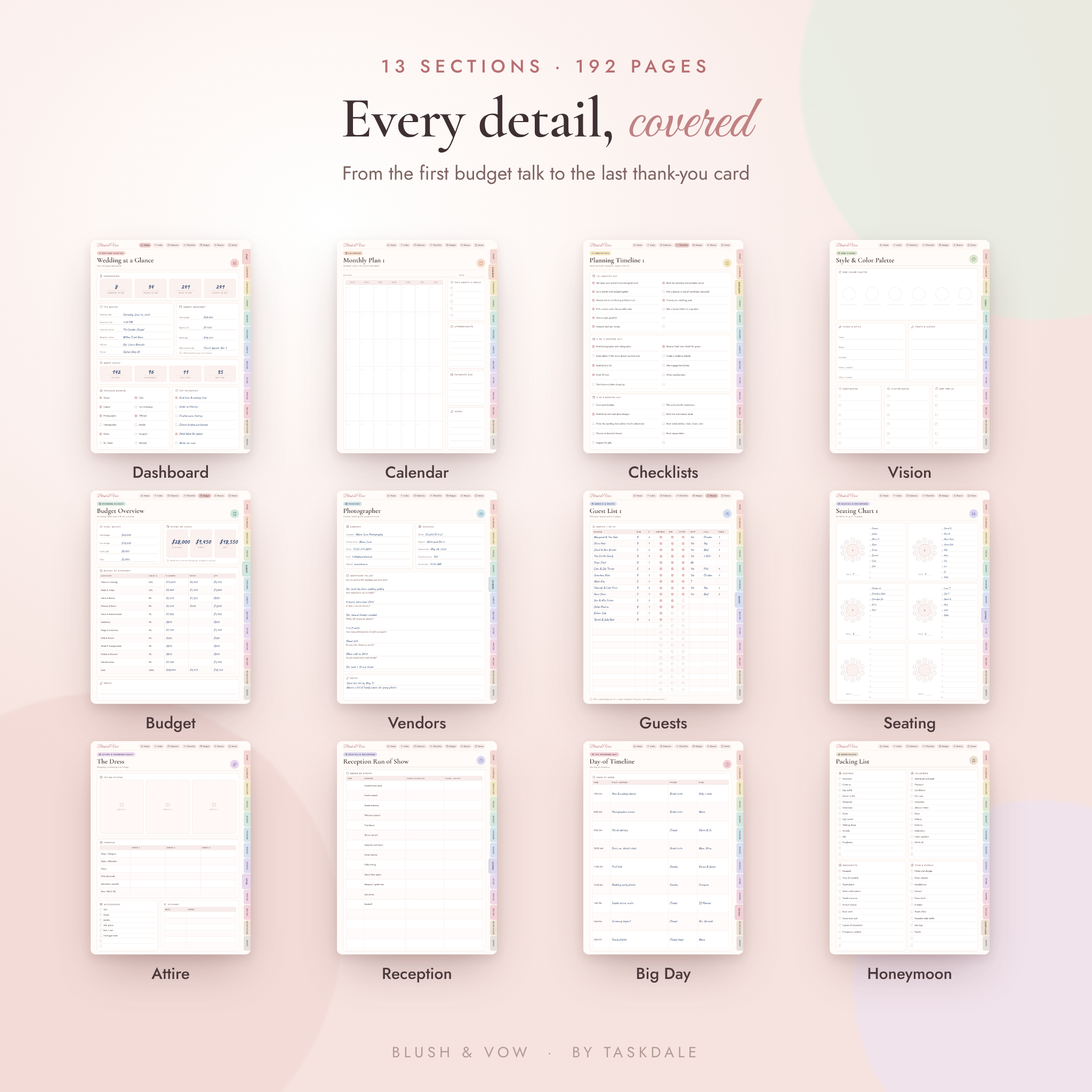
Inside the planner: 13 sections
Getting started, calendar and checklists
A Wedding at a Glance dashboard, wedding details, our story, venue info, key contacts and a year at a glance. Then 12 undated monthly plans, 12 weekly plans and 7 wedding-week daily pages that count down to the day. The checklists cover the month-by-month timeline, to-do and shopping lists, a getting-ready bag, bridesmaid essentials, a 36-item emergency kit and a decor checklist.
Vision, budget and vendors
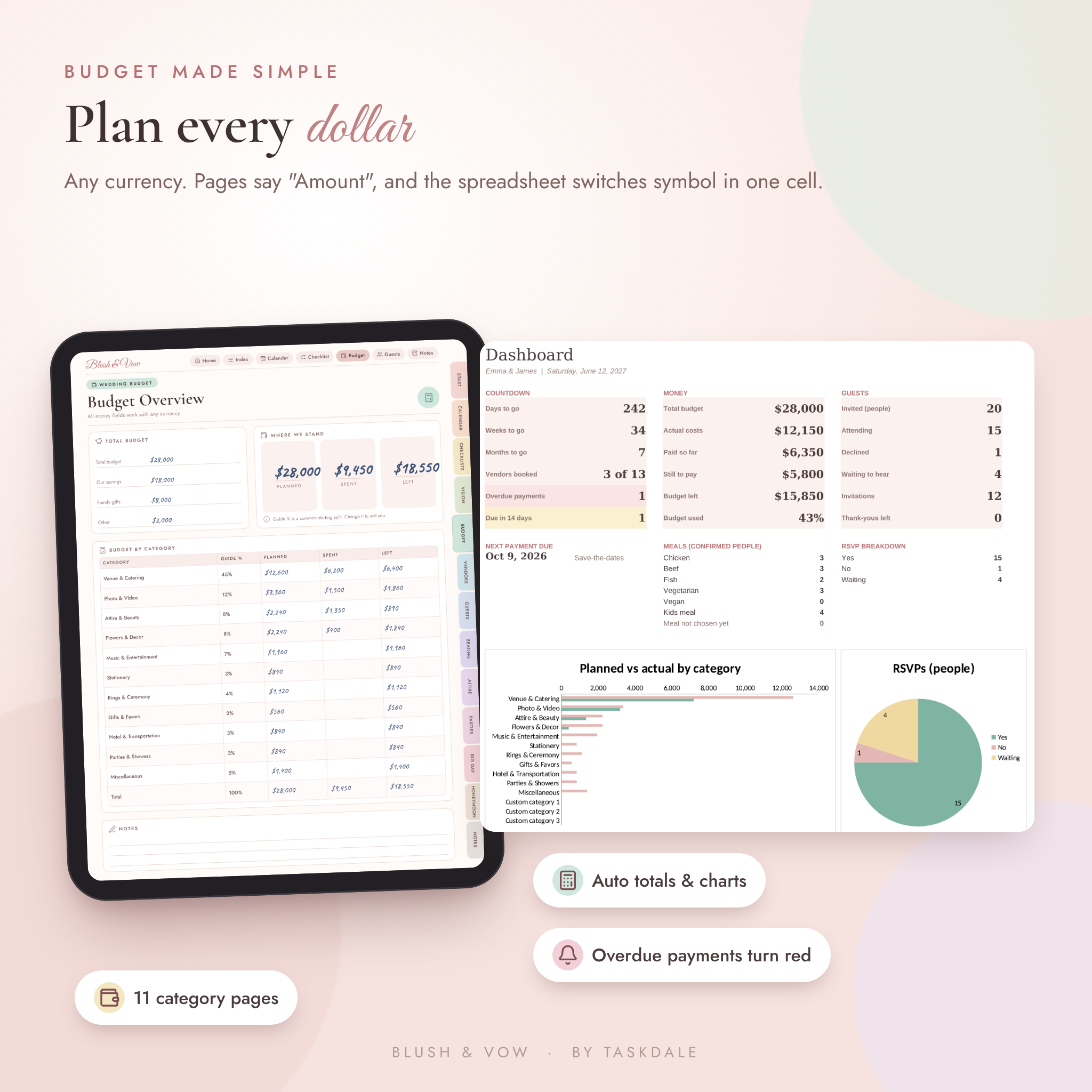
Mood boards, a color palette page, photo shot list, family photo list, cake, food and drink, stationery, flowers, music moments and song lists. The budget section has a budget overview with guide percentages, estimated vs actual, payment schedules, expense trackers, 11 category pages and a savings tracker. Vendors get a directory, quote comparisons, a venue comparison and 13 vendor pages.
Guests, seating, attire and parties
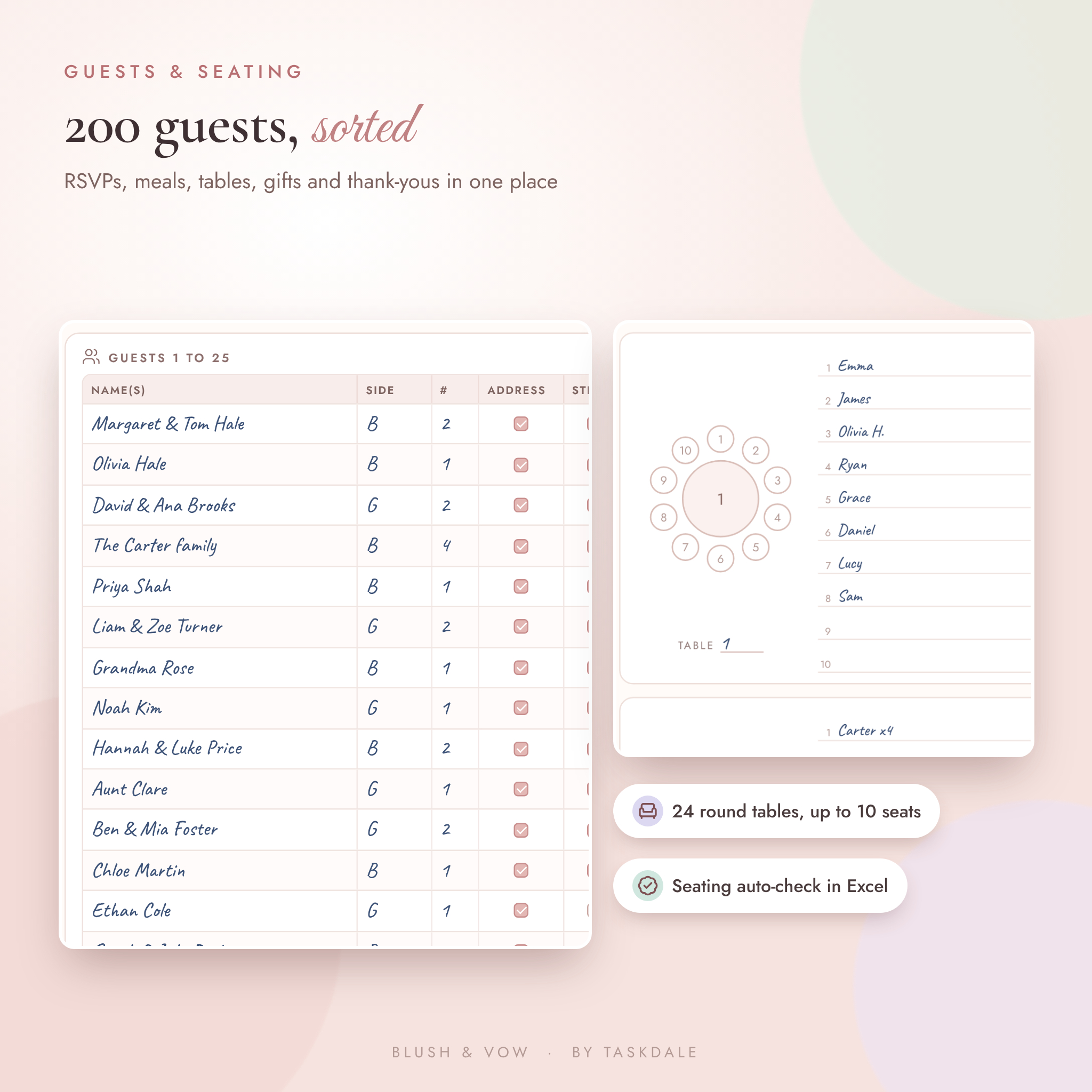
Room for 200 invitations with RSVP, meal and table columns, plus hotel blocks, special guests, a gift log and an address book. Seating includes a floor plan, head table and 24 round tables. You’ll also find the dress, groom’s attire, wedding party duties, fittings and a beauty countdown, and planners for the engagement party, bridal shower, bachelorette, bachelor party and rehearsal dinner.
The big day, honeymoon and memories
An hour-by-hour day-of timeline, ceremony order, a vow writing page, day-of contacts and a final payments and tips sheet. For the honeymoon: destination ideas, budget, flights, stays, an 8-day itinerary and a packing list. Lined, dotted, grid and blank notes, memory pages and a letter to your love round it off.
The wedding budget spreadsheet
Type your total budget and currency symbol once. The dashboard shows days to go, money spent, money still owed, RSVPs, meal counts and two charts. Log a cost on the Expenses sheet and the right budget category updates. Payments that are overdue turn red, and ones due in the next 14 days turn gold. The Seating sheet warns you when a table is over capacity. Formula cells are locked (no password) so a stray tap can’t break anything.
How it works
- Download your files right after checkout.
- Import the digital planner PDF into GoodNotes, Notability, Xodo or another PDF note app. Or print the Letter or A4 version.
- Open the spreadsheet in Microsoft Excel and fill in the Start Here sheet.
- Pick three tasks from the timeline. Repeat weekly.
File formats and requirements
- PDF (digital planner and two printable versions)
- XLSX (Microsoft Excel)
- PNG (stickers and covers, in a ZIP file)
- DOCX (user guide)
You’ll need a PDF note-taking app for the digital planner, a PDF reader or printer for the printables, and Microsoft Excel for the tracker. Links work best with the pen tool turned off.
Customize it
Swap the cover for one of five bonus colors. Drop stickers on any page. Duplicate the pages you need more of, like guest lists or notes. Money fields say “Amount”, so you can write dollars, pounds, euros or rand. In the spreadsheet you can rename budget categories and edit meal options; the dropdowns update on their own.
Digital download
This is an instant digital download. Nothing is shipped. Files are for personal use only and may not be shared or resold.
Real ways couples use it
- Bringing the photographer page to a consult call and ticking off questions as you go
- Sending the day-of timeline and contact sheet to your coordinator two weeks out
- Sitting down every Sunday for 20 minutes with the dashboard and the weekly page
- Printing the seating charts for the venue walk-through
- Giving it as an engagement gift to a newly engaged friend
FAQ
Does this digital wedding planner work with GoodNotes?
Yes. It’s a standard hyperlinked PDF, so you can import it into GoodNotes, Notability, Xodo, Noteshelf and similar apps.
Is the wedding planner dated?
No. Every page is undated, so it works for any wedding date and any year.
Can I print it?
Yes. US Letter and A4 printable PDFs are included, with white backgrounds to save ink.
Does the budget spreadsheet work in my currency?
Yes. It uses $ by default. Change one cell to €, £, R or any symbol and every heading updates.
Will it work on an Android tablet?
The PDF opens in Android PDF apps such as Xodo and Samsung Notes. Link support depends on the app.
Can I add more pages?
Yes. Duplicate any page inside your app. The original links keep working.
Is anything shipped?
No. You download the files instantly after purchase.
Reviews
There are no reviews yet.