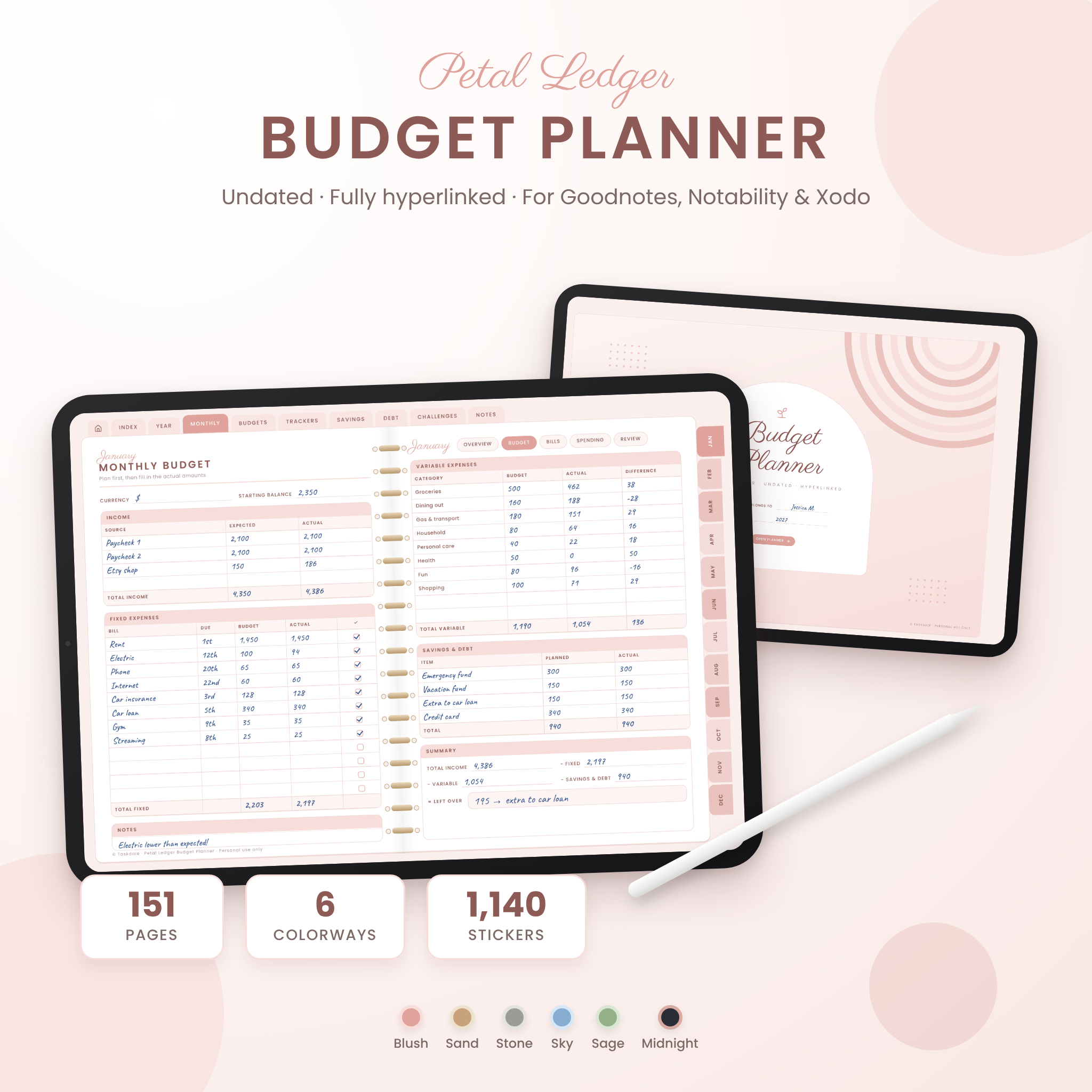
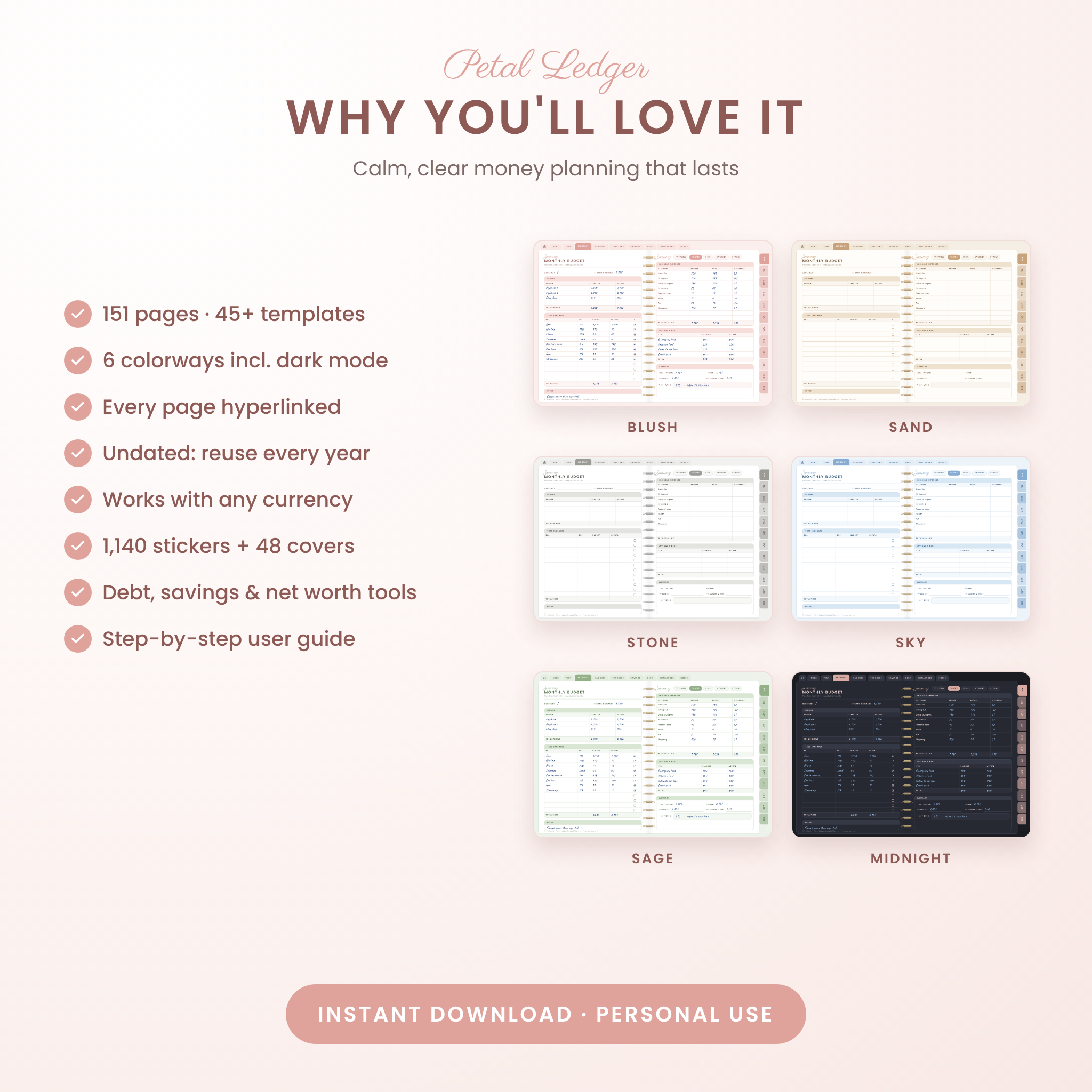
The Petal Ledger digital budget planner gives you one calm place to plan, track and grow your money. It’s an undated, fully hyperlinked PDF made for Goodnotes, Notability, Xodo and other note-taking apps, so you write by hand on your tablet and jump to any page with a tap. You get 151 pages in six colorways, including a dark mode, plus 1,140 stickers and 48 covers.
What this digital budget planner does
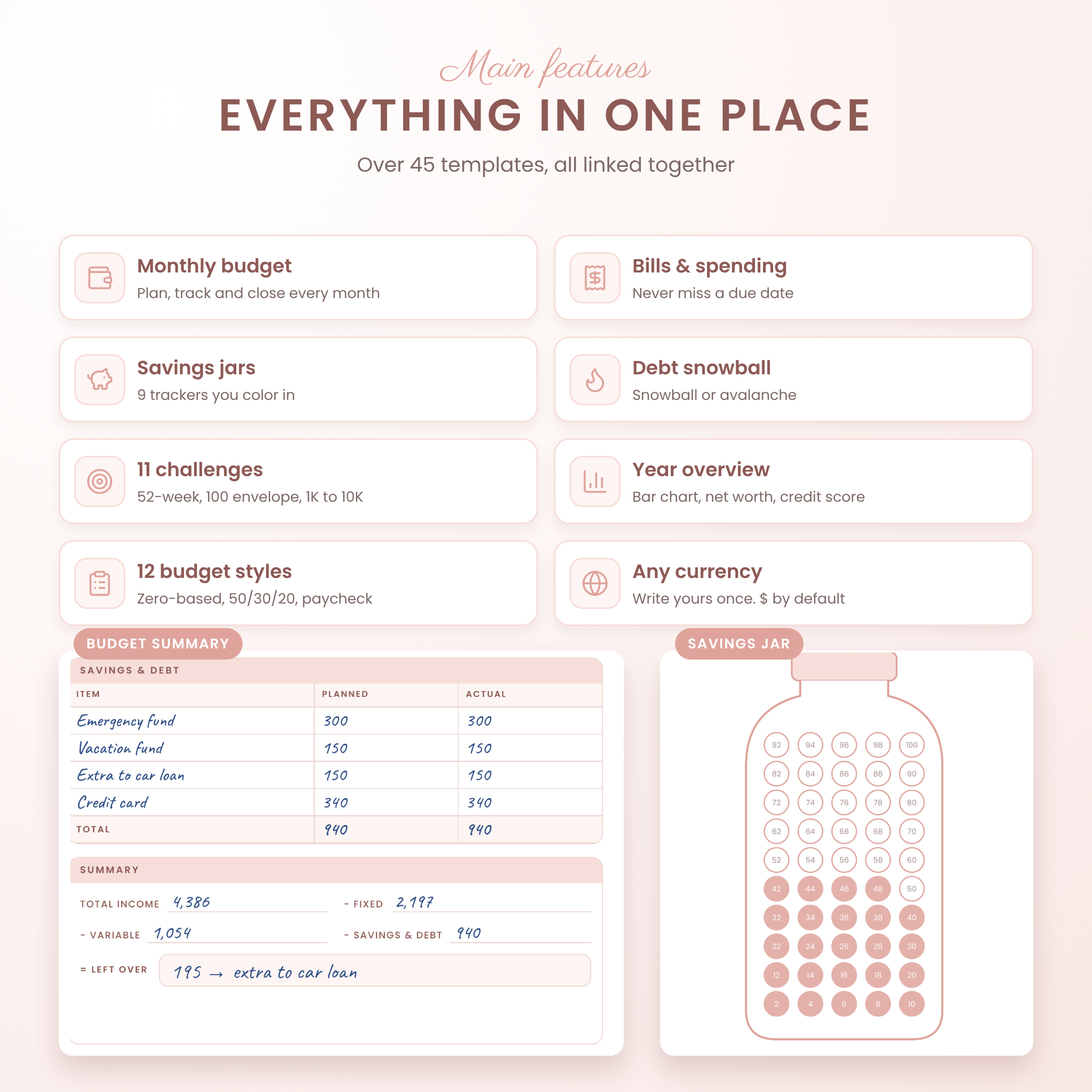
Most budget planners give you a monthly sheet and a savings tracker, then leave you to figure out the rest. Petal Ledger walks you through a simple monthly routine and surrounds it with the tools people actually ask for: debt payoff, sinking funds, net worth, subscriptions, taxes and savings challenges.
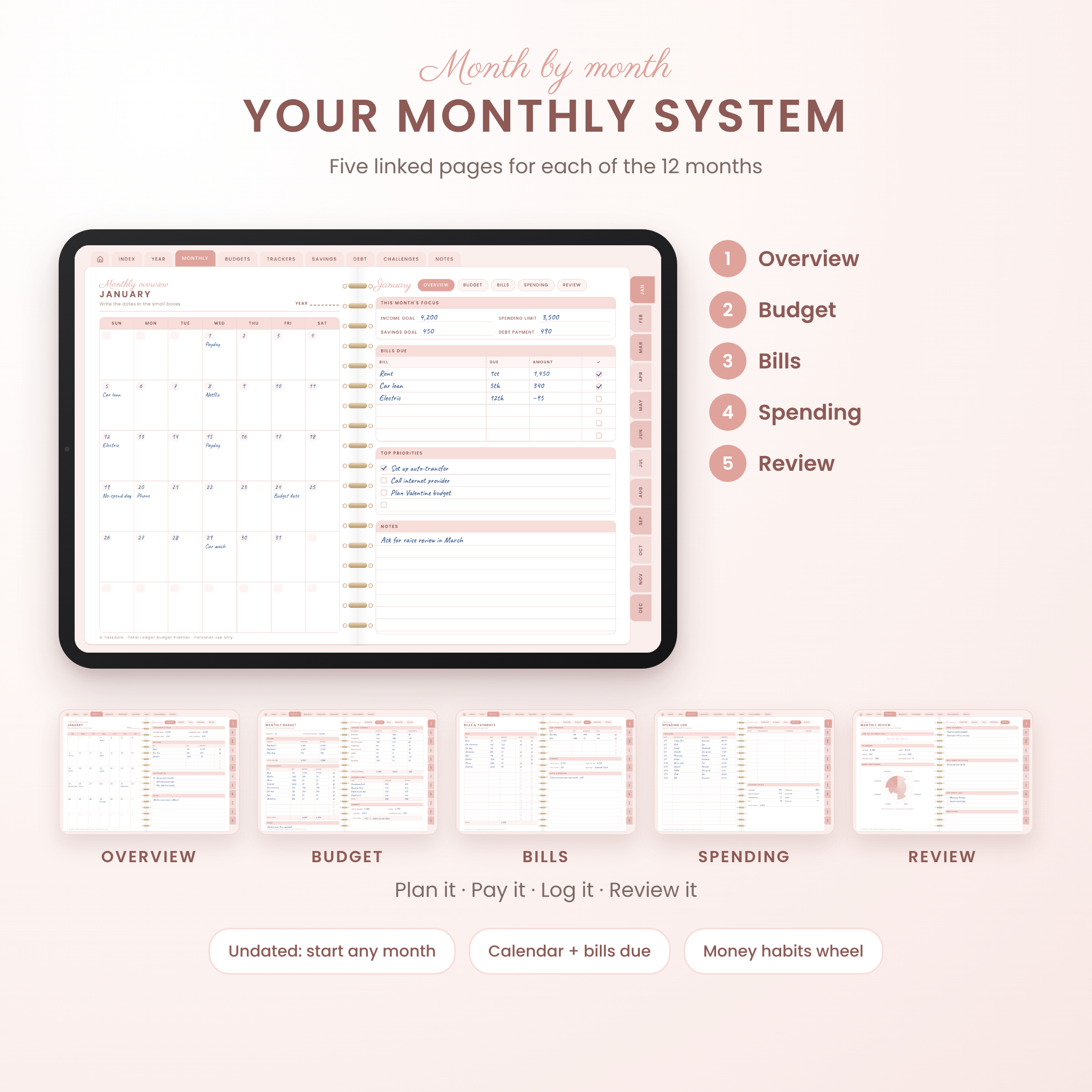
Each month has five linked pages. You plan on the Overview, set amounts on the Budget page, tick off Bills, log purchases on the Spending page and close out with a Review. Small pills at the top let you hop between the five pages in one tap. It takes about 20 minutes a week once it clicks.
Who it’s for
- First-time budgeters who want a clear, friendly system
- Anyone paying off credit cards, a car loan or student loans
- Savers building an emergency fund or saving for a trip, house or wedding
- Couples who like a weekly money check-in
- People who think better with a pen than a spreadsheet
Features
Monthly planning (12 months, undated)
- Monthly overview calendar with bills due, focus goals and priorities
- Monthly budget with income, fixed bills, variable categories, savings and a left-over summary
- Bills and payments checklist with Auto and Paid columns
- Spending log with category totals
- Monthly review with a money habits wheel you color in
Year and planning
Year at a glance, financial goals with progress bars, wishlist, yearly overview with a color-in bar chart, annual budget, net worth tracker and graph, annual bill tracker, bank account and credit card pages, credit score tracker with a graph, and a year-end review.
12 budget styles
Zero-based, 50/30/20, paycheck, weekly, bi-weekly, a blank budget sheet, cash envelopes, grocery budget and meal plan, holiday budget and gift list, travel, moving and new home, and an event or party budget.
Finance trackers
Income, side hustle, expenses, subscriptions with an audit checklist, sinking funds, investments, retirement, donations, tax deductions with a US tax document checklist, insurance policies, a big purchase planner and a money book tracker.
Savings, debt and challenges
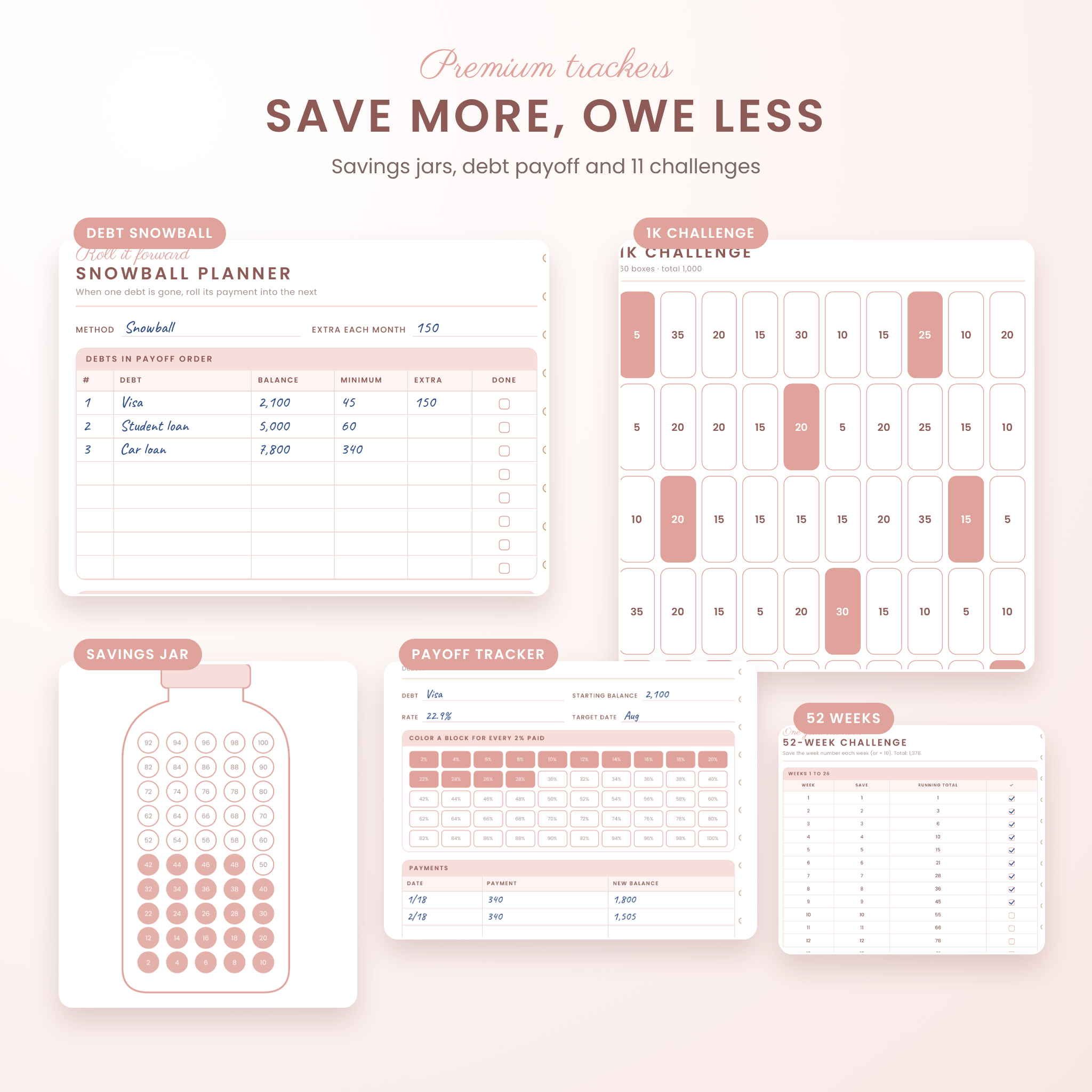
- 9 savings jar trackers: 50 coins each, so every coin is 2% of your goal
- Debt overview, snowball and avalanche planner, and payoff trackers for 4 debts
- 11 savings challenges: 52-week, no-spend month, no-spend year, 100 envelope, 26-paycheck, 500, 1K, 3K, 5K, 10K and a custom challenge
Notes and custom sections
Eight custom sections you name yourself, plus lined, dot grid, graph, blank, Cornell, checklist, pros and cons, a weekly money date check-in, a call log and a brain dump page.
What’s included
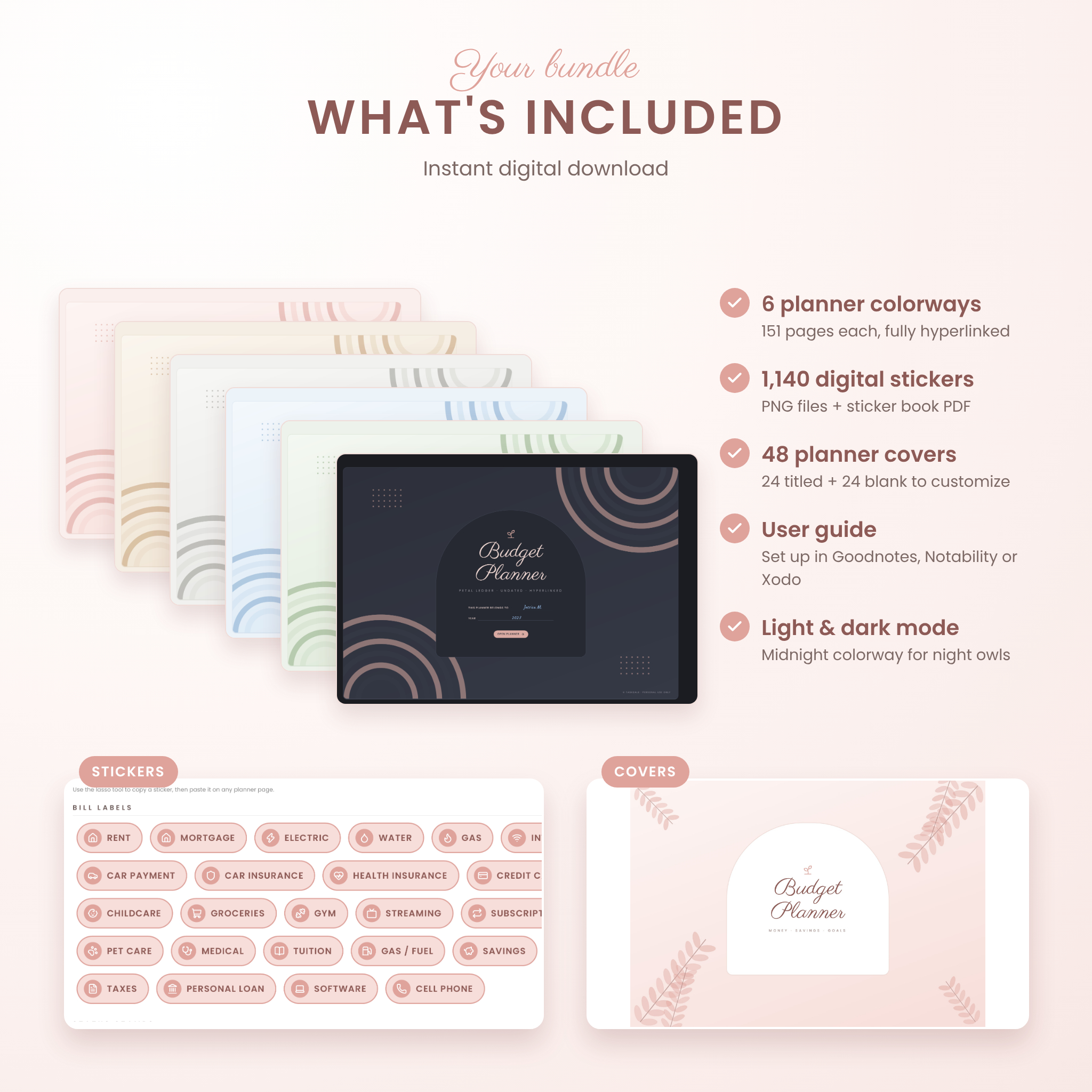
- 6 planner PDFs: Blush, Sand, Stone, Sky, Sage and Midnight (dark mode), 151 pages each
- Sticker pack: 1,140 PNG stickers in six colorways plus a 30-page sticker book PDF
- Cover pack: 48 covers (24 titled, 24 blank) as JPG plus a cover collection PDF
- User guide (Word document) with setup steps, tips, troubleshooting and FAQ
How it works
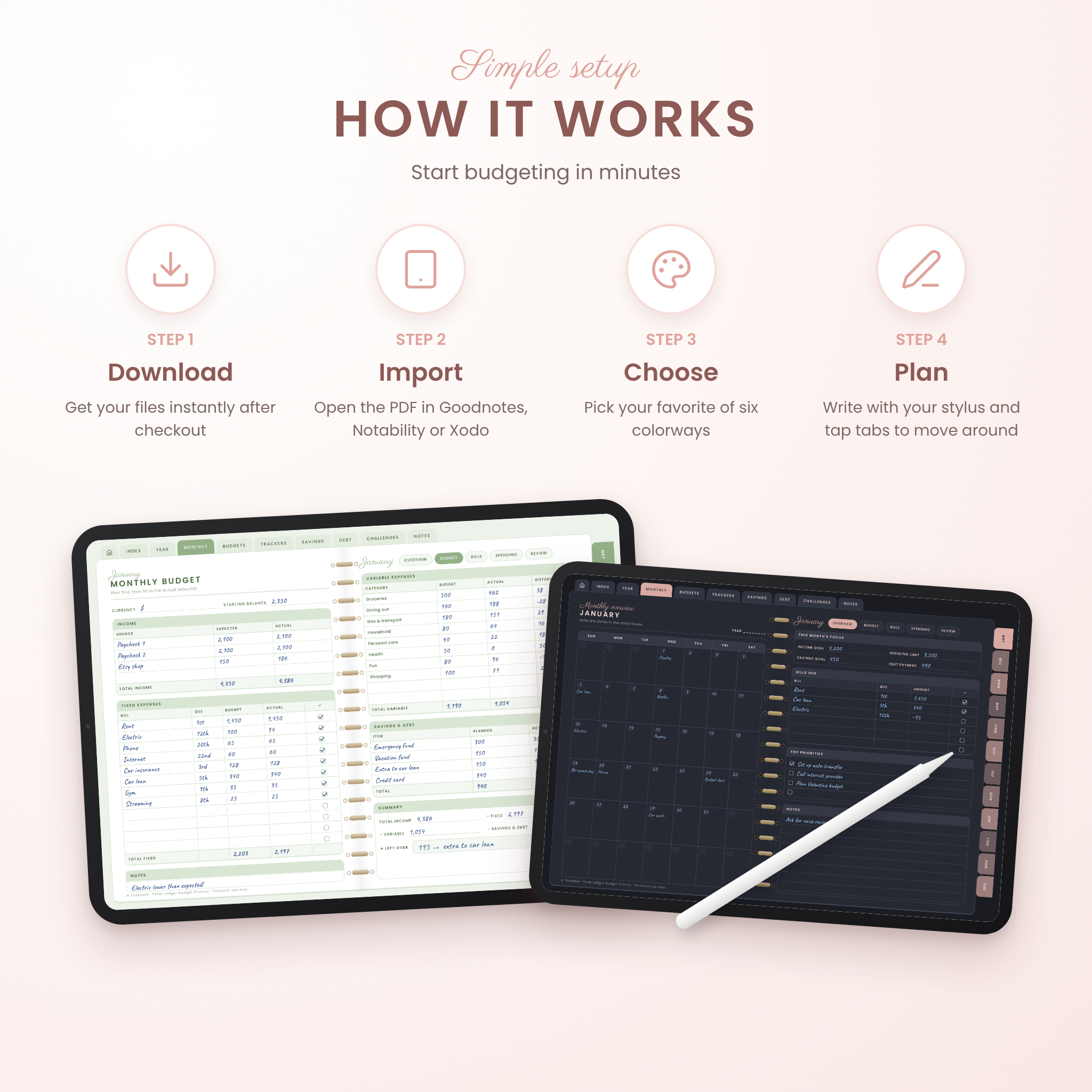
- Download your files right after checkout.
- Import the planner PDF into Goodnotes, Notability, Xodo or another PDF annotation app.
- Write your currency on the Money Profile page. Every money column is labeled Amount, Budget or Actual, so it works with dollars or any other currency.
- Open the current month with the tabs on the right edge and start planning.
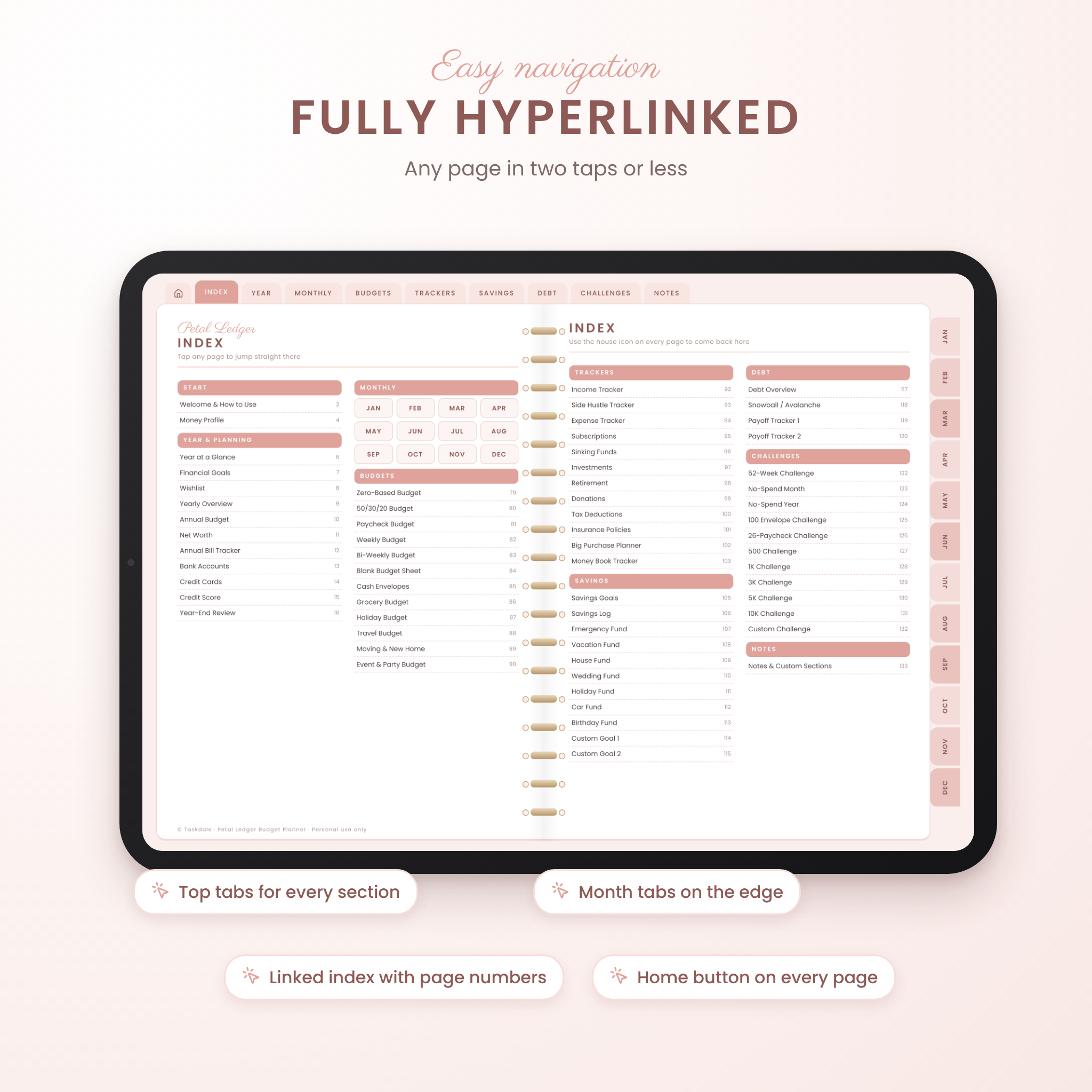
Navigation is simple. The house icon goes to the index, top tabs open each section and the month tabs open each month. Every page is two taps away or less.
File formats and requirements
- Format: hyperlinked PDF, landscape, sized for iPad and Android tablets
- Apps: Goodnotes, Notability, Xodo, Noteshelf, Flexcil or any PDF annotation app with link support
- Best with a tablet and stylus. Not designed for phones or Kindle tablets.
- Stickers: PNG with transparent backgrounds. Covers: JPG.
Customize it
Pick the colorway that suits you, swap in one of 48 covers, decorate with stickers and duplicate any page you need more of. Duplicated pages keep their tabs in most apps. The Midnight colorway is made for writing in light ink at night.
Digital download
This is an instant digital download. Nothing is shipped. The files are for personal use only and can’t be resold or shared.
Ways people use it
- A Sunday reset: log the week’s spending, tick bills and move money to savings
- Paying off a credit card with the snowball planner and coloring blocks as the balance drops
- Planning the holidays early with the gift list so January isn’t a shock
- Tracking a side hustle’s real profit and setting money aside for taxes
- Running a 52-week challenge with a friend
FAQ
Does this digital budget planner work with Goodnotes?
Yes. It’s a standard hyperlinked PDF made for Goodnotes, Notability, Xodo and similar apps. Tap links in read-only mode, or with your finger if your app is set to draw with the pencil only.
Is the planner dated?
No. It’s undated, so you can start in any month and reuse it every year.
Can I use my own currency?
Yes. Write your currency once on the Money Profile page. All money fields use neutral labels, with $ as the example.
Does it work on Android?
Yes, in apps that support PDF links, such as Xodo, Noteshelf or Flexcil. Some apps, like Samsung Notes, may not keep the links.
Can I print it?
Yes, for personal use. Print landscape and choose fit to page.
What’s the difference between the colorways?
Only the colors. All six have the same 151 pages and links, and you get all of them.
Do I get stickers and covers?
Yes. 1,140 stickers and 48 covers come in the same download.
Reviews
There are no reviews yet.