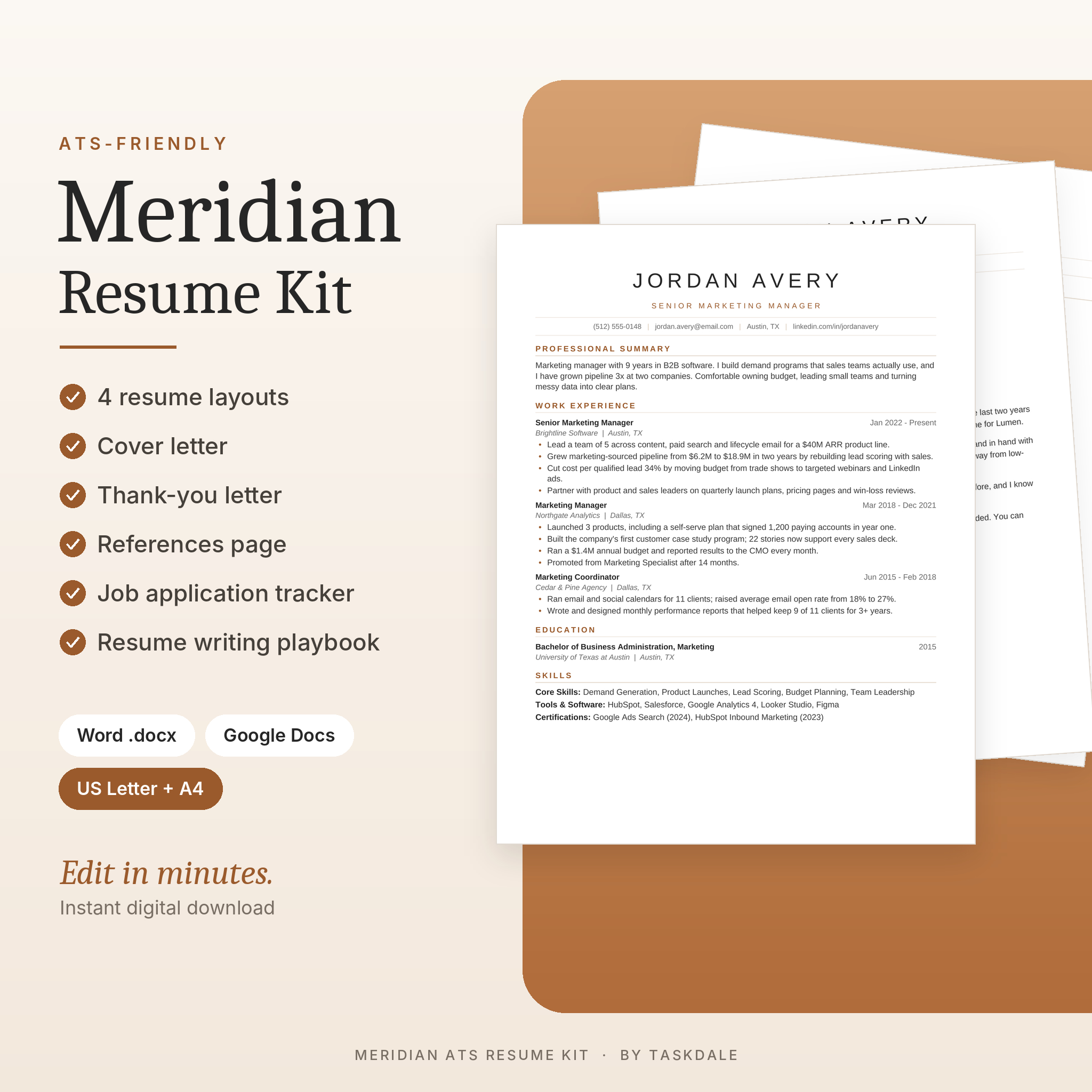
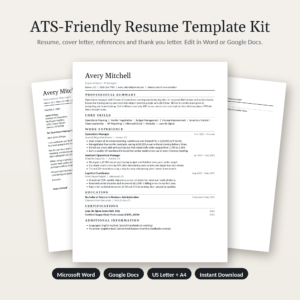
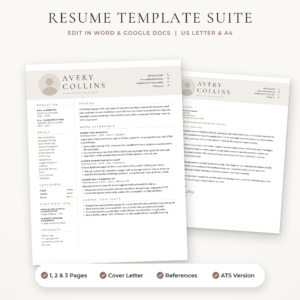
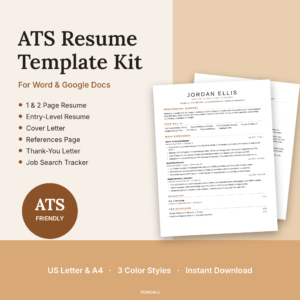
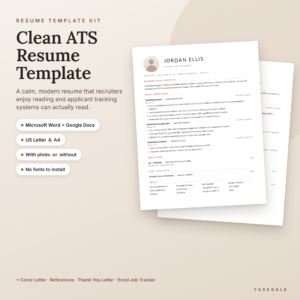
The Meridian ATS Resume Kit is an ATS resume template bundle for Microsoft Word and Google Docs that looks sharp to hiring managers and reads cleanly in applicant tracking systems. You get four resume layouts, a matching cover letter, a thank-you letter and a references page, all in US Letter and A4. A job application tracker and a resume writing playbook come with it too.
Why an ATS-friendly resume template matters
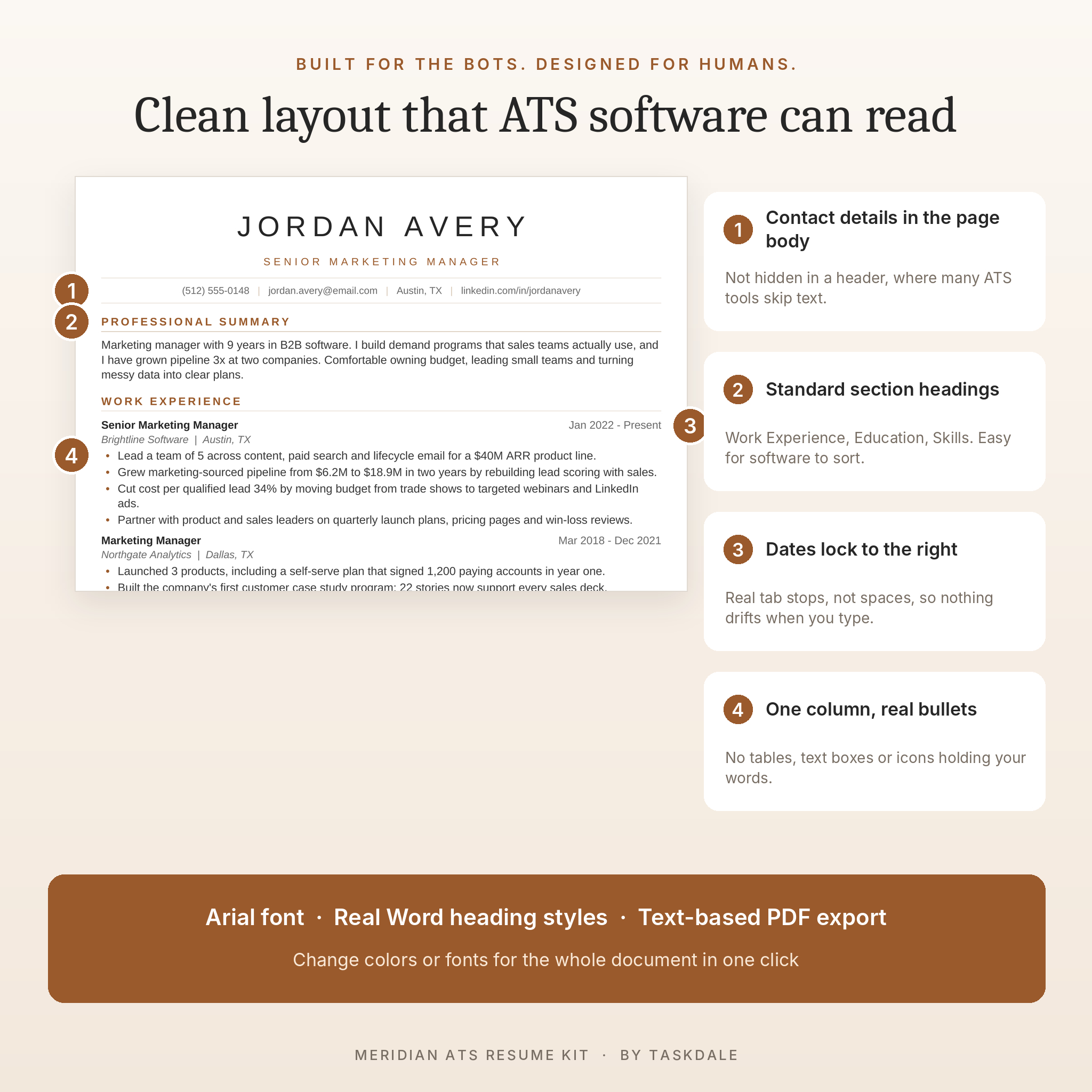
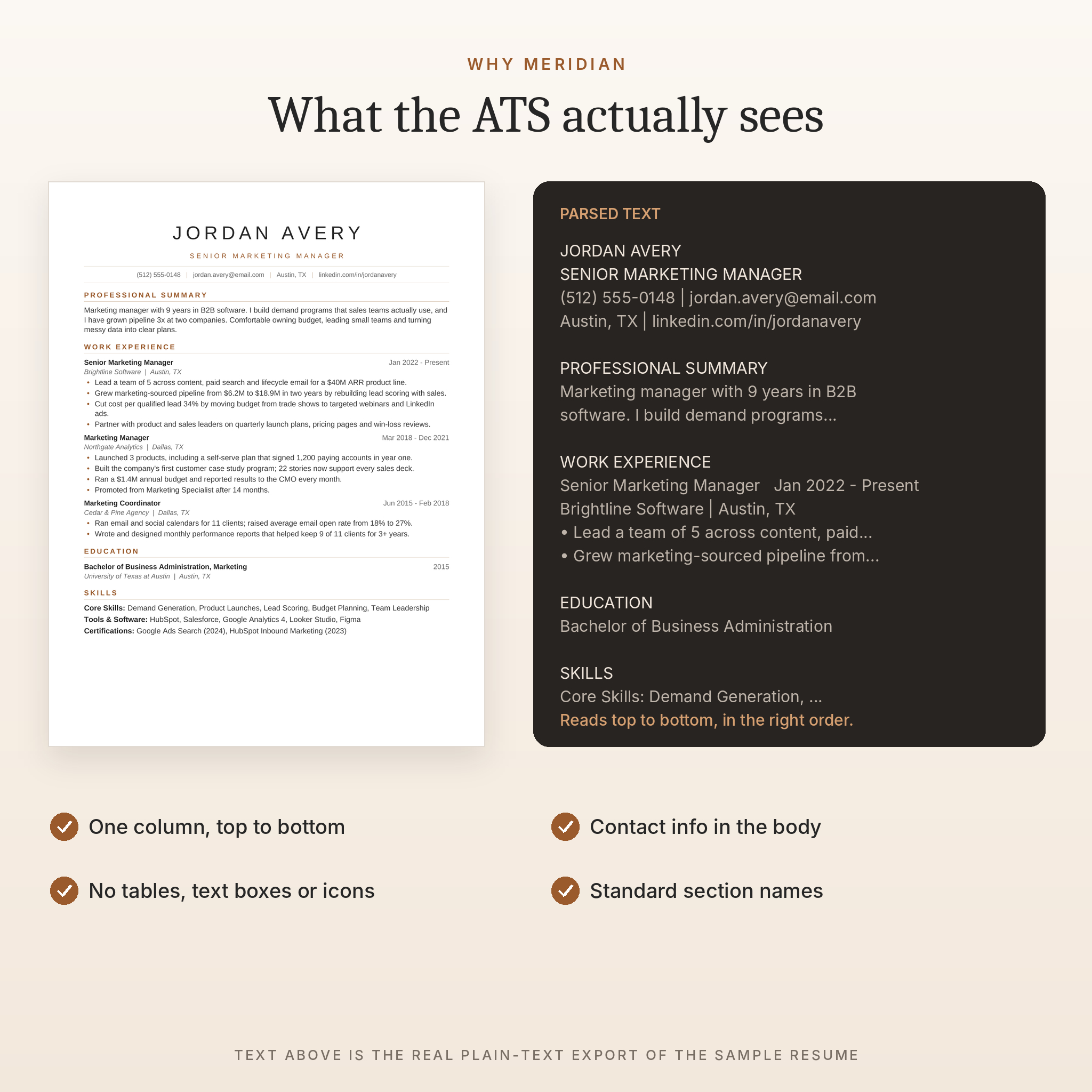
Lots of employers run every application through an applicant tracking system before a person sees it. Two-column layouts, text boxes, icons and contact details tucked into the page header can get scrambled on the way in. Your phone number ends up in the wrong field. A job title disappears. You never hear back and never find out why.
Every Meridian template uses one column, standard section names and real text. Your name and contact details sit in the main body of the page, where ATS tools expect them. Dates line up on the right with proper tab stops, so they stay put while you type. The result is a resume that a recruiter can skim in seconds and software can read top to bottom, in order.
What’s included
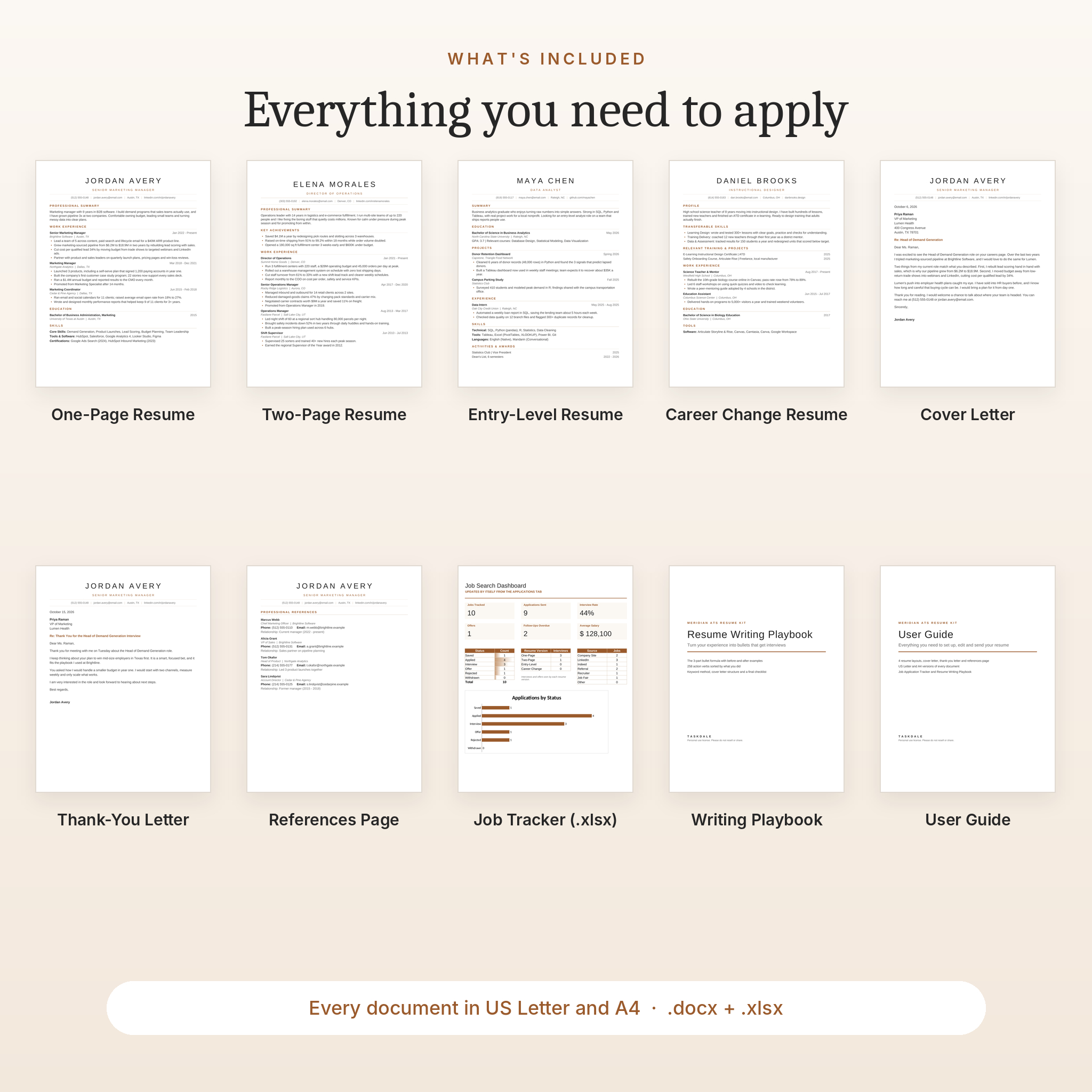
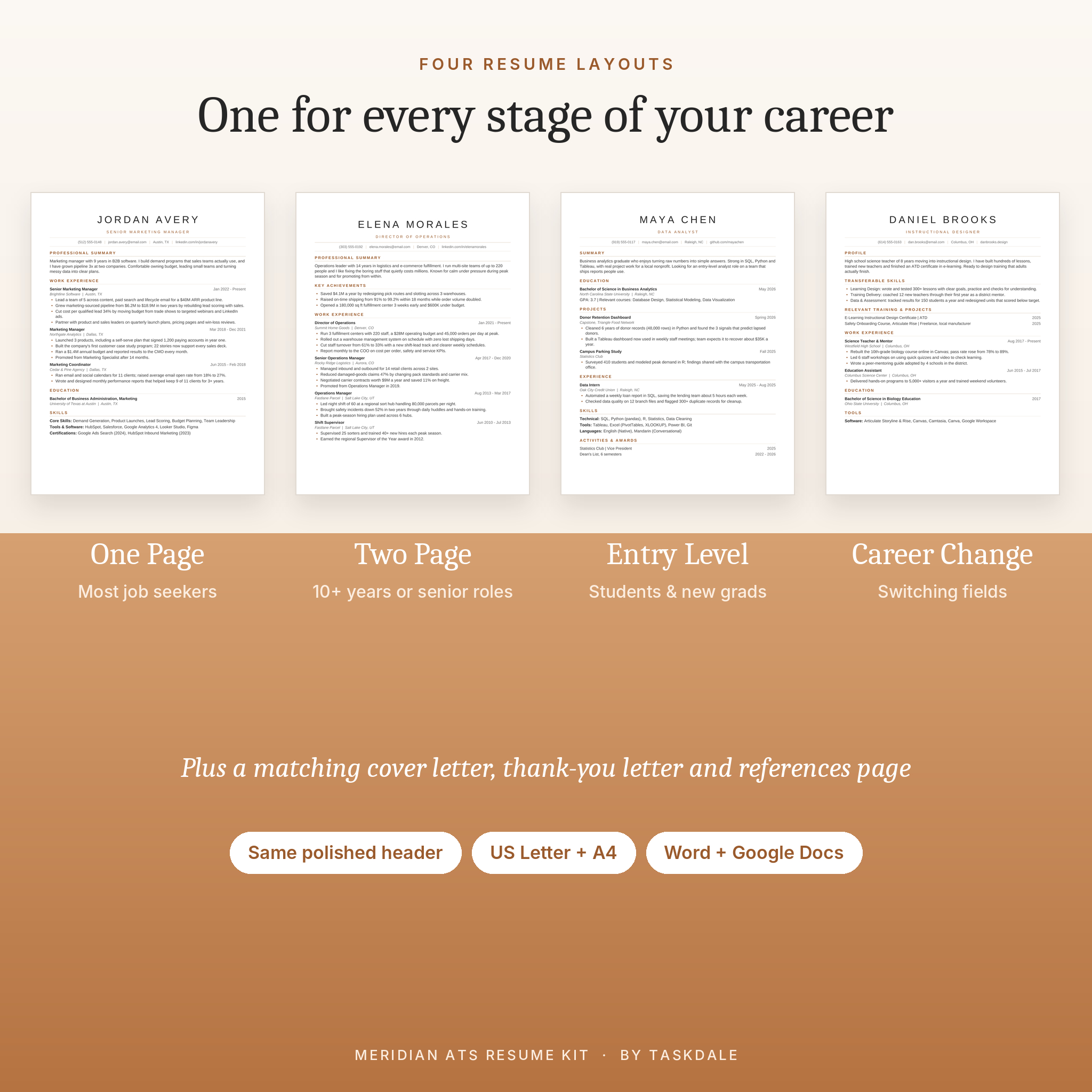
- One-Page Resume for most job seekers
- Two-Page Resume with a Key Achievements section, certifications, volunteer work and a page 2 header with your name and page number
- Entry-Level Resume that leads with education, projects and activities
- Career Change Resume with a transferable skills section above your work history
- Cover Letter with a simple four-paragraph structure and writing prompts
- Thank-You Letter to send after interviews
- References Page with room for four references
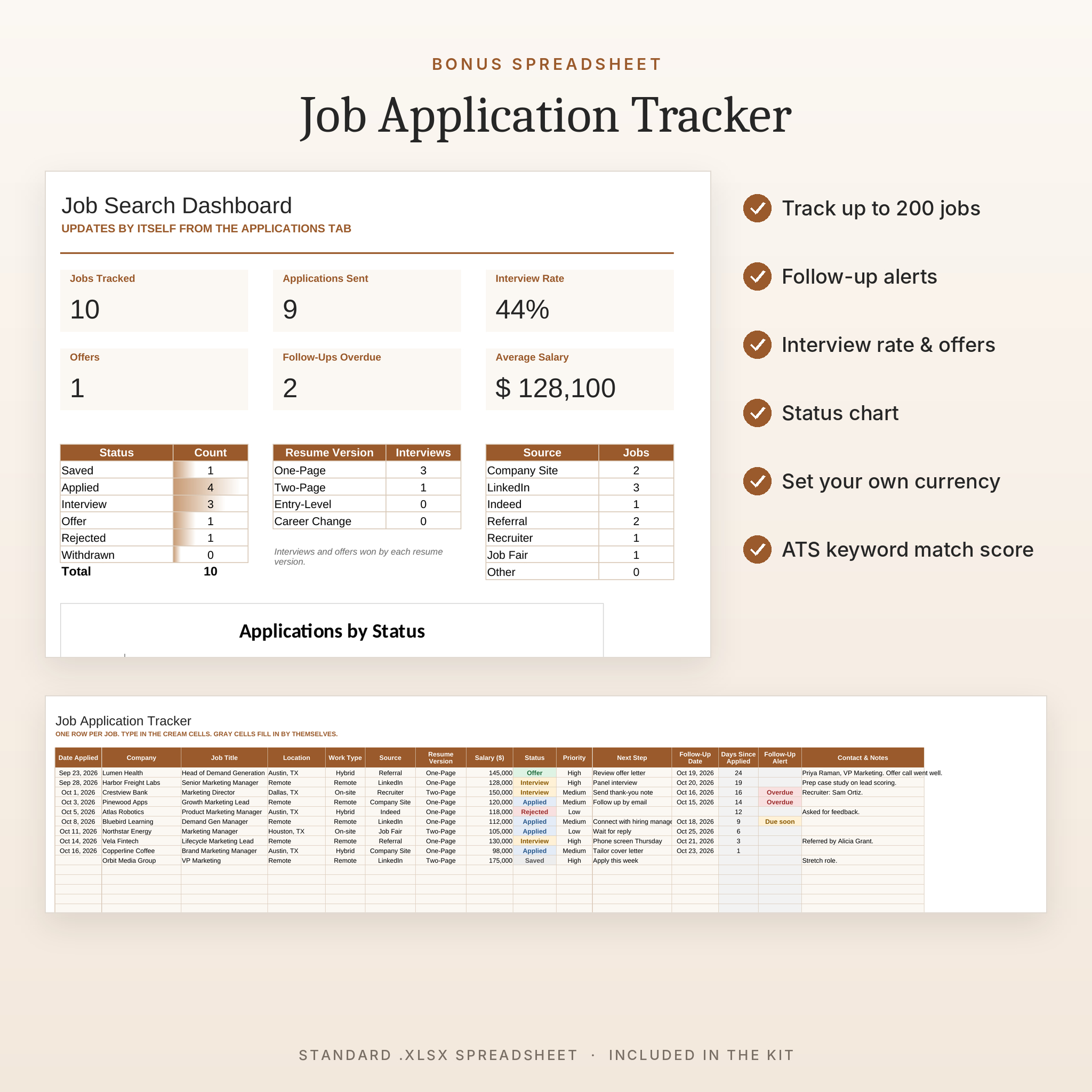
- Job Application Tracker (.xlsx) with a dashboard, follow-up alerts and an ATS keyword match score
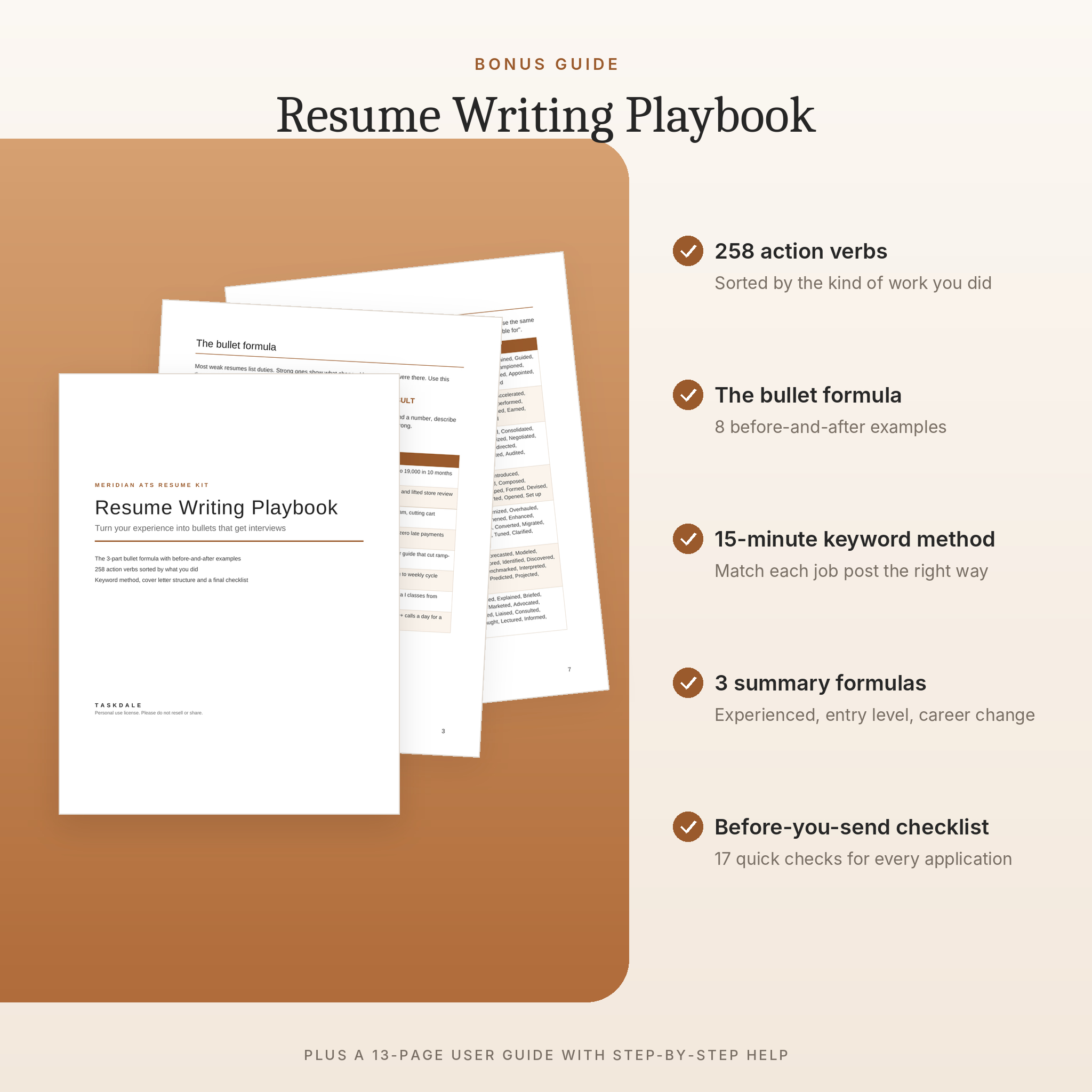
- Resume Writing Playbook (11 pages) with 258 action verbs, a bullet point formula and a final checklist
- User Guide (13 pages) with step-by-step help, troubleshooting and FAQs
Every document comes in both US Letter and A4, so it works whether you’re applying in the US, the UK, Europe, Australia, South Africa or anywhere else.
Features at a glance
Clean, modern design
Spaced uppercase name, warm caramel section headings and thin dividers. It’s minimal without feeling empty, and it prints well in color or black and white.
Built on real Word styles
Headings, your name and your job title all use proper styles. Want navy instead of caramel? Change one style and the whole document updates. Same goes for fonts.
Writing prompts instead of lorem ipsum
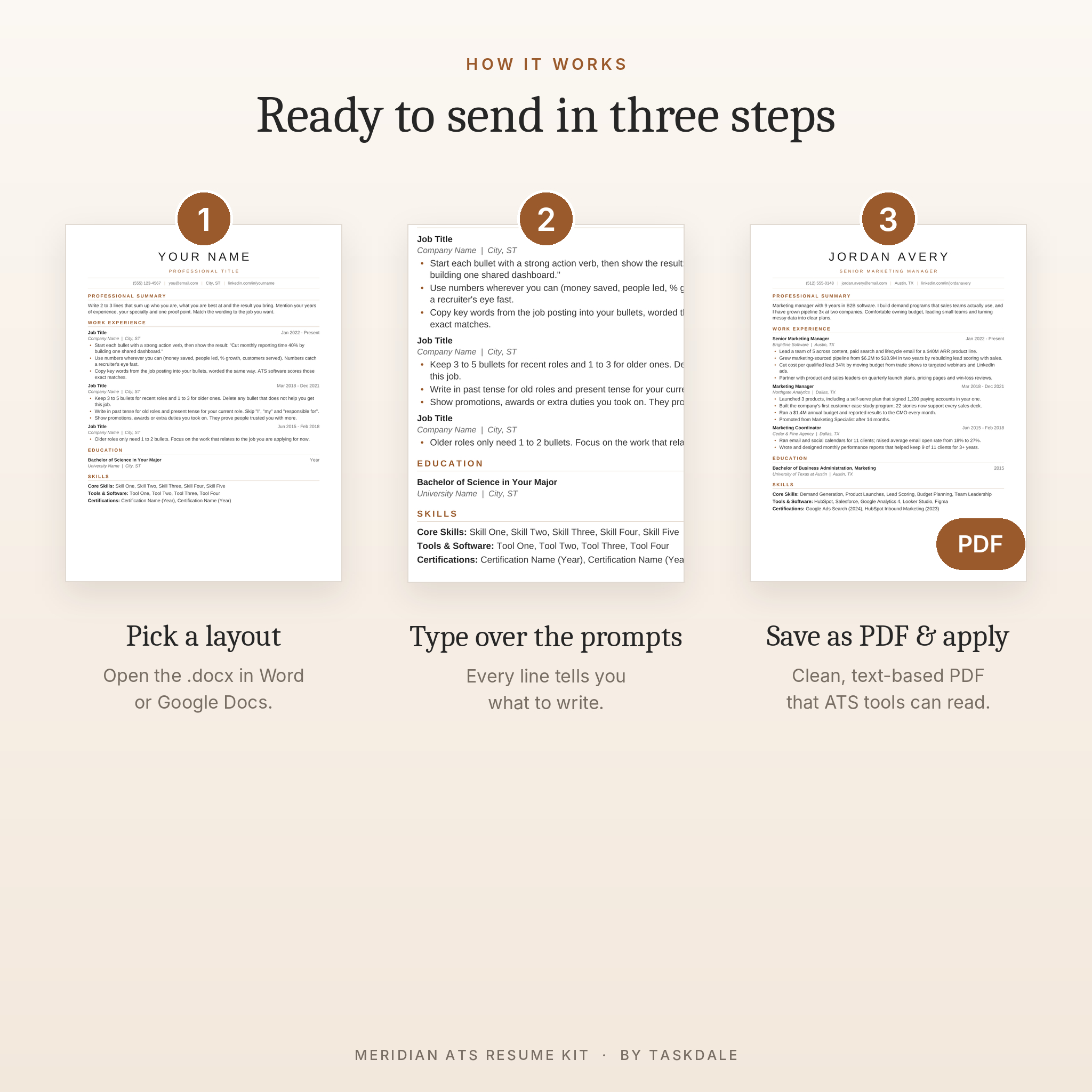
Every placeholder line tells you what to write and how. You’ll see tips like “start with an action verb, then show the result” right where your bullet goes. Type over them and you’re done.
Job Application Tracker
Log up to 200 applications with dropdowns for status, source, work type and resume version. The dashboard shows jobs tracked, applications sent, interview rate, offers, overdue follow-ups and average salary. It even shows which resume version is getting you the most interviews. Set your own currency symbol once ($ is the default) and every salary figure follows it.
Keyword Match tab
Paste keywords from a job posting, mark which ones your resume already uses and get a match score. It’s the quickest way to tailor each application.
How it works
- Download and unzip the file.
- Open the US Letter or A4 folder and pick your layout.
- Open it in Microsoft Word, or upload it to Google Drive and open it with Google Docs.
- Type over the prompts with your own details.
- Save as a PDF and apply.
Most people have a finished first draft in under an hour. The User Guide walks you through every step, including how to add or remove jobs, keep things on one page and change colors.
Who this resume kit is for
- Professionals who want a polished one-page or two-page resume without paying a designer
- Students and recent graduates writing their first real resume
- Career changers who need to connect old experience to a new field
- Parents and caregivers returning to work after a break
- Anyone applying through job boards, LinkedIn or company career sites
Use cases
Applying for a marketing role on LinkedIn tonight? Open the One-Page Resume, swap in your details and export a PDF. Graduating in May? The Entry-Level layout puts your degree, GPA and projects first so you don’t look thin on paper. Moving from teaching into training and development? The Career Change layout leads with transferable skills and recent courses. Got the interview? Send the matching thank-you letter that afternoon, then log the follow-up date in the tracker.
File formats and software
- Resumes, letters, references, Playbook and User Guide: .docx
- Job Application Tracker: .xlsx
- Every layout tested in Google Docs and LibreOffice Writer. Files are standard Word .docx, checked against the official Word file format.
- The tracker is a standard .xlsx file tested in LibreOffice Calc. It uses everyday spreadsheet features (dropdowns, COUNTIF-style formulas, color rules) that Excel and Google Sheets also support.
- Uses Arial, a standard font already on Windows, Mac and Google Docs. Nothing to install.
Google Docs doesn’t support letter spacing, so your name and headings show without the wide letter gaps there. Everything else carries over.
Customization
Change any text, add or delete sections, swap the accent color, change fonts and adjust margins. The User Guide includes suggested color swaps (navy, forest green, slate, burgundy or plain black) and shows you exactly where to click.
Digital download
This is an instant digital download. No physical item ships. After checkout you’ll get a download link for one ZIP file containing every template, plus the User Guide as a separate file. Personal use license: use it for your own job search as often as you like. Please don’t resell or share the templates.
FAQ
Is this resume template really ATS friendly?
Yes, in every way a template can be: one column, standard headings, real text, no tables, text boxes or icons, and contact details in the body. The words you use still matter, so the Playbook and Keyword Match tab help you match each job.
Can I use it in Google Docs?
Yes. Upload the .docx to Google Drive and choose Open with Google Docs. We tested the layouts there, including the two-page header and right-aligned dates.
Does it work on a Mac?
Yes. Google Docs runs in any Mac browser, and the files are standard .docx for Word for Mac.
Does it work in Apple Pages?
Pages can open .docx files, but we haven’t tested every layout in Pages, so we don’t promise a perfect match. Word or Google Docs is your best bet.
What paper size should I use?
US Letter for the US and Canada. A4 for almost everywhere else. Both are included.
Can I edit the colors and fonts?
Yes. Change one style and the whole document updates. The User Guide shows how.
Should I send my resume as a PDF or Word file?
Send a PDF unless the job post asks for Word. The PDF you export from these templates is text-based, so ATS tools can read it.
Can I use it more than once?
Of course. Save a fresh copy for every job you apply to.
Reviews
There are no reviews yet.