Best Bookkeeping Spreadsheet: How to Choose the Right One
The best bookkeeping spreadsheet is one that works in the software you already use, turns plain income and expense entries into a profit and loss report, and asks for no formulas from you. For most sole traders and small businesses, a focused income and expense tracker is easier to keep up than a 30-tab business hub.
Picking one can feel more complicated than it should. Dozens of templates promise dashboards and automation, and the differences sit in the detail. This guide explains what matters, so you can choose with confidence.
- A bookkeeping spreadsheet is a pre-built workbook where you log income and expenses once and the totals, reports and tax figures update for you.
- Several trackers here are built for one program, such as ProfitPetal for Excel and LedgerBloom for Google Sheets, while many others work in both.
- Focused trackers such as ProfitPetal and Sorbet Books use roughly 10 to 13 tabs, while all-in-one hubs such as Tallyhive Small Business HQ run to 30.
- Schedule C and IRS mileage features suit US self-employed readers, while VAT, GST and fiscal-year settings suit others.
- You can browse all 26 options below and filter by the factors in this guide.
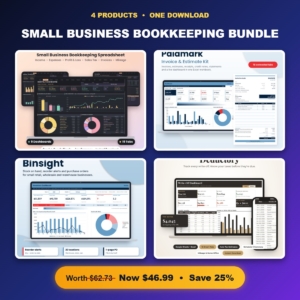 Small Business Bookkeeping Bundle | Bookkeeping Spreadsheet, Invoice Template, Inventory Tracker & Tax Write-Off Organizer
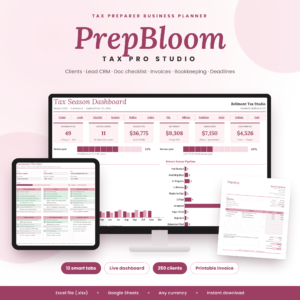 Tax Preparer Business Planner Spreadsheet | PrepBloom Tax Pro Studio Client Tracker, Tax Prep CRM, Document Checklist, Invoice & Bookkeeping Template | Excel & Google Sheets
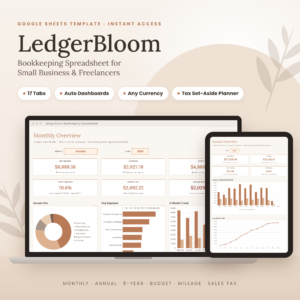 Bookkeeping Spreadsheet Google Sheets | LedgerBloom Small Business Income & Expense Tracker with Profit Dashboard, Budget, Tax Set-Aside & Mileage Log
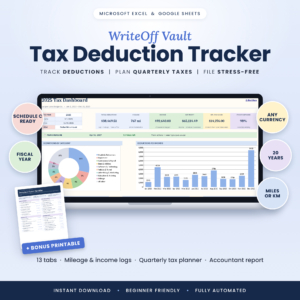 Tax Deduction Tracker Spreadsheet for Excel & Google Sheets | WriteOff Vault Self-Employed Tax Organizer with Mileage Log, Schedule C Summary & Quarterly Estimated Tax Planner
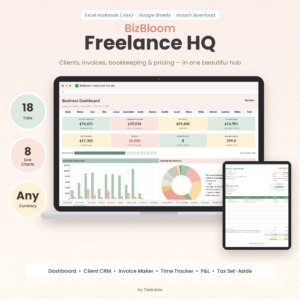 Freelancer Business Spreadsheet for Excel & Google Sheets | BizBloom Freelance HQ All-in-One Client CRM, Invoice Tracker, Bookkeeping & Pricing Calculator
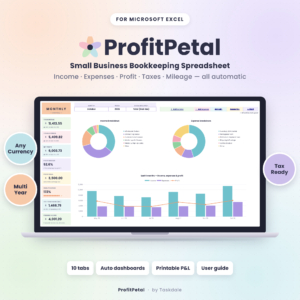 Small Business Bookkeeping Spreadsheet for Excel – Income & Expense Tracker, Profit and Loss, Tax Planner & Mileage Log | ProfitPetal
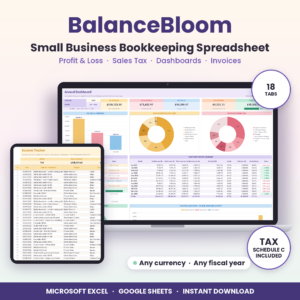 Small Business Bookkeeping Spreadsheet for Excel & Google Sheets | BalanceBloom Profit and Loss, Sales Tax & Income Expense Tracker
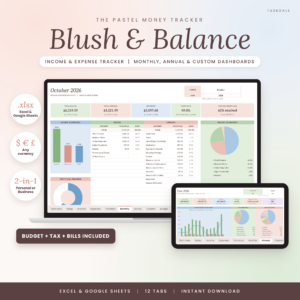 Income and Expense Tracker Spreadsheet for Excel & Google Sheets | Blush & Balance Small Business Bookkeeping, Budget, Profit & Loss and Tax Tracker
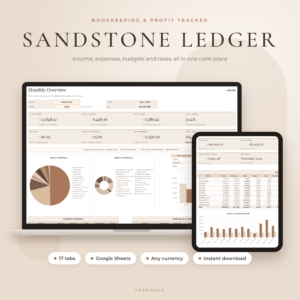 Bookkeeping Spreadsheet for Google Sheets | Sandstone Ledger Small Business Income & Expense Tracker, Budget, Profit & Loss, Sales Tax & Mileage Log
 Small Business Spreadsheet for Excel & Google Sheets | Tallyhive Bookkeeping, Inventory & Order Tracker, Invoice, Pricing Calculator & Bill Calendar
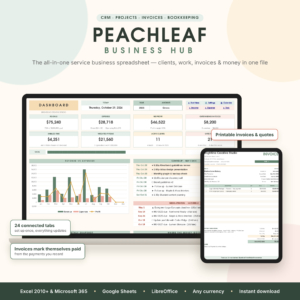 Small Business CRM & Bookkeeping Spreadsheet for Excel & Google Sheets | Peachleaf Business Hub with Invoice Tracker, Projects, Tasks, Time Tracker & Dashboard
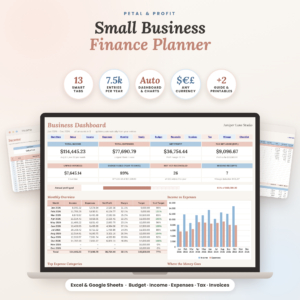 Small Business Finance Planner Spreadsheet for Excel & Google Sheets | Petal & Profit Bookkeeping, Budget, Income & Expense Tracker and Tax Planner
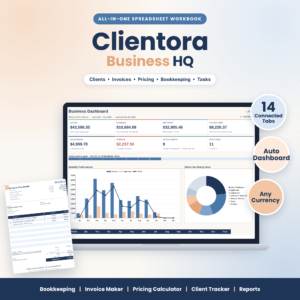 Small Business Spreadsheet Template – Bookkeeping, Invoice Maker, Pricing Calculator & Client Tracker | Clientora Business HQ (.xlsx)
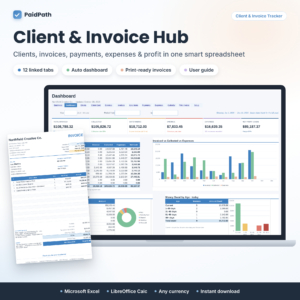 Client Tracker & Invoice Tracker Spreadsheet for Excel | PaidPath Client & Invoice Hub | Payment Tracker, Business Dashboard, Printable Invoice & Expense Log
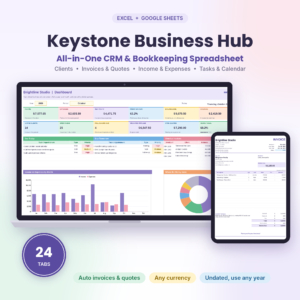 Keystone Business Hub | Small Business Spreadsheet for Excel & Google Sheets | CRM, Bookkeeping, Invoice Tracker, Client Tracker & Business Dashboard
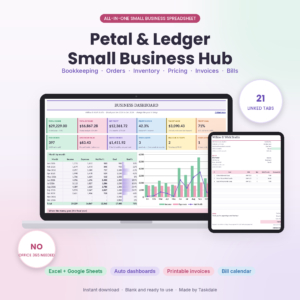 Small Business Spreadsheet for Excel & Google Sheets | Petal & Ledger Bookkeeping, Inventory, Order Tracker, Pricing Calculator, Invoice & Bill Calendar
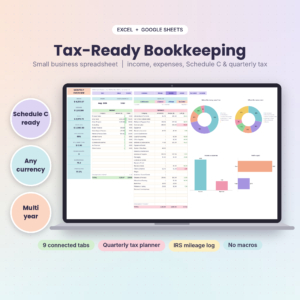 Tax-Ready Bookkeeping Spreadsheet for Self-Employed | TallyBloom Income and Expense Tracker for Excel and Google Sheets | Schedule C, Quarterly Tax Planner, Mileage Log
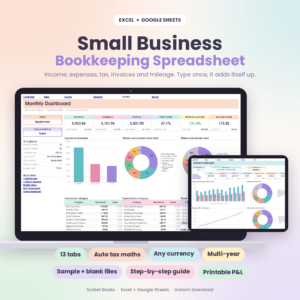 Small Business Bookkeeping Spreadsheet | Sorbet Books Income and Expense Tracker for Excel and Google Sheets | Profit and Loss, Budget, Invoice and Tax Template
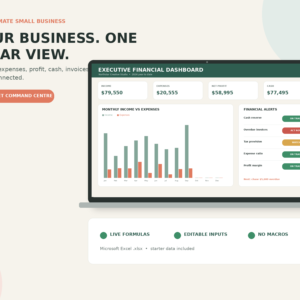
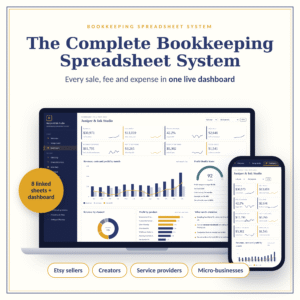 Bookkeeping Spreadsheet System for Small Business | Interactive Finance Dashboard, Etsy Seller Profit Tracker, Cash Flow, Inventory & Tax Prep
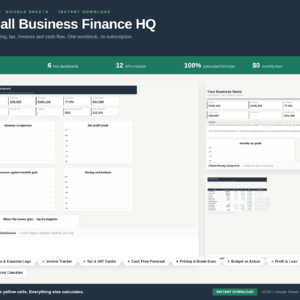 Small Business Finance HQ | Bookkeeping Spreadsheet Excel & Google Sheets | Income Expense Tracker, Invoice Log, Tax & VAT Calculator, Cash Flow Forecast, Profit & Loss, 6 Dashboards | Small Business Accounting Template
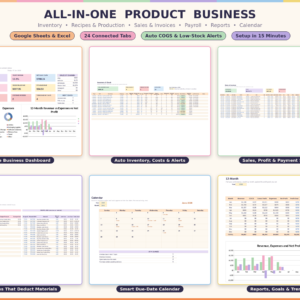
Table of Contents Toggle
- What should you look for in the best bookkeeping spreadsheet?
- How do the best bookkeeping spreadsheets compare?
- Which bookkeeping spreadsheet suits which business?
- How do you set up and use a bookkeeping spreadsheet?
- What mistakes should you avoid with a bookkeeping spreadsheet?
- What affects the price of a bookkeeping spreadsheet?
- Which bookkeeping spreadsheet should you choose?
- Common questions
What should you look for in the best bookkeeping spreadsheet?
A good bookkeeping spreadsheet matches your software, automates the sums, covers your tax rules and produces a profit and loss statement. Five factors separate the useful templates from the merely busy ones, and each is explained below.
Does it work in Excel, Google Sheets or both?
Compatibility is the first check, because a template that fights your software will not get used. LedgerBloom and Sandstone Ledger are built for Google Sheets, ProfitPetal is built for Microsoft Excel, and BalanceBloom, Sorbet Books and TallyBloom work in both.
Excel files open in Google Sheets, but check the listing for the phrase "tested in" or "works in" before assuming. Sorbet Books and TallyBloom name Excel 2010 or later, which matters if your computer is older.
How much does it calculate for you?
Automation means you enter a transaction once and the dashboards, profit and loss and tax totals update without further typing. This is what separates a spreadsheet from a list.
Look for phrases such as "log once, everything updates" and protected formulas. Protected formulas stop you overwriting a calculation by accident, which is the most common way a homemade spreadsheet breaks.
Does it fit your tax rules?
Tax features differ more than any other part of these templates. TallyBloom sorts costs onto IRS Schedule C lines, the US form for sole proprietors, and has an IRS mileage rate built in. WriteOff Vault goes further on deductions, with a home office calculator and a Deduction Finder.
If you are outside the US, look for VAT or GST handling instead. Sorbet Books supports VAT, GST and Sales Tax, and ProfitPetal includes a sales tax and VAT summary.
Which reports does it produce?
A printable profit and loss statement is the report an accountant, lender or landlord will ask for first. Most trackers here include one, alongside monthly and annual dashboards.
Some add a 5-year view, as LedgerBloom, Sandstone Ledger and Sorbet Books do. That helps if you want to see whether your business is growing, not just surviving.
Does it handle invoices and clients, or just the books?
Some templates are pure bookkeeping, and others bundle invoicing, a client list and pricing tools. Peachleaf Business Hub and Keystone Business Hub, for example, have 24 tabs covering clients, projects and invoices alongside the accounts.
More tabs mean more to learn. If you already invoice through another tool, a simpler tracker is usually the better choice.
How do the best bookkeeping spreadsheets compare?
The table below compares a selection of these spreadsheets by software, focus and standout feature. It shows how a pure bookkeeping tracker differs from an all-in-one business workbook.
Which bookkeeping spreadsheet suits which business?
The right spreadsheet depends on whether you sell time, sell products or simply need tidy records for a tax return. Match the template to the shape of your work.
Freelancers and consultants. BizBloom Freelance HQ suits you if you bill hourly, as it combines a time log, invoices and a pricing calculator. If you only need the accounts, LedgerBloom or ProfitPetal keeps things simpler.
US self-employed people. TallyBloom is the most direct fit because it maps costs to Schedule C. WriteOff Vault Self-Employed Tax Organiser works as a companion if deductions are your main worry, and it applies IRS mileage rates by trip date.
Product sellers. Petal & Ledger and Tallyhive Small Business HQ link inventory to orders and invoices, so a sale updates your stock. The Etsy-focused Bookkeeping Spreadsheet System suits sellers who watch marketplace fees and profit margins.
People who want the lowest effort. The Small Business Bookkeeping Spreadsheet Bundle Plan is built for people who do not want to touch a formula. Sandstone Ledger says setup takes about 10 minutes, which suits a first-time user.
How do you set up and use a bookkeeping spreadsheet?
You set one up by choosing your currency and year start, entering opening balances, then logging every transaction as it happens. The routine matters more than the template.
- Download the file and make a copy before you change anything, so you can restart cleanly.
- Read the user guide. Most listings here include one, from illustrated guides to the 23-page guide with Sorbet Books.
- Set your currency, tax rates and the month your financial year starts.
- Enter your opening bank balances so the account totals begin correctly.
- Log each sale and expense once, ideally weekly, using the dropdown categories.
- Check the monthly dashboard against your bank statement and fix any gap straight away.
- Back up the file monthly, and keep the receipts for what you log.
If a template includes a sample file, as Sorbet Books and Keystone Business Hub do, explore that first. Seeing filled-in figures makes the layout much clearer.
What mistakes should you avoid with a bookkeeping spreadsheet?
The most common mistakes are choosing too much software, logging in bursts and mixing personal spending with business spending. All three are easy to prevent.
- Buying a 30-tab hub for a simple business. Extra tabs you never fill in become clutter and make the useful ones harder to find.
- Overwriting formulas. Choose a template with protected formulas, and only type in the input cells.
- Letting entries pile up. A month of catching up is where mistakes and missed receipts creep in.
- Ignoring the tax set-aside. Quarterly planners work only if you transfer the money. Treat the figure as spoken for.
- Assuming US tax lines apply everywhere. Schedule C and IRS mileage rates are US features. Outside the US, favour a template with VAT or GST support.
- Skipping backups. A spreadsheet is a single file, so one accidental deletion loses a year of records.
What affects the price of a bookkeeping spreadsheet?
The price of a bookkeeping spreadsheet depends mainly on how many tabs and tools it includes, and whether it is a single template or a bundle. These are one-off digital downloads, so you are not paying a monthly software fee.
Narrow trackers cost less than all-in-one workbooks that add a CRM, inventory, payroll or recipe costing. The All-in-One Product Business Template, with 24 tabs covering production and payroll, sits at the top of the range for scope.
Bundles such as the Small Business Bookkeeping Bundle bring several separate spreadsheets together, which usually works out cheaper than buying each alone. Compare what you will actually use, since paying for a hub you only use as a tracker wastes money.
Which bookkeeping spreadsheet should you choose?
Choose the simplest spreadsheet that covers your tax rules and your software. If you only need income, expenses and a profit and loss report, pick a focused tracker such as LedgerBloom, ProfitPetal or Sorbet Books.
Move to a hub only when you also need invoicing, clients or inventory in the same file. Here is a quick checklist before you buy:
- Does it open in the programme you already use?
- Does it match your tax system, whether Schedule C, VAT or GST?
- Does it produce a printable profit and loss statement?
- Can you see yourself logging entries weekly?
- Does it include a user guide or sample file?
If you can answer yes to all five, you have found a sensible choice.
Common questions
Is a spreadsheet good enough for bookkeeping?
For a sole trader or small business with straightforward income and expenses, yes. A well-built spreadsheet records transactions, produces a profit and loss statement and estimates tax. Once you have payroll, many staff or complex stock, accounting software may suit you better.
Can I use these spreadsheets outside the US?
Yes, with care. Most allow any currency, and several support VAT or GST, including Sorbet Books and ProfitPetal. Schedule C and IRS mileage features are US specific, so ignore those tabs or choose a template without them.
Do I need to know Excel formulas?
No. These templates calculate totals, dashboards and tax estimates automatically once you enter your figures. The Small Business Bookkeeping Spreadsheet Bundle Plan states that there are no formulas to write. Just avoid typing over cells the guide marks as calculated.
What is the difference between cash and accrual accounting?
Cash accounting records income and expenses when money moves. Accrual records them when an invoice is raised or a bill arrives, even if payment comes later. LedgerBloom lets you choose either, which helps if you invoice clients on credit terms.
Should I still speak to an accountant?
A spreadsheet organises your records, but it does not replace professional tax advice. It does make that conversation cheaper and quicker. Reports such as WriteOff Vault's accountant-ready summary give your adviser clean figures to work from.