First, a confession about 500-page planners: you should not print all 500 pages. Not on day one, and probably not ever. Do that and you’ll own a binder too heavy to carry to a venue tour and too intimidating to open on a weeknight.
A printable wedding binder works when it grows with your planning. Print the pages you need now, add sections as you reach them, and by the wedding week you’ve got a tidy, well-thumbed book that doubles as your coordinator’s run of show.
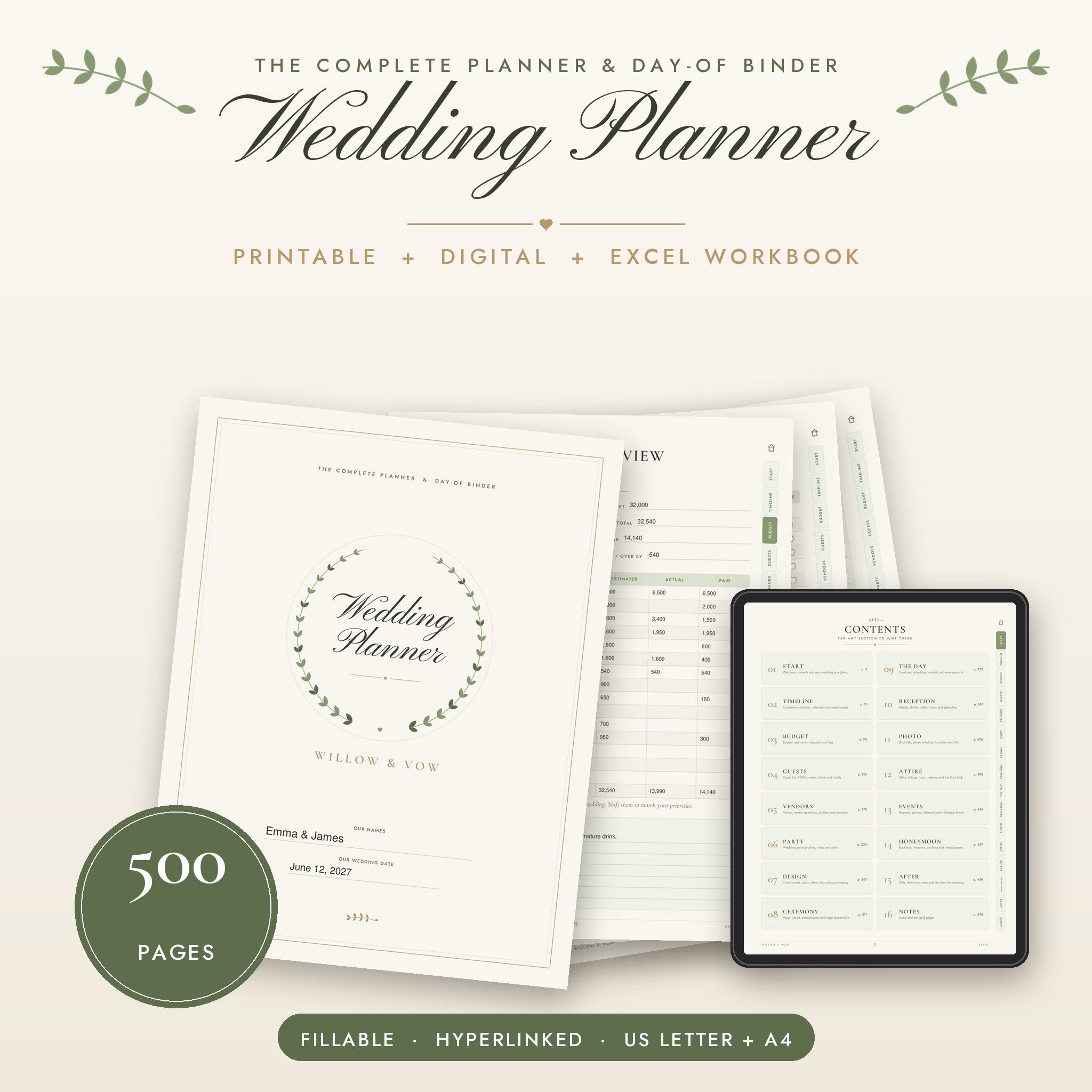
Here’s how to build one, step by step, using the Willow & Vow planner.
What you’ll need
- A ring binder. Start with 1.5 to 2 inches. You can move to a bigger one later if the guest list pages multiply.
- Tabbed dividers. 16 if you want to match the planner’s sections, fewer if you’ll skip some.
- A few sheet protectors. For signed contracts and receipts.
- A zip pouch. For fabric swatches, business cards and the stray ribbon sample.
- A three-hole punch, unless you print at a shop that punches for you.
Pick the right file to print
Willow & Vow comes as three PDFs: a Digital Edition on cream pages (for screens and tablets) and two Print Editions on white pages in US Letter and A4. Print from the Print Edition. White pages use less ink, and you’ll be glad of that around page 60.
Everything is undated, so it works whether you’re 18 months out or 8 weeks out.
Week one: print these pages only
Start small. These pages set up everything else:
- Start section: wedding at a glance, vision and priorities, important dates, who to call and an emergency plan.
- The countdown checklist that matches your date. There are 13, from 18 months out to after the wedding. Print yours and the next one.
- Budget overview with suggested percentages.
- A couple of monthly calendars. There are 18 to choose from.
That’s maybe 20 pages. Sit down together, fill them in, and you’ve done the foundation work most couples skip.
Print as you go
Add sections when you reach them, not before.
- Touring venues? Print the venue comparison and visit notes pages.
- Booking vendors? There are question lists for 12 vendor types and 14 two-page vendor profiles. Print the ones you’re hiring. Skip the rest.
- Sending invitations? Print the guest list (360+ lines), the address book and the RSVP and meal tracker.
- Planning the look? Vision boards, flower planner, table setup planners and floor plans for tables of 8, 10 and long tables.
This keeps the printable wedding binder light enough to carry, and every page in it is one you’ll actually use.
Type first, then print
Here’s a trick if your handwriting gets messy under pressure. Nearly every line, table cell and checkbox in Willow & Vow is fillable. Open the PDF in Adobe Acrobat Reader or a similar app, type your entries, then print. You get the neatness of typing with the comfort of paper.
It’s especially good for pages other people will read, like the vendor contact list or the hour-by-hour timeline.
Let the workbook handle the numbers
Paper is great for decisions. It’s poor at adding up 60 expenses. So Willow & Vow comes with an Excel workbook that totals your spending by category, counts meals for your caterer, lists the next payments due and warns you when a table is over capacity.
It holds up to 200 expenses, 100 payments, 400 guest rows, 40 tables, 40 vendors, 160 checklist tasks and 300 gifts. Once a month, print the dashboard and slot it into the budget section. Now your binder has current numbers without anyone doing long division.
Turn it into a day-of binder
This is where a printable binder really pays off. Two weeks before the wedding, pull out “The Day” section and make a slim copy for whoever’s running things:
- Master and hour-by-hour wedding day timelines
- Vendor arrivals
- Hair and makeup schedule
- Reception run of show and speeches
- Emergency kit list
- A point person brief
Give it to your coordinator, maid of honor or the one cousin who’s always calm. Keep your full binder at home. On the day, nobody should be asking you where the DJ is.
After the wedding
The binder isn’t done when the music stops. The After section has gift and thank-you trackers, a registry page, a post-wedding checklist and keepsake pages. Plenty of couples keep the finished binder on a shelf. It’s a strange, lovely record of the year you planned your life together.
Three binder mistakes to avoid
- Printing everything at once. Covered above, but it bears repeating. A binder you dread opening is a binder you stop using.
- Keeping two versions of the truth. If you update the guest count in the workbook, update the at-a-glance page too. Or print the dashboard monthly and treat that as the official number.
- Forgetting a back-up. Take phone photos of the key pages every few weeks. Binders get left in cars, rained on and borrowed by mothers-in-law.
Who it suits
Good fit: couples who think better on paper, anyone who wants to hand a proper binder to a coordinator, and parents or friends helping with the planning.
Not ideal: very small weddings. If you’re inviting 20 people to a restaurant, 500 pages is more planner than wedding. The workbook is also built for Microsoft Excel 2016 or newer, so check you have it.
Printable wedding binder FAQ
How do you organize a wedding binder?
Use one tabbed divider per section, keep the most-used pages (checklist, budget, contacts) at the front, and add sections only when you reach them. Store contracts in sheet protectors.
Can I fill it in on my computer?
Yes. Nearly every line, table cell and checkbox is fillable. Open the PDF in Adobe Acrobat Reader or a similar app and type.
Do I need Canva?
No. The planner works in any PDF app, and the budget workbook opens in Microsoft Excel.
Can I share pages with family and vendors?
Yes, printed or filled-in pages can go to your partner, family, wedding party and vendors. The blank files are for personal use only.