Project Manager Resume Template for Word: Clean, Minimal and ATS-Friendly
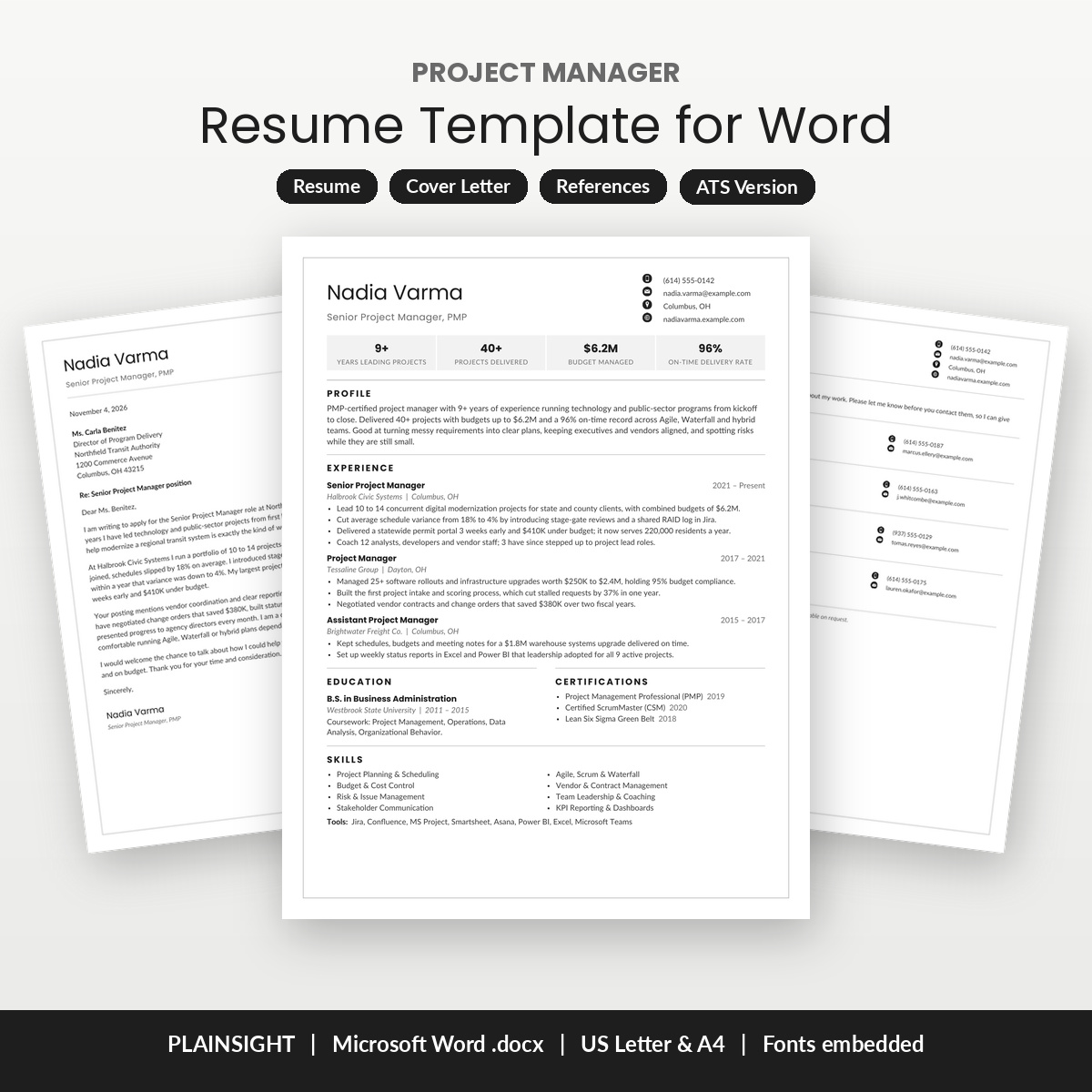
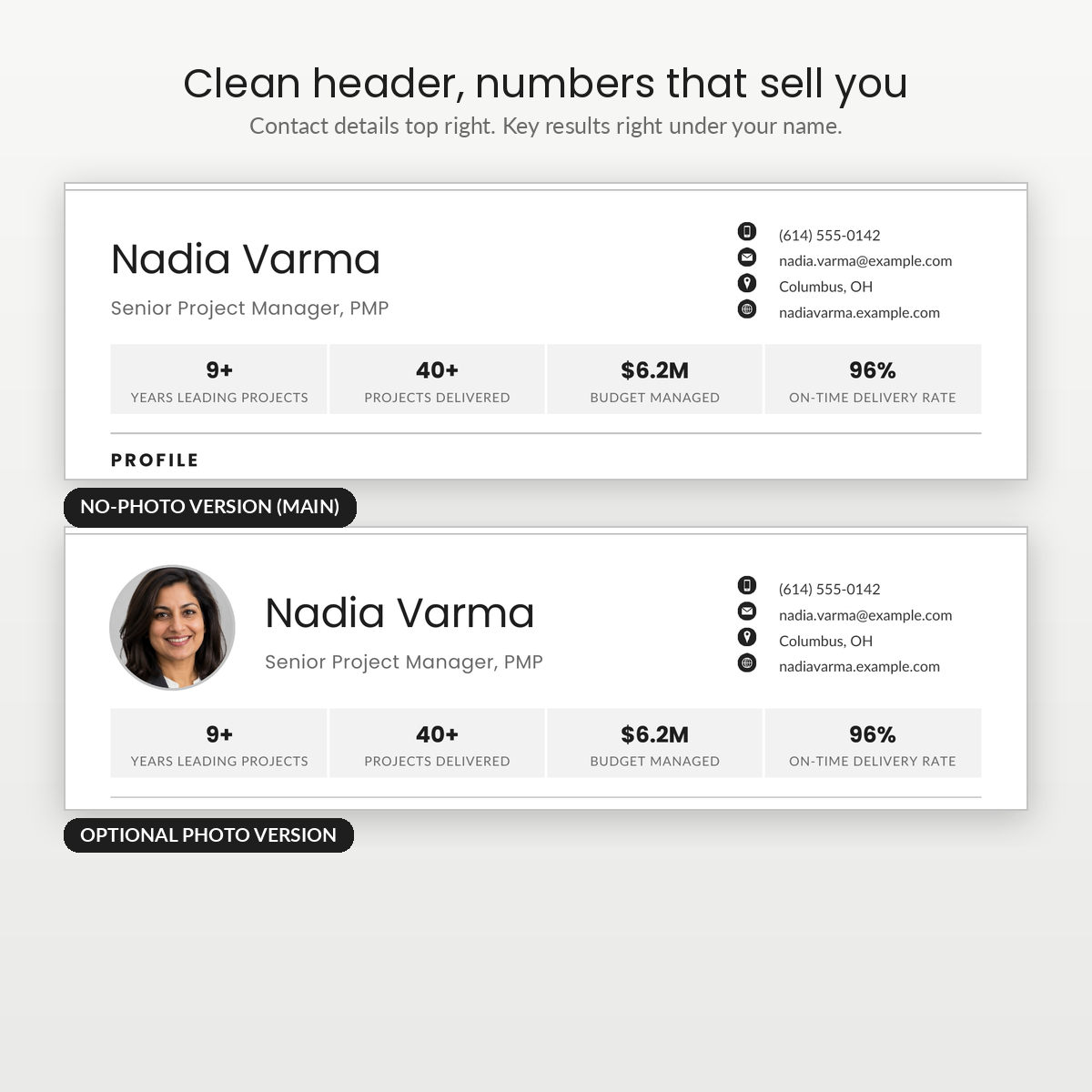
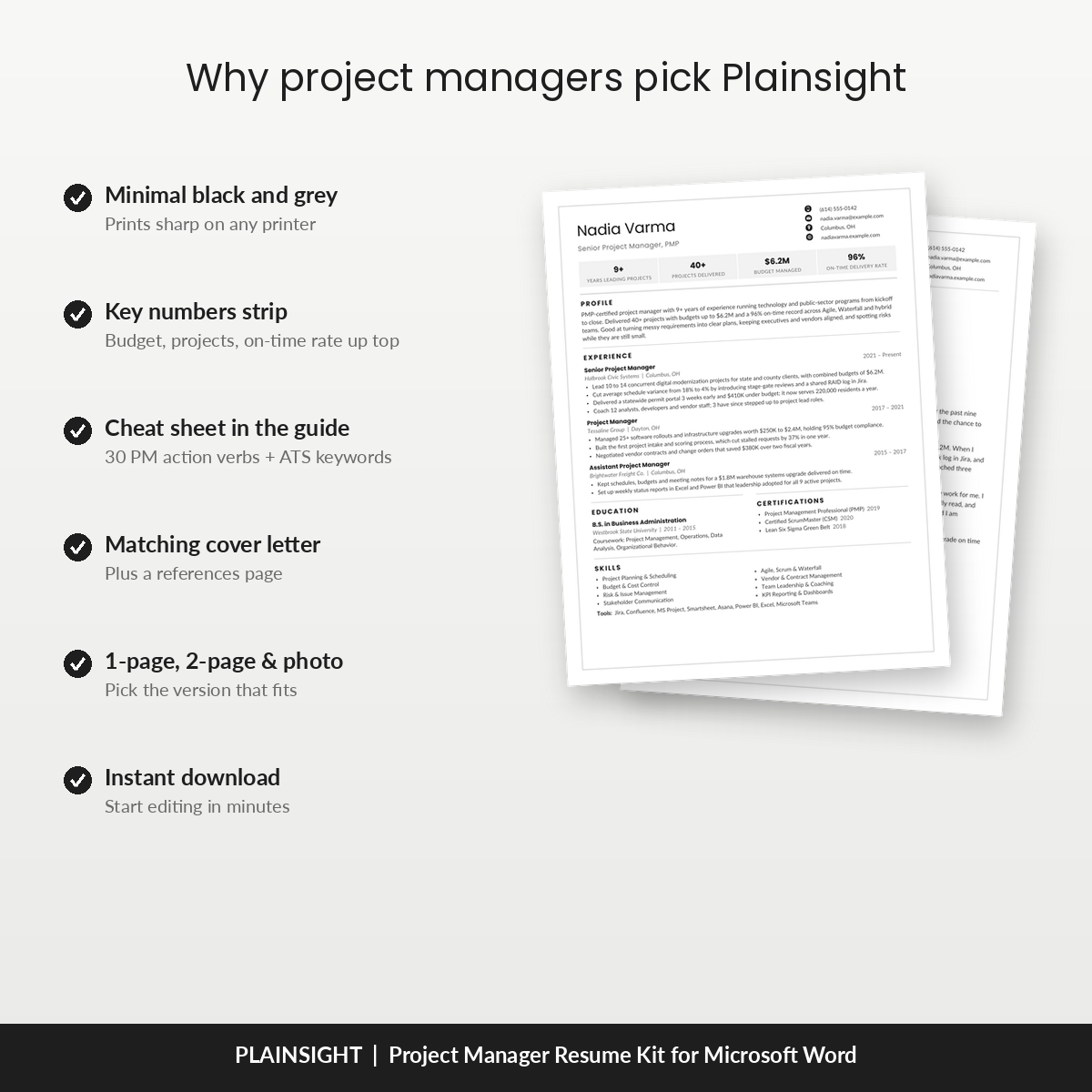
Plainsight is a project manager resume template for Word built for people who run projects and want their results to do the talking. The design is black and grey on white with a thin grey page frame, a compact header with your contact details on the right, and a key numbers strip that puts your budget, project count and on-time rate where a recruiter looks first.
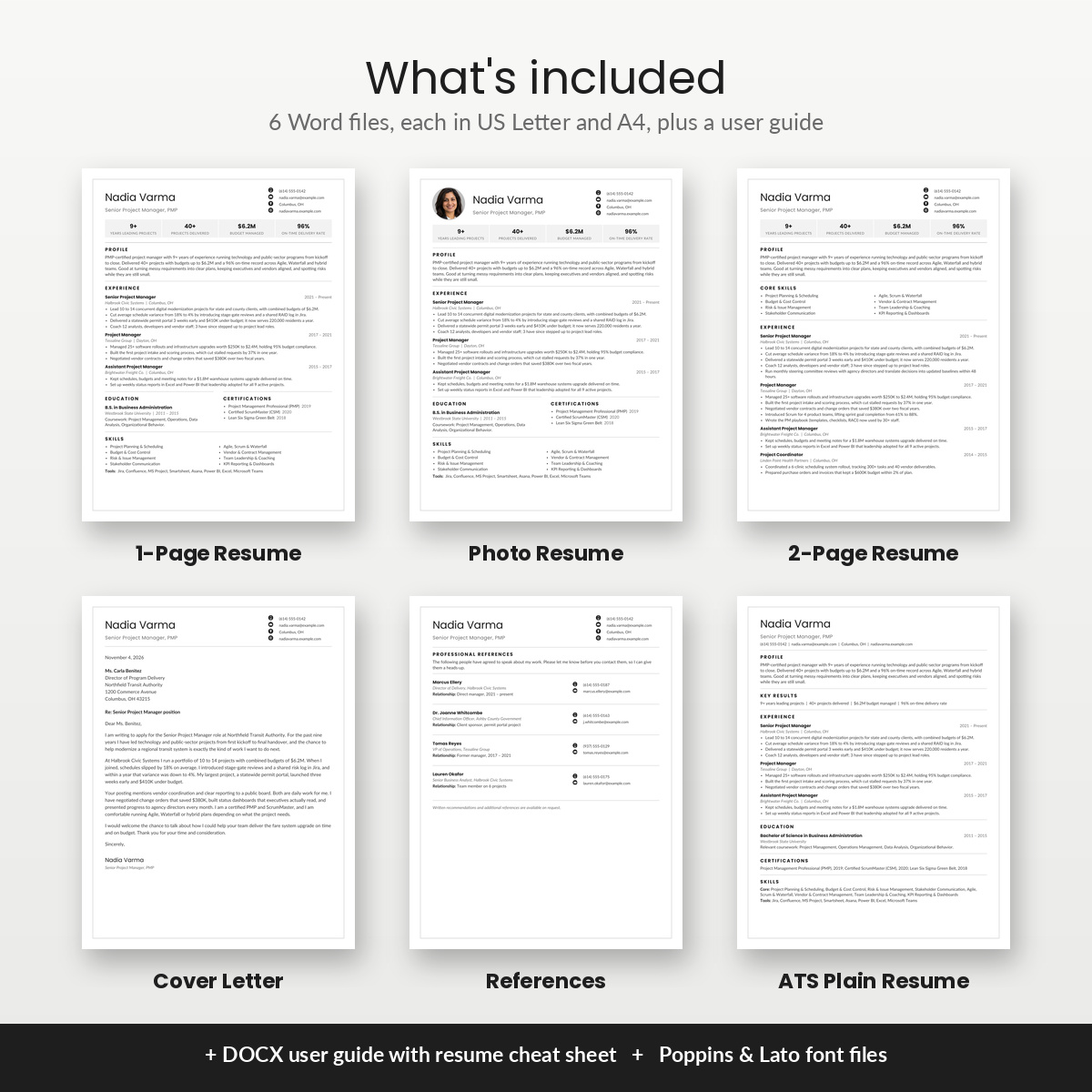
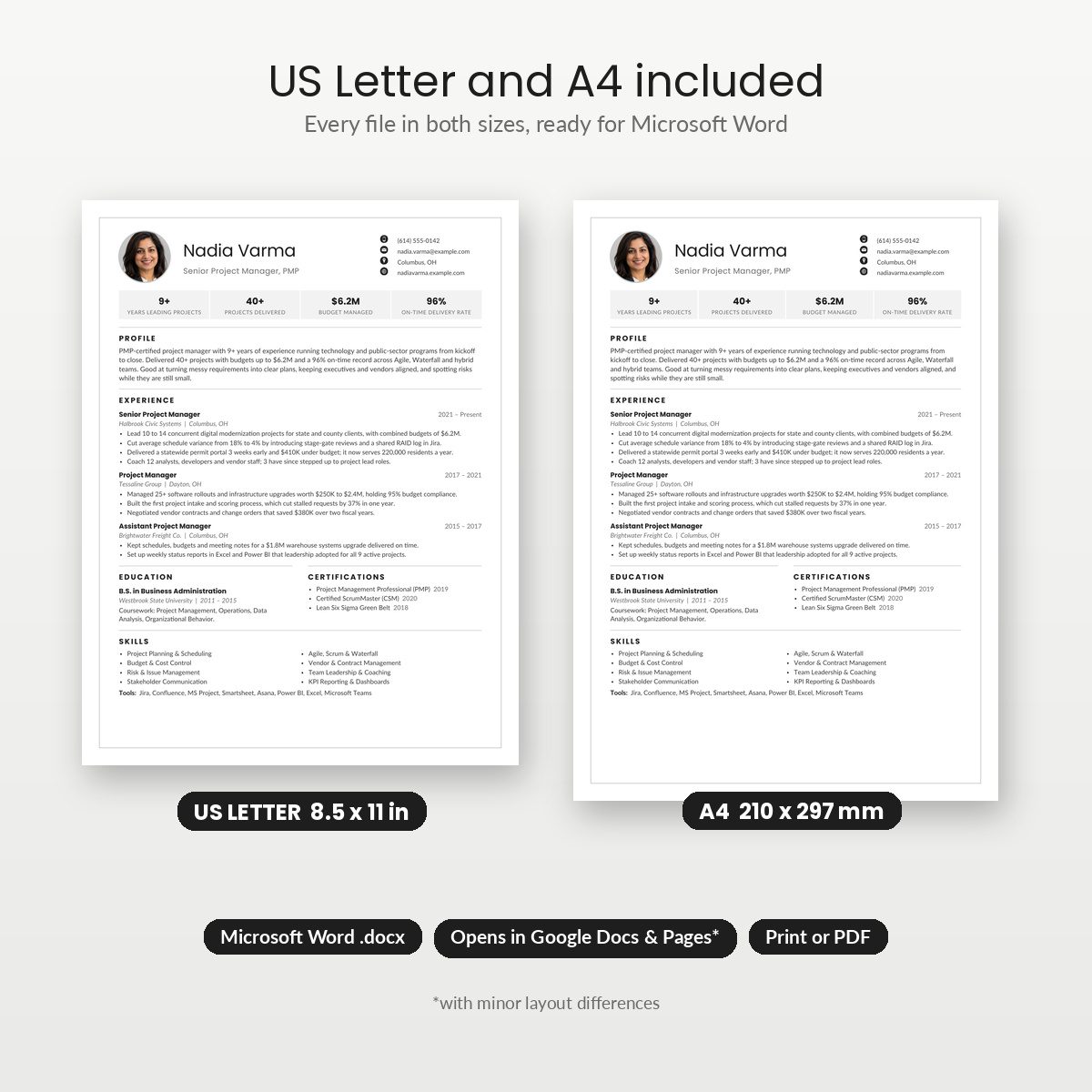
You get a full Microsoft Word kit: a 1-page resume, an optional photo version, a 2-page resume, a matching cover letter, a references page and an ATS plain resume. Every file comes in US Letter and A4, with the fonts embedded so the layout looks right the moment you open it.
Who this project manager resume is for
- Project managers and senior PMs in tech, government, construction, healthcare and operations
- Program managers and PMO leads who need room for a portfolio of projects
- Project coordinators and assistant PMs stepping up to their first PM title
- PMP, CAPM, CSM and Lean Six Sigma certified candidates who want those credentials visible
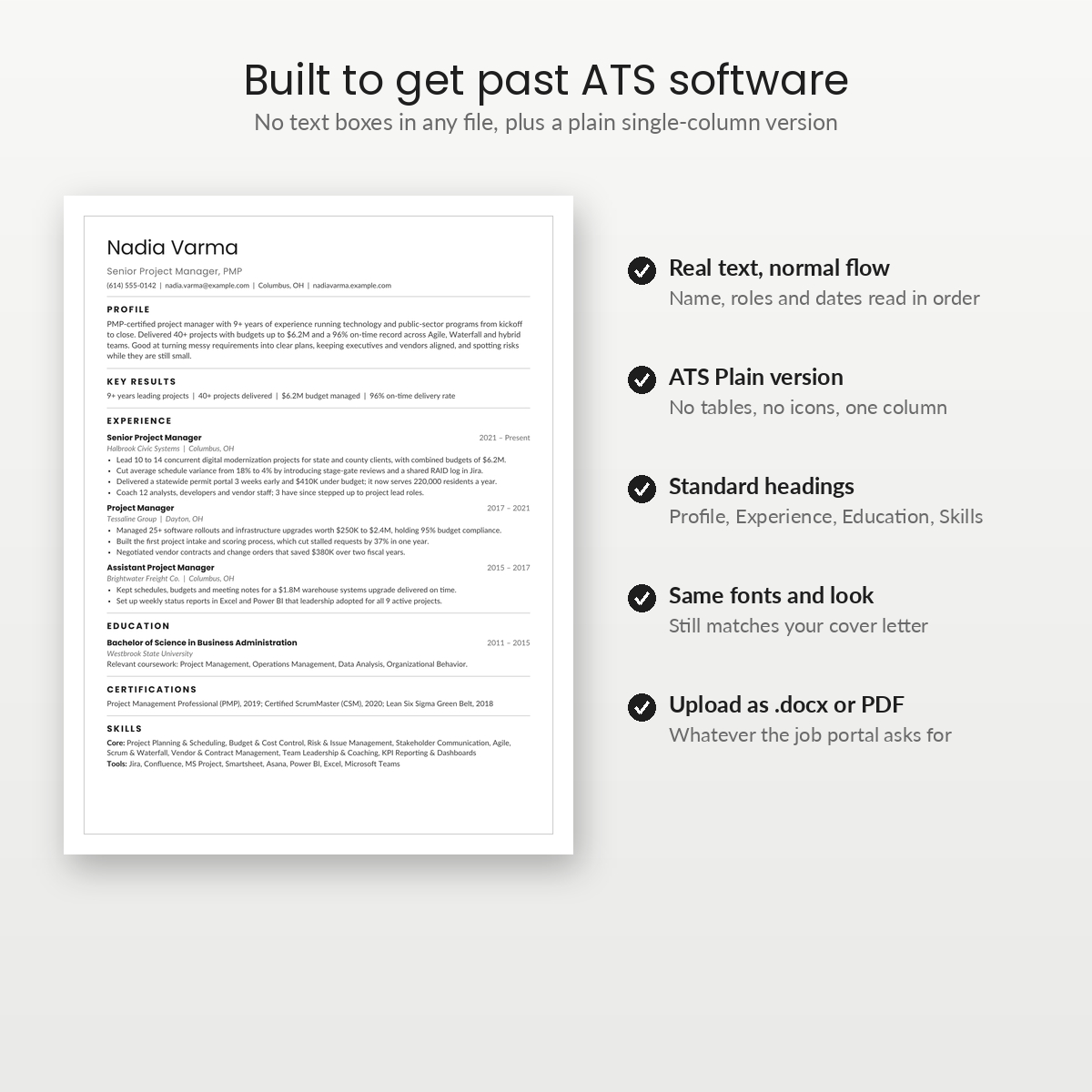
If you apply through online portals, the ATS version gives you a plain single-column file that parses cleanly. If you apply where a photo is expected, the photo version is ready with a round frame.
Why this resume template works for project managers
Hiring managers skim a PM resume for three things: scale, delivery and methods. The layout makes each one easy to find. The key numbers strip shows scale in four boxes. Each job has a bold title, a right-aligned date and short results-based bullets. Certifications and education sit side by side, so the PMP badge is never buried at the bottom.
The sample text is written for a real project manager career, not lorem ipsum. Bullets read like “Cut average schedule variance from 18% to 4% by introducing stage-gate reviews,” so you can see the level of detail that gets interviews and swap in your own numbers.
What’s included
- Resume, 1 page (no photo): header, key numbers strip, profile, experience, education, certifications and skills
- Resume, 1 page with photo: the same layout with a round photo in the header
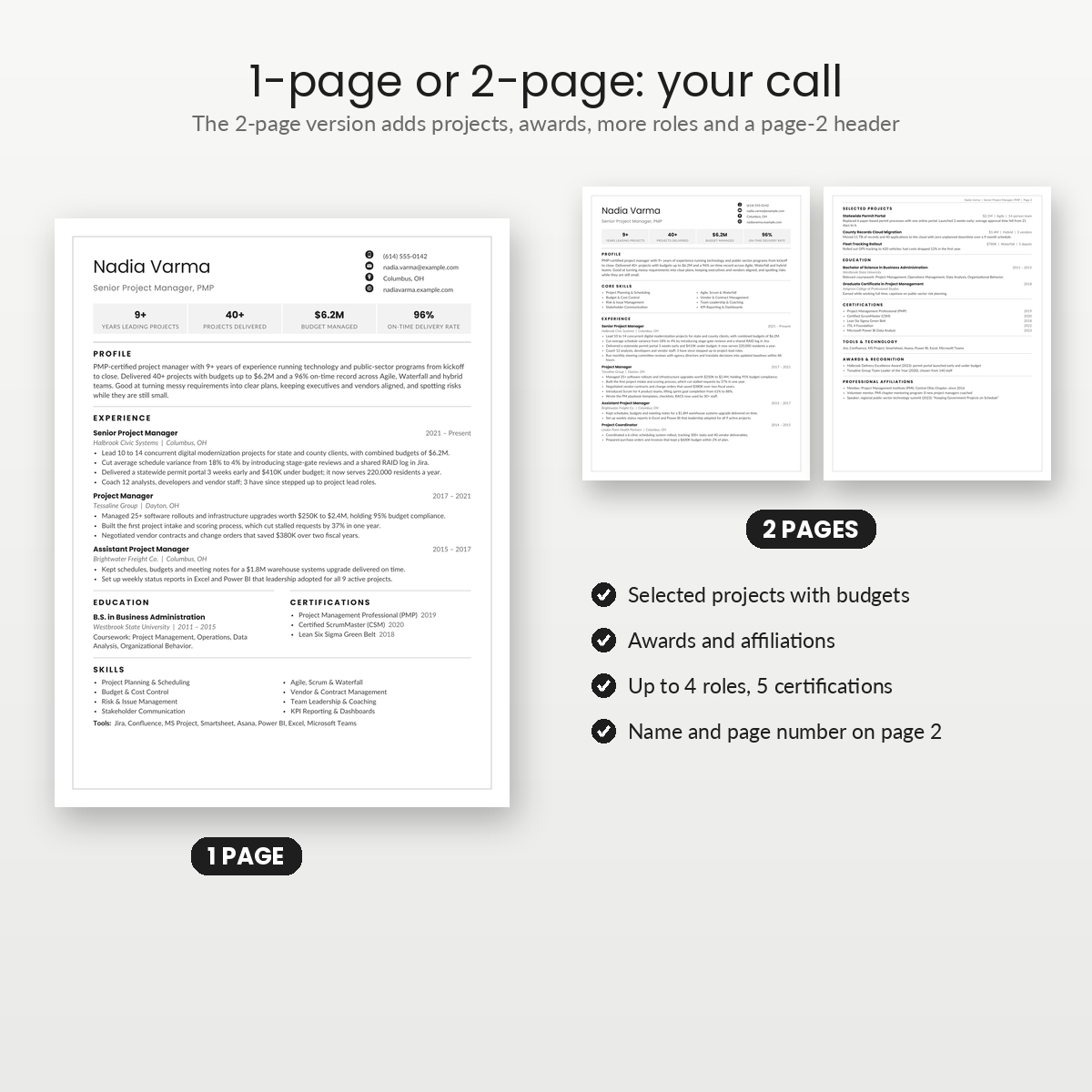
- Resume, 2 pages: room for 4 roles, selected projects with budgets, 5 certifications, awards and affiliations, plus your name and page number on page 2
- Cover letter with a matching header and a four-paragraph sample letter for a senior PM role
- References page listing 4 references with phone, email and relationship
- ATS plain resume: single column with no tables or icons, for strict upload portals
- All 6 files in US Letter and A4 (12 .docx files in total)
- Poppins and Lato font files with their open font licenses
- A separate DOCX user guide with a project manager resume cheat sheet
Features that make editing easy
Fonts embedded in every file
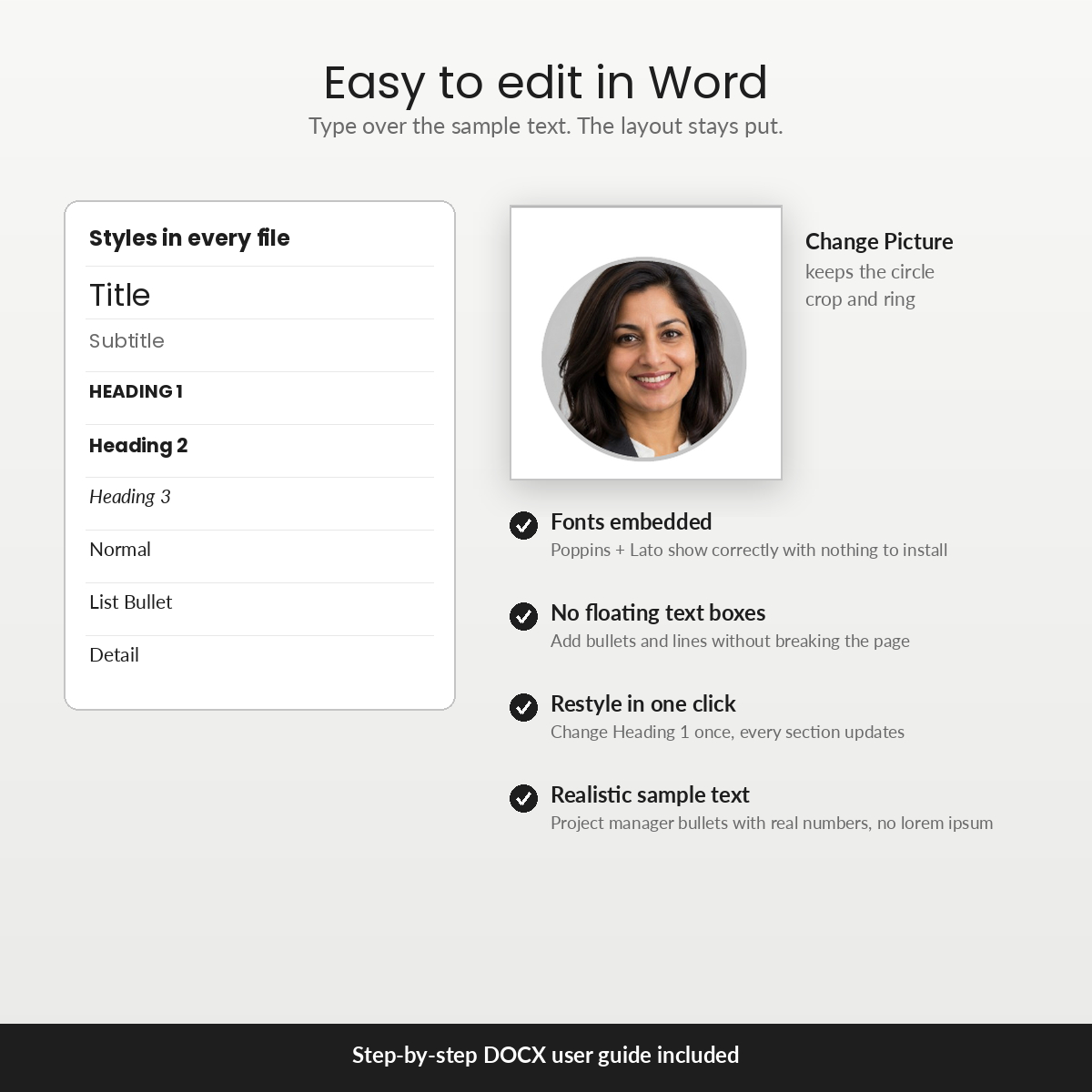
A common complaint with Word resume templates is that fonts are missing and Word swaps them, which shifts the whole layout. Poppins and Lato are embedded in each .docx, so the design shows as intended in Microsoft Word on Windows and Mac without installing anything.
No floating text boxes
All text sits in the normal flow of the document. You can add a bullet, a job or a whole section and nothing jumps around. It also means applicant tracking systems can read your name, titles and dates in the right order.
Real Word styles
Title, Subtitle, Heading 1, Heading 2, List Bullet and Detail styles are applied throughout. Change Heading 1 once in the Styles pane and every section heading updates, rule line included.
Room to grow
We tested the 1-page resume with three extra bullets and a job title long enough to wrap onto two lines. It still fit on one page in both US Letter and A4.
Round photo that stays round
In the photo version, right-click the picture and choose Change Picture. Your new photo keeps the circle crop and thin grey ring.
How it works
- Download and unzip the kit right after checkout.
- Open the US-Letter or A4 folder and pick your resume version.
- Type over the sample text. Use the cheat sheet in the guide for bullet ideas and keywords.
- Edit the matching cover letter and references page.
- Save as PDF from Word and apply.
The project manager resume cheat sheet
The user guide includes a cheat sheet written for project managers: a simple bullet formula (action + task + result with a number), before-and-after bullet examples, 30 action verbs, 28 keywords recruiters search for in PM roles (Agile, Scrum, RAID log, stakeholder management, MS Project and more), and a section-by-section guide to what belongs where.
File formats and software
- Format: Microsoft Word (.docx)
- Works with Microsoft Word 2016 or newer, Word for Microsoft 365 and Word for Mac
- Opens in Google Docs and Apple Pages with minor layout differences (export your final PDF from Word if you can)
- Sizes: US Letter (8.5 x 11 in) and A4 (210 x 297 mm)
- Print-safe margins, so home printers won’t cut anything off
Customization
Change any text, reorder or delete sections, and adjust fonts and colors through Word’s Styles pane. The thin page frame lives in Design > Page Borders, so you can recolor it or switch it off. The design is black and grey by default because it prints sharply on any printer, but adding a single accent color to the headings takes about a minute.
Use cases
- A senior PM applying for a government modernization program that wants clear budgets and delivery dates
- A project coordinator applying for a first project manager title who needs a tidy 1-page layout
- A program manager with 15 years of experience who needs the 2-page version for a full project list
- Anyone uploading a resume to a job portal that asks for a Word file
Digital download
This is an instant digital download. No physical item will be shipped. You get the kit as one zip file plus the user guide, with unlimited downloads from your account. Licensed for personal use: edit it for your own job search, but please don’t resell or share the files.
FAQ
Is this project manager resume template ATS friendly?
Yes. There are no text boxes, the headings are standard, and the kit includes an ATS plain version with no tables or icons.
Do I need Microsoft Word?
Word gives the best result. The files also open in Google Docs and Apple Pages with minor layout differences.
Can I use it without a photo?
Yes. The main design has no photo. The photo version is an optional extra.
Can I change the colors and fonts?
Yes. Everything uses Word styles, so one change in the Styles pane updates the whole document.
Will it work for program managers or scrum masters?
Yes. Swap the sample text and skills for your role. The layout suits any project-focused job.
Is the sample person real?
No. The name, companies and schools are fictional, and the sample photo is AI-generated. Replace them with your own details.
Does it come in A4?
Yes. Every file is included in both US Letter and A4.
Reviews
There are no reviews yet.