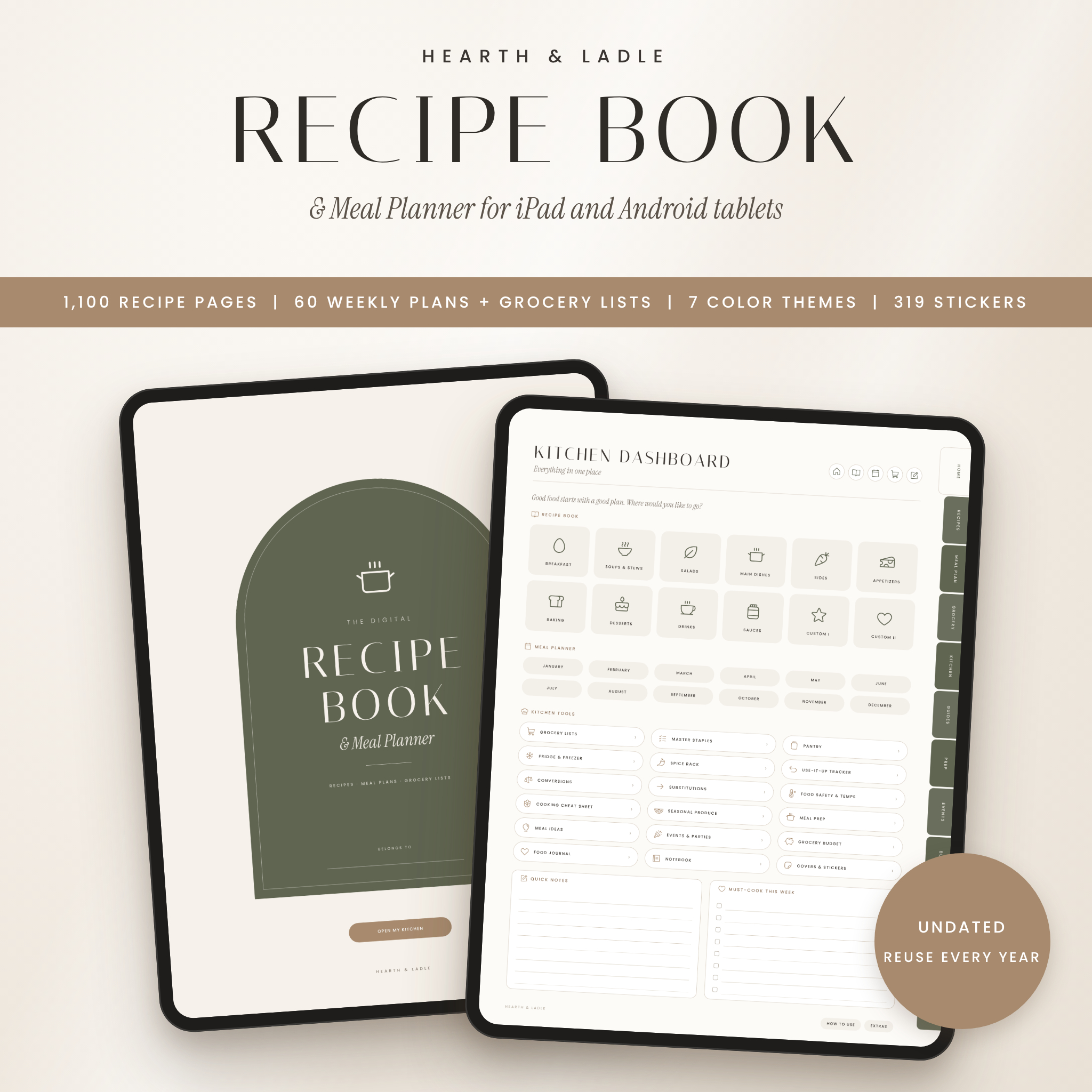
Hearth & Ladle is a digital recipe book and meal planner that brings your recipes, weekly meal plans, grocery lists and kitchen charts into one calm, beautifully organized PDF. With 1,100 hyperlinked recipe pages, 60 weekly meal plans that each link to their own grocery list, and 1,397 pages in total, it gives you a complete kitchen system you can open on your tablet and use every single day.
A Digital Recipe Book & Meal Planner Built for Real Kitchens
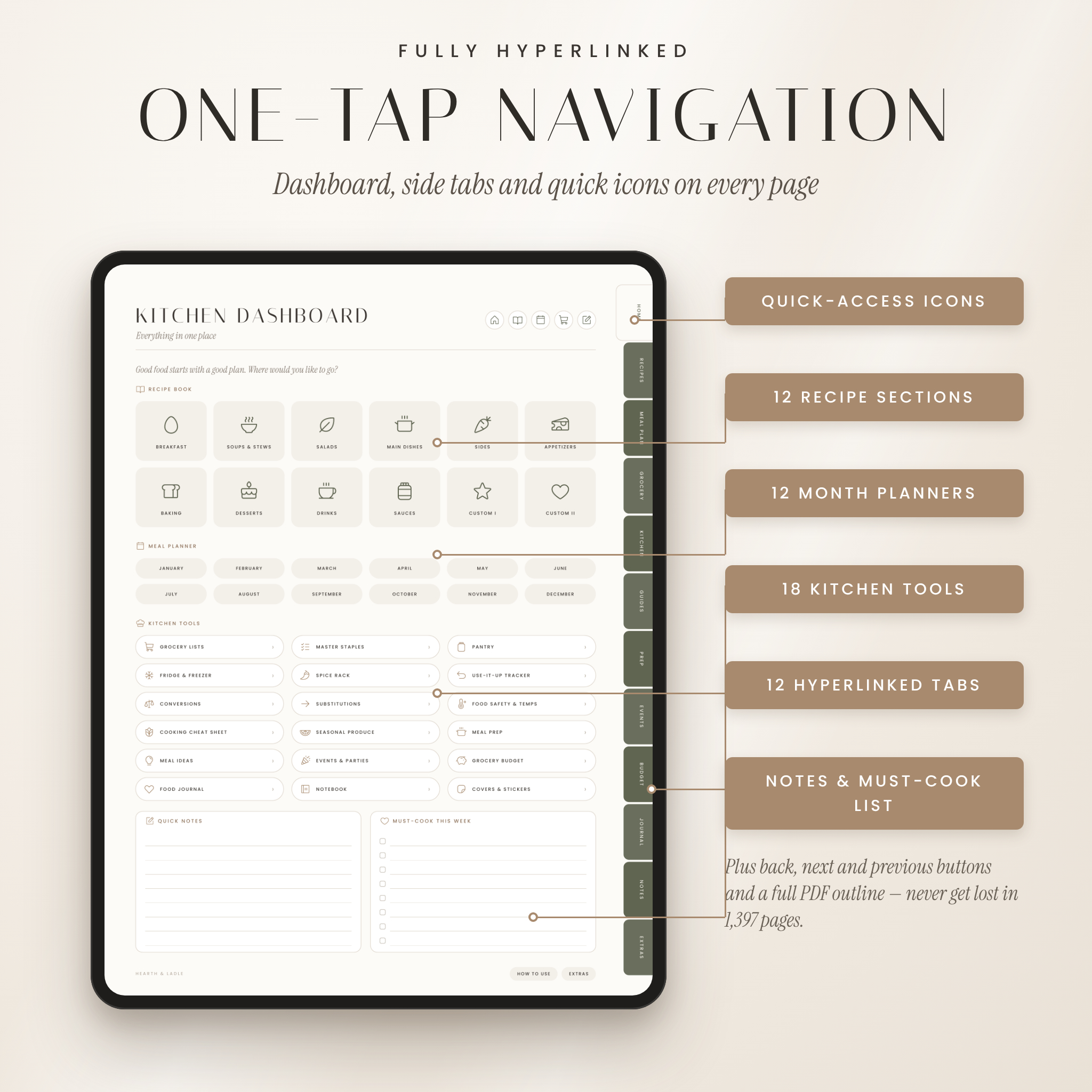
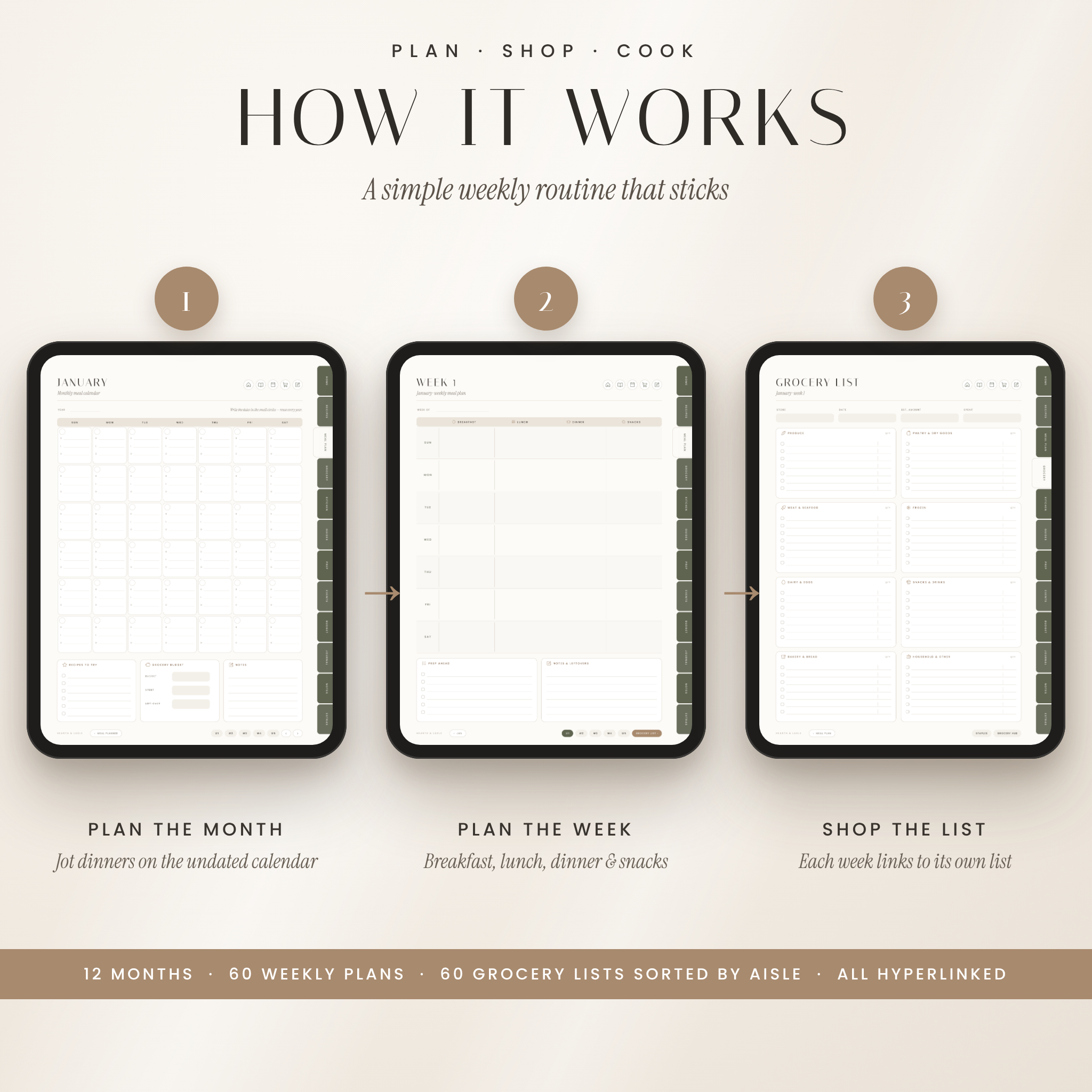
Most recipe planners give you blank pages and leave the rest to you. Hearth & Ladle connects everything. Write a recipe name on an index, tap it, and you are on that recipe’s page. Plan a week, tap “Grocery list,” and the matching list is ready. Side tabs, quick-access icons and back, next and previous buttons on every page mean you never scroll through hundreds of pages to find what you need.
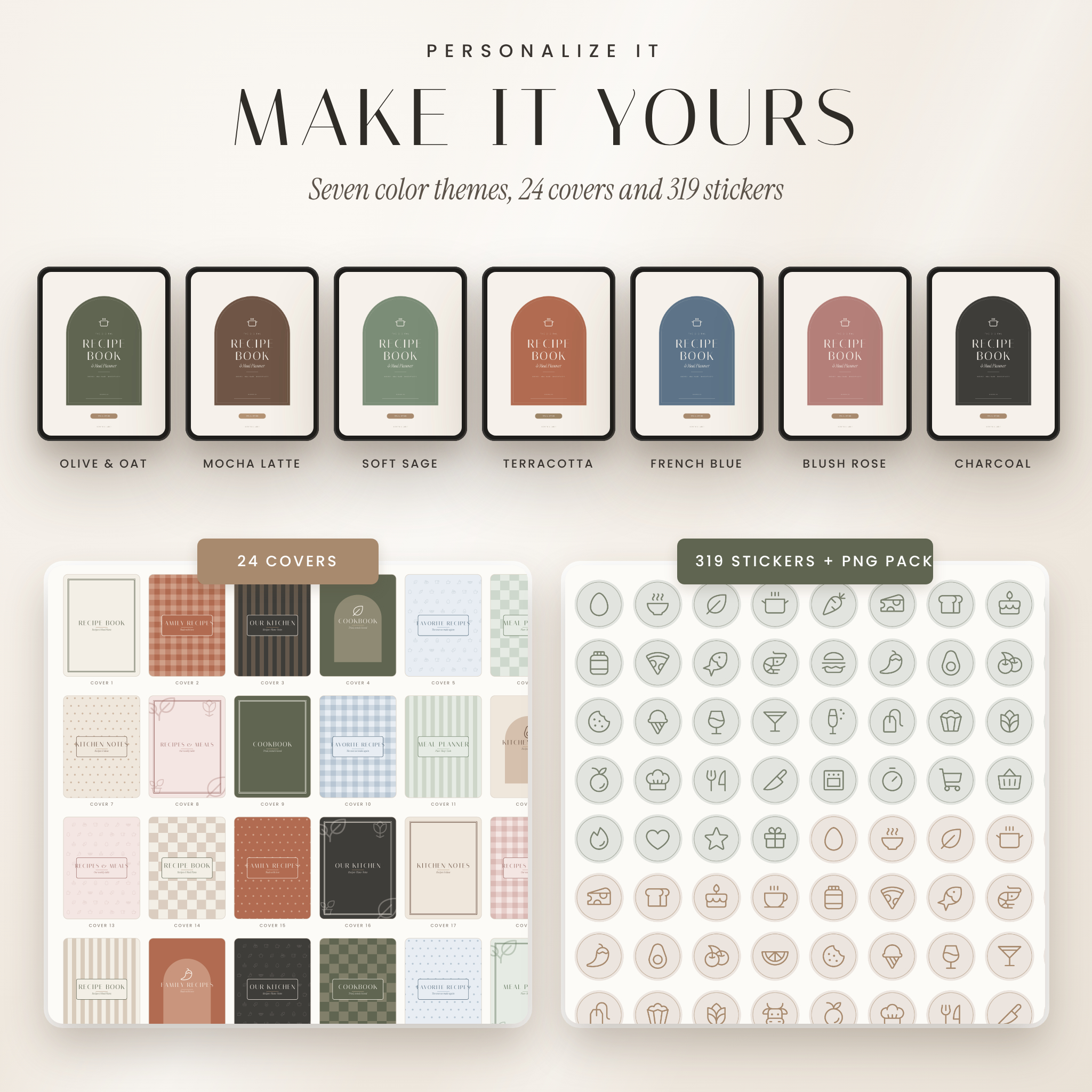
The design keeps the warm, minimal look home cooks love — soft oat backgrounds, elegant serif titles and clean line icons — and it comes in seven color themes so you can choose the one that feels like your kitchen.
Who It’s For
- Home cooks who want family recipes in one place instead of scattered screenshots, cards and bookmarks
- Busy parents and professionals who want a simple weekly routine: plan, shop, cook
- Meal-prep fans, bakers, grill lovers and anyone who hosts holidays and dinner parties
- Digital planner fans using an iPad or Android tablet with a stylus
Features
The Recipe Book
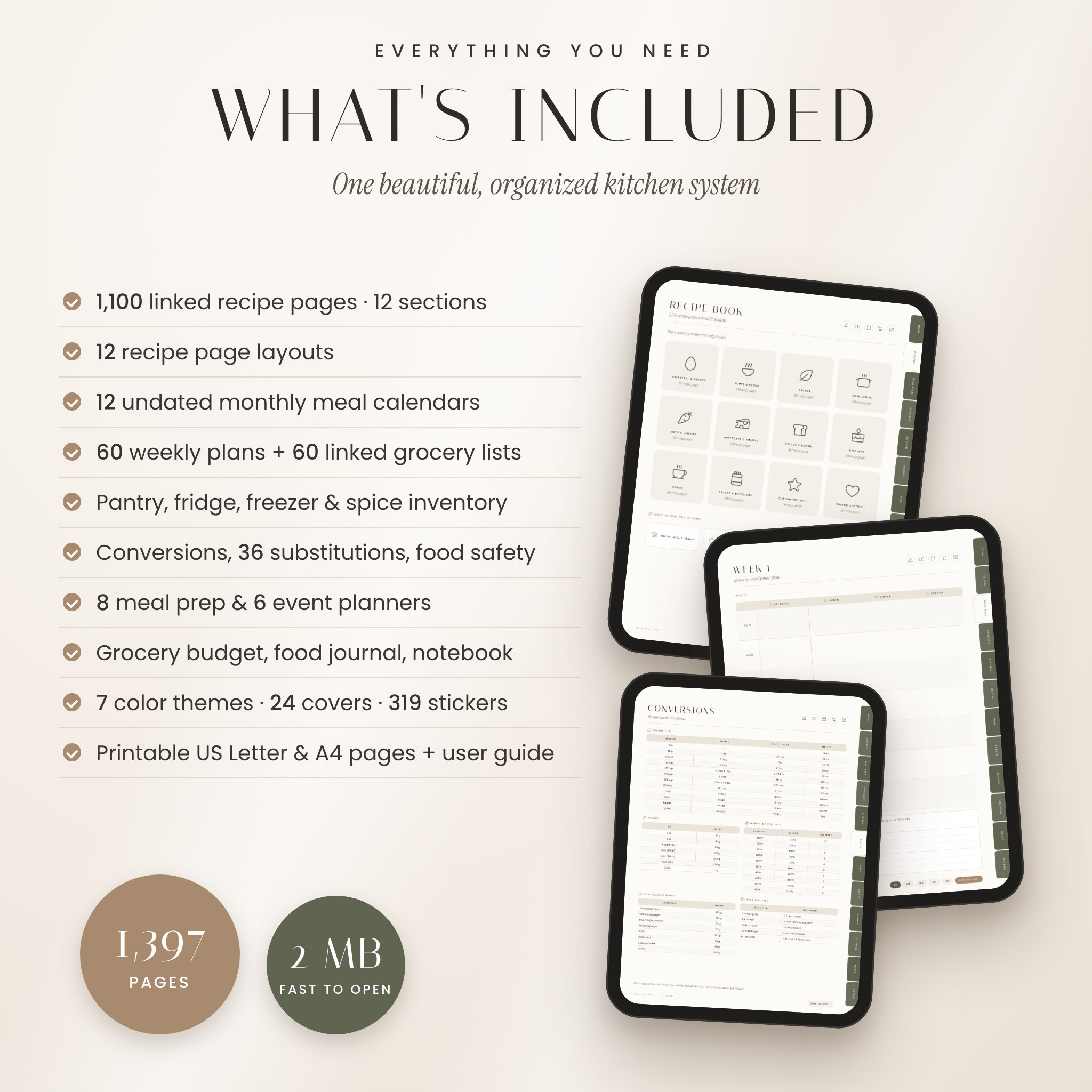
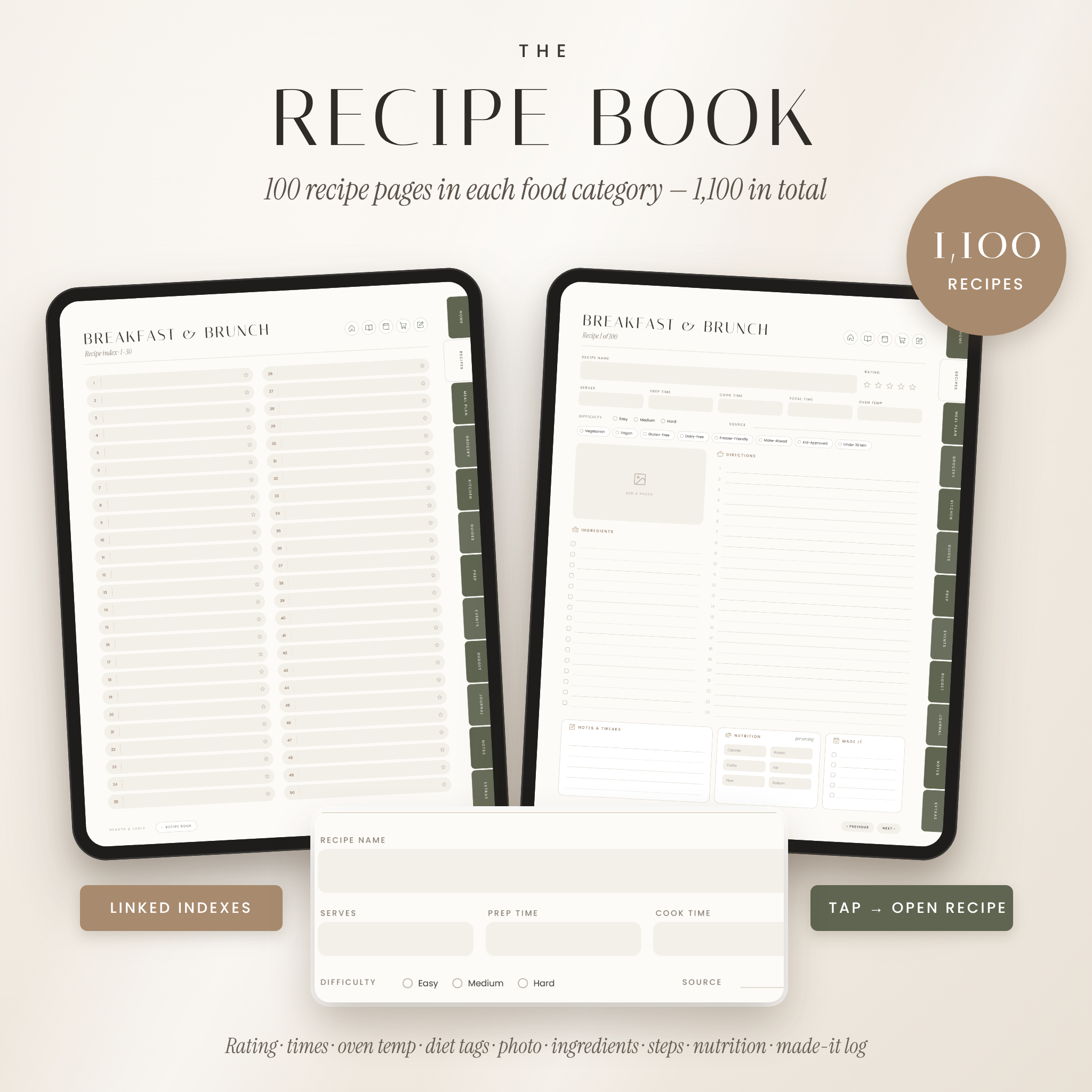
- 1,100 linked recipe pages in 12 sections: Breakfast & Brunch, Soups & Stews, Salads, Main Dishes, Sides & Veggies, Appetizers & Snacks, Breads & Baking, Desserts, Drinks, Sauces & Dressings, plus two custom sections you name yourself
- Numbered index pages for every section, with a favorite star on each slot
- Each recipe page includes a 5-star rating, servings, prep, cook and total time, oven temperature, difficulty, source, eight diet and convenience tags, a photo area, ingredient checklist, numbered directions, notes, nutrition per serving and a “made it” log
- A Recipe Layout Library with 12 styles: Classic, Photo Feature, Quick Cards, Baking (cups and grams), Slow & Pressure Cooker, Meal Prep, Heirloom Family Recipe, Drinks & Cocktails, Grill & BBQ, Canning & Preserving, Test Kitchen and Simple Lined
- Recipes to Try and Family Favorites pages
Meal Planning & Grocery Lists
- 12 undated monthly meal calendars with breakfast, lunch and dinner lines for every day
- 60 weekly meal plans with breakfast, lunch, dinner and snack columns, a prep-ahead checklist and notes
- 60 grocery lists sorted by aisle, each one linked to its weekly plan, plus a Grocery Hub and a Master Staples checklist
- Meal Ideas, Theme Nights, Favorites Rotation and Takeout Favorites pages
Kitchen Tools & Guides
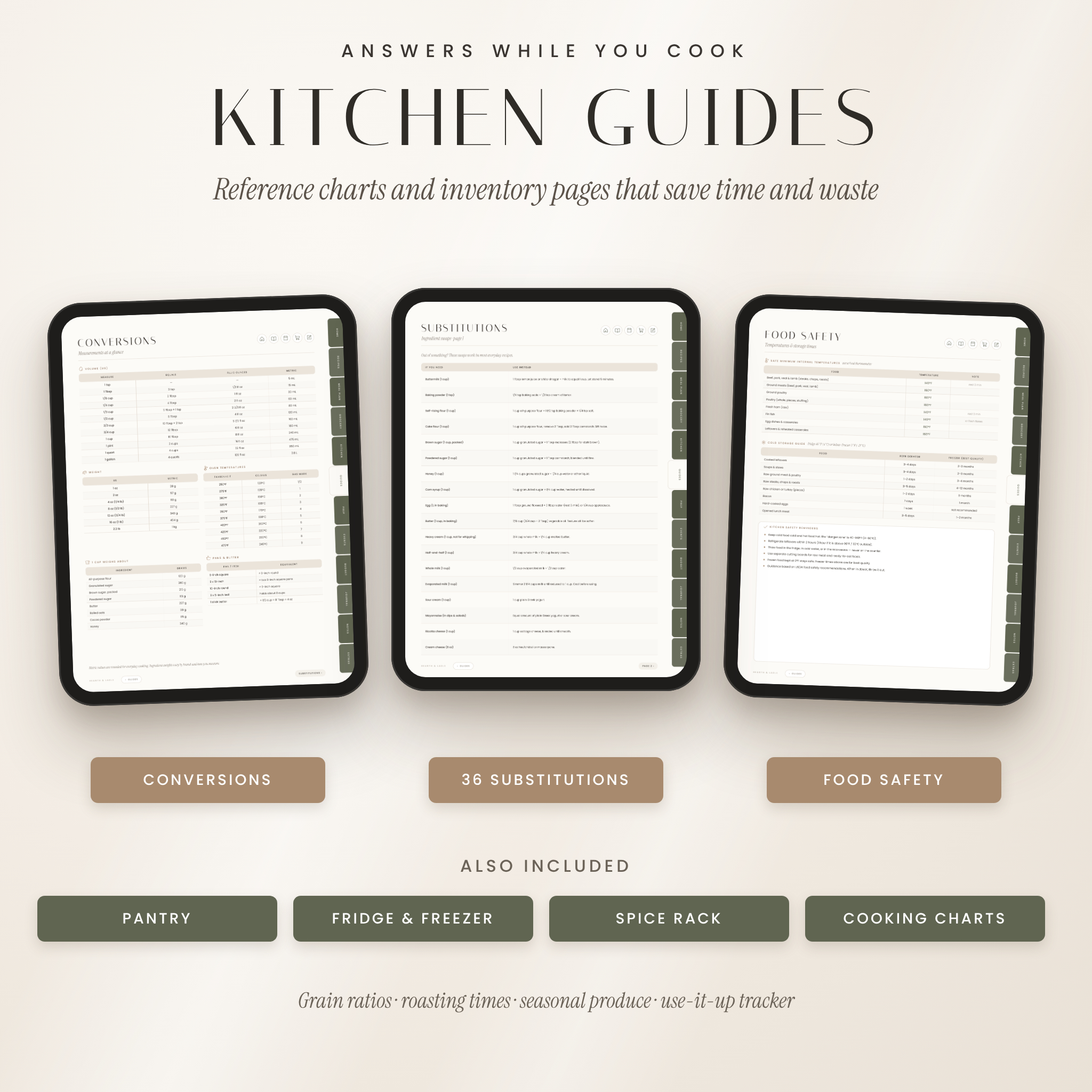
- Pantry, fridge, freezer and spice rack inventories, plus a use-it-up tracker to cut food waste
- Measurement conversions, oven temperatures, cup weights and pan swaps
- 36 ingredient substitutions
- Safe internal temperatures and cold-storage times based on USDA guidance
- Grain ratios, vegetable roasting times and a seasonal produce guide
Plan the Rest of Your Kitchen Life
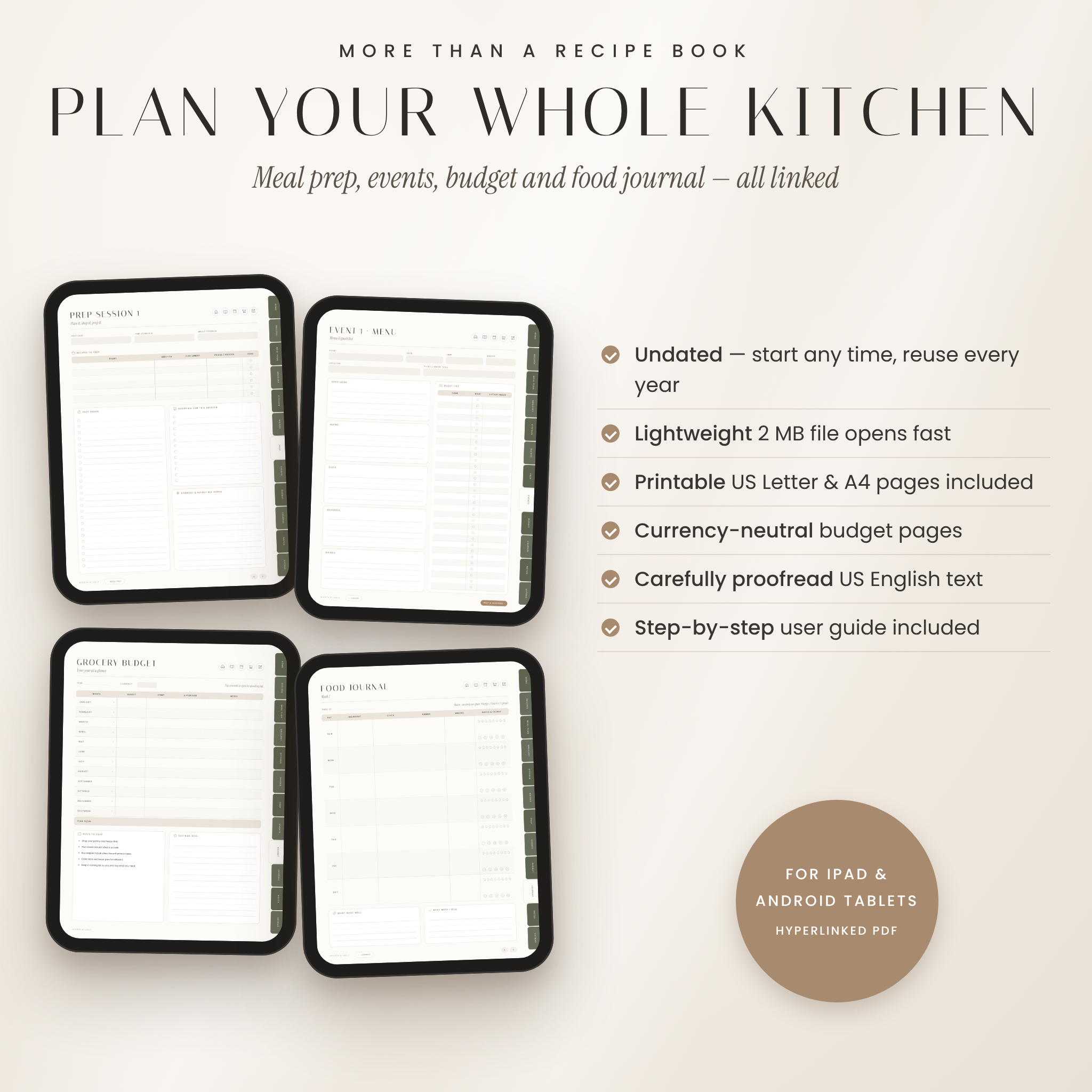
- 8 meal prep session planners and 6 event planners (menu, guest list with dietary needs, shopping, countdown and budget)
- Grocery budget year overview and 12 monthly spending logs with currency-neutral amount fields
- 12 weekly food journal pages with water and energy tracking — no calorie counting
- 12 linked note pages and 9 notebook layouts, including Cornell notes and a recipe test log
What’s Included
- 7 hyperlinked PDF planners (1,397 pages each): Olive & Oat, Mocha Latte, Soft Sage, Terracotta, French Blue, Blush Rose and Charcoal
- Printable Kitchen Pages in US Letter and A4 (26 pages each)
- PNG Sticker Pack with 319 transparent stickers, plus 6 sticker sheets inside the planner
- 24 alternative covers inside the planner
- Step-by-step user guide (DOCX)
How It Works
- Download your files and choose your favorite color theme.
- Import the PDF into a note-taking app that supports PDF hyperlinks.
- Tap “Open my kitchen” on the cover to reach the dashboard, then start adding recipes and planning your week.
File Formats & Requirements
The planner is a standard hyperlinked PDF sized for tablets (3:4 portrait). It is designed for iPad and Android tablets in PDF note-taking apps that support internal links — for example GoodNotes, Notability, Noteshelf or Xodo. A stylus is recommended but not required; you can also type with your app’s text tool. The printable pages are PDF files for US Letter and A4 paper. The sticker pack is a ZIP of PNG images. The user guide is a Word (DOCX) document. Each planner file is about 2 MB, so it opens quickly and leaves room on your device.
Customization
Pick any of the seven color themes, move one of 24 covers to the front, and decorate with stickers using your app’s lasso tool. Rename the two custom recipe sections, duplicate any recipe or notebook layout to add more pages, and write in your own dates — the planner is undated, so you can start any month and reuse it year after year.
Digital Download
This is an instant digital download. No physical product will be shipped. Your files are available from your order page right after purchase. For personal use only — please do not share, resell or redistribute the files.
Real-Life Ways to Use It
- Sunday planning: fill the weekly plan, tap through to the grocery list and shop once for the whole week.
- Saving family recipes: use the Heirloom layout to record Grandma’s recipes with the story behind them.
- Holiday hosting: plan Thanksgiving or a birthday dinner with a menu, guest list, countdown checklist and budget.
- Meal prep: batch-cook lunches with a prep order, container count and storage notes.
- Less waste: check the pantry, freezer and use-it-up pages before you write the shopping list.
Frequently Asked Questions
Which apps can I use?
Any PDF note-taking app that supports hyperlinks, such as GoodNotes, Notability, Noteshelf or Xodo. It also opens in any PDF reader.
Does it work on Android tablets?
Yes. Use an Android app that supports PDF links and handwriting, such as Xodo or Noteshelf.
Is the meal planner dated?
No. All monthly and weekly pages are undated, so you can start any time and reuse the planner every year.
Can I add more recipe pages?
Yes. Duplicate any recipe page or layout in your app as many times as you like.
Can I use my own currency?
Yes. Money fields are labeled “Amount,” and the budget page has a box where you write your own currency.
Can I print the pages?
Yes. Printable US Letter and A4 versions of the key pages are included for personal use.
Will anything be shipped?
No. This is a digital download only.
Reviews
There are no reviews yet.