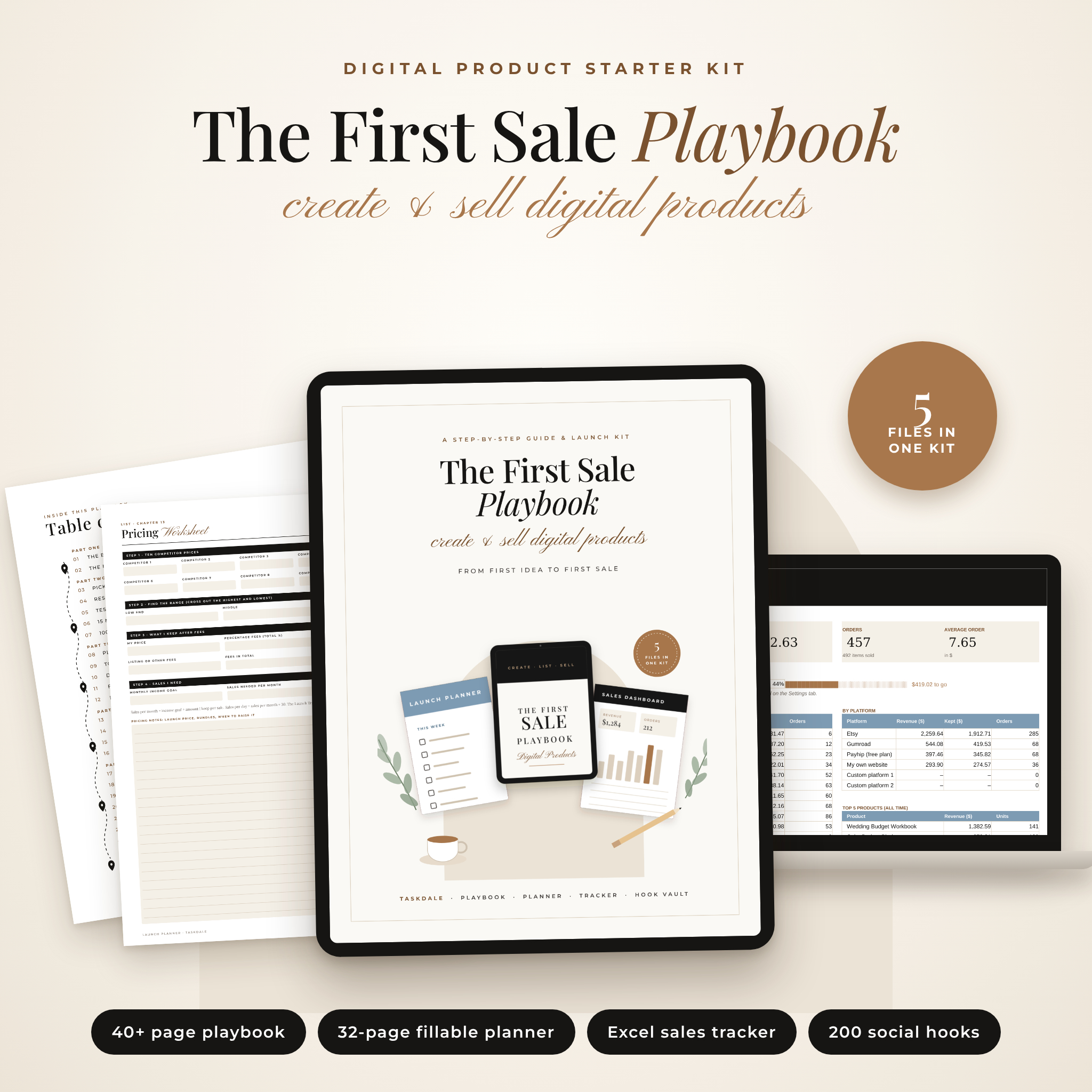
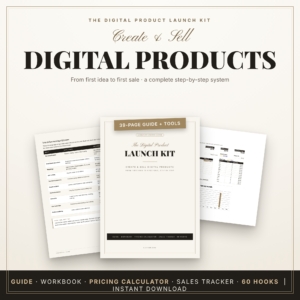
Want to make money with digital products but don’t know where to start? The First Sale Playbook is a beginner-friendly guide to how to create and sell digital products, packed with the tools to actually do it. You get a 40+ page playbook, a 32-page fillable launch planner, an Excel sales tracker with a live dashboard and a 200-hook social media guide. It walks you from “I’d like to sell something online” to a finished, listed product with a plan to get it seen.
A digital products guide that does more than explain
Most digital product ebooks tell you what to do and leave you to figure out the rest. This kit gives you a worksheet for every step and a spreadsheet that does the math. Read a chapter, fill in the matching planner page, then use the tracker to check your fees and count your sales. Every file opens without a Canva account.
Who it’s for
- Complete beginners who want plain steps, not hype.
- Side hustlers with an idea or two who need help testing, pricing and launching them.
- New sellers on Etsy, Gumroad, Payhip, Shopify or their own site who want better listings and real numbers.
- Teachers, moms, students and creators who want to turn what they know into printables, planners, templates or guides.
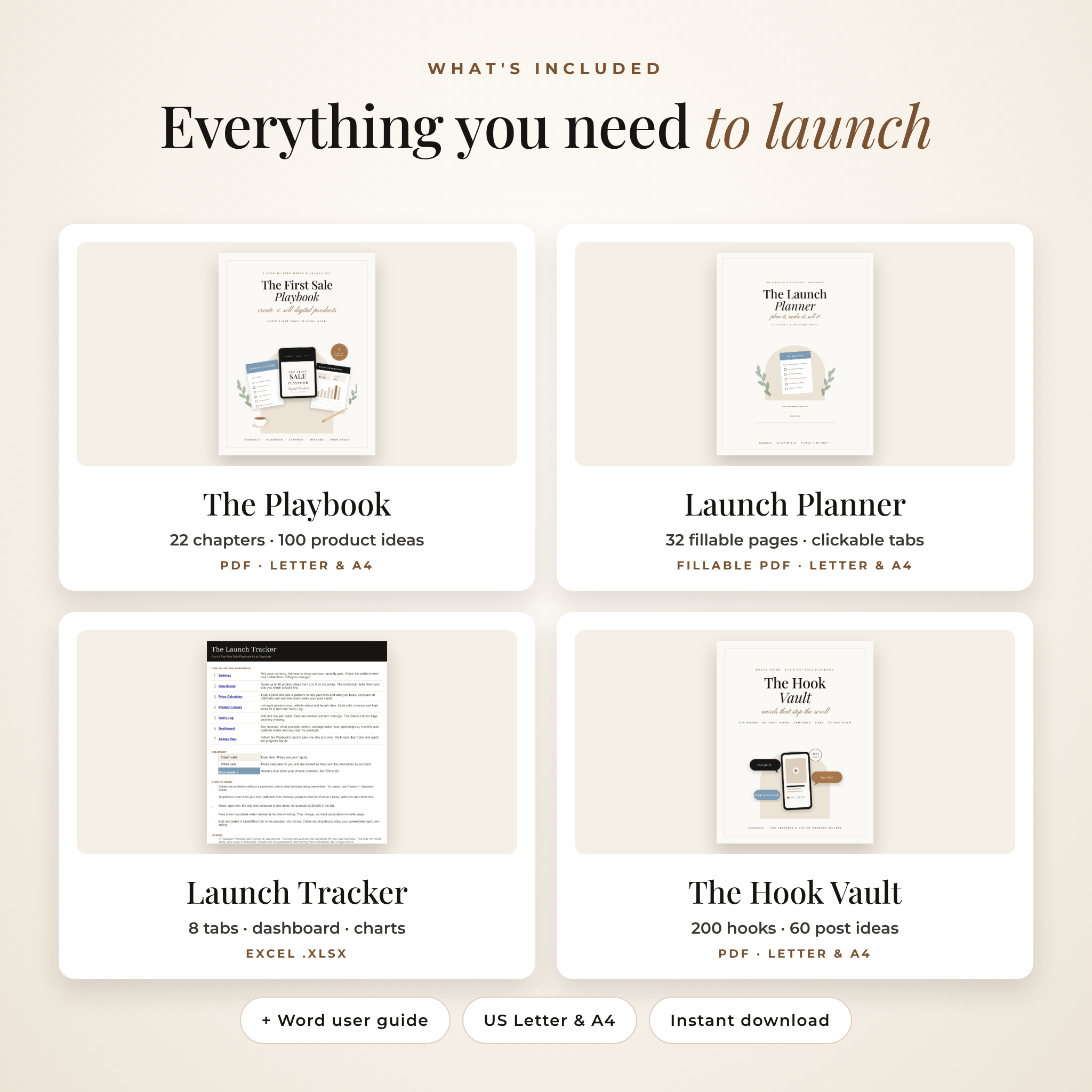
What’s included
1. The First Sale Playbook (PDF, US Letter & A4)
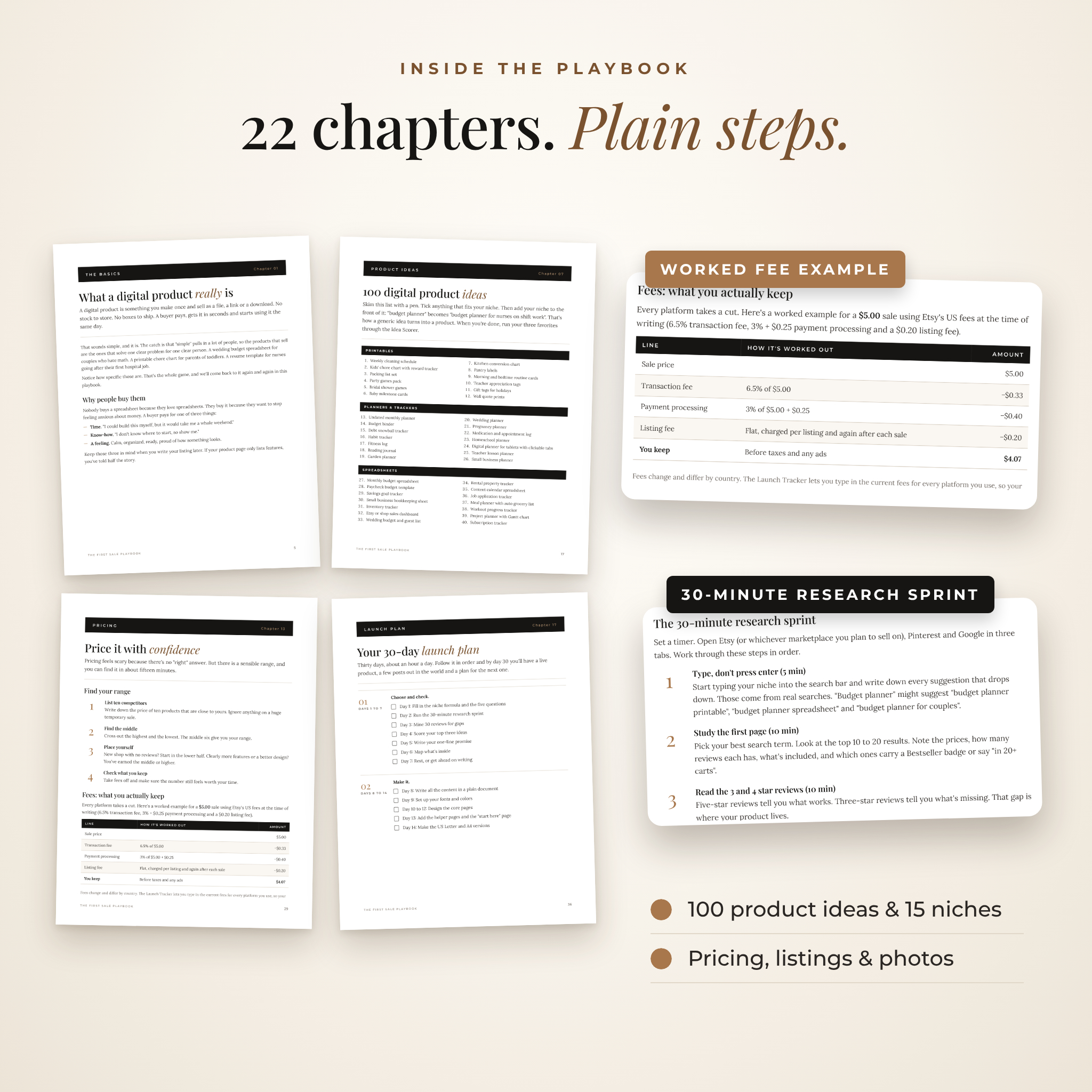
Twenty-two short chapters in five parts, with a clickable contents page and bookmarks:
- The main types of digital products, what they sell for and why people buy them
- How to pick a niche, with a fill-in-the-blanks niche formula
- A 30-minute research sprint and a review-mining method for finding gaps
- A six-point idea scorecard so you test before you build
- 15 niches worth a look and 100 digital product ideas
- Planning, tools, design basics, file formats and paper sizes
- Licenses, copyright and what PLR and MRR really mean
- Pricing with a worked fee example, platform comparison, listing title formula and an eight-photo plan
- A day-by-day 30-day launch plan, marketing basics, customer message templates and 12 mistakes to skip
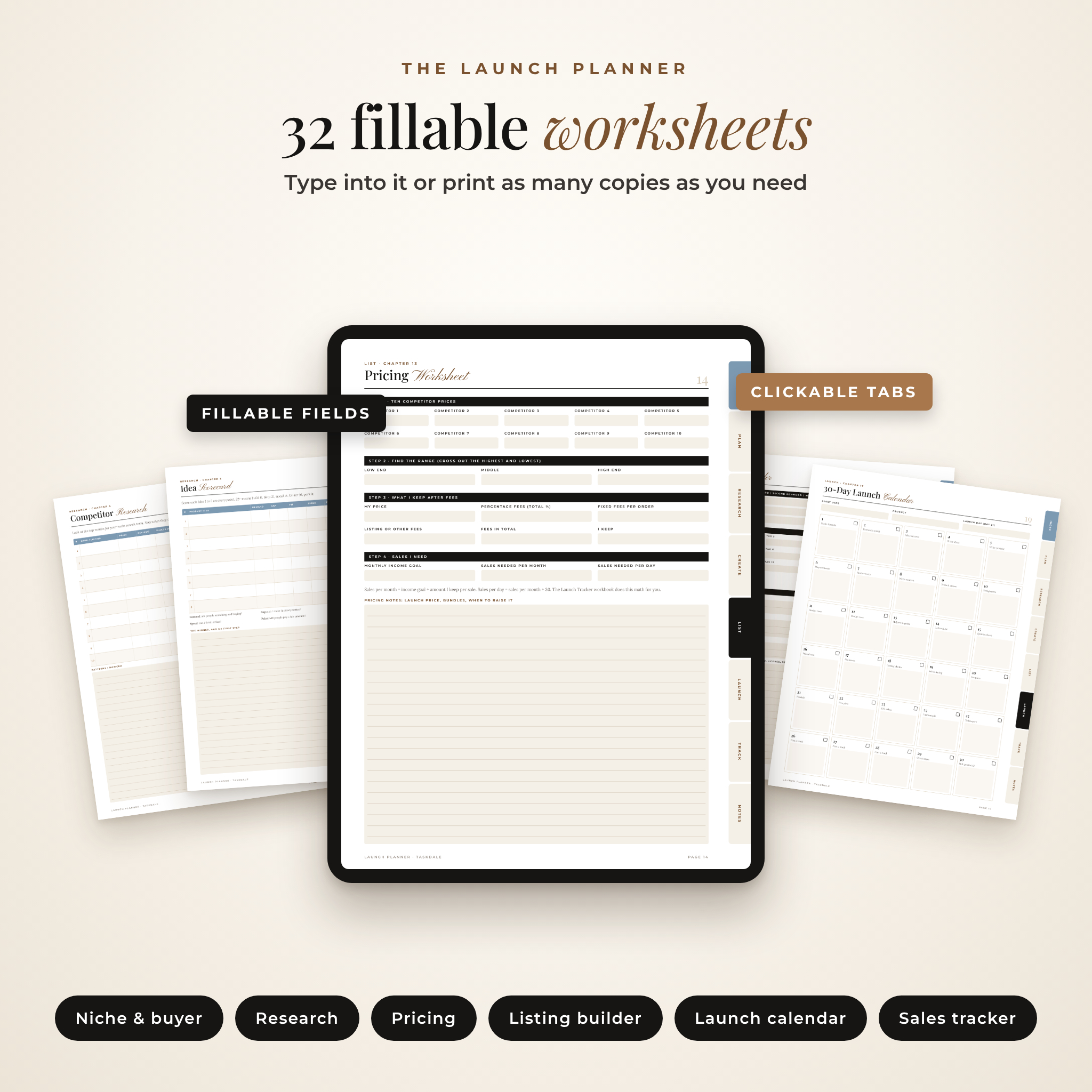
2. The Launch Planner (fillable PDF, US Letter & A4)
32 pages you can type into or print, with clickable tabs on every page. Includes 90-day goals, niche brainstorm, ideal buyer, competitor research, review mining, keyword research, idea scorecard, product outline, content map, brand style sheet, pricing worksheet, listing builder with 13 tag boxes, photo planner, launch and quality checklists, a 30-day launch calendar, weekly and monthly content planners, freebie and email planner, Pinterest pin planner, sales tracker, monthly review, feedback log, product roadmap, bundle planner, weekly planner and notes pages.
3. The Launch Tracker (Excel .xlsx)
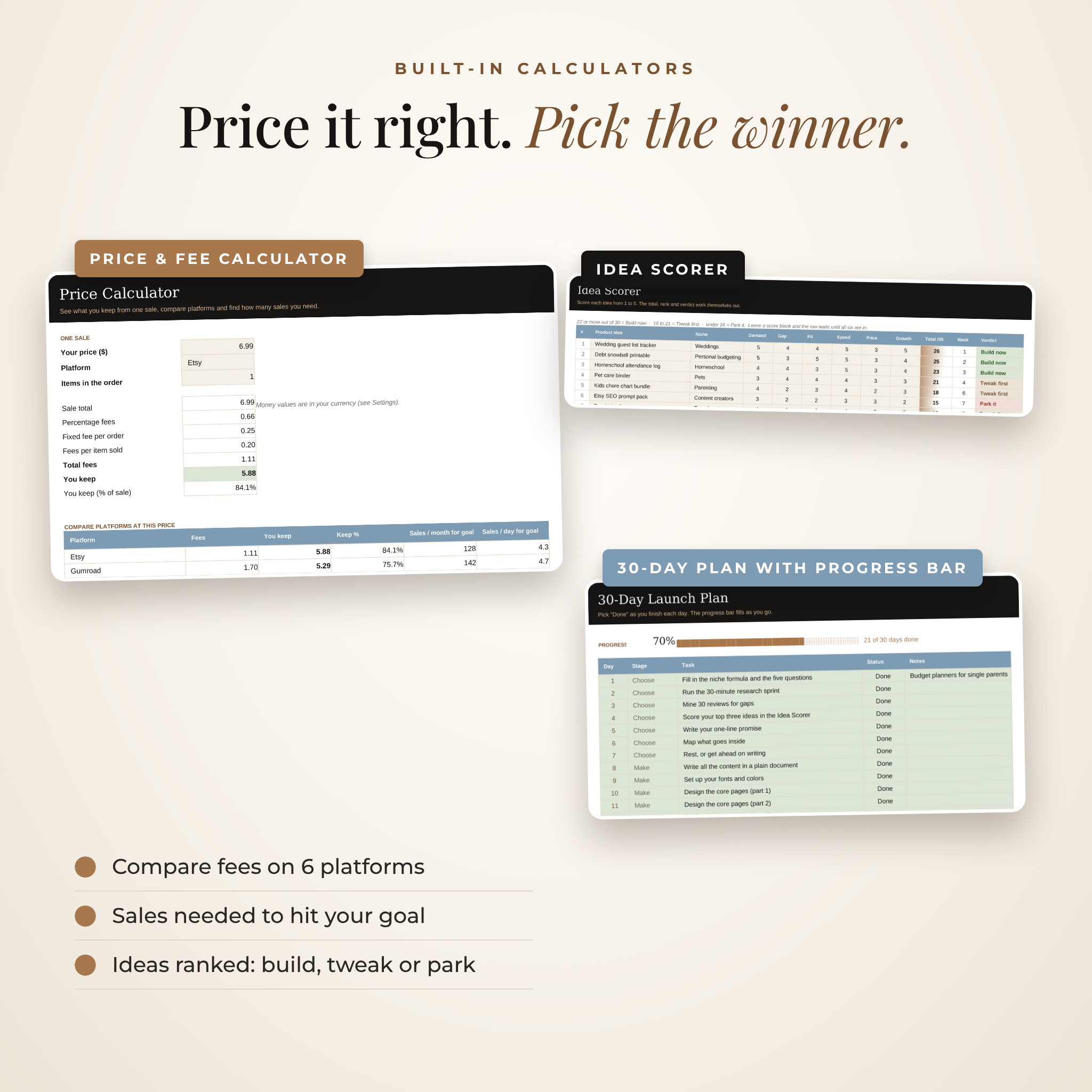
- Settings: one currency setting that every money value reads from, plus editable fees for six platforms
- Idea Scorer: score up to 40 ideas and get a rank and a verdict (Build now, Tweak first or Park it)
- Price Calculator: see every fee and what you keep, compare platforms and find how many sales your goal needs
- Product Library: 50 products with status, launch date, units, revenue and what you kept
- Sales Log: up to 1,000 orders with automatic fees and a check column that flags mistakes
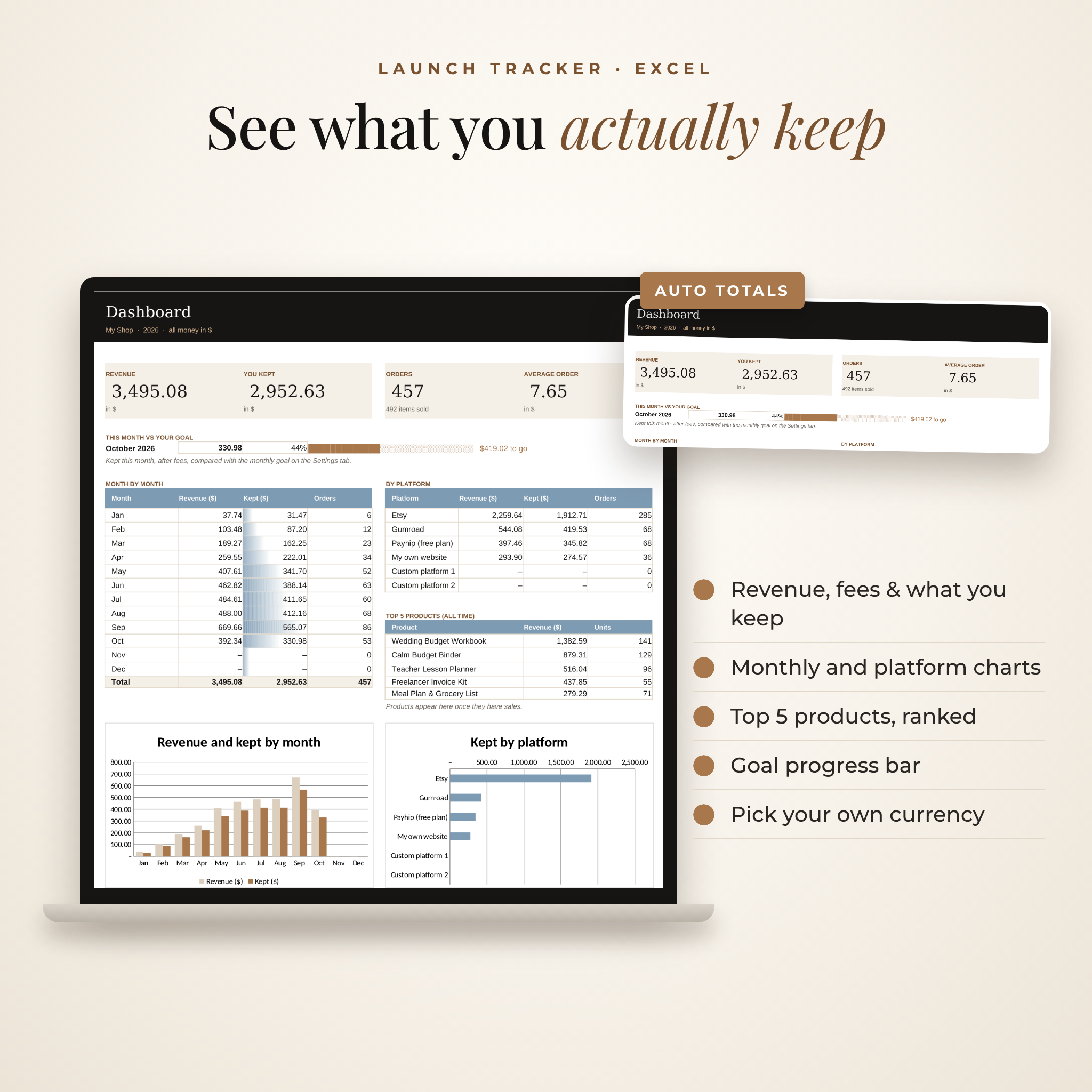
- Dashboard: revenue, kept, orders, average order, goal progress, monthly and platform charts and your top five products
- 30-Day Plan: the playbook’s launch plan with a progress bar
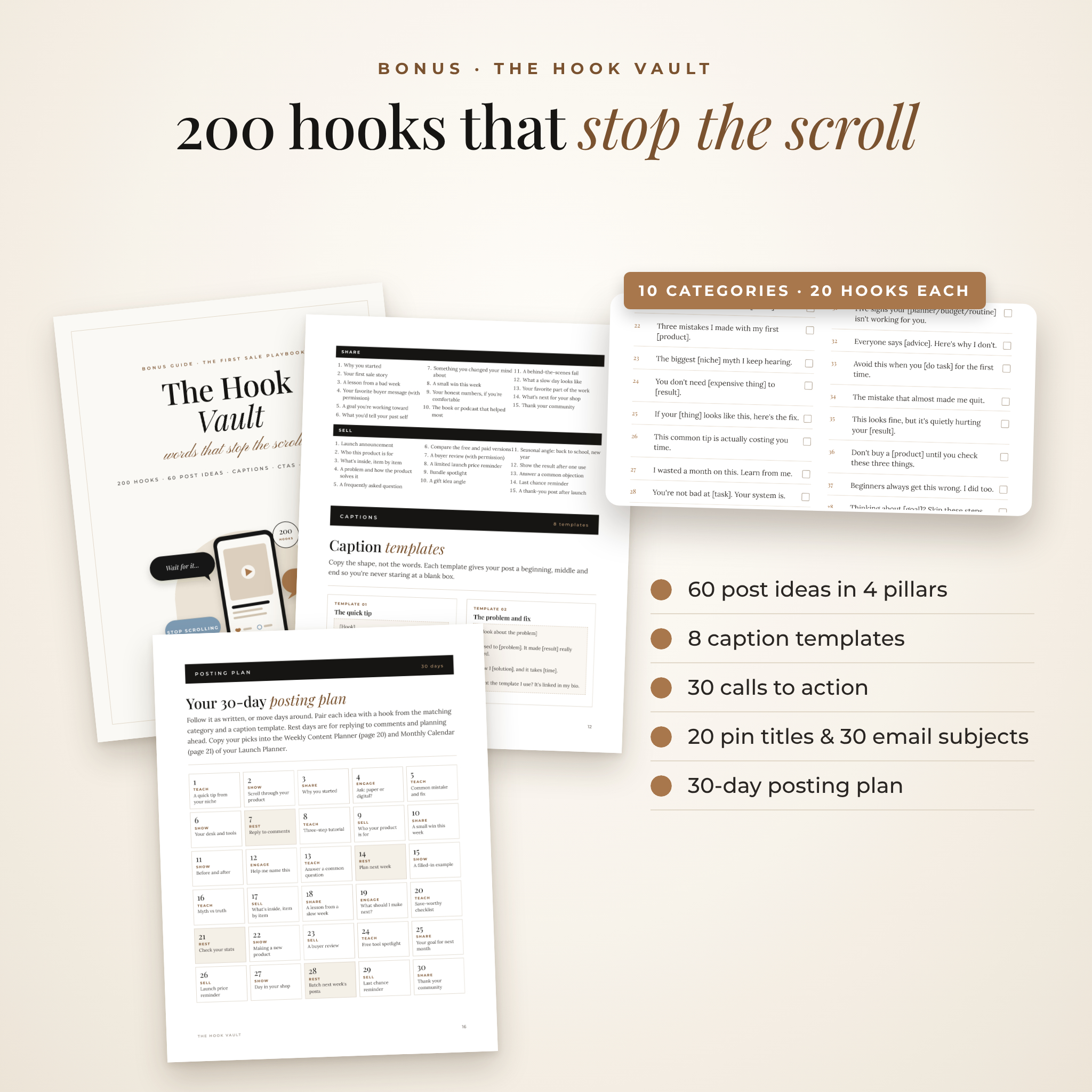
4. The Hook Vault (PDF, US Letter & A4)
200 social media hooks in 10 categories, 60 post ideas, 8 caption templates, 30 calls to action, 20 Pinterest pin title formulas, 30 email subject lines and a 30-day posting plan.
5. User Guide (Word .docx)
How to open, fill in, print and customize every file, with troubleshooting and FAQs.
How it works
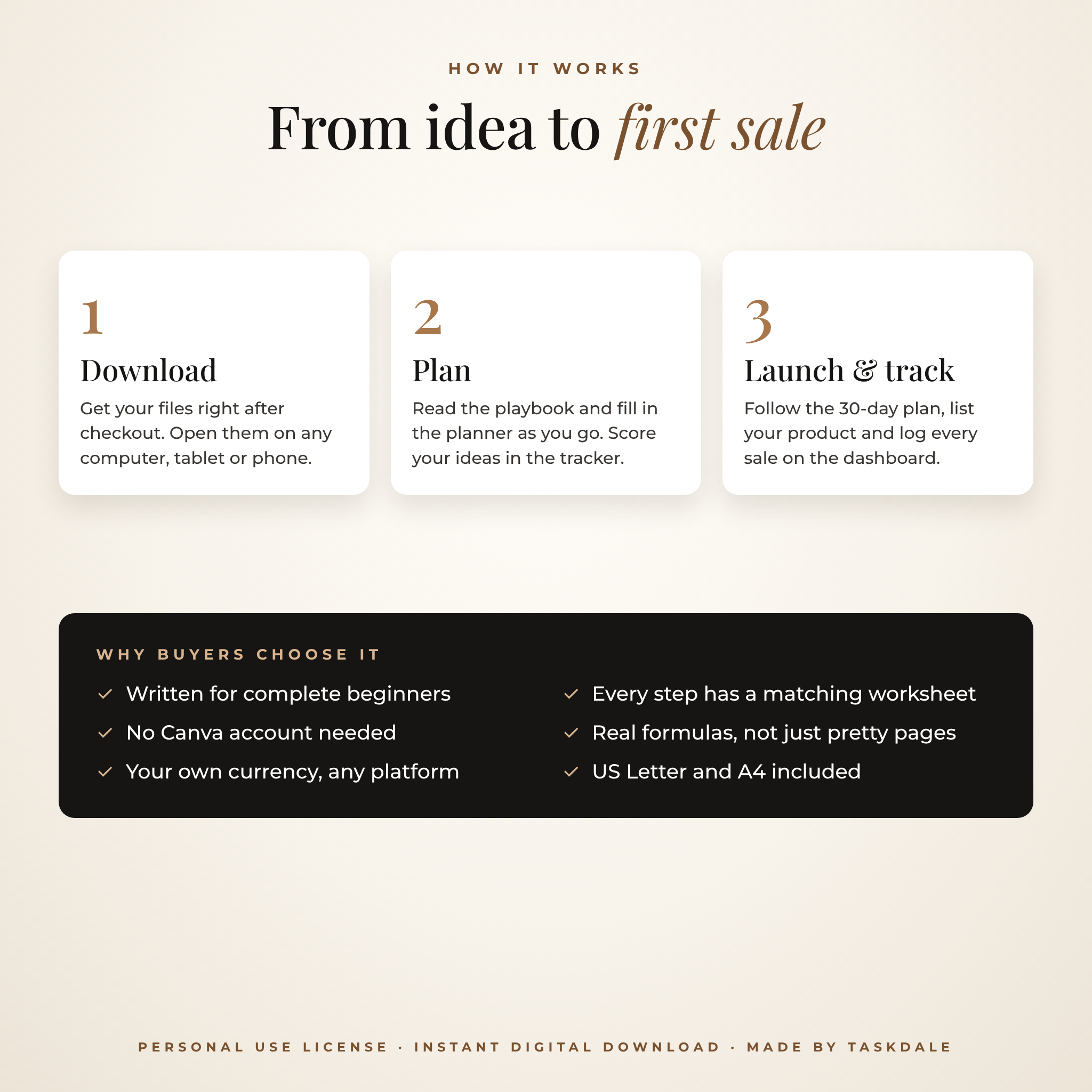
- Buy and download your files straight away.
- Open the playbook and start with Part One. Each chapter points to its planner page.
- Set your currency and goal on the tracker’s Settings tab.
- Follow the 30-day plan, list your product and log every sale.
Real ways people use it
- A teacher turning classroom charts into her first printable shop.
- A mom testing three planner ideas before spending a weekend making one.
- A freelancer comparing Etsy and Gumroad fees before picking a platform.
- A new seller rewriting titles and photos after a month of views but no sales.
- A creator filling a month of posts from the Hook Vault in one sitting.
File formats and software
- PDFs: open in any PDF reader. To type in the planner, use a reader that supports form fields, like the free Adobe Acrobat Reader.
- Spreadsheet: standard .xlsx workbook, built and tested in LibreOffice Calc. Uses everyday functions like SUMIFS, INDEX and MATCH.
- User guide: .docx Word document.
- Both paper sizes included: US Letter (8.5 × 11 in) and A4.
Customizing
Choose your currency, goal, year, platforms, fees and product statuses in the tracker. Print any planner page as many times as you like. Rewrite the hooks in your own voice. Formula cells are locked without a password, so they’re safe but never stuck.
Digital download
This is an instant digital download. Nothing will be shipped. Your files are available in your account straight after checkout. This is a personal-use license for one person: you can use everything for your own learning and business, but you can’t resell, share or rebrand the files. It does not include PLR or resell rights.
FAQ
Is this a good digital products guide for complete beginners?
Yes. It starts from zero and explains every step in plain words, with examples and worksheets.
Do I need Canva or any paid software?
No. You need a PDF reader and a spreadsheet app that opens .xlsx files. The playbook also lists free tools for making products.
Does it only cover Etsy?
No. The steps work for Etsy, Gumroad, Payhip, Shopify, WooCommerce and your own website. The tracker compares fees for six platforms you can rename.
Can I type into the planner on a tablet?
The planner uses standard PDF form fields, so you can type in any PDF app that supports forms, such as Adobe Acrobat Reader. Handwriting apps may flatten the fields; in those, write over the pages instead.
Can I use my own currency?
Yes. Pick or type your currency symbol once on the Settings tab and the whole workbook updates. Dollars are the default.
Does this come with resell rights (PLR or MRR)?
No. It’s for your own use. You can use the hooks, captions and ideas in your own posts and products.
Will this guarantee I make money?
No guide can promise that. This kit gives you a clear process and tools to follow it. Results depend on your niche, your product and your effort.
Reviews
There are no reviews yet.