Debt has a way of feeling endless. A credit card here, a car loan there, a store card you forgot you opened. You pay something every month, and the balances barely seem to move. What’s missing usually isn’t willpower. It’s a date.
The best debt payoff tracker gives you that date. Put in your balances, rates and minimums, and it shows when each debt ends, what order to pay them in, and how much sooner an extra payment gets you out. Watching that date move closer is what keeps people going.
We compared eight Taskdale budget planners with debt payoff tools built in: six spreadsheets for Excel and Google Sheets, an offline budget app and an HTML money dashboard. Every one compares the snowball and avalanche methods. Below are our top picks, a side-by-side table, a close look at each tracker, a buying guide and a simple way to build your payoff plan this week.
Our top picks at a glance
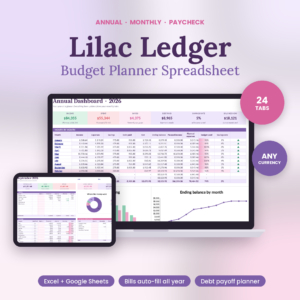
Lilac Ledger Budget Planner
Snowball, avalanche or your own order for 10 debts, with a month-by-month payoff schedule.
See Lilac Ledger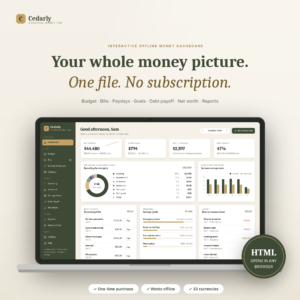
Cedarly Money Hub
Shows how many months faster an extra payment makes you, side by side for both methods.
See Cedarly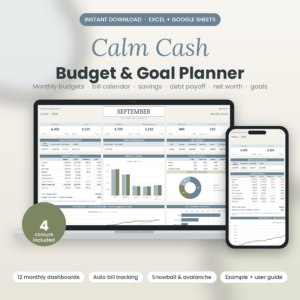
Calm Cash Budget & Goal Planner
Tracks interest left, extra-payment savings and credit card utilisation.
See Calm CashBest debt payoff tracker options compared
A quick look first. On a phone, each tracker becomes its own card.
| Tracker | Format | Debts | Payoff methods | Extra-payment view | Best for | |
|---|---|---|---|---|---|---|
| Spreadsheet | Up to 10 | Snowball, avalanche, custom | Vs minimums | Most people | View | |
| HTML dashboard | Your list | Snowball, avalanche | Months saved | Extra payments | View | |
| Spreadsheet | Up to 10 | Snowball, avalanche | Extra savings | Credit cards | View | |
| Spreadsheet | Up to 10 | 4 methods | Vs minimums | Couples | View | |
| Spreadsheet | Up to 10 | Snowball, avalanche | Interest per method | Visual timeline | View | |
| Offline app | Your list | Snowball, avalanche | Interest saved | Staying motivated | View | |
| Spreadsheet | Your list | Snowball, avalanche | Not listed | Whole-budget view | View | |
| Spreadsheet | Up to 8 | Snowball, avalanche order | Not listed | Beginners | View |
How we compared them
A list of balances is not a debt payoff tracker. A tracker has to answer when, in what order and how much faster. So we looked at five things.
- Does it give a real debt-free date? Worked out from your balances, rates and payments, not a generic example.
- Can you compare methods? Snowball (smallest balance first) and avalanche (highest interest first), ideally side by side.
- Does it show the payoff of paying more? Interest saved or months saved against minimum payments.
- Do paid-off payments roll forward? The snowball only works if freed-up money moves to the next debt.
- Is it tied to your budget? A tracker that sits inside your monthly budget gets updated. A standalone one often doesn’t.
The 8 best debt payoff trackers, reviewed
Lilac Ledger Budget Planner
Best overall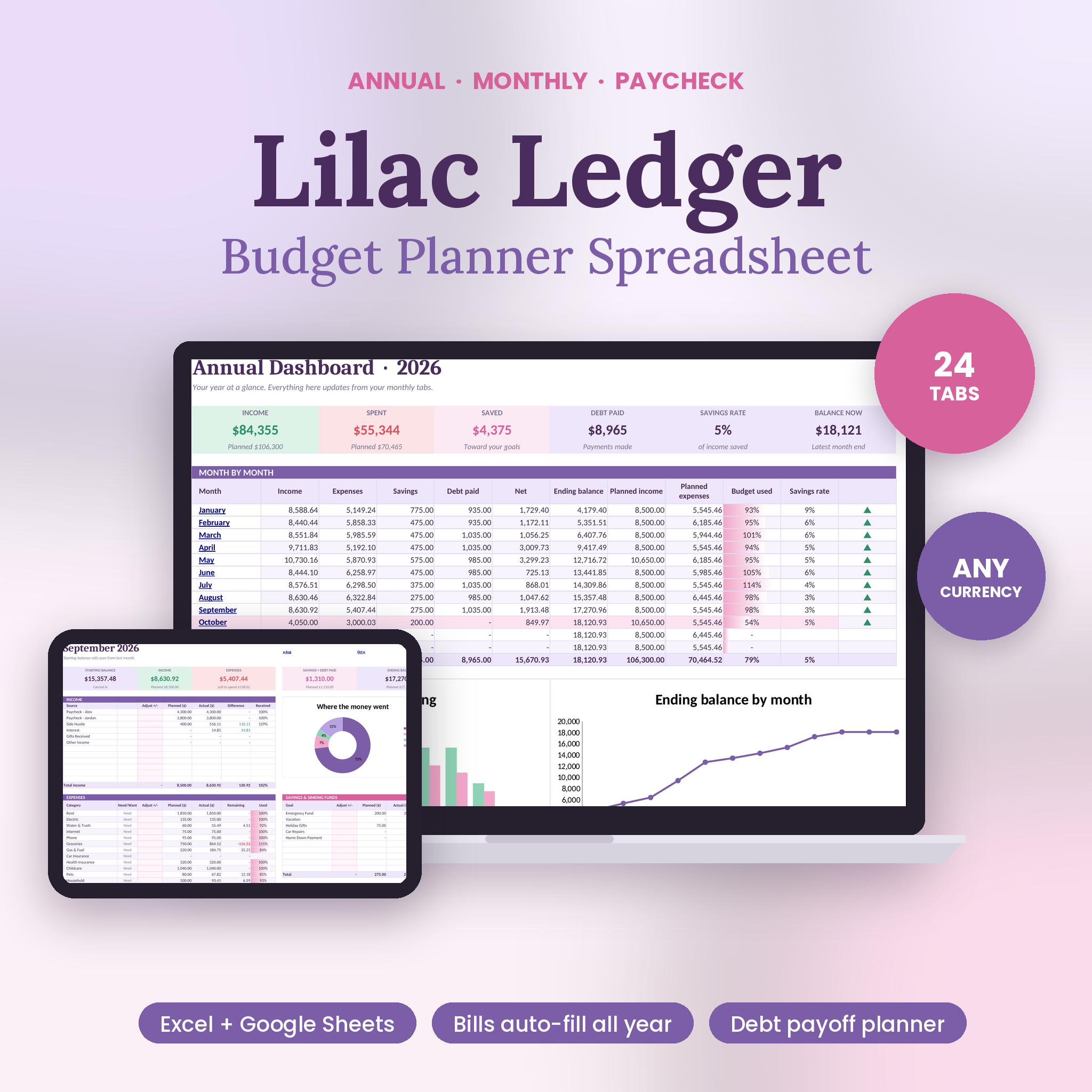
Lilac Ledger has the most complete debt planner of the eight. Enter up to 10 debts and compare snowball, avalanche or your own custom order. For each plan you get a debt-free date, total interest, interest saved and time saved compared with paying only the minimums, plus a balance chart and a full month-by-month schedule.
That schedule is the part that makes it feel real. You can see which month the store card disappears, and what happens to its payment the month after. Paid-off payments roll into the next debt automatically, which is how the snowball method is supposed to work and the step most home-made trackers forget.
The debt planner sits inside a full annual budget, so your loan payments are already in the plan. Enter them once as recurring items and they land in the right months. The paycheck planner then shows each debt payment under the paycheck that has to cover it, and the bill calendar warns you about any day your balance would dip below the alert level you set. Missed payments usually start with a tight week, and this shows the tight week coming.
It’s one Excel workbook with 24 tabs that also runs in Google Sheets and LibreOffice Calc. You type in the pink cells only. If you’re choosing between methods, comparing the two debt-free dates side by side is often enough to settle it.
| Debts | Up to 10 |
|---|---|
| Methods | Snowball, avalanche or custom order |
| Shows | Debt-free date, total interest, interest and time saved |
| Schedule | Full month-by-month payoff table and balance chart |
| Works in | Excel, Google Sheets, LibreOffice Calc |
| Also inside | Full annual budget, bill calendar, paycheck planner |
What we like
- Month-by-month schedule for every debt
- Freed-up payments roll forward on their own
- Compares against paying minimums only
- Debt payments tied to your paychecks
Keep in mind
- A big workbook if you only want a debt tracker
- Some progress-bar shading drops in Google Sheets
Original price was: $19.00.$12.99Current price is: $12.99.Add to cart
See everything inside →Cedarly Money Hub
Best for planning extra payments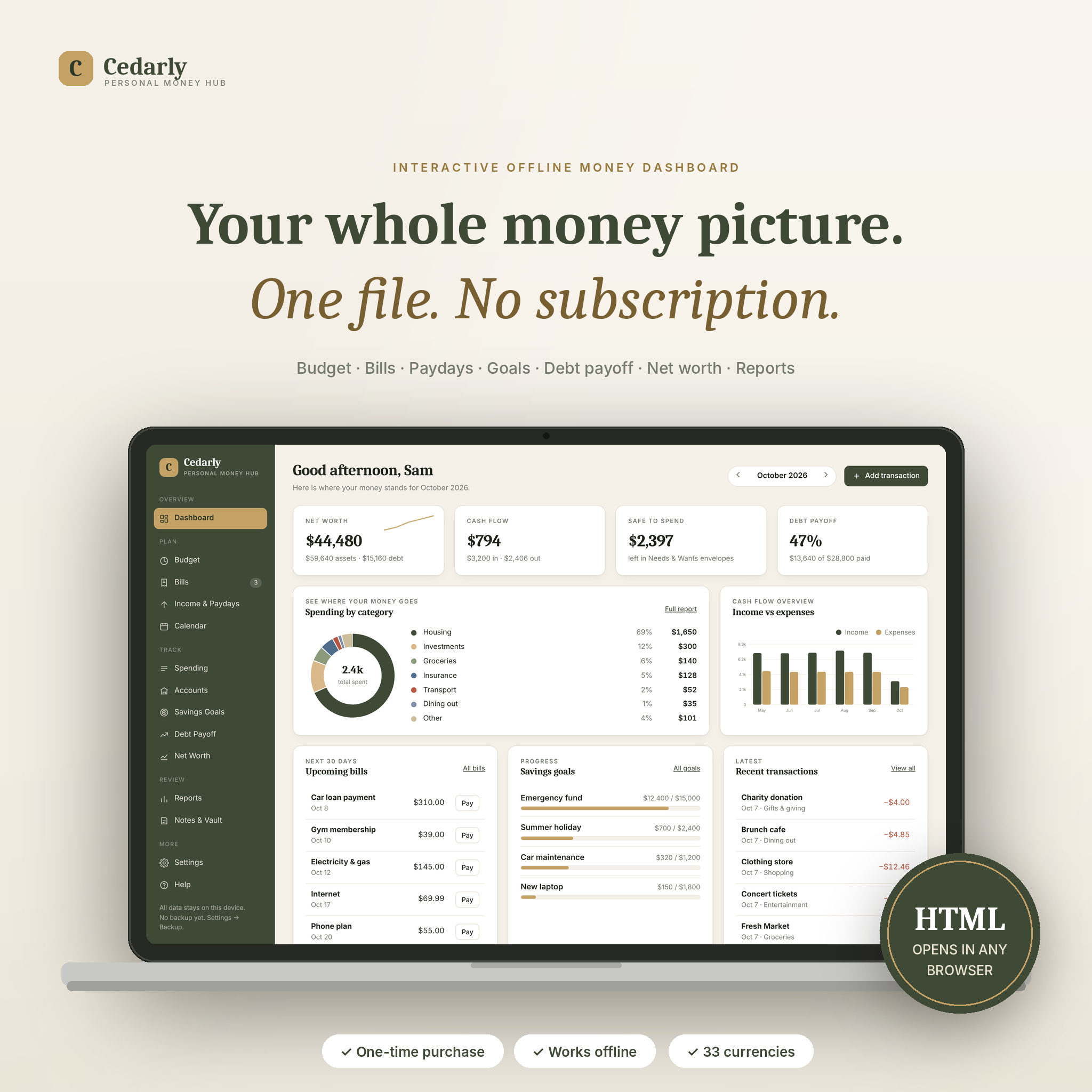
Cedarly’s debt planner is built for the question everyone asks once they start: what if I paid a bit more? Enter each debt once and it simulates snowball and avalanche side by side, with months to debt-free and total interest for each. Then it shows how many months faster an extra payment makes you.
That number is motivating in a very practical way. Seeing that an extra amount each month cuts a real number of months off the plan makes it easier to say no to small spends. Payments are recorded against linked accounts, so the loan balance on your accounts page drops when you pay, and your net worth chart picks it up too.
It’s an interactive dashboard in one HTML file. It opens in your browser, works offline and needs no account or bank login. The dashboard shows debt progress next to net worth, cash flow and safe-to-spend, so your debt plan sits in the same view as everything else. Bank CSV import saves typing if your bank offers it.
It runs in Chrome, Edge, Firefox, Safari and Brave, on computers and phones. Your data lives in the browser you use, so download a backup each month, which the app reminds you to do.
| Format | HTML dashboard, works offline |
|---|---|
| Methods | Snowball and avalanche, simulated side by side |
| Shows | Months to debt-free, total interest, months saved by extra payments |
| Payments | Recorded against linked accounts |
| Works in | Chrome, Edge, Firefox, Safari, Brave |
What we like
- Clear months-saved figure for extra payments
- Payments update account balances and net worth
- No subscription or bank login
- Bank CSV import
Keep in mind
- Data stays in one browser unless you back it up
- Not a spreadsheet, so less freedom to tweak formulas
Calm Cash Budget & Goal Planner
Best for credit card debt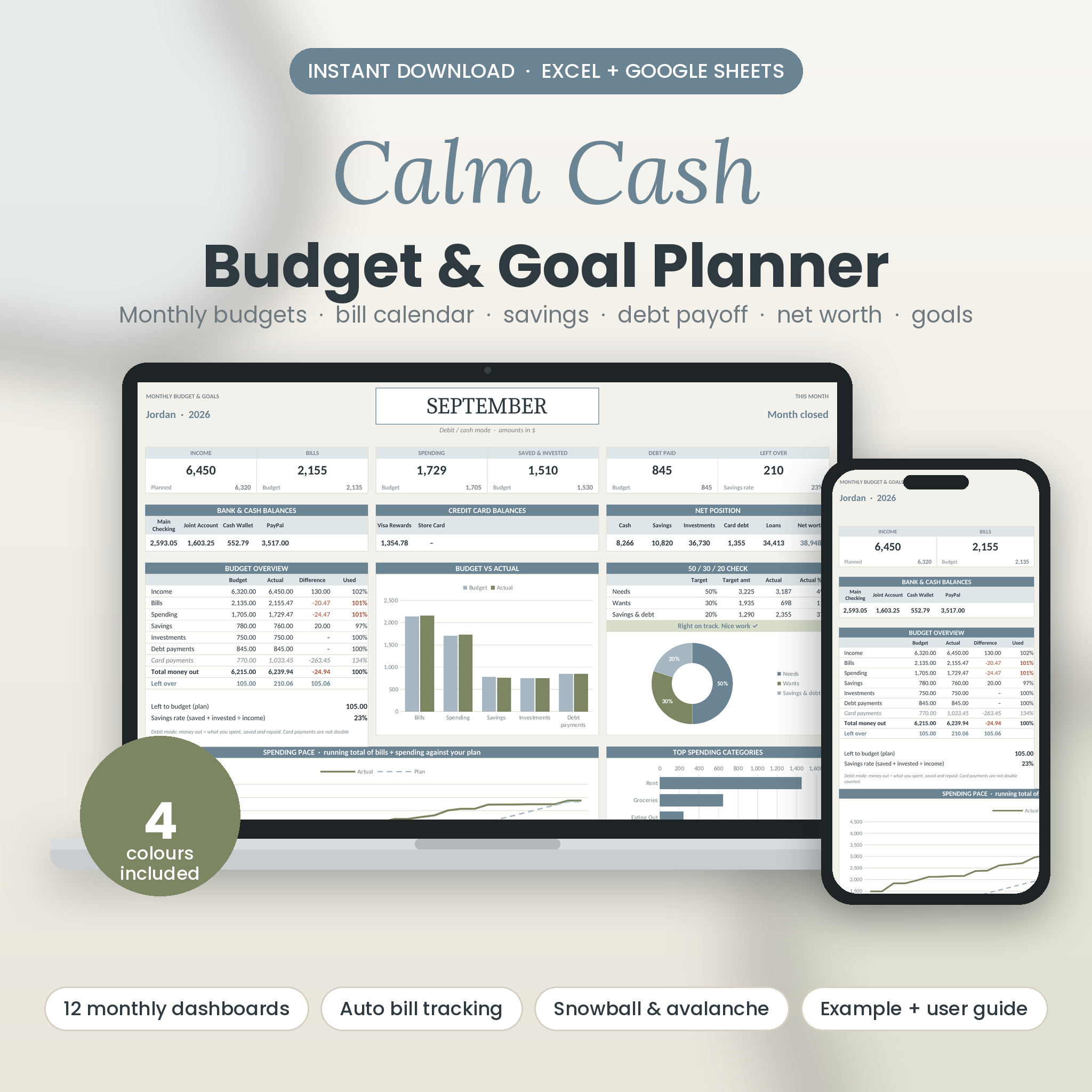
If most of your debt sits on credit cards, Calm Cash is the tracker we’d point you to. Its debt page shows interest paid, balance now, payoff date, interest left and how much an extra payment saves, with snowball and avalanche order and credit card utilisation.
Utilisation is the share of your card limit you’re using, and it’s a useful number to watch as balances fall. Calm Cash also has a debit or credit mode, which counts card spending properly so card payments aren’t double counted in your budget. That matters if you’re paying down a card while still using another one for the weekly shop.
Interest left is an underrated figure. It shows what the debt will still cost you if nothing changes, which is often the push needed to add a little more each month. Card and loan payments also appear on the bill calendar on the right day, with paid ticks.
It holds up to 10 debts, alongside twelve monthly dashboards, net worth and an investments projector. Four colourways come in the download, plus an example file with nine months of sample data. It works in Excel 2016 or newer, Excel for Mac 2019 or newer and Google Sheets.
| Debts | Up to 10 |
|---|---|
| Methods | Snowball and avalanche order |
| Shows | Interest paid, interest left, payoff date, extra-payment savings |
| Credit cards | Utilisation tracking, debit or credit mode |
| Works in | Excel 2016+, Excel for Mac 2019+, Google Sheets |
What we like
- Credit card utilisation on the debt page
- Interest left shows the real cost of waiting
- No double counting of card payments
- Card payments on the bill calendar
Keep in mind
- 23 tabs to learn if you only want debt tracking
- Not designed for Apple Numbers
NestShare Couples Budget Spreadsheet
Best for couples paying off debt together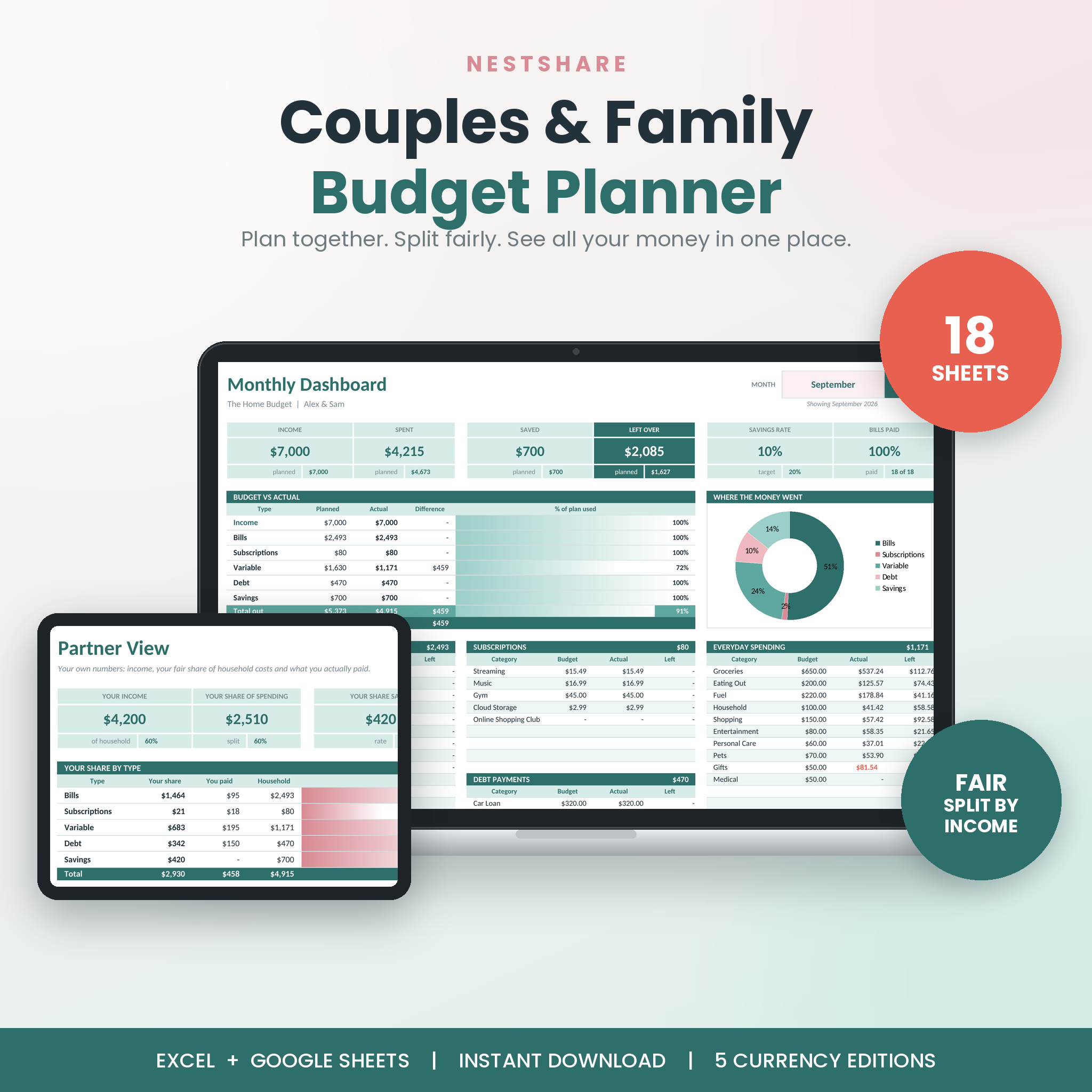
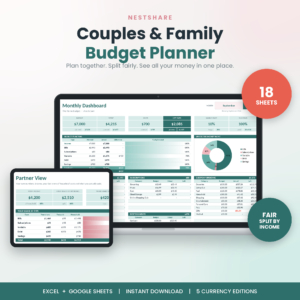
Paying off debt as a couple brings its own questions. Whose card is it? Who’s paying the extra? NestShare handles the money between two people, and its debt sheet has the most payoff methods of any tracker here: snowball, avalanche, highest card utilisation first, or your own custom order.
It covers up to 10 debts and shows a debt-free date and interest saved compared with paying minimums. Because loan payments sit on the Recurring sheet alongside rent and bills, they fill the whole year automatically, and the Bill Tracker turns anything overdue coral so a missed payment doesn’t slip by.
The couples features make debt payoff a shared project. Split costs 50/50, by income or by a custom percentage, and override the split on a single payment if one of you is clearing a debt from before you met. The Money Dates sheet gives you a printable monthly check-in, which is a good moment to look at the debt-free date together.
It runs in Excel 2010 or newer, Excel for the web and Google Sheets, with USD, GBP, EUR, ZAR and any-currency editions.
| Debts | Up to 10 |
|---|---|
| Methods | Snowball, avalanche, highest utilisation, custom |
| Shows | Debt-free date, interest saved vs minimums |
| Couples tools | Fair split, Settle Up, Partner View, Money Dates |
| Works in | Excel 2010+, Excel for the web, Google Sheets |
What we like
- Four payoff methods
- Built for two people sharing costs
- Overdue payments turn coral
- Runs on older Excel
Keep in mind
- No month-by-month payoff table described
- More than you need if you budget alone
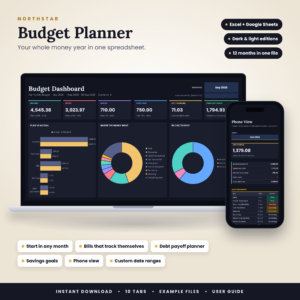
Northstar Budget Planner
Best visual timeline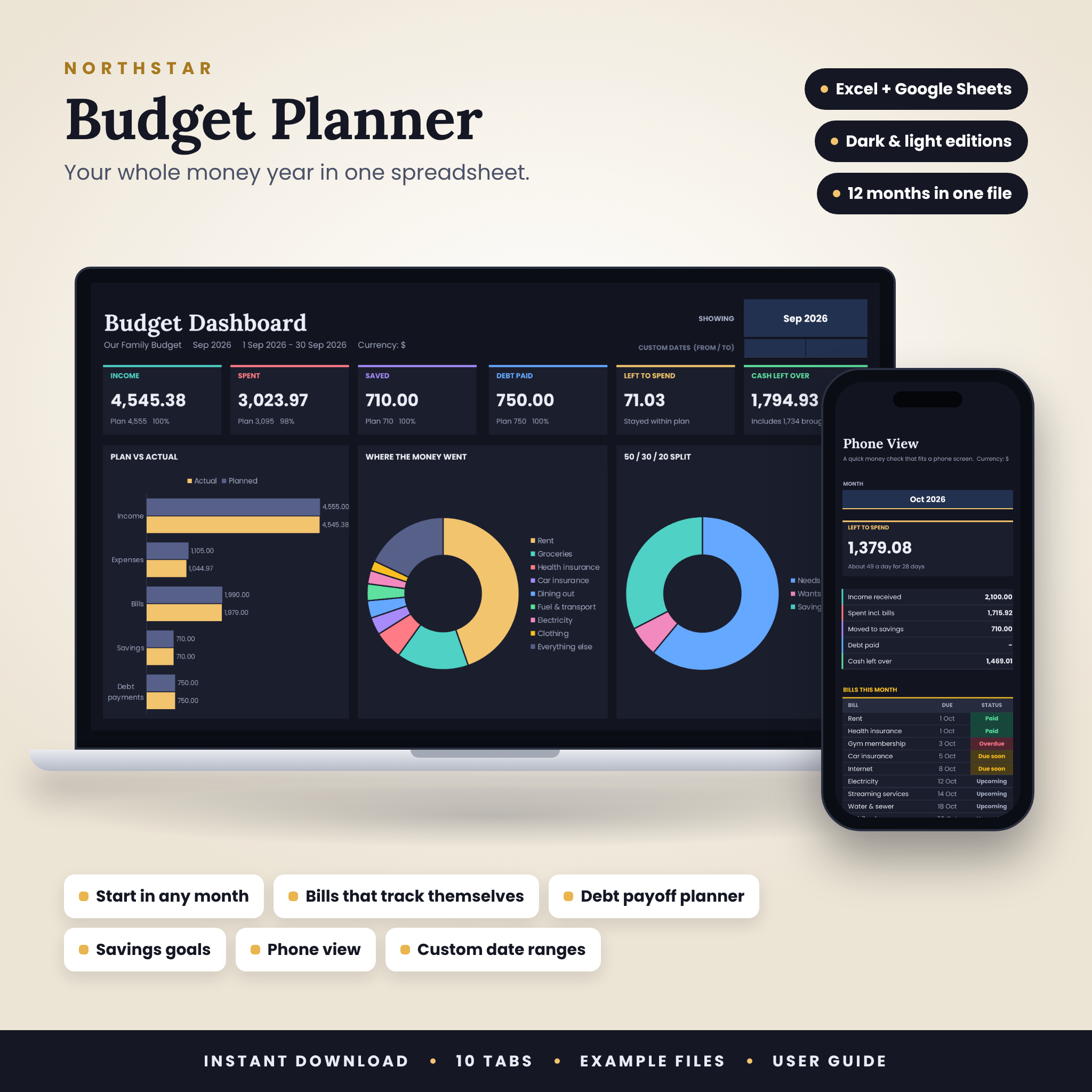
Northstar pairs a debt payoff tracker with a snowball versus avalanche planner, a payoff order and a timeline chart. You compare the two methods side by side and see the interest each one saves, which makes the choice between them much less abstract.
The timeline chart is what we like most. Debt can feel invisible in a list of numbers. A chart that slopes down towards zero is easier to believe in, and it’s a nice thing to check after each payment.
Debt paid also shows on the main dashboard next to income, spending and savings, so it never drops out of sight. Bills are marked Paid, Due soon or Overdue from what you’ve logged, and the Phone View tab gives a quick small-screen summary when you’re out.
It holds up to 10 debts and comes in dark and light themes, each with an example file holding nine months of sample data. It works in Excel 2016 or newer and Google Sheets, though not Apple Numbers.
| Debts | Up to 10 |
|---|---|
| Methods | Snowball vs avalanche side by side |
| Shows | Payoff order, interest saved, timeline chart |
| Themes | Dark and light |
| Works in | Excel 2016+, Google Sheets |
What we like
- Timeline chart makes progress visible
- Debt paid sits on the main dashboard
- Dark theme for late-night check-ins
Keep in mind
- Fewer debt figures than Lilac Ledger or Calm Cash
- Not for Apple Numbers
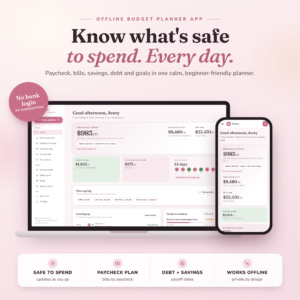
Peony Budget Planner App
Best for staying motivated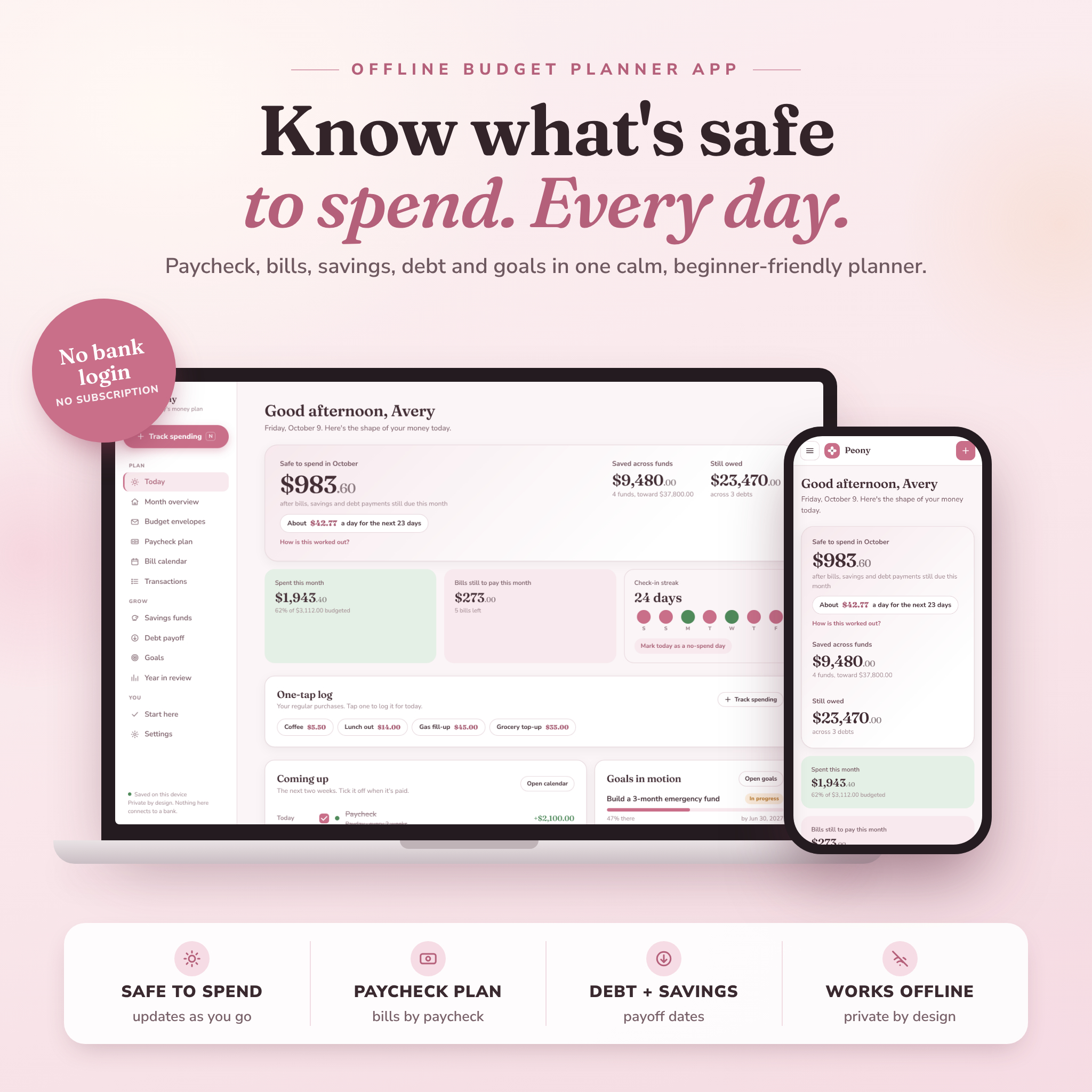
Peony is a budget app, not a spreadsheet, and its debt payoff tracker compares highest-interest-first (avalanche) with smallest-balance-first (snowball), showing your debt-free date and interest saved. One of its own examples is watching a credit card payoff date move closer after adding an extra amount each month.
What makes it good for debt is the daily habit. Peony’s safe-to-spend number already subtracts debt payments still due this month, so you can’t accidentally spend the card payment. Debt payments go on the bill calendar and get ticked off like any bill. You can also set a goal and link it to a debt, so progress on the goal updates itself as the balance falls.
It’s forgiving, too. Miss a few days and you log one catch-up amount and carry on. There’s a check-in streak and a no-spend day button, small nudges that help on a long payoff.
It opens in Chrome or Edge on a laptop or desktop, works offline and never connects to a bank. Use it on a computer, since phones can’t reliably save data from a downloaded file.
| Format | Offline HTML app |
|---|---|
| Methods | Avalanche and snowball compared |
| Shows | Debt-free date, interest saved |
| Goals | Link a goal to a debt for automatic progress |
| Works in | Chrome or Edge on a computer |
What we like
- Safe-to-spend already accounts for debt payments
- Goals linked to debts update themselves
- Streaks and catch-up help on long payoffs
- No spreadsheet skills needed
Keep in mind
- Laptop or desktop only
- No month-by-month schedule described
Original price was: $19.00.$14.99Current price is: $14.99.Add to cart
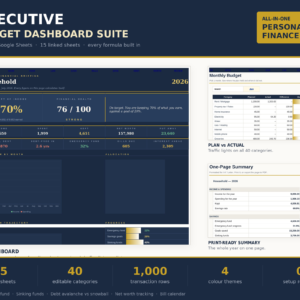
See everything inside →Executive Budget Dashboard Suite
Best whole-budget view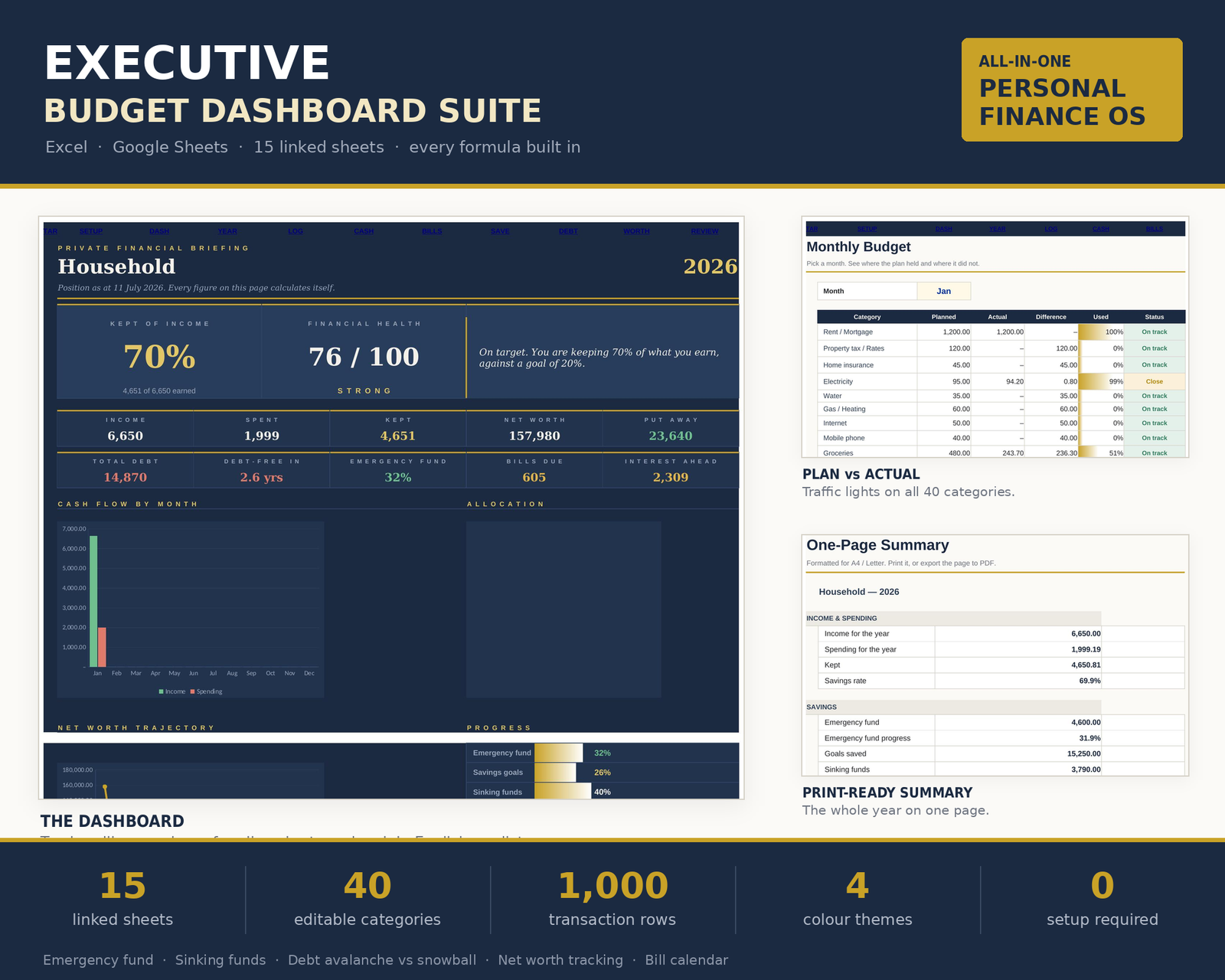
The Executive Budget Dashboard isn’t a dedicated debt tool. It’s a detailed budget where debt is one of fifteen sheets, and that’s its strength. The Debt sheet runs avalanche against snowball, calculated on your own balances and rates rather than a generic example.
Debts feed the Net Worth sheet too, and the workbook is built to handle the details correctly. Enter a debt as a negative and it still lands right in net worth. Log a transfer between your own accounts and it stays out of your spending totals, so moving money to a savings pot for the next payment won’t skew the picture.
Everything starts from one Transactions sheet, so your debt payments, budget and net worth always agree. The dashboard gives ten headline figures and a plain-English verdict on how the year is going, and the Print Pack fits it all on one page for a monthly review.
It works in Excel 2016 or newer and Google Sheets, and also opens in Apple Numbers and LibreOffice. A 14-page illustrated guide is included.
| Debt sheet | Avalanche vs snowball on your own figures |
|---|---|
| Linked to | Net worth, cash flow, dashboard |
| Transactions | 1,000 rows on one sheet |
| Works in | Excel 2016+, Google Sheets, Apple Numbers, LibreOffice |
| Guide | 14-page illustrated guide |
What we like
- Debt sits inside a full, consistent budget
- Handles negatives and transfers correctly
- Opens in Apple Numbers
Keep in mind
- Fewer debt-specific figures than the top picks
- Non-refundable digital download
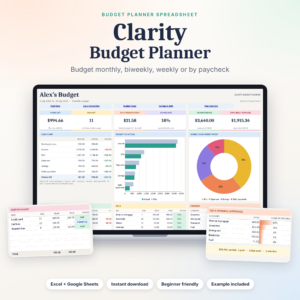
Clarity Budget Planner
Best simple tracker for beginners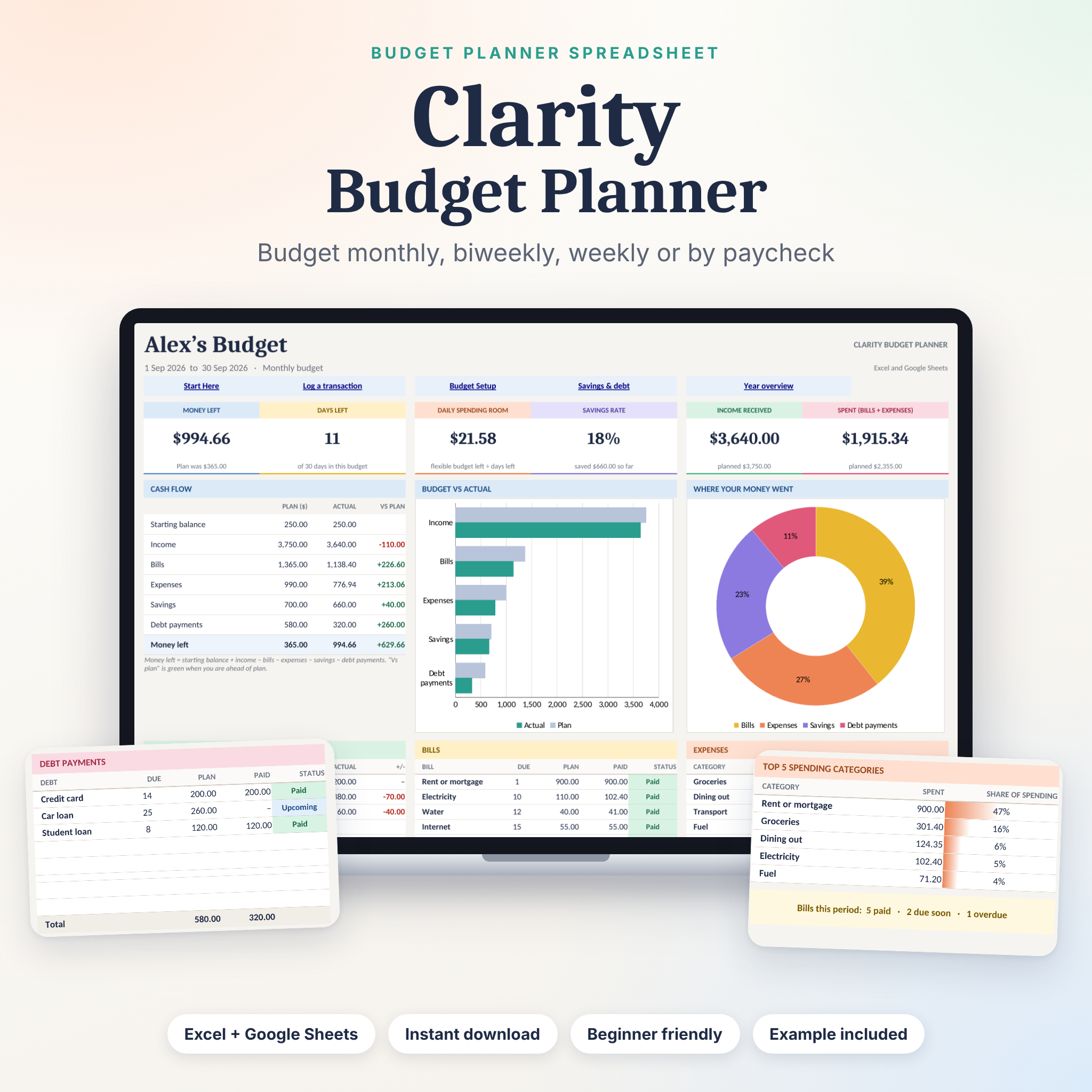
Clarity keeps debt tracking simple. The Debt payments table has room for 8 debts, and the Savings and Debt Goals sheet records interest rates and shows an estimated payoff date for each, with snowball and avalanche order.
It suits someone just starting to face their debts. You log payments on the same Transactions sheet as everything else, and the dashboard shows money left, days left and daily spending room, so you can see whether there’s room for an extra payment this month.
It works for weekly, biweekly, monthly or payday-to-payday budgets, and progress bars show in Excel. A filled example file shows how it works before you add your own numbers. It runs in Excel 2010 or newer, the Excel mobile apps and Google Sheets.
| Debts | Up to 8 |
|---|---|
| Shows | Estimated payoff date, snowball and avalanche order |
| Budget periods | Weekly, biweekly, monthly, payday to payday |
| Works in | Excel 2010+, Excel mobile, Google Sheets |
What we like
- Easy to understand on day one
- Daily spending room helps find extra money
- Works for any pay cycle
Keep in mind
- No side-by-side interest comparison described
- Progress bars show as percentages in Google Sheets
Which debt payoff tracker should you choose?
Pick the line that sounds like you.
| If you… | Choose | |
|---|---|---|
| Want a full payoff schedule and freed-up payments that roll forward | Lilac Ledger | View |
| Keep asking how much sooner you could be debt-free if you paid more | Cedarly Money Hub | View |
| Mostly owe on credit cards | Calm Cash | View |
| Are clearing debt as a couple | NestShare | View |
| Stay motivated by watching a chart fall | Northstar | View |
| Need a daily number that already sets aside debt payments | Peony | View |
| Want debt inside a detailed, all-agreeing budget | Executive Budget Dashboard | View |
| Are listing your debts for the very first time | Clarity Budget Planner | View |
Buying guide: what to look for in a debt payoff tracker
1. A date, not just a balance
The single most useful thing a debt payoff tracker does is turn balances into a finish line. Look for one that works out a debt-free date from your own rates and payments. Every tracker on this list does, but some (Lilac Ledger, Cedarly) go further and show the path month by month.
2. Snowball and avalanche, side by side
Snowball pays the smallest balance first for quick wins. Avalanche pays the highest interest rate first, which usually costs less overall. Neither is wrong, and which suits you is a personal call. A tracker that shows both on your real numbers lets you see the difference in months and interest. Our debt snowball spreadsheet guide walks through the two methods with an example.
3. Rolling payments forward
When one debt is cleared, its payment should move to the next. That roll-forward is where the snowball gets its speed. Check that your tracker does it automatically, as Lilac Ledger does, or at least shows the order clearly.
4. An extra-payment view
Seeing what an extra payment does is the best motivator there is. Cedarly shows months saved, Lilac Ledger and NestShare compare against paying minimums, and Calm Cash shows extra-payment savings and interest left.
5. A link to your budget
A debt tracker on its own tends to go stale. One that lives inside your budget, where the payments are already planned, gets updated without extra effort. It also helps you spot the month when there’s room to pay a little more. A bill tracker alongside it keeps due dates from slipping.
Tip: update balances from your statements once a month, on the same day. Small differences in interest add up, and a monthly check keeps your debt-free date accurate.
How to build your debt payoff plan this week
- List every debt. Lender, balance, interest rate and minimum payment. Include the small ones.
- Enter them in your tracker and note the debt-free date if you pay only the minimums.
- Compare snowball and avalanche on your own numbers. Look at both the months and the total interest.
- Find an extra amount, even a small one. Check your budget for subscriptions or spending you can trim.
- Set every minimum to repeat in your budget so nothing is missed, then send the extra to your first target debt.
- Review monthly. Update balances, tick off payments and watch the date move.
Want the full picture? Our guide to running your money from one personal finance dashboard shows how debt fits with savings and spending, and a net worth tracker shows your progress as debts fall. For more budget planner options beyond debt, see our roundup of the best budget planner templates.
Best debt payoff tracker FAQ
What is the best debt payoff tracker?
For most people, Lilac Ledger. It compares snowball, avalanche or a custom order for up to 10 debts and gives a month-by-month payoff schedule, with freed-up payments rolling forward automatically. If you’d like an app-style dashboard instead, Cedarly Money Hub is the strongest alternative.
Is the snowball or avalanche method better?
Avalanche usually costs less in interest, while snowball gives quicker wins that keep some people going. Which one fits you is a personal choice. All eight trackers here let you compare them, and seeing both dates on your own numbers is the easiest way to decide. These tools are organisers, not financial advice.
Can I track debt in Google Sheets?
Yes. Lilac Ledger, Calm Cash, NestShare, Northstar, Executive Budget Dashboard and Clarity all work in Google Sheets. Peony and Cedarly run in a web browser instead.
How many debts can these trackers hold?
Lilac Ledger, Calm Cash, NestShare and Northstar each hold up to 10 debts. Clarity has room for 8. Cedarly, Peony and Executive Budget Dashboard work from the debts you add.
Do I need to connect my bank?
No. None of these connect to a bank. You enter balances and payments yourself, which keeps your data private. Cedarly can import CSV statements if you want to save typing.
The verdict
If you want one debt payoff tracker that shows the whole road, get Lilac Ledger. It maps each debt month by month and moves freed-up money along for you. If extra payments are your plan, Cedarly Money Hub shows the months you’ll save. And if it’s mostly credit cards, Calm Cash keeps interest and utilisation in view.