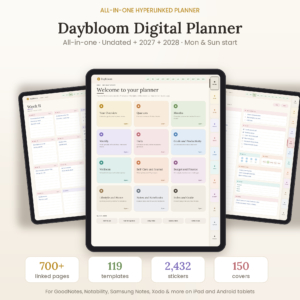
The Evenkeel 2027 Digital Planner is a fully hyperlinked life planner for iPad and Android tablets. Every date, week, month and section links to the next, so you can plan your days, chase your goals, track your money and keep your home running from one calm, connected PDF. It is made for note-taking apps that support PDF links, such as GoodNotes, Notability, Noteshelf and Xodo.
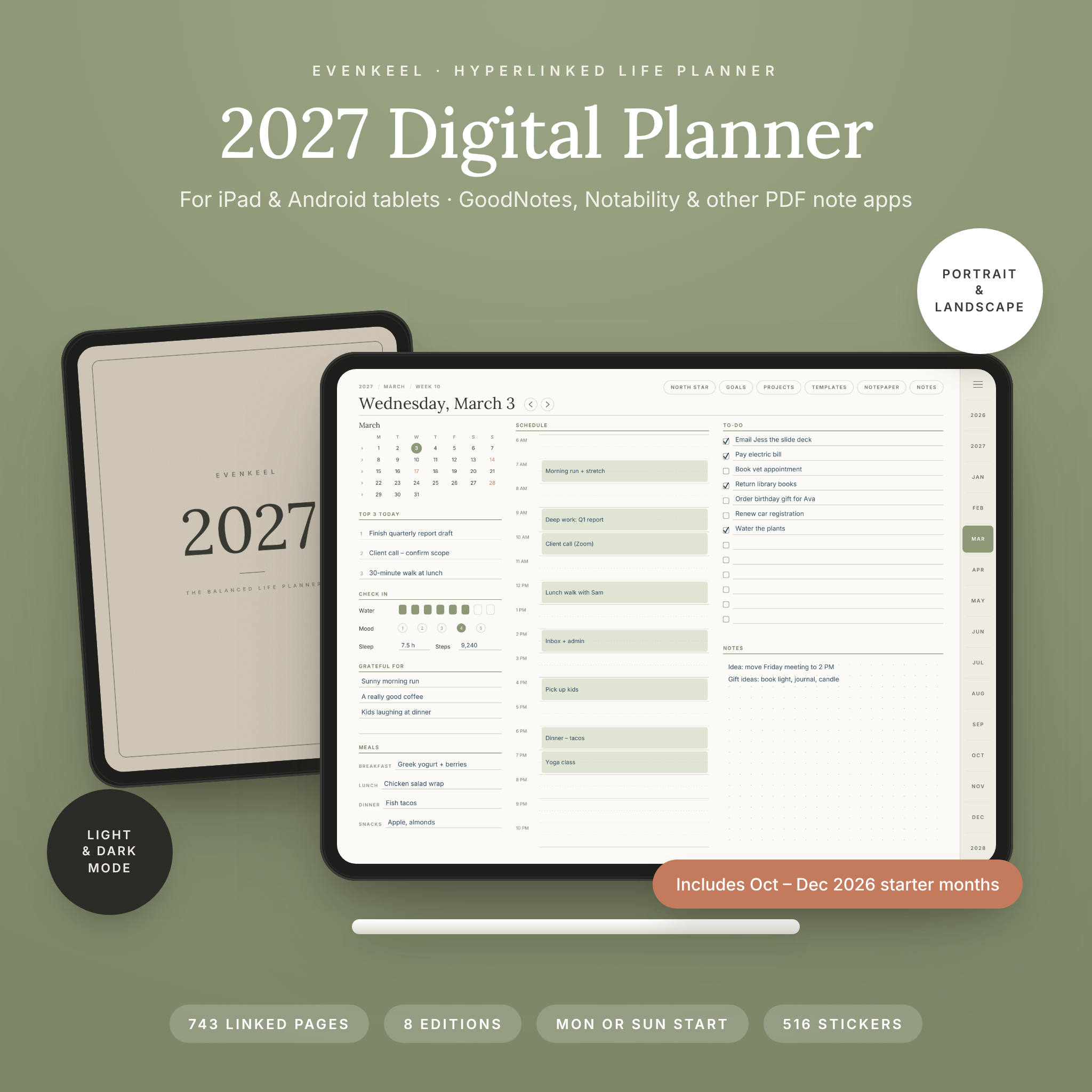
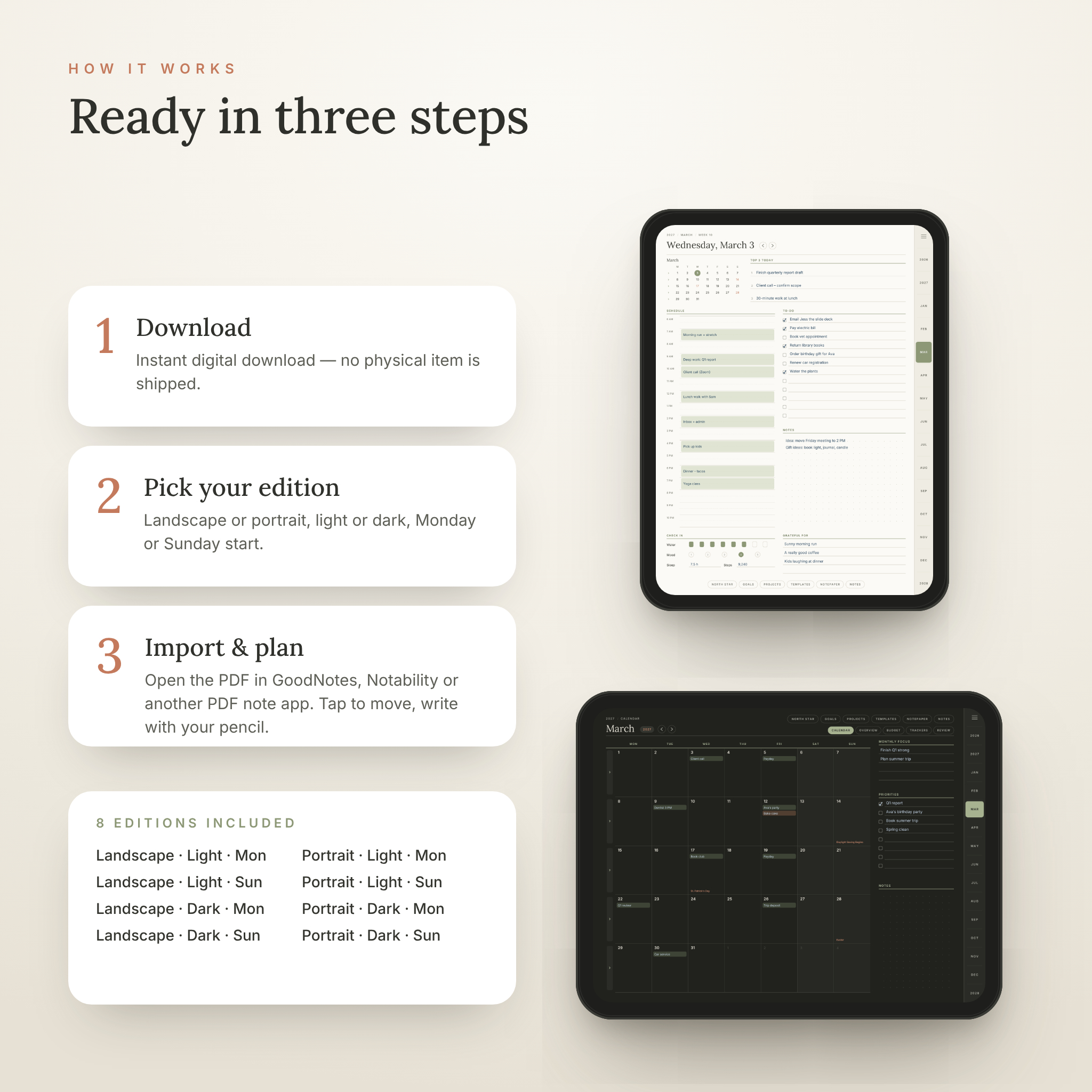
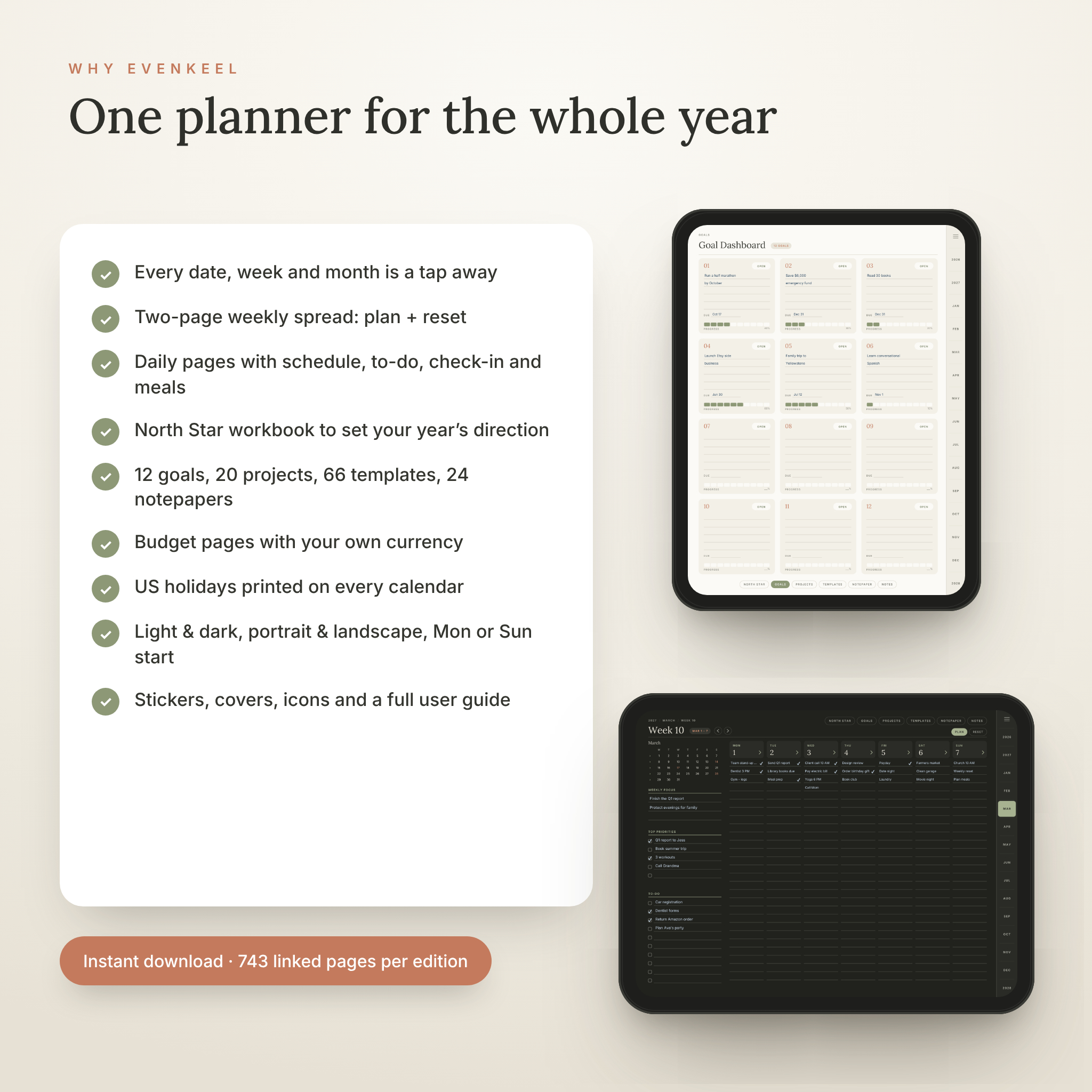
You get 743 linked pages in each of 8 ready-made editions: portrait or landscape, light or dark mode, and Monday or Sunday start. There is no builder to set up. Pick your edition, import it and start writing.
Why this 2027 digital planner is different
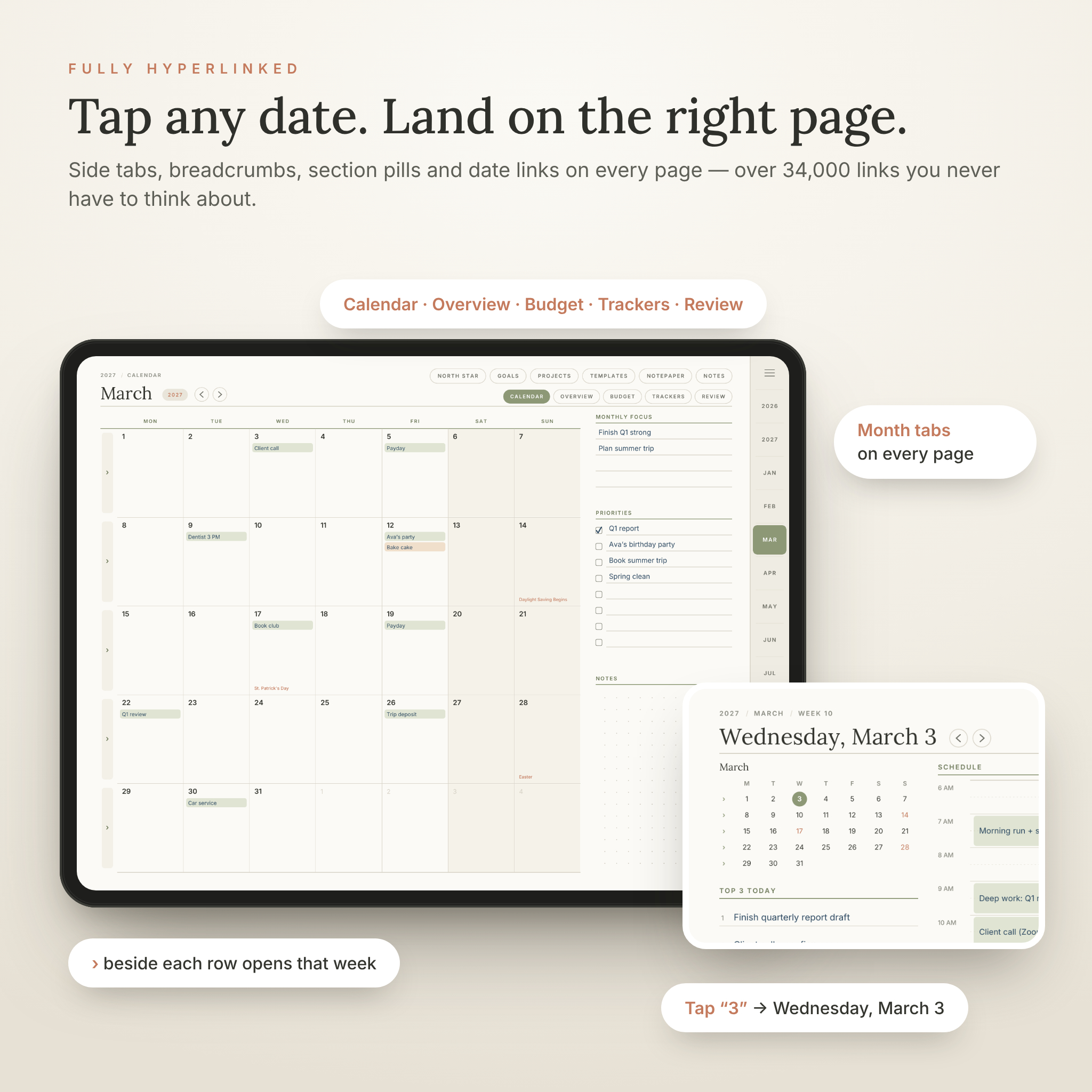
- Every date is a link. Tap any date on the year, month, week or daily mini calendar to open that day. A › beside every calendar row opens its week.
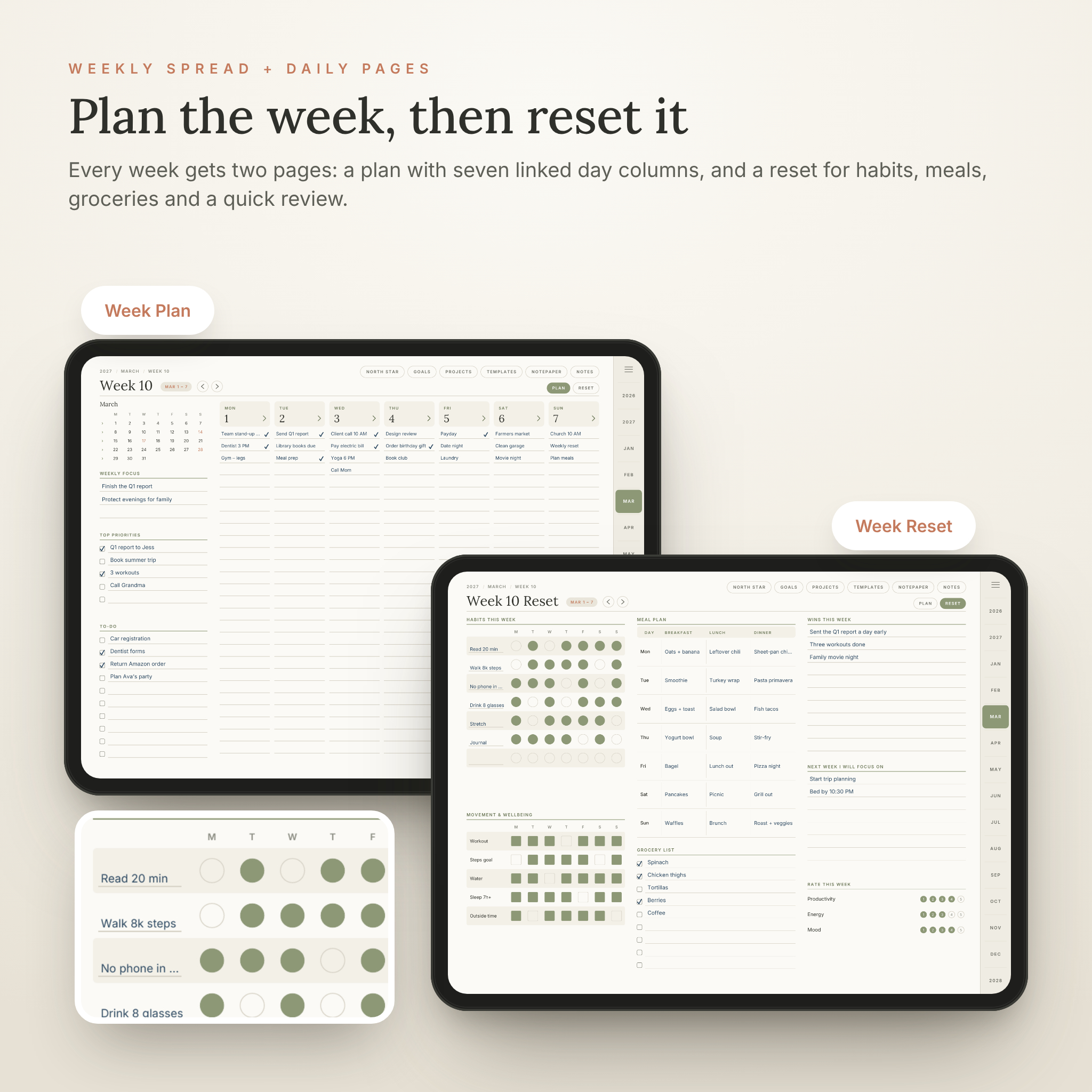
- A two-page week. A Week Plan with seven linked day columns, plus a Week Reset for habits, meals, groceries and a quick review.
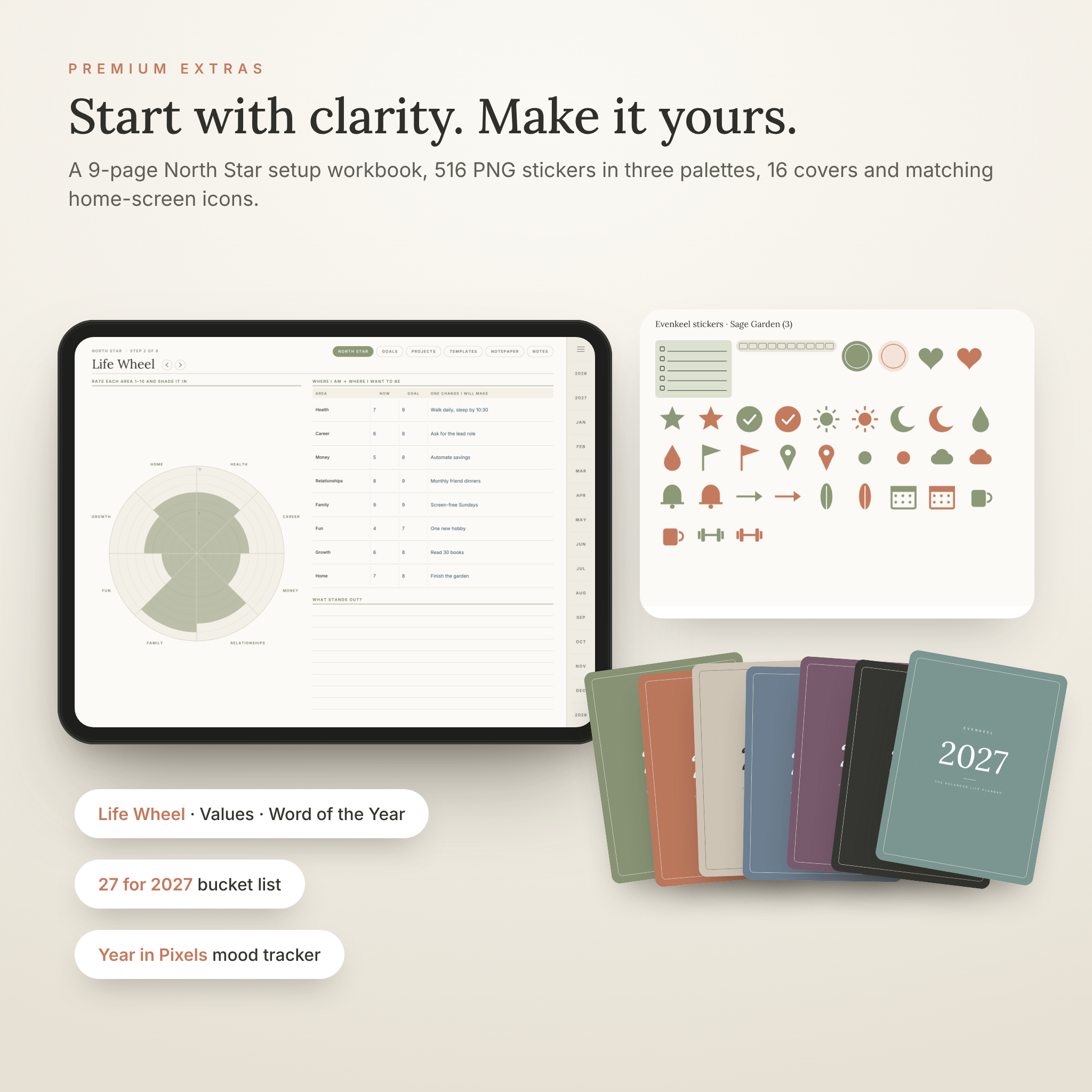
- A North Star setup workbook. Nine guided pages help you look back on 2026 and set a clear direction for 2027 before you fill your calendar.
- Navigation you never think about. Month tabs, breadcrumbs, section pills and previous/next arrows on every page, with large tap targets.
- Ready-made editions. All 8 versions are included, so you can switch between light and dark or portrait and landscape at any time.
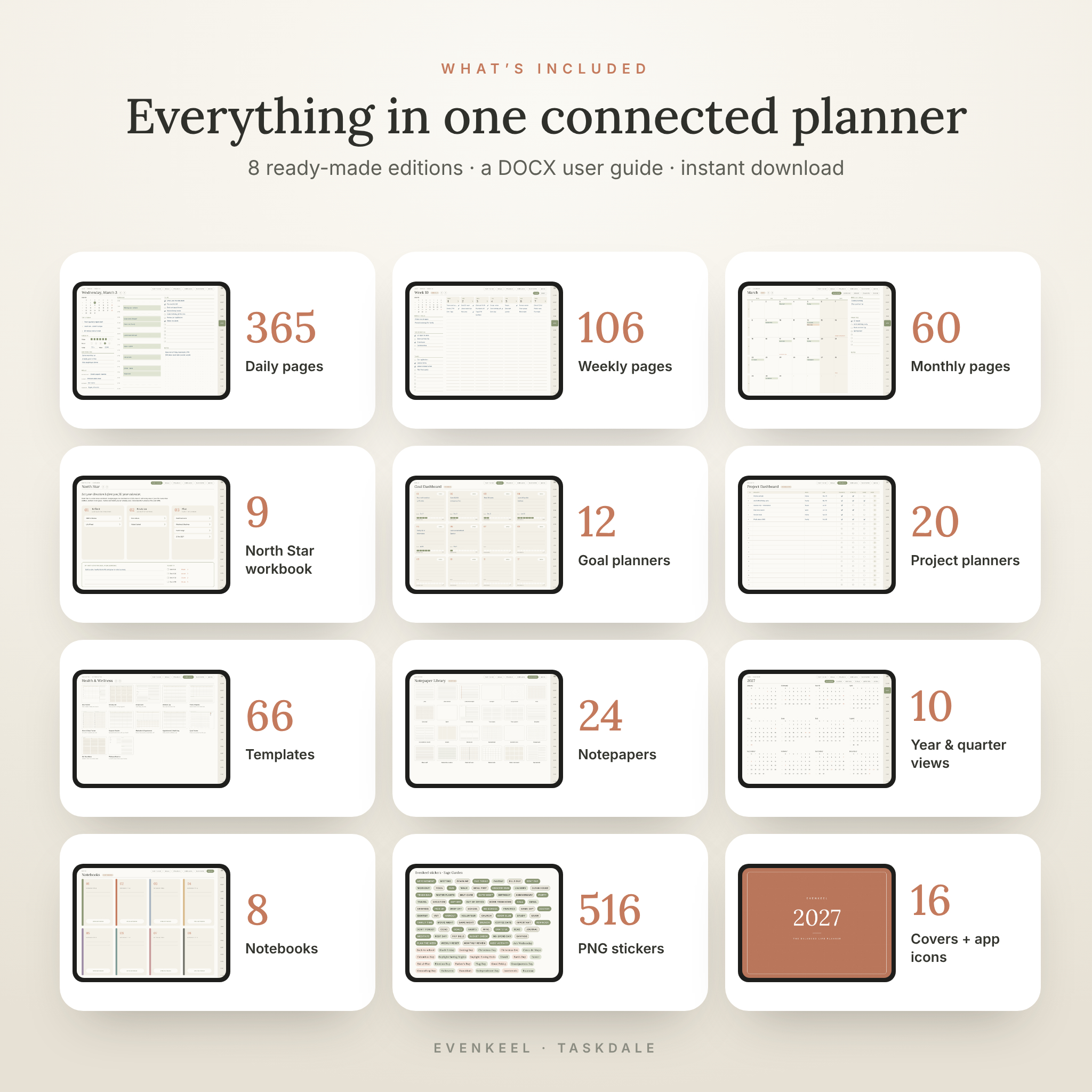
What’s included
Calendar pages
- 365 daily pages for January 1 – December 31, 2027: Top 3, a 6 AM – 10 PM schedule with half-hour guides, to-do list, dot-grid notes, gratitude, meals and a water, mood, sleep and steps check-in
- 53 weekly spreads (106 pages): Week Plan + Week Reset
- 12 months × 5 pages: Calendar, Overview, Budget, Trackers and Review
- Year pages: 2027 calendar, Year at a Glance, Vertical Year, Year in Pixels mood tracker, 4 quarterly plans and Important Dates
- October – December 2026 starter months with weekly pages, so you can start planning today
- 2028 calendar and plan-ahead page
- US holidays printed on every calendar
Goals, projects and money
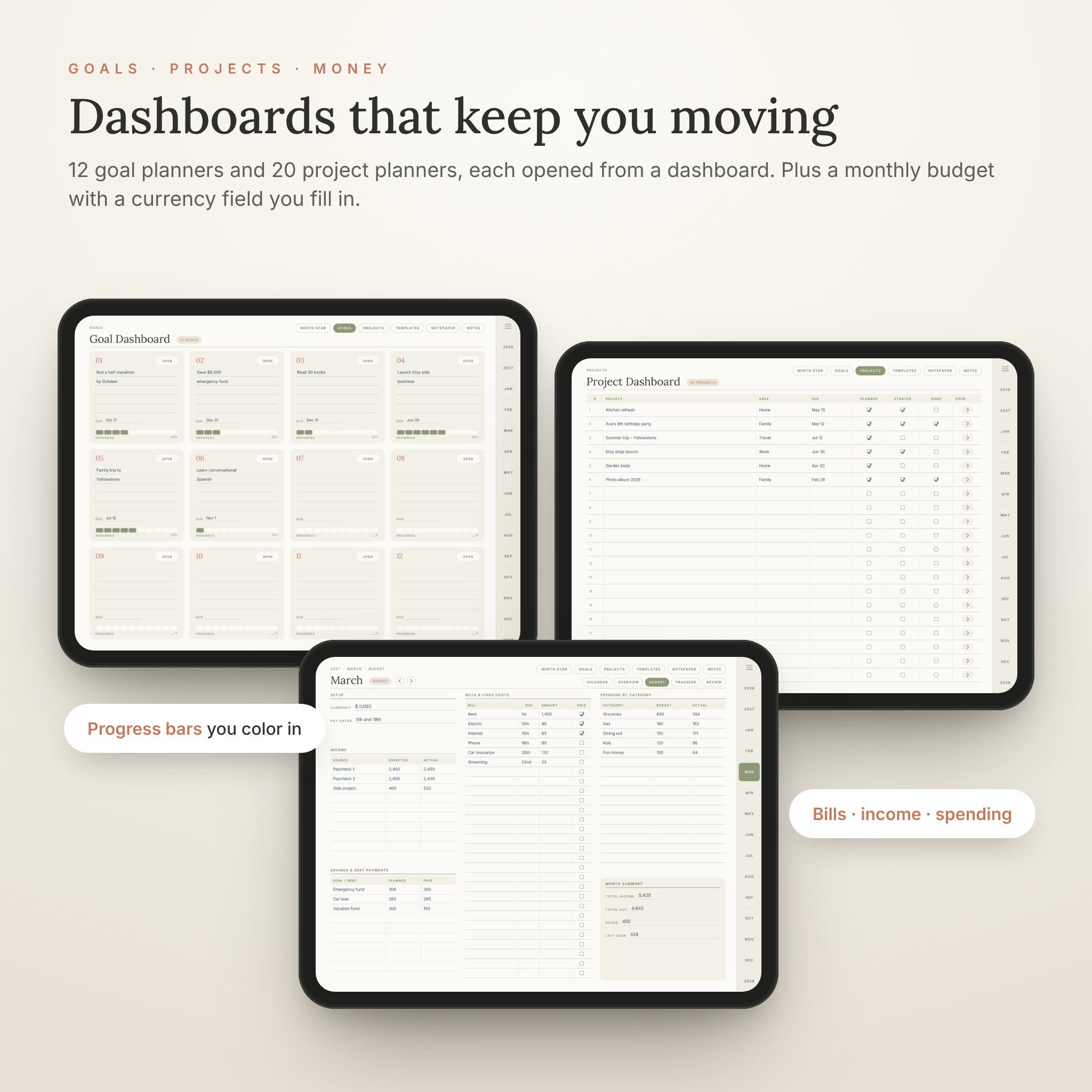
- Goal dashboard + 12 goal planners: why it matters, milestones, action steps, obstacles, reward, a progress bar and monthly check-ins
- Project dashboard + 20 project planners with task breakdowns, resources and notes
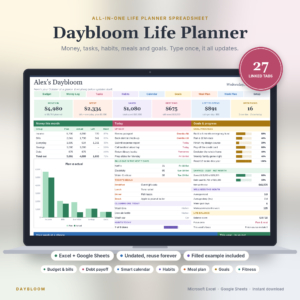
- Monthly budget: income, bills with paid boxes, savings and debt payments, spending by category and a month summary. Write your currency once and every amount field works with it.
North Star workbook (9 pages)
- 2026 in Review, Life Wheel, Core Values, Vision & Word of the Year, Goal Brainstorm, Rhythms & Routines, Habit Design and a “27 for 2027” bucket list
Templates, notepaper and notebooks
- 66 undated templates in 6 categories: Health & Wellness, Money, Home & Family, Productivity, Mind & Journal, and Leisure & Travel. Includes a meal planner, grocery list, workout log, symptom tracker, bill tracker, debt payoff and savings trackers, no-spend challenge, cleaning schedule, chore chart, kanban board, priority matrix, meeting notes, reading log, travel planner and more.
- Visual category pages that show a preview of every template
- 24 notepaper styles, including lined, dot grid, grid, Cornell, kanban, storyboard, spreadsheet, isometric, music staff and handwriting practice
- 8 linked notebooks with 5 pages each
Extras
- 516 PNG digital stickers in 3 palettes (Sage Garden, Linen Neutral and Dusk Blue): labels, holidays, headers, sticky notes, tabs, washi strips, checklists and icons, plus a sticker book PDF
- 16 cover colors in portrait and landscape
- 16 matching home-screen icons
- A detailed DOCX user guide with setup steps, tips, troubleshooting and FAQ
How it works
- Buy and download your files instantly from Taskdale.
- Choose your edition: landscape or portrait, light or dark, Monday or Sunday start.
- Import the PDF into GoodNotes, Notability or another PDF note-taking app.
- Tap tabs, dates and buttons to move around, and write with your stylus.
File formats and requirements
- 8 hyperlinked PDF planners (about 5 MB each, 743 pages each)
- Stickers as transparent PNG files in a ZIP, covers and icons as JPG files in a ZIP
- User guide as a Word document (DOCX)
- You need a tablet (iPad or Android) and a note-taking app that supports hyperlinked PDFs. A stylus is recommended for handwriting.
- Pages are vector, so lines and text stay sharp at any zoom level.
Customize it
Duplicate any template or notepaper and place it wherever you need more space. Add stickers from the three palettes, swap the cover for one of 16 colors, and give your planner its own home-screen icon. Notebook titles, habit names, budget categories and goal areas are all yours to write in.
Use cases
- Busy parents: plan school activities in the weekly columns, prep meals on the Week Reset and keep chores on track with the chore chart.
- Professionals: time-block your day, track 20 projects and keep meeting notes next to your calendar.
- Students: plan assignments with the study planner, keep notes in the Cornell notepaper and review each week.
- Budgeters: track bills, savings goals, debt payoff and a no-spend challenge every month.
- Goal setters: start with North Star, break big goals into milestones and color in your progress.
- Wellness planners: follow habits, mood, sleep, water and workouts in one place.
Digital download
This is an instant digital download. No physical item will be shipped. Your files are available as soon as payment is confirmed.
FAQ
Does this 2027 digital planner work with GoodNotes and Notability?
It is a standard hyperlinked PDF made for apps that support PDF links, including GoodNotes, Notability, Noteshelf and Xodo. Tap links with your finger, or use read-only mode if your app treats taps as writing.
Can I use it on an Android tablet?
Yes, with an Android note-taking app that supports PDF hyperlinks.
Is there a dark mode?
Yes. Dark editions are included in both portrait and landscape.
Can I start on Sunday?
Yes. Monday-start and Sunday-start editions are both included.
When does the planner start?
It covers January to December 2027, with October to December 2026 starter months and a 2028 plan-ahead section.
Can I use my own currency in the budget pages?
Yes. Write your currency in the Budget setup box. All money fields are neutral.
Can I print the pages?
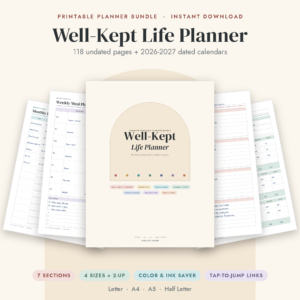
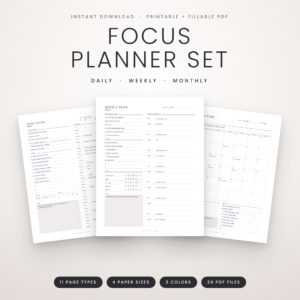
Yes, for your own personal use. Use “fit to page” on US Letter or A4.
Can I share or resell the planner?
No. The license covers personal use by the buyer only. Please do not share, resell or redistribute the files.
Reviews
There are no reviews yet.