The Best Cover Letter Template: How to Choose One
The best cover letter template opens in software you already use, reads cleanly in applicant tracking systems and matches your CV. For most people that means a single-column layout in Word or Google Docs with guided placeholders. If you only need the letter, the Cover Letter Template for Word & Google Docs | Quillmark Kit is the focused choice.
Choosing can feel harder than it should, because most listings bundle a cover letter with a dozen other files. We'll walk through what matters, compare the options on this page, and give you a simple rule for deciding.
Key facts at a glance
- A cover letter template is a pre-formatted document with placeholder text that you overwrite with your own details, so the layout and spacing are already done.
- Every kit on this page is a digital download and comes in both US Letter and A4, so UK and European readers can print or save to PDF at the right size.
- The Cover Letter Template for Word & Google Docs | Quillmark Kit gives you 6 editable templates, 16 openers and 12 example letters.
- Most other kits here include the cover letter as part of a matching resume set, with a references page and an interview thank-you letter.
- Browse all 23 options below once you know which type you need.
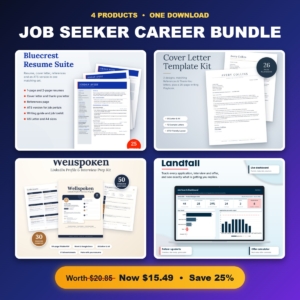 Job Seeker Career Bundle | Resume Templates, Cover Letter Kit, LinkedIn Profile & Interview Prep Workbook and Job Application Tracker
 Resume Template Bundle for Word | Bluecrest Resume Suite with Cover Letter, References, ATS Resume & Writing Guide | 1 & 2 Page, US Letter & A4
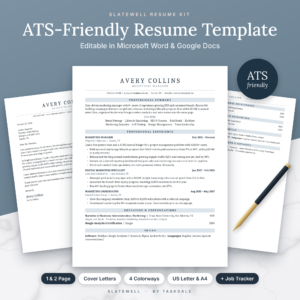 Slatewell ATS Resume Template for Word & Google Docs | 1 & 2 Page Resume, Cover Letter, References & Thank-You Letter | Executive & Student Resume | Job Search Tracker | US Letter & A4
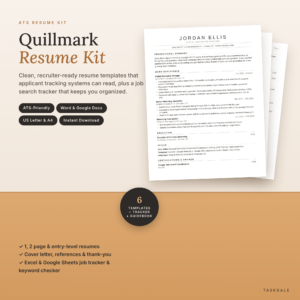 ATS Resume Template for Word & Google Docs | Quillmark Resume Kit with Cover Letter, References, Thank-You Letter & Job Tracker | 1 & 2 Page Resume, Entry-Level CV | US Letter & A4
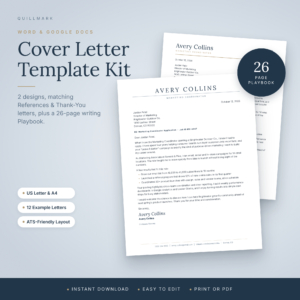 Cover Letter Template for Word & Google Docs | Quillmark Kit with References Page, Thank-You Letter & 26-Page Guide with 12 Examples | US Letter & A4
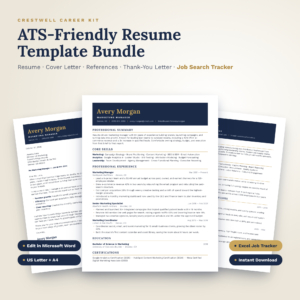 Crestwell ATS Resume Template Bundle | Editable Word Resume, Cover Letter, References & Thank-You Letter + Excel Job Search Tracker | US Letter & A4
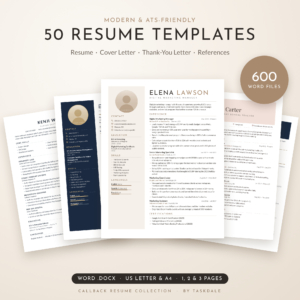 50 Resume Templates Bundle for Word | Callback Resume Collection with Cover Letters, Thank-You Letters & References | ATS-Friendly & Modern | 1, 2 & 3 Page | US Letter & A4
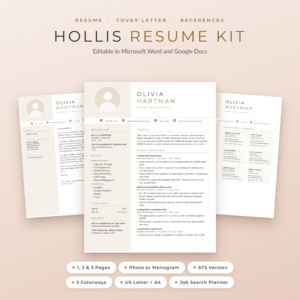 Hollis Resume Template for Word & Google Docs | Resume with Photo, Cover Letter & References | 1, 2 & 3 Page CV | ATS Resume | Job Search Planner | US Letter & A4
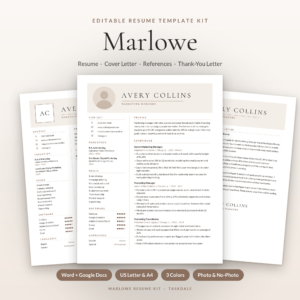 Marlowe Resume Template Kit for Word & Google Docs | Resume, Cover Letter, References & ATS Resume, 1 to 3 Pages
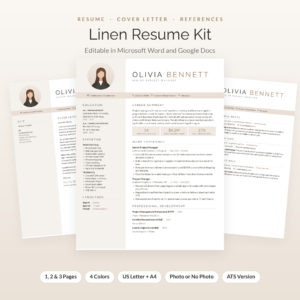 Linen Resume Kit: Resume Template with Photo for Word & Google Docs | Cover Letter, References & Thank-You Letter | 1, 2 & 3 Page CV | ATS Resume + Job Tracker
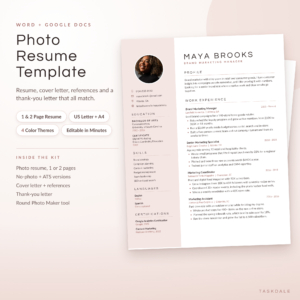 Photo Resume Template for Word & Google Docs | Calla Resume Kit with Cover Letter, References & Thank You Letter | 1 & 2 Page CV | ATS Version | US Letter & A4
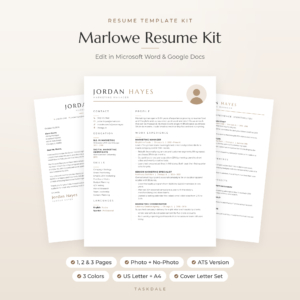 Marlowe Resume Template for Word & Google Docs | Minimalist Resume with Photo, Cover Letter & References | 1, 2 & 3 Page CV | ATS Resume | US Letter & A4
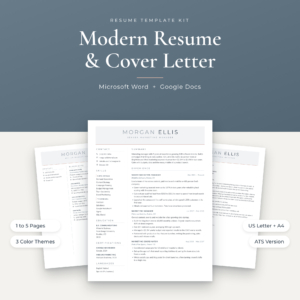
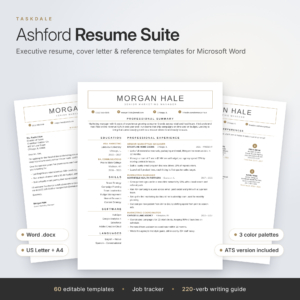 Ashford Resume Template Bundle for Word & Google Docs | Executive + ATS-Friendly Resume, Cover Letter, Reference Page | 1, 2, 3 Page CV + Job Tracker
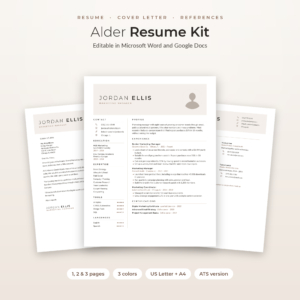 Alder Resume Template with Photo for Word & Google Docs | Minimalist Resume, Cover Letter & References | 1, 2 & 3 Page CV | ATS Resume | Job Tracker
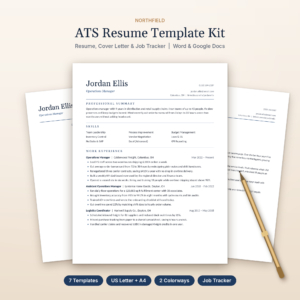 Northfield ATS Resume Kit | Resume Template for Word & Google Docs with Cover Letter, References, Thank-You Letter & Job Tracker | US Letter & A4
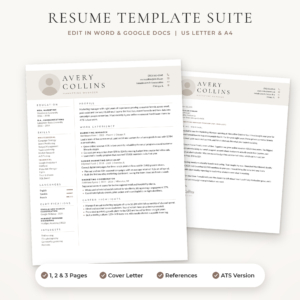 Sloane Resume Template for Word & Google Docs | Modern Resume with Photo, Cover Letter & References | 1, 2 & 3 Page CV | ATS Resume | US Letter & A4
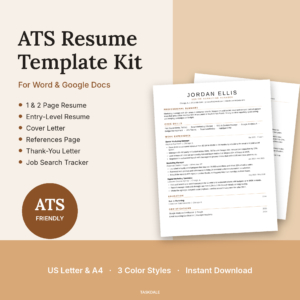 Essential ATS Resume Kit for Word & Google Docs | Cover Letter, References & Job Tracker | US Letter & A4
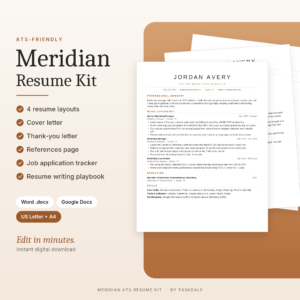 Meridian ATS Resume Template Kit | Word & Google Docs Resume, Cover Letter, References + Job Tracker
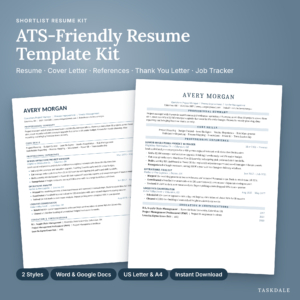 Shortlist ATS Resume Template Kit for Word and Google Docs | 1 & 2 Page Resume, Cover Letter, References, Thank You Letter + Job Search Tracker | US Letter & A4
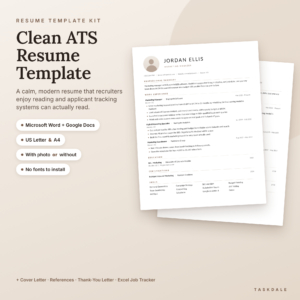 ATS Resume Template for Word & Google Docs | 1 & 2 Page Resume, Cover Letter, References + Job Tracker
Table of Contents
Toggle
- What should you look for in the best cover letter template?
- How do the best cover letter templates compare?
- Which cover letter template suits which job seeker?
- How do you use a cover letter template step by step?
- What mistakes should you avoid with a cover letter template?
- What affects the price of a cover letter template?
- Which cover letter template should you choose?
- Common questions
What should you look for in the best cover letter template?
The best cover letter template has five qualities: a layout software can read, an editing format you already own, a matching set of documents, built-in writing help and the right paper size. A good-looking design matters less than any of these.
A layout that applicant tracking systems can read
An applicant tracking system (ATS) is software that employers use to scan and sort applications before a person reads them. Fancy layouts can trip it up, particularly floating text boxes, which some systems skip or read out of order.
The Cover Letter Template for Word & Google Docs | Quillmark Kit states that its layout uses no floating text boxes and includes a plain-text version. That plain-text copy is handy when a portal asks you to paste your letter into a box.
An editing format you already own
Check whether the file opens in Microsoft Word, Google Docs or both. A template you can't open comfortably is a wasted download.
Several kits here, including the Slatewell, Everett and Ashford options, work in both Word and Google Docs. The Crestwell ATS Resume Template Bundle and the Resume Template Bundle for Word are Word-based. If you use Google Docs for free, pick a kit that names it.
A matching set, not a lone letter
A matching set is a cover letter, resume, references page and thank-you letter that share the same fonts, colours and header. Hiring managers notice when the letter and CV look like they belong together, and it saves you from reformatting at the last minute.
Nearly every kit on this page includes a matching cover letter, references page and thank-you letter. The thank-you letter is the one people forget, and it is worth sending after an interview.
Guidance on what to write
Blank placeholders are no help if you don't know what goes in them. Look for kits that explain each section or include worked examples.
The Quillmark cover letter kit has a 26-page playbook with a fill-in-the-blank letter and 12 example letters. The Everett ATS Resume Template for Word and Google Docs offers guided placeholder text and an 18-page guide. The Resume Template Bundle for Word | Bluecrest Resume Suite adds a 12-page writing guide with 5 filled examples, and every placeholder comes with an example.
The right paper size
US Letter is the standard in North America. A4 is the standard in the UK and most of Europe. Every kit here supplies both, but check this before you buy any template from elsewhere, because a US Letter file printed on A4 shifts margins and can push a line onto a second page.
How do the best cover letter templates compare?
The kits below differ mainly in how many cover letter designs they include, which software they use and how much else comes in the box. This table compares a representative selection from the page.
Which cover letter template suits which job seeker?
The right kit depends on whether you already have a CV, how many roles you're applying for and how much help you want with the wording.
You already have a CV you like. The Cover Letter Template for Word & Google Docs | Quillmark Kit is built for you. It focuses on the letter, with 6 templates and 12 examples to borrow structure from, and you won't pay for resume layouts you don't need.
You're starting from scratch. Pick a bundle that matches the letter to a fresh resume. The Everett kit is a straightforward choice with a one-page and two-page resume, and the Resume Template Bundle for Word | Bluecrest Resume Suite suits anyone who prefers Word and wants an example beside every placeholder.
You're applying widely, or to different sectors. The Slatewell kit includes two cover letters plus a Job Search Tracker with a dashboard, keyword match and offer comparison. The 23 Resume Templates Bundle for Word gives you the most designs to choose from, if you like to try several looks.
You're aiming for senior roles. The Ashford Resume Template Bundle has an executive layout and a second ATS-friendly set for online portals, both with a matching cover letter.
You want help beyond the letter. The Job Seeker Career Bundle also covers LinkedIn, interview preparation and application tracking. It suits someone who has sent many applications and heard little back.
How do you use a cover letter template step by step?
You use a cover letter template by replacing the placeholder text with your own details, tailoring it to the job advert and saving it as a PDF. Most people finish a first draft in under an hour.
- Open the file in Word or Google Docs and save a copy under a clear name, such as your name plus the company.
- Replace the header with your contact details. Use the same details as on your CV.
- Read the job advert and note two or three requirements you can match with real experience.
- Write your opening paragraph. If you're stuck, the Quillmark kit's 16 openers give you starting points.
- Add one or two short paragraphs that link your experience to those requirements, with a specific example for each.
- Close with a clear next step, such as your availability to talk.
- Check the spelling, remove any leftover placeholder text and save as a PDF, unless the employer asks for another format.
What mistakes should you avoid with a cover letter template?
The most common mistake is sending a template with the placeholders only half replaced. The second is sending the same letter to every employer.
- Leaving in the template's example wording. Sample sentences are there to show you the shape, not to be sent.
- Wrong company name. Reusing a letter is fine, but check the name every time.
- Making the letter repeat your CV. The letter should explain why you suit this role, not list your jobs again.
- Using a decorative layout for a portal. If the employer uses an online form, choose the ATS-friendly or plain-text version.
- Ignoring the paper size. Choose A4 for UK applications and US Letter for American ones.
- Mismatched documents. A bold letter with a plain CV looks careless. Use the matching set.
What affects the price of a cover letter template?
The price of a cover letter template depends mainly on how much is in the download. A single-purpose kit generally costs less than a large bundle.
Things that push the cost up include the number of designs (the 23 Resume Templates Bundle for Word has 600 files), extra tools such as job trackers and photo makers, and the length of the writing guides. Bundles that add LinkedIn and interview preparation, like the Job Seeker Career Bundle, cost more up front than a letter-only kit.
Costs don't depend on the format. Word and Google Docs kits sit across the range, so judge value by what you'll actually use. Current prices are shown on each product card.
Which cover letter template should you choose?
Choose the Cover Letter Template for Word & Google Docs | Quillmark Kit if the letter is all you need. Choose a matching resume bundle if you need a new CV as well.
A quick rule: if you have a CV and want help with wording, take the letter kit. If you have neither, take an ATS kit such as Everett or Slatewell. If you want help with the whole job hunt, take the Job Seeker Career Bundle. Whatever you pick, check that it opens in the software you use.
Common questions
Can I use a Word cover letter template in Google Docs?
Only if the kit says it supports both. The Quillmark, Slatewell, Everett and Ashford kits state Word and Google Docs support. Kits listed for Word alone, such as the Crestwell bundle, may lose spacing when opened in Google Docs.
How long should a cover letter be?
Aim for one page. That usually means three or four short paragraphs, around 250 to 400 words, depending on the font size and spacing. A template's margins and font size are set to fit a single page, so long text will push it over.
Should I save my cover letter as a PDF?
Usually yes, because a PDF keeps your layout and fonts the same on every device. The Quillmark kit suggests this as a final step. If the employer asks for a Word file or plain text, follow their instruction instead.
Do I need a different cover letter for each job?
Yes, at least in the opening and the middle paragraphs. Keep the layout and your core strengths the same, but change the company name, the role and the examples you highlight to match each advert.
Is a template layout really read by applicant tracking systems?
Single-column layouts without floating text boxes are the safest. Several kits here describe themselves as ATS-friendly, and the Quillmark kit includes a plain-text version. No template can guarantee how a given employer's system behaves, so use the plain version for portals.