The Best Printable Budget Planner: How to Choose One
The best printable budget planner is the one you will still be filling in after three months. If you like screens, that usually means a fillable PDF with automatic totals. If you prefer pen and paper, a short paycheck-based binder works better. Match the page size to your printer and the layout to how you get paid.
Key facts at a glance
- A fillable PDF planner such as the Gildwise Money Planner does the sums for you, with more than 1,400 built-in calculations across its 49 pages.
- Print-only binders such as Payday Bloom (34 pages) and Sandstone (38 pages) are the shortest options, so they take the least ink and the least time.
- Rosewood and the Printable Budget Planner Binder both come in five paper sizes, including A5 and Half Letter for smaller binders.
- Most planners here are undated, so you can start in any month rather than waiting for January.
- Sorbet Budget Binder is the one that includes dated 2027 months alongside undated calendars.
Choosing a budget planner can feel more complicated than budgeting itself, with page counts, paper sizes and budgeting methods all competing for attention. We'll keep it simple. Browse all 19 options below once you know which two or three things matter to you.
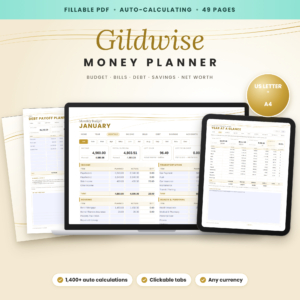 Budget Planner Fillable PDF | Gildwise Auto-Calculating Money Planner with Monthly Budget, Debt Tracker, Savings & Net Worth Tracker | US Letter & A4
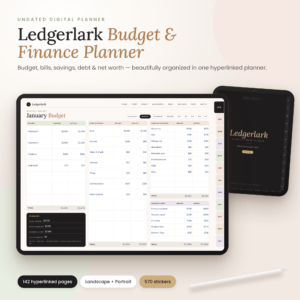 Digital Budget Planner – Ledgerlark Undated Finance Planner for GoodNotes & iPad | Hyperlinked Bill Tracker, Savings & Debt Payoff | Printable Letter & A4
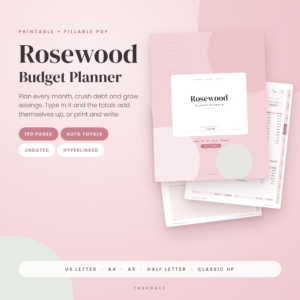 Rosewood Budget Planner | Printable & Fillable PDF Budget Binder with Auto Totals, Monthly Budget, Bill Tracker, Debt Payoff & Savings Challenges | Letter, A4, A5
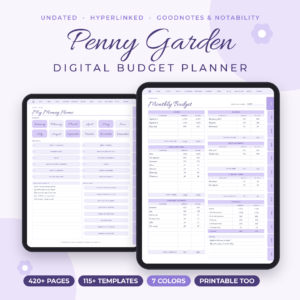 Penny Garden Digital Budget Planner for GoodNotes & iPad, Undated Monthly, Bi-Weekly & Paycheck Budget
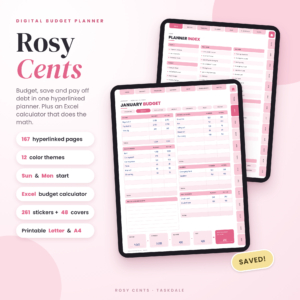 Rosy Cents Digital Budget Planner | Undated Hyperlinked Budget Planner for iPad & Tablets with Excel Budget Calculator | Paycheck, Bill, Savings & Debt Tracker | Printable Letter & A4
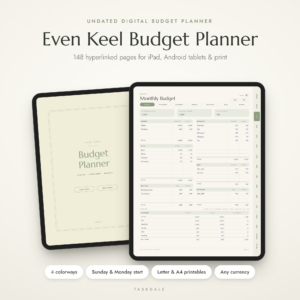 Even Keel Budget Planner | Undated Digital Budget Planner for iPad & Android, Hyperlinked GoodNotes Finance Planner with Paycheck, Bill & Debt Tracker, Printable PDF
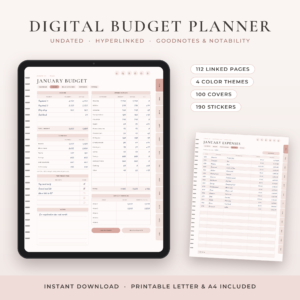 Petalwise Budget Planner | Digital Budget Planner for GoodNotes & iPad, Undated Monthly Budget with Expense, Bill, Debt & Savings Tracker, Printable PDF
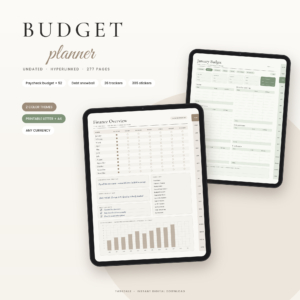 Quiet Money Budget Planner | Digital Budget Planner for GoodNotes, Undated Paycheck Budget with Debt Payoff, Savings & Bill Trackers, Printable PDF
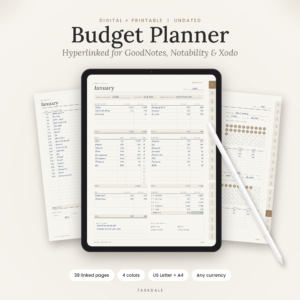 Steady Budget Planner | Digital Budget Planner for GoodNotes, Monthly Finance Planner with Expense, Bill, Savings & Debt Tracker, Printable PDF
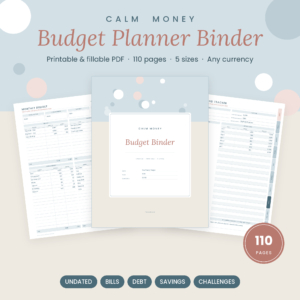 Printable Budget Planner Binder, Fillable PDF | Bill Tracker, Debt Snowball, Savings Tracker | Calm Money Budget Binder
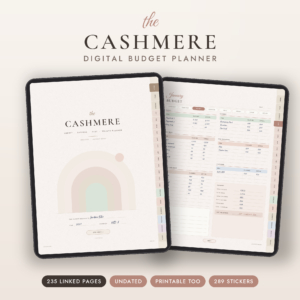 Cashmere Digital Budget Planner | Undated GoodNotes & Notability Finance Planner | Savings Tracker, Debt Snowball, Bill Tracker & Sinking Funds | Printable Letter & A4
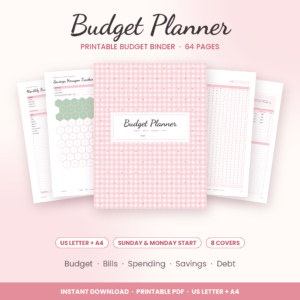 Petal & Penny Budget Binder | Printable Budget Planner with Bill Tracker, Savings Challenges & Debt Payoff Tracker | US Letter & A4 PDF
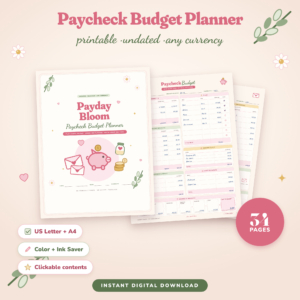 Payday Bloom Paycheck Budget Planner Printable | Budget by Paycheck Worksheets, Cash Stuffing, Sinking Funds & Debt Payoff Tracker | US Letter & A4 PDF
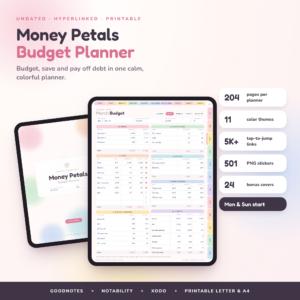 Money Petals Digital Budget Planner | Undated Hyperlinked GoodNotes Finance Planner for iPad & Android | Savings Challenges, Debt Tracker, Printable Letter & A4
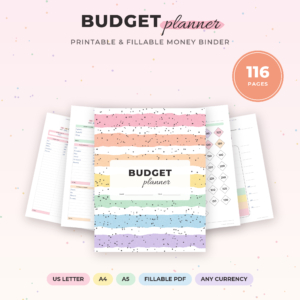 Sorbet Budget Binder | Printable Budget Planner Bundle with Savings Challenges, Debt Payoff & Bill Trackers | Fillable PDF, US Letter, A4, A5
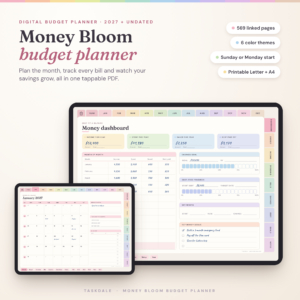 Money Bloom Digital Budget Planner 2027 and Undated | Hyperlinked PDF for GoodNotes & iPad | Paycheck, Bills, Debt & Savings Tracker | 6 Themes
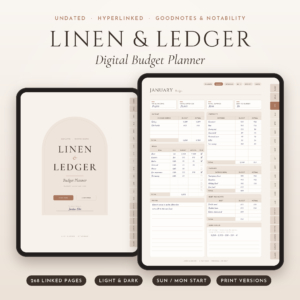 Linen & Ledger Digital Budget Planner | Undated Hyperlinked GoodNotes & iPad Finance Planner with Debt Payoff, Savings Challenges & Dark Mode | Printable Letter + A4
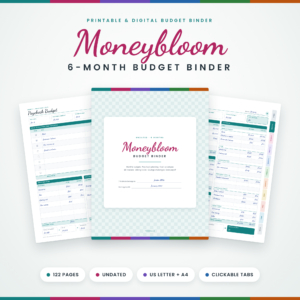
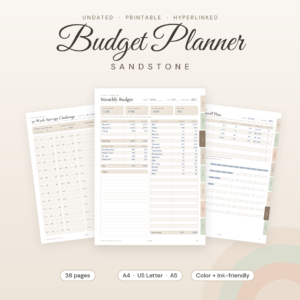
Table of Contents Toggle
- What should you look for in the best printable budget planner?
- How do the printable budget planners on this page compare?
- Which printable budget planner suits which person?
- Can a digital budget planner work as a printable one?
- How do you set up and use a printable budget planner?
- What mistakes should you avoid with a printable budget planner?
- What affects the price of a printable budget planner?
- Which printable budget planner should you choose?
- Common questions
What should you look for in the best printable budget planner?
A printable budget planner is a set of PDF pages you print at home to record income, bills, spending, savings and debt. The best one for you comes down to six factors: how it is filled in, paper size, budgeting method, page count, debt and savings tools, and ink use.
Fillable pages or write-in pages
A fillable PDF lets you type into boxes on screen, and some versions add up the totals for you. Rosewood Budget Planner updates totals, "left to assign" and progress as you type, and Gildwise does the same with its 1,400-plus calculations. You can still print either one and write by hand.
Write-in binders such as Petal & Penny Budget Binder and Payday Bloom ask you to do the arithmetic yourself. That is no bad thing if you enjoy seeing every number pass through your pen, but it does mean a calculator beside you.
Page size that fits your printer and binder
Paper size decides whether the planner sits comfortably in your folder. US Letter and A4 are standard, and every planner on this page offers both. If you want something smaller to carry in a handbag or sit on a desk, look for A5 or Half Letter.
Rosewood Budget Planner offers five sizes, the Printable Budget Planner Binder offers five including Classic 7 x 9.25 in, and Sandstone and Sorbet offer A5. Check your printer handles the size before you buy.
A budgeting method that matches how you are paid
A budgeting method is the rule you use to give every pound or dollar a job. Monthly budgets suit a single salary on a fixed date. Paycheck budgeting suits irregular or split pay, because each bill is matched to the paycheck that covers it.
Payday Bloom and Moneybloom 6-Month Budget Binder are built around paychecks, and Moneybloom includes cash envelopes. Sandstone offers monthly, paycheck and 50/30/20 budgets in one file. Sorbet gives you seven budget styles to try.
Page count against the time you will really spend
More pages means more choice, but also more to fill in. Rosewood runs to 150 pages, with 12 months of six pages each. Payday Bloom has 34. A long planner suits someone who likes a weekly review; a short one suits someone who wants to check in for ten minutes on payday.
Be honest about your habits. A planner you fill in every fortnight beats a beautiful one abandoned in February.
Debt and savings tools
Debt snowball means paying off the smallest balance first for quick wins, while debt avalanche means tackling the highest interest rate first to cut the total cost. Sorbet includes both, and most of the printable binders here include at least a snowball tracker.
For savings, look for sinking funds (money set aside for known future costs) and challenges you colour in as you go. Rosewood has 10 savings challenges and the Printable Budget Planner Binder has 12 savings trackers and 9 challenges.
Ink use and undated start
An undated planner has no fixed calendar, so you begin whenever you like and reuse the pages. Nearly every planner here is undated. Sorbet is the exception in that it adds dated 2027 months as well.
Heavy colour backgrounds use more ink. Rosewood, Payday Bloom and Sandstone each include an ink-saver or ink-friendly version, which matters if you plan to print the pages more than once.
How do the printable budget planners on this page compare?
The eight planners below differ most in page count, paper sizes and whether you can type into them. All are printable, and none of the figures below are estimates; they come from each product's own description.
Which printable budget planner suits which person?
Each planner suits a different kind of budgeter, and the page count tells you most of it. Here is how they split.
You dislike maths. Choose Gildwise Money Planner or Rosewood Budget Planner. Both calculate for you, and Gildwise adds a net worth tracker as well as debt and savings pages.
You want one binder for the whole year. Rosewood Budget Planner has 12 ready-to-fill months. Sorbet Budget Binder adds dated 2027 months, which helps if you like a calendar to match.
You are paid weekly, fortnightly or irregularly. Payday Bloom, Moneybloom 6-Month Budget Binder and the Printable Budget Planner Binder are all built around paychecks. Moneybloom adds five paycheck pages a month, which suits several pay dates.
You want to try budgeting before committing. Sandstone Budget Planner and Payday Bloom are short enough to finish a first month without feeling overwhelmed.
You like a tidy, decorated binder. Petal & Penny Budget Binder includes 8 cover designs, 8 section dividers and binder spines, so it looks finished once printed.
You carry a small planner. Printable Budget Planner Binder and Rosewood Budget Planner both offer Half Letter and a Classic size.
Can a digital budget planner work as a printable one?
Yes, several digital planners include printable US Letter and A4 files, so you can use them on paper if you prefer. These are mainly designed for tablet apps such as GoodNotes, with print as a bonus.
Steady Budget Planner is the shortest at 39 hyperlinked pages. Petalwise Budget Planner has 112, Ledgerlark has 142, Rosy Cents has 167, and Cashmere has 235. Quiet Money Budget Planner goes to 277, Money Petals to 204, and Penny Garden to 423. Remember that hyperlinks and tabs only work on screen, so a printed copy loses that convenience.
If you will print most of it, choose a planner designed for print first, because the layout and ink use will suit paper better.
How do you set up and use a printable budget planner?
Setting up a printable budget planner takes about an hour and then roughly ten minutes a week. Follow these steps for any planner on this page.
- Print a test page in the size you plan to use, and check nothing is cut off at the margins.
- Print only what you need. Start with the monthly budget, bill tracker and one debt or savings page, rather than every sheet.
- List your income for the month, or for each paycheck if you use a paycheck planner.
- Add fixed bills first, with due dates, then variable costs such as food and fuel.
- Assign every pound or dollar until the "left to assign" figure reaches zero, or whatever buffer you choose.
- Log spending weekly rather than daily. A ten-minute check on the same day each week is easier to keep up.
- Review at month end, note what went over, and adjust next month's amounts.
What mistakes should you avoid with a printable budget planner?
The most common mistake is printing everything at once and giving up when the pile feels heavy. A short, steady routine matters more than a perfect set of pages.
- Skipping a test print. Page sizes and margins vary by printer, and A4 and US Letter are not the same shape.
- Using the wrong budgeting method. A monthly planner will frustrate you if you are paid weekly, so match the layout to your pay pattern.
- Setting a savings challenge you cannot afford. Pick one that fits what is left after bills, not what you wish was left.
- Ignoring irregular costs. Sinking funds for car tax, gifts or insurance stop one-off bills from wrecking a month.
- Treating one overspend as failure. Note it, move on and adjust the next month's amount.
- Printing in full colour every time. Use the ink-saver version for everyday pages if one is included.
What affects the price of a printable budget planner?
The price of a printable budget planner mostly follows page count, the number of included paper sizes, and whether it offers fillable, auto-calculating pages. Shorter binders such as Payday Bloom and Sandstone sit at the cheaper end, while larger, calculating planners such as Rosewood and Gildwise tend to cost more up front.
Extras also add to the price: covers, stickers, dividers, user guides and bonus trackers. Remember too that you pay separately for paper and ink at home. A long, colour-heavy planner can cost more to print than it did to buy, so an ink-saver version is a real saving over a year. Prices are shown on the live product cards.
Which printable budget planner should you choose?
Choose by how you like to work, then by how much time you can give it. Here is a simple rule.
- If you want the maths done, pick Gildwise Money Planner or Rosewood Budget Planner.
- If you are paid by paycheck and want a short start, pick Payday Bloom or Sandstone Budget Planner.
- If you want a full binder with covers and dividers, pick Petal & Penny Budget Binder or Sorbet Budget Binder.
- If you want several paper sizes for a small binder, pick Printable Budget Planner Binder.
Pick one, print the first month only, and judge it after four weeks.
Common questions
Is a printable budget planner better than a budgeting app?
A printable planner suits people who want to see their money on paper and avoid notifications. An app suits people who want automatic bank syncing. Neither is better for everyone, so choose the one you will open every week. Many people use paper for planning and a banking app for checking balances.
Do I need a special printer or paper?
No. A standard home inkjet or laser printer and ordinary A4 or US Letter paper work for every planner here. Heavier paper helps if you write in pen, because ink can show through thin sheets. Use the ink-saver version, where one is included, for everyday pages.
Can I reuse an undated planner each year?
Yes. Undated means the pages carry no fixed year, so you can print a fresh set whenever you like and start in any month. Sorbet Budget Binder is the exception in having dated 2027 months, though it also includes undated calendars you can reuse.
What is the difference between debt snowball and debt avalanche?
Debt snowball clears the smallest balance first, which gives quick wins and keeps motivation high. Debt avalanche clears the highest interest rate first, which usually costs less overall. Sorbet Budget Binder includes both methods, so you can try each and see which you will stick with.
Will these planners work in my currency?
Most descriptions say they work in any currency, because the money columns are neutral. Rosewood uses one currency setting in its fillable version. If your currency matters, check the product description before buying.