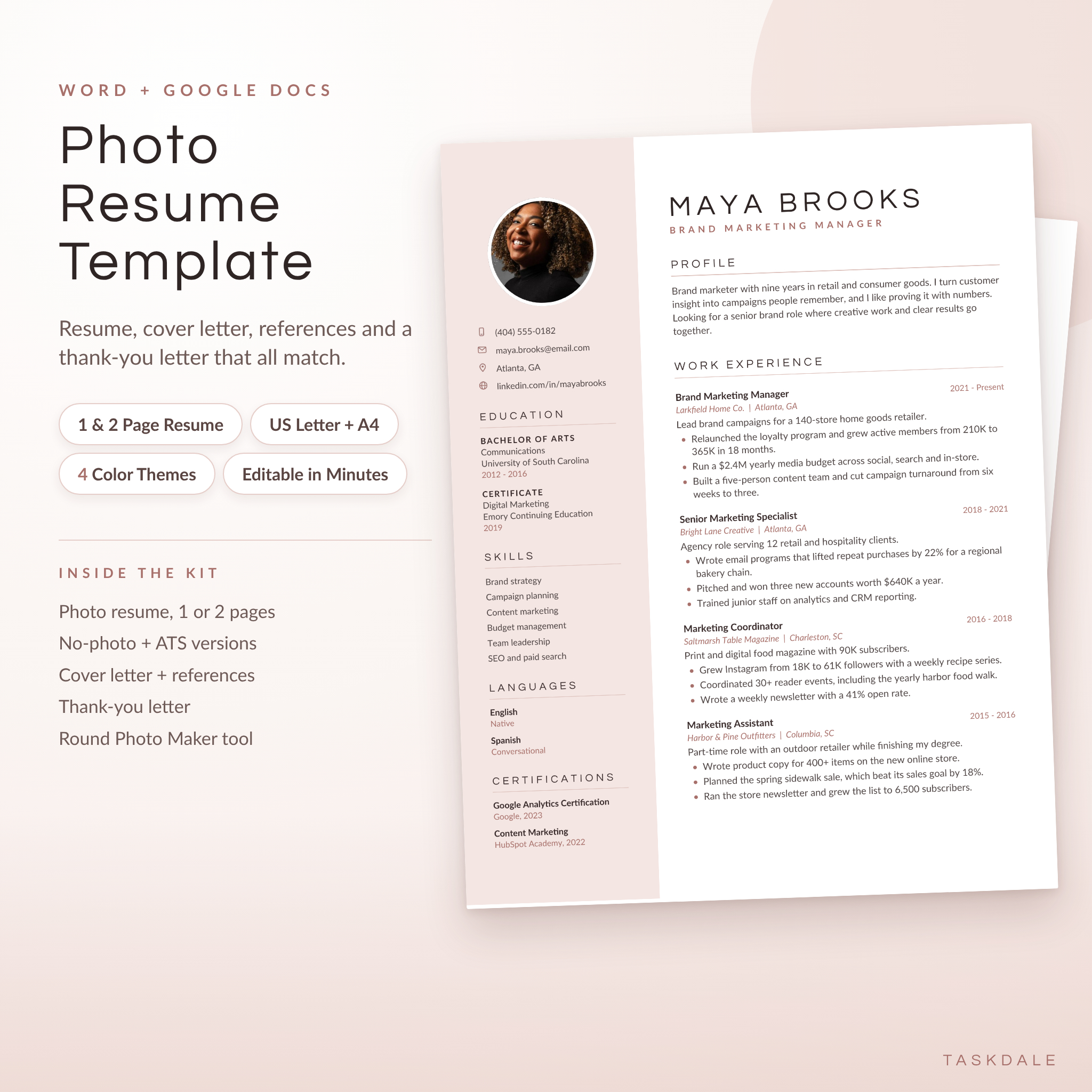
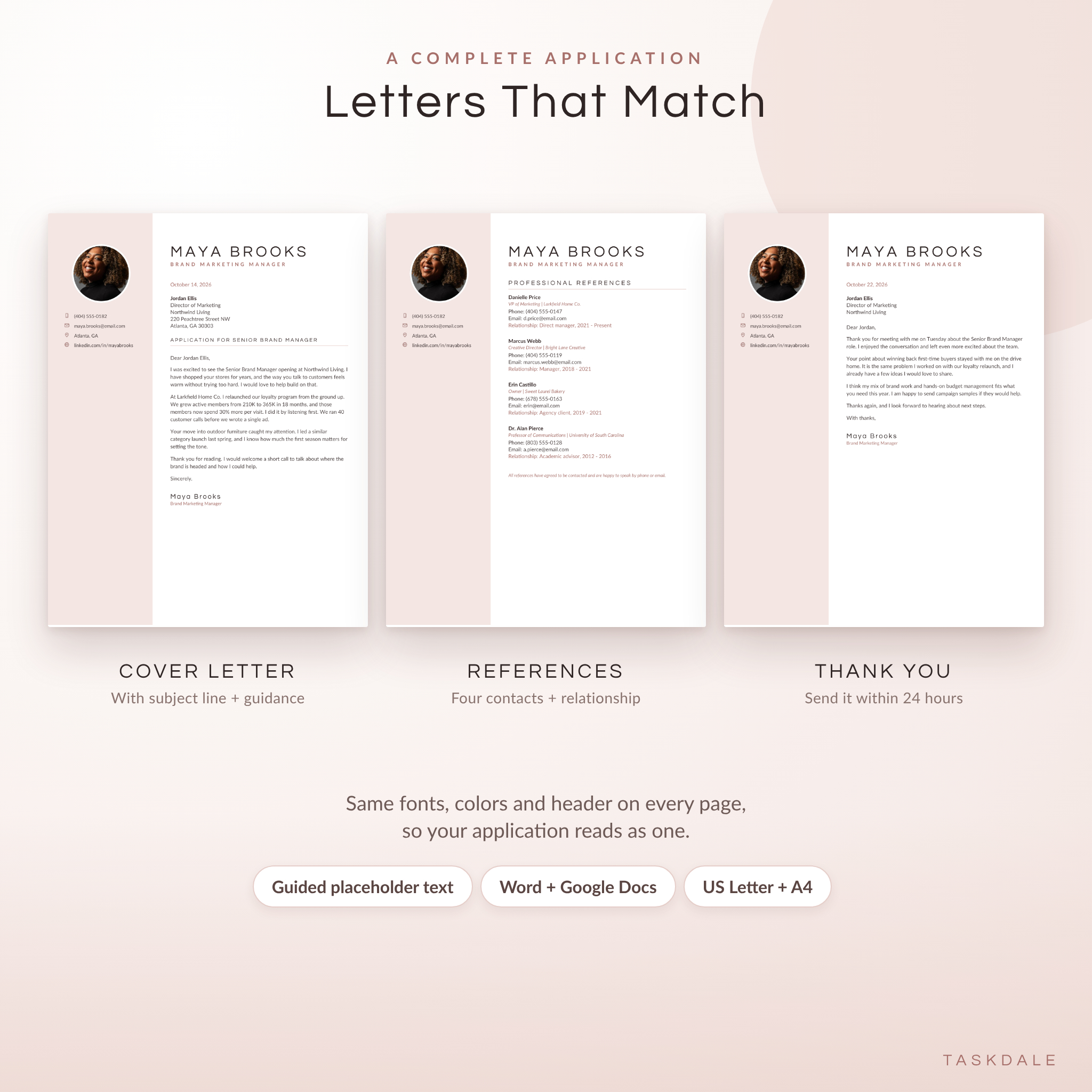
The Calla Photo Resume Kit is a photo resume template for Word and Google Docs with everything you need to apply for a job in one download. You get a 1-page and 2-page resume, a no-photo version, a plain ATS version, and a matching cover letter, references page and thank-you letter. Pick one of four soft color themes, type over the sample text, add your photo and save it as a PDF.
It looks like a designer made it for you. It works like a normal document, so you never fight the layout.
What Makes This Photo Resume Template Different
Most resume templates give you one file and hope it opens properly. This kit was built and tested in two places, so it behaves wherever you edit.
- Separate Word and Google Docs editions. Google Docs handles page edges differently from Word. The Google Docs files are adjusted so the colored sidebar fits on the page and no blank page sneaks in.
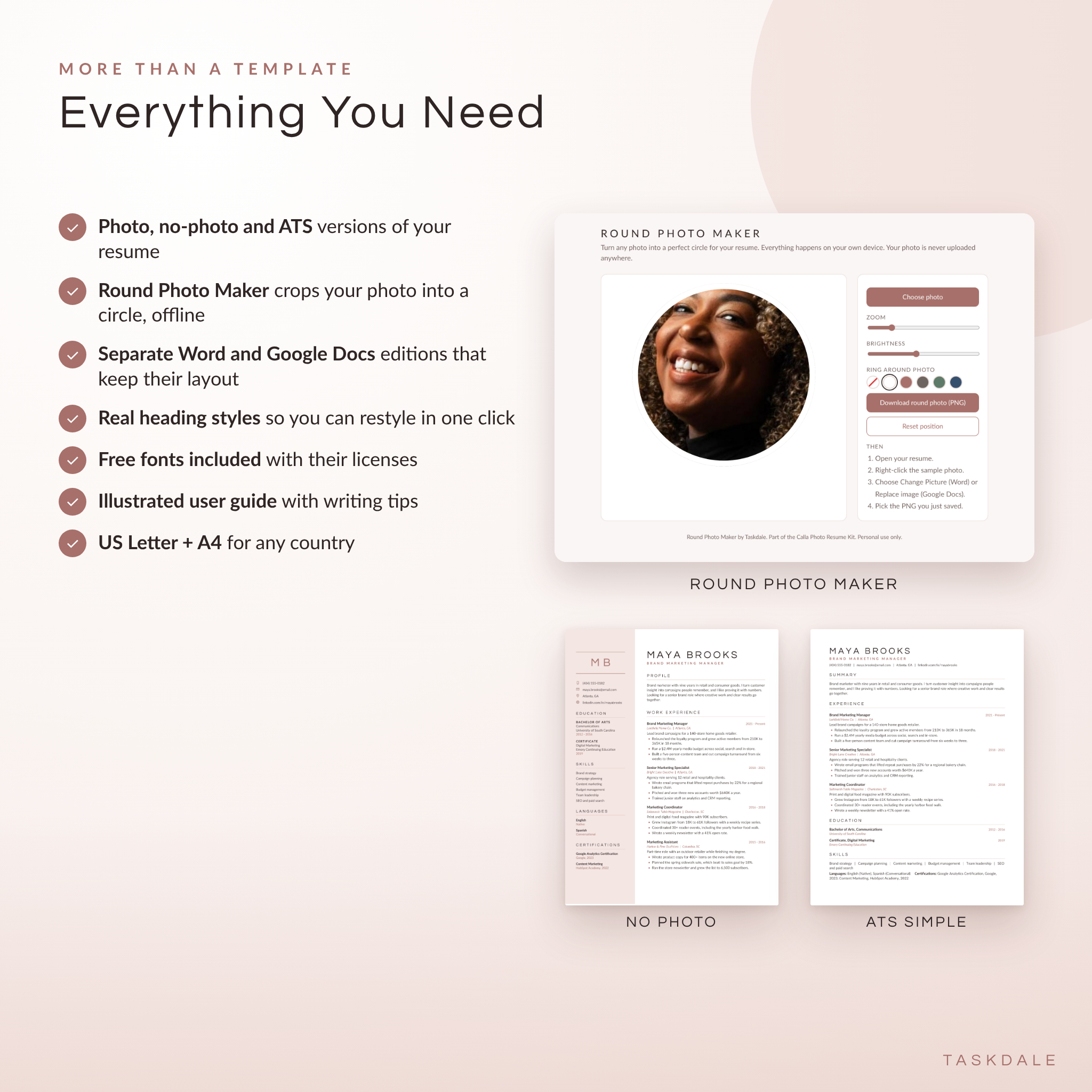
- Photo, no-photo and ATS versions. Many US employers prefer resumes without photos. Online portals prefer one simple column. You get all three in the same design, so your application still matches.
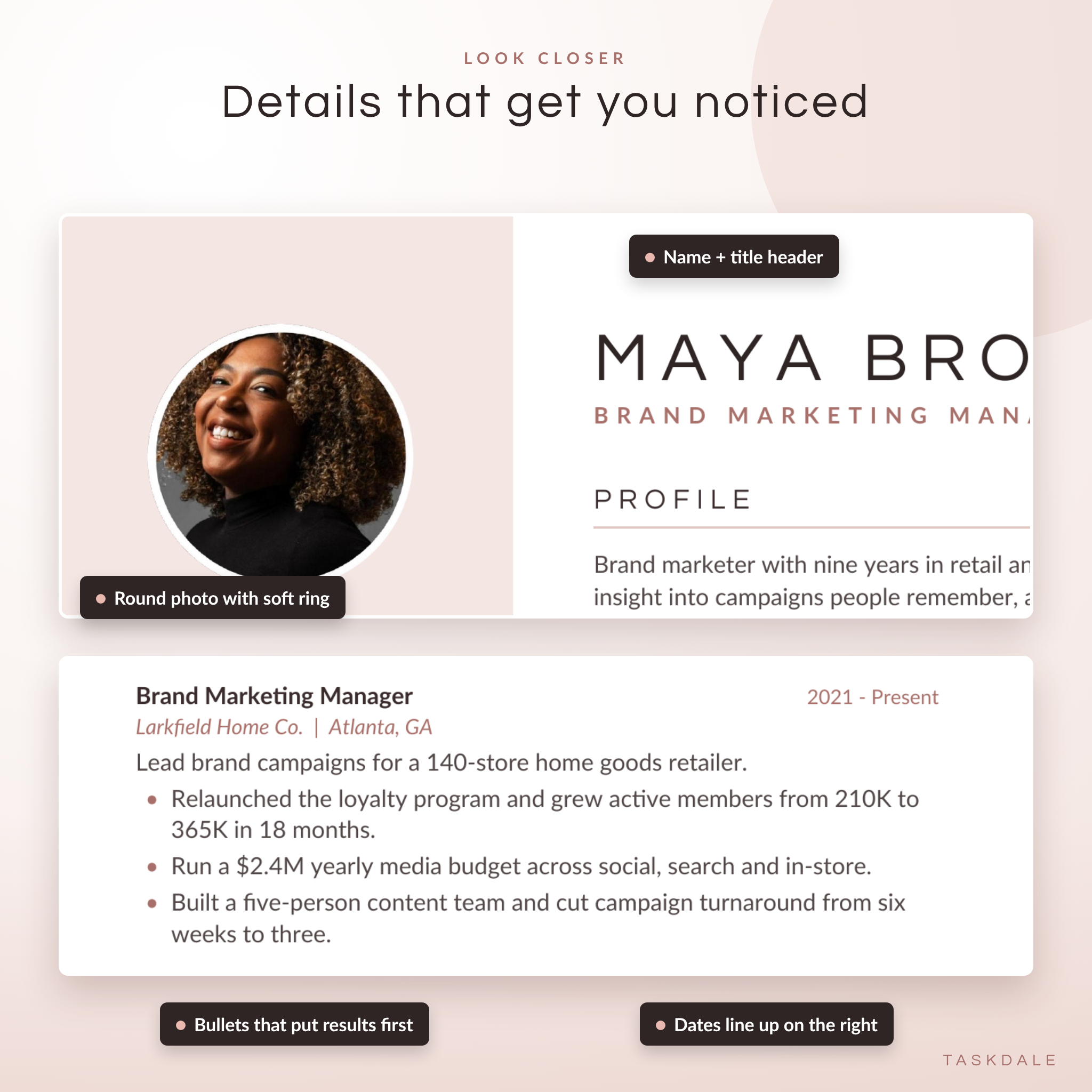
- Round Photo Maker. A small tool that opens in your browser, crops your photo into a clean circle with a white ring and saves it as a PNG. It works offline and your photo never leaves your device.
- Real heading styles. Section headings use Word’s built-in Heading styles. Change one and every heading updates.
- Guided placeholder text. Every line tells you what to write, like “Start with a strong verb and say what changed because of your work.”
What Is Included
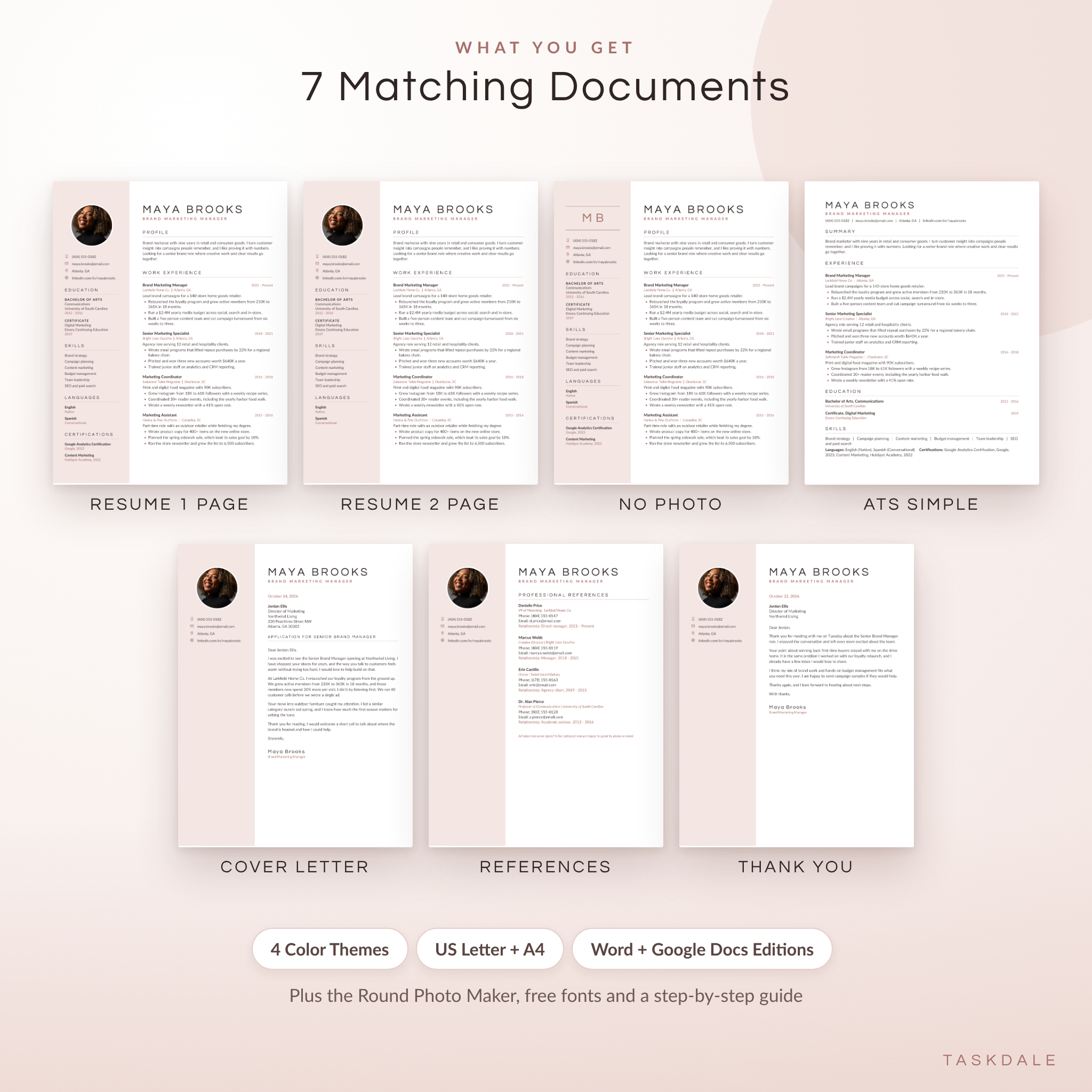
7 matching documents
- Resume, 1 page, with photo
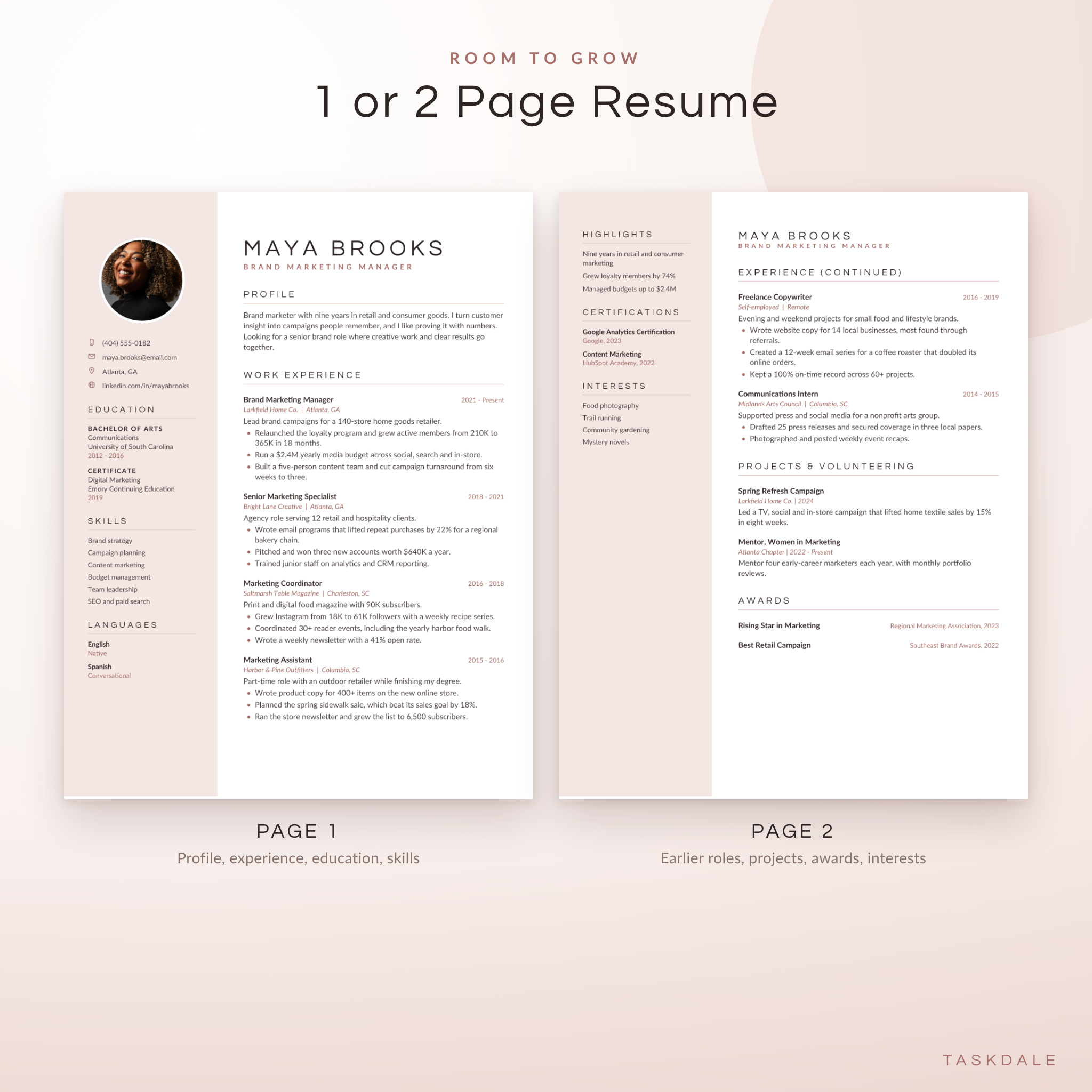
- Resume, 2 pages, with photo (page 2 holds earlier roles, projects, awards, highlights and interests)
- Resume, 1 page, no photo (monogram of your initials instead)
- Resume, ATS Simple (single column for job portals)
- Cover letter with date, recipient block and subject line
- References page with room for four contacts and how you know each one
- Interview thank-you letter
In every version you choose
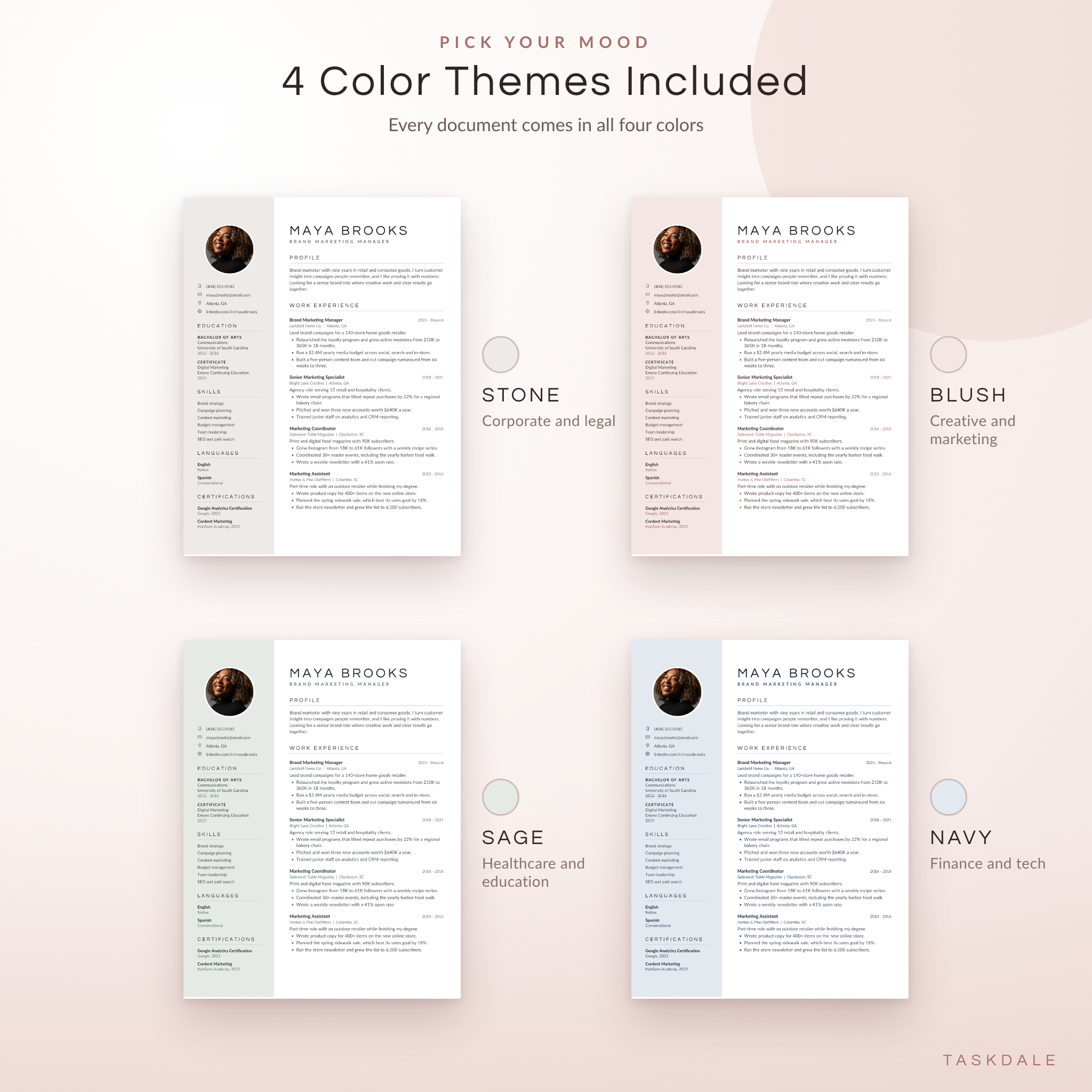
- 4 color themes: Stone, Blush, Sage and Navy
- 2 paper sizes: US Letter and A4
- 2 editions: Microsoft Word and Google Docs
That comes to 112 ready-to-edit .docx files, neatly sorted into folders by app, color and size. You also get the Round Photo Maker, the two free fonts used in the design (with their licenses) and a 15-page illustrated user guide.
Who This Resume Template Is For
It suits anyone who wants a resume that looks calm, modern and put together without paying a designer. It works well for marketing, HR, admin, sales, hospitality, healthcare, education and creative roles. The Navy and Stone themes lean corporate. Blush and Sage feel warmer.
New grads get a layout that tells them what to write. Career changers get a profile section and a skills column that put transferable strengths up front. Experienced people get a 2-page version with room for older roles and projects.
How It Works
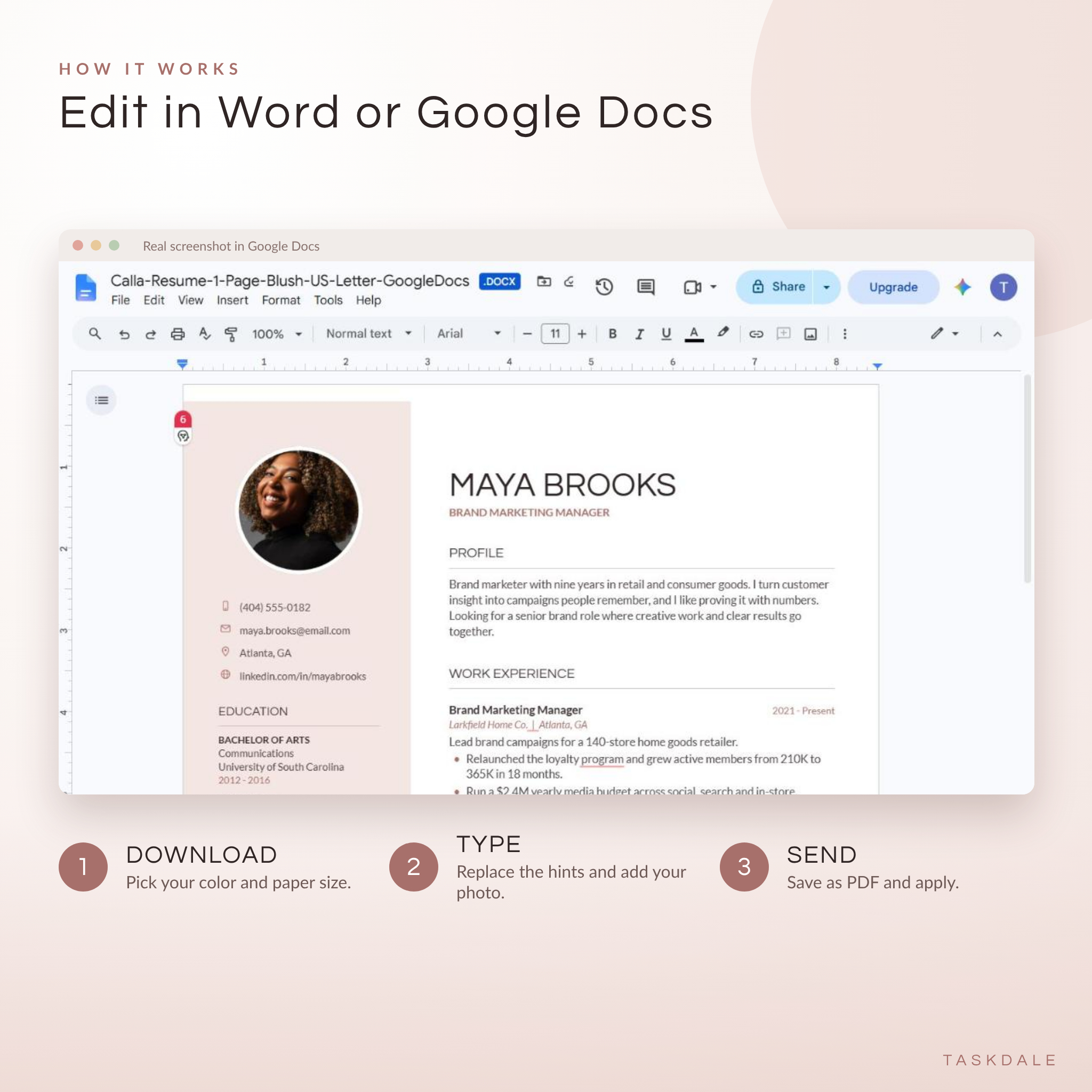
- Download the kit right after checkout and unzip it.
- Choose Word or Google Docs, then your color and paper size.
- Edit by clicking on any sample text and typing. Swap in your photo with Change Picture (Word) or Replace image (Google Docs).
- Save as PDF and send it.
If you use Word, install the two included fonts first. It takes about a minute and the guide shows you how on Windows and Mac. Google Docs already has both fonts.
Real Ways People Use It
- Applying for jobs abroad where a photo resume is expected, then using the no-photo version for US roles.
- Uploading the ATS Simple version to an online portal, and bringing the photo version to the interview.
- Sending a cover letter and thank-you note that match your resume, so your name sticks.
- Printing a clean copy for a career fair or networking event.
- Refreshing an old resume in an evening before a promotion review.
File Formats and Requirements
- Format: .docx (Word document). Opens in Microsoft Word 2016 or newer, Microsoft 365, Word for Mac and Google Docs (free with a Google account).
- Paper sizes: US Letter (8.5 x 11 in) and A4 (210 x 297 mm).
- Round Photo Maker: .html file that opens in Chrome, Edge, Safari or Firefox. No install and no internet needed.
- Fonts: Questrial and Lato, free under the SIL Open Font License and included in the download.
- Download: one zip file (about 8.5 MB) plus the user guide as a separate .docx.
Customizing Your Resume
Rename any section, move sections around, add or remove job blocks and change the sidebar color. The guide walks through each one with clear steps for Word and Google Docs, plus a short set of writing tips, a list of action verbs and a troubleshooting table.
Digital Download
This is a digital product. Nothing is shipped. Your files are ready to download as soon as payment goes through, and you can download them again from your account at any time. The sample photo in the listing images is for display only and is not included. The templates come with a neutral photo placeholder for your own picture.
FAQ
Do I need Microsoft Word?
No. Use the Google Docs edition with a free Google account.
Is this resume template ATS friendly?
All text is real, editable text, not pictures. For online job portals, use the ATS Simple version, which has a single column and standard headings.
Can I edit it on my phone?
Yes, small edits work in the Google Docs app. A computer is easier for bigger changes.
How do I add my own photo?
Run your photo through the included Round Photo Maker, then right-click the placeholder and choose Change Picture in Word or Replace image in Google Docs.
Can I use it without a photo?
Yes. The no-photo version shows your initials in a monogram, and the ATS version has no photo at all.
Will it work in Apple Pages or Canva?
It is built for Word and Google Docs. Pages may open the Word files but the layout can shift. It is not a Canva template.
Can I change the colors?
Yes. Choose from four themes, or set your own sidebar and accent colors using the steps in the guide.
Can I share it with a friend?
The license is for your personal job search. Your friend can pick up their own copy on Taskdale.
Reviews
There are no reviews yet.