Best Task Tracker: Apps and Spreadsheets Compared
A task tracker is a tool that holds your to-dos in one place and shows what is due, overdue and done. The best task tracker for you is the one that matches how you work: a browser app for scheduling and dependencies, a spreadsheet for one-off plans, or a tablet planner for handwriting. This page compares all three.
Key facts at a glance
- Projectory and Tallyday are browser apps that run offline, with no account and no subscription.
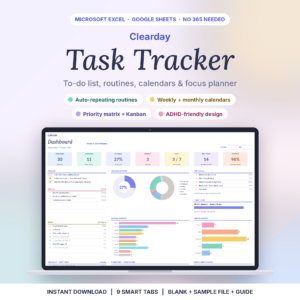
- Clearday Task Tracker Spreadsheet works in Excel 2010 or newer, Excel for the web and Google Sheets, so Microsoft 365 isn't needed.
- Plumrise Project Hub tracks up to 30 projects and 500 tasks in Google Sheets.
- Inkstride Project HQ holds up to ten projects in one hyperlinked file for Kindle Scribe.
- Most spreadsheet trackers follow the same principle: you enter a task once and the other tabs update themselves.
Table of Contents Toggle
- What makes a task tracker the best one for you?
- How do the best task trackers compare?
- Which task tracker suits which person?
- How do you use a task tracker so it keeps working?
- What mistakes should you avoid when choosing a task tracker?
- What affects the price of a task tracker?
- How do you choose the best task tracker with confidence?
- Common questions
Choosing a task tracker can feel more complicated than it should. There are apps, spreadsheets and tablet planners, and each claims to do everything. We'll keep this practical: what to look for, how the main options differ, and a simple rule at the end. You can browse all 21 options below once you know what you're looking for.
 Gantt Chart Planner App | Projectory Interactive Project Timeline & Task Tracker with Critical Path, Live Dashboard, Kanban Board, Team Workload & Budget | Works Offline
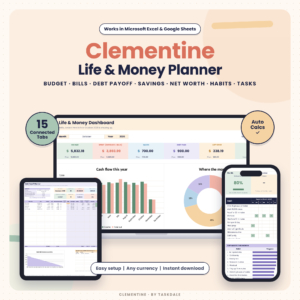 Budget Planner Spreadsheet for Excel & Google Sheets | Clementine Life & Money Planner with Debt Payoff, Bill Tracker, Habit Tracker, Task Tracker & Savings Goals
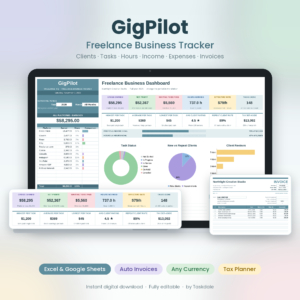 Freelancer Tracker Spreadsheet for Excel & Google Sheets | GigPilot Freelance Business Dashboard with Client CRM, Invoice Generator, Income & Expense Tracker & Rate Calculator
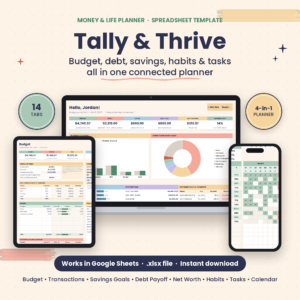 Tally & Thrive Budget Planner Spreadsheet for Google Sheets | Debt Payoff, Savings Goals, Expense, Habit & Task Tracker
 MonthMosaic Monthly Calendar Planner for Excel & Google Sheets | Digital Calendar Template with To-Do List, Task Tracker & Year Dashboard
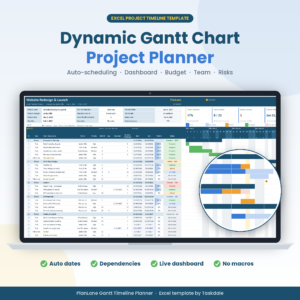 Gantt Chart Template for Excel | PlanLane Project Timeline Planner with Dependencies, Dashboard, Budget & Risk Tracker
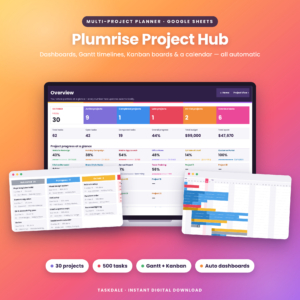 Multi Project Planner Google Sheets Template | Plumrise Project Hub with Gantt Chart, Kanban Board, Dashboard & Calendar
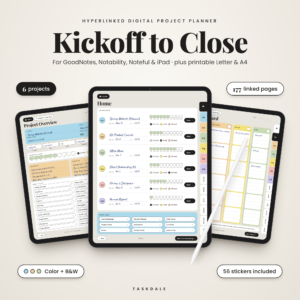 Digital Project Planner for GoodNotes & iPad | Kickoff to Close Hyperlinked Project Management Template with Kanban, Gantt, Budget & Printable PDF
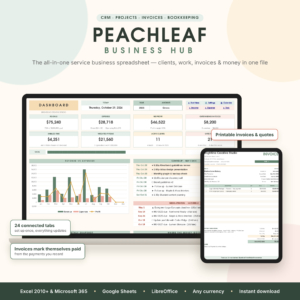 Small Business CRM & Bookkeeping Spreadsheet for Excel & Google Sheets | Peachleaf Business Hub with Invoice Tracker, Projects, Tasks, Time Tracker & Dashboard
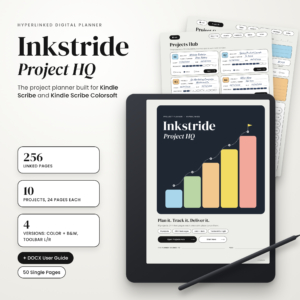 Kindle Scribe Project Planner | Inkstride Project HQ Hyperlinked PDF Project Management Template for Kindle Scribe Colorsoft with Kanban Board, Gantt Timeline, Task Tracker & Budget
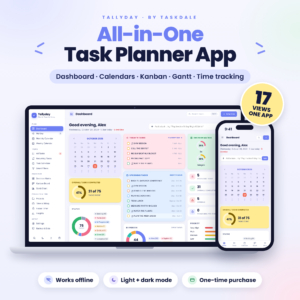 Task Planner App with Dashboard, Kanban Board, Gantt Chart & Calendars | Tallyday All-in-One Offline Task Tracker with Recurring Tasks, Focus Timer & Time Tracking
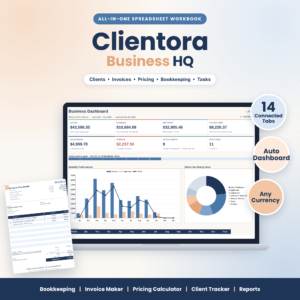 Small Business Spreadsheet Template – Bookkeeping, Invoice Maker, Pricing Calculator & Client Tracker | Clientora Business HQ (.xlsx)
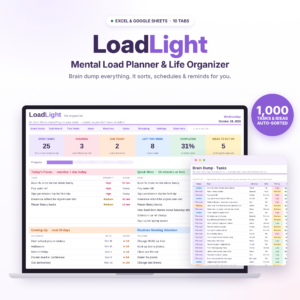 LoadLight Mental Load Planner | Brain Dump Task Organizer & Weekly Planner Spreadsheet for Moms | Excel & Google Sheets Life Organizer
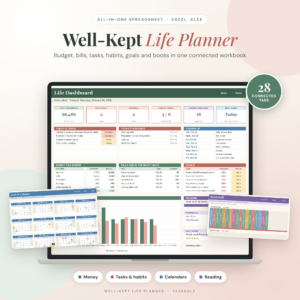 Well-Kept Life Planner Spreadsheet for Excel | All-in-One Budget Planner, Bill Tracker, Debt Payoff, Habit Tracker, Goal Planner, Weekly Planner & Book Tracker | Undated 2026 2027
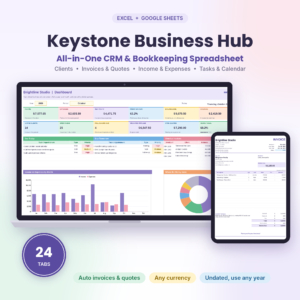 Keystone Business Hub | Small Business Spreadsheet for Excel & Google Sheets | CRM, Bookkeeping, Invoice Tracker, Client Tracker & Business Dashboard
 ADHD Planner Spreadsheet for Excel | Task, Habit & Goal Tracker with Recurring Tasks, Daily Weekly Monthly Planner & Time Blocking
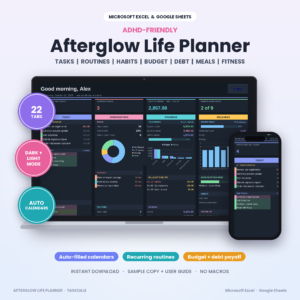 ADHD Life Planner Spreadsheet for Excel & Google Sheets | Afterglow Dark Mode Planner with Budget Tracker, Habit Tracker, Routine Tracker, Meal Planner & Debt Payoff
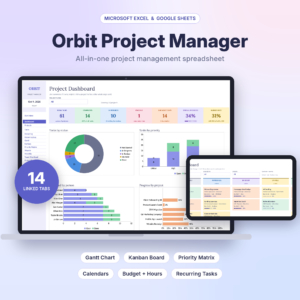 Project Management Spreadsheet for Excel & Google Sheets | Gantt Chart, Kanban Board, Task Tracker & Dashboard Template
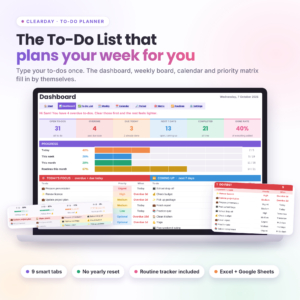 Clearday To-Do Planner | To-Do List Spreadsheet for Excel & Google Sheets with Dashboard, Weekly & Monthly Calendar and Routine Tracker
What makes a task tracker the best one for you?
The best task tracker is the one you will open every day, which depends on where it runs, how it handles repeating jobs, how much planning structure it offers, how much it can hold and how long it takes to set up. Five factors decide most of it.
Where does the task tracker run?
A task tracker runs in one of three places: a browser app, a spreadsheet, or a tablet planner. Projectory and Tallyday are apps that work offline in your browser, and Tallyday says your data stays on your computer. The spreadsheets run in Excel or Google Sheets. Inkstride Project HQ and the GoodNotes Digital Project Planner are hyperlinked PDFs for pen-and-tablet use.
If you already live in Excel or Google Sheets, a spreadsheet will feel familiar. If you would rather not touch formulas, an app is gentler.
Does the task tracker repeat tasks for you?
Recurring tasks are jobs that return on a schedule, such as bin day, invoices or a weekly review. A tracker that repeats them saves you retyping the same entry every week.
Clearday Task Tracker Spreadsheet repeats daily, weekdays, weekly, every 2, 3 or 4 weeks, monthly, quarterly and yearly. Tallyday offers 15 repeat patterns. The ADHD Planner Spreadsheet fills your daily, weekly and monthly pages from routines you add once.
Do you need dependencies and a Gantt chart?
A Gantt chart is a timeline where each task is a bar, and a dependency means one task cannot start until another finishes. You need these only if tasks genuinely wait on each other, as in a building job, an event or a product launch.
Projectory reschedules linked tasks when you drag one and handles weekends, holidays and the critical path. The Project Management Spreadsheet and PlanLane's Gantt Chart Template for Excel also schedule from durations and dependencies. For a plain daily list, a Gantt chart is clutter.
How many tasks and projects will it hold?
Capacity matters once you pass a few dozen tasks. Clearday To-Do Planner has room for 500 to-dos, and Plumrise Project Hub covers up to 30 projects and 500 tasks. Inkstride Project HQ takes up to ten projects, and the GoodNotes planner takes up to six.
Count your real workload first. One household or one job rarely needs more than a few hundred entries.
How much setup does it need?
Setup is the work between buying a tracker and using it. Tally & Thrive quotes about five minutes. Projectory says you can start planning in 60 seconds. Several spreadsheets include a user guide, from 14 pages for Clearday Task Tracker Spreadsheet to 20 for PlanLane, plus sample files so you can see a filled-in version first.
How do the best task trackers compare?
The table compares seven trackers on format, best use and one standout detail taken from their listings. The grid below the text shows the rest.
Which task tracker suits which person?
Each tracker suits a different working style, so match the product to the job rather than the feature list.
- Running a project with deadlines that depend on each other: Projectory or PlanLane's Gantt Chart Template for Excel. Both calculate dates for you. PlanLane needs Excel 2019 or Microsoft 365, while Projectory needs neither.
- Keeping on top of everyday jobs: Clearday Task Tracker Spreadsheet or Clearday To-Do Planner. The first builds overdue and today lists with a Kanban board. The second adds a 12-month routine tracker.
- Wanting no spreadsheet at all: Tallyday. You type tasks in plain words and they appear across 17 connected views.
- Juggling several projects: Plumrise Project Hub, which turns one task list into Gantt timelines, Kanban boards and a workload view.
- Finding routines hard to hold onto: the ADHD Planner Spreadsheet, with its dark edition and habit streaks.
- Preferring pen to keyboard: Inkstride Project HQ for Kindle Scribe, or the Digital Project Planner for GoodNotes & iPad.
- Sharing household tasks with a partner: LoadLight Mental Load Planner, which includes a load-share view for couples.
How do you use a task tracker so it keeps working?
A task tracker keeps working when you feed it in one short daily routine. Start with the sample file if one is included, then follow these steps:
- Open the sample copy and look at one filled-in task before you enter your own.
- Move every task from your head, notes and paper into the tracker in one sitting.
- Give each task a due date and a priority, even a rough one.
- Set your repeating jobs once, so they refill themselves.
- Check the dashboard or today list each morning, and tick things off as you go.
- Do a five-minute review weekly to clear what is overdue.
What mistakes should you avoid when choosing a task tracker?
The most common mistake is buying more tracker than the job needs. A project-scheduling tool for a household to-do list will sit unopened.
- Choosing by view count. Twelve views are no use if you only look at one.
- Ignoring your software. PlanLane needs Excel 2019+ or Microsoft 365. Clearday works from Excel 2010 onwards and in Excel for the web.
- Skipping the guide. Spreadsheet trackers reward a quick read of the user guide.
- Splitting tasks across tools. Pick one home for tasks, or the tracker stops being trusted.
- Overbuilding the first week. Start with a simple list and add structure later.
What affects the price of a task tracker?
Price depends on scope, format and how the product is sold. A one-purchase spreadsheet that covers budgets, invoices and tasks costs differently from a single-purpose to-do sheet. Some trackers on this page, including Projectory, Tallyday and Clearday, say there is no subscription, which matters if you dislike recurring fees.
Wider tools bundle extras you may not use. The Keystone Business Hub and Peachleaf Business Hub include CRM and bookkeeping alongside tasks, and the Well-Kept Life Planner adds budgeting. If you only want tasks, a focused tracker costs less up front. The live product cards show current prices.
How do you choose the best task tracker with confidence?
Choose by answering three questions in order: do your tasks depend on one another, where do you want to work, and how many things must it hold?
- If tasks depend on each other, start with Projectory, PlanLane or the Project Management Spreadsheet.
- If they don't, start with Clearday or Tallyday.
- If you want handwriting, go straight to the tablet planners.
Open the sample file or guide before committing, and pick the one you can imagine opening tomorrow morning.
Common questions
Do I need Microsoft 365 to use a spreadsheet task tracker?
Not always. Clearday Task Tracker Spreadsheet works in Excel 2010 or newer, Excel for the web and Google Sheets. PlanLane's Gantt Chart Template needs Excel 2019 or Microsoft 365. Check the listing for the Excel version before you buy.
Can a task tracker work without an internet connection?
Yes, some can. Projectory and Tallyday both run offline in your web browser. Spreadsheet trackers depend on where you open them: Excel on your computer works locally, while Google Sheets normally needs a connection.
What is a priority matrix?
A priority matrix is a grid that sorts tasks by urgency and importance, so you can see what to do first and what can wait. Clearday builds one automatically from your to-do list. Tallyday offers a similar decision matrix.
Can I see a filled-in example before I start?
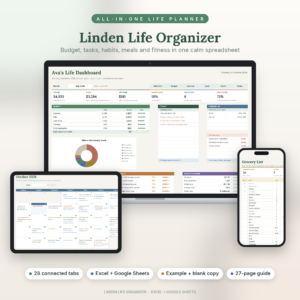
Often, yes. Clearday Task Tracker Spreadsheet comes with a blank file and a sample file. Clearday To-Do Planner, PlanLane and Linden Life Organiser also include example copies, which show how the tabs link together.
Can one tracker handle both work and home tasks?
Yes, if it is built for it. Clearday To-Do Planner pairs tasks with a routine tracker for habits and chores. LoadLight suits shared household planning, and the Well-Kept Life Planner puts tasks beside budget and goals. Keep work projects in a project tool if they need timelines.