Best Android Planner: How to Choose a Digital One
Android planners come in two kinds: a hyperlinked PDF planner that opens in a note app which supports links, such as Samsung Notes or Xodo, or a planner app that runs on your phone. The best choice is the one whose listing names Android or your app, with a layout that matches how you plan.
Choosing can feel more complicated than it should, because many digital planners are written with the iPad in mind and only mention Android in passing. We'll sort the options by what actually differs, so you can pick one with confidence and avoid paying for something your tablet can't use properly. 41 planners are shown below, and the guidance here helps you narrow them down quickly.
Key facts at a glance
- An Android-ready planner names Android or a compatible app, such as Samsung Notes or Xodo, in its listing.
- An undated planner can start in any month and be reused every year, while a dated planner such as a 2027 edition is already laid out for that year.
- Page counts on this page range from 69 pages for the Steadyday app to 1,280+ for Daywoven, and a bigger count means more to navigate, not a better planner.
- Linen Days is a 2 MB file, which is useful if your tablet is older or short on storage.
- Calendar buttons that open Google Calendar on an exact date are included in Wayfold and Daywoven.
 2027 Digital Fitness Planner for GoodNotes | Strivelle Hyperlinked Workout Planner, Meal Planner, Weight Loss & Habit Tracker | iPad, Android & Printable
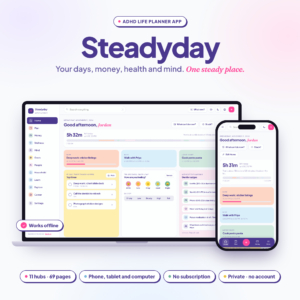 ADHD Life Planner App | Steadyday All-in-One Digital Planner for iPhone, Android & Computer with Daily Planner, Budget, Habit, Meal & Mood Tracker | Works Offline
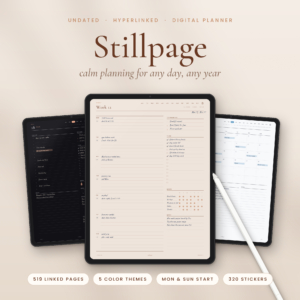 Undated Digital Planner for iPad | Stillpage Hyperlinked GoodNotes & Notability Planner with Daily, Weekly & Monthly Pages, Budget & Habit Trackers, 5 Themes incl. Dark Mode | Monday & Sunday Start
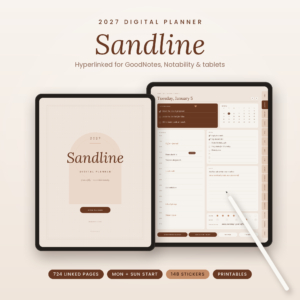 2027 Digital Planner for GoodNotes & iPad | Sandline Minimalist Hyperlinked Daily, Weekly & Monthly Planner with Google Calendar Links, 24 Templates & 148 Stickers | Monday & Sunday Start
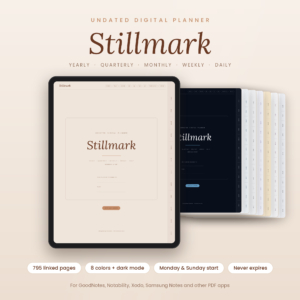 Undated Digital Planner for GoodNotes & iPad | Stillmark Minimalist Daily, Weekly & Monthly Planner, 795 Hyperlinked Pages, 8 Colors & Dark Mode, Monday & Sunday Start
 2027 Digital Planner for GoodNotes & iPad | Openleaf Hyperlinked Monthly, Weekly & Daily Planner, Landscape, Monday & Sunday Start, 20 Templates & 140 Stickers
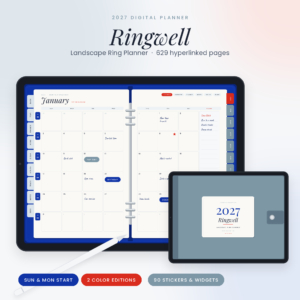 2027 Digital Planner Landscape | Ringwell Ring Planner for GoodNotes & iPad with Hyperlinked Dashboard, Monthly, Weekly & Daily Pages, Budget, Meal & Habit Trackers, 20 Templates & Stickers
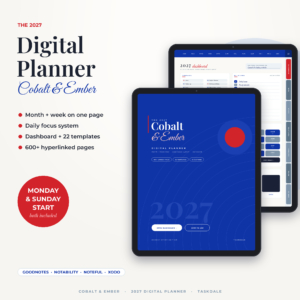 Cobalt & Ember 2027 Digital Planner | Month + Week Hyperlinked GoodNotes & iPad Planner with Dashboard, Daily Focus Pages, 22 Templates & Stickers | Monday & Sunday Start
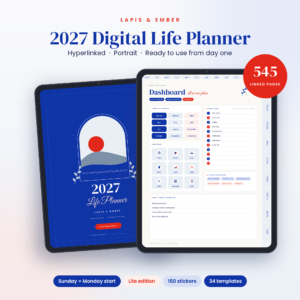 Lapis & Ember 2027 Digital Planner | Hyperlinked GoodNotes & iPad Life Planner, Portrait, Sunday or Monday Start, Daily Weekly Monthly Pages, 34 Templates & 150 Stickers
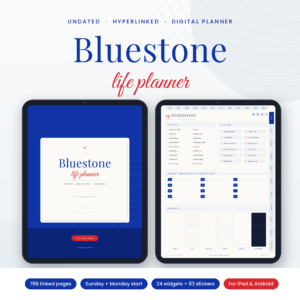 Undated Digital Planner | Bluestone All-in-One Hyperlinked Life Planner for GoodNotes, iPad & Android with Budget, Meal Planner, Habit Tracker & Stickers
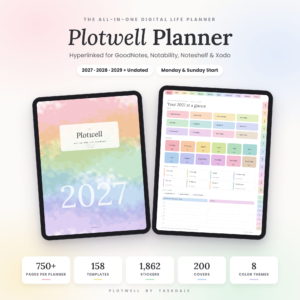 Plotwell All-in-One Digital Planner 2027 2028 2029 + Undated | Hyperlinked GoodNotes & Notability iPad Planner with 158 Templates, 1,862 Stickers & 200 Covers
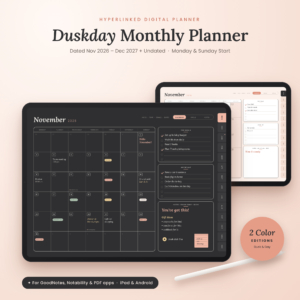 Duskday Digital Monthly Planner 2026-2027 | Hyperlinked GoodNotes & Notability Calendar, Undated iPad & Android Planner, Dark Mode
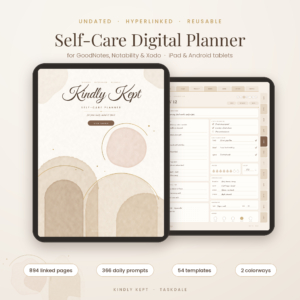 Kindly Kept Self-Care Digital Planner | Undated GoodNotes & iPad Wellness Journal with Daily Prompts, Mood & Habit Tracker
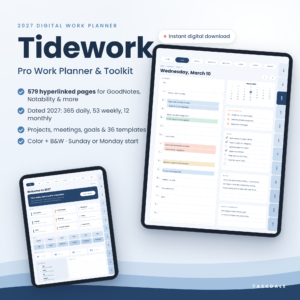 Tidework 2027 Digital Work Planner for GoodNotes & Notability, Hyperlinked Daily, Weekly & Monthly Planner with Project & Meeting Templates
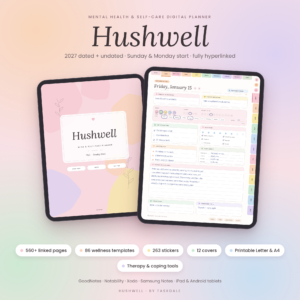 Mental Health Digital Planner | Hushwell Self-Care Journal for GoodNotes & iPad – 2027 + Undated, Mood Tracker, Therapy & Anxiety Journal
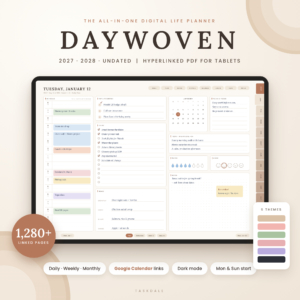 Daywoven Digital Planner 2027 2028 & Undated | Hyperlinked All-in-One iPad & Android Life Planner with Google Calendar Links, 6 Themes, Dark Mode & 870 Stickers
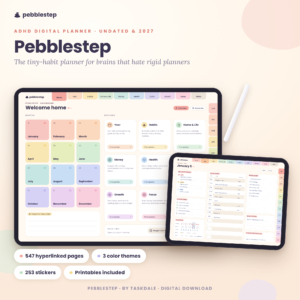 Pebblestep ADHD Digital Planner – Undated & 2027 Hyperlinked iPad Planner with Micro Habit Tracker
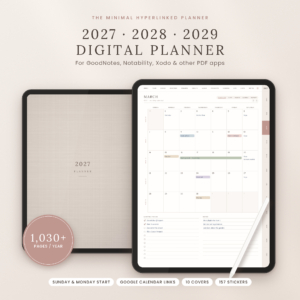 Oat & Ink Digital Planner 2027 2028 2029 | Hyperlinked GoodNotes & iPad Planner, Daily Weekly Monthly, Budget & Habit Tracker, Google Calendar Links
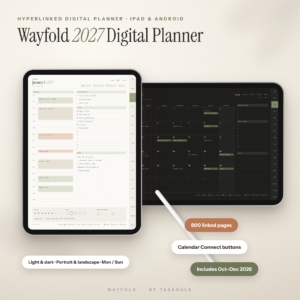 Wayfold 2027 Digital Planner for iPad and Android, Hyperlinked GoodNotes Planner with Calendar Buttons
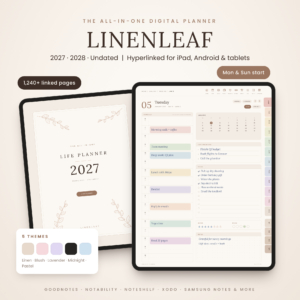 Linenleaf Digital Planner 2027 2028 & Undated | Hyperlinked All-in-One GoodNotes & Notability Planner for iPad & Android, Daily Weekly Monthly, Budget, Habit & Meal Planner, 5 Themes
 Chromaday Digital Planner 2027 2028 Undated | All-in-One Hyperlinked GoodNotes & Notability Planner, Daily Weekly Monthly, Budget & Habit Tracker, Dark Mode
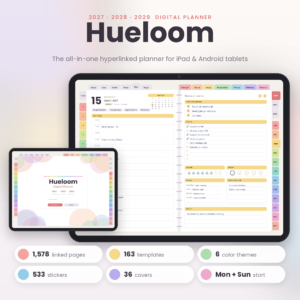 Hueloom Digital Planner 2027 2028 2029 | Hyperlinked GoodNotes & Notability Planner, Dated Daily Weekly Monthly iPad Planner, Dark Mode
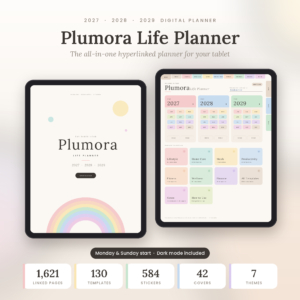 Plumora 2027 2028 2029 Digital Planner | Hyperlinked All-in-One Life Planner with Daily, Weekly & Monthly Pages, 130 Templates, Stickers & Dark Mode
 Latte Hours Digital Daily Planner 2027 + Undated | Hyperlinked GoodNotes & Notability Planner for iPad & Android | Hourly Schedule, 26 Templates & Stickers
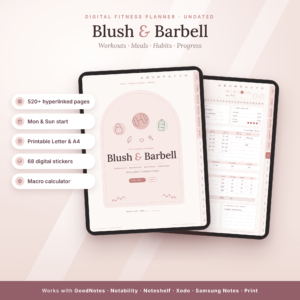 Blush & Barbell Digital Fitness Planner | Undated Workout Log, Meal Planner, Macro Calculator & Habit Tracker | GoodNotes, iPad, Android + Printable Letter & A4
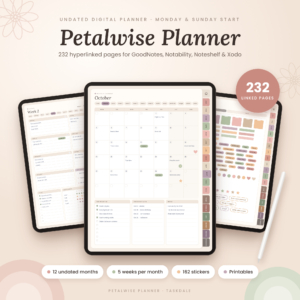 Petalwise Undated Digital Planner for GoodNotes & iPad, Hyperlinked Monthly & Weekly Planner with Budget, Habit Tracker & Stickers
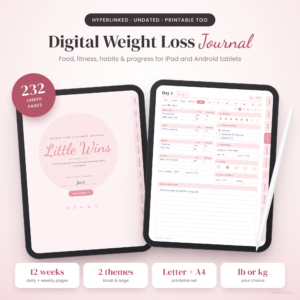 Little Wins Digital Weight Loss Journal | Undated Hyperlinked Fitness, Meal & Calorie Tracker | GoodNotes, Notability, iPad, Android & Printable
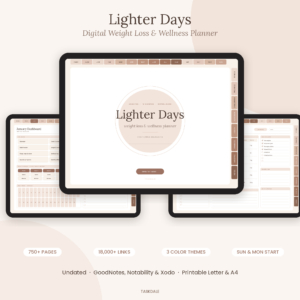 Lighter Days Digital Weight Loss Planner | Undated Hyperlinked Fitness, Meal & Calorie Tracker | GoodNotes, Notability, iPad, Android & Printable
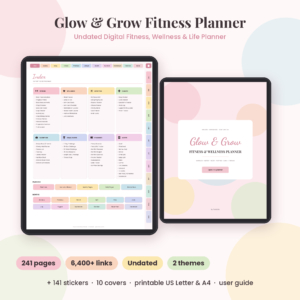 Glow & Grow Digital Fitness Planner | Undated Workout, Wellness & Weight Loss Planner | GoodNotes, Notability, iPad, Android & Printable
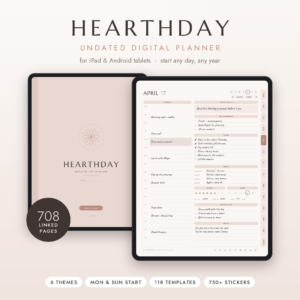 Hearthday Undated Digital Planner | Hyperlinked GoodNotes & Notability Planner for iPad & Android | Daily, Weekly, Monthly, Budget & Habit Tracker, 118 Templates, Stickers, Dark Mode
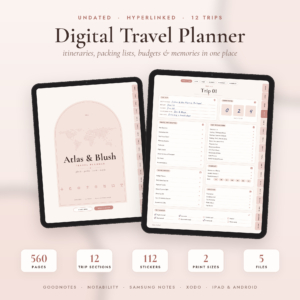 Atlas & Blush Digital Travel Planner | Undated Hyperlinked Trip Planner for GoodNotes, iPad & Android | Itinerary, Packing List, Travel Budget + Printable Letter & A4
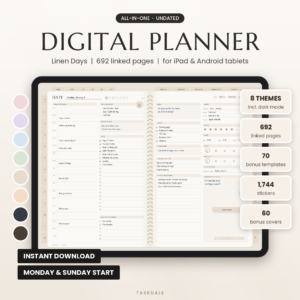 Linen Days Undated Digital Planner for GoodNotes & Notability, iPad & Android Daily Weekly Monthly Planner with Stickers
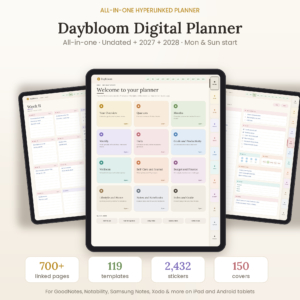 Daybloom All-in-One Digital Planner: Undated, 2027 & 2028 Hyperlinked Planner for GoodNotes, Notability & Android
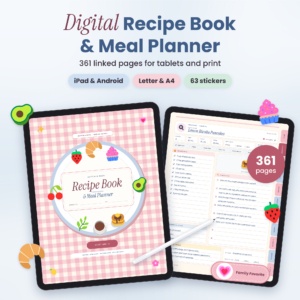 Butter & Basil Digital Recipe Book & Meal Planner: Hyperlinked GoodNotes Recipe Organizer with Grocery Lists, Pantry Inventory & Printable PDF
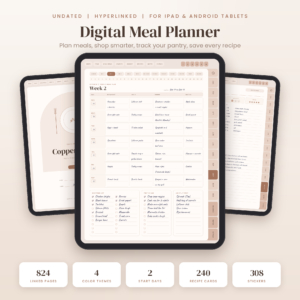 Copper Kettle Digital Meal Planner: Undated Hyperlinked GoodNotes & iPad Meal Planner with Grocery List, Pantry Inventory, Budget Tracker & Recipe Book
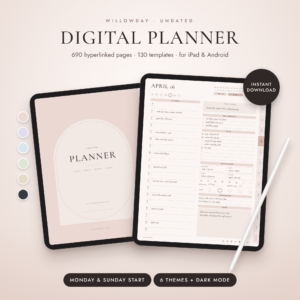 Willowday Undated Digital Planner for iPad & Android, Hyperlinked GoodNotes & Notability Planner, Daily Weekly Monthly Pages, 130 Templates & Stickers
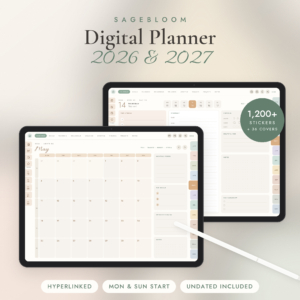 Digital Planner 2026 2027, Hyperlinked iPad & Android Planner for GoodNotes, Notability & Samsung Notes, Undated + Monday & Sunday Start, 1,200 Stickers
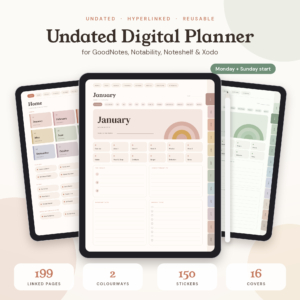 Terra Undated Digital Planner for GoodNotes and Notability, Hyperlinked iPad Planner with Habit, Mood and Budget Trackers, Boho Stickers, Monday + Sunday Start
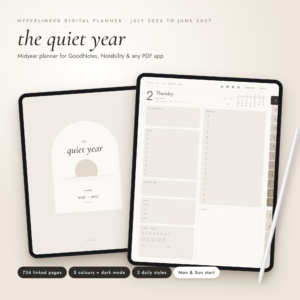 2026-2027 Digital Planner, Midyear Hyperlinked Planner for GoodNotes & Notability, July 2026 to June 2027, Daily Weekly Monthly iPad Planner with Dark Mode
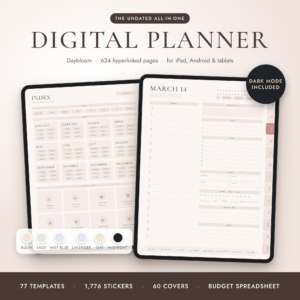
Table of Contents Toggle
- What makes an Android planner different from an iPad planner?
- What should you look for in an Android planner?
- How do the Android planners on this page compare?
- Which Android planner suits which person?
- How do you set up a digital planner on an Android tablet?
- What mistakes should you avoid when buying an Android planner?
- What affects the price of an Android planner?
- Which Android planner should you choose?
- Common questions
What makes an Android planner different from an iPad planner?
An Android planner is a digital planner that works with the apps and file handling on Android devices, rather than assuming GoodNotes on an iPad. The planner itself is usually a PDF, so the real question is whether your note app can follow its links.
Many listings here are titled "for GoodNotes & iPad" and then add "Android" further down. This is where a careful read helps. Look for a named Android-friendly app in the description, such as Samsung Notes (named in Strivelle and Daybloom), Xodo (named in Stillmark, Bluestone and Linenleaf) or Noteshelf. A title alone isn't enough.
What should you look for in an Android planner?
Five things decide whether an Android planner will be pleasant to use: app support, dating, size, calendar links and layout. We'll take them in turn.
App support
App support means the planner's links and tabs work in the note app you actually own. Bluestone, Linenleaf and Pebblestep all state Android in their descriptions, and Daybloom and Stillmark name Samsung Notes. If you're unsure, pick a listing that names your app directly, not one that just says "PDF apps".
Dated or undated
A dated planner is set to specific years, such as Hueloom (2027, 2028 and 2029) or Plumora, so every date is already in place. An undated planner, such as Willowday or Hearthday, lets you start in any month and reuse the file. Choose dated if you like seeing weekdays pre-filled. Choose undated if you may start mid-year or dislike wasted pages.
Page count and file size
Page count is how many linked pages the file holds. Wayfold has 800 and Stillmark has 795. Linen Days has 692 pages in a light 2 MB file, which suits an older Android tablet. Larger files can open more slowly, so weigh the extra templates against how often you'll really use them.
Calendar links
Calendar links are buttons that open your calendar app on a chosen date. Wayfold's Calendar Connect buttons open Apple Calendar or Google Calendar on that exact date, and Daywoven lets you tap any hour to create a Google Calendar event. If you rely on phone reminders, this is worth having, since you can plan by hand and still get alerts.
Layout and purpose
Layout is the shape of the daily and weekly pages. A general planner such as Linen Days covers yearly to daily plans with budget and habit pages. A specialist layout, such as Pebblestep's Must, Should and Could priorities or Blush & Barbell's workout log, suits one need better than a general planner can.
How do the Android planners on this page compare?
The planners below differ mainly in page count, Android wording and focus. This table covers eight that name Android in their listings.
Which Android planner suits which person?
Each of these planners suits a different habit, so match the planner to your day, not to the longest feature list.
- You want the lightest setup. Steadyday is an app with a Home dashboard, works offline and needs no account or subscription. It suits people who find big files tiring.
- You live by Google Calendar. Wayfold and Daywoven both link dates to calendar events. Daywoven also covers 2027, 2028 and undated in one download.
- You have an older tablet. Linen Days is light at 2 MB. The 2026 2027 2028 Digital Planner is similar at 2.5 MB per file.
- You get overwhelmed by long lists. Pebblestep gives daily Must, Should and Could priorities, plan-versus-actual time blocks and micro-habit trackers.
- You want one file for everything at home. Bluestone holds budgets, meal and cleaning planners and trackers alongside its daily pages. If food planning is the main job, Copper Kettle is a dedicated meal planner with 824 undated pages.
- You prefer a quiet design. Stillmark offers 8 soft colours, including a true dark mode, with classic and hourly weekly layouts.
- You're training. Blush & Barbell includes a calorie and macro calculator, a progressive overload tracker and a 64-move exercise library.
How do you set up a digital planner on an Android tablet?
Setting up an Android planner takes about ten minutes and follows the same order each time.
- Download the PDF from your purchase and save it to a folder you'll find again.
- Open it in a note app that supports links, such as Samsung Notes or Xodo.
- Choose the right version: Monday or Sunday start, light or dark theme, dated or undated.
- Tap the main tabs to check the links work before you write anything.
- Duplicate the file for a spare copy, then add stickers or covers if you want them.
- Use the user guide supplied with most of these planners for any app-specific steps.
What mistakes should you avoid when buying an Android planner?
The most common mistake is assuming a planner sold "for iPad" will work on Android. Check that the description names your app or Android directly.
Other pitfalls are easy to avoid:
- Choosing the biggest page count. A 1,280+ page file is useful only if you'll use the pages. A smaller planner you actually open beats a larger one you ignore.
- Buying a dated planner mid-year. If you start in autumn, an undated planner such as Hearthday or Willowday wastes nothing.
- Ignoring file size. Large files can feel slow on modest hardware.
- Forgetting the writing experience. A stylus and a note app you like matter as much as the planner file.
What affects the price of an Android planner?
The price of an Android planner depends mainly on how many years it covers, how many pages and extras it holds, and whether it is a specialist design. We can't quote figures here, because the live product cards show current prices.
Multi-year bundles such as Hueloom, Plumora and Oat & Ink cost more up front than a single-year or lighter file, but spread across years they can work out cheaper per year. Bundles with hundreds of stickers and covers, such as Daybloom with 2,432 stickers, are priced for that extra content. An undated planner like Bluestone can be reused indefinitely, which keeps long-term cost down.
Which Android planner should you choose?
Choose by your biggest need. If you want minimal fuss, take Steadyday. If you want calendar sync, take Wayfold or Daywoven. If your tablet is modest, take Linen Days. If focus is the problem, take Pebblestep. For everything else, an undated all-rounder such as Bluestone or Stillmark is a safe first pick.
Common questions
Can I use a planner listed for GoodNotes on Android?
Only if your Android note app supports PDF links. Many listings also name apps such as Xodo or Samsung Notes. If your listing names only GoodNotes, check with the seller before buying.
Do I need a stylus?
You don't strictly need one, but handwriting is much easier with one. Tapping tabs and links works with a finger. A stylus matters most for daily pages, workout logs and journalling.
Is an undated planner better than a dated one?
An undated planner is better if you start mid-year or want to reuse one file. A dated planner is better if you like weekdays and months pre-filled. Both work in the same way once open.
Does Steadyday need an internet connection?
No. The Steadyday listing says it works offline, with no account and no subscription. It runs on your phone, tablet and computer, so your plans stay on your own devices.
Can I print these planners?
Many include printable versions. Strivelle, Stillmark, Bluestone and Linenleaf list US Letter and A4 printables, but check each listing, as not every planner includes them.