Best Hyperlinked Planner: How to Choose the Right One
The best hyperlinked planner is one that matches the app you write in and the way you plan. For most people that means an undated or multi-year PDF for GoodNotes or Notability, such as the Taskdale All-in-One Digital Planner 2027, 2028 and Undated. If you have a narrower need, such as ADHD, meals or homeschooling, pick a specialist file instead.
A hyperlinked planner can feel like a lot to weigh up, with page counts in the hundreds and dozens of themes. This guide narrows it down so you can choose with confidence.
Key facts at a glance
- A hyperlinked planner is a PDF in which tabs, dates and buttons are links, so one tap takes you to the page you want.
- Undated planners can be started in any month and reused, while dated ones such as 2027 editions are fixed to a year.
- Page counts on this page range from under a hundred for printable kits to well over a thousand for multi-year files.
- Many files include both Monday and Sunday start versions, so check you are using the one you want.
- You browse all 94 options below the guide.
 2027 Digital Fitness Planner for GoodNotes | Strivelle Hyperlinked Workout Planner, Meal Planner, Weight Loss & Habit Tracker | iPad, Android & Printable
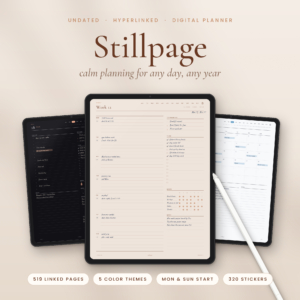 Undated Digital Planner for iPad | Stillpage Hyperlinked GoodNotes & Notability Planner with Daily, Weekly & Monthly Pages, Budget & Habit Trackers, 5 Themes incl. Dark Mode | Monday & Sunday Start
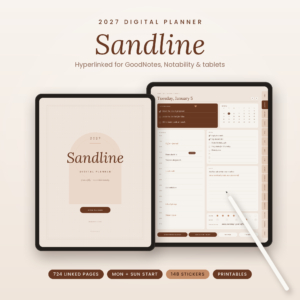 2027 Digital Planner for GoodNotes & iPad | Sandline Minimalist Hyperlinked Daily, Weekly & Monthly Planner with Google Calendar Links, 24 Templates & 148 Stickers | Monday & Sunday Start
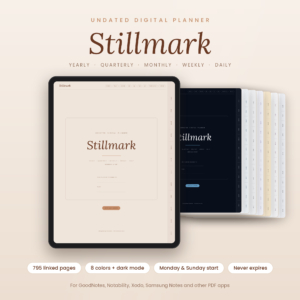 Undated Digital Planner for GoodNotes & iPad | Stillmark Minimalist Daily, Weekly & Monthly Planner, 795 Hyperlinked Pages, 8 Colors & Dark Mode, Monday & Sunday Start
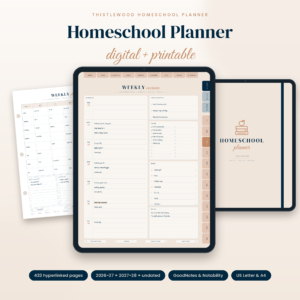 Homeschool Planner 2026-2027 Digital & Printable | Thistlewood Hyperlinked GoodNotes Planner with Lesson Plans, Attendance Tracker, Reading Log & Transcript | US Letter & A4
 2027 Digital Planner for GoodNotes & iPad | Openleaf Hyperlinked Monthly, Weekly & Daily Planner, Landscape, Monday & Sunday Start, 20 Templates & 140 Stickers
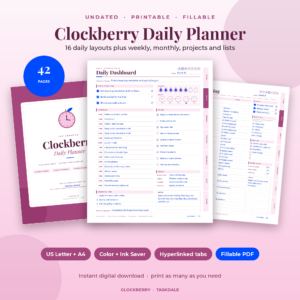
 Undated Student Planner Printable PDF | Syllabloom College Academic Planner with Assignment Tracker & GPA Worksheet
 Undated Homeschool Planner Printable | Schoolhouse Compass Hyperlinked PDF with Weekly Lesson Plans, Attendance Tracker, Hours Log, Reading Log & High School Transcript | US Letter & A4
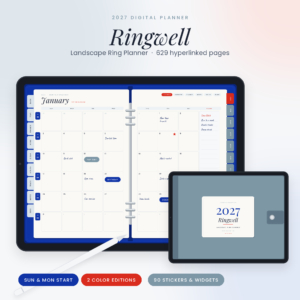 2027 Digital Planner Landscape | Ringwell Ring Planner for GoodNotes & iPad with Hyperlinked Dashboard, Monthly, Weekly & Daily Pages, Budget, Meal & Habit Trackers, 20 Templates & Stickers
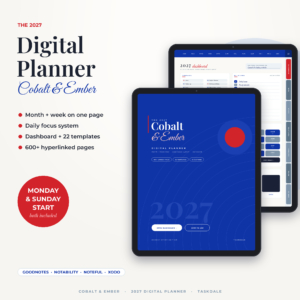 Cobalt & Ember 2027 Digital Planner | Month + Week Hyperlinked GoodNotes & iPad Planner with Dashboard, Daily Focus Pages, 22 Templates & Stickers | Monday & Sunday Start
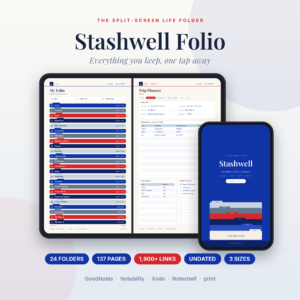 Digital Life Organizer Planner | Stashwell Folio Split-Screen Folder System for GoodNotes & iPad, 24 Hyperlinked Folders with Budget, Travel, Recipe, Book & Habit Pages | Undated, Printable Letter & A4
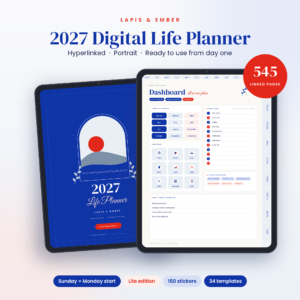 Lapis & Ember 2027 Digital Planner | Hyperlinked GoodNotes & iPad Life Planner, Portrait, Sunday or Monday Start, Daily Weekly Monthly Pages, 34 Templates & 150 Stickers
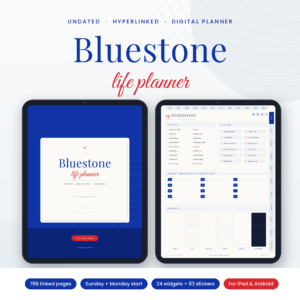 Undated Digital Planner | Bluestone All-in-One Hyperlinked Life Planner for GoodNotes, iPad & Android with Budget, Meal Planner, Habit Tracker & Stickers
 Lapis & Ember 2027 Digital Life Planner | Hyperlinked Portrait iPad Planner with Dashboard, Budget, Meal & Habit Trackers | Sunday & Monday Start
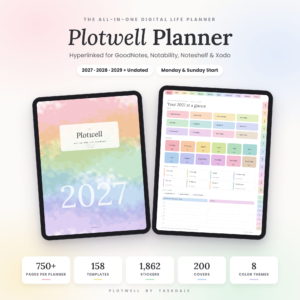 Plotwell All-in-One Digital Planner 2027 2028 2029 + Undated | Hyperlinked GoodNotes & Notability iPad Planner with 158 Templates, 1,862 Stickers & 200 Covers
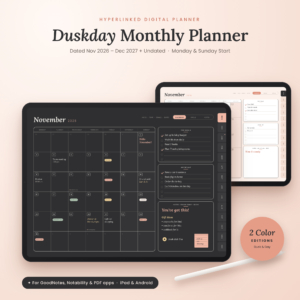 Duskday Digital Monthly Planner 2026-2027 | Hyperlinked GoodNotes & Notability Calendar, Undated iPad & Android Planner, Dark Mode
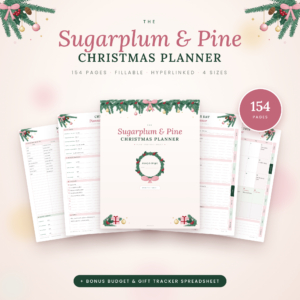 Christmas Planner Printable & Fillable PDF | Sugarplum & Pine 154-Page Hyperlinked Holiday Planner with Gift List, Christmas Budget Tracker, Meal Planner & Bonus Spreadsheet | US Letter, A4, A5 & Happy Planner Classic
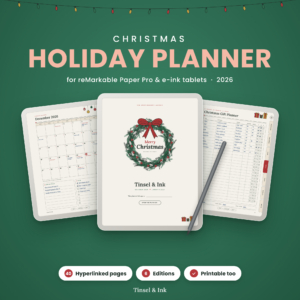 Christmas Holiday Planner 2026 for reMarkable Paper Pro | Tinsel & Ink Hyperlinked Gift, Menu & Budget Planner | Color, Grayscale & Printable
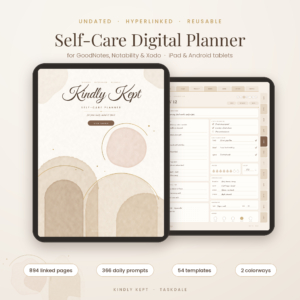 Kindly Kept Self-Care Digital Planner | Undated GoodNotes & iPad Wellness Journal with Daily Prompts, Mood & Habit Tracker
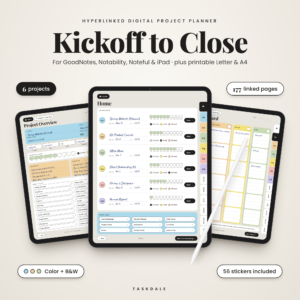 Digital Project Planner for GoodNotes & iPad | Kickoff to Close Hyperlinked Project Management Template with Kanban, Gantt, Budget & Printable PDF
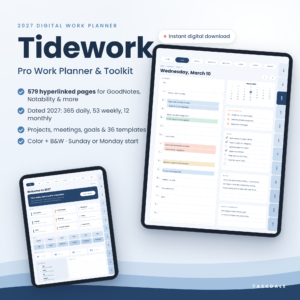 Tidework 2027 Digital Work Planner for GoodNotes & Notability, Hyperlinked Daily, Weekly & Monthly Planner with Project & Meeting Templates
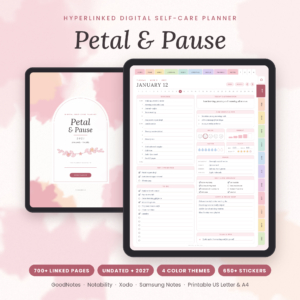 Petal & Pause Digital Self-Care Planner | Undated & 2027 Hyperlinked Wellness Journal for GoodNotes
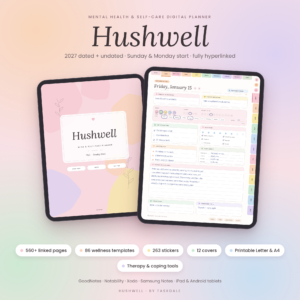 Mental Health Digital Planner | Hushwell Self-Care Journal for GoodNotes & iPad – 2027 + Undated, Mood Tracker, Therapy & Anxiety Journal
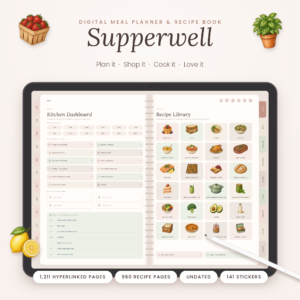 Supperwell Digital Meal Planner & Recipe Book | Undated GoodNotes iPad Meal Planner with Grocery List, Meal Prep Planner & 960 Recipe Pages
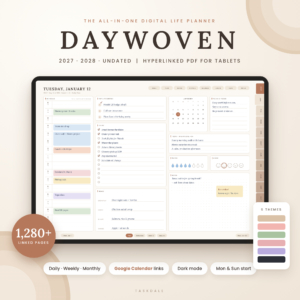 Daywoven Digital Planner 2027 2028 & Undated | Hyperlinked All-in-One iPad & Android Life Planner with Google Calendar Links, 6 Themes, Dark Mode & 870 Stickers
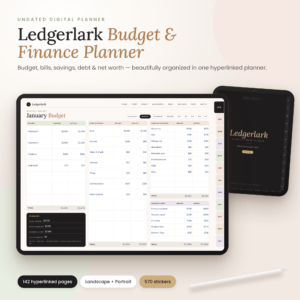 Digital Budget Planner – Ledgerlark Undated Finance Planner for GoodNotes & iPad | Hyperlinked Bill Tracker, Savings & Debt Payoff | Printable Letter & A4
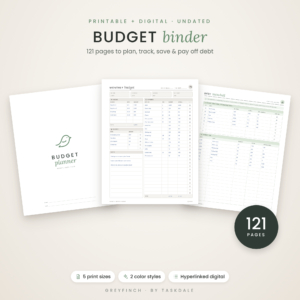 Budget Planner Printable & Digital | Greyfinch Undated Budget Binder with Debt Payoff, Bill Tracker & Savings Challenges | Letter, A4, A5, Happy Planner
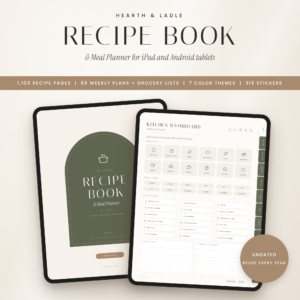 Hearth & Ladle Digital Recipe Book & Meal Planner | 1,100 Hyperlinked Recipe Pages, Weekly Meal Plans & Grocery Lists | iPad & Android Tablet PDF
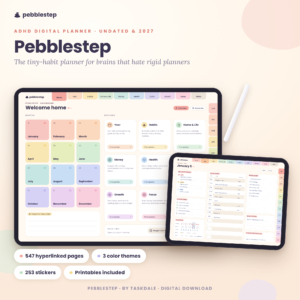 Pebblestep ADHD Digital Planner – Undated & 2027 Hyperlinked iPad Planner with Micro Habit Tracker
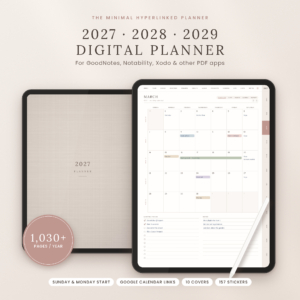 Oat & Ink Digital Planner 2027 2028 2029 | Hyperlinked GoodNotes & iPad Planner, Daily Weekly Monthly, Budget & Habit Tracker, Google Calendar Links
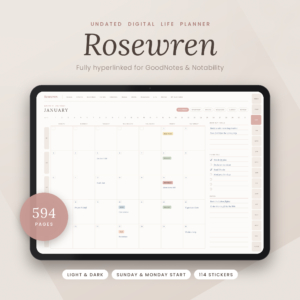 Rosewren Undated Digital Life Planner – Hyperlinked GoodNotes & iPad Planner with Daily, Weekly & Monthly Pages
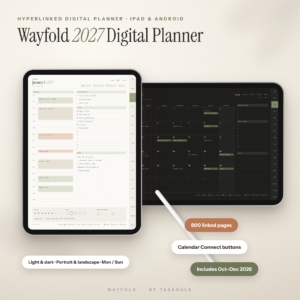 Wayfold 2027 Digital Planner for iPad and Android, Hyperlinked GoodNotes Planner with Calendar Buttons
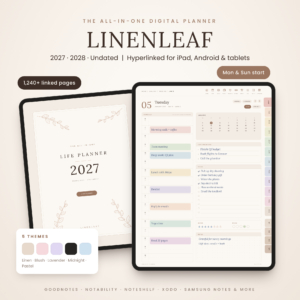 Linenleaf Digital Planner 2027 2028 & Undated | Hyperlinked All-in-One GoodNotes & Notability Planner for iPad & Android, Daily Weekly Monthly, Budget, Habit & Meal Planner, 5 Themes
 Chromaday Digital Planner 2027 2028 Undated | All-in-One Hyperlinked GoodNotes & Notability Planner, Daily Weekly Monthly, Budget & Habit Tracker, Dark Mode
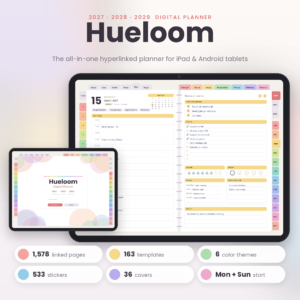 Hueloom Digital Planner 2027 2028 2029 | Hyperlinked GoodNotes & Notability Planner, Dated Daily Weekly Monthly iPad Planner, Dark Mode
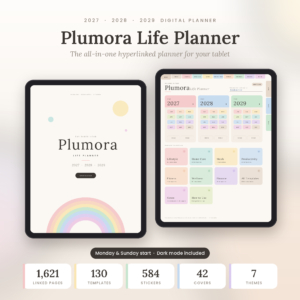 Plumora 2027 2028 2029 Digital Planner | Hyperlinked All-in-One Life Planner with Daily, Weekly & Monthly Pages, 130 Templates, Stickers & Dark Mode
 Latte Hours Digital Daily Planner 2027 + Undated | Hyperlinked GoodNotes & Notability Planner for iPad & Android | Hourly Schedule, 26 Templates & Stickers
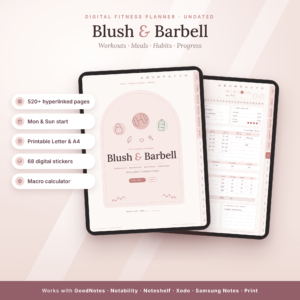 Blush & Barbell Digital Fitness Planner | Undated Workout Log, Meal Planner, Macro Calculator & Habit Tracker | GoodNotes, iPad, Android + Printable Letter & A4
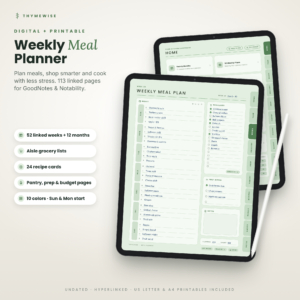 Thymewise Digital Meal Planner with Grocery List | Undated GoodNotes Weekly Meal Plan, Recipe Cards, Pantry Inventory and Budget Tracker + Printable
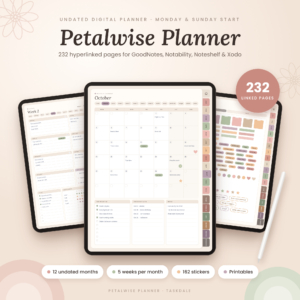 Petalwise Undated Digital Planner for GoodNotes & iPad, Hyperlinked Monthly & Weekly Planner with Budget, Habit Tracker & Stickers
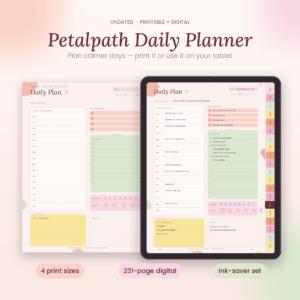 Petalpath Undated Daily Planner Printable & Digital Planner – Productivity Planner with Habit Tracker, Weekly & Monthly Pages
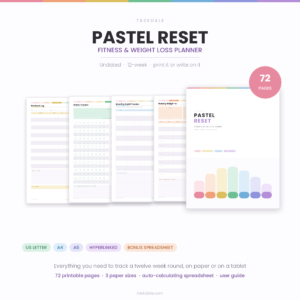 Pastel Reset Printable Weight Loss Planner | 72-Page Undated Fitness Journal with Workout Log, Meal Planner, Macro & Habit Tracker | US Letter, A4, A5 + Excel Dashboard
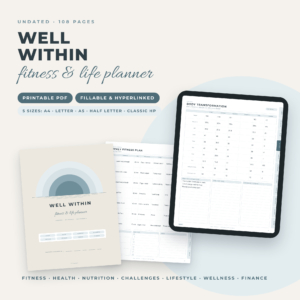 Well Within Fitness & Life Planner | Printable & Fillable PDF Fitness Planner, Workout, Meal, Weight Loss & Habit Tracker | A4, Letter, A5, Half Letter, Classic HP
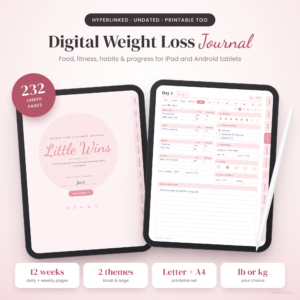 Little Wins Digital Weight Loss Journal | Undated Hyperlinked Fitness, Meal & Calorie Tracker | GoodNotes, Notability, iPad, Android & Printable
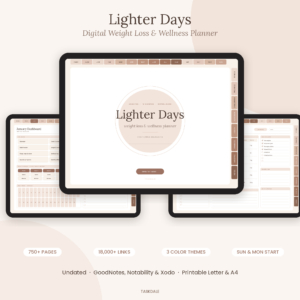 Lighter Days Digital Weight Loss Planner | Undated Hyperlinked Fitness, Meal & Calorie Tracker | GoodNotes, Notability, iPad, Android & Printable
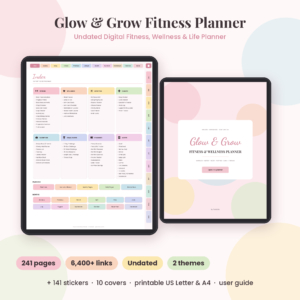 Glow & Grow Digital Fitness Planner | Undated Workout, Wellness & Weight Loss Planner | GoodNotes, Notability, iPad, Android & Printable
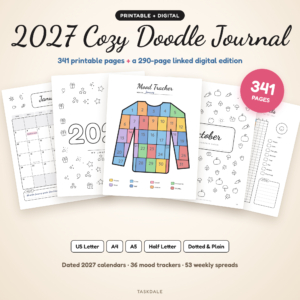 2027 Cozy Doodle Journal | 341 Printable Journal Pages + Hyperlinked Digital Journal with Mood Trackers, Year in Pixels, Dated 2027 Calendars & Weekly Spreads | US Letter, A4, A5 & Half Letter
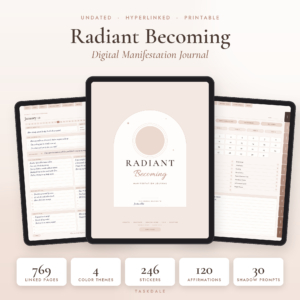 Radiant Becoming Digital Manifestation Journal | Undated Hyperlinked Law of Attraction Planner for GoodNotes & Notability with 3-6-9 Method, Shadow Work, Vision Board & Gratitude Journal + Printable & Stickers
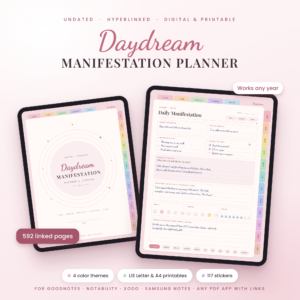 Daydream Digital Manifestation Planner | Undated Hyperlinked Law of Attraction Journal for GoodNotes with Vision Board, 3-6-9 Method, Shadow Work, Gratitude & Affirmations + Printable US Letter & A4
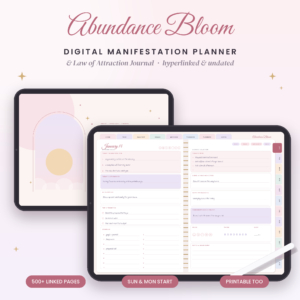 Abundance Bloom Digital Manifestation Planner | Hyperlinked Law of Attraction Journal for GoodNotes & Notability with 3-6-9 Method, 55×5, Scripting, Vision Board & 300+ Stickers | Undated, Printable US Letter & A4
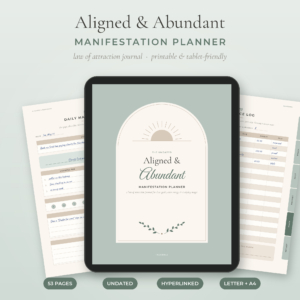 Aligned & Abundant Manifestation Planner | 53-Page Printable Law of Attraction Journal with 3-6-9 Method, Scripting, Vision Board, Gratitude & Abundance Tracker | Undated, Hyperlinked, US Letter & A4 PDF
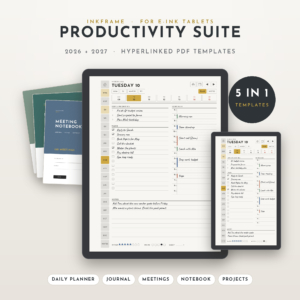 Inkframe Productivity Suite | reMarkable Templates 2026-2027 for Paper Pro, reMarkable 2 & Paper Pro Move | Hyperlinked Planner, Journal, Meeting Notebook, Smart Notebook & Project Planner
 Unscattered ADHD Digital Planner 2026-2027, 18-Month Hyperlinked iPad & GoodNotes Planner
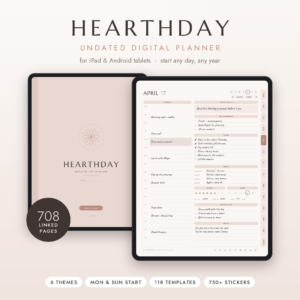 Hearthday Undated Digital Planner | Hyperlinked GoodNotes & Notability Planner for iPad & Android | Daily, Weekly, Monthly, Budget & Habit Tracker, 118 Templates, Stickers, Dark Mode
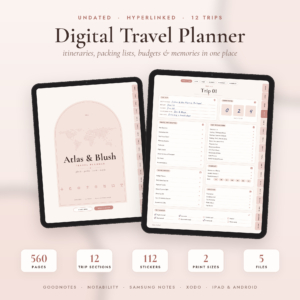 Atlas & Blush Digital Travel Planner | Undated Hyperlinked Trip Planner for GoodNotes, iPad & Android | Itinerary, Packing List, Travel Budget + Printable Letter & A4
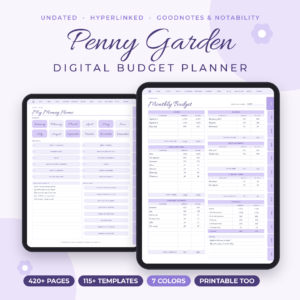 Penny Garden Digital Budget Planner for GoodNotes & iPad, Undated Monthly, Bi-Weekly & Paycheck Budget
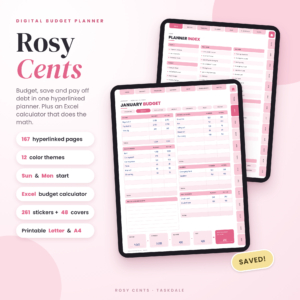 Rosy Cents Digital Budget Planner | Undated Hyperlinked Budget Planner for iPad & Tablets with Excel Budget Calculator | Paycheck, Bill, Savings & Debt Tracker | Printable Letter & A4
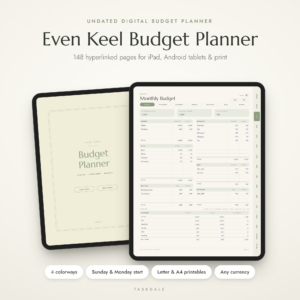 Even Keel Budget Planner | Undated Digital Budget Planner for iPad & Android, Hyperlinked GoodNotes Finance Planner with Paycheck, Bill & Debt Tracker, Printable PDF
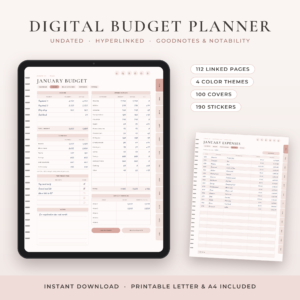 Petalwise Budget Planner | Digital Budget Planner for GoodNotes & iPad, Undated Monthly Budget with Expense, Bill, Debt & Savings Tracker, Printable PDF
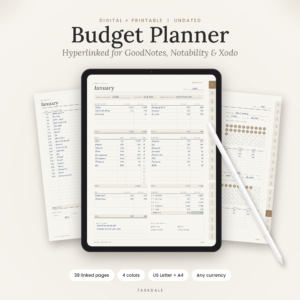 Steady Budget Planner | Digital Budget Planner for GoodNotes, Monthly Finance Planner with Expense, Bill, Savings & Debt Tracker, Printable PDF
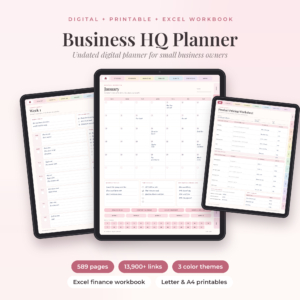 Business HQ Undated Small Business Planner for GoodNotes | Excel Finance Tracker & Printables
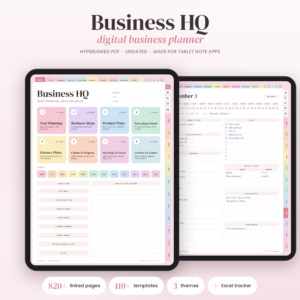 Business HQ Digital Business Planner | Undated Hyperlinked Small Business Planner for GoodNotes & iPad, Excel Finance Tracker, Content & Social Media Planner, Printable
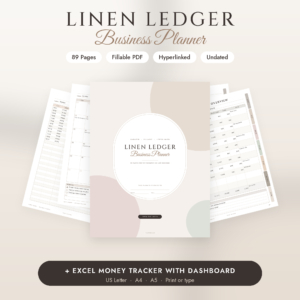 Small Business Planner Printable & Fillable PDF | Social Media & Content Planner, Inventory, Sales & Budget Tracker + Excel | Linen Ledger Undated Business Planner
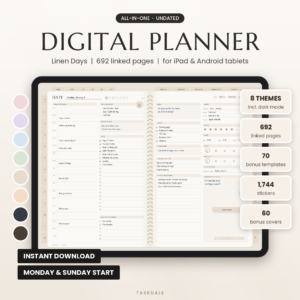 Linen Days Undated Digital Planner for GoodNotes & Notability, iPad & Android Daily Weekly Monthly Planner with Stickers
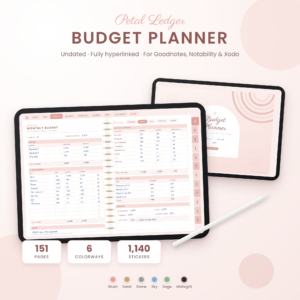 Petal Ledger Digital Budget Planner for Goodnotes | Undated Hyperlinked Savings, Debt & Bill Tracker
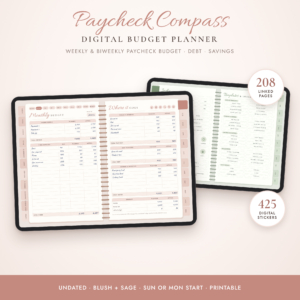 Paycheck Compass Digital Budget Planner | Undated GoodNotes & iPad Budget Planner | Weekly & Biweekly Paycheck Budget, Debt Payoff & Savings Tracker
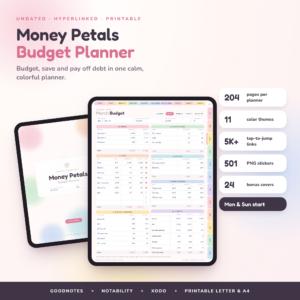 Money Petals Digital Budget Planner | Undated Hyperlinked GoodNotes Finance Planner for iPad & Android | Savings Challenges, Debt Tracker, Printable Letter & A4
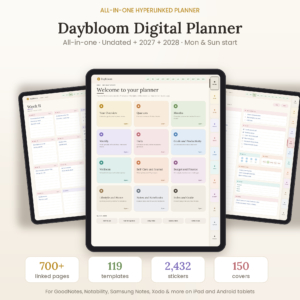 Daybloom All-in-One Digital Planner: Undated, 2027 & 2028 Hyperlinked Planner for GoodNotes, Notability & Android
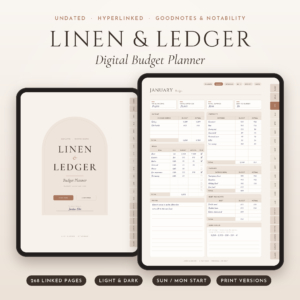 Linen & Ledger Digital Budget Planner | Undated Hyperlinked GoodNotes & iPad Finance Planner with Debt Payoff, Savings Challenges & Dark Mode | Printable Letter + A4
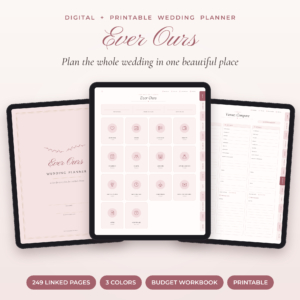 Ever Ours Digital Wedding Planner | GoodNotes & Printable Wedding Planner with Budget Spreadsheet, Checklist & Guest List
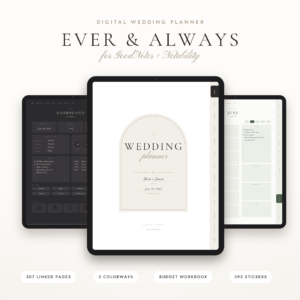 Ever & Always Digital Wedding Planner for GoodNotes + Notability, 307 Hyperlinked Pages, Budget Workbook, Guest List, Seating Chart + Printable
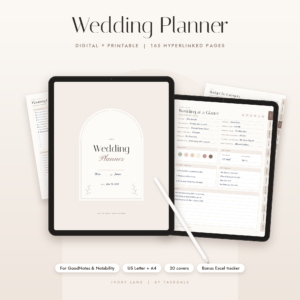 Ivory Lane Digital Wedding Planner | GoodNotes & Notability Wedding Planning Book with Budget, Guest List & Seating Chart | Printable US Letter & A4
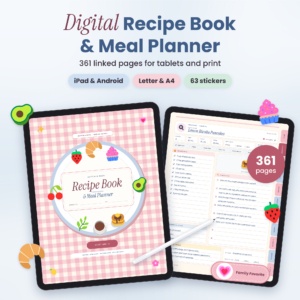 Butter & Basil Digital Recipe Book & Meal Planner: Hyperlinked GoodNotes Recipe Organizer with Grocery Lists, Pantry Inventory & Printable PDF
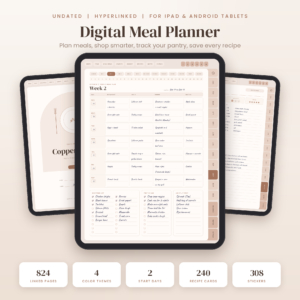 Copper Kettle Digital Meal Planner: Undated Hyperlinked GoodNotes & iPad Meal Planner with Grocery List, Pantry Inventory, Budget Tracker & Recipe Book
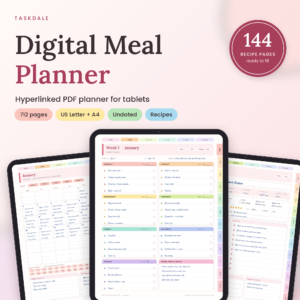 Basil & Birch Digital Meal Planner, Undated Hyperlinked PDF for Tablets (US Letter + A4)
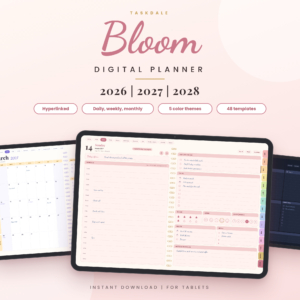 Bloom Digital Planner 2026 2027 2028 | Hyperlinked Daily Weekly Monthly Planner for Tablets
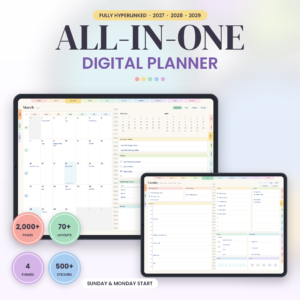 Horizon Digital Planner 2027 2028 2029 | Hyperlinked 3-Year PDF Planner with 57 Templates and Stickers
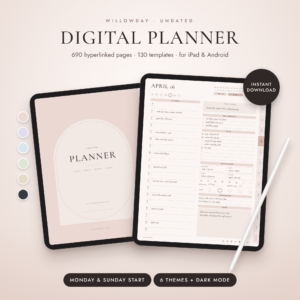 Willowday Undated Digital Planner for iPad & Android, Hyperlinked GoodNotes & Notability Planner, Daily Weekly Monthly Pages, 130 Templates & Stickers
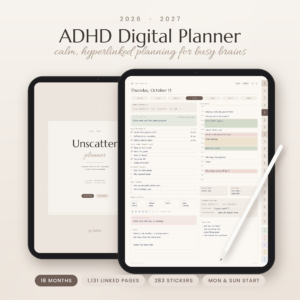 ADHD Digital Planner 2026-2027 | Unscatter 18-Month Hyperlinked GoodNotes & iPad Planner
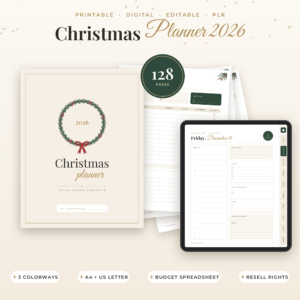 Christmas Planner 2026 Printable & Digital, Holiday Planner with Budget Spreadsheet, Gift List, Meal Planner & Kids Activities, Editable PLR, A4 & US Letter
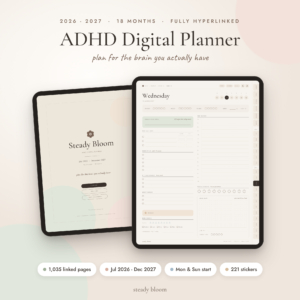 Steady Bloom ADHD Digital Planner 2026-2027, 18-Month Hyperlinked GoodNotes & Notability iPad Planner with ADHD Toolkit, Stickers & Printables
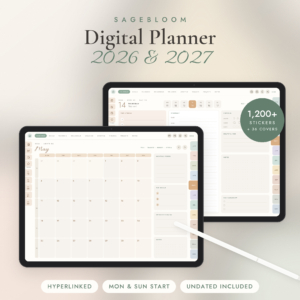 Digital Planner 2026 2027, Hyperlinked iPad & Android Planner for GoodNotes, Notability & Samsung Notes, Undated + Monday & Sunday Start, 1,200 Stickers
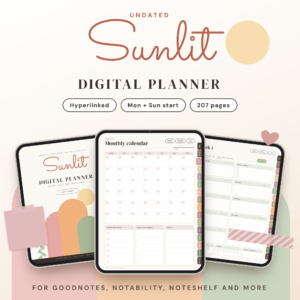 Undated Digital Planner for Goodnotes and Notability, Hyperlinked PDF with 138 Stickers
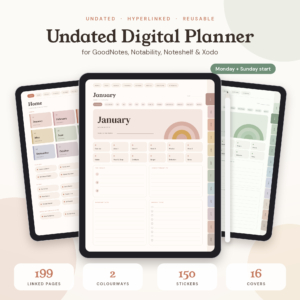 Terra Undated Digital Planner for GoodNotes and Notability, Hyperlinked iPad Planner with Habit, Mood and Budget Trackers, Boho Stickers, Monday + Sunday Start
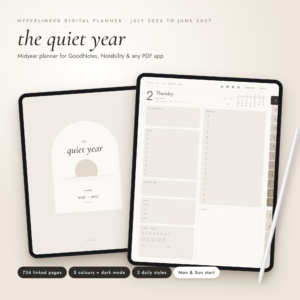 2026-2027 Digital Planner, Midyear Hyperlinked Planner for GoodNotes & Notability, July 2026 to June 2027, Daily Weekly Monthly iPad Planner with Dark Mode
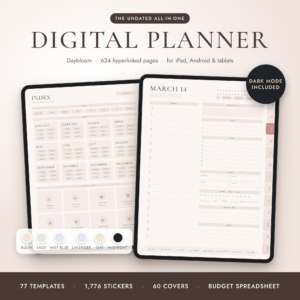 Undated Digital Planner for iPad & Android, Hyperlinked GoodNotes & Notability Planner, Daily Weekly Monthly Planner with Dark Mode, Stickers & Budget Spreadsheet
Table of Contents
Toggle
- What is a hyperlinked planner and how does it work?
- What should you look for in a hyperlinked planner?
- How do the main hyperlinked planners compare?
- Which hyperlinked planner suits which person?
- How do you get the most from a hyperlinked planner?
- What mistakes should you avoid when buying a hyperlinked planner?
- What affects the price of a hyperlinked planner?
- Which hyperlinked planner should you choose?
- Common questions
What is a hyperlinked planner and how does it work?
A hyperlinked planner is a digital planner, usually a PDF, where every tab, date and button is a link to another page. Instead of scrolling through hundreds of pages, you tap a month, then a week, then a day.
You write on it with a stylus in a note-taking app that supports PDF links, such as GoodNotes, Notability or Xodo. Several listings also say their files work on Android tablets. Many also include printable versions, so you can use the same layout on paper if you prefer.
The links are what separate a planner from a pile of pages. Some files advertise their link counts, which run from about 4,000 in a compact undated file to tens of thousands in the largest ones. More links usually mean more places you can jump to, not necessarily a better planner.
What should you look for in a hyperlinked planner?
Look for six things: app compatibility, dated or undated format, layout, page count, calendar buttons and extras. Each one changes how the planner feels in daily use.
Which app and device will you use?
Check that the listing names your app. Most products here mention GoodNotes and Notability, and many add Xodo, Noteshelf or Samsung Notes. If you use an Android tablet, choose a listing that says Android. If you use a reMarkable, look for planners made for it rather than assuming a standard PDF will behave the same way.
Dated or undated?
An undated planner lets you begin in any month and reuse the file each year. A dated planner has the calendar filled in for you, which saves setup time. Multi-year files such as the Taskdale All-in-One Digital Planner 2027, 2028 and Undated give you both options in one download. If you hate starting late and wasting pages, undated suits you better.
Portrait, landscape and start day
Landscape layouts feel like an open book on a tablet, and portrait feels like a paper diary. Some files, such as the Evenkeel 2027 Digital Planner, offer 8 editions covering portrait or landscape, light or dark, and Monday or Sunday start. If you are unsure, pick a file with options so you can switch.
How many pages do you actually need?
A planner with a page for every day is useful if you write daily. If you only plan weekly, a smaller file or a Lite edition without daily pages is easier to navigate. The Evenkeel planner has 743 hyperlinked pages, while Horizon Digital Planner 2027 2028 2029 has 1,996 pages per file. Bigger is not better unless you will use the extra pages.
Calendar buttons
Some planners link to Google Calendar or Apple Calendar from each date. This suits you if you plan by hand but still want phone reminders. It is a smaller feature than it sounds, so only pay attention to it if your appointments already live in a calendar app.
Extras and file size
Stickers, covers, spare templates and printable inserts are common extras. They are pleasant, but they are not the reason to buy. A user guide matters more, especially for a first digital planner. One listing also mentions light 2 MB files that open quickly, which is worth knowing if your tablet is older.
How do the main hyperlinked planners compare?
The planners below differ mainly in format and purpose. Use the table to find the group that fits you, then look at the product cards for the details.
| Product | Format | Size or scope | Suits |
|---|---|---|---|
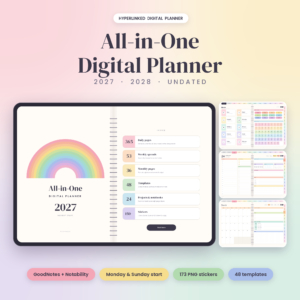 Taskdale All-in-One Digital Planner 2027, 2028 and Undated | Dated and undated | 94 templates, 12 projects, 12 notebooks, 173 PNG stickers | All-round general planning |
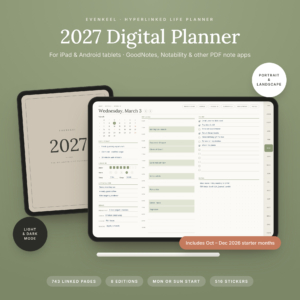 Evenkeel 2027 Digital Planner | Dated 2027 | 743 pages, 94 templates, 8 editions | Goal setting and a full year in one file |
| Pebblestep ADHD Digital Planner – Undated & 2027 Hyperlinked iPad Planner with Micro Habit Tracker | Undated or 2027 | 12 planners, 539+ pages each | Small steps and priority sorting |
| Unscattered ADHD Digital Planner 2026-2027, 18-Month Hyperlinked iPad & GoodNotes Planner | July 2026 to December 2027 | 1,111 pages, capped Top 3 | Starting now and running through 2027 |
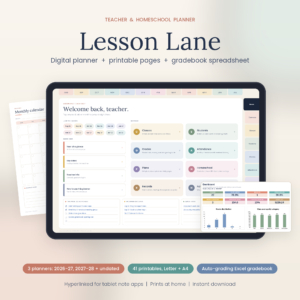 Lesson Lane Digital Teacher Planner 2026-2027 & Homeschool Planner | School year plus undated | 796 linked pages, Excel gradebook | Teachers and homeschoolers |
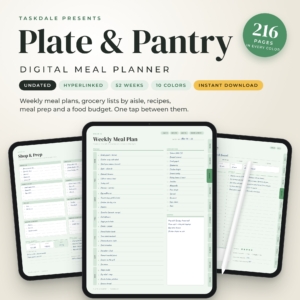 Plate & Pantry Digital Meal Planner | Undated | 52 weekly spreads, 12 monthly overviews, 40 recipe pages | Weekly dinners and shopping lists |
| Basil & Birch Digital Meal Planner, Undated Hyperlinked PDF for Tablets (US Letter + A4) | Undated | 60 weekly plans, 372 food journal pages, 144-page recipe book | Cooks who want a recipe book included |
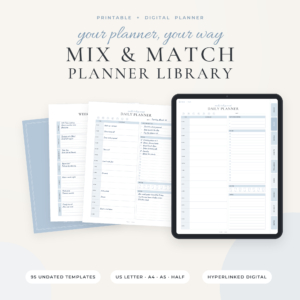 Mix & Match Planner Library | Undated | 94 templates for print, plus a digital planner | People who prefer paper |
Which hyperlinked planner suits which person?
Each group of planners fits a different kind of planning, so match the file to what you do most often.
The general planner. If you want one file for diary, goals, budget and habits, choose an all-in-one such as the Taskdale All-in-One Digital Planner 2027, 2028 and Undated. It covers 2027 and 2028 and has an undated version if you start late.
The goal-setter. The Evenkeel 2027 Digital Planner includes a North Star goal-setting workbook, 12 goal planners and 20 project planners. It is built for someone who wants to connect yearly aims to daily pages.
The person with ADHD. Both Pebblestep and Unscattered cut the daily page down. Pebblestep uses Must, Should and Could priorities and plan-versus-actual time blocks. Unscattered caps the day at a Top 3 and compares estimated and real time. Choose Unscattered if you want to start today and run to the end of 2027. Choose Pebblestep if you want an undated file you can restart after a break.
Teachers and homeschoolers. Lesson Lane gives you three hyperlinked planners (2026-2027, 2027-2028 and undated), 94 printable templates and an Excel gradebook that works out weighted grades. It suits anyone who needs attendance and grades in the same place as lesson plans.
Cooks and families. Plate & Pantry is lighter, with 52 weekly spreads and 40 recipe pages. Basil & Birch is heavier, with 60 weekly plans, 372 daily food journal pages and a 144-page recipe book. Pick the second if you want to store your own recipes.
Paper lovers. The Mix & Match Planner Library gives you 94 undated templates in US Letter, A4, A5 and Half Letter, with a linked index. A bonus hyperlinked digital planner is included, so you can try both formats.
How do you get the most from a hyperlinked planner?
You get the most from a hyperlinked planner by setting it up once, learning its navigation and keeping a regular review. A few minutes of setup saves weeks of frustration.
- Download the file and open it in your note app. Pick the Monday or Sunday start version that matches your week.
- Duplicate the file as a backup before you write in it, in case a page gets damaged.
- Tap through the tabs once. Learn how to go from year to month, week and day, and where the home button sits.
- Decide your daily routine. For example, write your top priorities in the morning and fill in the review at night.
- Add stickers or covers only if they help you find things. Decoration is optional.
- Check the planner weekly. A fifteen-minute review stops pages piling up unfilled.
If you also want a paper copy, many listings include printable US Letter and A4 sets, so you can print only the pages you need.
What mistakes should you avoid when buying a hyperlinked planner?
The most common mistakes are buying for the extras, ignoring app compatibility and choosing the wrong date format.
- Buying by sticker count. A file with thousands of stickers is not better to plan in. Judge the layouts first.
- Not checking your app. Some links work only in certain apps. Confirm that your app supports PDF links.
- Choosing a dated planner too late. If you start a 2027 planner in September, you lose most of the pages. An undated or 18-month file avoids this.
- Picking too many pages. If you only plan weekly, a file with 1,000 pages can feel like a maze.
- Expecting an app. A hyperlinked planner is a PDF, not software. It will not send you notifications unless it links to a calendar.
- Skipping the guide. The step-by-step user guide is there for a reason, especially if this is your first one.
What affects the price of a hyperlinked planner?
The price of a hyperlinked planner depends mainly on how many years it covers, how many editions it includes and whether it bundles extras. Because prices change, check the live product cards rather than relying on any figure written here.
Multi-year bundles cost more up front than a single-year file, but they work out cheaper per year of use. Files with a spreadsheet or gradebook, such as Lesson Lane, usually cost more than a plain planner because they do more. Printable-only kits sit at the lower end, since you do the printing yourself.
Undated files can be the best long-term value, because you reuse them every year. A dated 2027 file is a one-year purchase, so it costs more per year of use than an undated one.
Which hyperlinked planner should you choose?
Choose by purpose first, then by format. If you want one planner for everything, start with the Taskdale All-in-One Digital Planner 2027, 2028 and Undated. If you need ADHD support, meals, teaching or print, pick the specialist file that matches.
A simple rule: undated if you might start late, dated if you want the calendar done for you, and a Lite or smaller file if you only plan weekly. Check the app, check the start day, then add to your basket.
Common questions
Do hyperlinked planners work offline?
Yes. A hyperlinked planner is a PDF stored on your device, so the links work without an internet connection. Calendar buttons that open Google or Apple Calendar need the relevant app to be installed, and syncing needs a connection.
Can I use one planner on more than one device?
Often you can, because it is just a file. You can copy it to a phone, tablet or computer, as long as the app supports PDF links. Check the listing for any personal-use limits, as some state this.
Is an undated planner harder to use than a dated one?
Not really. You write the date yourself at the top of each page, which takes a few seconds. The trade-off is that you have no holidays or weekdays pre-filled, so you have a little more setup each time.
Can I print a hyperlinked planner instead?
Many listings include printable US Letter and A4 versions, and some add A5 or Half Letter. Printed pages lose the tap-to-jump feature, though a linked index in a printable kit still helps you find sections on a screen.
What should I try first if I am new to digital planning?
Start with an undated, all-in-one file and a user guide. Use it for one month, writing in only the daily and weekly pages. If you stick with it, move to a more specialised planner next year.